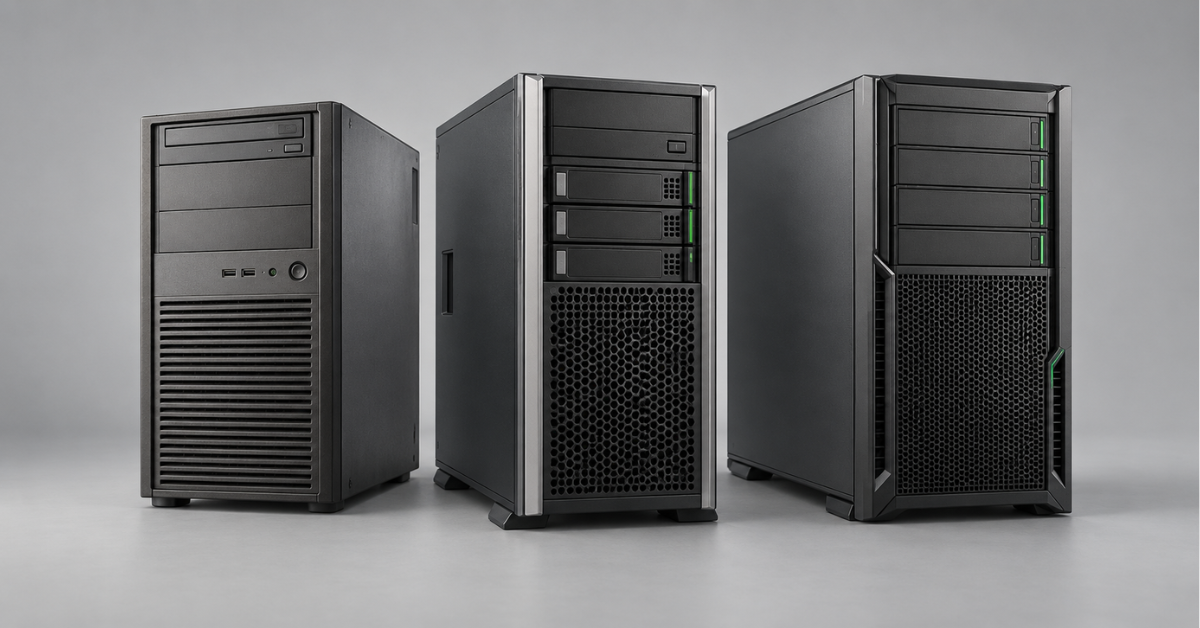
HPE ProLiant ML110 is a single-socket tower server for an office, branch or small server room. If you need an affordable server for a limited workload and have already selected a suitable configuration, consider Gen9; Gen10 suits a more modern DDR4-based system; choose Gen11 when you need substantial memory capacity, fast expansion cards and room for future growth. With the ML110, comparing generations alone is not enough: two machines with the same name on the chassis may have different drive cages, controllers, power supplies and expansion options.
Where the ML110 fits in the ProLiant range
The ML110 is designed for organisations that have outgrown a basic office server but do not yet need a dual-socket machine. Its tower chassis can accommodate several drives and expansion cards; the server can be installed near the working area, in a separate room or, with a suitable conversion kit, in a rack.
Typical workloads:
- shared files, directory services and infrastructure services;
- business applications and small databases;
- several virtual machines with moderate workloads;
- local backup storage;
- a dedicated branch server where there is no full-scale server room.
The word “tower” describes the chassis shape, not the noise level. After adding more drives, a high-performance processor or redundant fans, the server may become too loud for an office. Choose its location based on the actual configuration rather than a photograph of the chassis.
The ML110 uses one processor. This limits future growth compared with the dual-socket ML350, but avoids buying a second processor platform when it is clearly unnecessary. If the workload requires many drives, substantial memory or numerous expansion cards, it is worth comparing the proposed system with other HPE ProLiant ML tower servers and neighbouring models in the family from the outset.
How ML110 generations differ
|
Specification |
ML110 Gen9 |
ML110 Gen10 |
ML110 Gen11 |
|---|---|---|---|
|
Processor platform |
Intel Xeon E5; specific families depend on the revision and configuration |
Early-generation Intel Xeon Scalable |
4th- and 5th-generation Intel Xeon Scalable |
|
Memory |
DDR4, eight slots; documentation specifies up to 256 GB |
DDR4, six slots, up to 192 GB |
DDR5, up to 16 slots and 1536 GB |
|
Expansion cards |
PCIe 3.0 |
PCIe 3.0 |
PCIe 5.0 and an OCP 3.0 connector for a compatible network adapter |
|
Remote management |
iLO 4 |
iLO 5 |
iLO 6 |
|
Drive options |
Depend on the chassis and drive-cage configuration |
Up to 8 LFF or 16 SFF drives with the appropriate configuration |
Up to 8 LFF or 16 SFF drives with the appropriate configuration |
The figures in the table describe platform capabilities according to HPE specifications. They do not describe a typical supplied configuration: a server with four installed memory modules or one drive cage does not automatically become a fully equipped configuration.
The comparison also reveals a less obvious difference. Gen10 is newer than Gen9, but its stated memory limit is lower: 192 GB versus 256 GB. For an application server with 32–128 GB, this may make no difference. For a project that already needs more than 192 GB in one machine, it becomes decisive. A generation should therefore not be selected on the assumption that “newer means more of everything”.
ML110 Gen9: when an older platform is sufficient
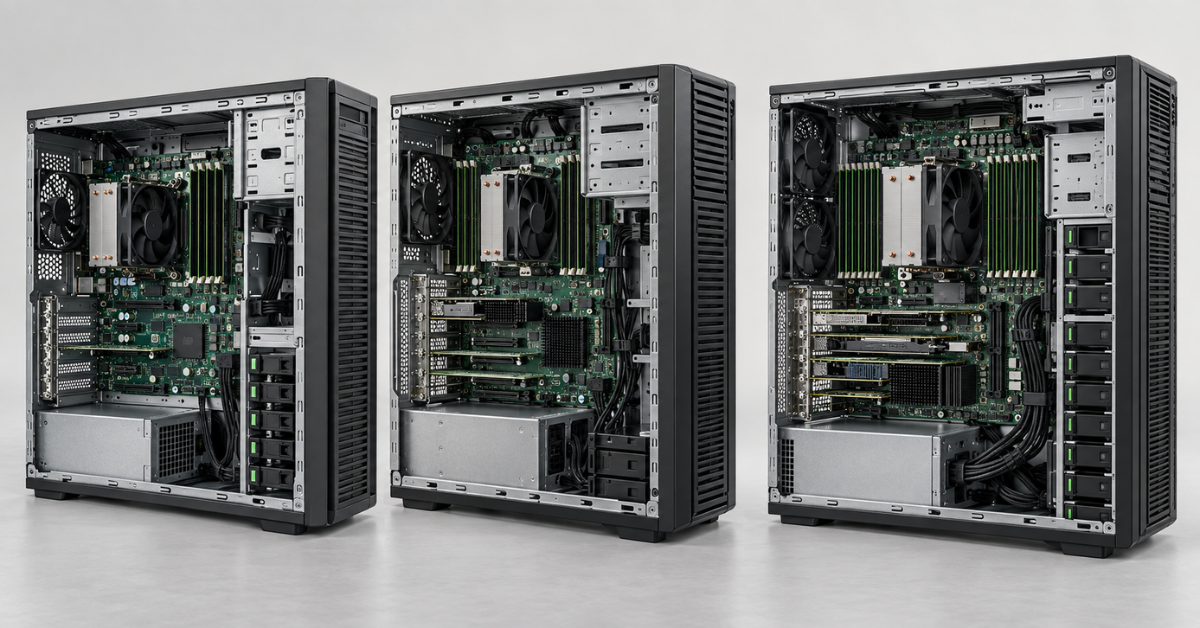
Gen9 is primarily worth considering for known, relatively stable workloads. It uses Xeon E5-family processors and DDR4 memory. HPE documentation lists eight memory slots, five PCIe 3.0 slots and chassis options with different drive bays.
Potential uses include:
- file services and internal applications without rapid user growth;
- a dedicated backup server, provided its performance and interfaces meet the requirements of the chosen backup design;
- migrating an existing workload from comparable hardware;
- hosting several undemanding virtual machines after assessing memory and storage requirements.
Choosing the Right Equipment
Our specialists will contact you and answer all your questions
The main reason for caution is the age of the platform. Before migrating a modern system, core count and installed memory are not the only considerations. Support for the required operating system version, firmware, drive condition, spare-part availability and controller capabilities also matter. Buying an inexpensive base unit may cease to make sense if it subsequently needs additional cages, a more suitable controller and new drives that are difficult to find at a reasonable price.
Gen9 comes in versions with drives that can be replaced while the server is running, as well as versions without this capability. The “ML110 Gen9” label does not tell you which version you are looking at. The same applies to a dedicated management network port: HPE describes it as an option for some configurations. Check these details using the exact server designation and the supplied configuration. They are covered in the HPE specification for the ML110 Gen9.
The limit of up to 256 GB of memory should not be taken as a promise that any eight modules will work with every installed processor version. Speed and permitted module combinations depend on the configuration. When expanding a used server, it is usually better to identify the modules already installed and then select compatible additions.
ML110 Gen10: a processor upgrade with a memory limit
Gen10 moves the ML110 to Xeon Scalable processors. This is a significant platform change, but it does not guarantee an advantage in every specification. The server has only six DDR4 slots, and HPE specifies a memory limit of 192 GB. This is sufficient for many office workloads; with dense virtualisation, the memory limit may be reached before processor performance is exhausted.
Gen10 is worth considering when:
- The expected workload does not justify the budget for Gen11.
- The planned memory capacity fits comfortably within the platform’s capabilities.
- You need configurations with a large number of drive bays.
- You know which software and hypervisor versions will be used throughout the server’s service life.
The chassis supports various storage configurations, including up to 8 LFF or 16 SFF drives with the necessary hardware. However, “up to 16 drives” describes the upper limit, not the number of available bays in every unit offered for sale. Expansion may require additional cages, cables, a controller and power capacity.
If you are buying the server for virtualisation, calculate the required memory before sizing the storage array. Six slots quickly restrict convenient options for gradual expansion: a configuration that saves money today may require some installed modules to be replaced tomorrow. Details of slots, supported configurations and components are provided in the HPE specification for the ML110 Gen10.
ML110 Gen11: substantial memory headroom and fast interfaces
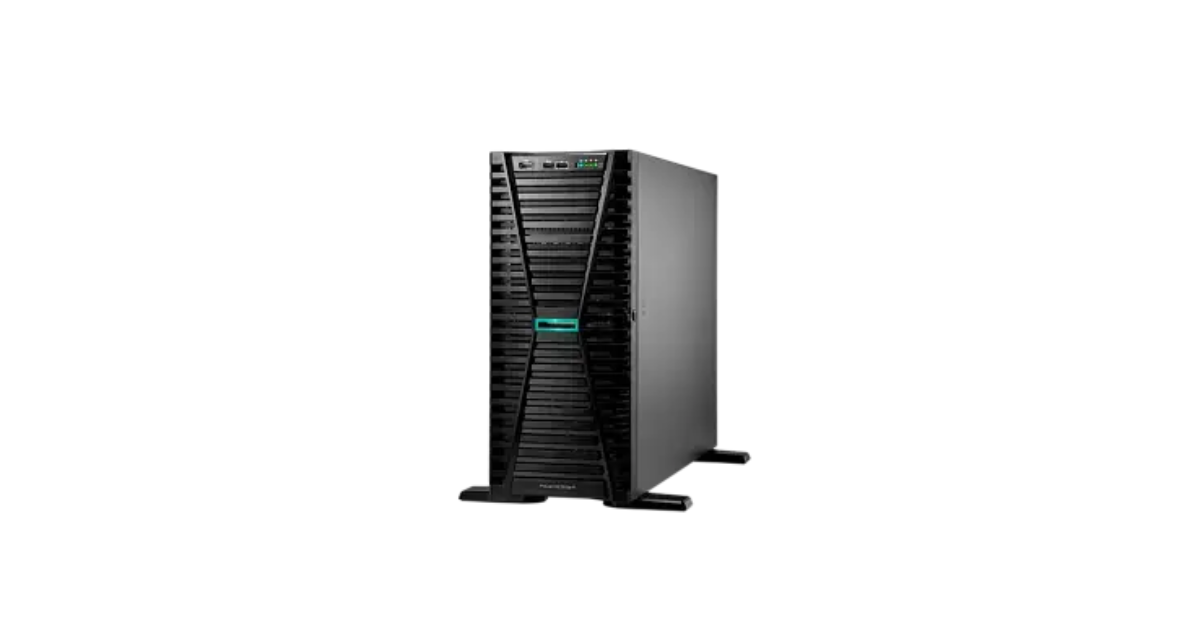
Image source: Servermall
Gen11 is the most significant step forward among the three generations documented in detail. The platform supports 4th- and 5th-generation Intel Xeon Scalable processors, DDR5 memory and up to 1536 GB of RAM. Expansion options include PCIe 5.0 and a separate OCP 3.0 connector that can be used for a compatible network adapter. HPE specifies configurations with up to 8 large form factor (LFF) or 16 small form factor (SFF) drives.
In practice, Gen11 is not selected for a single record figure in the specifications. Its advantages work together:
- Memory. Capacity headroom allows you to plan for more virtual machines or memory-intensive applications. Reaching the 1536 GB maximum requires suitable modules and the right configuration; it cannot be achieved simply by adding any available DDR5 memory.
- Expansion. PCIe 5.0 gives the platform headroom for compatible high-speed devices. A card’s actual operation depends on its interface, available lanes, slot and the capabilities of the specific build.
- Networking. The OCP 3.0 connector provides a supported way to add a compatible network card without occupying a standard PCIe slot. The adapter itself may not be included in the base configuration.
- Management. iLO 6 provides remote access to server status and maintenance functions. Remote-console capabilities and other advanced functions depend on the licence edition.
- Storage. You can choose a chassis for large drives when capacity is the priority, or for small drives when device count and performance matter more.
Consider Gen11 when you plan to run several services on one node, increase memory, upgrade networking or develop the system over a long period. If the workload is small and known in advance, the platform’s capabilities may remain unused.
The ML110 Gen11 catalogue includes different configurations. When comparing them, check the number of installed drives and power supplies, the cage type and the controller model. The same generation does not mean the same storage capabilities or resilience.
What choosing LFF or SFF changes
LFF bays accommodate 3.5-inch drives, while SFF bays accommodate 2.5-inch drives. The first option is usually considered when high storage capacity is needed; the second when more drives need to fit in the chassis. However, the physical bay size alone tells you neither the array’s speed nor its reliability.
For example, eight installed slow drives are not necessarily better than four fast SSDs for a database. A server with a potential maximum of sixteen SFF bays may arrive with only one installed cage and a few drives. A meaningful comparison requires the bay layout, installed drive types, controller and planned workload.
Processor and memory: choose for the workload, not the maximum core count
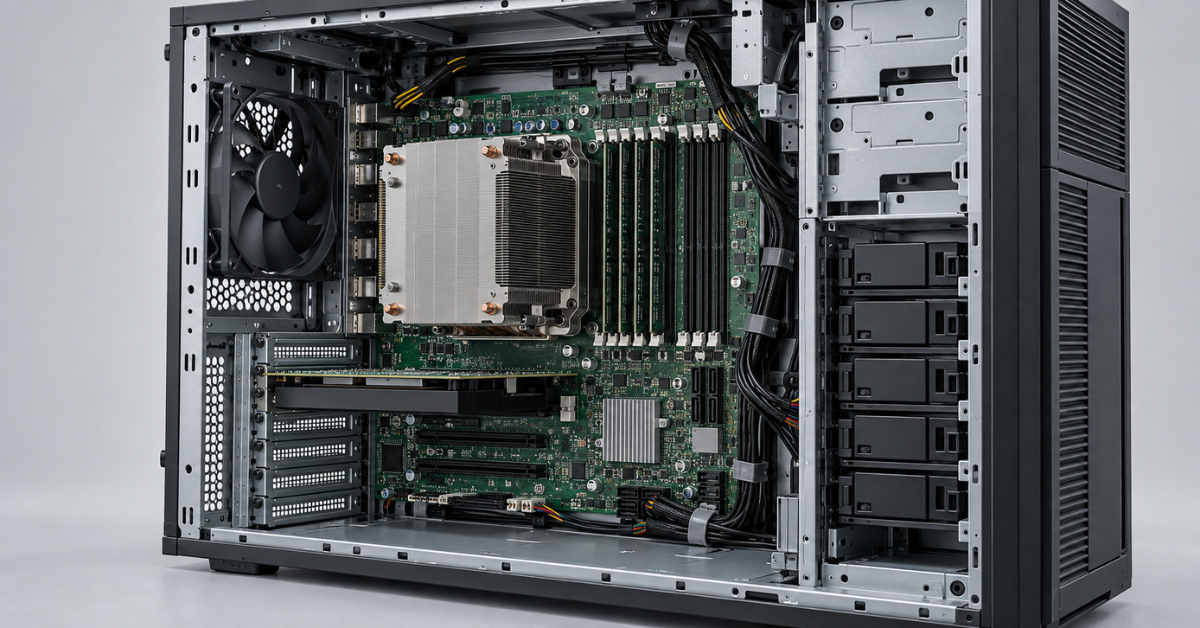
The ML110 is usually purchased for a specific set of services. It therefore helps to start with the workload and then select the generation and processor.
File server. Start by assessing data volume, the number of concurrent requests and network speed. A very powerful processor will not remove the limitations of slow drives or an overloaded network connection.
Application server. The application’s requirements for individual core frequency, memory and storage latency matter. A high total core count does not guarantee faster performance for an application that uses only some of those cores.
Virtualisation. Add up the requirements of all virtual machines and reserve resources for the hypervisor itself and for growth. Promising that a server will “handle ten” or “twenty” machines without describing their workloads would be misleading: two projects with the same number of machines can have radically different demands.
Small database. Performance depends on memory, drive speed and latency, query patterns and user count. Choosing a server solely by its processor often shifts the bottleneck to storage.
Memory has another consideration: how modules are distributed across channels. A single high-capacity module may leave convenient room for growth, but it will not necessarily deliver the same bandwidth as a properly distributed set of modules. This is especially important for Gen11, which supports substantial DDR5 capacity. Select the configuration according to HPE’s memory population rules, rather than the total number of gigabytes alone.
Storage: bay count alone does not define the server’s capabilities
When comparing ML110 servers, you usually encounter four figures: drive capacity, drive count, bay count and the model’s maximum bay count. These answer different questions. To understand the actual configuration, you also need to examine the remaining components.
- Drive cage and backplane. Determine which drives, and how many, can physically be installed now.
- Controller. Determines the available connection methods and array configurations. Its model matters more than the generic phrase “supports RAID”; some RAID levels are unavailable on entry-level models.
- Cache and cache protection. Certain controllers and write modes may require separate components. Check the build specification to establish whether they are included.
- Boot device. Installing the operating system on a separate device can free the main bays for working data, but the specific option must be supported by the selected generation, configuration and operating system.
- Hot-swappable drives. This is a feature of specific bay and component configurations, not every ML110.
- Backups. A drive array can tolerate the failure of an individual drive within the chosen protection scheme, but it does not replace a copy of the data on another medium and/or at another location.
For file services where capacity is the priority, LFF options are usually considered. For several active virtual machines or applications, SSD performance and a sufficient number of SFF bays often matter more. If you expect to change from one chassis configuration to another, account for the cost of cages, cables and the controller from the start: replacing drives alone does not always solve the problem.
Choosing the Right Equipment
Our specialists will contact you and answer all your questions
Placement, power and remote management
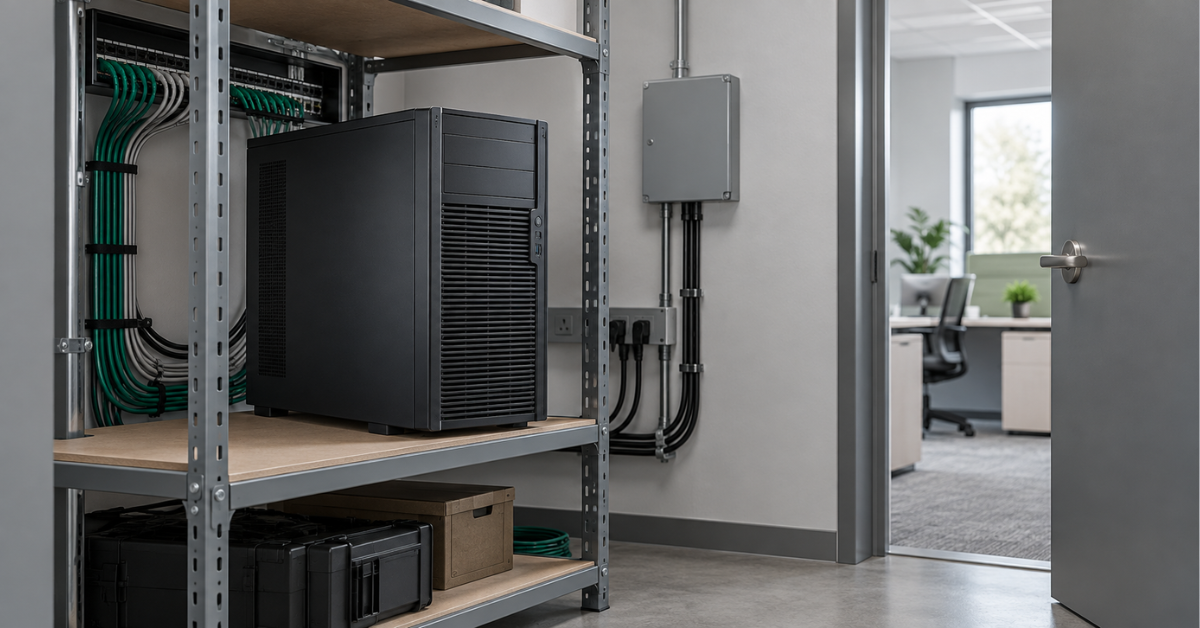
The ML110 can operate outside a rack, but it still needs power, cooling and space for maintenance. This is particularly important in a branch where the server is intended to sit in an ordinary room.
Noise and airflow
Fans adjust their speed according to temperature and the installed hardware. Noise may increase under heavy load, with an additional card or with many drives. Do not push the chassis against a wall or place it inside closed furniture without properly designed heat removal. Assess noise using the actual configuration under its working load.
Rack installation
Some configurations support conversion from a tower to a rack-mounted server. For the ML110 Gen11, HPE specifies approximately 5.5U of rack space with the appropriate kit. This allows an existing server to remain in use after a change of premises, but does not make it as compact as a model designed for a rack from the outset.
If a server rack is planned from the beginning, compare the ML110 with a rack system in terms of price, space requirements and drive access. Buying a tower chassis solely to convert it immediately for rack installation is not always practical.
Power supplies and fans
Support for redundancy means that suitable components exist for a particular configuration. It does not confirm that a specific server already has two power supplies or a redundant fan kit. For a branch without an engineer on site, this distinction can matter more than a small increase in processor frequency.
iLO
Integrated management lets you monitor hardware status and perform some tasks remotely. This is useful when the server is in another room or city. When planning remote operation, check the management network connection, available functions and licence: the presence of iLO alone does not mean that all generations and supplied configurations offer the same capabilities.
Which ML110 generation to choose
|
Scenario |
Where to start |
What could change the decision |
|---|---|---|
|
Replacing an old server for a stable, modest workload |
Gen9 with a suitable, documented configuration |
Software compatibility, hardware condition, and the cost of drives, repairs and upgrades |
|
A Xeon Scalable platform is required, but DDR5 and substantial RAM capacity are unnecessary |
Gen10 |
The 192 GB limit and six memory slots |
|
Growth in application or virtual-machine count is planned |
Gen11 |
The price of a complete configuration with the required drives, memory and redundancy |
|
A powerful single tower server with substantial memory headroom is needed |
Gen11 |
If one processor is insufficient, compare with the ML350 |
|
The server will be installed in a rack from the outset |
Compare the ML110 with a rack model |
Space requirements and the cost of the rack conversion kit |
ML110 or ML30. The smaller tower model suits modest workloads and less demanding expansion requirements. Consider the ML110 when the need for a more capable processor platform, more memory or a more substantial storage configuration is already clear. Compare specific generations and builds rather than the two names alone.
ML110 or ML350. The ML110 has one processor. When a project needs a second processor, substantially more resources or extensive expansion headroom, the comparison should move to the ML350. Differences between tower platforms and migration scenarios are also discussed in the article “HPE ProLiant ML350: Generational Overview”.
ML110 or DL380. The DL380 is designed for rack installation from the outset and offers a different balance of deployment density and expansion. When choosing between it and the ML110, consider the premises, required drive count, workload growth and the cost of the complete system. The rack model’s generations are examined in “HPE ProLiant DL380 Gen12 vs Gen11 vs Gen10 Plus: Which Server Should You Buy in 2026?”.
The generation number is no substitute for sizing the configuration. Gen9 can handle a simple workload at a reasonable cost when the hardware’s condition is known; Gen10 provides a newer processor platform but has a 192 GB memory limit; Gen11 offers substantially more memory and expansion headroom. When ordering, the decisive factors remain the processor actually installed, RAM modules, drive cages, controller, power configuration and the server’s operating conditions.
The name ML110 Gen12 appears in the product list for one of HPE’s programmes, but a detailed publicly available specification suitable for a full comparison is not available for this review. When choosing hardware, rely on confirmed specifications for the particular model and the supplier’s offer, rather than applying specifications from other Gen12 servers to the ML110 Gen12.
Choosing the Right Equipment
Our specialists will contact you and answer all your questions