Choose a server for Microsoft SQL Server based on query complexity, the amount of actively used data and write intensity. For a typical business database, a reasonable starting point is one processor with 8–16 high-performance cores, 64–128 GB of RAM and enterprise SSDs with redundancy. Heavy analytics or continuous writes will require more resources. Before buying hardware, identify the bottleneck: computation, memory, storage or the queries themselves, and account for the limits of your SQL Server edition.
Where to start when choosing a server
Database size and query volume
A 1 TB database may contain an archive spanning several years that is accessed only a few times a month. Its day-to-day operations involve a relatively small amount of data. Another database may occupy 150 GB but continuously process orders, recalculate stock levels and generate reports. The second system may need more powerful hardware.
The number of connected users is not the same as the number of queries running concurrently. To size the server, you need:
- the size of the data and indexes, and their growth rate;
- the amount of regularly used data — the working set;
- the number of concurrently running queries;
- the read-to-write ratio;
- the frequency of reports, bulk loads and maintenance;
- the acceptable response time and recovery time after a failure.
How the workload affects CPU, memory and storage
| Workload type | CPU | RAM | Storage |
|---|---|---|---|
| Frequent short operations: accounting software, CRM, online store | Per-core performance and enough cores for concurrent queries | Caching of frequently used data and indexes | Low latency for random reads and log writes |
| Complex reports and analytics | Computing power and query parallelism that delivers a performance benefit | Memory for sorts, joins and large working sets | Read throughput and temporary database performance |
| Bulk loading and intensive writes | Processing incoming data, indexes and compression | Buffers and memory for operations in progress | Sustained write performance, low log latency and sufficient SSD endurance |
| Multiple databases or SQL Server instances | Combined workload and allocation of computing resources | Total memory requirements, accounting for overlapping peaks | Avoiding excessive contention for the shared array |
CPU: clock speed, cores and licences
When single-core performance matters more
A short query often runs serially. If it uses one core, increasing the core count from 16 to 32 will not halve its execution time. What matters here is processor architecture, performance per clock cycle and the clock speed sustained under an actual workload.
When additional cores are needed
More cores are useful when the server handles many queries at once or performs demanding operations that can run in parallel. However, there are limitations:
- not every query gets a parallel execution plan;
- distributing work across threads consumes resources;
- excessive parallelism in a single report can interfere with short operations;
- additional cores do not resolve locking or slow storage.
One processor or two
One CPU is often sufficient for a moderate workload. A second provides additional computing power, memory capacity and room for expansion: some memory slots may work only when the second socket is populated.
Multiprocessor systems use NUMA: a processor accesses its local memory faster than memory attached to a neighbouring node. Core count and total memory capacity therefore do not fully describe performance.
Why core-related costs matter before buying
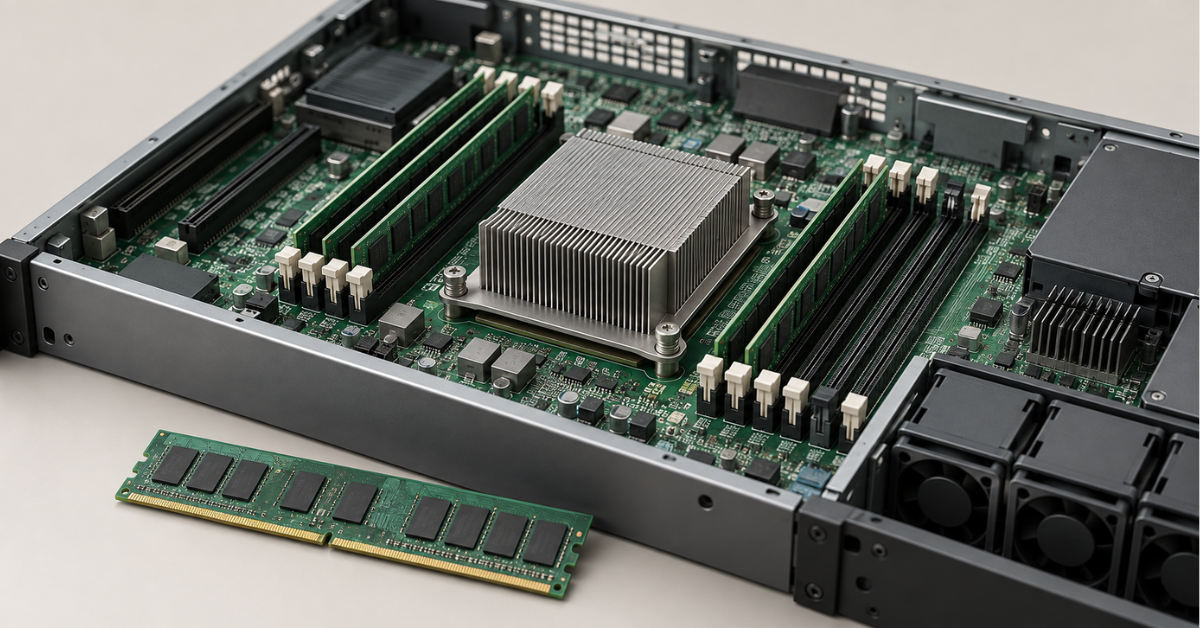
When licensing a physical server by core, the installed physical cores are counted, with a minimum of four licensed cores per processor. All else being equal, a 24-core server requires three times as many licensed cores as an eight-core server. Licence costs can affect the economics of the purchase more than the difference in hardware prices.
Hardware threads should not be confused with physical cores. Separate rules apply to virtual machines. In the current Microsoft SQL Server licensing guide, per-core licensing of an individual virtual machine is tied to Software Assurance or a subscription and requires a minimum of four licences per virtual environment.
Choosing the Right Equipment
Our specialists will contact you and answer all your questions
RAM: how much you actually need
Why SQL Server uses so much memory
SQL Server stores data and index pages, execution plans and intermediate results in memory. Reading from memory again is usually much less expensive than accessing storage. At the same time, a feature of SQL Server's architecture is that it will use all the memory made available to it.
Database size cannot be converted directly into a RAM requirement. A 1 TB database might need as little as, for example, 32 GB if most operations touch a small set of pages, or if cached query data cannot be reused for subsequent operations. A 100 GB database may need more than 128 GB of memory when large sorts and joins run concurrently.
What determines memory requirements
The calculation includes several components:
- Frequently used data and indexes.
- Memory for concurrently running queries.
- SQL Server internal structures.
- The operating system, security software and backup agents.
- Other instances and applications, if they run on the server.
Edition and version limits
Standard edition limits differ:
- SQL Server 2022 Standard: the lesser of four sockets or 24 cores; a buffer pool of up to 128 GB per instance.
- SQL Server 2025 Standard: the lesser of four sockets or 32 cores; a buffer pool of up to 256 GB per instance.
Current limits are listed in Microsoft's documentation on SQL Server 2025 editions. The buffer pool is the memory area used to cache pages; its limit is not a limit on all server memory or on the process's total memory consumption.
Memory limits and channel population
The max server memory setting defines an upper limit on memory managed by the relevant SQL Server mechanisms. However, not all process allocations fall within this limit. Assigning all physical memory to it is risky: the operating system also needs resources.
In its SQL Server memory configuration recommendations, Microsoft advises accounting for the operating system, other applications and allocations outside the managed limit. A fixed formula such as “always leave 8 GB free” does not suit every configuration.
A server needs error-correcting ECC memory. Install modules according to the manufacturer's population rules, distributing them across memory channels. One large module and several modules with the same combined capacity can deliver different bandwidth. Speed also depends on the processor, module type and number of modules per channel.
SSDs: latency, endurance and file placement
Why MB/s alone is not enough
Three different metrics matter for storage:
- Throughput: how much data is transferred per second; important for large reads and backups.
- IOPS: the number of input/output operations per second; important for large numbers of small accesses.
- Latency: how long an individual access takes; particularly noticeable with short transactions and log writes.
SATA, SAS and NVMe
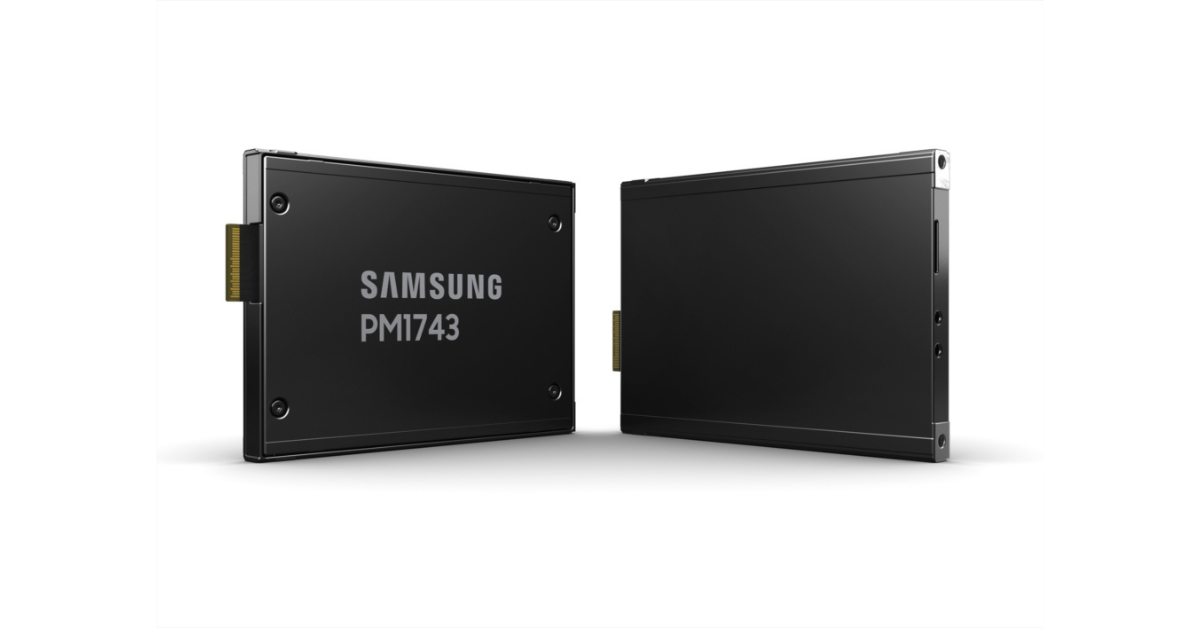
Samsung PM1743 in two form factors.
Image source: news.samsung
Enterprise SATA or SAS SSDs may be sufficient for a database with a moderate workload. Consider NVMe for intensive I/O, demanding analytics and low-latency requirements.
The interface is only part of the decision. The drive model, controller, drive-bay connectivity and platform capabilities also matter. A SATA SSD with predictable write performance may be a more sensible choice than a consumer NVMe drive whose speed drops significantly once its fast cache fills up.
Production SSDs need power-loss protection and correct write acknowledgement: data must not remain solely in an unprotected cache.
SSD endurance ratings are also important. DWPD (Drive Writes Per Day) indicates the permitted number of full drive writes per day over the specified service life. Another metric, TBW (Total Bytes Written), describes the total write volume. For example, 1 DWPD for a 1.92 TB SSD corresponds to a rated endurance of approximately 1.92 TB of writes per day under the manufacturer's conditions. The log, indexes, temporary data and array behaviour increase the actual workload on the drive. For databases used for analytics, where most queries are reads, less expensive drives with lower endurance can be used.
Data, the transaction log and tempdb
SQL Server has three areas with different behaviour:
- Data files: tables and indexes, random accesses and large reads.
- Transaction log: sequential writes of changes required for recovery and transaction commits.
- tempdb: a temporary database for intermediate results, temporary objects and other operations.
A shared array is acceptable for a moderate workload. For intensive writes, allocate separate storage resources to the log; for complex reports, move tempdb to a higher-performance array. Bear in mind that separate partitions on the same array still compete for the physical drives and will not provide much of a performance gain, and that RAID does not replace separate backups.
RAID and usable capacity
RAID 1 is a mirrored pair: it slows down writes but can speed up reads. RAID 10 is often used for mixed workloads that need redundancy and writes without parity calculations. RAID 5/6 use capacity more efficiently, but write and rebuild performance require a separate assessment.
Four 1.92 TB SSDs in RAID 10 provide 3.84 TB of nominal usable capacity. The operating system will display a lower number when using binary units. Some space will also be needed for database growth, maintenance and a free-space reserve.
Cache protection is important for a RAID controller. For NVMe, determine the supported redundancy method in advance: a conventional SAS/SATA controller does not automatically manage these drives.
Example configurations for SQL Server
The following configurations are starting points for system design. The database size ranges describe the scenario and do not guarantee performance. Select specific processors, memory modules and drives according to the chosen platform's compatibility requirements.
Small business database
Platform options: HPE ProLiant DL380 Gen10 for a rack, or HPE ProLiant ML110 for a tower deployment.
Conditions: a database of approximately 50–200 GB, a limited working set, short operations and moderate writes. Complex reports run infrequently.
Configuration:
- one processor with 8 high-performance physical cores;
- 64 GB of ECC memory;
- two 480–960 GB enterprise SSDs in RAID 1 for the operating system;
- two 1.92 TB enterprise SSDs in RAID 1 for data, the log and tempdb;
- separate backup storage.
Business system with a mixed workload
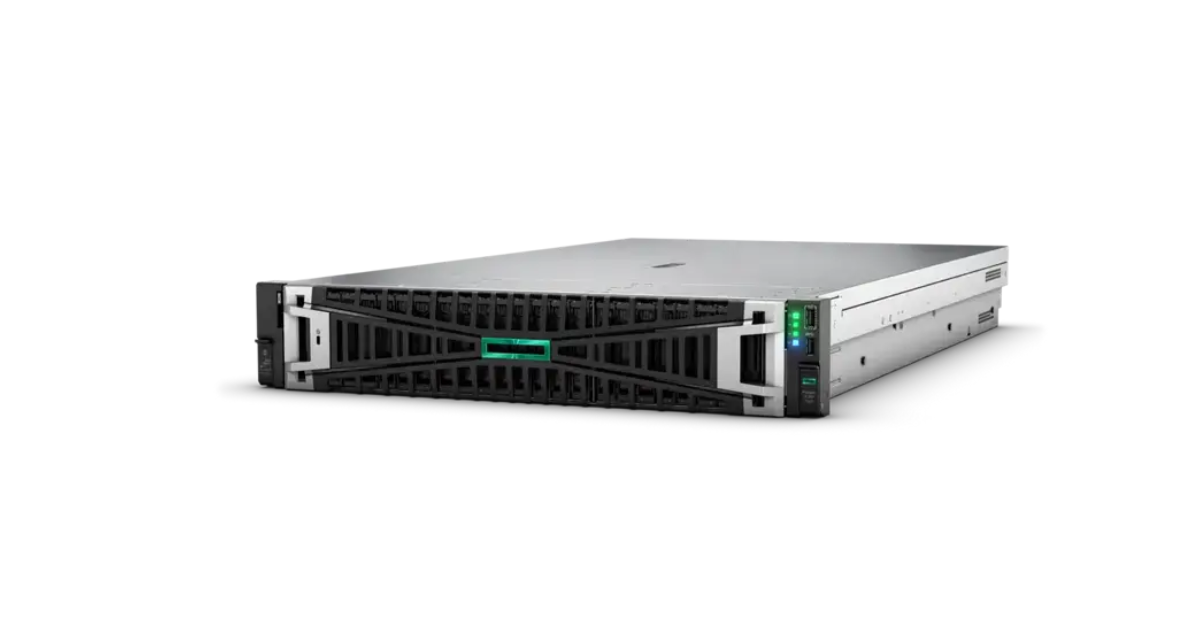
HPE ProLiant DL380 Gen11.
Image source: Servermall
Platform option: HPE ProLiant DL380 Gen11 with enough SSD bays.
Conditions: a database of approximately 200–800 GB, regular reports, a substantial working set and concurrent writes.
Configuration:
- one processor with 16 high-performance physical cores;
- 128–192 GB of ECC memory;
- a mirrored pair of SSDs for the operating system;
- four 1.92 TB enterprise SSDs in RAID 10 for data;
- two 960 GB SSDs in RAID 1 for the log under intensive writes;
- a separate mirrored pair for tempdb if measurements confirm the need;
- 10 Gbit/s networking if required for data transfers and backups.
A 2U chassis provides more space for drive bays and expansion. Platform differences are discussed in the article “HPE ProLiant DL380 Gen12 vs Gen11 vs Gen10 Plus: Which Server Should You Buy in 2026?”.
Analytics and large working sets
Single-socket platform option: HPE ProLiant DL325 Gen11. Supported variants are listed in the DL325 Gen11 specifications.
Conditions: a database of approximately 1–3 TB, large reads, sorts, joins and several complex reports running concurrently.
Configuration:
- one processor with 24–32 physical cores;
- 256–512 GB of ECC memory;
- a separate mirror for the operating system;
- four or eight 3.84 TB enterprise NVMe drives with a supported redundancy scheme;
- separate resources for the log and tempdb if contention is identified;
- 10–25 Gbit/s networking according to data exchange and backup requirements.
Database with strict availability requirements
This system needs at least two nodes, each able to handle the entire primary workload if the other fails. A starting configuration per node is:
- 16–24 physical cores;
- 128–256 GB of memory;
- fault-tolerant SSD arrays;
- network capacity for replication and application traffic;
- separate backups.
Two nodes do not automatically double the primary database's performance. In a synchronous setup, a transaction commit may depend on acknowledgement from the second node, so its storage and network also affect response time.
Standard edition supports basic availability groups with restrictions, including one database and two replicas per group. For a more complex setup, consider Enterprise edition or another redundancy mechanism. Licensing of a passive node depends on licence terms and granted rights; it cannot be assumed to be free in every case.
Choosing the Right Equipment
Our specialists will contact you and answer all your questions
What measurements reveal: memory, storage or CPU
Which metrics to compare
Average server utilisation is not enough. You need metrics from the period when users notice delays:
- the duration of typical operations and the number of completed operations per second;
- CPU utilisation and CPU time for expensive queries;
- physical reads and queries waiting for memory;
- data and log file latency;
- tempdb workload and locking.
In its SQL Server I/O troubleshooting guide, Microsoft cites 10–15 ms as an approximate reference for identifying storage problems. This is not a target latency for a modern SSD system or a universal threshold for acceptable response time.
Waits help determine the direction of the analysis:
- PAGEIOLATCH_* — waiting for pages to load from storage;
- WRITELOG — waiting for log writes;
- RESOURCE_SEMAPHORE — waiting for a query memory allocation;
- SOS_SCHEDULER_YIELD — a signal to assess alongside CPU utilisation and query activity;
- PAGELATCH_* — contention for access to pages in memory, which cannot automatically be resolved by replacing drives.
Published benchmark: accelerating storage
Microsoft published a SQL Server performance comparison on Azure. The test used SQL Server 2017 Enterprise and an E64s_v3 virtual machine with 64 virtual processors and 432 GB of memory. The workload was based on a scaled-down TPC-E scenario with a database of around 800 GB.
| Data and log storage | Peak throughput | Points to consider when interpreting the results |
|---|---|---|
| Two Premium SSD P30 disks for data and one P20 for the log | Up to 490 transactions/s | Read caching enabled for data; tempdb on the local SSD |
| Ultra Disk for data and the log | Up to 1,489 transactions/s | CPU utilisation reached 92% after storage was accelerated |
Under the conditions of this test, throughput increased approximately threefold without replacing the virtual machine. The bottleneck shifted towards computing resources. This illustrates why buying additional cores before analysing storage may not deliver the expected result.
The test was published in 2019 and applies to a specific cloud configuration. It does not promise the same improvement when replacing SATA with NVMe in an on-premises server, and it is not a comparison of all modern drives.
When adding memory is more useful
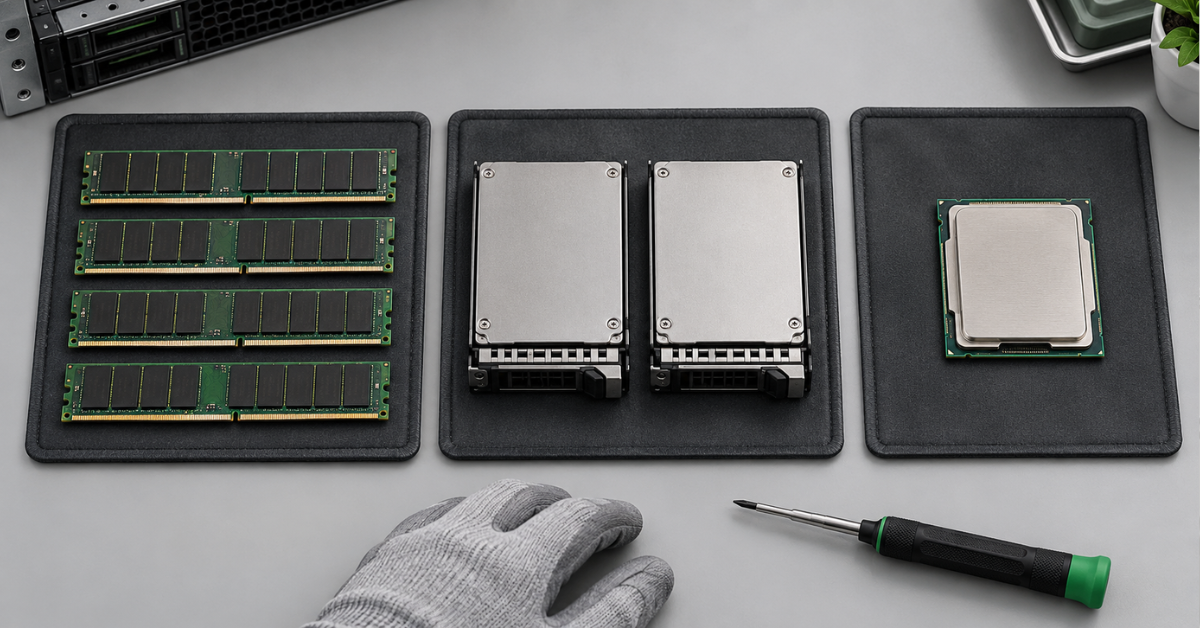
Increase memory when regularly used pages are evicted from the cache, physical disk reads increase or queries wait for memory allocations. After expansion, you would expect fewer such accesses and better response times under the same workload.
Additional memory will not fix an incorrect row-count estimate that causes a query to receive insufficient memory for a sort. Start by analysing the execution plan and statistics.
When faster storage is more useful
Storage becomes the priority when operations wait for data reads or log writes and measurements confirm high latency for the relevant files. Improve the resource that is actually under pressure: a fast data array will not fix a slow, separate log.
When replacing the processor is more useful
For an individual query, compare CPU time with total elapsed time. If a serial query runs for 3 seconds and consumes almost 3 seconds of CPU time, it is primarily performing computation. If CPU time accounts for 0.5 seconds out of a total of 10 seconds, look for the main delay in waits.
These are illustrative examples, not configuration benchmark results. For a parallel query, total CPU time can exceed elapsed time because several cores work simultaneously.
How to compare upgrades
On a separate test system, reproduce one scenario and change the available memory, storage and computing platform one at a time. Keep the database copy, session count, SQL Server settings, query parameters and maintenance the same.
After warming up the system, run several repetitions and compare response time and throughput. Do not clear the production database cache for testing. If the CPU is changed together with memory and the platform, the result applies to the whole system.
Physical server or virtual machine
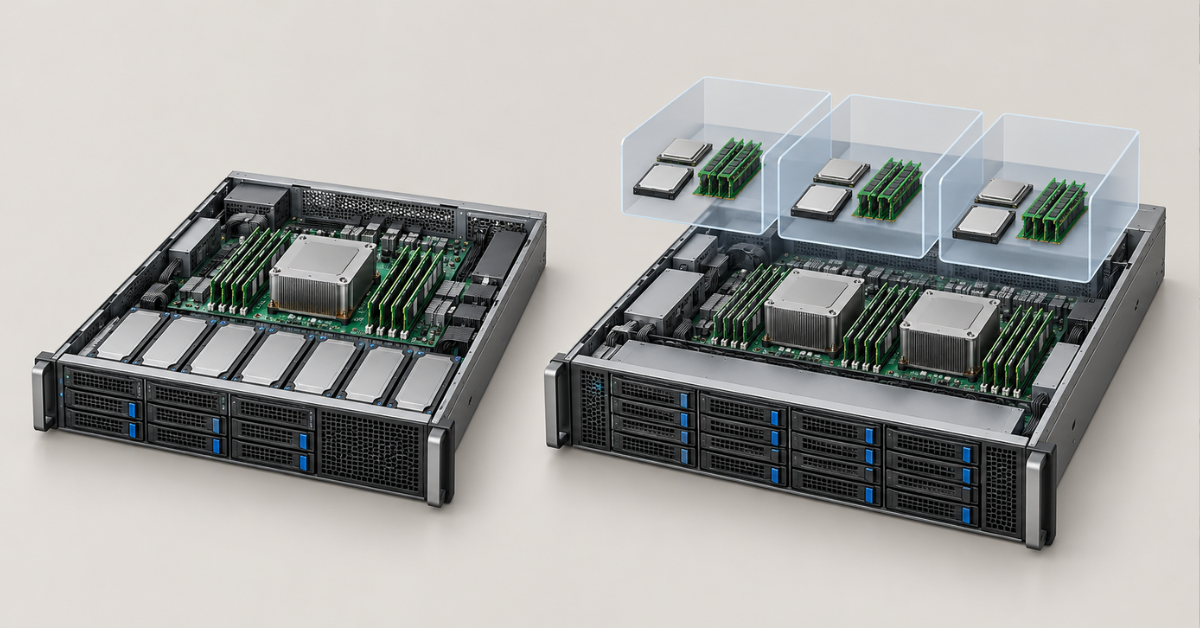
A physical server is convenient when you need dedicated resources, direct control of storage and a predictable workload. A virtual machine can also run SQL Server effectively if the host provides the necessary resources.
For a virtual system, the following matter:
- competition with neighbouring virtual machines for CPU resources;
- guaranteed memory availability;
- alignment of virtual NUMA with the physical topology;
- shared storage latency and performance limits;
- licensing and virtual machine mobility rights.
For a compact host with a moderate amount of local storage, consider the DL360. The difference between it and the more spacious DL380 is explained in the article “HPE ProLiant DL360: Comparing Generations and Choosing a Server”.
Reliability and total cost of ownership
The server's price is only part of the budget. It also includes SQL Server and operating system licences, SSDs, backups, support, electricity and potential downtime. Once licence costs are calculated, an inexpensive system with many older cores may prove less economical than a newer platform with fewer, higher-performance cores.
For a new system, choose the example closest to your workload, then validate it with a pilot deployment. For an existing database, rely on measurements during peak periods: memory helps when a shortage is confirmed, storage helps with storage latency, and the processor helps with computational bottlenecks. This approach directs the budget towards the component that will improve the operations that matter.
Choosing the Right Equipment
Our specialists will contact you and answer all your questions