Why BMC Matters More Than It Seems

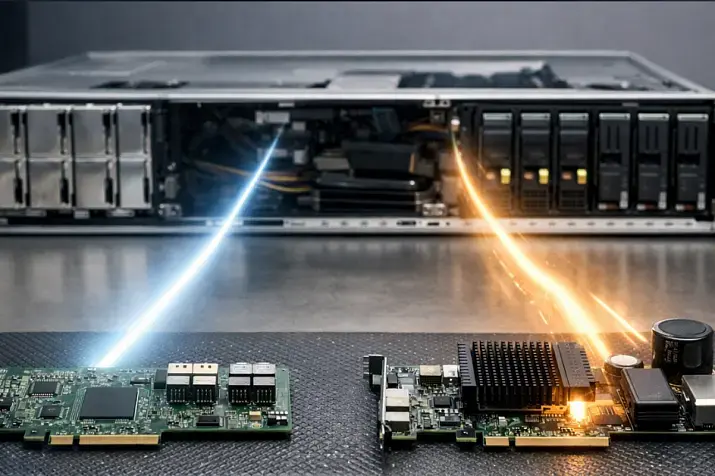
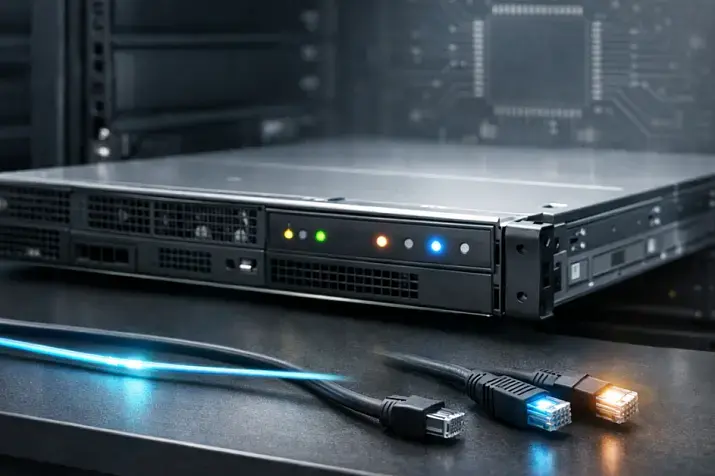
BMC (Baseboard Management Controller) is often perceived as just a “remote power-on control for a server.” In practice, it is a separate autonomous computer with its own firmware/OS and its own network stack that sees the platform “below” the main operating system. It remains accessible even when the host is powered off (as long as the motherboard still has standby power) and can change the server state, boot parameters, and firmware. That is why BMC compromise almost always means a compromise of trust in the entire server as a platform.
What a BMC Is and Where It Lives in a Server
BMC as an out-of-band subsystem
Out-of-band (OOB) management means managing a server “outside” the installed operating system (the host) and even outside the BIOS. It does not depend on the state of the primary OS, drivers, disks, or the host network stack. Unlike in-band approaches (agents/daemons inside the OS, SSH, monitoring through the OS), the BMC runs on a separate controller and communicates with the outside world through a dedicated management port or through a shared NIC (depending on the implementation).
The key point: a BMC may remain accessible when the host is effectively “dead” - when the OS will not boot, RAID has degraded, the host network interfaces do not come up, or the hypervisor is hung. For operations, that is a lifesaver. For an attacker, it is an ideal point of control.
Simplified architecture
Imagine the server as several layers:
- BMC - a separate microcontroller/SoC with its own firmware (often with a stripped-down OS), its own memory, and its own network services stack.
- Host - CPU/chipset/memory and BIOS/UEFI firmware that boot the OS.
- Sensors and control elements - temperatures, fans, power/PSU, buttons/indicators, watchdog, and sometimes access to internal monitoring buses.
- Management network - a physical management port or logical isolation of management traffic; often separate VLANs/VRFs/ACLs.
- Firmware storage - flash chips/partitions that store BMC, BIOS/UEFI, and other component images.
Interaction channels conceptually look like this:
- BMC ↔ management network: web interface, API, SSH/CLI, management protocols.
- BMC ↔ host: power/reset control, console, health monitoring, boot management, and sometimes access to update interfaces.
- BMC ↔ sensors/power: telemetry collection, threshold monitoring, emergency reactions.
- BMC ↔ platform devices (categories): network adapters, storage/backplane, expansion cards - in the context of inventory and updates, not as direct “disk management,” but as part of the platform lifecycle.
It is important to treat a BMC as a separate computer that “holds” the power button, the boot order, and part of the firmware chain of trust.
Most popular

Free shipping on orders over 500 € in the EU, £500 in the UK, and $3,000 in the USA
Free shipping on orders over 500 € in the EU, £500 in the UK, and $3,000 in the USA

Free shipping on orders over 500 € in the EU, £500 in the UK, and $3,000 in the USA

Free shipping on orders over 500 € in the EU, £500 in the UK, and $3,000 in the USA
BMC Functions - More Than Just “Remote Power On”

Monitoring and telemetry
The BMC aggregates hardware telemetry and events:
- temperature sensors (CPU, memory, chassis zones),
- fan speeds and graphs,
- power supply status,
- voltages/currents on rails,
- chassis events (chassis intrusion, case opening),
- critical hardware errors and thresholds,
- platform event log (often SEL - System Event Log),
- alerts and threshold triggers.
The operational value here is not in “pretty graphs,” but in fast answers to questions like: is the server overheating or hung for another reason, did a PSU fail, why did it reset, and what happened immediately before the crash.
Power and boot lifecycle management
The BMC controls what is usually unavailable when the OS fails:
- power on/off/reboot (power on/off/cycle),
- power loss recovery policies,
- hardware reset and watchdog,
- one-time boot device selection,
- boot order changes (within supported limits),
- management of “outside the OS” (pre-boot) states.
Remote console and “virtual media”
A remote console (KVM/iKVM) lets you see what is happening “on the server screen” before the OS boots and interact with it as if you had a local keyboard and mouse. This is critical for:
- diagnosing boot loops and UEFI issues,
- recovery after failed updates,
- OS installation on “bare metal,”
- working when the host network is not yet up.
Virtual media makes it possible to mount an ISO/image as if it were a local USB/DVD. This accelerates recovery, but it also increases access control requirements: whoever can mount an image can effectively change the server’s software state.
Choosing the Right Equipment
Our specialists will contact you and answer all your questions
Inventory and firmware management
The BMC often acts as an “orchestrator” for platform component updates at the category level:
- BIOS/UEFI,
- the BMC firmware itself,
- firmware for board/module controllers (for example, chassis management logic),
- network adapter/controller firmware (as a category),
- backplane/power controller elements (as a category),
- and sometimes chains of trust/keys (depending on the implementation).
This is where security and operations converge: firmware is part of the trusted computing base. Your update approach directly affects the risk of persistent compromise. A solid conceptual reference for firmware resilience is NIST SP 800-193: protect/detect/recover also applies to server platforms.
Automation (API)
Modern server fleets require automation: inventory, status checks, power operations, account management, auditing, and parts of lifecycle operations. Here, you often encounter two worlds:
- the historical IPMI stack (especially in “legacy fleets”),
- the modern model-driven Redfish API.
Redfish was designed as a more web-native management standard and fits much better with IaC/CMDB/orchestrator integrations: resources, schemas, predictable models, authentication, and transport that look like standard web practice. A basic overview is available in DMTF Redfish (overview), while the normative specification is Redfish Spec DSP0266.
List of typical BMC functions
- Sensor and threshold monitoring (temperatures/fans/voltages)
- Platform event log (SEL) and log export
- Power management (on/off/cycle), watchdog, recovery policies
- Boot management (boot order, one-time boot device)
- Remote KVM/iKVM console (pre-boot and OS-absent)
- Virtual media (ISO/image mounting)
- Hardware inventory and serial numbers (FRU/inventory)
- User/role management (RBAC, sessions)
- API for automation (often Redfish)
- Platform firmware updates (component categories)
- Management network configuration (IP/DNS/NTP/routing within OOB)
- Notifications/integrations (SNMP/syslog/vendor-specific mechanisms, where applicable)
IPMI and Redfish - What to Choose and Why
IPMI historically dominated as the “universal minimum” for OOB: sensors, power, SEL, and basic commands. The IPMI v2.0 specification is available here: IPMI v2.0 Spec. In practice, however, IPMI often exists as a legacy layer retained for compatibility, while its security depends on the specific implementation and enabled modes (for example, “IPMI over LAN” and how tightly it is restricted by network policy/ACLs).
Redfish is a DMTF standard originally built around HTTPS, a resource model, and integration with modern tooling. It is usually the better choice for automation and standardization, especially when you need to manage a large fleet centrally and do so predictably.
IPMI vs Redfish in operations and security
| Criterion | IPMI (typical) | Redfish (typical) | Practical takeaway |
|---|---|---|---|
| Transport/encryption | Depends on the mode and implementation; historically includes a lot of legacy baggage | Usually HTTPS/TLS as the default transport | For manageable security, it is generally easier to standardize on Redfish over TLS |
| Authentication | From simple schemes to stronger ones; role limitations are common | Authentication models are closer to web practices, with role/resource logic | In fleets where RBAC and auditability matter, Redfish is usually easier to standardize |
| API usability | Command/message style, often through utilities | REST-like access to resources, easier integrations | Redfish is often more convenient for IaC/inventory/CMDB |
| Audit/logging | Often limited to events and basic logs | Usually easier to correlate with web-service sessions/events (but depends on implementation) | In any case, external log collection is required; Redfish is often easier to fit into processes |
| Ability to disable legacy functions | IPMI often stays enabled “just in case” | You can build a “HTTPS/API only” profile | If there is no strict need, legacy layers should be disabled or tightly restricted by network policy |
| Compatibility with older fleets | Its strong side: it is almost everywhere | On very old platforms it may be limited or absent | Strategy: keep IPMI only as an exception, but standardize on Redfish wherever possible |
If your infrastructure is heterogeneous, the practical position is straightforward: Redfish as the primary management path, IPMI only where it is truly unavoidable, and always behind network and access restrictions.
BMC Threat Model: Who Attacks and What They Gain

Why BMC is target No. 1
The BMC provides access before and beyond the OS: control over power, boot, and console means the ability to “intercept” a server at stages where OS-level defenses do not work. A compromised BMC can lead to:
- stealthy control (less visible to standard OS monitoring tools),
- persistence (at the firmware/configuration level),
- loss of trust in the platform as the foundation for any services.
Typical vectors
Below are common vector classes (without offensive instructions; the point is to build defense correctly):
- Incorrect segmentation: the BMC is reachable from the production network or “from almost anywhere.”
- Weak/default credentials, shared “admin for everyone” logins, lack of RBAC.
- Web interface/management service vulnerabilities due to missing updates.
- Enabled obsolete protocols and unsafe compatibility modes.
- Improper TLS: outdated protocol versions, weak ciphers, “forever self-signed” certificates without control, and a habit of ignoring warnings.
- No centralized logs: attacks and changes stay local and are lost quickly.
- Supply chain/firmware risk: risk of a compromised update or an untrusted firmware supply chain (safe firmware practices are well structured in OCP documents, for example OCP Firmware Security Best Practices).
- Improper access design through VPN: “all employees can see OOB,” with no least-privilege model.
- A “jump host as a public hallway”: weak policies, no monitoring, and no action-to-identity mapping through personal accounts.
Potential consequences
If an attacker gains control over the BMC, the consequences are often worse than a compromise of a single OS:
- hijacking management sessions/accounts, power and boot control,
- introducing changes that survive an OS reinstall,
- tampering with trusted components (through updates/settings),
- denial of service (shutdowns/power cycles),
- a “gray zone” for investigations: standard host artifacts may look clean while the actual impact happened at the platform level.
BMC Hardening: Best Practices by Layer
Network and access
The most important rule: the BMC must live in a separate management plane.
- A dedicated management/OOB network, with no routing into production by default.
- Access to the BMC should be only from controlled entry points (jump host/bastion, or at least an administrative network segment).
- ACLs/Firewall: allow only required sources/ports/protocols, ideally using a deny-by-default approach.
- Block outbound BMC traffic “to the Internet” unless there is a justified business need. If there is, explicitly document and restrict the allowed destinations and protocols.
- Separate and controlled DNS/NTP (so the BMC does not “leak” to unpredictable external resolvers/time sources and does not break audit consistency).
Accounts, roles, MFA, integrations
Access control is the second pillar.
- Unique personal accounts: no shared admin. Ideally, integrate with a directory service (AD, LDAP, RADIUS). A shared emergency admin account may still be useful, but its password must be stored in a highly protected location.
- RBAC: roles aligned to tasks (monitoring operator ≠ firmware admin).
- MFA: if the platform supports external mechanisms, use them - but account for availability. OOB often needs a “works even during degradation” strategy: provide break-glass access with strict storage and audit controls.
- Password policies and rotation; no “eternal” passwords.
- Lifecycle management: offboarding/transfers should automatically revoke access.
Protocols and services
The goal is to reduce the attack surface.
- Disable everything you do not use: old services, experimental interfaces, unsafe modes.
- Legacy IPMI over LAN - only if strictly necessary, and only in a controlled management network with ACLs and monitoring.
- Prefer secure management interfaces and a modern API (usually Redfish), guided by the security model in Redfish Spec DSP0266.
TLS and certificates
Technically this is a “detail,” but organizationally it is the source of a huge number of real incidents.
- Replace default certificates with certificates issued by your corporate certificate authority (CA).
- Establish a lifecycle: who issues them, where they are stored, how rotation happens, and what counts as a compromise event.
- Stop the practice of “everyone ignores browser warnings”: it turns MITM and interface spoofing into a matter of luck.
- As a principle, disable weak protocol versions and ciphers, and maintain current cryptographic policies.
Choosing the Right Equipment
Our specialists will contact you and answer all your questions
Updates and firmware trust
Firmware lifecycle is part of your security posture, not “something for hardware admins.”
- Update policy: test → staging → prod.
- Image authenticity checks, source validation, and version control.
- A maintenance window plan and a rollback scenario.
- Keep in mind that “restoring trust” in the platform after an incident may require more stringent actions than simply “rebooting it.” The protect/detect/recover framework is outlined in NIST SP 800-193.
Logs, audit, and detection
If you cannot see what is happening in the BMC, you cannot prove that nothing happened.
- Export logs to a syslog collector/SIEM.
- Configure alerts for configuration changes and security-significant events.
- Bind actions to personal accounts, not to a “shared admin.”
List of P0 measures
- Isolate the management network (OOB separate from production)
- Restrict access with ACLs/Firewall and allow entry only through a jump host
- Remove/disable default and shared accounts; enable personal accounts
- Enable RBAC and only the minimum required roles
- Set up centralized log collection and baseline security alerts
- Update critical firmware according to policy and document versions (baseline)
- Disable unnecessary services and legacy interfaces unless required
- Replace default TLS certificates and end the practice of “ignoring warnings”
List of P1 measures
- Integrate authentication with corporate systems (LDAP/AD/RADIUS), while preserving a break-glass scenario
- Introduce regular secret rotation and access lifecycle control
- Formalize the firmware update process: test environment, windows, rollbacks, signature/source validation
- Configuration drift control (comparison with baseline, automated checks)
- Regular log reviews and SIEM correlation for BMC events
- Standardize configuration profiles for different server classes
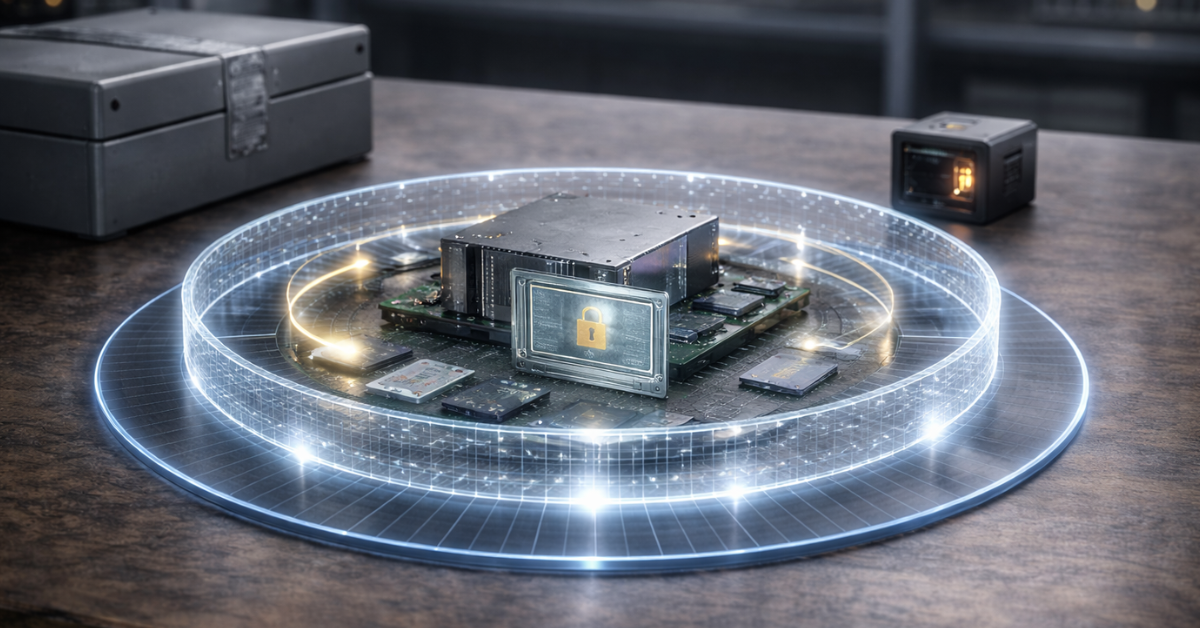
Hardening checklist with priorities
| Control | Why | How to implement (briefly) | Priority |
|---|---|---|---|
| Management network isolation (OOB) | Reduces the risk of lateral movement and accidental exposure | Separate segment/VLAN/VRF, deny-by-default toward production | P0 |
| Access only through a jump host | Centralizes control and audit | Bastion with MFA/logging, direct access prohibited | P0 |
| ACLs/Firewall on BMC | Cuts down the attack surface | Allow only required sources/ports | P0 |
| Personal accounts + no shared accounts | Ties actions to people | Disable common logins, issue individual ones | P0 |
| RBAC | Minimizes damage from account compromise | Roles like “read-only/ops/firmware admin” | P0 |
| Disable legacy services | Reduces vulnerability risk | Turn off unnecessary protocols and interfaces | P0 |
| Replace TLS certificates | Protection against MITM and interface spoofing | PKI/internal CA, certificate rotation policy | P0 |
| Centralized logs | Detection and investigation | Syslog/SIEM, retention by policy | P0 |
| Firmware update policy | Closes known gaps and reduces persistence risk | test→staging→prod, windows, rollback | P0 |
| External authentication (where possible) | Unified access control | LDAP/AD/RADIUS + backup access | P1 |
| Configuration drift control | Prevents “silent” changes | Baseline + regular comparisons | P1 |
| Physical access procedures | Eliminates “local” threats | Port controls, seals/data center procedures | P2 |
Operations: Processes That Actually Sustain Security
Onboarding a new server
BMC security begins the moment the server is commissioned:
- assign OOB network parameters (IP/DNS/NTP according to policy),
- create personal accounts or connect to the directory service, enable roles, disable default logins,
- replace certificates and formalize the TLS policy,
- disable unused services,
- update firmware to the approved baseline,
- save a configuration “snapshot” as the baseline for drift control.
Regular checks (monthly/quarterly)
- review accounts/roles and verify there are no unnecessary admins,
- review access controls (ACLs, source lists, jump host rules),
- compare firmware versions with the baseline and the update plan,
- spot-check logs/alerts and verify SIEM forwarding works correctly,
- check certificate validity and upcoming rotation deadlines.
Server fleet and standardization
The larger the fleet, the more dangerous a “manual zoo of settings” becomes:
- configuration templates and minimum security profiles,
- CMDB/inventory and compliance monitoring,
- automation via API (most often Redfish), but with extremely careful handling of secrets: tokens/passwords should live in protected vaults, and access to them should be minimal.
Incident Response: What to Do If You Suspect BMC Compromise

Below is a minimal runbook that helps stop damage quickly and begin restoring trust.
- Isolation: immediately restrict network access to the OOB segment to a narrow set of trusted sources (ideally only the IR jump host).
- Preserve artifacts: export available BMC/SEL logs, session/account data, current network settings, and service configuration to protected storage.
- Freeze changes: temporarily block update/configuration operations for everyone except the IR group; establish a formal change freeze window.
- Review accounts and access: disable suspicious accounts, revoke tokens, check for new users/roles, forcibly terminate active sessions.
- Rotate secrets: replace admin passwords/keys, update integration secrets (LDAP/RADIUS, SIEM, API tokens), and revisit break-glass access.
- Validate configuration: compare against the baseline - network, ACLs, enabled services, TLS parameters, logs, virtual media/console settings.
- Validate firmware: check versions and sources, compare against trusted references; if there is any doubt, act with a trust-restoration mindset, not a “fix it and forget it” mindset.
- Restore trust: depending on severity - reflash the BMC/BIOS/key components from a trusted source, restore configuration from the baseline, and re-attest access.
- Post-incident monitoring: stronger alerts for logins/changes/updates, with daily drift monitoring during the stabilization period.
- Postmortem and improvements: determine what allowed the attack/suspicion to happen (segmentation, accounts, updates, missing logs) and which P0/P1 measures eliminate the root cause.
Top-selling network switches
Free shipping on orders over 500 € in the EU, £500 in the UK, and $3,000 in the USA

Free shipping on orders over 500 € in the EU, £500 in the UK, and $3,000 in the USA

Free shipping on orders over 500 € in the EU, £500 in the UK, and $3,000 in the USA

Free shipping on orders over 500 € in the EU, £500 in the UK, and $3,000 in the USA
Common Mistakes
- The BMC is in the same network as production, “because it is easier that way.”
- One shared admin account - sometimes even with a default password - across the entire fleet, with no personal attribution or action audit.
- Default settings and certificates have not been changed for years.
- BMC access is open through VPN to “all employees” with no roles or restrictions.
- Old protocols/modes are enabled “just in case,” without network restrictions.
- No centralized log collection: after an incident, there is nothing to investigate.
- Firmware is updated only when “something breaks,” with no test environment and no baseline.
- The jump host exists only formally: weak policies, no monitoring, no MFA.
- Outbound BMC traffic is allowed to go anywhere; DNS/NTP is uncontrolled.
- Virtual media and KVM are available to a wide group of users, even though this is effectively “server reinstallation” level access.
Conclusion
BMC is not an auxiliary feature, but a separate computer that controls critical aspects of the platform. It enables operational “rescue” scenarios (console, power, recovery), but at the same time concentrates the highest risks: access “below the OS,” the possibility of persistent changes, and investigative complexity. Practical BMC security consists of four things: a strict OOB network, access and role control, disciplined firmware updates, and observability (logs/audit/detection), reinforced by onboarding and regular review processes. If you treat the BMC as a separate management server, your platform becomes significantly more resilient.
Sources: NIST SP 800-193, DMTF Redfish (overview), Redfish Spec DSP0266, OCP Firmware Security Best Practices, IPMI v2.0 Spec, (example of typical functions) Supermicro IPMI User Guide.
Choosing the Right Equipment
Our specialists will contact you and answer all your questions
Content:

Free shipping on orders over 500 € in the EU, £500 in the UK, and $3,000 in the USA

Free shipping on orders over 500 € in the EU, £500 in the UK, and $3,000 in the USA

Free shipping on orders over 500 € in the EU, £500 in the UK, and $3,000 in the USA

Free shipping on orders over 500 € in the EU, £500 in the UK, and $3,000 in the USA