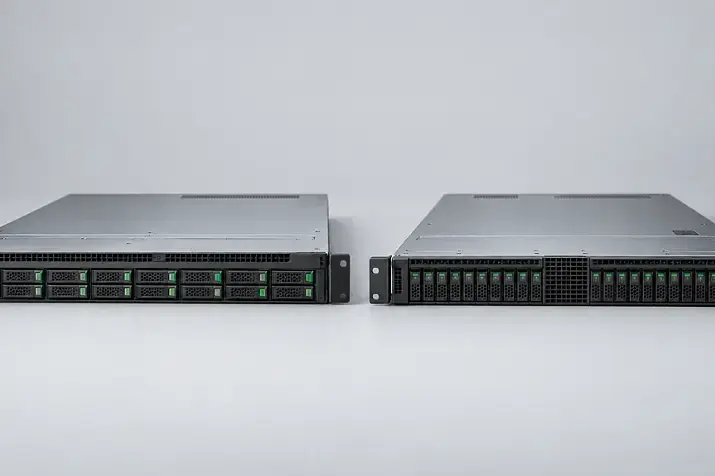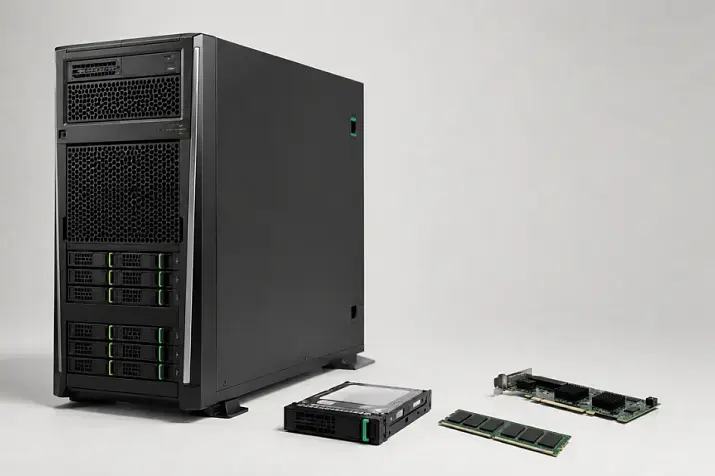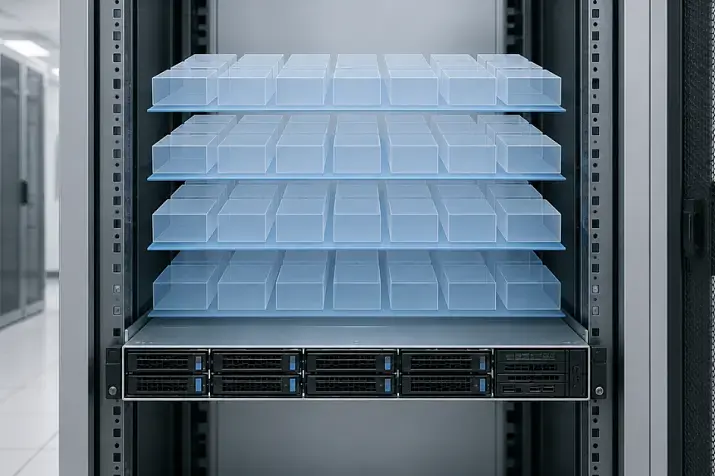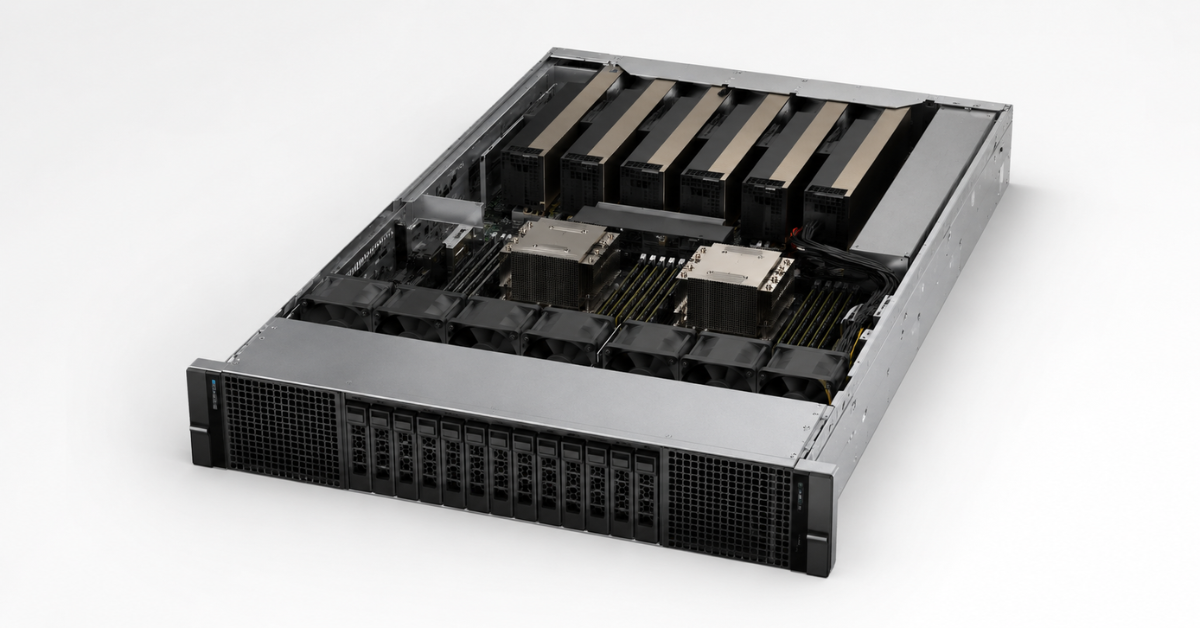
For development, small language models and moderate RAG workloads, a conventional R-series server with one or two graphics cards will be sufficient. If you need three or four powerful PCIe accelerators, consider the R760xa; for five to eight cards, look at the XE7740 or XE7745. Large models, intensive fine-tuning and training with continuous communication between eight GPUs require the XE9680, XE9780 or XE9785. However, a server should not be selected solely by the number of graphics cards: first calculate the required VRAM, context length and concurrency, then check the CPU, RAM, PCIe lanes, NVMe storage, network, power and cooling.
LLM stands for large language model, inference is running it to generate a response, RAG is generation combined with retrieval from corporate data, and VRAM is the memory of the graphics accelerator. Model information is current as of July 2026; check the Dell compatibility matrix again before ordering.
Dell PowerEdge XE servers for AI
Free shipping on orders over 500 € in the EU, £500 in the UK, and $3,000 in the USA
Start with the workload
The term “AI server” can refer to systems with very different resource-consumption profiles.
LLM inference
The following factors matter when running a ready-made model:
- model size and weight-storage precision;
- context length;
- number of concurrent requests;
- required response speed;
- acceptable time to first token.
A model may run reliably in a single-user test yet exhaust its video memory with dozens of concurrent conversations. Therefore, a server cannot be selected solely on the basis of a single local run.
RAG
In a RAG system, the GPU accelerator handles only part of the pipeline. The workflow also includes document ingestion, embedding generation, retrieval, reranking and metadata processing. The bottleneck may be the CPU, RAM, NVMe storage or network. A more powerful GPU will not accelerate the system if the vector database reads the index slowly.
Fine-tuning and machine learning
Parameter-efficient fine-tuning modifies only a small part of the model and can run on one or more PCIe GPUs. Full fine-tuning requires much more memory because, in addition to the weights, the system stores gradients, optimizer states and intermediate activations.
Computer vision
For video workloads, consider the number of streams, resolution, codec, archive depth and latency. With dozens of cameras, the network and recording subsystem may limit the system more than the GPU.
| Workload | Primary limiting resource | Common secondary bottleneck | Suitable PowerEdge class |
|---|---|---|---|
| Small-scale inference | VRAM of one GPU | CPU and network | R750, R760, R770 |
| Production inference | VRAM and concurrency | GPU-to-GPU communication | R760xa, XE7740, XE7745 |
| RAG | Generation and retrieval | RAM, NVMe, network | R760, R770, R760xa |
| Fine-tuning | VRAM and GPU-to-GPU communication | RAM and storage | R760xa, XE7740, XE7745 |
| Large-scale training | Eight-GPU interconnect | Network and power | XE9680, XE9780, XE9785 |
| Computer vision | GPU performance | Video streams and storage | R760xa, XE7740, XE7745 |
These are platform classes rather than ready-made configurations. For example, a large RAG system may require separate generation, retrieval and storage nodes.
An AI server is the entire platform
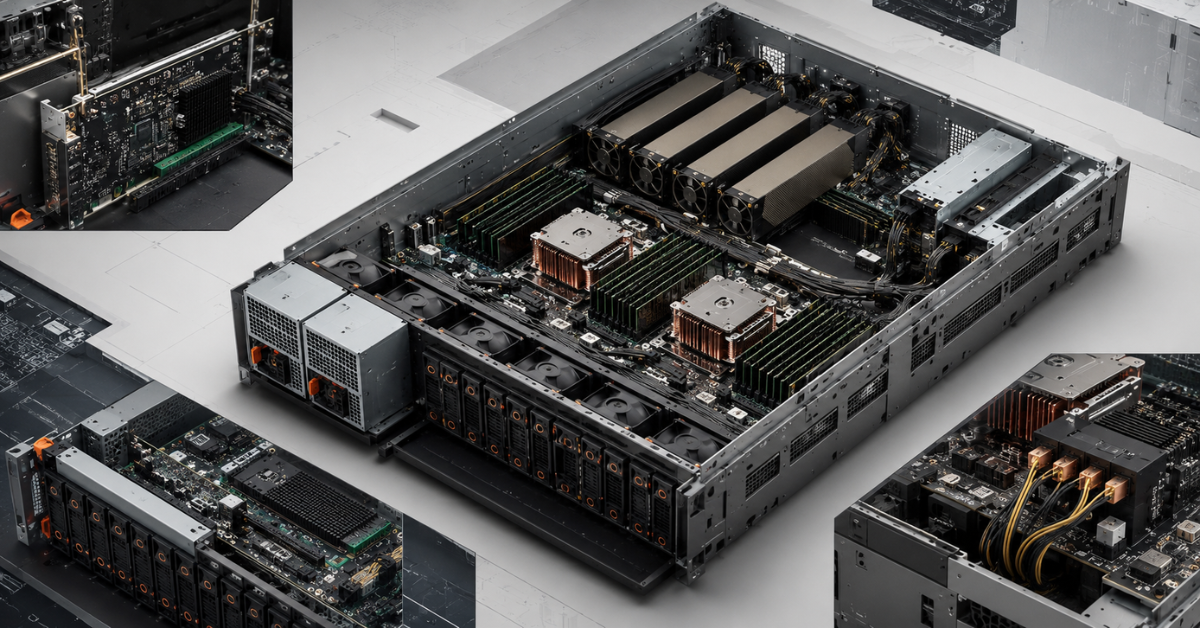
The GPU performs matrix operations, but its utilisation depends on how quickly the other components supply data. An expensive accelerator may sit idle because of slow storage, insufficient PCIe lanes or weak CPU-side processing.
GPU and video memory
Compute performance and VRAM capacity are different characteristics. A fast 24 GB card may fail to run a workload that fits on a slower GPU with 48 or 96 GB, while for smaller models a faster graphics card may be more efficient than a slower one with more memory.
You should also consider that video memory is used for:
- model weights;
- processed-context cache;
- intermediate results;
- service buffers;
- batches of concurrent requests;
- additional data required for fine-tuning.
Therefore, comparing cards only by teraflops—or only by gigabytes—is insufficient.
CPU and RAM
Processors handle tokenisation, document processing, some database operations and container services. Core count does not replace clock speed, memory bandwidth or correct device locality.
Depending on the chassis, you can consider Intel Xeon servers or AMD EPYC servers. The processor platform affects core count, memory channels and PCIe lanes, but it must be selected together with the GPU rather than separately.
RAM is needed to load the model and vector database, process data and run auxiliary services. There is no rule stating that system memory must be twice the VRAM capacity: calculate the requirements of all components and leave headroom.
PCIe and topology
The number of physical slots does not equal the number of full-bandwidth connections. GPUs, network cards and NVMe drives share PCIe lanes, and some slots may operate with a narrower link width.
In a dual-socket system, it matters which CPU each card is connected to. If the data is stored in the memory attached to one processor while the GPU uses the other processor’s PCIe lanes, traffic crosses the inter-socket link. Check the NUMA architecture and settings, riser layout, lane width and memory locality.
Choosing the Right Equipment
Our specialists will contact you and answer all your questions
How to calculate video memory requirements
A first estimate of model-weight memory is:
weight memory ≈ number of parameters × size of each parameter.
Typical reference values:
- 16-bit representation — about 2 bytes per parameter;
- 8-bit representation — about 1 byte per parameter;
- 4-bit representation — theoretically about 0.5 byte per parameter.
The real requirement is higher because of overhead. A 70-billion-parameter model in 16-bit format needs about 140 GB for the weights alone and will not fit on a single card with 80–96 GB of VRAM.
Quantisation reduces memory consumption but may affect accuracy, the speed of specific operations and compatibility. You cannot assume that converting any model to 4-bit precision will produce an equally acceptable result.
Context and concurrency
During generation, the system stores information about text it has already processed so that it does not have to recompute it at every step. The size of this cache grows with context length, the number of layers and the number of concurrent sequences. Moving from 8,000 tokens to 32,000–128,000 tokens can therefore substantially change VRAM requirements. NVIDIA treats the context cache as one of the main inference constraints: reducing it makes it possible to serve longer requests and larger batches.
Multiple GPUs
Four 48 GB cards provide 192 GB of physical VRAM, but the memory does not become one fast shared pool. The software must partition the model, after which the computation stages exchange data through PCIe, NVLink or NVSwitch.
The result depends on:
- the model-partitioning method;
- the amount of data exchanged at each step;
- interconnect speed;
- GPU and CPU topology;
- support for distributed execution.
A production configuration needs headroom for longer contexts, higher concurrency, model updates and service processes.
PCIe and HGX/SXM: what is the difference?
PCIe accelerators are suitable for most inference, RAG, computer-vision and parameter-efficient fine-tuning systems. They can be installed individually, selected to suit the budget and replaced separately.
The limitation becomes apparent when one model continuously exchanges data between several cards. Adding GPUs does not guarantee a proportional increase in speed because some time is spent transferring data over PCIe.
In HGX platforms, the accelerators are connected through NVLink and NVSwitch. This architecture is better suited to training and large models distributed across eight GPUs. However, it is more expensive, consumes more power and requires suitable cooling infrastructure.
Eight PCIe cards and eight HGX accelerators are not equivalent. PCIe may be more rational for independent model instances; for a single model distributed across all cards, a fast interconnect is more important.
Which Dell PowerEdge platforms to consider
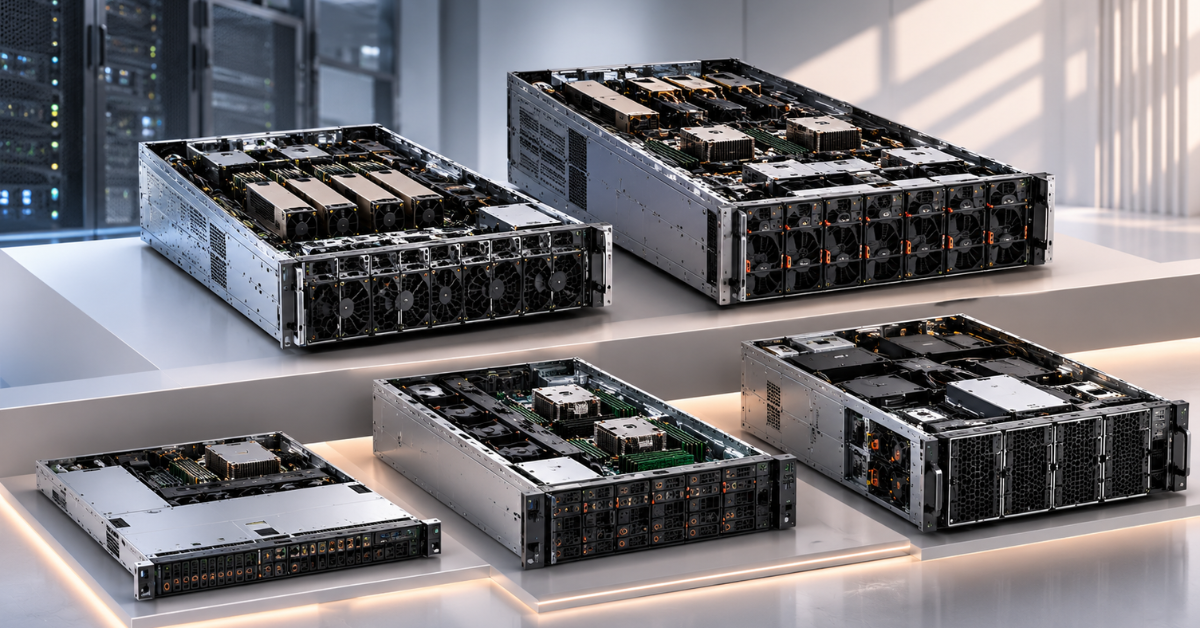
Dell servers for AI can be divided into standard R-series systems, the GPU-optimised R760xa and dense XE platforms.
R750, R760 and R770
PowerEdge R750 is suitable for labs, development, image processing and moderate inference. When buying a refurbished server, check the GPU enablement kit: a standard chassis may not include the required risers, air shroud or power supplies.
PowerEdge R760 is a general-purpose 16th-generation 2U server for one or two GPUs and is well suited to RAG and data-science work environments. However, it is not a substitute for the R760xa when four powerful accelerators are required.
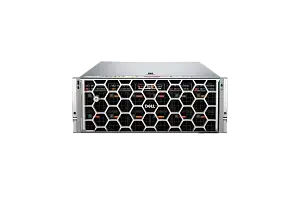
The R760xa is a specialised platform designed for GPU workloads. Depending on the configuration, it supports up to four double-width cards rated at up to 400 W or up to twelve single-width accelerators. The platform is intended for training, inference, analytics and virtual workstations.
PowerEdge R770 is a general-purpose 17th-generation platform. Configurations with six single-width or two double-width GPUs are available. Note that Dell limits the power of the H200 NVL and RTX PRO 6000 to 450 W and specifies additional requirements for the operating system, kernel, risers and cooling.
XE7740 and XE7745
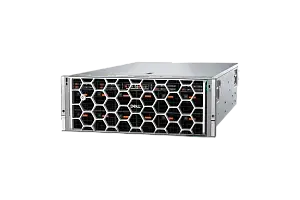
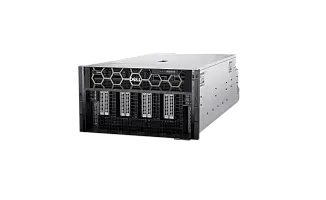
The XE7740 and XE7745 are 4U platforms designed for high-density PCIe GPUs. The former uses Intel Xeon 6 processors, while the latter uses AMD EPYC. They form an intermediate class between the R760xa and HGX systems.
The XE7740 supports up to eight double-width PCIe Gen5 x16 cards rated at up to 600 W, or up to sixteen single-width cards rated at up to 75 W. It is suitable for production inference, fine-tuning, video processing and multiple independent models.
XE9680, XE9780 and XE9785
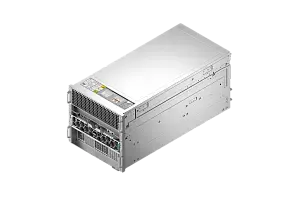
The XE9680 is a 6U platform with eight NVIDIA H100/H200, AMD MI300X or Intel Gaudi 3 accelerators, depending on the configuration. It is designed for training, large models and high-performance computing.
The XE9780 and XE9785 belong to a new generation of air-cooled systems with eight tightly connected accelerators. The XE9780 uses Intel Xeon 6 processors and NVIDIA HGX B200/B300, while the XE9785 uses AMD EPYC. Dell positions this class for training, large-scale inference and AI clusters.
| Platform | Typical GPU configuration | Suitable workloads | Limitations |
|---|---|---|---|
| R750 | A moderate number of previous-generation cards | Development, small models, computer vision | PCIe Gen4; dependent on the GPU enablement kit |
| R760 | One or two powerful GPUs | RAG, development, inference | Lower density than the R760xa |
| R760xa | Up to four double-width GPUs | Inference, ML, fine-tuning | 2U power and cooling limitations |
| R770 | Up to two double-width or six single-width GPUs | Modern enterprise inference | High-power cards may have TDP limits |
| XE7740/XE7745 | Up to eight powerful PCIe GPUs | Large-scale inference, computer vision, fine-tuning | No shared HGX module |
| XE9680 | Eight H100/H200, MI300X or Gaudi 3 accelerators | Large LLMs, training, HPC | High power requirements |
| XE9780/XE9785 | Eight next-generation accelerators | Training and large-scale inference | Requires prepared infrastructure |
GPU support depends on the risers, drives, network cards, fans and power supplies. The server model name alone does not confirm compatibility.
Choosing PowerEdge for a specific workload
Small LLMs and development
For models with 7–14 billion parameters and an internal assistant for a small team, one GPU with sufficient VRAM is often enough. If budget is a priority, consider the R750. For new infrastructure, it is more useful to compare 16th-generation PowerEdge and 17th-generation PowerEdge.
Two weaker cards are not always more useful than one GPU with more VRAM and/or additional RAM and fast NVMe storage. A model running on one accelerator is easier to configure because multi-GPU operation requires application support and is often limited by the interconnect.
Production inference
Select the server according to three indicators:
- whether the model fits into VRAM together with the context cache;
- how many requests are processed concurrently;
- what latency is acceptable.
The R770 is suitable for one or two powerful GPUs, while the R760xa is suitable for three or four. Five to eight PCIe cards and multiple independent models point to the XE7740/XE7745. If one large model is distributed across all accelerators, the XE9680/XE9780/XE9785 are better suited.
RAG
A RAG system should be designed as a set of services. Evaluate the generative model, embeddings, reranking, vector database, document processing and persistent storage separately.
For a medium-sized project, generation may run on an R760 or R770, while the database and indexing run on a separate node with large RAM capacity and fast NVMe storage.
A single R760xa is justified when compactness and simplicity are important, but indexing should not compete with generation for CPU, RAM and storage resources.
Fine-tuning
Parameter-efficient fine-tuning of small and medium-sized models is possible on the R760xa. The XE7740/XE7745 is suitable for several powerful GPUs and large datasets. Full fine-tuning of a large model requires memory for gradients and optimizer states, so the XE9680/XE9780/XE9785, with fast communication between accelerators, provide a more suitable architecture.
Computer vision
The R760xa is often sufficient for batch processing. With a large number of independent streams, the XE7740/XE7745 allows cameras or models to be distributed across GPUs. Before ordering, determine the number of streams, resolution, codec, required latency, archive retention period, CPU load and network bandwidth.
Several less dense nodes located close to the video sources can sometimes be more efficient than one central server because the entire stream does not have to cross the shared network.
Enterprise private AI
Management and fault tolerance are important for a closed enterprise system. iDRAC and OpenManage provide remote control, centralised firmware updates and telemetry. Production and experimental environments should be separated so that model and library updates do not affect the live service.
For highly critical workloads and strict availability requirements, the design must include redundant power and network paths and the ability to service nodes without shutting down the entire system.
Choosing the Right Equipment
Our specialists will contact you and answer all your questions
Storage for LLM and RAG
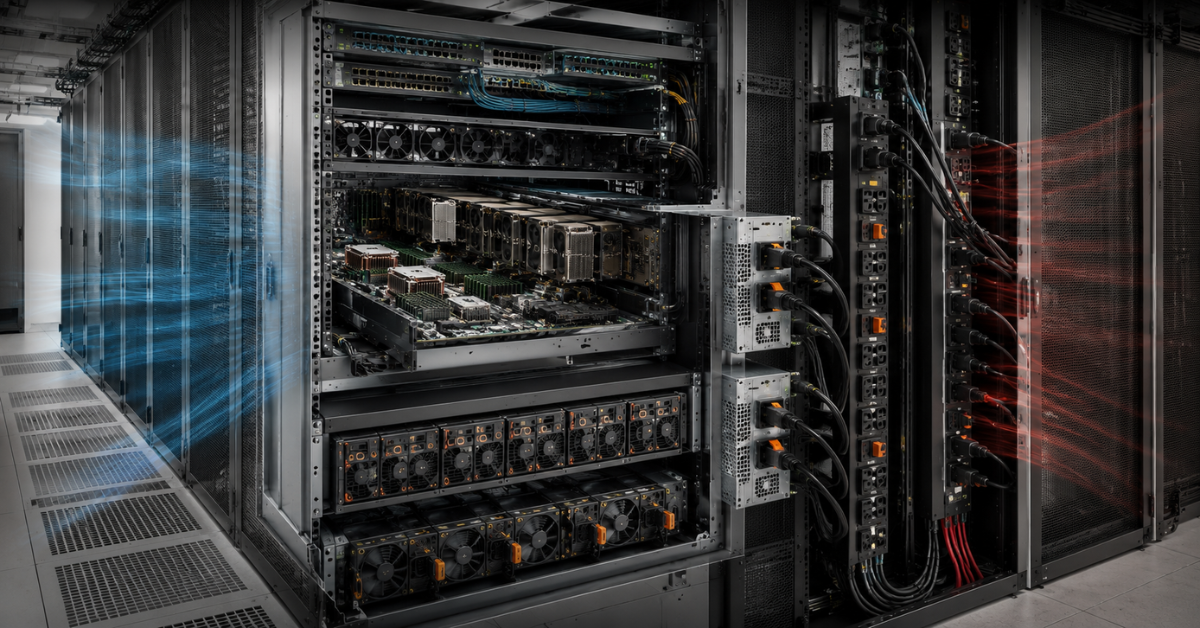
The system partition is best placed on mirrored M.2 drives in BOSS, while models, indexes and datasets should use separate storage devices.
Local NVMe drives are used for:
- model weights;
- vector indexes;
- cache and temporary files;
- training datasets;
- checkpoints.
For RAG, not only sequential SSD throughput but also random-access latency matters. Large numbers of small files and frequent index updates may depend more heavily on IOPS.
Fault-tolerant RAID is required for data that must survive a drive failure. With directly attached NVMe, fault tolerance is provided by the operating system, the application or replication to another node. HDDs can still be used for archives, but not for models or an active RAG database because their random-read performance is insufficient.
Network and scaling
10 Gbit/s may be sufficient for development. A production RAG system, shared storage and several GPU nodes usually require 25–100 Gbit/s. Networks at 200–400 Gbit/s are relevant for distributed training and frequent tensor exchange between servers.
Management traffic, user requests, storage access and communication between compute nodes should ideally be separated, at least at the VLAN level.
Port speed does not guarantee performance if the adapter shares PCIe resources with a GPU or if shared storage is slower than the network. Distributing one model across servers adds latency, whereas independent inference instances scale more efficiently.
Power and cooling
In an AI server, GPUs often consume more power than all other components combined. The calculation must include the accelerators, CPUs, RAM, NVMe drives, networking, cooling systems, power-supply losses and short-term power spikes.
The ratings of two power supplies cannot simply be added together. In a redundant configuration, the server must sustain the workload after one PSU fails. High-density systems may also require 200–240 V, multiple power connections, suitable PDUs and a separate rack-level power calculation.
Passive server GPUs are cooled by airflow through the chassis. A GPU-ready configuration may therefore include special fans, heatsinks and air shrouds. Installing powerful cards in a standard server after purchase often requires replacement of the risers, cables, power supplies and part of the drive configuration.
Liquid cooling reduces the airflow burden in the data hall but requires manifolds, heat exchangers, leak detection and a prepared data-centre cooling loop.
Software compatibility and operation
GPU support must be checked together with the operating system and drivers. A card may require a specific version of Linux, the kernel, CUDA or server firmware. Hypervisor support does not guarantee that every accelerator function will be available inside a virtual machine.
For production, define and retain a validated set of versions:
- Linux and the kernel;
- GPU driver;
- container stack;
- orchestration platform;
- GPU sharing mode;
- BIOS, iDRAC and device firmware.
Monitoring should cover not only hardware health but also VRAM usage, request queues, storage speed and model latency. The server may be fully operational while the application slows down because of insufficient memory or an overloaded database.
Common mistakes when choosing PowerEdge for AI
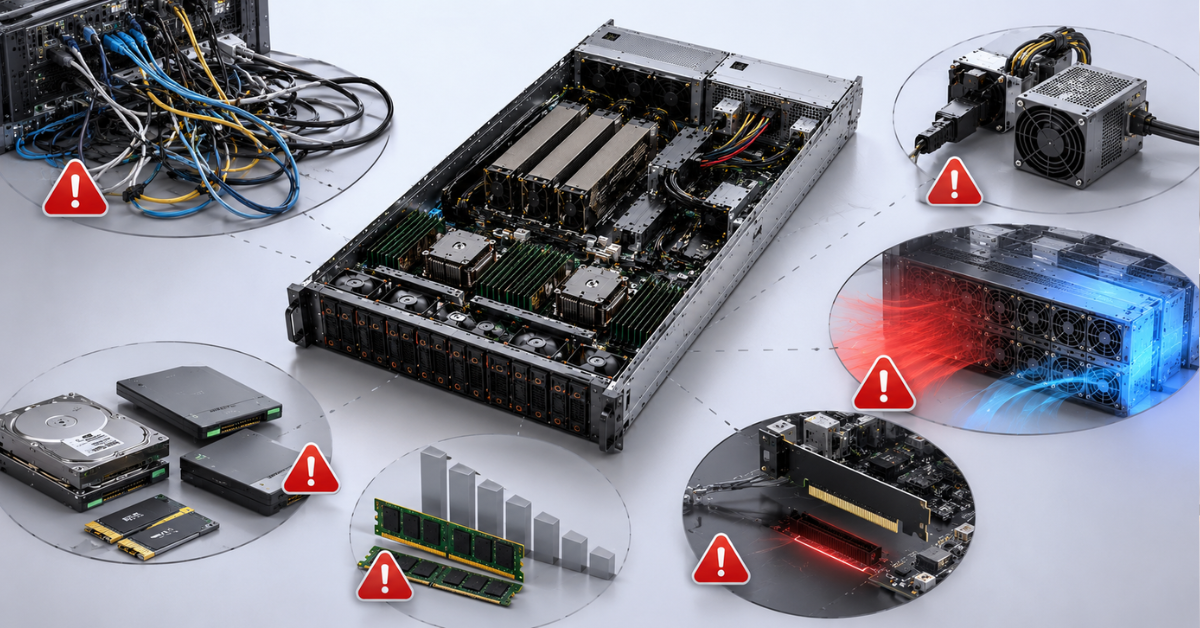
- Looking only at the number of GPUs. Physical slots do not guarantee enough PCIe lanes, sufficient power or adequate cooling.
- Comparing compute performance alone. A fast card is useless if the model does not fit into VRAM.
- Simply adding up GPU memory. Using the combined capacity requires model partitioning and communication between cards.
- Counting only the weights. Context, concurrency and working buffers also consume memory.
- Buying a standard chassis for a future upgrade. The required risers, cables, fans and power supplies may be missing, and the upgrade cost may therefore be comparable to buying a new chassis.
- Cutting costs on NVMe in a RAG system. A slow index leaves the accelerators waiting for data.
- Underestimating the CPU and RAM. This is particularly noticeable when processing documents, video and datasets.
- Ignoring PCIe and NUMA topology. GPUs, memory, networking and storage may be connected to different processors.
- Calculating power redundancy incorrectly. The system must sustain the workload after one power supply fails.
- Ignoring thermal limits. Support for a card does not mean that every configuration can operate at any ambient temperature.
- Failing to check the operating system and drivers. New GPUs may require specific kernel and library versions.
- Relying on a demonstration test. A single request with a short context does not represent a production workload.
Which platform should you choose?
The R750 is suitable for budget-conscious development and moderate GPU workloads. The R760 and R770 are intended for one or two graphics cards, small and medium-sized LLMs, RAG and enterprise inference. Choose the R760xa when you need up to four powerful PCIe GPUs in 2U.
The XE7740 and XE7745 are suitable for five to eight PCIe accelerators, large-scale inference, computer vision and fine-tuning. The XE9680, XE9780 and XE9785 are required for large models, intensive training and workloads that are sensitive to the communication speed between eight GPUs.
The selection sequence should be as follows: define the model, precision, context length, concurrency and data flow; calculate VRAM requirements; select the GPU class; verify PCIe; then choose the CPU, RAM, NVMe storage, network, power and cooling. This approach prevents a situation in which expensive accelerators are installed but the platform cannot supply them with data or operate reliably under full load.
Choosing the Right Equipment
Our specialists will contact you and answer all your questions
Content:
Free shipping on orders over 500 € in the EU, £500 in the UK, and $3,000 in the USA