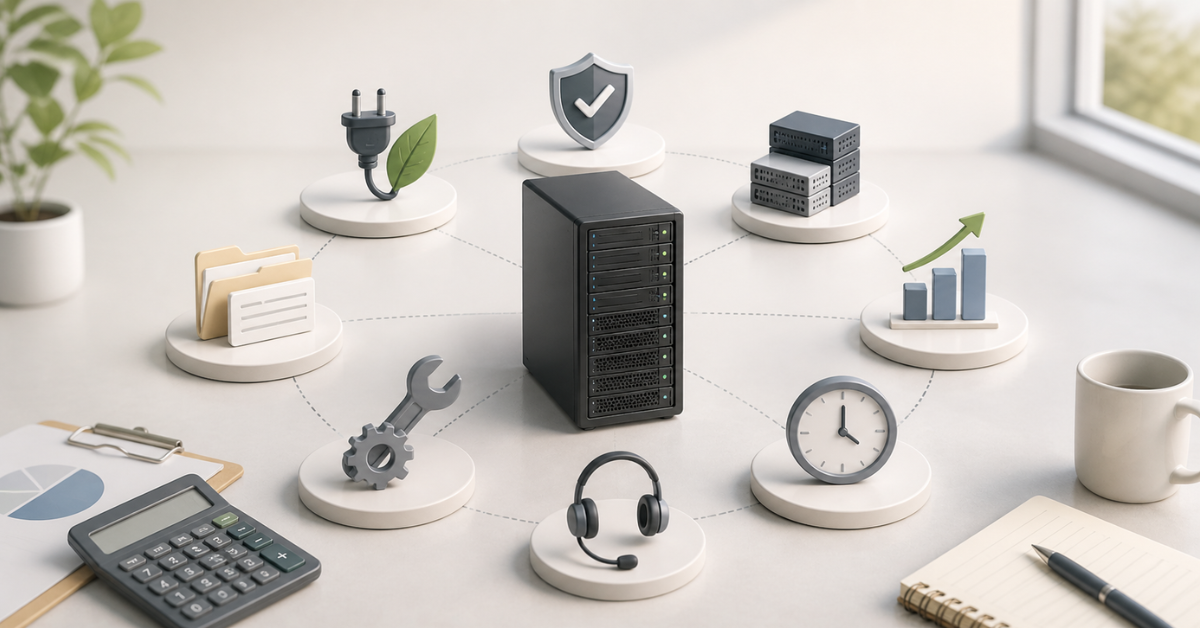
To calculate the cost of owning a server over 3–5 years, you need to add up not only the price of the hardware itself, but also the costs of colocation or on-site placement, electricity, cooling, licenses, warranty, maintenance, upgrades, backups and, ideally, the potential cost of downtime. After that, you can subtract the residual value of the server at the end of its service life. This calculation shows the real budget and helps compare different options: buying a server for the office, placing it in a data center, building your own server room, or choosing another infrastructure model.
A common mistake is to evaluate a server only by the price on the supplier’s invoice. For example, a company sees that one server costs, say, 300,000 rubles, while another costs 450,000 rubles, and concludes that the first one is more cost-effective. But after a few years, it may turn out that the cheaper configuration consumes more power, requires expensive licenses because of the number of cores, reaches its memory and storage limits faster, stays down longer during a failure because of a weak warranty, and needs spare parts that are rare and expensive. As a result, the difference in purchase price disappears or even turns into overpayment.
A 3–5-year horizon is convenient for this kind of calculation: warranty, hardware refresh, license renewal, workload growth and partial component replacement are usually planned for this period. During this time, the server may remain the foundation of the infrastructure, move to less critical tasks, be sold on the secondary market, or be decommissioned. That is why the calculation should cover not just the initial purchase, but the entire life cycle.
Our most popular servers

Free shipping on orders over 500 € in the EU, £500 in the UK, and $3,000 in the USA
Free shipping on orders over 500 € in the EU, £500 in the UK, and $3,000 in the USA
Free shipping on orders over 500 € in the EU, £500 in the UK, and $3,000 in the USA

Free shipping on orders over 500 € in the EU, £500 in the UK, and $3,000 in the USA
What server cost of ownership means
The full cost of owning a server is the sum of all expenses that arise from the moment the hardware is selected until it is written off, sold, or replaced. English-language materials often use the term TCO (Total Cost of Ownership) for this. In practice, it simply means that the discussion is not about a one-time purchase, but about the money a company will spend over several years of operation.
The basic formula looks like this:
Total cost of ownership over 3–5 years = hardware purchase + placement + electricity + licenses + support + maintenance + upgrades + downtime cost − residual hardware value
The hardware purchase is only the first line. It includes the server, processors, memory, drives, network cards, controllers, rails, caddies, cables and delivery. But then recurring costs begin: electricity, rack space, licenses, administration, warranty, component replacement and backups.
Some expenses are one-time. For example, buying the server, rack, UPS, air conditioner, or network equipment. Others recur every month or every year: renting a rack unit in a data center, power, support, licenses and administrator time. If the server is installed in a company-owned server room, additional costs appear: space, cooling, fire safety, access control and maintenance of engineering infrastructure.
The same server can have a different total cost depending on the scenario. In an office, the company pays for electricity and room maintenance, but may underestimate the risks of power outages and overheating. In a data center, the monthly payment is higher, but backup power, cooling and physical security are already included. In a private server room, control is highest, but the initial costs and operational requirements are noticeably higher.
Residual value should also be included. After 3–5 years, the server can be sold, used for a test environment, backup tasks, archive storage, or less critical services. This does not make the hardware free, but it reduces the final cost of ownership.
Which costs to include in the calculation
It is easier to calculate the full cost not as one line, but by categories. This reduces the risk of missing small items that can become a noticeable part of the budget in total. This is especially important for servers with many disks, expensive licenses, high virtual machine density, or data center placement.
| Cost item | What to include | What is often forgotten |
|---|---|---|
| Hardware | server, processors, memory, drives, network cards, controllers | spare drives, cables, caddies, rails, compatibility |
| Placement | data center rack unit, rack, port, IP addresses, cross-connects | remote hands, power limit, fees for additional work |
| Electricity | average server consumption, cooling, power losses | calculating by PSU rating instead of real consumption |
| Licenses | operating system, virtualization, databases, backup software | licenses for cores, users, devices and virtual machines |
| Support | warranty, engineer visit, component replacement, response times | the difference between next-business-day replacement and fast response |
| Maintenance | administration, monitoring, updates, backups | employee time and scheduled checks |
| Upgrades and repairs | memory, drives, network cards, controllers | data and workload growth after 2–3 years, availability of compatible spare parts |
| Downtime | losses caused by service unavailability | employee salaries, penalties, reputational losses, manual recovery |
Not every line is equally important for every project. For a small office server, licenses, backups and support may matter more than electricity. For a virtualization server, the main cost driver may not be hardware, but core-based licensing. For a server in a data center, it is important to look closely at the rack unit price, allocated power, network ports, IP addresses and remote work. A private server room adds expenses that do not exist when placing equipment in a data center: air conditioning, UPS, separate electrical wiring, temperature sensors, fire safety and a backup internet connection.
The cost of people should be counted separately. Even if an administrator is already on staff, their time is not free. Firmware updates, log checks, restore testing, disk replacement, monitoring setup and incident investigation all take hours. If this is not included in the calculation, the server will look cheaper than it really is.
Calculation formula for 3–5 years
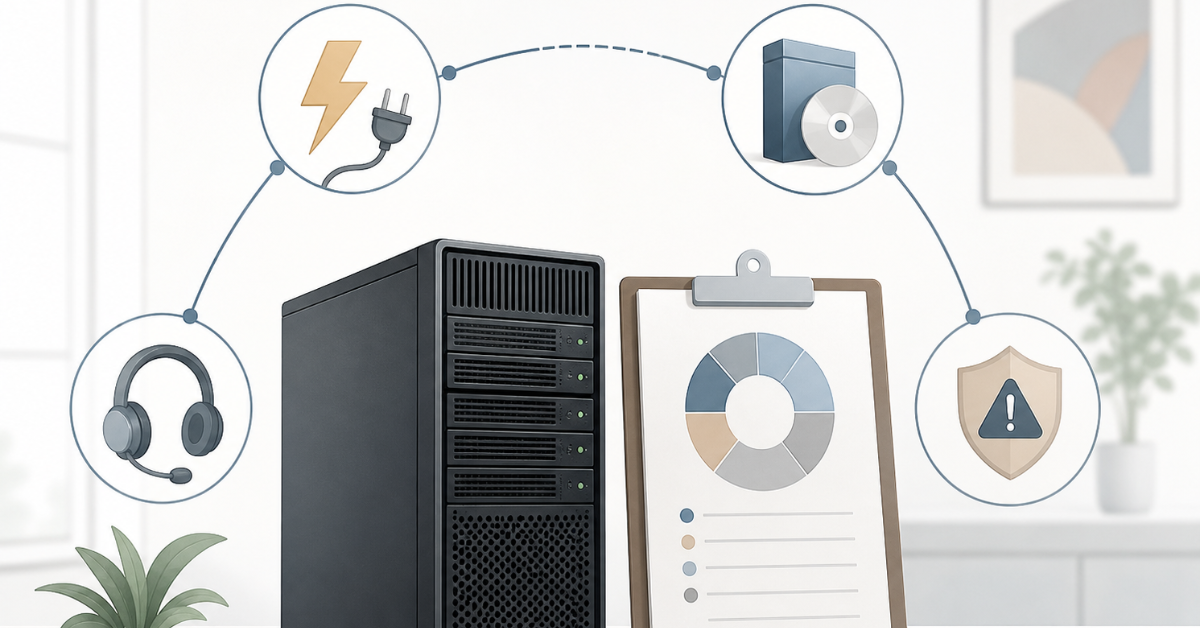
For a practical calculation, you can use this formula:
Total cost of ownership = one-time expenses + annual expenses × service life + planned replacements + risk cost − residual value
One-time expenses include the purchase of the server, components, delivery, installation, initial setup, data migration and buying a UPS or network equipment if it is required specifically for this server.
Annual expenses include placement, electricity, licenses, warranty, maintenance, backup, monitoring and specialist work. If some expenses are monthly, they should be multiplied by 12 and then by the number of years.
Planned replacements include drives, UPS batteries, fans, power supplies, cables, network cards or memory expansion. Not all of these expenses will necessarily occur, but for a 5-year calculation it is better to include at least the likely ones.
Risk cost means expected downtime losses. They are not always included in the accounting budget, but they matter when choosing an architecture. A server without redundancy is cheaper until something breaks. After an incident, the savings can disappear in a single day.
If the server handles several tasks, it is useful to calculate not only the total amount, but also the cost of one workload:
Cost per workload = total server cost of ownership / number of useful workloads
A workload may be a virtual machine, a user, a database, a terabyte of usable storage, or a business service. It is important to divide by real capacity with headroom, not by the theoretical maximum. If a server can technically run 40 virtual machines, but only 20 are planned without performance risk, the calculation should be based on 20. Otherwise, the numbers will look good on paper but will not match real operation.
Choosing the Right Equipment
Our specialists will contact you and answer all your questions
How to calculate hardware cost
The first calculation block is hardware. It includes not only the server itself in its base configuration. Processors, memory, drives, controllers, network cards, power supplies, cables, rails, caddies and compatibility with the existing infrastructure should all be checked separately.
Processors affect more than performance. The number of cores can directly change license costs. Sometimes a server with many older cores looks attractive by hardware price, but becomes expensive because of operating system, virtualization or database licensing. In other scenarios, it is more cost-effective to take more cores and consolidate several workloads on one node. That is why the processor should be selected together with the license calculation, not separately.
RAM is better planned with headroom. If the server is purchased for virtual machines, databases or analytics, memory often runs out before CPU resources. An upgrade a year later may cost more: the required modules will have to be sourced separately, and installation will require a maintenance window.
For storage, you need to calculate more than the working capacity. You need system drives, data drives, spare drives and sometimes separate space for local backups or journaling. For disk arrays, usable capacity after the fault-tolerant scheme should be counted, not the sum of all disks. For example, eight 2 TB drives do not always provide 16 TB of usable space: part of the capacity will be used for failure protection.
The estimate should also include network cards, transceivers, cables, rails, caddies, controllers and additional power supplies. These items look small compared with the server price, but without them the equipment may be impossible to install or connect properly.
When buying a refurbished server, check the warranty, disk condition, spare part availability, component compatibility and future expansion options. When buying a new server, part of the higher price may be offset by longer support, lower power consumption and compatibility with current operating system versions. New and refurbished servers should be compared not by the box price, but by the total cost over the full usage period.
How to calculate electricity and cooling
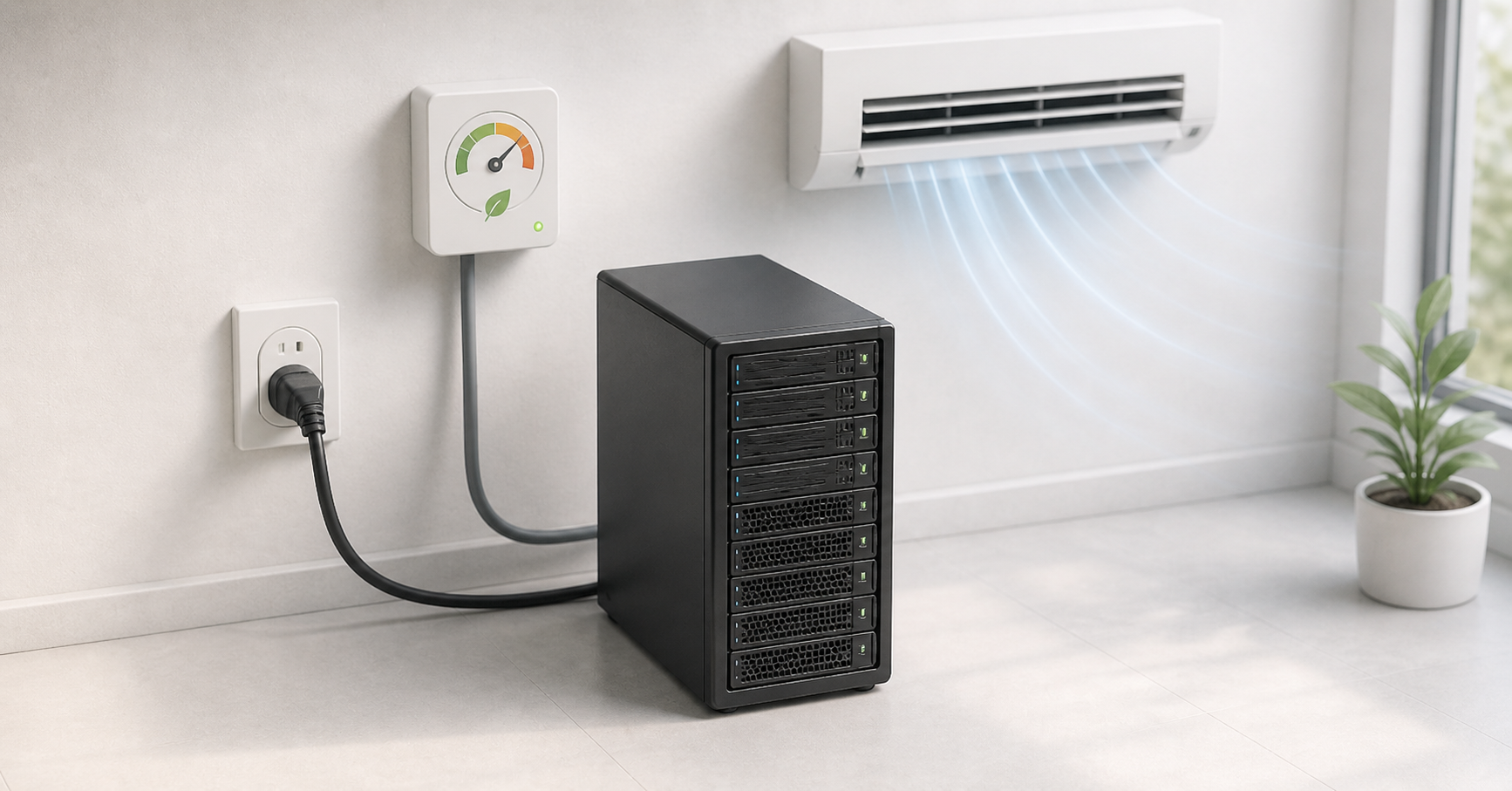
Electricity should be calculated by the server’s average consumption, not by the power supply rating. If a server has a 1100 W power supply, it does not mean that the server constantly consumes 1100 W. Two power supplies also do not automatically double consumption: in most cases, they are used for redundancy.
The calculation formula is:
Annual energy cost = average server power in kW × 24 × 365 × tariff per kWh × infrastructure coefficient
Average power can be obtained from remote server management systems, via IPMI, from a smart PDU, or from measurement data. If there are no real readings, you can use specification data and vendor estimates, but it is better to include headroom. A server consumes different amounts of power at idle, under average load and at peak load. For budgeting, the average value over the working cycle is usually used.
For a data center, it is important to include not only the power used by IT equipment, but also cooling, losses in power systems and supporting infrastructure. The PUE metric is used for this. It shows how much energy the entire data center uses relative to the energy that goes directly to IT equipment. The Green Grid describes PUE as one of the common metrics for data center energy efficiency.
Calculation example. A server consumes 350 W on average, or 0.35 kW. Over a year, it uses:
0.35 × 24 × 365 = 3066 kWh
If the tariff is 0.15 conventional units per kWh, direct power costs will be:
3066 × 0.15 = 459.9 conventional units per year
If infrastructure is included with a coefficient of 1.6, the result is:
459.9 × 1.6 = 735.8 conventional units per year
Over 5 years, this is about 3679 conventional units for energy and related infrastructure alone. In a real calculation, the conventional currency should be replaced with the tariff from the data center contract or electricity bills.
Older servers may look attractive at purchase, but lose on power consumption. This can also “backfire” beyond direct costs: for example, a data center rack may have a power limit, the planned 10 servers may not fit within it, and another rack will have to be rented. Modern platforms usually manage power better: they regulate frequencies, fan operation, processor states and power supply behavior. ENERGY STAR highlights built-in power management features as one way to reduce data center infrastructure energy use. But such functions should be enabled deliberately: for databases, virtualization and latency-sensitive systems, energy savings must not break performance.
Licenses: why they can cost more than hardware
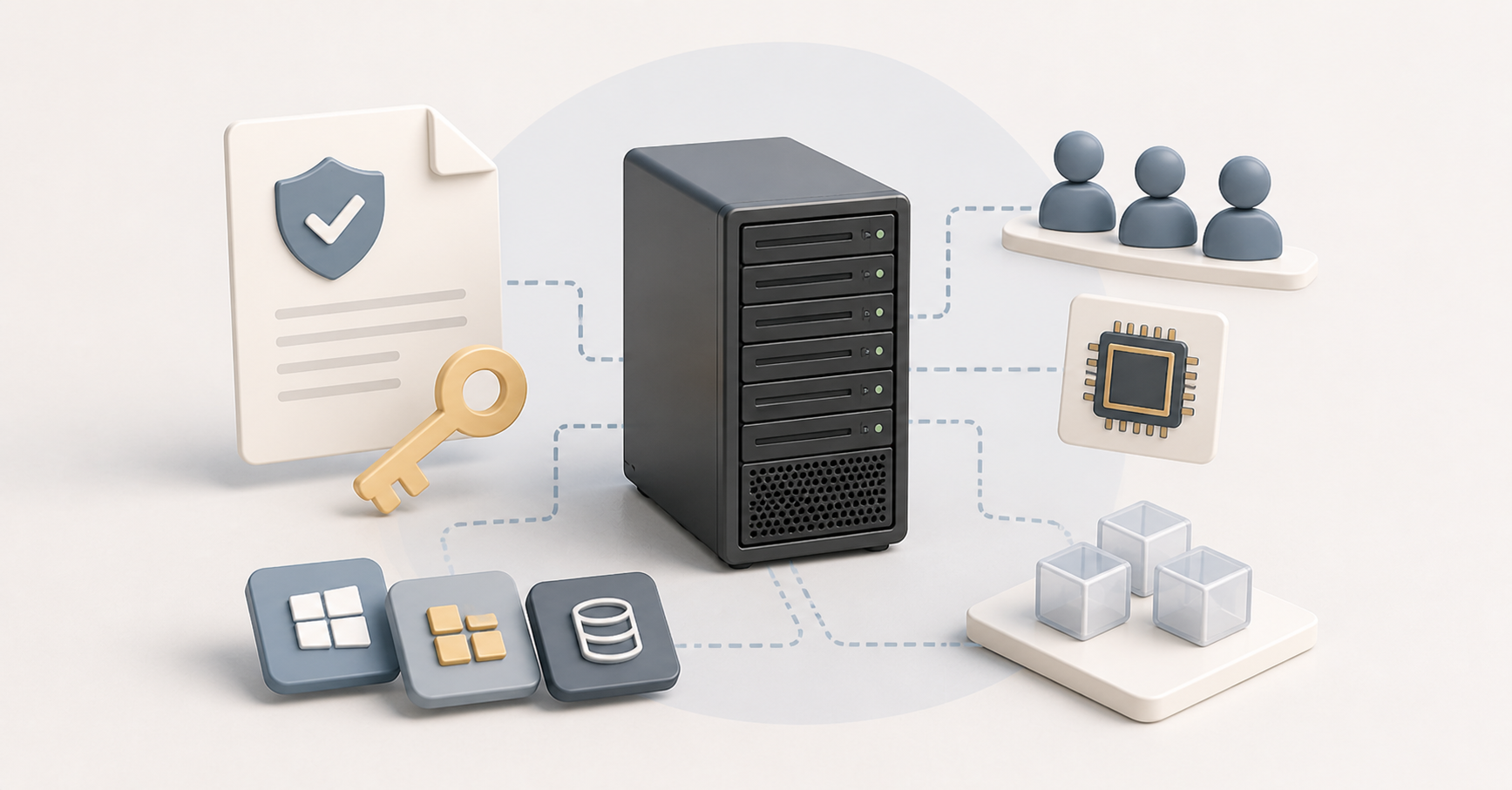
Licenses are one of the most underestimated parts of the calculation. The estimate should include the operating system, virtualization, databases, backup software, security, monitoring, control panels, remote desktops and update subscriptions. In some projects, license costs over 3–5 years can exceed the price of the server.
The main difficulty is that licenses are rarely counted “per one server”. They may depend on the number of processor cores, users, devices, virtual machines, sockets, data volume, or product edition. That is why a server cannot be chosen only by performance. You need to understand in advance how the specific software will be licensed on this configuration.
For example, with Windows Server, it is important to consider not only the edition, but also the licensing model. Microsoft materials on Windows Server licensing list Standard and Datacenter editions, core-based licensing and client access licenses. One scheme may suit a small environment, while another may be better for dense virtualization. Sometimes the more expensive edition is more cost-effective if the server will run many virtual machines.
Virtualization also requires checking the current rules. Broadcom documentation for VMware vSphere Foundation specifies core-based licensing with a minimum requirement per processor. For the budget, this means one simple thing: a server with many cores can become expensive not because of the processors, but because of subscriptions.
There is also the other side. A free operating system does not make operation free. Administration, updates, backups, monitoring, security and staff training remain. In mature infrastructure, these costs should be included just like paid licenses.
The practical conclusion is this: before buying a server, make a list of the software that will run on it and check the licensing model for each item. Sometimes it is better to take fewer cores with higher per-core performance. Sometimes it is better to split roles between several nodes. Sometimes, on the contrary, it is better to buy a more powerful server and reduce the number of physical machines. Without a license calculation, this is not always visible.
Support, warranty and maintenance
A warranty is not a formality, but part of the financial model. You need to understand exactly what support includes: term, response speed, replacement method, on-site engineer availability, the option to keep a failed disk, access to firmware updates and renewal after the base period.
For non-critical tasks, a standard warranty with next-business-day replacement may be enough. For a server that runs sales, warehouse operations, accounting, a customer database or a company virtualization environment, that level may be insufficient. If a failure stops the business for a day, saving on warranty becomes questionable.
Support should be divided into two parts. The first is hardware support: repair, diagnostics, replacement of disks, power supplies, fans and controllers. The second is operational support: updates, monitoring, backups, log checks, restore testing, disk space control, user and permission management.
If the server is located in a data center, remote hands services should be included. Even a simple operation such as moving a cable, replacing a disk, or connecting a console may be paid. If the server is in the office or in a private server room, someone must physically reach the equipment, understand the problem and perform the work. In both cases, engineer time is part of the cost of ownership.
A separate mistake is to assume that backups exist because a copy job is configured. Backups need maintenance: checking jobs, monitoring capacity, testing recovery and updating retention rules. Without this, an incident may reveal that the copies are incomplete, outdated, or cannot be restored.
Upgrades, replacements and consumables in years 2–4
Over 3–5 years, a server rarely stays in its original state. Data grows, users are added, speed requirements change and some components wear out. That is why the calculation should include not only the initial configuration, but also likely changes.
After a few years, it is most often necessary to add RAM, replace or expand drives, increase backup storage, move to a faster network, replace UPS batteries, buy spare drives, or upgrade network cards. For storage servers, data growth is especially important: primary storage grows, and backup volume grows together with it.
Some upgrades are dependent. For example, installing fast NVMe drives will not deliver the expected effect if there are not enough PCIe lanes, the controller is unsuitable, the network remains slow, or the application is CPU-bound. Moving to 25 Gbit/s may require not only a network card, but also new switches, cables and transceivers. That is why an upgrade should be calculated as a chain, not as a single part.
If a server is bought “just enough”, future costs are often higher. Compatible memory has to be found urgently, services have to be stopped, work in the data center has to be ordered and data has to be moved. Sometimes reasonable headroom at purchase is cheaper than forced expansion at an inconvenient moment.
Downtime cost: how to calculate risk
Downtime is not just a technical incident. It is a financial risk that should be included when choosing a server, warranty, redundancy and placement. Even if the server operates in a small business, its unavailability can stop employees, orders, warehouse operations, accounting, a website, or internal services.
Simplified formula:
Annual risk cost = expected downtime hours per year × cost of one downtime hour
A more precise version:
Expected downtime cost = incident probability × downtime duration × cost of one downtime hour
The cost of one downtime hour can include lost sales, idle employee time, contractual and regulatory penalties, manual data recovery, IT team overtime, customer delays and reputational consequences. For an online store, this may be lost revenue. For manufacturing, a stopped production area. For accounting, delayed reporting and penalty risk. For an internal system, paid employee hours during which people cannot work.
Uptime Institute in its Annual Outage Analysis 2025 examines the causes and consequences of data center outages and separately shows that significant incidents can be very expensive for companies. These figures should not be mechanically applied to small businesses: the scale is different. But the principle itself is important — downtime is not equal to zero.
Redundancy increases the budget, but reduces risk. A second power supply, several disks in a fault-tolerant scheme, a spare server, a cluster, backups, a warranty with fast response and data center placement all cost money. But refusing these measures also has a price. The right question is not “how to make it cheaper”, but “what level of risk is acceptable for this service”.
Data center or private server room
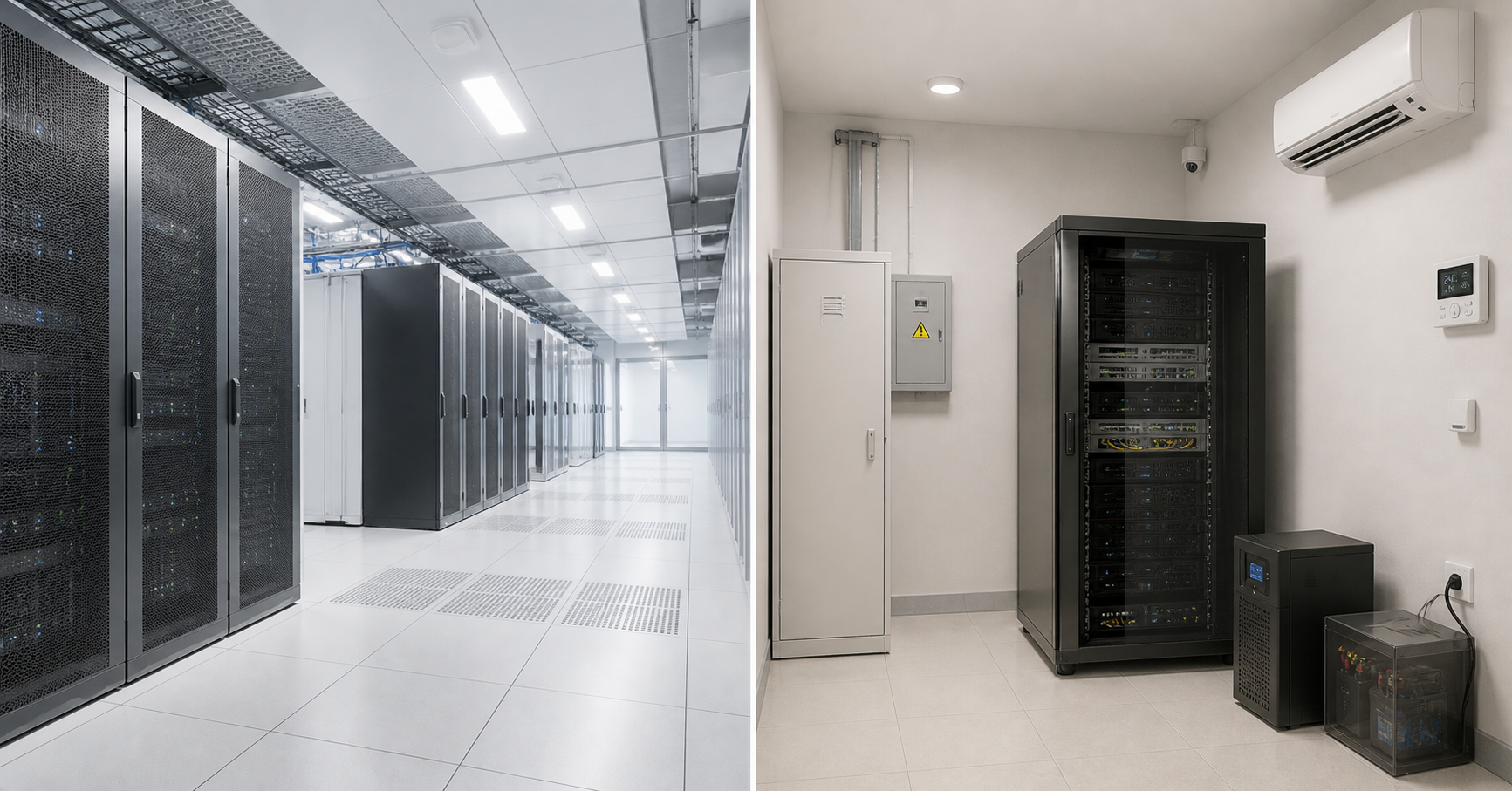
One of the main questions in the full cost calculation is where the server will be located. At first glance, a private server room seems cheaper: the hardware is nearby, no rack unit has to be paid for, and physical access is easier. But once power, cooling, UPS, fire safety, monitoring and room maintenance are included, the final result may change.
Server in a data center
When placing a server in a data center, include the cost of a rack unit or part of a rack, allocated power, network port, traffic, IP addresses, cross-connects, remote hands, engineer access and hardware restrictions. It is important to check in advance the server depth, weight, number of power supplies, requirements for two independent power lines and available rack power.
The advantage of a data center is a ready engineering environment. It usually already has backup power, cooling, access control, monitoring, fire safety and communication links. For one or several servers, this is often easier than building everything independently. The budget becomes more predictable: the company pays a recurring fee and receives a clear set of services, usually with a stated SLA that can be included when calculating availability indicators.
There are disadvantages too. Monthly rent increases expenses, some work is charged separately, and access to the hardware requires a procedure. If a component needs to be replaced urgently, someone has to go to the data center or order remote work; if the component is not on site, delivery has to be arranged. In addition, tariffs may depend on power: a high-consumption server can cost more not only in electricity, but also in placement.
Choosing the Right Equipment
Our specialists will contact you and answer all your questions
Private server room
A private server room requires a different calculation. It needs a room, a rack, electrical work, separate power lines, a UPS, air conditioning, ventilation, fire safety, access control, temperature and humidity sensors and primary and backup internet connections. All of this must not only be purchased, but also maintained.
The advantage of a private server room is full physical control. This is convenient if equipment has to be located near production, local systems, or a closed network segment. This option can be justified if the company already has a prepared room, competent specialists and a sufficiently large hardware fleet to spread infrastructure expenses across many servers.
The main disadvantage is the high cost of mistakes. One air conditioner without redundancy, a weak UPS, poor ventilation, no monitoring, or an overloaded power line can lead to downtime and hardware loss. For 1–3 servers, a private server room is often more expensive and riskier than it seems at the start. For several racks or special requirements, the situation may be different, but it should be confirmed by calculation, and building a server room comparable in reliability to a data center can be both difficult and expensive.
Calculation examples for three scenarios
Below are conditional examples. The numbers are not intended as a universal price list, but as a way to understand the calculation logic. In a real budget, you need to use supplier prices, data center tariffs, license costs, specialist salaries, warranty expenses and the internal cost of one downtime hour.
| 5-year expense | Office server | Server in a data center | Small server room |
|---|---|---|---|
| Hardware | 300 000 | 380 000 | 1 000 000 |
| Placement and room | 50 000 | 540 000 | 650 000 |
| Electricity and cooling | 160 000 | 260 000 | 420 000 |
| Licenses | 250 000 | 400 000 | 750 000 |
| Support and maintenance | 300 000 | 380 000 | 700 000 |
| Upgrades and replacements | 120 000 | 160 000 | 350 000 |
| Expected downtime cost | 250 000 | 120 000 | 220 000 |
| Residual value | −70 000 | −90 000 | −250 000 |
| Total over 5 years | 1 360 000 | 2 150 000 | 3 840 000 |
In the first scenario, the server is located in the office and serves file resources, accounting, or several small virtual machines. The starting price is moderate, but the risks are higher: power, cooling, physical security and redundancy are often weaker than in a data center. If downtime is not critical, this option may be acceptable. If sales or production depend on the server, the savings become questionable.
In the second scenario, the server is placed in a data center. Placement costs are higher, but the company receives more predictable conditions for power, cooling and access. This option is often convenient for servers that must be externally available, run several services, or operate around the clock. But power, remote hands, network ports and licenses should be calculated carefully.
In the third scenario, the company builds a small server room for 2–3 servers. The total is higher because the company buys not only computing equipment, but also infrastructure: a rack, UPS, cooling, network and room monitoring. If the server room will be used for a long time and expanded, part of the expenses is justified. If the company is talking about one or two servers, a data center is often simpler and safer.
These scenarios show the main point: the cheapest option by initial purchase is not always the cheapest over 5 years. The difference appears in recurring payments, licenses, maintenance and risks.
Storage systems

Free shipping on orders over 500 € in the EU, £500 in the UK, and $3,000 in the USA

Free shipping on orders over 500 € in the EU, £500 in the UK, and $3,000 in the USA

Free shipping on orders over 500 € in the EU, £500 in the UK, and $3,000 in the USA

Free shipping on orders over 500 € in the EU, £500 in the UK, and $3,000 in the USA
How to reduce cost of ownership without losing reliability
Cost of ownership should be reduced not through random savings, but through accurate calculation. First, you need to understand the real workload: how much CPU resource, memory, usable disk space, network bandwidth and growth reserve are required. A server with excessive headroom may be unnecessarily expensive, while a server bought “just enough” will quickly require an upgrade.
One of the most effective methods is to calculate licenses before buying hardware. If a product is licensed by cores, taking the maximum number of cores is not always cost-effective. Sometimes it is better to choose processors with fewer cores but higher per-core performance. For virtualization, on the contrary, a more powerful server may be more cost-effective if it replaces several old nodes.
Power consumption should also be estimated in advance. The difference between an old and a newer server can be noticeable over a 5-year horizon, especially with 24/7 operation. It is worth choosing energy-efficient power supplies, monitoring power management modes and measuring real consumption instead of relying on the power supply rating.
Support should not be cut blindly. For a non-critical server, a basic warranty is enough, but key services need fast component replacement, spare drives and tested recovery. Backups must not only be configured, but also tested regularly. Administrative support can also vary: sometimes hiring an in-house specialist is cheaper than outsourcing, and sometimes the opposite is true.
Another way to reduce costs is not to build a private server room for one server. If there is no prepared room, electrical infrastructure, cooling and specialists, colocation in a data center may be more rational. A private server room makes sense when infrastructure costs are spread across a sufficiently large hardware fleet or when there are special requirements for local placement.
Checklist for calculating total cost of ownership
Before buying a server, it is worth going through the calculation step by step.
- Define the period: 3, 4, or 5 years.
- Fix the placement scenario: office, data center, or private server room.
- Calculate the cost of the server and all components.
- Add rails, caddies, cables, network cards and spare drives.
- Check whether memory, drives and network ports are sufficient with room for growth.
- Estimate average power consumption, not the power supply rating.
- Multiply consumption by the tariff, 24/7 operation and service life.
- Include cooling, power losses, or the infrastructure coefficient.
- Calculate licenses for the operating system, virtualization, databases and users.
- Check how licenses are counted: by cores, devices, users, or virtual machines.
- Add warranty and support level.
- Include maintenance, monitoring, updates and administrator work.
- Plan upgrades for years 2–4.
- Calculate backups and test recovery.
- Estimate the cost of downtime for key services.
- Subtract the residual value of the equipment.
- Compare final totals by scenario, not only the purchase price.
Conclusion
The cost of owning a server over 3–5 years consists of many expenses, and hardware price is only the beginning. Electricity, licenses, warranty, maintenance, upgrades, backups and downtime can significantly change the final budget. That is why a server should be selected not by the lowest purchase price, but by the full cost of operation.
For one project, an office server may be more cost-effective; for another, data center placement; for a third, a private server room. There is no universal answer. A proper calculation shows where the company is really saving money and where it is simply shifting costs and risks into the future.
Choosing the Right Equipment
Our specialists will contact you and answer all your questions
Content:

Free shipping on orders over 500 € in the EU, £500 in the UK, and $3,000 in the USA

Free shipping on orders over 500 € in the EU, £500 in the UK, and $3,000 in the USA
Free shipping on orders over 500 € in the EU, £500 in the UK, and $3,000 in the USA

Free shipping on orders over 500 € in the EU, £500 in the UK, and $3,000 in the USA