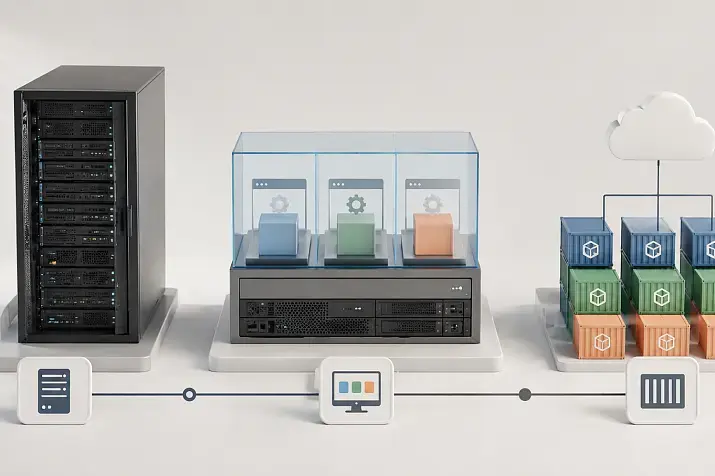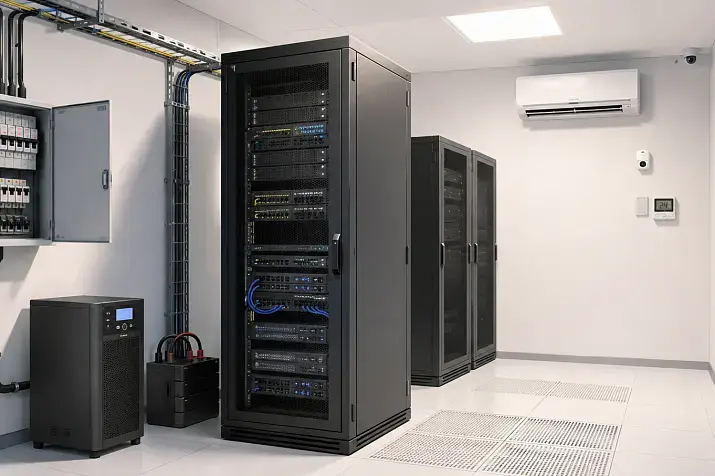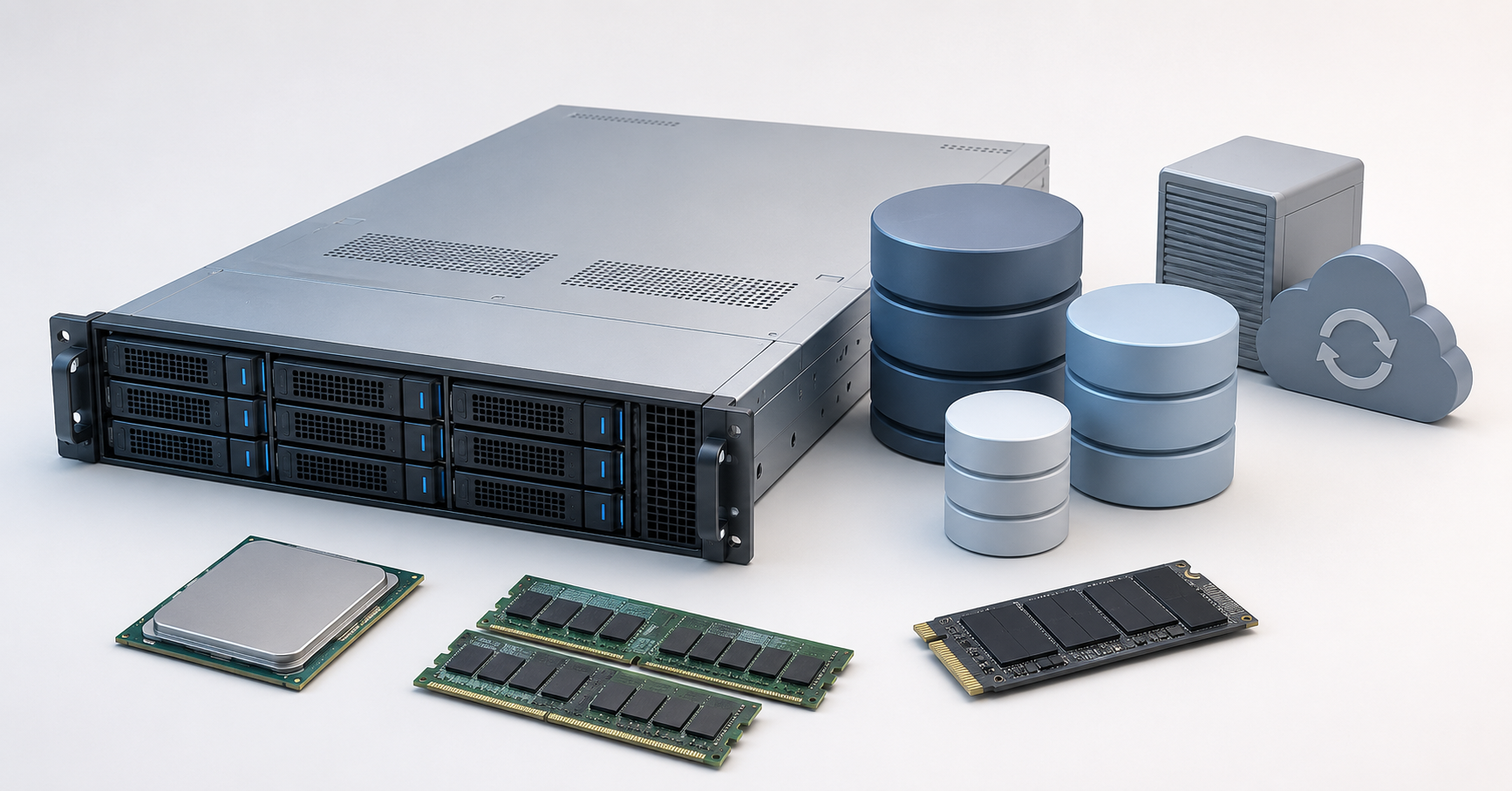
A PostgreSQL server should not be chosen by one single “most powerful” parameter, but by balance. To select the right server, it is important to consider the query type, database size, read/write ratio, latency requirements, memory headroom, disk speed, WAL reliability, RAID layout, backup strategy and replication. For most production projects, a reasonable starting point is a server with fast CPU cores, 64–128 GB RAM, enterprise-class NVMe drives configured with mirroring or RAID 10, a separate backup storage plan and enough disk headroom for database growth, indexes, WAL and temporary files.
PostgreSQL can run well on very different hardware: from a small server for an internal CRM to a powerful platform for a high-load application. But a database rarely depends only on the processor or only on disks. Today, the bottleneck may be memory; tomorrow, it may be the write-ahead log; in a month, it may be reports that start sorting millions of rows; and in six months, it may be backup jobs that begin to interfere with the main workload.
That is why the right server choice does not start with the CPU model or the number of drives. First, you need to understand what the database actually does: handles short transactions, reads a lot, frequently updates rows, builds reports, stores large indexes, or works as a mixed system where all of this happens at the same time.
Start by defining the workload type
PostgreSQL does not have one universal configuration “for everyone”. A server for an online store, an analytics system and an internal CRM may differ even if the database size is the same.
For transactional workloads, fast responses and stable writes are important. These are online stores, billing systems, CRM, ERP, financial operations and order management systems. They generate many short queries: create an order, update a status, subtract stock, record a payment, check a user. In such scenarios, fast CPU cores, low disk latency, reliable WAL writes and the absence of sudden performance drops under load are important.
For read-heavy workloads, memory comes to the front. If the database mainly serves product cards, reference data, user profiles, catalogs or API data, PostgreSQL benefits from a large amount of RAM: frequently used tables and indexes stay in cache, and disk access becomes less frequent. But memory will not fix poor indexes and will not help if the active dataset is much larger than the available cache.
Analytical workloads behave differently. Reports, aggregations, exports, searches across long periods and complex table joins require more cores, more memory and high disk throughput. If such queries run on the same database where short user transactions are processed, they can interfere with the main workload: consume memory, create temporary files and increase disk load.
The most difficult case is a mixed workload. For example, during the day an online store accepts orders, updates stock levels in parallel, builds reports, exports data to an accounting system and creates a backup. In this case, the server should be selected with headroom, while heavy operations should preferably be moved to a separate replica or performed during periods of lower activity.
Approximate configurations for different scenarios
Exact parameters depend on the database size, number of queries, index structure, write ratio and recovery requirements. But for an initial estimate, the following guidelines can be used.
| Scenario | CPU | RAM | Disks | RAID / mirroring | Comment |
|---|---|---|---|---|---|
| Small project, internal CRM | 4–8 cores | 32–64 GB | 2 server-grade SSDs (SAS or NVMe) | RAID 1 | The minimum for a production database is not a single disk and not a consumer drive |
| Online store, SaaS, medium-load API | 8–16 cores | 64–128 GB | Enterprise-class NVMe | RAID 1, preferably RAID 10 | It is important to plan headroom for indexes, WAL, backup and data growth |
| High transactional load | 16–32 cores | 128–256 GB | Several fast NVMe drives | RAID 10 | Look not only at peak IOPS, but also at long-term write stability |
| Analytics and heavy reports | 24–48 cores | 256–512 GB and more | Fast NVMe, sometimes a separate array for temporary operations | RAID 10 | It is better to separate analytics from the main transactional database |
| Critical database with high availability | Primary server + replica | Comparable headroom on each node | NVMe + separate backup storage | RAID 10 / RAID 1 | Replication, WAL archiving and tested recovery are required |
These values should not be treated as a strict standard. A small database with very frequent writes may require faster disks than a large database with calm reads. A 2 TB database does not necessarily require 2 TB of RAM if only a small part of tables and indexes is actively used. And the opposite is also true: a 200 GB database may perform poorly if all queries constantly sort and join large datasets.
When choosing a server, you need to calculate more than the current data volume. PostgreSQL stores tables, indexes, the write-ahead log, temporary files and service data, and during some operations space consumption can grow quickly. If the disk is almost full, the database becomes vulnerable: transactions, WAL archiving, table maintenance or recovery may stop.
CPU: how many cores PostgreSQL needs
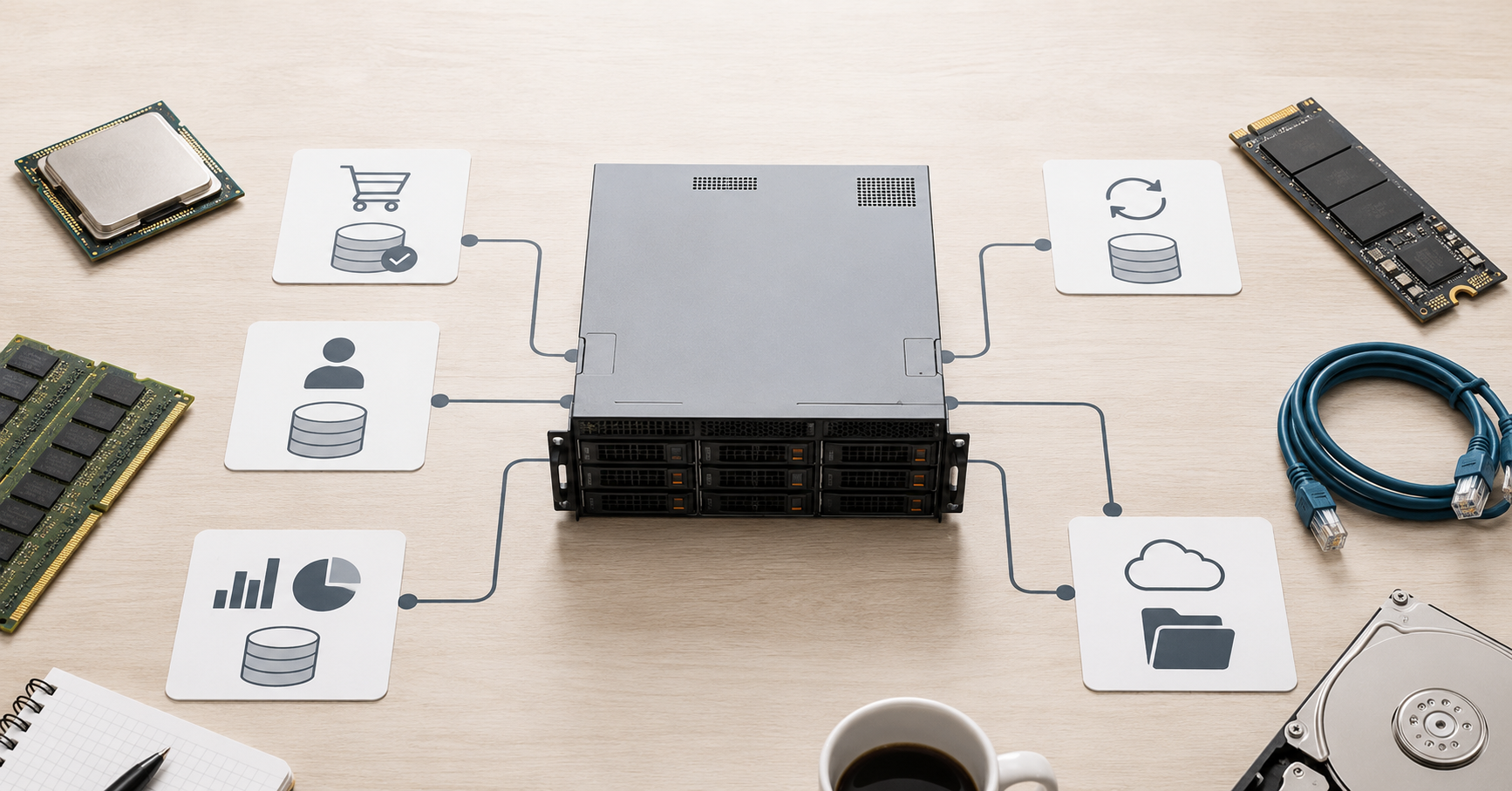
The processor is important, but not always in the way people expect. PostgreSQL uses multiple cores well when there are many parallel connections and background processes. Additional cores help when user queries, autovacuum, replication, backup, sorting, index building and system maintenance run at the same time.
But one specific query does not always become faster in proportion to the number of cores. For many transactional systems, high single-core performance is more important than dozens of weaker cores. Short queries often depend on the speed of one operation, disk latency and the condition of indexes. If the processor is powerful but disks cannot handle synchronous writes, the database will still wait for I/O.
For small production systems, 4–8 cores are usually enough. For most medium-sized projects, it is more reasonable to start with 8–16 cores. Configurations with 24 cores and more are needed when there are many active connections, heavy reports, parallel queries, large maintenance operations or a high transactional load.
Connections should be considered separately. If an application opens hundreds of connections directly, the server may spend resources on maintaining sessions rather than doing useful work. In such cases, a connection pool helps, but it should be implemented consciously: it does not replace proper indexes, fast disks and enough memory.
At the same time, it may be more efficient to consider two servers instead of one extremely powerful one: one CPU with more cores for parallel application work, and another server with a replica and higher-performance cores for report generation.
Another common mistake is buying a more powerful CPU before analyzing queries. If tables are read without indexes, reports perform unnecessary sorts, and updates touch too many rows, a new processor will have a limited effect. First, you need to understand where the bottleneck is: CPU, memory, disks, locks, indexes or the query logic itself.
Choosing the Right Equipment
Our specialists will contact you and answer all your questions
RAM: why memory is often more important than extra cores
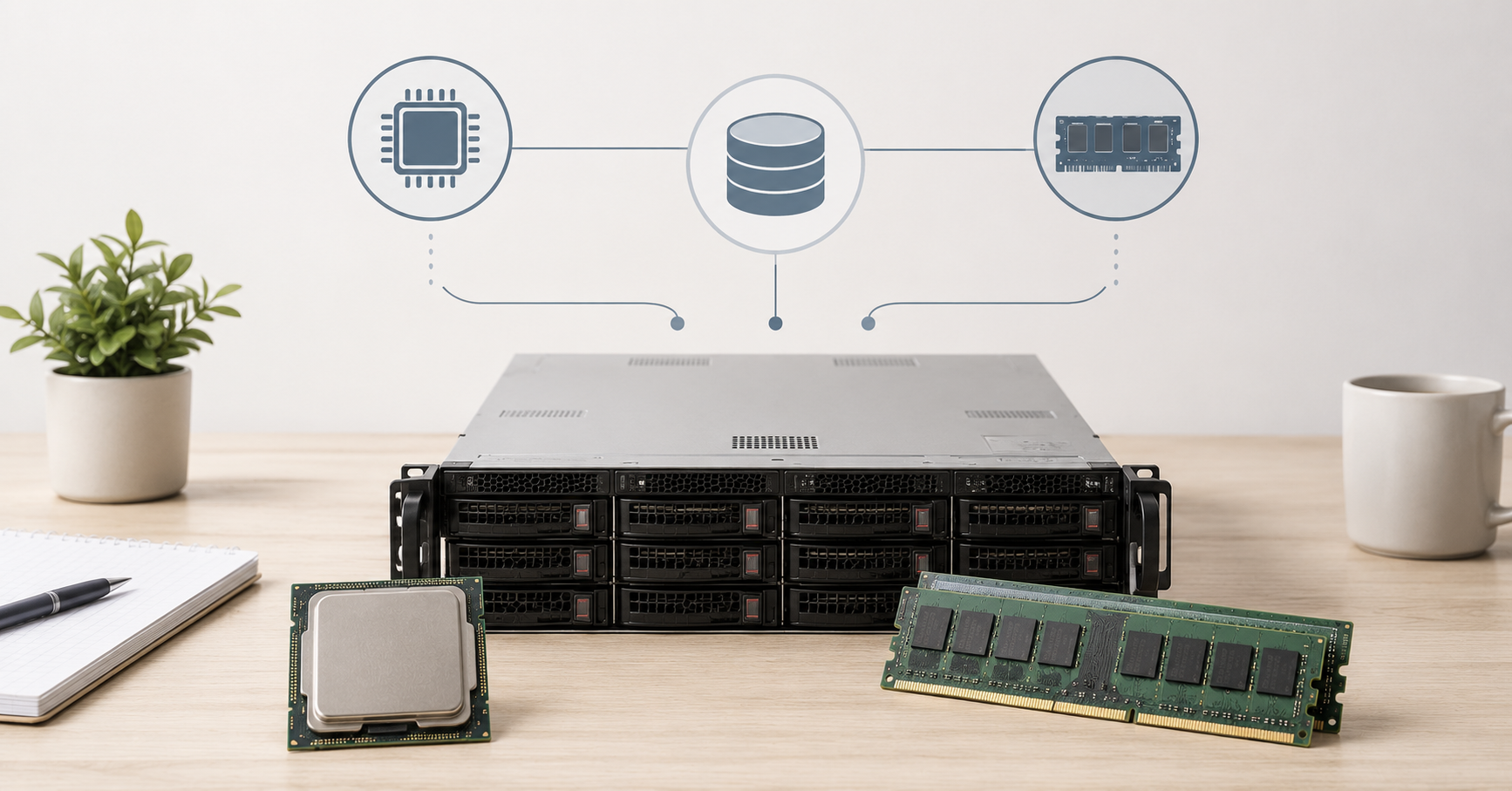
PostgreSQL needs RAM not only “so that the database fits into memory”. Memory is used for caching data and indexes, sorting, table joins, index maintenance, vacuum and active query processing. The more often the required pages are found in memory, the less the database accesses disks and the more stable response time becomes.
At the same time, you cannot simply give all memory to PostgreSQL. Part of RAM should remain available to the operating system and the filesystem cache. PostgreSQL has its own buffer, memory for sorting and joins, memory for maintenance operations, as well as parameters that help the planner estimate available cache. The official PostgreSQL documentation describes shared_buffers, work_mem, maintenance_work_mem and other resource consumption parameters separately. For example, for a dedicated server with 1 GB of RAM or more, the documentation calls 25% of memory a reasonable starting point for shared_buffers, while also emphasizing that PostgreSQL relies on the operating system cache as well.
Memory for sorting and joins requires special caution. If a very large value is set for one operation and then dozens of parallel queries appear, total memory consumption can become unexpectedly high. This is one reason why even a server with a large amount of RAM may still face memory pressure when configuration is poor and queries are heavy.
For small production databases, 32 GB of RAM can be considered a reasonable lower boundary. For most medium-sized projects, it is better to plan for 64–128 GB. For large databases, reports, many connections and active indexes, 256 GB and more may be needed.
When calculating memory, it is important to look not only at the total database size, but also at the active working set: which tables are read every day, which indexes are used constantly, how many simultaneous queries perform sorting, and which reports create temporary files. If indexes and frequently used data fit into cache, even a relatively modest server can work quickly. If they do not, the load shifts to disks.
Disks: NVMe, SAS SSD, SATA SSD and HDD
The disk subsystem is one of the most critical elements of a PostgreSQL server. For a database, linear speed in megabytes per second is not the only important factor. Random reads, random writes, operation latency, sustained IOPS, write endurance and protection against data loss during a power failure are much more important.
Enterprise-class NVMe is the best choice for most performance-oriented PostgreSQL servers. Such drives provide low latency and high performance under parallel load. They are especially important where there are many writes, indexes change actively, short transactions run frequently and a large flow goes into WAL. But it is important to choose server-grade models, not consumer SSDs. Consumer drives may suffer drops under sustained writes, have lower write endurance and weaker protection against sudden power loss.
SAS SSDs can also be a good option, especially in existing server infrastructure. These disks are usually behind NVMe in latency and peak performance, but they can be predictable and reliable. For moderate loads, they often fit better than cheap SATA SSDs.
SATA SSDs are acceptable for small projects, test environments, internal services and databases with low write activity. But as the number of queries and data volume grow, they become a bottleneck faster. For critical systems, SATA SSDs should be used with caution.
HDDs are almost always a poor choice for an active PostgreSQL database. Hard drives can be used for archives, backups, cold data or secondary tasks. But for a database with active indexes, frequent writes and random reads, HDD latency is too high. Even if linear speed looks acceptable, random access will limit performance.
Free space should be considered separately. NVMe and SSD drives may work worse when heavily filled, and PostgreSQL needs space not only for tables. Headroom is needed for indexes, WAL, temporary files, maintenance, index rebuilds and emergency situations. Running a database “right up to the limit” is dangerous.
RAID: why it is needed and why it does not replace backup
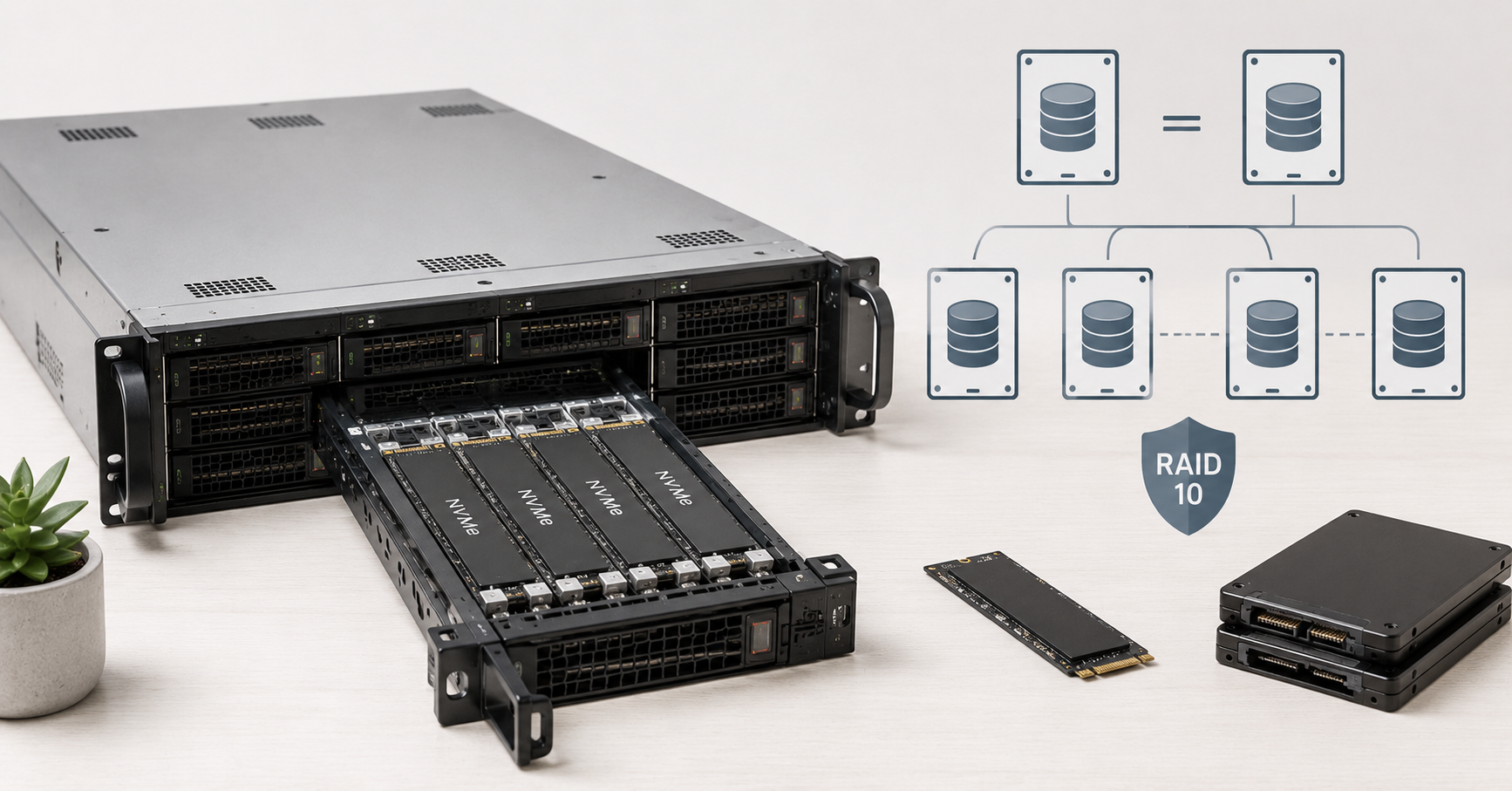
RAID is needed for disk fault tolerance and, in some layouts, for higher performance. But RAID is not a backup. It does not protect against accidental data deletion, application errors, failed migrations, table corruption, ransomware or an incorrect administrator command.
| Option | Where it fits | Pros | Cons | Recommendation |
|---|---|---|---|---|
| RAID 1 | Small databases, two disks | Simple mirroring | Limited write performance improvement | A normal minimum for small projects |
| RAID 10 | Performance-oriented PostgreSQL servers | Good speed and fault tolerance | Requires more disks | The main option for serious workloads |
| RAID 5 | Archive or low-load scenarios | Saves capacity | Weaker for writes, long array rebuilds, higher failure risks | Not the best choice for an active database |
| RAID 6 | Large arrays where capacity is important | Survives failure of two disks | High write penalty and long rebuild | Use with caution |
| No RAID, but with replication | Special architectures | Fault tolerance is built at the cluster level | A single node remains vulnerable to disk failure | Only with a clear backup and failover scheme |
For PostgreSQL, RAID 10 or NVMe mirroring is most often recommended because the database actively writes both data and the write-ahead log. RAID 5 and RAID 6 may look attractive in terms of usable capacity, but for a loaded database their write penalty and difficult recovery after a failure often become a problem.
If a hardware RAID controller is used, it is important to understand how the write cache works. A cache without power-failure protection may lead to data loss. The PostgreSQL documentation directly draws attention to write reliability, fsync, disk cache behavior and the risk of situations where a device reports a successful write before the data has actually been stored reliably.
Software mirroring can also be a normal solution if it is configured and tested correctly. This is especially true in modern systems with NVMe, where classic hardware RAID is not always the best option. In any case, you need to test not only the failure of one disk, but also the server behavior during array recovery: this is exactly when disk load can rise sharply.
WAL: why the write-ahead log must not be ignored
WAL is the PostgreSQL write-ahead log. Before a change is considered safely committed, it is written to the log. This allows the database to recover after a failure, support replication, archive changes and return from a backup not only to the moment when the backup was created, but also to a specific point in time.
For the server, this means a simple thing: under heavy write activity, WAL becomes one of the key disk workloads. Even if the main database is read well from memory, every modifying transaction is still connected with a log write. If drives handle synchronous writes poorly, transactions start waiting.
WAL usually creates sequential writes, but with a large number of transactions it must be not only fast, but also stable. Sudden disk-level delays immediately affect application response time. That is why server-grade NVMe, protected cache, correct storage configuration and enough free space are especially important for an active database.
On large systems, a separate fast drive or a separate array for WAL is sometimes considered. This may help if the log has truly become a bottleneck. But this should be done after measurements, not “just in case”. If a separate WAL disk turns out to be less reliable than the main array, the architecture becomes worse, not better.
Checkpoints also affect disk load. If they happen too often, the server may receive sharp write spikes. If parameters are chosen poorly, this appears as unstable response time. PostgreSQL documentation on WAL configuration describes how checkpoints, WAL size and related parameters affect writes and recovery after a failure.
Another risk is WAL archiving. If it is configured incorrectly or external storage is unavailable, WAL files may accumulate and consume space. A lagging replica can also retain old WAL files. Therefore, space for WAL should be planned with headroom, and free-space monitoring is mandatory.
IOPS and latency: which numbers matter in practice
IOPS shows the number of input/output operations per second, but this metric alone does not reveal the full picture. For PostgreSQL, three things matter: how many operations the disks can sustain, what the latency of each operation is, and how stable the array remains under a long mixed workload.
For short transactions, write latency is especially important. A user clicks a button, the application changes data, PostgreSQL writes WAL — and only after that is the operation considered reliable. If a write sometimes takes not milliseconds but tens or hundreds of milliseconds, the application will feel slow even with high declared IOPS.
Random operations are important for index-based reads. The database may access different parts of tables and indexes instead of reading one large file sequentially. This is why HDDs are poorly suited for an active database: they have high random-access latency.
For reports, both throughput and memory matter. If sorts, joins and aggregations do not fit into RAM, PostgreSQL creates temporary files on disk. Then even a “read-only” query starts actively loading the storage subsystem.
For bulk updates, the load is double: tables and indexes change, and WAL writes increase as well. For backups, the ability to read a large amount of data without destroying the performance of the main database is important. Therefore, during sizing, you need to consider not only normal operation, but also peaks: updates, reports, vacuum, index creation, backup and replica recovery.
Numbers from drive specifications are useful, but they are not enough. It is important to look at behavior under sustained writes, mixed load, high disk utilization and synchronous operations. A PostgreSQL server must work steadily not only during the first minutes of a test, but continuously.
Backup: the server should be selected with recovery in mind
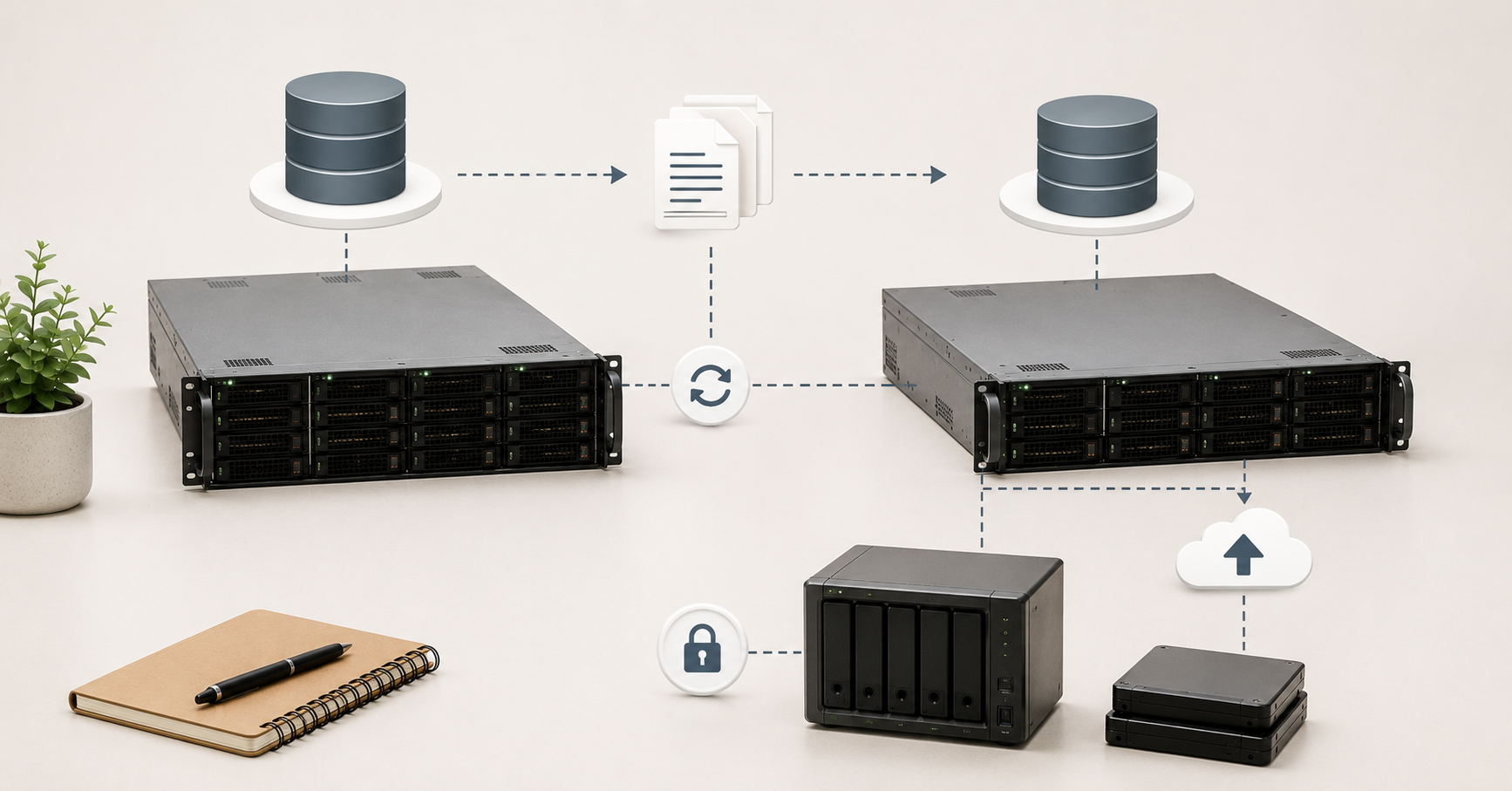
Backup is not just the existence of a database copy. It is more important to answer two questions: how much data can be lost in an incident (RPO), and how quickly service must be restored (RTO). If the business can lose only a few minutes of data, one architecture is required. If losing a day of data is acceptable, the requirements will be different. If the database must return to service in 15 minutes, this is a completely different level of preparation than recovery “whenever possible”.
For PostgreSQL, base backups, WAL archiving, storing copies separately from the main server and regularly testing recovery are usually important. RAID alone cannot be considered protection. A replica alone cannot be considered a full backup either: if a user or application deletes important data, the error may quickly reach the replica.
A good backup scheme should account for the database size, read speed from the primary server, network bandwidth, space in external storage and disk load. For a large database, creating a copy may take a long time. Recovery may take even longer. Therefore, you need to test not only the fact that a backup is created, but also real recovery on a separate site or test server.
PostgreSQL supports continuous WAL archiving and point-in-time recovery. This allows the database to be restored not only to the moment of a full backup, but also to a more precise point, provided that the WAL archive was saved correctly. PostgreSQL describes this scheme as a combination of a base backup and the sequential application of archived WAL files.
When choosing a PostgreSQL server, resources for backup should be planned in advance: space for temporary operations, network bandwidth, IOPS headroom, separate storage, monitoring of successful copies and space for WAL. If backups start competing with the main workload, it is better to move them to a replica or schedule them for periods of lower activity.
Replication and high availability
One powerful server does not solve all reliability tasks. If database downtime is critical, an architecture with a replica should be designed. A replica can be used for quick failover, read offloading, reports, technical maintenance, migrations and upgrades.
But replication does not replace backup. It primarily protects against node failure or helps offload the primary database. A logical error, accidental deletion or incorrect data update may be transmitted further. Therefore, backup and replication should work together.
Synchronous replication increases the reliability of committed data, but it may increase write latency: the primary server waits for confirmation from another node. Asynchronous replication is usually faster, but in an incident the latest changes may be lost. The choice depends on what matters more for a particular system: minimal latency or minimal data loss.
Replica hardware should not be random. If the primary server is fast and the replica is built on slow disks with little RAM, it may lag constantly. This is especially dangerous with heavy writes, large WAL streams, bulk updates and long reports. The network between nodes must also handle the stream of changes.
In the official PostgreSQL documentation, high availability, load balancing and replication are treated as a separate architectural layer, not as a replacement for reliable storage and backups. For practical server selection, this means that you need to calculate not only the primary node, but also the replica, network, WAL space, failover scenario and recovery sequence after a failure.
Common mistakes when choosing a PostgreSQL server
- Choosing a server only by the number of cores. A modern many-core CPU looks convincing in a specification, but PostgreSQL may be limited by disks, memory, locks, index structure or poor queries. For many transactional systems, fast cores and low latency are more important than the maximum number of threads.
- Putting the database on a single SSD. Even a fast drive remains a single point of failure. A production database needs at least a mirrored array, while serious workloads usually require RAID 10 or a comparable fault-tolerant layout.
- Using consumer NVMe drives for a critical database. They may show good numbers in short tests, but drop under sustained writes, have lower endurance and tolerate sudden power loss worse.
- Saving on RAM. When frequently used data and indexes do not fit into memory, PostgreSQL accesses disks more often. Even fast NVMe drives cannot always compensate for a lack of cache.
- Ignoring WAL. The write-ahead log affects writes, replication, backup and recovery. If WAL does not have enough space or disks cannot sustain synchronous writes, the database may slow down or stop.
- Treating RAID as backup. RAID helps survive disk failure, but it does not protect against logical errors and data deletion.
- Not testing recovery. A backup that has never been restored cannot be considered reliable protection. For a critical database, you need to regularly check that copies can be read, WAL can be applied and recovery fits within the acceptable time.
- Running heavy reports on the primary database without headroom. Such queries can consume memory, create temporary files and interfere with short transactions.
- Working with almost no free space. PostgreSQL needs headroom for WAL, indexes, temporary files, vacuum, index rebuilds and backup operations.
- Choosing a server only for the current workload. A database almost always grows: new tables, indexes, reports, integrations and history retention requirements appear. The server should be selected with at least the next year in mind.
Choosing the Right Equipment
Our specialists will contact you and answer all your questions
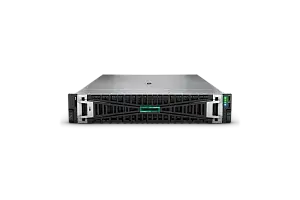
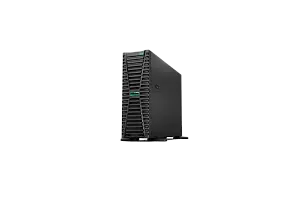
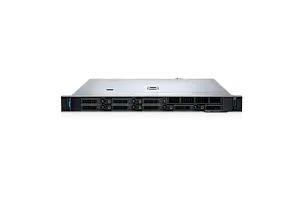
Most popular servers
Free shipping on orders over 500 € in the EU, £500 in the UK, and $3,000 in the USA
Free shipping on orders over 500 € in the EU, £500 in the UK, and $3,000 in the USA
Free shipping on orders over 500 € in the EU, £500 in the UK, and $3,000 in the USA
Free shipping on orders over 500 € in the EU, £500 in the UK, and $3,000 in the USA
Checklist before choosing a server
Before buying or renting a PostgreSQL server, it is worth answering several questions:
- what the current database size is;
- what the database size will be in a year;
- how much space indexes take;
- what dominates: reads, writes, updates or reports;
- how many active users and connections there are;
- whether there are heavy analytical queries;
- what response latency is acceptable for the application;
- how much data can be lost in an incident;
- how quickly the database must be restored;
- whether a replica is needed;
- whether reads will be served from the replica;
- where backups will be stored;
- how much space is needed for WAL;
- how much space is needed for temporary files;
- what RAM headroom is needed for growth;
- what disk headroom is needed for indexes, maintenance and backup;
- who will monitor autovacuum, replication, WAL archiving and free space.
A good PostgreSQL server is not the maximum configuration in a price list, but a balanced platform for a specific workload. For one database, fast cores are more important; for another, a large amount of RAM; for a third, disks with stable writes; and for a fourth, replication and fast recovery.
Conclusion
PostgreSQL requires a systematic approach to hardware selection. CPU, RAM, NVMe, RAID, WAL, backup and replication should be considered together. A fast processor does not compensate for weak disks, a large amount of memory does not replace proper backup, and RAID does not protect against application errors.
For most serious projects, a good starting point is a server with fast cores, 64–128 GB RAM or more, enterprise-class NVMe, RAID 10 or mirroring, free-space headroom and a well-thought-out WAL archiving process. For critical databases, you need to design not just one server, but a recovery scheme from the start: a replica, external backup storage, monitoring, recovery tests and a clear failover procedure.
The most reliable strategy is to first describe the workload, latency requirements and recovery requirements, and only then choose the configuration. A PostgreSQL server should not only work quickly today, but also withstand data growth, write peaks, heavy reports, maintenance, backup and disaster recovery.
Choosing the Right Equipment
Our specialists will contact you and answer all your questions
Content:

Free shipping on orders over 500 € in the EU, £500 in the UK, and $3,000 in the USA

Free shipping on orders over 500 € in the EU, £500 in the UK, and $3,000 in the USA

Free shipping on orders over 500 € in the EU, £500 in the UK, and $3,000 in the USA

Free shipping on orders over 500 € in the EU, £500 in the UK, and $3,000 in the USA