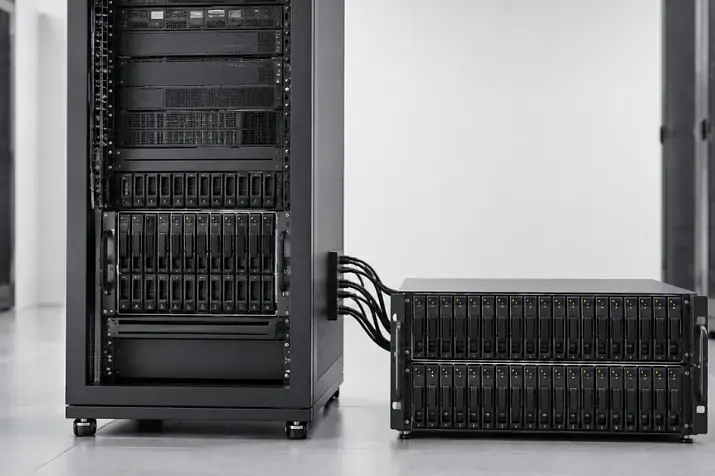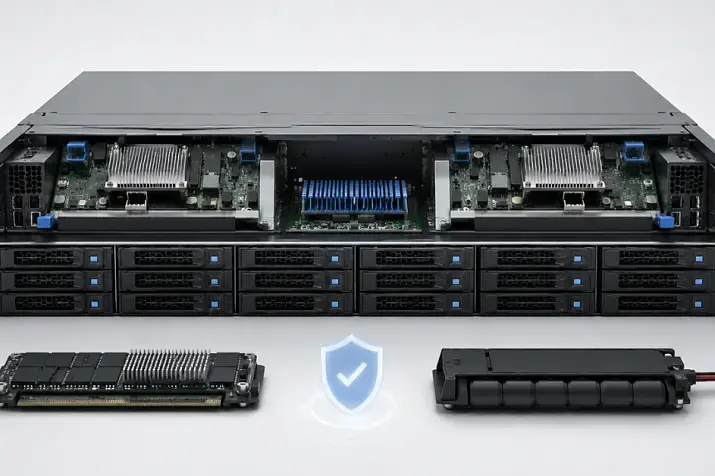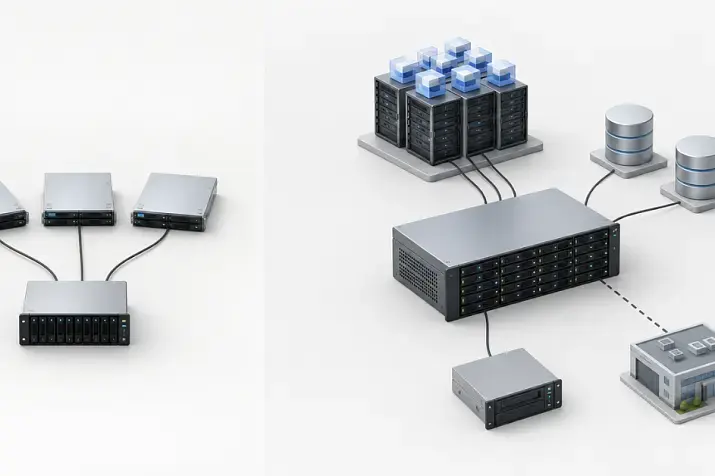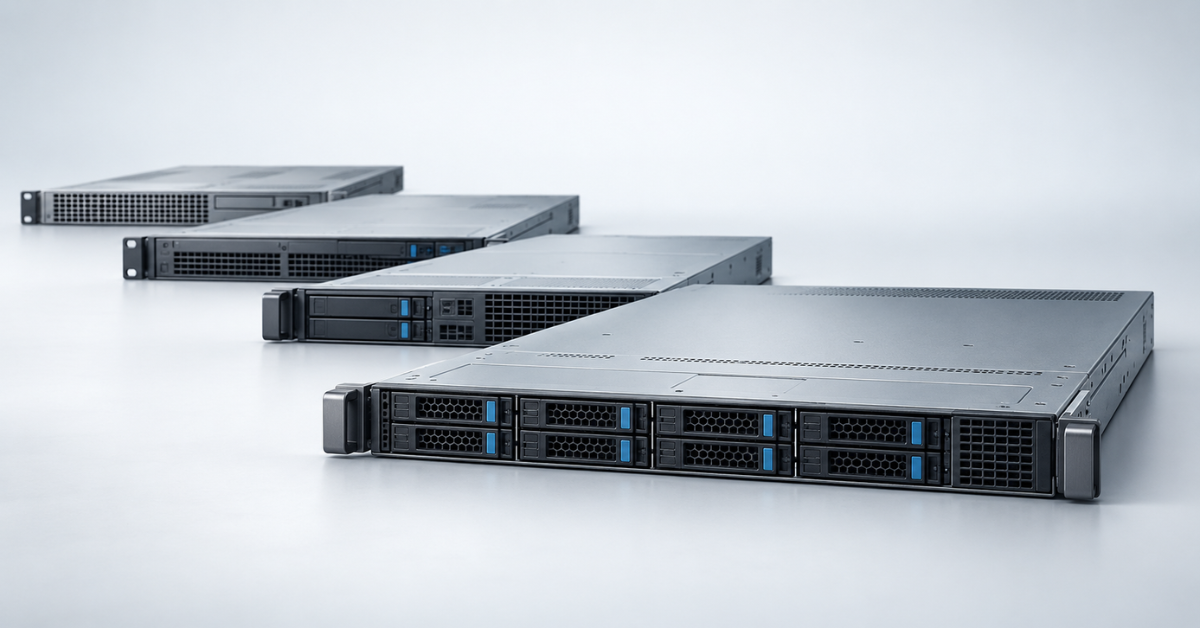
HPE ProLiant DL320 is a compact 1U rack server with one processor socket. For new infrastructure, DL320 Gen12 is the sensible choice when high core density, up to 4 TB of memory and long-term expansion headroom are required; DL320 Gen11 remains a cost-effective option for moderate virtualization, edge computing and infrastructure services. DL320e Gen8 v2 can still make sense in a lab or a non-critical system, but not as the foundation of a project with a long service life.
The model is listed in the general HPE ProLiant DL320 range. DL indicates a rack-mounted system, the number 3 places it in the more capable product family, and 20 identifies its position within that family. However, the DL320 is not simply a smaller DL360: it is a separate single-socket platform with a different balance of price, density, storage and expansion.
A single processor does not necessarily mean entry-level performance. Modern Xeon processors contain dozens of cores, and Gen12 supports as many as 144 cores in models with efficiency cores. A single-socket design lowers the cost of the platform itself and can simplify software licensing based on socket or core count. The trade-off is fewer I/O lanes and a lower scaling ceiling than a dual-socket DL360.
Why the DL320 has no continuous Gen8–Gen12 line
The history of the DL320 is unusual. Early servers were named DL320 G1, G2, G3, G4, G5 and G6. They were followed by the DL320e Gen8 and the updated DL320e Gen8 v2. HPE did not release DL320 Gen9, Gen10 or Gen10 Plus models: during that period, other products covered the compact single-socket segment, including the DL20 and selected DL100-series models.
The DL320 name returned only with Gen11, no longer as an inexpensive Xeon E3 server but as a much more flexible platform supporting Xeon Scalable processors, large amounts of DDR5 memory, high-speed interfaces and accelerators. Gen12 continued this concept. A comparison in which every generation is assumed to be only slightly faster than the previous one is therefore misleading: the move from Gen8 v2 to Gen11 changed the class of the platform.
The general Gen9, Gen10 and Gen10 Plus generation pages can be useful when choosing other ProLiant servers, but they should not be presented as “DL320 Gen9” or “DL320 Gen10.” Those models do not exist.
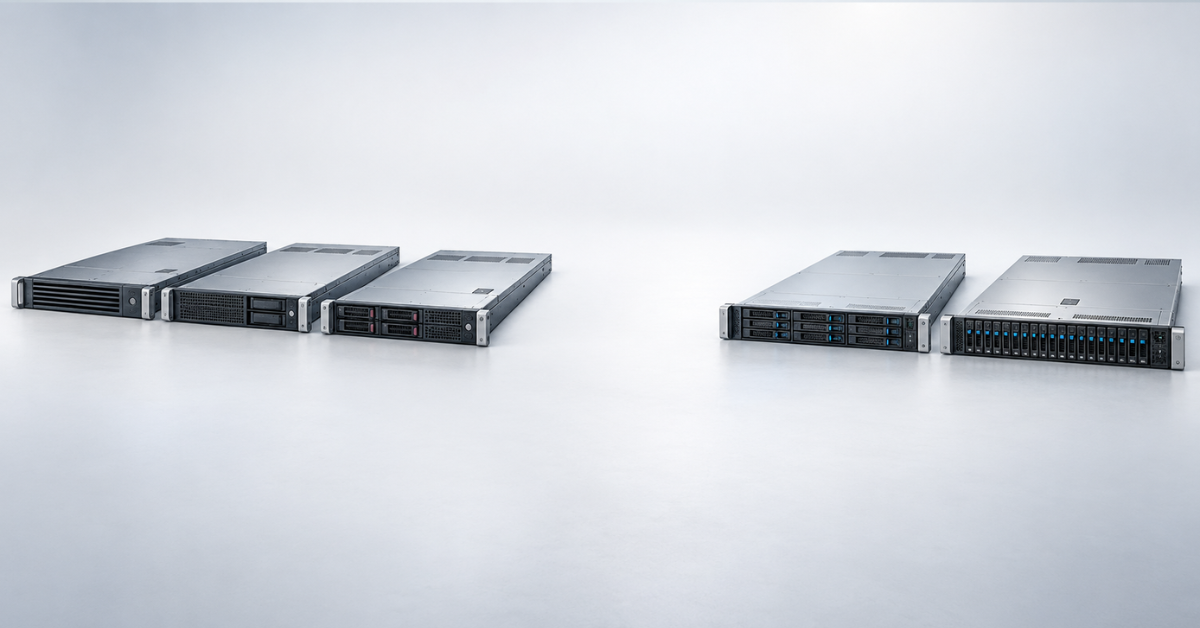
Early DL320 G1–G6 servers
The first DL320 systems were designed as affordable servers for dense rack installation. Over several generations, the series moved from single-socket Pentium 4 and early Xeon processors to more capable Xeon 3000, 5000 and 5600 families. Memory, storage interfaces and management tools evolved at the same time.
- G1–G3 represent an era when 1U servers were often used for web services, network applications and individual infrastructure roles. Today, these systems are primarily of historical or museum interest.
- G4 and G5 gained more modern multi-core processors for their time, SATA/SAS support and improved remote management, but their energy efficiency and compatibility with current software are now limited. They may still be used for legacy systems.
- G6 supported Xeon 3500, 5500 and 5600 families, DDR3 memory and configurations with redundant power supplies. It is much closer to a conventional data-centre server, but component age makes it risky for critical production use.
When buying a G6, the condition of the system board, power supplies, fans, storage subsystem and RAID controller cache module matters more than the published maximum specifications. Even a fully functional unit is limited by old firmware, system software and support for modern hypervisors, while finding suitable spare parts can become a challenge. Savings on the purchase price may also be lost through higher power consumption and manual maintenance.
DL320e Gen8 and Gen8 v2
DL320e Gen8 retained the 1U form factor and one processor but became part of the broader ProLiant Gen8 architecture. Depending on the configuration, it used Xeon E3-1200 v2, Core i3 or Pentium processors, error-correcting DDR3 memory, an integrated 1 GbE adapter and iLO 4 management. Chassis with small- and large-form-factor drives were available, and the exact number of bays depended on the chassis.
The official archive of DL320e Gen8 specifications marks the product as discontinued. This distinction matters: the document remains useful for checking compatibility and the original configuration, but it does not imply current support.
What changed in Gen8 v2
DL320e Gen8 v2 moved to Xeon E3-1200 v3 and a newer platform generation. It has four memory slots and a maximum capacity of only 32 GB, so memory quickly becomes the limiting factor for virtualization even when processor performance is sufficient. The compact chassis and several drive-cage options made the server suitable for directory and print services, small databases, network roles and web applications.
- For a lab, Gen8 v2 remains attractive because of its full iLO 4 implementation and low secondary-market price.
- For data storage, limitations in drive count and integrated-controller performance require careful selection of the RAID card and drives.
- For continuous production workloads, consider the age of the fans, power supplies and flash memory, as well as operating-system and hypervisor support.
Choosing the Right Equipment
Our specialists will contact you and answer all your questions
HPE ProLiant DL320 Gen11
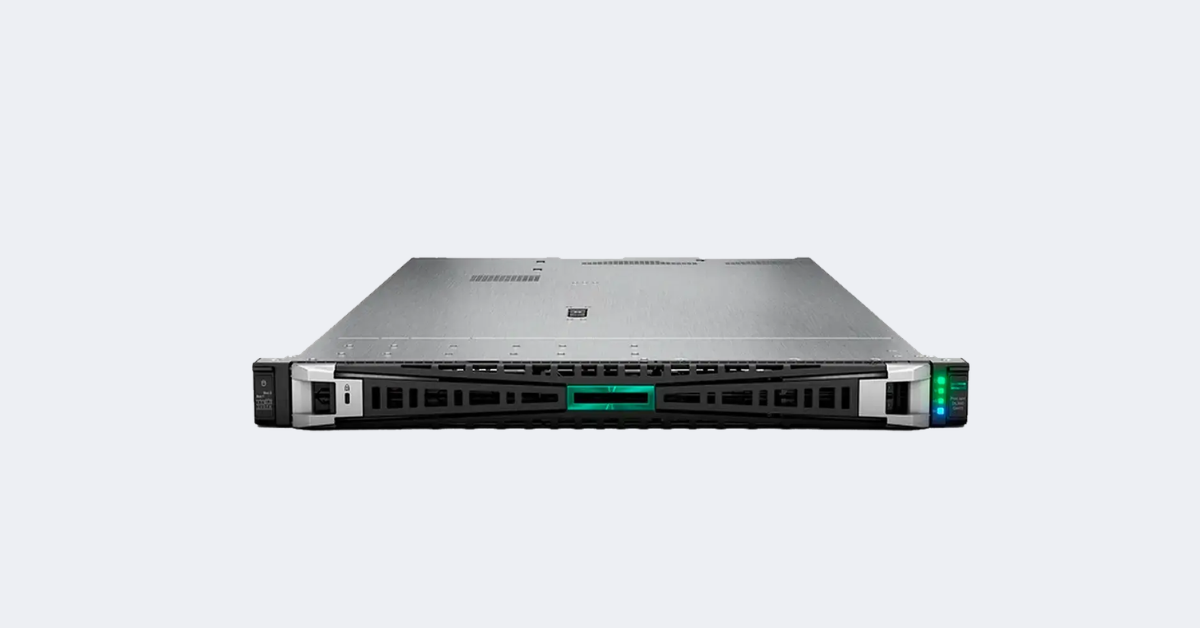 Image source: Servermall
With Gen11, the model returned on a different scale. This is a single-socket 1U server designed not only for basic office roles but also for edge computing, containers, virtual machines, data collection and accelerator-based workloads. HPE positions it as a modular platform whose layout depends on the workload.
In its DL320 Gen11 description, HPE highlights the compact single-socket chassis and its focus on edge workloads, including computer vision. For the buyer, the more important point is that the same model name covers substantially different configurations.
Processors and memory
The platform supports different classes of Intel processors. Higher-end configurations use fourth- and fifth-generation Xeon Scalable processors, while more affordable systems use Xeon E-2400. These options are not interchangeable: the socket, number of memory channels, maximum RAM capacity and available components differ. Check the base chassis code and the specification of the exact build before ordering.
Scalable configurations provide up to 16 DDR5 slots and a much higher memory ceiling than DL320e Gen8 v2. This makes the DL320 suitable as a compact virtualization or data-processing node. Installing only one or two memory modules, however, does not make full use of the available channel bandwidth; memory should be distributed across channels according to the HPE population rules.
Storage, networking and expansion
- The DL320 Gen11 8SFF chassis supports a relatively large number of small-form-factor drives and high-speed SSDs.
- The DL320 Gen11 4LFF version is more convenient when capacity on large HDDs is the priority.
- Some bays can support NVMe, but the number of NVMe drives depends on the cage, cabling, controller and allocation of PCIe lanes.
- An OCP 3.0 slot allows a network adapter to be selected without consuming a conventional expansion slot. At an edge location, this provides a choice of multiple 1, 10 or 25 Gb/s ports and faster options.
- Accelerator support depends on card length and power, the fan kit, the power supply and the selected riser. The presence of PCIe 5.0 alone does not make every GPU compatible.
Management is provided by iLO 6. Basic monitoring is available with the base licence, but the remote console and some security and automation capabilities require an advanced licence. This should be included in the budget alongside rails, the cable management arm, the second power supply and boot drives.
HPE ProLiant Compute DL320 Gen12
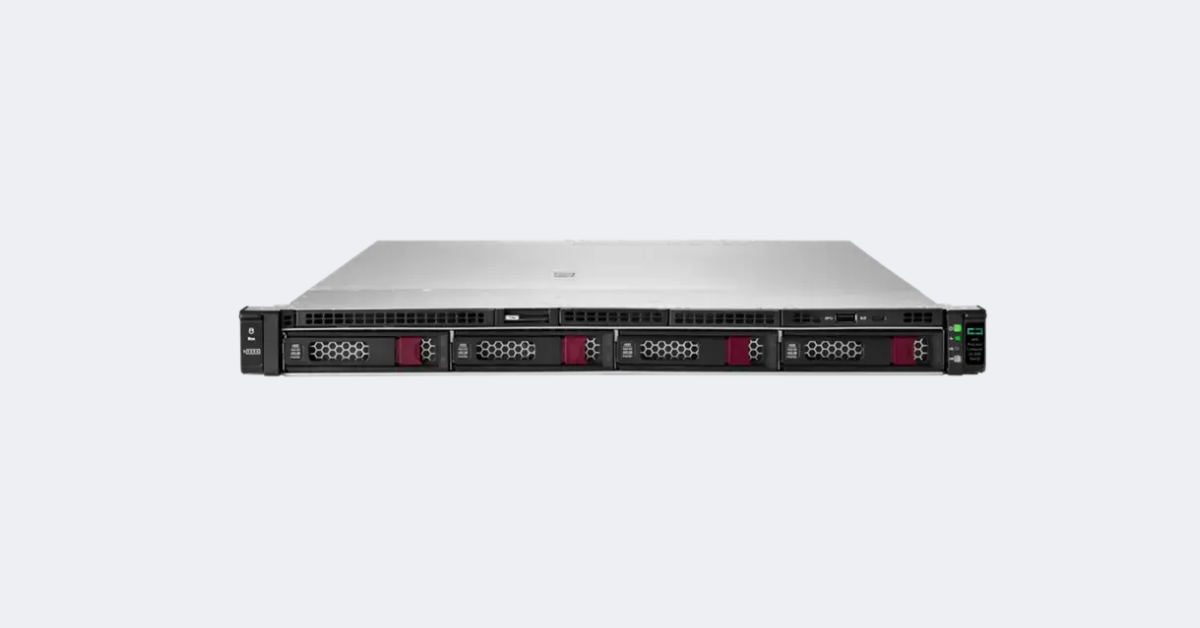
Image source: Servermall
DL320 Gen12 develops the concept of a dense single-socket node. The main change is the move to Intel Xeon 6. Depending on the processor family, configurations are available with up to 86 performance cores or up to 144 efficiency cores. The former are better suited to workloads sensitive to single-core performance; the latter suit large numbers of parallel threads, containers and scalable services.
According to the official DL320 Gen12 QuickSpecs, the platform supports up to 4 TB of DDR5 at speeds of up to 6400 MT/s and PCIe 5.0. These are platform maximums: the actual limit depends on the selected processor, module type, channel population rules and component availability.
What the move to Gen12 provides
- More cores in one socket increase compute density without requiring a dual-socket system.
- Up to 4 TB of memory expands the range of applications: large databases, caching, analytics and denser virtualization are less likely to reach the Gen11 ceiling.
- PCIe 5.0 maintains high bandwidth for network cards, drives and accelerators, but lane allocation between devices must be planned in advance.
- iLO 7 updates the management and protection architecture. New functions matter, but so does the different firmware and support lifecycle compared with iLO 6.
- New mechanisms for protecting firmware and hardware secrets are useful in distributed infrastructure where servers operate outside the main data centre.
At the time of writing, the HPE DL320 Gen12 8SFF configuration is available in the catalogue. If other cages, network adapters or processors are required, compatibility should be checked against the specification of the selected chassis rather than the general family maximum.
Comparison of key DL320 generations
| Generation | Processor | Memory | Storage | Management | Sensible use |
|---|---|---|---|---|---|
| G6 | Xeon 3500/5500/5600 | DDR3 | SATA/SAS, SFF and LFF options | iLO 2 | Legacy systems and training labs |
| DL320e Gen8 | Xeon E3-1200 v2 | Up to 32 GB DDR3 | Up to 4 LFF or 8 SFF, depending on the chassis | iLO 4 | Non-critical services and labs |
| DL320e Gen8 v2 | Xeon E3-1200 v3 | Up to 32 GB DDR3 | Compact LFF and SFF options | iLO 4 | Labs and light infrastructure roles |
| DL320 Gen11 | Xeon E-2400 or fourth- or fifth-generation Xeon Scalable | DDR5, up to 2 TB in Scalable configurations | 4 LFF, 8 SFF and additional options; NVMe available | iLO 6 | Edge computing, virtual machines, containers and data collection |
| DL320 Gen12 | Intel Xeon 6, up to 86 performance cores or 144 efficiency cores | Up to 4 TB DDR5 | SFF, LFF and NVMe depending on configuration | iLO 7 | High compute density, new projects and a long service lifecycle |
Workloads suited to the DL320
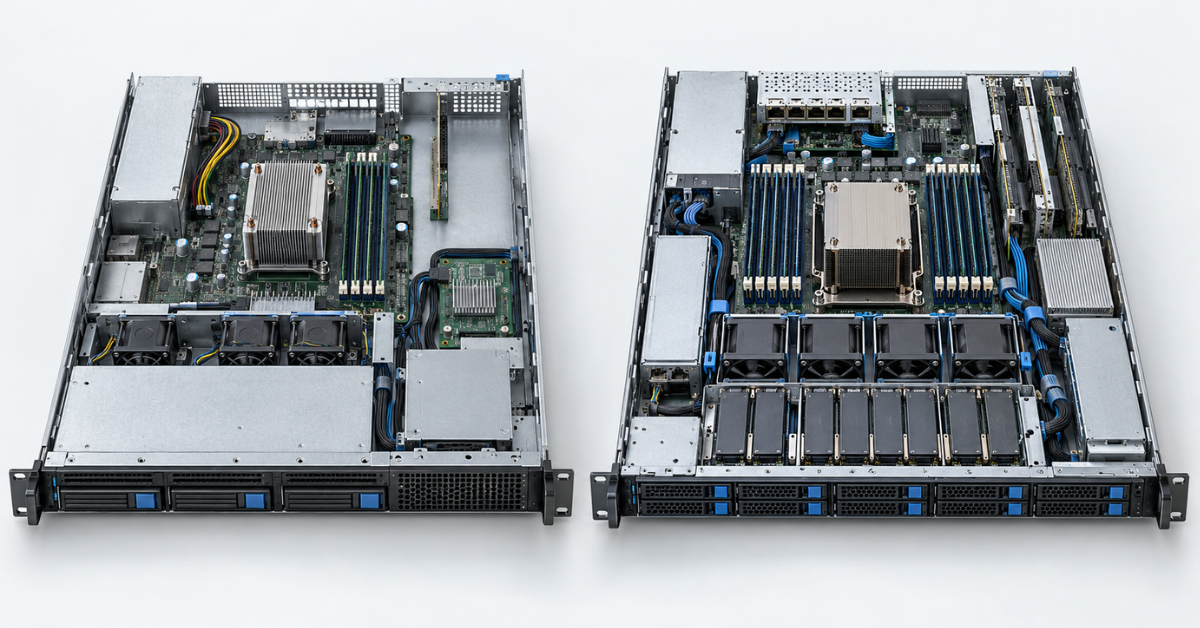
The strength of the DL320 is its combination of a 1U chassis, one socket and relatively capable I/O. It is particularly useful when a dual-socket system would be excessive but a simple entry-level server is no longer sufficient.
- Edge locations. Process video streams, telemetry and industrial data close to the source instead of sending the entire stream to a central data centre.
- Moderate-density virtualization. Infrastructure virtual machines, small databases, web services and branch applications. High availability for critical virtual machines should be provided by a cluster, not a single server.
- Container nodes. The high core count of Gen12 suits parallel services when the network and storage can handle the corresponding data flow.
- Network and security applications. Firewalls, proxies, log collection and traffic analysis where slots for high-speed adapters are important.
- Local storage and smaller backup workloads. LFF versions provide capacity, but a 1U chassis limits drive count and cooling compared with 2U.
For software licensed by core count, the largest Xeon is not always the most economical choice. A database or commercial hypervisor, for example, may cost more because of licensing. A processor with fewer fast cores and more memory can sometimes deliver a lower total cost.
When to choose DL20, DL360 or DL380 instead
DL20
DL20 is suitable for basic infrastructure services, a small file server, a domain controller or a simple application that does not require a large amount of memory or complex expansion. It is usually less expensive, but offers less processor, memory and I/O headroom.
DL360
DL360 also occupies 1U but provides two processor sockets and a higher memory ceiling. It is more appropriate for dense virtualization and workloads that genuinely require the resources of two sockets. The model’s evolution is covered in “HPE ProLiant DL360 Gen9–Gen12: comparison and selection.”
DL380
The 2U chassis provides more room for drives, expansion cards, controllers and accelerators. DL380 is a more rational choice as a general-purpose node, a server with extensive local storage or a platform with expansion headroom. Its generations are compared in “HPE ProLiant DL380: comparison of Gen9–Gen12 generations.”
Choosing the Right Equipment
Our specialists will contact you and answer all your questions
How to choose a generation and configuration
Selection should begin with the workload profile, not the generation number. For databases and ERP, core performance, memory capacity and storage latency matter. For containers and web services, focus on core count and networking. For video analytics, check accelerator compatibility, power and cooling. A file archive depends on the number of LFF drives, so the DL320 may lose to a 2U model even with a newer processor.
Processor and licensing
Estimate sustained and peak load, then add reserve capacity without buying the maximum “just in case.” For software licensed by core count, the cost of unnecessary cores recurs every year. In Gen12, the choice between performance and efficiency cores should be based on testing the actual workload: a large number of threads does not replace high single-thread speed.
Memory
Allow capacity for working data, cache, the hypervisor and future growth. At the same time, follow the channel population rules: an arbitrary set of modules reduces bandwidth and may limit frequency. For future upgrades, it is better to leave channels free deliberately than to fill every slot immediately with small modules.
Drives and controller
The drive cage should be selected before the chassis is ordered. Moving from 4 LFF to 8 SFF after purchase usually requires replacement of front modules, cages, cables and sometimes the controller. For NVMe, check not only the presence of bays but also PCIe wiring. Hardware RAID is useful for SAS/SATA and write caching, while software-defined storage may require direct access to drives instead of a hardware array.
Networking, power and installation
- A cluster needs separate management, migration and storage traffic flows, or sufficient bandwidth with proper traffic separation.
- Two power supplies protect against the failure of one source only when connected to independent circuits or UPS units.
- A 1U server produces a high, noticeable noise level and is less suitable than a tower model for an office without a server room.
- Check chassis depth, rails and cable clearance for the exact part number, especially in shallow telecommunications cabinets.
- A high-power processor or GPU may require enhanced fans and higher-capacity power supplies, increasing noise and power consumption.
What to consider when buying a refurbished server
For Gen8 and earlier generations, the condition of the individual unit matters more than a difference in processor frequency. The iLO error history, drive wear, condition of the RAID cache module, matching power supplies and completeness of drive caddies directly affect commissioning costs. Incompatible fans or non-original sensors can also increase power consumption.
Define the scope of supply in advance: RAID controller model and cache size, iLO licence, network cards, drive cage, adapters, blanks, rails and cable management arm. BIOS, iLO, controller and drive firmware must be mutually compatible. Updates should follow the documented sequence because very old releases cannot always be skipped safely in a single step.
A refurbished Gen11 platform can remain economically attractive for several years, particularly when the maximum Gen12 core count is unnecessary. Compare complete configurations: an inexpensive base chassis without a second power supply, rails, controller and remote-console licence can cost more than a properly prepared system.
Which DL320 generation to choose
- DL320 Gen12 is the primary choice for a new project with a five-year or longer horizon, high compute density, a large memory requirement or a need for the newer security and support lifecycle.
- DL320 Gen11 is a sensible option when its performance is sufficient and the price difference can be spent on more memory, storage, networking and redundant power.
- DL320e Gen8 v2 should be limited to a lab, training, a test environment, a non-critical service or a cost-effective expansion of an existing fleet where downtime, the absence of new updates and the search for spare parts do not create significant risk.
- G6 and earlier models are legacy equipment. Keep them when required for compatibility with legacy systems, but do not choose them as a general-purpose foundation for new infrastructure. Or build a museum.
DL320 is particularly effective when one modern processor and a capable server platform are needed in a 1U chassis, but paying for two sockets makes no sense. If the project requires dozens of drives, several full-size accelerators or future expansion to two processors, move directly to the DL380 or DL360: trying to expand the DL320 beyond the limits of its layout usually costs more than selecting the right chassis at the start.
Choosing the Right Equipment
Our specialists will contact you and answer all your questions