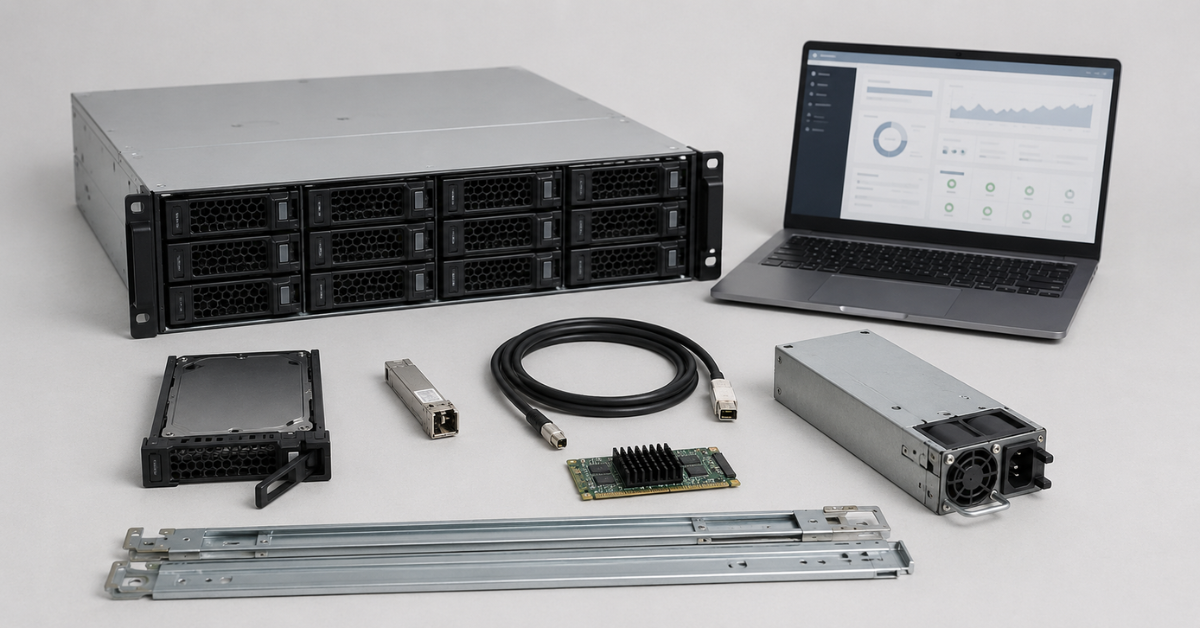
Before buying a refurbished storage array, you need to check not only the brand, capacity and price, but the full system configuration: the exact model, part number, controllers, ports, SFP modules, drives, expansion shelves, cables, power supplies, rails, cache status, the presence and condition of the battery or supercapacitor, firmware versions and active licenses. Without this check, you may buy a device that powers on but does not provide the required fault tolerance, does not support the necessary functions or requires additional spending after delivery. The safe approach is to request reports on drives, controllers, cache, licenses and load testing from the supplier, and then perform an incoming inspection at your own site.
Refurbished storage arrays are often purchased when enterprise-level reliability is needed, but the budget does not allow for a new storage system. This can be a reasonable option: there are many refurbished Dell, HPE, NetApp, Lenovo, IBM and other systems on the market that, after diagnostics, can continue working for a long time in server rooms and small data centers. But a storage array cannot be evaluated in the same way as a regular server. In a server, it is easier to replace memory, drives, network cards or a power supply. A storage array depends much more on the vendor ecosystem: controllers, shelves, drives with the required firmware, licenses and compatible connection modules.
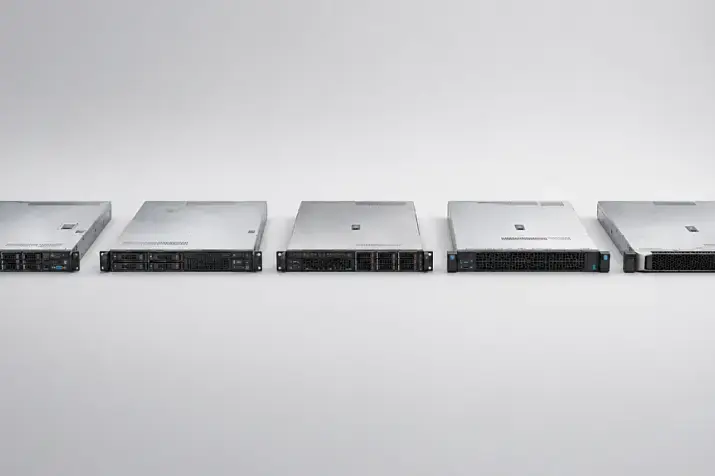
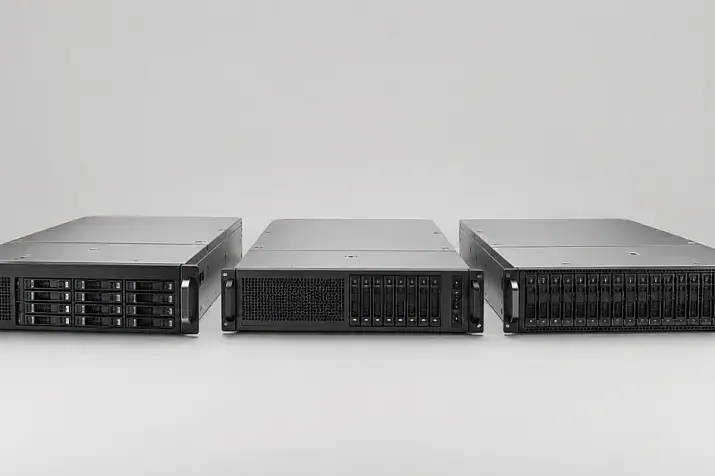
If you are choosing a system for production infrastructure, it is worth looking first not only at individual models, but at the entire equipment class. For example, in the Servermall storage systems section, you can compare different storage formats: compact 2U arrays, systems with shelves, and options for SAS, FC and iSCSI. But after choosing a product line, the most important part begins: checking the exact configuration.
Most popular servers
Free shipping on orders over £500 in the EU, £500 in the UK, and $3,000 in the USA
Free shipping on orders over £500 in the EU, £500 in the UK, and $3,000 in the USA
Free shipping on orders over £500 in the EU, £500 in the UK, and $3,000 in the USA
Free shipping on orders over £500 in the EU, £500 in the UK, and $3,000 in the USA
Why a refurbished storage array needs a separate check
The main risks of a refurbished storage array are usually not related to age itself, but to incomplete or unconfirmed configuration. The hardware may look normal, pass a basic power-on test and even show a “working” status, while still having problems that appear only when connected to a real workload.
The most common problems are caused by the following:
- the system has only one controller instead of a pair;
- the controllers differ by model, cache size or firmware version;
- the required ports are listed in the product line description, but are not installed in the specific unit;
- SFP modules, cables or rails are not included;
- drives have high wear or errors;
- SSDs are already close to their endurance limit;
- the cache battery or supercapacitor is in an error state;
- an expansion shelf is included, but without the required cables and modules;
- licenses for snapshots, replication or compression are not active;
- firmware versions of drives, controllers and shelves do not match;
- the supplier checked only power-on and did not run a load test.
In practice, this means one simple thing: you should not buy “a storage model”, but a confirmed configuration. The commercial offer must clearly show all key components: chassis, controllers, drives, interfaces, cables, licenses, firmware and warranty terms.
First, define the storage task
Before checking the hardware, you need to understand exactly what the system is being purchased for. A storage array with the same capacity can be a good choice for backups and a weak option for databases. Or the opposite: a fast SSD configuration can be excessive for a cold archive.
Before requesting an offer, define:
- Usable capacity.
Not the total sum of all drives, but the volume after RAID, reserves, service areas and room for growth. - Workload type.
Read, write, mixed profile, large files, small blocks, databases, virtual machines. - Required connection interface.
FC, iSCSI or SAS. A mistake at this stage can make a good storage array useless for your infrastructure. - The number of servers that will connect to the storage array.
The requirements for paths, ports and fault tolerance are different for one server and for a virtualization cluster. - Required functions.
Snapshots, replication, compression, deduplication, thin provisioning, hypervisor integration, encryption. - Expansion plan.
How many shelves can be added, which drives are supported, and whether there are capacity or license limits. - Fault-tolerance requirements.
Whether you need two controllers, two power supplies, two independent paths to each server and spare drives.
For virtualization, latency, stable operation under mixed load and correct multipath connectivity are especially important. For backups, capacity, price per terabyte and the ability to expand with shelves are usually more important. For databases, latency, cache, SSDs and predictable write behavior are critical.
Model and part number: why the name is not enough
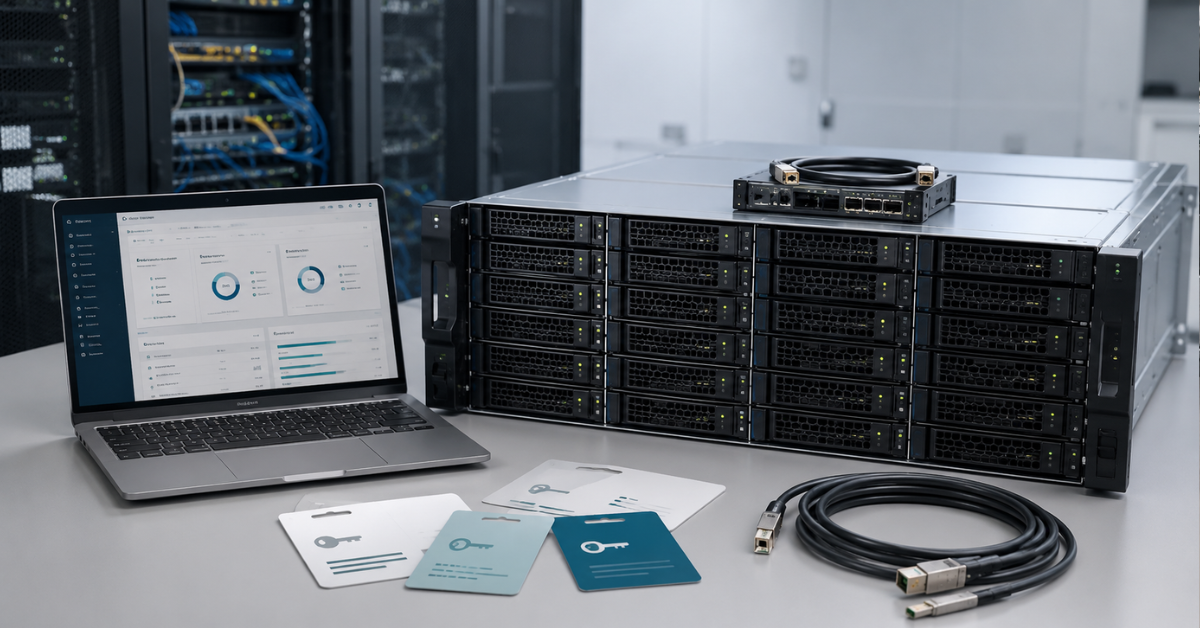
The same storage array line can be sold in different configurations. The description may say that the model supports FC, iSCSI, SAS, SSDs, expansion shelves and various advanced functions. But this does not mean that all of these capabilities are present in the specific unit being offered to you.
Before payment, request the following:
- the exact model;
- the part number or configuration number;
- the chassis serial number;
- the controller serial numbers;
- a list of installed controllers;
- a list of ports on each controller;
- a drive list by slot;
- a list of expansion shelves, if any;
- photos of the front and rear panels of the exact unit being sold;
- a list of included cables, SFP modules, power supplies and rails.
A typical mistake is to look only at the product card name. For example, it may say “FC/iSCSI”, but the rear panel may have a different controller configuration, and SFP modules may not be included. Or it may say “up to 24 drives”, while the storage array itself is empty, has a 12-drive chassis or is missing drive caddies.
For a refurbished deal, it is especially important that the supplier shows not only a polished product-line specification, but the actual composition of the specific unit.
Pre-purchase checklist
| Component | What to check | What to request from the supplier | Warning sign |
|---|---|---|---|
| Chassis | Model, part number, case condition, completeness | Photos, serial number, specification | Only stock photos, no exact model |
| Controllers | Quantity, identical model, cache, firmware | Health status, logs, serial numbers | One controller, different versions, synchronization errors |
| Ports | Interface type, speed, number of active ports | Rear-panel photo, port list, WWN or MAC | “Supported” without confirmation of actual ports |
| SFP and cables | Compatibility, speed, cable type | SFP model, quantity, cable length and type | Modules and cables are sold separately |
| Cache | Capacity, write mode, protection status | Cache status, controller report | Cache is disabled or works in a slow safe mode |
| Battery or supercapacitor | Status, age, test | BBU, CacheVault or equivalent report | Battery error, unknown condition |
| HDDs | Power-on hours, errors, firmware, condition | SMART/health for each drive | Media errors, failures, mixed drives without explanation |
| SSDs | Wear, written volume, remaining endurance | Wear level, health, error statistics | High wear, no endurance data |
| Shelves | Compatibility, modules, cables, connection diagram | Shelf part numbers, photos, cabling diagram | The shelf is present, but cables or modules are missing |
| Power supplies | Quantity, condition, redundancy | Photos, health status | One power supply in a system designed for redundancy |
| Fans | Errors, speed, noise, status | Health status | Cooling errors |
| Licenses | Snapshots, replication, compression, deduplication | List of active licenses | “It used to work”, but there is no confirmation |
| Firmware | Controller, drive and shelf versions | Firmware inventory | Different versions without an update plan |
| Rails and caddies | Presence and compatibility | Photos of the kit | Rails or caddies are not included |
It is better to send this checklist to the supplier before approving the invoice. If some items “cannot be checked”, it is not always a reason to reject the deal immediately, but it is a reason to factor the risk into the price, timeline and acceptance terms.
Choosing the Right Equipment
Our specialists will contact you and answer all your questions
Controllers: why one working controller is not enough
Controllers are the core of a storage array. They manage drives, cache, volumes, ports, server connectivity and fault tolerance. For most business scenarios, a pair of controllers is required: if one controller fails or reboots, the second one must continue operating.
You need to check not just the presence of two modules, but their condition:
- both controllers are installed;
- the controllers are the same model;
- cache capacity is the same;
- firmware versions are compatible;
- both controllers see all drives and shelves;
- there are no synchronization errors;
- there are no degradation messages;
- all required ports are active;
- failover works when one controller fails.
In some systems, one controller is not a normal production configuration and is allowed only as a temporary state after the partner controller fails. For example, the HPE MSA 2060 specification states that the array does not support a single-controller configuration as a standard setup, and operation with one controller is intended only when the partner controller has failed.
If a supplier offers an array with one controller, you need to understand the consequences immediately. It may be suitable for a test lab, an archive without strict requirements or a temporary task. But for virtualization, databases and production workloads, this is a weak point.
When purchasing, ask the supplier specific questions:
- How many controllers are included?
- Are they identical?
- Are there any controller errors?
- Was controller failover tested?
- Do both controllers see all disk groups?
- Are all ports on both controllers working?
- Can you provide logs for the test period?
There may be different connection options within the same product line. For example, Dell PowerVault ME4024 FC/iSCSI should not be considered simply as “a Dell storage array”, but as a specific configuration with a defined set of controllers, ports, cache and drive bays.
Ports, SFP and cables: where hidden costs often appear
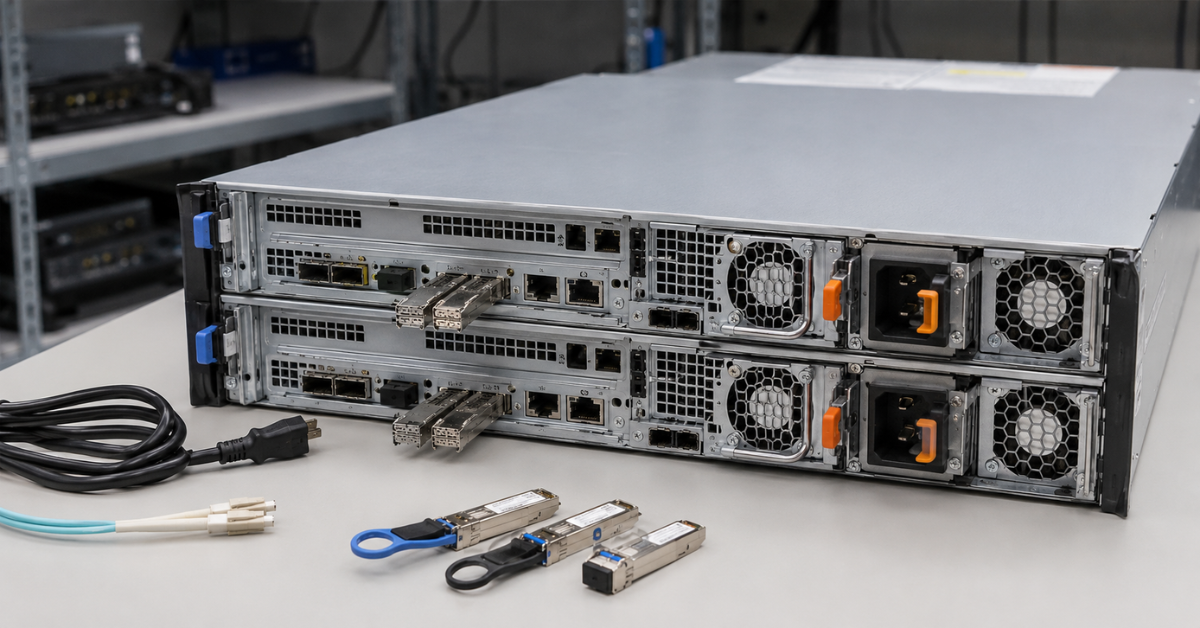
Ports must be checked physically and documented. A phrase such as “supports FC” or “has iSCSI” is not enough. You need to understand what is installed on the rear panel of the specific storage array and what is included in the shipment.
FC
FC is usually chosen for environments that need stable latency and a dedicated storage network. Check the following:
- port speed: 8, 16 or 32 Gbit/s;
- the number of ports per controller;
- whether SFP modules are included;
- SFP compatibility with switches;
- the WWN of each port;
- the possibility of direct connection if there are no switches;
- the connection scheme to two independent fabrics if fault tolerance is required.
A common mistake is to buy a storage array with FC ports but without SFPs. As a result, the project is delayed because the modules have to be purchased separately, while compatible options may be unavailable or more expensive than expected.
iSCSI
For iSCSI, it is important to check not only speed, but the whole network chain:
- 1/10/25 Gbit/s;
- copper port or SFP+;
- whether the storage network is separate;
- whether there are two independent paths;
- whether the switches support the required speed;
- whether jumbo frames need to be configured;
- whether management and data ports are mixed.
iSCSI looks simpler than FC, but network mistakes quickly lead to unstable latency. If the storage array is purchased for virtualization, it is worth agreeing on the connection scheme in advance: which ports go to which switch, which addresses are used and where multipath connectivity is enabled.
SAS
SAS connectivity is often found in entry-level and mid-range storage arrays, especially for direct connection to servers. Check the following:
- whether these are host SAS ports or expansion-shelf ports;
- which cables are required;
- whether mini-SAS HD cables are included;
- whether the servers have compatible HBA adapters;
- how many servers can be connected;
- whether fault-tolerant connectivity is supported.
SAS can be a good choice for a small infrastructure, but it is less flexible than FC or iSCSI if the number of servers is expected to grow.
Our most popular storage systems
Free shipping on orders over £500 in the EU, £500 in the UK, and $3,000 in the USA

Free shipping on orders over £500 in the EU, £500 in the UK, and $3,000 in the USA

Free shipping on orders over £500 in the EU, £500 in the UK, and $3,000 in the USA

Free shipping on orders over £500 in the EU, £500 in the UK, and $3,000 in the USA
Cache and cache protection: batteries, supercapacitors and data retention modules
Cache accelerates writes: the controller accepts data, confirms the operation to the server and then writes the data to drives. But if power is lost before the actual write, the data in cache must be protected. This is why storage arrays use batteries, supercapacitors and modules that save cache data to flash memory.
The Dell PowerVault ME5 documentation explains that in write-back mode, cache data is preserved in non-volatile storage if power is lost, and cache is mirrored between controller modules. For a buyer of a refurbished storage array, this is an important reference point: you need to check not only the cache itself, but also the mechanism that protects it.
Before buying, clarify:
- the cache size on each controller;
- whether fast write mode is enabled;
- whether there are cache warnings;
- whether the battery, supercapacitor and protection module are healthy;
- when the last test was performed;
- whether the system switches cache to a safe slow mode;
- whether there are events related to power loss, cache reset or data-preservation errors.
A cache battery problem does not always look dramatic. The storage array may power on, show volumes and even work. But write performance will be lower, and the system may constantly display warnings. Sometimes a supplier replaces the battery before sale but does not run a full verification cycle. This also needs to be clarified.
Ask separately whether the battery or cache protection module is covered by the warranty. For refurbished equipment, some suppliers cover only core components and exclude consumable parts. For a storage array, this is a risk: faulty cache protection can affect both performance and write safety.
Drives: capacity is not the same as condition
Drives are the most obvious, but not the simplest, check item. They cannot be evaluated only by quantity and capacity. Condition, firmware, compatibility, endurance and error history are important. That is why a frequent recommendation is to buy a refurbished storage array but use new drives. Nevertheless, if there is a need to save budget, purchasing drives can be a reasonable decision after a series of checks.
For HDDs, you need to look at:
- power-on hours;
- number of power cycles;
- reallocated sectors;
- read and write errors;
- interface errors;
- temperature;
- predictive failure messages;
- model consistency within the same group;
- firmware;
- whether any vendor warranty remains;
- availability of spare drives.
For SSDs, the following are additionally important:
- wear percentage;
- written volume;
- remaining endurance;
- reserve blocks;
- media errors;
- the workload type the SSD is designed for;
- support by the specific storage array.
The SMART/health report must be available for each drive, not as a general phrase such as “the drives are healthy”. Smartmontools describes smartctl and smartd as tools for controlling and monitoring ATA/SATA, SCSI/SAS and NVMe drives, so such reports can be used as one way to check drive condition if access to the data is not blocked by the storage controller.
Request a drive table from the supplier:
- slot;
- model;
- serial number;
- capacity;
- type;
- speed;
- firmware;
- condition;
- power-on hours;
- errors;
- SSD wear.
Enterprise storage arrays from major vendors have one more important nuance: not every drive with the right interface is suitable for a particular system. A drive may be SAS, have the required capacity and even physically fit into the bay, but still not be supported by the array firmware. This is why compatibility must be checked for the exact model and software version. It may turn out that suitable drives cost significantly more than alternatives with the same characteristics.
If the storage array is sold without drives, that is not necessarily bad. Sometimes a noHDD configuration is convenient: you can select new or refurbished drives separately for the task. But in that case, you need to check caddies, drive compatibility, capacity limits and licenses in advance, if they affect expansion.
Expansion shelves: check more than the chassis
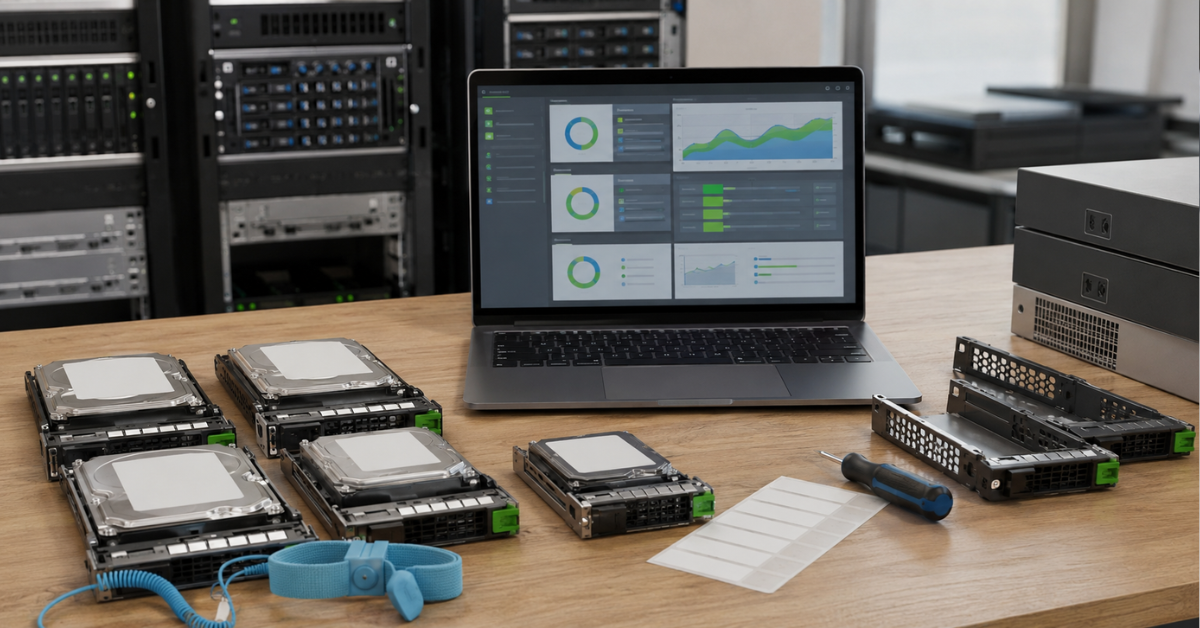
Storage arrays are often purchased with future growth in mind. Today the base chassis is enough; in a year, a shelf is needed; later, another one. In refurbished deals, expansion often becomes the source of problems: the shelf is present, but there are no cables; the cables are present, but of the wrong type; the shelf physically fits, but is not supported by the current firmware; the drive limit is already close.
Before buying, clarify:
- how many shelves the exact model supports;
- which shelves are compatible;
- which I/O modules are installed in the shelves;
- which cables are required;
- whether the cables are included;
- whether a connection diagram is available;
- whether all paths to shelves are redundant;
- whether firmware versions match;
- whether there are restrictions on drive types;
- whether a license is needed for expansion.
The NetApp documentation on adding disks separately states that the disk being added must be supported by the specific platform, and compatibility should be checked through Hardware Universe. This is a good example of a general rule for all enterprise storage arrays: compatibility must be checked by model, software version and exact drive type, not by form factor alone.
If you are considering a SAS configuration, such as HPE MSA 2052 HD-SAS 24SFF, check separately how servers are connected and how shelves are connected. With SAS, it is easy to confuse host ports with expansion ports, especially if you are looking only at a photo without a diagram.
Power supplies, fans, rails and small details
Compared with controllers and drives, power supplies, rails and caddies may seem secondary. But these are often the parts that create unpleasant installation delays.
Check the following:
- whether two power supplies are included;
- whether the power supplies have the same wattage;
- whether there are power-related errors;
- whether the fans are working;
- whether there are temperature warnings;
- whether rails are included;
- whether the rails fit your rack;
- whether all drive caddies are present;
- whether blanks are installed in empty bays;
- whether power cables are included;
- whether management cables are included, if required.
The absence of rails does not make a storage array faulty, but it can delay installation. Missing caddies are especially unpleasant if you planned to install your own drives quickly. Buying caddies separately can be slow and expensive, especially for older generations of equipment.
An unexpected but important nuance is also to check the power cable connectors if the storage array is not supplied with cables. A specific cable may be required, and it may not be available quickly.
Licenses and vendor lock-in
Licenses are one of the most underestimated risks when buying a refurbished storage array. The system may be fully functional, but without active licenses it will not provide the required functions. A product-line card may say that the array supports replication, snapshots, compression or hypervisor integration. But “supports” does not mean that the function is active in the specific system.
You need to check licenses for:
- snapshots;
- remote replication;
- volume copying;
- compression;
- deduplication;
- thin provisioning;
- automatic data tiering;
- encryption;
- integration with VMware, Hyper-V or other platforms;
- backup providers;
- shelf expansion;
- specific drive types;
- multipath connectivity, if this is a licensed feature for the specific system.
The main license-related risks are:
- the license belonged to the previous owner but is not transferable;
- the license is tied to a serial number;
- after a controller replacement, the license requires reactivation;
- the supplier cannot confirm the list of active functions;
- the required function exists in the series description but is not enabled;
- updates require access to the vendor portal;
- expansion with shelves or drives is limited by a license.
If you need replication between sites, do not accept the answer “this model supports replication”. You need to see that the function is active on the exact storage array being sold. The same applies to snapshots, compression and deduplication.
Vendor lock-in also requires an assessment of compatible spare-part availability. For example, a storage array may be fully operational, but already EOL; if a controller or even a drive fails, the replacement may have to be sourced from secondary markets, or the cost of replacement/repair may be comparable to the cost of the storage array itself, or even exceed it.
Choosing the Right Equipment
Our specialists will contact you and answer all your questions
What reports to request before payment
Before payment, you should request not only an invoice and a specification from the supplier, but a set of technical confirmations. The more critical the workload, the more detailed the package should be.
The minimum set:
- Full specification of the configuration being sold.
- Photos of the front and rear panels of the actual device.
- Serial numbers of the chassis and controllers.
- Drive list by slot.
- SMART/health reports for each drive.
- SSD wear data.
- Controller health status.
- Controller logs for the test period.
- Cache and cache-protection status.
- Status of the battery, supercapacitor or CacheVault.
- List of active licenses.
- Firmware versions of controllers, drives and shelves.
- Load test results.
- Kit confirmation: cables, SFPs, rails, power supplies, caddies.
- Warranty and component replacement terms.
- Return terms if the incoming inspection reveals a problem.
Separately clarify what “tested” actually means. For a storage array, simple power-on is not enough. A proper check should cover drives, controllers, ports, cache, logs, licenses and at least a basic load test.
Virtualization servers
Free shipping on orders over £500 in the EU, £500 in the UK, and $3,000 in the USA
Free shipping on orders over £500 in the EU, £500 in the UK, and $3,000 in the USA

Free shipping on orders over £500 in the EU, £500 in the UK, and $3,000 in the USA
Free shipping on orders over £500 in the EU, £500 in the UK, and $3,000 in the USA
Questions to ask the supplier before buying
| Question | Why ask it | Good answer | Bad answer |
|---|---|---|---|
| Is this a photo of the exact unit? | To verify the real configuration | Yes, the photo is of this exact storage array | It is a stock photo |
| How many controllers are included? | To assess fault tolerance | Two identical controllers, status OK | One; the second can be purchased separately |
| Which ports are actually installed? | To avoid connection mistakes | There is a port list and a rear-panel photo | The model generally supports different ports |
| Are SFP modules included? | To avoid hidden costs | Models and quantity are specified | They are usually included, but this needs clarification |
| Are connection cables included? | To prepare installation | Cable types and lengths are specified | The cables were not checked |
| Are there drive reports? | To assess HDD and SSD condition | There is a report for each drive | The drives are working |
| What is the SSD wear level? | To understand remaining endurance | Wear level is available for each SSD | No data is available |
| What is the cache status? | To check performance and write safety | Cache and protection are healthy | Not checked |
| Which licenses are active? | To avoid losing required functions | There is an export or screenshot of the license list | Everything should work |
| Which firmware versions are installed? | To check compatibility | There is a firmware inventory | The versions are unknown |
| Was a load test performed? | To check stability | There are test results | Only power-on was checked |
| What is covered by the warranty? | To understand the real risks | Drives, controllers, PSUs and replacement timelines are specified | There is a general warranty; details will come later |
It is better to ask these questions in writing. Then the specification, reports and supplier promises become part of the deal, not an oral agreement.
Minimum incoming test protocol after delivery
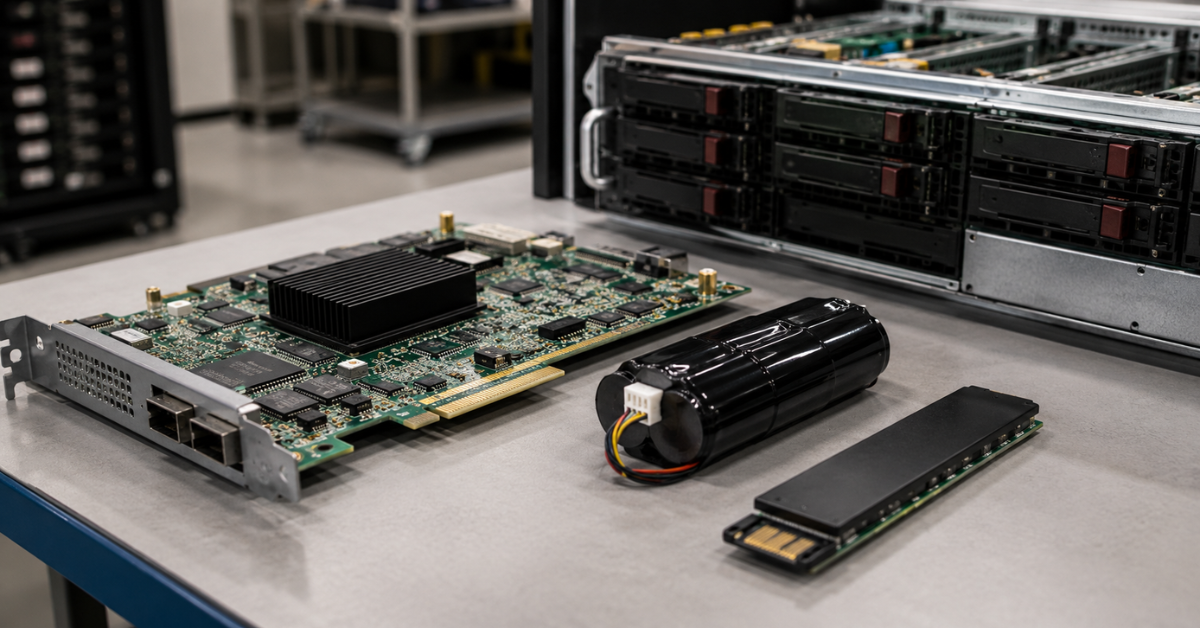
Even if the supplier has sent reports, after delivery the storage array should be accepted according to your own protocol. This does not necessarily require a complex lab, but a basic check should be completed before the system is put into production.
Visual inspection
Check the following:
- whether the chassis is damaged;
- whether serial numbers match;
- whether all drives are in place;
- whether all caddies are installed;
- whether blanks are present in empty slots;
- whether both controllers are installed;
- whether both power supplies are installed;
- whether rails are included;
- whether SFPs and cables are included;
- whether connectors are damaged.
First power-on
After power-on, check:
- both power supplies;
- fans;
- error indicators;
- temperature;
- access to the management interface;
- controller condition;
- drive condition;
- cache condition;
- absence of critical warnings.
If the system immediately shows errors related to cache, battery, drives or controllers, you should not start configuration “hoping it will go away”. First, identify the cause.
Firmware and license check
Save the following:
- controller firmware versions;
- drive firmware versions;
- shelf module firmware versions;
- the list of active licenses;
- the list of enabled functions;
- a configuration export.
Check whether this matches what was stated in the commercial offer. If you bought the storage array for replication, snapshots or compression, the function must be active before production use.
Drive check
Check the following:
- all drives are visible;
- there are no failed/degraded states;
- there are no predictive failure warnings;
- errors are not increasing;
- SSDs have the expected remaining endurance;
- spare drives are assigned correctly;
- disk groups are created without errors.
If the drives were already part of the storage array, do not create production volumes immediately. First, check the array condition and create a test group or test volume.
Fault-tolerance check
For a production environment, it is important to check not only whether the volume is “visible”, but how fault tolerance works:
- the server sees multiple paths to the storage array;
- multipath connectivity works correctly;
- disconnecting one cable does not cause volume loss;
- one controller can be rebooted without loss of access;
- after recovery, the path returns to normal;
- logs are not filled with errors.
This test is best performed on a test volume, not on production data.
Load test
The minimum set of tests:
- sequential read;
- sequential write;
- mixed workload;
- small-block workload;
- multi-threaded test;
- latency monitoring;
- temperature monitoring;
- log check after the test.
The goal is not to get record numbers. It is important to make sure that the storage array works steadily, does not enter error states, does not lose paths, does not overheat and does not show drive problems.
Acceptance documentation
After the test, save:
- screenshots of the overall health status;
- the drive list;
- the license list;
- firmware versions;
- log exports;
- load test results;
- photos of the installed system;
- the acceptance report.
If a warranty dispute arises later, these materials will help prove the condition in which the storage array was accepted.
When it is better to walk away from the purchase
There are situations where a low price does not compensate for the risk. It is better to decline the purchase or revise the terms if:
- the supplier does not provide serial numbers;
- there are no photos of the exact device;
- there are no drive reports;
- there is no SSD wear data;
- only one controller is installed, although fault tolerance is required;
- controllers are different models;
- it is unclear which ports are installed;
- SFPs and cables are not included, but this was not stated in advance;
- cache status is unknown;
- the cache battery is in an error state;
- licenses are not confirmed;
- firmware versions are unknown;
- rails and caddies are not included;
- the supplier is not ready to describe warranty coverage for drives and batteries;
- testing is promised only after payment;
- questions are answered with vague general phrases.
A refurbished storage array does not have to look new, but it must be technically clear. Scratches on the chassis are usually not critical. Unknown licenses, unconfirmed drives and cache errors are critical.
Conclusion
A refurbished storage array is worth buying when the supplier confirms not only the model and price, but the entire configuration: controllers, ports, drives, shelves, cables, power supplies, rails, cache, cache protection, licenses and firmware. The cheapest storage array can become expensive if, after delivery, you have to separately buy SFPs, cables, caddies, batteries, drives or licenses.
A good scenario looks like this: first define the task, then request a full specification and reports, then agree on the kit and warranty, and after delivery perform an incoming test. This approach reduces the risk of buying “working hardware” that does not fit your infrastructure.
Choosing the Right Equipment
Our specialists will contact you and answer all your questions

Free shipping on orders over £500 in the EU, £500 in the UK, and $3,000 in the USA

Free shipping on orders over £500 in the EU, £500 in the UK, and $3,000 in the USA
Free shipping on orders over £500 in the EU, £500 in the UK, and $3,000 in the USA
Free shipping on orders over £500 in the EU, £500 in the UK, and $3,000 in the USA
Free shipping on orders over £500 in the EU, £500 in the UK, and $3,000 in the USA

Free shipping on orders over £500 in the EU, £500 in the UK, and $3,000 in the USA