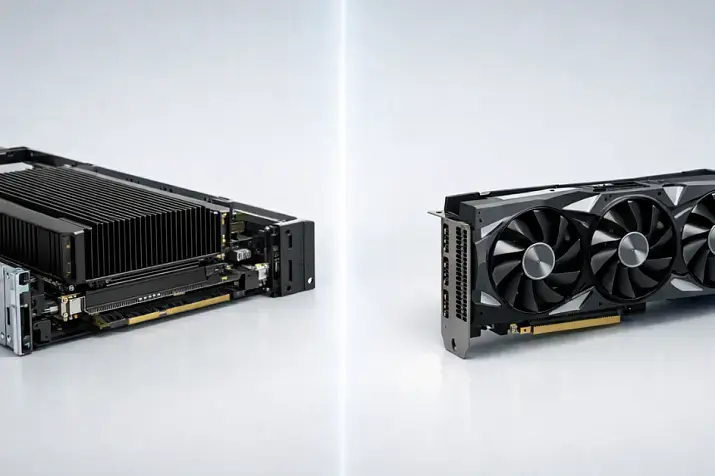
HDD vs SSD vs NVMe
When choosing drives for a server, the question usually sounds simple: HDD or SSD, or maybe NVMe? And that’s where the terminology mess begins: in stores and specs, everything gets mixed up — the drive type, the protocol, the connector, the form factor. Because of this, people buy “NVMe”, and then find out that their server doesn’t have the right backplane/PCIe lanes, or they buy “M.2”, and it turns out… SATA — meaning in speed and latency it’s closer to a regular 2.5" SSD.
How do you avoid mistakes? There are four different “layers”, and each one is responsible for something:
- Drive type (what physically stores data): HDD — magnetic platters (cheap per TB, but slow, especially with lots of small files). SSD — flash memory (faster and more consistent latency, but it’s important to choose the right endurance class).
- Protocol/interface (how the drive talks to the server): SATA and SAS are traditional interfaces. NVMe is a modern protocol for SSDs that usually runs over PCIe (low latency and high parallelism).
- Form factor and implementation (what the drive looks like and where it installs): 3.5" / 2.5" are familiar hot‑swap caddy drives. M.2 is a compact card (can be SATA or NVMe, and comes in different sizes — 2240, 2280, 22110). U.2/U.3 is a 2.5" format for NVMe — serviceable and easy to mount, but it requires a dedicated "bay/backplane". E1.S/E3.S (EDSFF) are modern data‑center form factors built for density and cooling.
- Server platform (what is actually supported): the backplane, HBA/RAID controller, PCIe lanes, cooling — these are the things that can “allow” or “block” your choice.
In this article, we’ll break down how to choose drives for your workloads (databases, virtualization, files, backups, logs, AI) so that performance, reliability, serviceability, and budget all align. We’ll also explain SATA vs SAS, show where IOPS and latency matter, how to read TBW/DWPD, when you need PLP, and how to avoid common compatibility traps.
Quick selection cheat sheet
If you have…
- Backups / archive / cold data → most often HDD (CMR), sometimes plus a small SSD for metadata/cache.
- File server / content → HDD or SSD: depends on the access pattern (lots of small files and random I/O → SSD).
- Virtualization / VDI → SSD (often a mixed tier: NVMe SSD for “hot” data, SAS\SATA SSD/HDD for “colder” data).
- OLTP DB / cache / indexes → most often NVMe (or very good SAS SSDs).
- Logs / telemetry / queues → SSD with the right write endurance (DWPD/TBW, preferably PLP).
- AI datasets (“read a lot”) → depends on the pattern: often NVMe, but sometimes SATA SSD is enough (if the bottleneck is the network/CPU).
Main rule: don’t buy NVMe “just because it’s faster”. If your workload is limited by the network, CPU, DB locks, or virtualization settings, NVMe may deliver far less benefit than you expect.
How to avoid mistakes when choosing quickly
If you’re selecting a server “for a workload”, don’t start with “I want NVMe”. Start with three things: the I/O profile, the value of the data, and serviceability requirements (hot‑swap, front access, fast repair). In practice this saves budget: sometimes it’s better to buy less NVMe but higher class (PLP/DWPD — what this is, we’ll explain later), and add high‑capacity HDDs for cold storage.
Our most popular storage systems
Free shipping on orders over 500 € in the EU, £500 in the UK, and $3,000 in the USA

Free shipping on orders over 500 € in the EU, £500 in the UK, and $3,000 in the USA

Free shipping on orders over 500 € in the EU, £500 in the UK, and $3,000 in the USA

Free shipping on orders over 500 € in the EU, £500 in the UK, and $3,000 in the USA
HDD in a server: when it’s the best solution

What’s “inside” an HDD
An HDD stores data on magnetic platters: spinning disks + read/write heads + buffer/cache + a microcontroller that manages positioning, error correction, and remapping bad sectors. That’s why the key HDD characteristic is high random‑access latency: you must physically move the head and wait for the right sector.
CMR vs SMR:
- CMR (Conventional) — “standard” track writing: more predictable for rewrites and in RAID.
- SMR (Shingled) — overlapping tracks: often cheaper per TB, but it can severely degrade predictability in RAID/rebuild and with constant rewrites. SMR support appears in the SATA ecosystem as one of the evolving scenarios.
Parameters that actually matter
- Latency and random I/O (not only MB/s): even a “fast” HDD remains slow for lots of small operations.
- URE/BER and rebuild risk: with large capacities, the chance of an unrecoverable read error during a rebuild is higher — which is why “cheap HDD + big RAID5” often becomes a surprise.
- 512e/4Kn: compatibility (controller/OS) and alignment.
- Hot‑swap and Power Disable (PWDIS): some drives support “power disable” — useful in data centers, but it sometimes causes “the drive won’t spin up” in incompatible backplanes/cables/adapters.
Where HDD inevitably loses
- OLTP databases, queues, metadata under high parallelism;
- a high share of random I/O;
- “lots of small operations” (VM disks, VDI, directories/indexes).
Choosing the Right Equipment
Our specialists will contact you and answer all your questions
SATA vs SAS
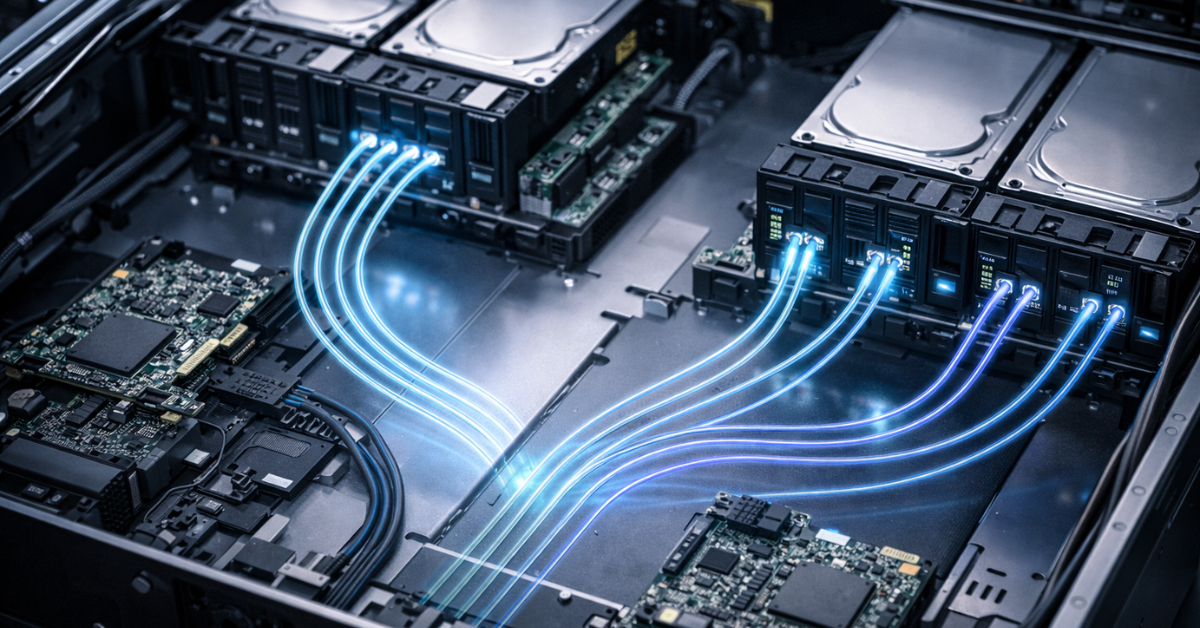
Server storage is not only “which drive”, but also how it’s connected: backplane, HBA/RAID controller, cables, expanders, passthrough mode.
SATA — when it makes sense
- a mainstream, budget path for HDDs and some SSDs;
- good for backups, archives, moderate file workloads, and boot drives (if requirements are modest). Limitations typically show up in scaling and enterprise topology (where bus‑level serviceability and complex connection scenarios matter).
SAS — why enterprise loves it
SAS is chosen not only for “absolute speed”, but for operational properties: dual‑port, multipath, expanders, convenient work with shelves/backplanes, and a mature storage infrastructure. The industry also discusses further evolution (for example, 24G SAS as a technology context).
In practice: what to check in the server
- Backplane: SATA‑only or SAS/SATA (and sometimes tri‑mode).
- Controller: RAID or HBA; do you need passthrough (for software stacks like ZFS or Ceph — yes).
- Cables/connectors/bays: and compatibility (including power and PWDIS nuances).
Why the backplane and controller matter more than “which drive”
The same SSD can behave very differently depending on whether it sits behind a RAID controller, an HBA, an expander, in which bay/backplane, and in which mode the backplane runs (SATA‑only / SAS / tri‑mode). That’s why when selecting a configuration you should always confirm the server/chassis model and backplane type: this immediately eliminates incompatible options (for example, NVMe in a bay that has no PCIe lanes).
SSD in a server: when “just an SSD” is a mistake
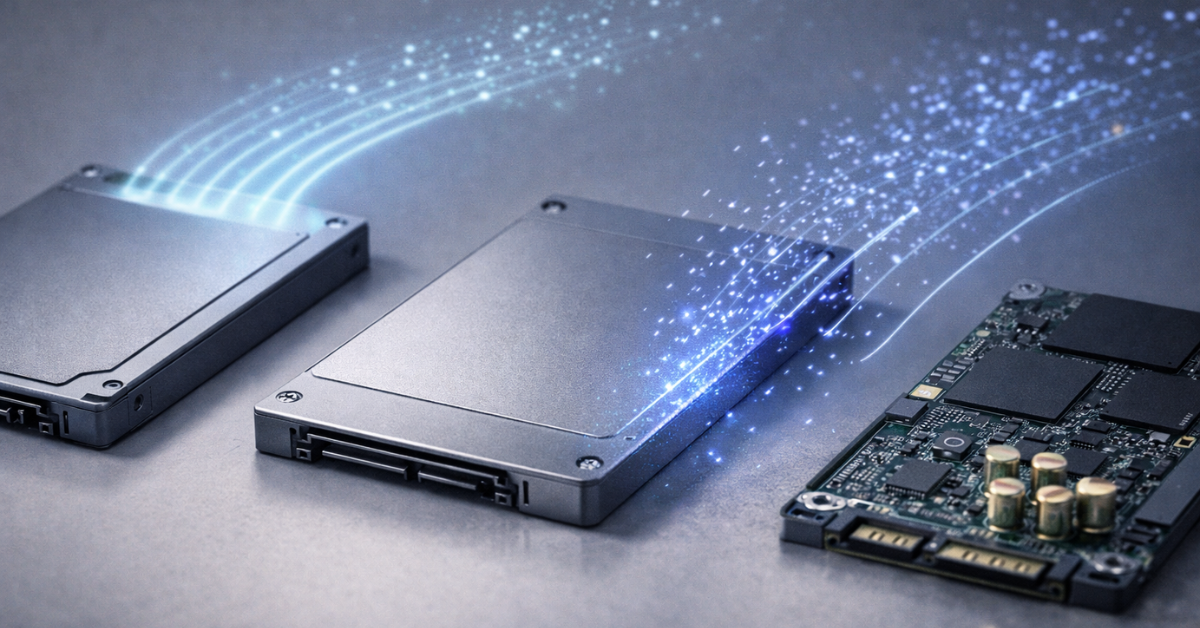
An SSD is a controller + NAND + wear‑management algorithms. That’s why two SSDs with the same capacity can behave radically differently under the same workload.
What’s “inside” an SSD and why it affects your choice
- NAND (TLC/QLC): QLC is usually cheaper, but often worse for endurance and behavior under writes; TLC is generally more universal.
- Controller: affects stability, latency, and “tail latency”.
- DRAM cache or HMB: DRAM often helps with metadata and performance consistency; HMB is a compromise using host memory.
- SLC cache: speeds up short writes, but during long writes it can “run out” and performance drops.
- Wear leveling / garbage collection / write amplification: the workload profile determines how “expensive” (in wear) your writes are.
- PLP (Power‑Loss Protection): critical for databases/logs/queues; without PLP, risks to consistency and recovery after power loss increase.
Write endurance: TBW/DWPD
- TBW — the total written data volume under warranty terms.
- DWPD — how many times per day you can “fully rewrite the drive” across the warranty period. Important: real wear depends on the write pattern (random/sequential, block size, write amplification), so “TBW from a brochure” can’t be treated as a universal calculator. A good practice is to build in headroom and monitor wear.
SSDs for different roles
- Read‑mostly: cache, search indexes — choose models optimized for reads with good latency.
- Write‑heavy: logs/metrics/DB journals — you need high DWPD/TBW, preferably PLP, and wear monitoring.
- Hypervisor boot drives: predictability, telemetry, and reliability matter more than peak speed.
Budget SSDs
Budget SSDs are good when their role is secondary: cache, temporary data, dev/test, non‑critical services — and you’re ready to replace the drive “by wear”. But for databases, queues, and journals it’s better to choose SSDs by DWPD/TBW and the presence of PLP — that’s not about “speed”, it’s about downtime and recovery risk.
NVMe: how it differs from “SATA/SAS SSD” in practice
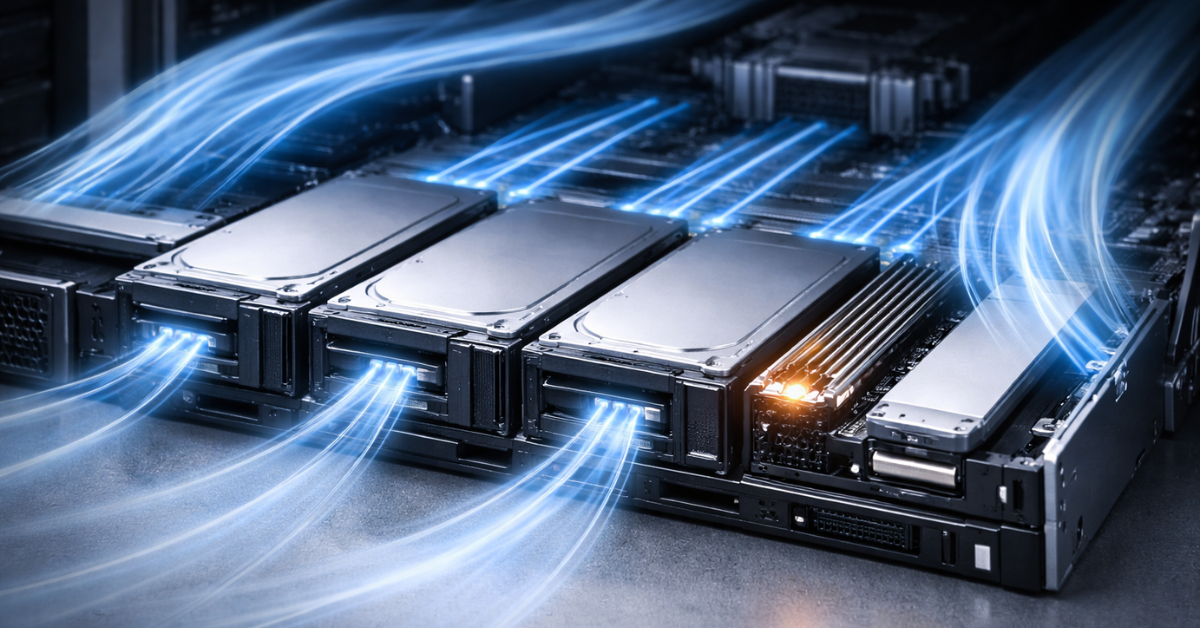
NVMe is a protocol + PCIe — here’s what it gives you
NVMe was designed for solid‑state drives and high parallelism: many queues, low overhead, and efficient multi‑threaded I/O. This is reflected in NVMe transport specifications and command mechanics.
In practice, NVMe most often provides:
- more IOPS under parallel workloads;
- lower latency;
- better scaling with many threads.
NVMe form factors in servers
- M.2 (2280/22110): compact, but in servers it often runs into cooling and serviceability issues (not always hot‑swap).
- U.2/U.3 (2.5" hot‑swap): a common server option, easy to service.
- EDSFF (E1.S/E3.S): data‑center form factors for higher density and better thermals/serviceability.
NVMe pitfalls
- PCIe budget: lanes and PCIe generations; shared with GPU/NIC.
- Tri‑mode backplanes/controllers: it’s important to understand what a specific platform supports.
- Thermal throttling: without airflow, performance will be unstable in production.
NVMe is also about PCIe lanes
In 1U/2U platforms, PCIe lanes are often shared by network cards, GPUs, and NVMe backplanes. That’s why there are two typical NVMe build failures: (1) “we bought fast drives, but they’re not running at x4 / in the wrong slot”; (2) “the workload hit the network/CPU limit — almost no gain”. Before you buy, it helps to fix: PCIe generations, lane counts, what occupies the slots, and whether you have enough thermal headroom (airflow).
What to choose for a workload
| Workload | I/O profile | Recommended type | Interface/form factor | Why (short) |
|---|---|---|---|---|
| Backup/Archive | seq write/read, rare | HDD (CMR) | SATA/SAS, 3.5" | max €/TB, low latency not required |
| File storage (media) | seq, large blocks | HDD or SSD | SATA/SAS 3.5"/2.5" | HDD is fine for sequential access; SSD if there are many small files |
| Video surveillance | seq write, streaming | HDD (CMR) | SATA/SAS 3.5" | streaming writes, capacity and stability matter |
| Virtualization 10–50 VMs | mixed, random 4K–64K | SSD / NVMe | SAS/SATA SSD or NVMe U.2/E3.S | latency and IOPS matter more than MB/s |
| OLTP DB | random, write‑sensitive | NVMe (often) | NVMe U.2/E3.S | low latency, queue scaling |
| OLAP/analytics | reads + temp | SSD/NVMe | SSD/NVMe | depends on parallelism and the “hot set” |
| Logs/metrics/queues | write‑heavy, small blocks | SSD (write‑oriented) | SATA/SAS SSD or NVMe | write endurance (DWPD/TBW), preferably PLP |
| VDI | bursty random | SSD/NVMe | NVMe + tier | I/O “storms”, predictability needed |
| AI datasets | seq read, parallel | NVMe/SSD | NVMe if there are many streams | often limited by reads/queues |
| Git/CI cache | mixed, small files | SSD | SATA/SAS SSD | wins on latency and random |
Choosing the Right Equipment
Our specialists will contact you and answer all your questions
Interfaces and form factors in a server
| Criterion | SATA | SAS | NVMe (PCIe) |
|---|---|---|---|
| Typical use | HDD/SSD, mainstream roles | enterprise topologies, shelves | high‑performance SSD, low latency |
| Hot‑swap | yes (in 2.5"/3.5") | yes | yes (usually U.2/U.3/E3.S) |
| Multipath / dual‑port | usually no | often yes | depends on platform/implementation |
| Typical form factors | 3.5", 2.5" | 3.5", 2.5" | M.2 2280/22110, U.2/U.3, E1.S/E3.S |
| Limits/risks | interface ceiling, PWDIS | more complex/more expensive, needs compatibility | PCIe lanes, thermals, tri‑mode nuances |
How to build a reliable configuration: 3 typical recipes
Recipe A: Budget for SMB
- HDD RAID for capacity (files/archive/backup)
- SSD/NVMe for the “fast” tier (DB/cache) — if there is a truly latency‑sensitive part
- SMART/alerts, a spare drive, a clear replacement plan
Recipe B: Virtualization for 10–50 VMs
- RAID10 or mirrors on SSD/NVMe for VM disks
- separate boot drives (or mirrored boot)
- SSD wear monitoring and isolating “noisy writes” (logs/temps)
Recipe C: DB + logs + backup
- NVMe for the working set (data/indexes)
- a separate write‑heavy SSD for WAL/journals (preferably PLP)
- HDD for backups/snapshots/archive
Checklist before you buy
- What’s the I/O profile: random/sequential, read/write %, 4K/64K blocks, expected QD?
- Do you need hot‑swap and front‑service?
- Do you have a SAS backplane/HBA or SATA only?
- Controller: RAID or HBA? Do you need passthrough?
- 4Kn/512e support in the controller and OS?
- For HDD: CMR or SMR (SMR — be careful in RAID/rewrites).
- For SSD: what DWPD/TBW class, and does it match your write volume?
- Do you need PLP (DB/journals/queues — usually yes)?
- Does the SSD have DRAM or only HMB (and is that critical for the role)?
- Where will logs/temp files/caches live — will they consume endurance?
- For NVMe: do you have enough PCIe lanes (slots/backplane/BIOS modes)?
- Thermal constraints: especially M.2/NVMe — do you have airflow?
- Rebuild plan: how long will it take and what are the risks with large HDDs?
- SMART/telemetry monitoring, replacement policy, spare drive.
- Power/signal compatibility (PWDIS can “bite”).
Common mistakes and myths
- “NVMe is always faster in real applications” — not always: you can hit CPU, network, locks, or queue settings.
- “Any SSD works for a database” — no: DWPD/TBW, stable latency, and PLP matter.
- “You can use SMR in RAID like a normal HDD” — often you can’t / it’s risky for predictability and rebuild.
- “All that matters is MB/s from the datasheet” — for servers, latency and “long tails” are often more important.
- “Why overpay for a ‘server’ SSD — I’ll buy a consumer one, the speeds are the same and it costs 10× less” — you can do that, but only if you understand the risks: consumer SSDs are significantly less reliable both in MTBF and during power events (those same DWPD/TBW and PLP).
If you want to look beyond vendor promises, it’s useful to check public drive‑fleet statistics. For example, Backblaze publishes regular reports on failures and drive populations. It’s not “the ultimate truth” (they have their own conditions), but it’s a good real‑world benchmark.
Do you really need NVMe?
NVMe is usually justified if you have, at the same time:
- a high share of random I/O;
- many parallel threads/VMs/pods;
- latency matters (especially “tail latency”);
- the “hot set” fits into a fast tier.
If you’re missing at least half of these, sometimes SATA/SAS SSD is the better choice — and you can spend the budget on reliability (PLP/DWPD) or redundancy/spares.
Where SSDs get “killed” most often
- logs + temp files + swap on one SSD without sizing DWPD/TBW;
- VDI/VMs without separating “noisy” VMs and without wear monitoring;
- saving on PLP for DB/queues where stability is more important than peak MB/s.
How to phrase a request for selection
By workload
- Workload: (virtualization / DB / file storage / logs / AI / backup)
- I/O profile: random/sequential, read/write share, blocks (4K/64K), expected QD
- Data volume: total and “hot set”
- SLA/risks: acceptable downtime, consistency criticality (is PLP needed?)
- Operations: is hot‑swap mandatory? front access?
- Constraints: 1U/2U, number of bays, noise/power
- Growth plan for 12–24 months
We already have a server
- Server/platform model: (exact)
- Backplane type: SATA / SAS / tri‑mode / are NVMe bays present?
- Controller: RAID or HBA? is passthrough needed?
- Slots/PCIe: what’s installed (NIC/GPU), PCIe generations, free slots
- Goals: usable capacity / IOPS / prioritize latency or €/TB
Replacing drives in an array
- Current setup: drive type + interface + form factor + RAID level
- What’s not OK: latency/IOPS/capacity/frequent rebuilds/failures
- Constraints: can’t change controller/backplane?
- Requirements: keep hot‑swap/4Kn/512e/boot compatibility
Most popular

Free shipping on orders over 500 € in the EU, £500 in the UK, and $3,000 in the USA

Free shipping on orders over 500 € in the EU, £500 in the UK, and $3,000 in the USA

Free shipping on orders over 500 € in the EU, £500 in the UK, and $3,000 in the USA

Free shipping on orders over 500 € in the EU, £500 in the UK, and $3,000 in the USA
Conclusion
- First define the I/O profile and your latency/predictability requirements.
- Then choose the media type (HDD/SSD) and SSD write‑endurance class.
- Next verify the interface/topology (SATA/SAS/NVMe, backplane, HBA/RAID).
- Only then choose the form factor (2.5"/3.5"/M.2/U.2/U.3/E1.S/E3.S) with serviceability and cooling in mind.