You can place a server in an office, but it only makes sense in one case: when it is clear in advance where it will stand, how heat will leave the room, whether its noise level is acceptable for the people nearby, and how the server will be serviced. For a small office, the most practical option is usually a single tower server in a separate office or utility room with decent ventilation; putting a hot and noisy server next to employees or hiding it inside closed furniture is almost always a bad idea.
When It Actually Makes Sense to Keep a Server in an Office
We are not talking here about a microbusiness scenario where one of the employees’ workstations effectively becomes “the server”; we mean a dedicated server in the usual sense. In that case, an office deployment makes sense where one local node is needed for files, backups, accounting, internal services, or light virtualization, and there is no proper server room and none is likely to appear soon. For a branch office or small business, this is a normal practice if the load is moderate, the configuration is not too dense, and the room itself does not turn the server into a constant source of discomfort and overheating. Schneider Electric explicitly notes in its materials on small server rooms that small server and branch locations are often cramped, poorly controlled, hot, and unprotected, and that these factors, rather than the “wrong class of hardware,” are what more often lead to failures.
But an office server quickly stops being a good idea if this is not one moderate node, but a bundle of a server, UPS, switch, several drive cages, and continuous 24/7 load. The higher the hardware density and the more drives there are, the harder it becomes to maintain a normal temperature, and the more likely it is that the fans will run noticeably louder. In this respect, tower models usually have a better chance of fitting into an office environment than rack servers. Dell, for example, directly positions the PowerEdge T360 as a tower system suitable for a typical office environment, but even there acoustics change noticeably depending on the configuration, the number of drives, and the workload.
A practical rule of thumb looks like this:
- it can stay in the office — one moderate tower server, few people nearby, fresh air supply, and at least some ability to move it out of the main work area;
- it is better to place it in a utility room or separate office — if the server runs around the clock, people are constantly nearby, or the room is warm;
- you need a separate mini server room or an off-site location — if there are several servers, strict availability requirements, many drives, high load, or a clear growth reserve.
Most popular servers
Free shipping on orders over 500 € in the EU, £500 in the UK, and $3,000 in the USA
Free shipping on orders over 500 € in the EU, £500 in the UK, and $3,000 in the USA
Free shipping on orders over 500 € in the EU, £500 in the UK, and $3,000 in the USA
Free shipping on orders over 500 € in the EU, £500 in the UK, and $3,000 in the USA
Noise: Why the Problem Appears Earlier Than People Expect
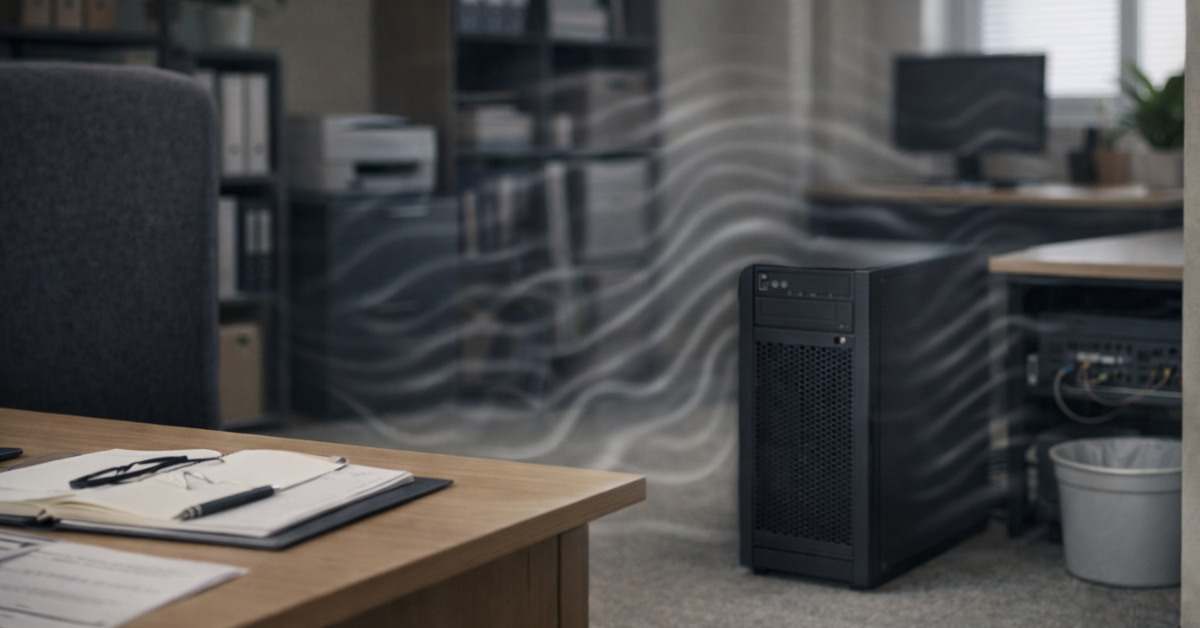
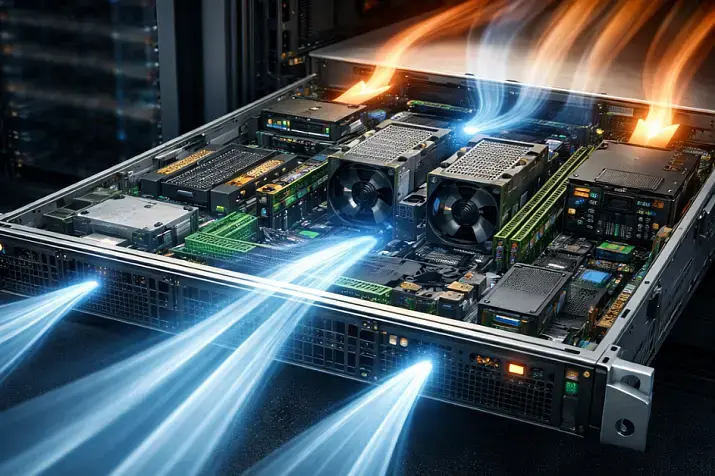
A server is noisy not because it belongs to some “special class of equipment,” but because it has to remove heat continuously. The noise comes from chassis fans, power supplies, sometimes drives, and, above all, from the cooling logic that increases fan speed when inlet temperature rises, CPU load grows, the number of active drives increases, or the configuration becomes denser. That is why the phrase “the spec says the noise level is low” guarantees nothing: a minimally configured server and the same server with many drives, a second power supply, or an additional card can behave very differently.
This matters especially because server noise is not only a matter of comfort. CDC/NIOSH points out that repeated exposure to occupational noise at 85 dBA and above is hazardous, and also gives a simple everyday sign: if you have to raise your voice at arm’s length, the noise is already close to problematic. An office server is rarely treated as a “harmful production factor” in the strict sense, but this guideline is useful for another reason: acoustics should not be judged only by phrases such as “it is tolerable” or “we will get used to it.” Noise that does not seem extreme can still be tiring, interfere with conversation, and reduce concentration, especially if people sit next to it all day.
Below is a practical assessment of common placement options.
| Option | Employee Comfort | When It Is Acceptable | Main Risk |
|---|---|---|---|
| Tower server under a desk | Low | Almost never | Constant background noise, dust, accidental shutdown |
| Tower server in the corner of an office | Medium | With moderate load and few people nearby | Noise in a quiet room and local overheating |
| Server in a closed cabinet without ventilation | Seems convenient only at first | Not recommended | Rapid temperature growth and fan speed spikes |
| Server in a utility room | Usually acceptable | One server or a small bundle | Ventilation and cleaning are often neglected |
| Rack server in an office room | Low | Only as a temporary measure | Acoustics, heat, difficult servicing |
| Separate mini server room | High | The best option as the load grows | Basic investment in power and cooling is required |
Choosing the Right Equipment
Our specialists will contact you and answer all your questions
The main takeaway is simple: in an office, the real danger is not “a loud server by itself,” but the combination of noise, proximity to people, and lack of isolation.
Heat: A Server Heats the Room All the Time
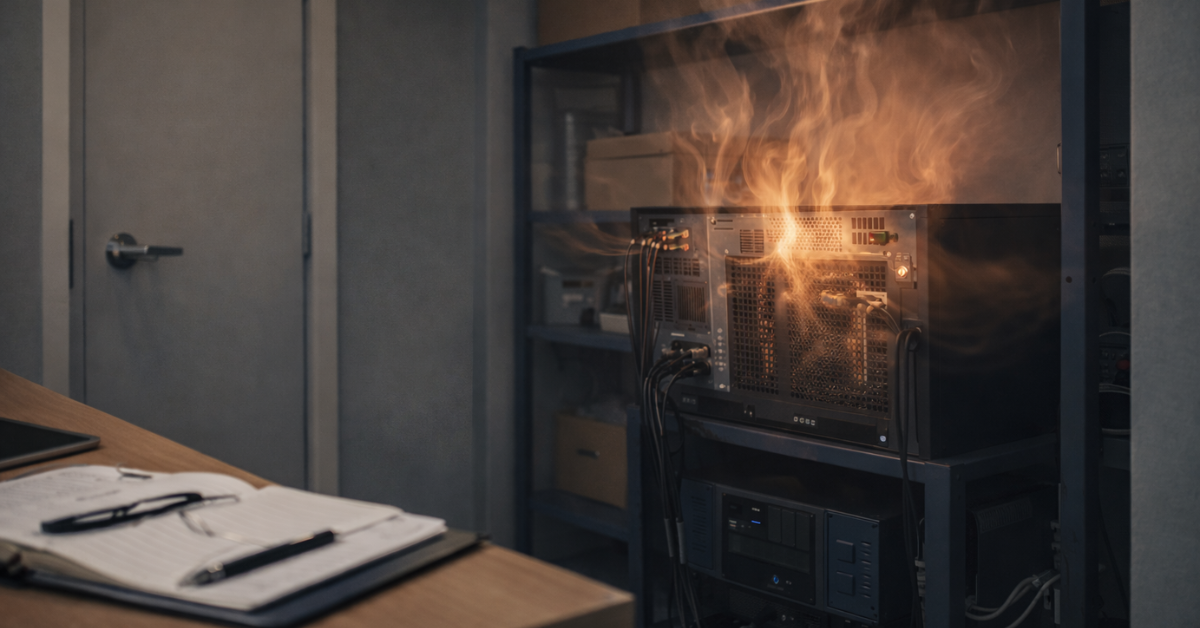
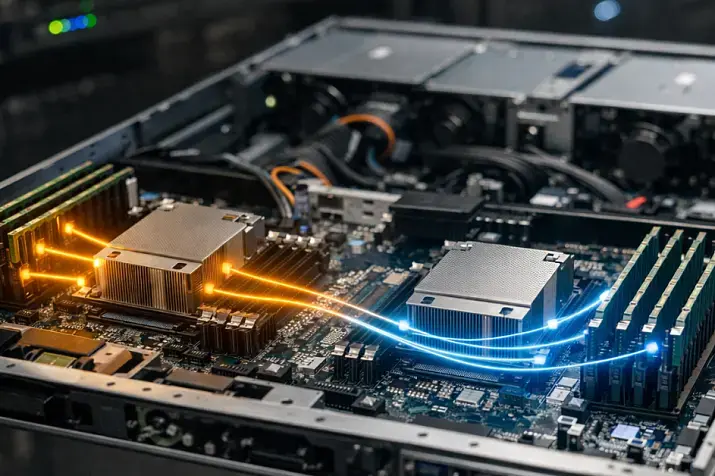
Almost all the power consumed by a server eventually turns into heat inside the room. This is an important point that is often underestimated: if a server consumes hundreds of watts, it is not simply “running from the outlet,” it is also adding a constant thermal load to the room. Intel uses a watts-to-BTU/h conversion formula with a factor of 3.41214 in its server systems guidance for rough estimation. The practical point of that figure is not to turn an office into an engineering project, but to understand in advance that a server, UPS, and networking gear together can already noticeably change the microclimate of a small room.
The usual mistake here is always the same: people look at the PSU rating or at the “small size of the server” and conclude that there will be little heat. In reality, what matters more is the actual power draw under your workload, the season, room size, whether there is a door, how the air moves, and where the server takes in air. If it stands in a niche, against a wall, inside a furniture cabinet, or near a warm corner of the room, the local inlet temperature will be worse than the “average office temperature.”
That is why ASHRAE recommendations for IT equipment focus not only on the overall climate in the room, but also on the condition of the air at the equipment inlet. In the ASHRAE reference card for class H1, recommended and allowable temperature and humidity ranges are given, and it is emphasized separately that infrastructure should be designed around the recommended range, while the allowable range primarily means the equipment can function there, not that it is the best regime for reliability. The same reference also states that for other IT equipment, the rate of temperature change is limited by inlet air conditions. Put simply: a server may “keep running” outside optimal conditions, but that does not mean those conditions are good for it.
Signs that a room with a server is already operating at the edge are usually very everyday ones:
- the room is noticeably warmer in the evening than in the morning;
- or, on the contrary, the first person arriving at the office in the morning immediately turns on the air conditioner or opens windows;
- the temperature rises quickly after the door is closed;
- the server periodically becomes noticeably louder for no obvious reason;
- the air conditioner copes with people, but not with the equipment;
- a steady stream of hot air can be felt next to the server;
- the server behaves noticeably differently in summer or in the shoulder seasons;
- heat remains inside a cabinet or niche even after the load drops.
Where You Can Place a Server, and Where You Should Not
The worst option is a shared work area, especially if people nearby talk, join calls, or do concentration-heavy tasks. Meeting rooms are also a poor choice, as are storage rooms without ventilation, dusty areas, and locations next to radiators, sun-heated walls, kitchens, water, cleaning supplies, or walkways where cables and power can be bumped easily. A room with open windows can also be a bad idea — outdoor dust may shorten maintenance intervals. Schneider Electric specifically highlights heat, limited space, poor control, and inadequate monitoring as typical problems for small server rooms; a regular office can easily combine all of these risks at once.
Conditionally acceptable options include a separate office without permanent human presence, a utility room with normal air exchange, or a dedicated area behind a door. The best practical format is a small separate server corner or mini server room, even if it is very modest. What matters is not the formal status of the room, but a set of practical properties: whether there is service access, whether air intake and exhaust are blocked, whether power and network can be brought in safely, whether there is room for a UPS, and whether a drive or power supply can be replaced without moving half the furniture.
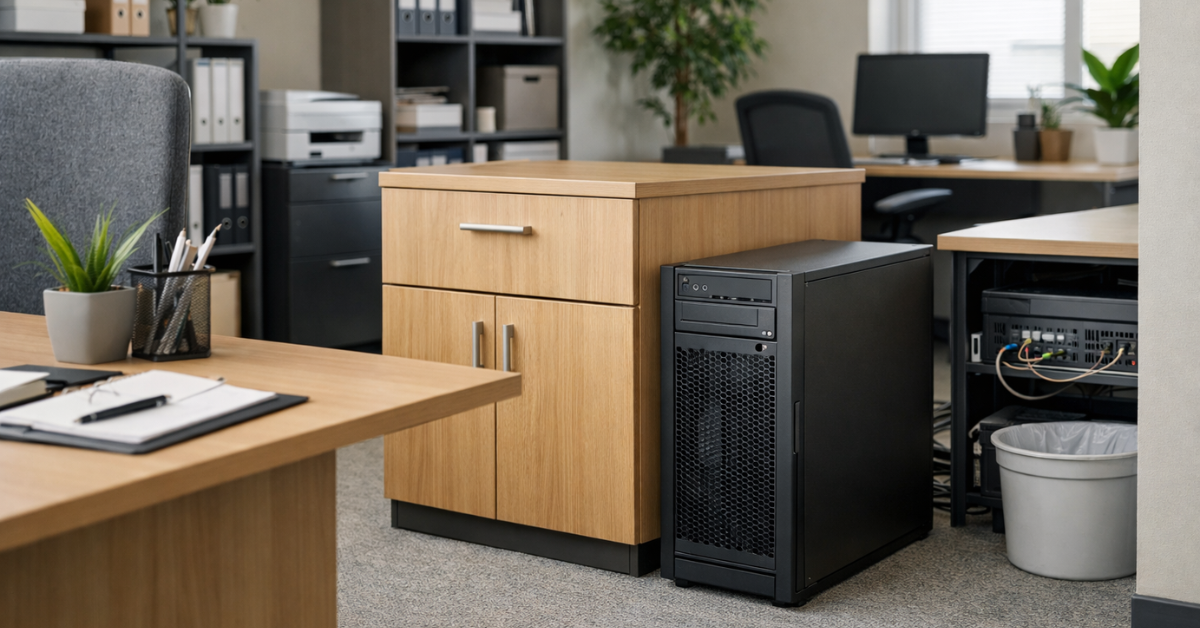
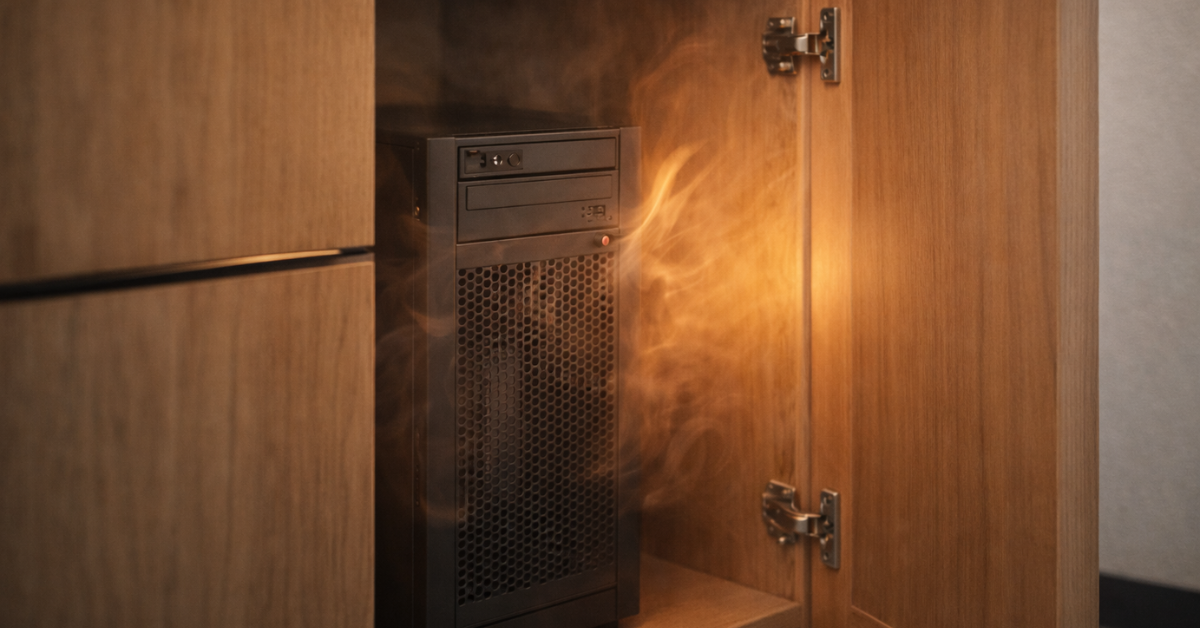
It is also worth speaking separately about closed cabinets. They are often seen as an elegant solution to two problems at once — noise and appearance. In practice, an ordinary furniture cabinet without thought-out ventilation more often makes things worse: temperature rises inside, the server spins its fans faster, and you end up with both noise and overheating. If a server cabinet is really being considered, the question should not be how to “hide the server,” but how air will move through it and how the whole setup will be serviced.
What to Choose: Tower Server, Rack Server, or a Different Scenario
For a small office, a tower server is most often the best compromise. It is usually better in terms of acoustics, easier to place outside a rack, and fits more naturally into the scenario of “one server near the office, but not directly among people.” This does not mean a tower server is silent: Dell’s information for the T360 shows clearly that acoustics depend heavily on configuration, and under heavy load or hotter configurations the sound pressure level becomes far from office-friendly. Still, the form factor itself is usually more compatible with a small office than a rack solution.
A rack server in an ordinary office almost always requires separate justification. It makes sense where there is already a rack, several devices, proper ventilation, and no one sitting nearby. But if a rack server is chosen simply because “that is what a real server looks like,” while in reality there is only one node and little space in the office, that is often a selection mistake.
There is also a third option: to admit that a local server simply does not belong in that specific office. If the room is small, hot in summer, occupied by people nearby, requires high availability, and the amount of equipment will grow, it is often better to move the infrastructure to a separate site right away or at least rethink the placement model.
Choosing the Right Equipment
Our specialists will contact you and answer all your questions
Power and the Things People Remember Too Late
Even a single office server should be evaluated not in isolation, but together with the UPS, switch, and connectivity channels. A UPS is needed not only for a “graceful shutdown,” but also for protection against short power dips and improper shutdowns. At the same time, the UPS itself adds heat and sometimes noise, which means it also affects the choice of installation location. A power strip under a desk and a random nearby wall outlet close to workstations is a weak plan both for reliability and for safety.
Physical access and servicing are no less important. If the server is hard to reach, drive replacement, cable inspection, or even simple cleaning start getting postponed. In an office setup, this is especially dangerous: problems here rarely begin with a sudden failure; more often they start with the long accumulation of small inconveniences that nobody fixes. At the same time, the opposite is also true: if a server with important data stands in the middle of the office, it is easy to service, but much harder to control unauthorized physical access — or even straightforward theft.
Common Mistakes
The most typical miscalculations look like this:
- buying a server by price and specifications, but not by placement conditions;
- judging noise “by ear” on day one rather than in summer and under load;
- hiding the server in furniture to make it quieter;
- placing it next to people “temporarily,” and that temporary setup lasts for years;
- calculating by PSU capacity rather than actual consumption;
- forgetting that summer almost always makes the situation worse;
- leaving no space for the UPS, cables, and servicing;
- choosing a rack server where one calm tower server was the right answer.
Our most popular storage systems
Free shipping on orders over 500 € in the EU, £500 in the UK, and $3,000 in the USA

Free shipping on orders over 500 € in the EU, £500 in the UK, and $3,000 in the USA

Free shipping on orders over 500 € in the EU, £500 in the UK, and $3,000 in the USA

Free shipping on orders over 500 € in the EU, £500 in the UK, and $3,000 in the USA
Checklist Before Buying
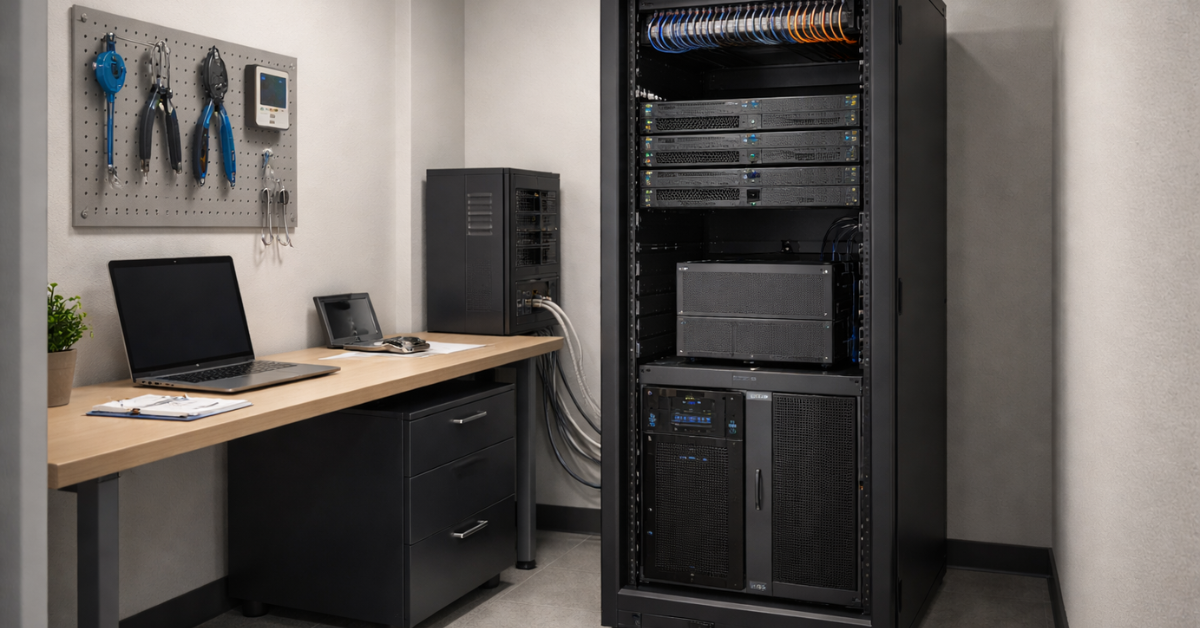
Before ordering a server, it is worth answering ten short questions:
- Where will it physically stand?
- How many people are constantly nearby?
- Is there a separate door or at least some isolation from the work area?
- How does air enter and leave the room?
- What will the server’s real power draw be under your workload?
- Will there be a UPS nearby, and how much heat will it add?
- What happens in summer, in the evening, and if the air conditioner fails?
- Will it be convenient to change drives and check power and cables?
- Who has physical access to the equipment?
- Would it actually be cheaper to move the server out of the office than to deal with the consequences?
| Condition | Keep It in the Office | Better to Move It Out | Comment |
|---|---|---|---|
| One tower server, moderate load | Yes | Not necessarily | A separate area or office is still needed |
| Two servers plus a UPS in a small office | Probably not | Yes | Heat and noise become limiting factors quickly |
| Rack server next to employees | Usually no | Yes | A poor compromise even under a light load |
| Room without proper ventilation | No | Yes | Overheating and higher fan speeds are almost inevitable |
| Critical 24/7 services | With caution | Preferably | The issue is no longer only comfort, but also reliability |
Conclusion
A server in an office is a reasonable option only when the room and the usage scenario genuinely fit it. For a small business, that usually means one tower server installed not next to people, but in a separate office, utility room, or small dedicated area with normal airflow and clear service access. If the server is hot, noisy, dense in configuration, or simply placed where it is uncomfortable for it to operate, the attempt to “save on placement” quickly turns into overheating, staff irritation, and extra risks for the infrastructure itself.
Choosing the Right Equipment
Our specialists will contact you and answer all your questions

Free shipping on orders over 500 € in the EU, £500 in the UK, and $3,000 in the USA

Free shipping on orders over 500 € in the EU, £500 in the UK, and $3,000 in the USA

Free shipping on orders over 500 € in the EU, £500 in the UK, and $3,000 in the USA

Free shipping on orders over 500 € in the EU, £500 in the UK, and $3,000 in the USA