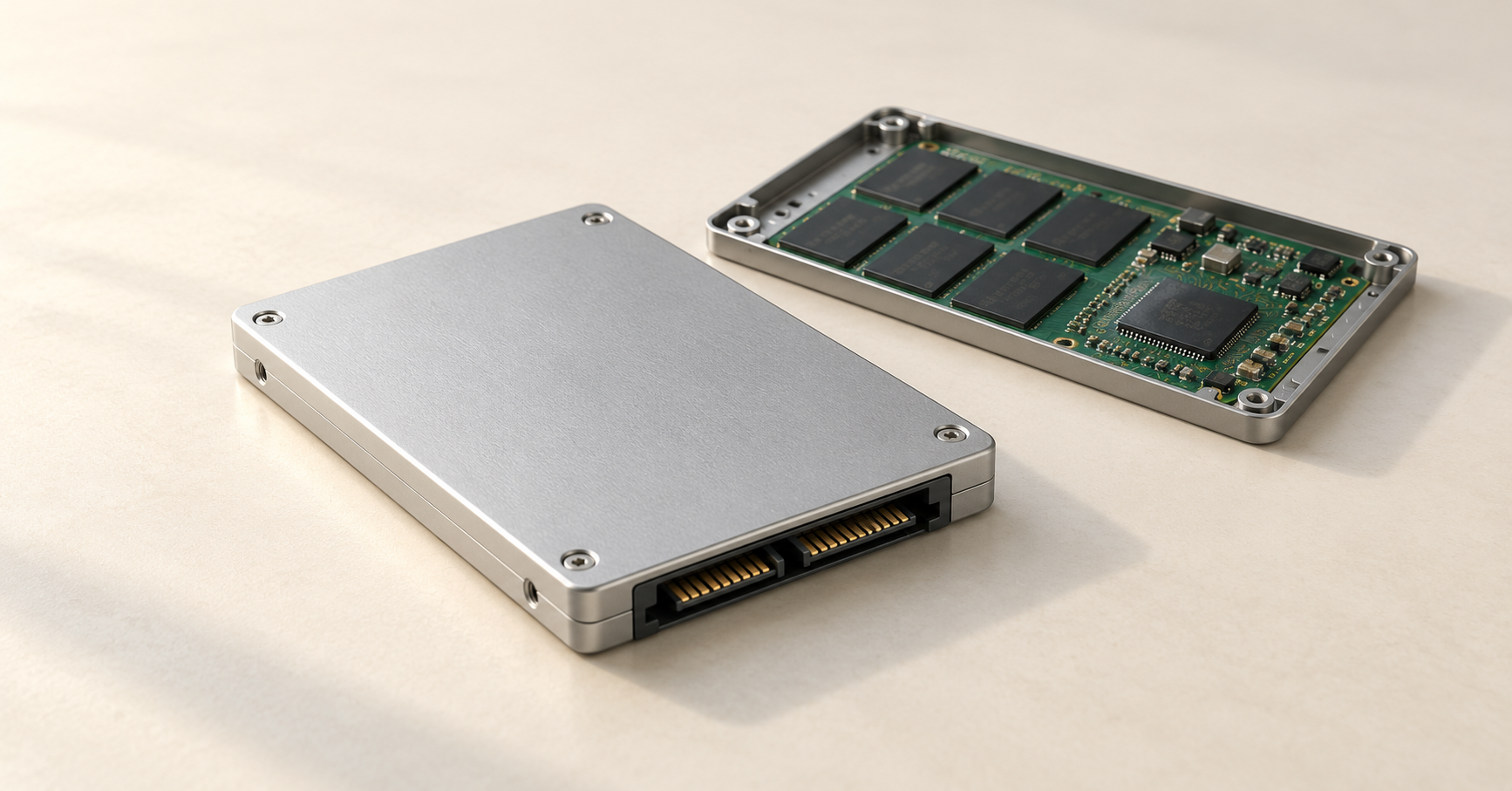
Server SSD endurance is assessed by the amount of data written: TBW shows the total amount of data written, usually measured in terabytes, that the drive is designed to handle under specified conditions, while DWPD shows how many full drive capacities can be written per day over the guaranteed service period. Read Intensive denotes a class for read-heavy workloads, while Mixed Use is intended for mixed workloads. Choose an SSD based on writes to each physical drive, the required service life, and headroom for workload growth: the class name alone is not enough.
What TBW and DWPD show
TBW — total write volume
TBW (Terabytes Written, sometimes Total Bytes Written) is the drive's specified endurance, expressed in terabytes of written data. For example, 7008 TBW means 7008 TB of writes under the conditions used by the manufacturer to assess endurance. Petabytes may be used instead of TBW: 7.008 PB is the same volume in the decimal system.
TBW describes writes, not the amount of stored data. A 500 GB database can generate several terabytes of rewrites every day. Conversely, an almost full drive may primarily serve reads.
Rated TBW normally describes data written from the server side under a defined test profile. It should not automatically be interpreted as the number of bytes physically programmed into all memory cells. These quantities differ because of internal drive operations.
DWPD — writes relative to capacity
DWPD (Drive Writes Per Day) expresses the permissible average daily write volume in full user capacities of the SSD over the guaranteed operating period. For a 3.84 TB model, 1 DWPD for five years corresponds to approximately 3.84 TB of writes per day during that interval.
Two formulas are useful:
TBW = DWPD × SSD capacity in TB × 365 × number of years.
DWPD = TBW ÷ SSD capacity in TB ÷ 365 ÷ number of years.
For 3.84 TB, 1 DWPD and five years, the result is 1 × 3.84 × 365 × 5 = 7008 TB. The calculations below also use 365 days per year.
The rating must always be read together with the time period. The same total endurance can be expressed as 1 DWPD for five years or approximately 1.67 DWPD for three years. Recalculating the figure does not make the drive more durable, and it does not extend the warranty. DWPD is not a software-enforced daily limit: an isolated peak should be assessed together with total writes over the service period and the operating conditions.
Use the drive's rated user capacity in the formula, not free space or partition size. The units must match: 1 TB = 1000 GB; binary units reported by the operating system must first be converted to decimal units.
How Read Intensive and Mixed Use differ
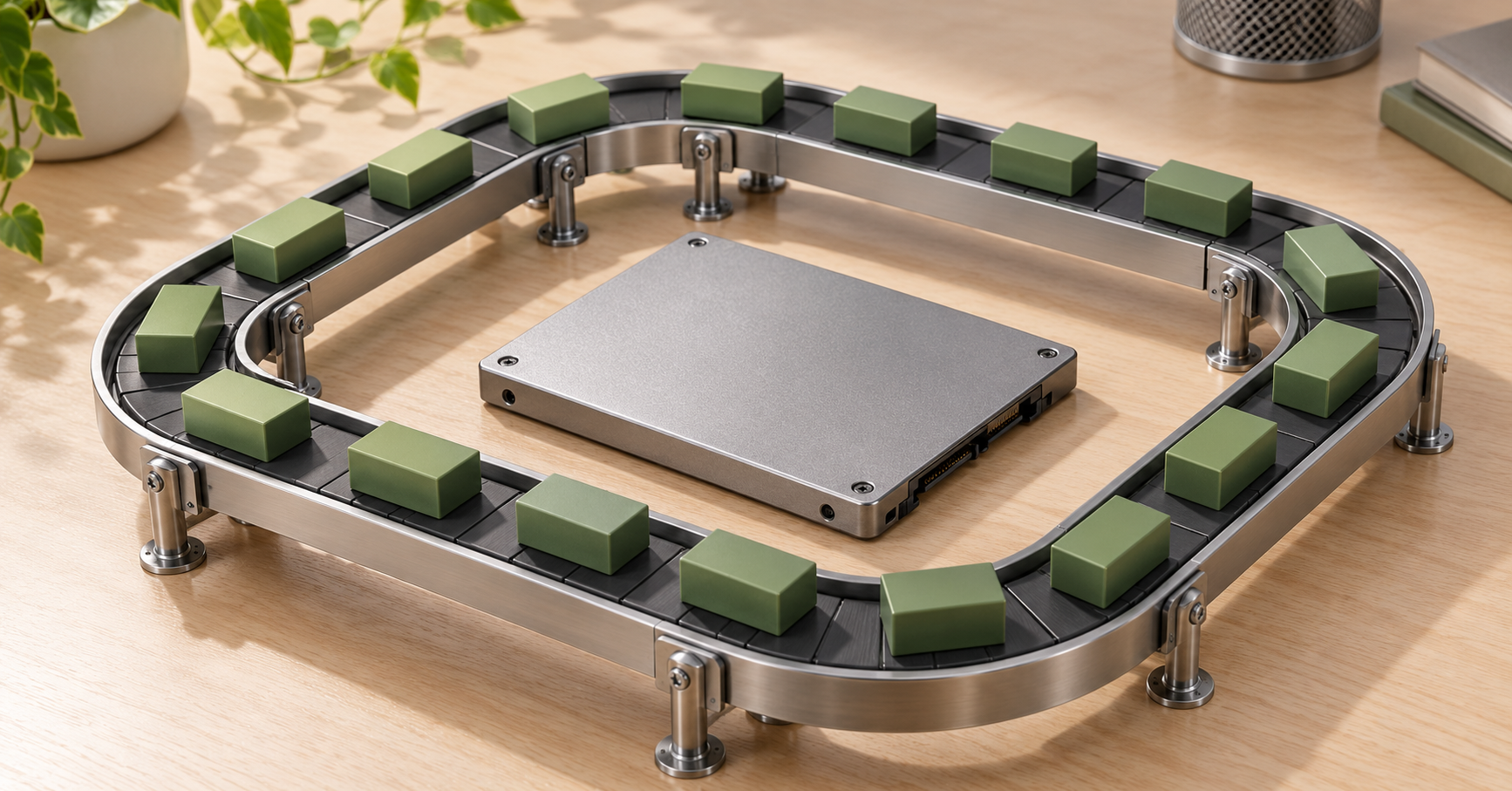
Read Intensive — drives for predominantly read-heavy workloads
This class is intended for fast reads with comparatively little rewriting: document catalogs, media libraries, reference data, some analytics systems, and virtual machine storage.
Read Intensive does not prohibit writes. For a database with a small volume of changes, such an SSD may be sufficient if it provides the required latency and data protection.
Mixed Use — drives for mixed workloads
Mixed Use indicates an orientation toward a combination of reads and writes. These models are used in transactional systems and virtualization environments with constant data updates.
There is no single strict boundary between the classes. Read Intensive should not automatically be equated with 1 DWPD, and Mixed Use does not necessarily mean 3 DWPD. Manufacturers position their product lines differently; the classes may overlap in endurance and differ in other characteristics.
The class name also does not tell you:
- a mandatory read/write ratio, such as 70 to 30;
- the maximum throughput or number of operations per second;
- the guaranteed write latency under sustained load;
- whether power-loss protection is present;
- compatibility with a particular server or controller.
High-endurance models (WI) are available for especially write-intensive workloads, such as active logs or intermediate storage. Buying them for the entire array should be justified by measurements.
Why write endurance is not the same as service life
Flash endurance, the calendar warranty period, and whether an SSD is functioning correctly are different characteristics. The controller, power delivery, or firmware can cause a failure long before TBW is reached. A drive may also continue working after its rated endurance has been exhausted, but production infrastructure must not rely on that.
Warranty terms must be read separately. The limits may include a period from the date of purchase and a specified wear indicator, whichever comes first. The words "five years" alone do not mean that any amount of data can be written without restrictions.
MTBF, or mean time between failures in a reliability model, does not predict the service life of a particular SSD. Millions of hours do not promise hundreds of years of operation and cannot be converted into TBW.
Data retention on a powered-off SSD depends on wear, temperature, and the manufacturer's conditions, but it is not generally guaranteed. A server drive should not be used as the only long-term archive copy without power: a high TBW rating does not guarantee this, and memory cells lose data as their charge decays.
Choosing the Right Equipment
Our specialists will contact you and answer all your questions
How to calculate endurance for daily writes
Measure writes to the physical drive
The starting point is how much data each SSD actually receives from the server. Database size, daily file growth, and the volume of incoming user requests are not substitutes for this measurement.
Measurements should cover working days, weekends, reporting operations, and backups. A single quiet day will underestimate the forecast. If an SSD counter is unavailable, supplement the application estimate with a storage model.
The proportion of different operations is also insufficient: 90 reads of 4 KB and 10 writes of 1 MB make up only 10% write operations, but not a small share of the transferred data. Total volume matters for TBW; request sizes and latency also matter for performance.
Five-year operating example
Suppose one physical 3.84 TB SSD receives an average of 2 TB of writes per day. The planned service life is five years, and the workload is assumed to be constant for now. For this example, add a 30% margin for measurement uncertainty and irregular operations. There is no universal percentage: it should be chosen for the specific system.
1. Over five years, the drive will receive 2 × 365 × 5 = 3650 TB.
2. With the margin, the required rated endurance is 3650 × 1.3 = 4745 TB.
3. The required DWPD is 4745 ÷ 3.84 ÷ 1825 ≈ 0.68 DWPD.
An SSD rated at 1 DWPD for five years has a sufficient calculated write budget under a comparable test profile. For a model rated at 7008 TBW, dividing the rated budget by 2 TB of daily writes gives 3504 days, or about 9.6 years. This is an arithmetic write-consumption horizon, not a promised service life or a new warranty.
With the same write workload, a 1.92 TB SSD would require about 1.35 DWPD with the margin. A higher-capacity drive can therefore be more cost-effective than a smaller high-endurance model: the same DWPD gives it a larger TBW.
How to account for workload growth
If write volume increases by 20% each year, a constant 2 TB per day no longer describes the five-year period. The average daily writes by year will be 2, 2.4, 2.88, 3.456, and 4.1472 TB.
The total volume will be 365 × 14.8832 ≈ 5432 TB. With the same 30% margin, approximately 7062 TB will be required. This is already slightly more than 7008 TBW: the initial option works with a constant workload but does not fit the assumed budget once growth and the margin are included.
First account for predictable growth, data migrations, and array expansion, then add a margin for the remaining uncertainty.
How RAID and replication affect endurance
With two SSDs in RAID 1, every write is repeated on both devices. If the logical volume receives 2 TB per day, each mirror member will receive approximately 2 TB, not 1 TB. Additional service operations may increase the volume.
In RAID 10, data is distributed across mirrored pairs. With four identical SSDs and an even workload, 2 TB of logical writes means approximately 1 TB per drive: the array will write about 4 TB in total. This is a simplified estimate that excludes rebuilds and other additional operations.
For RAID 5 and RAID 6, the volume depends on write sizes, stripe occupancy, and the controller. A universal multiplier is unreliable; SSD counters with separate tracking of array rebuilds are preferable.
With replication, drives in different nodes consume endurance, often unevenly. Cluster writes cannot be divided equally across all SSDs. Measured physical writes should not be multiplied again by the number of copies.
Why write volume exceeds data changes
Additional writes inside the software stack
Several storage layers may sit between a user action and the physical drive. Each adds its own operations:
- the database updates pages, indexes, and the transaction log;
- the file system writes metadata and its journal;
- the virtual machine operates through guest and server-side storage systems;
- the storage system merges files, compacts data, and maintains snapshots;
- RAID or replication creates redundant writes.
Write amplification inside the SSD
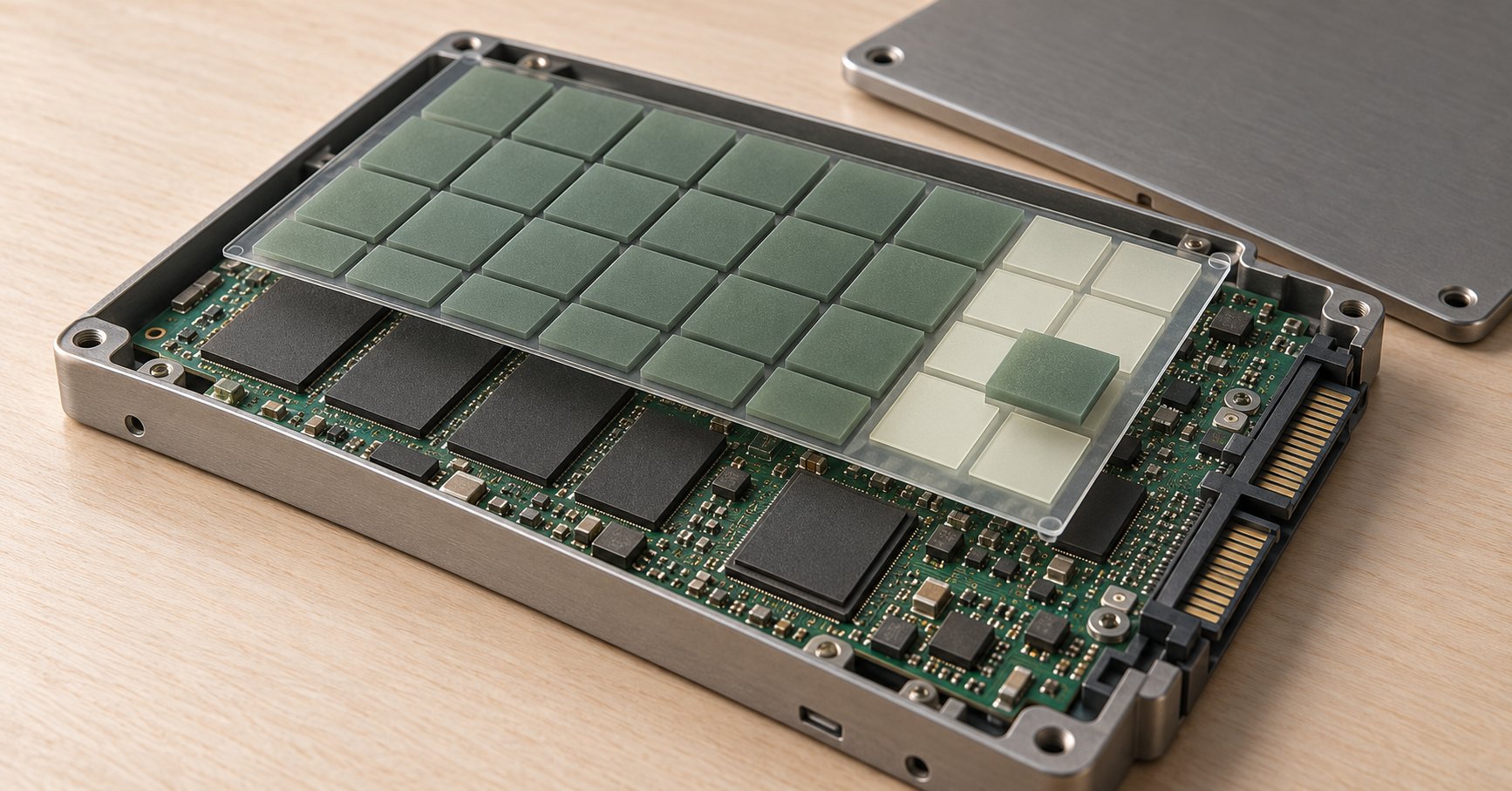
Flash memory is erased in blocks but updated in smaller portions. To free a block, the controller may move still-valid data to another location. In addition to user writes, these internal moves occur; this is called write amplification.
Write amplification depends on the write pattern, spare area, fill level, and firmware. Small random updates may require more data movement than large sequential writes. TLC stores three bits per cell and QLC stores four, but the memory type alone is not enough to assess endurance.
Rated TBW is assessed under a defined workload in which memory behavior is already accounted for. Therefore, when comparing measured server-side writes with TBW, do not automatically multiply 2 TB of measured writes by an assumed internal factor. This can easily count the same factor twice. Account for differences between the real and test workloads by reviewing the documentation and monitoring the rate of wear.
Why leave free space
Spare area helps move data and replace worn blocks. Some of it is provided by the manufacturer and is not included in the drive's rated capacity; an additional limit on usable capacity may be possible if supported by the SSD and storage system.
Free space in the file system benefits an SSD only when the device knows which blocks are no longer needed. TRIM or corresponding block-release commands provide this information, but it does not always pass through the controller and all virtualization layers.
Shrinking a partition does not guarantee that previously written blocks will be released. Additional overprovisioning reduces usable capacity and does not automatically increase rated TBW or the warranty limit.
Comparison of specific server SSDs
Let us compare the published specifications of specific configurations. This is not independent testing or a ranking of new products; the values cannot be applied to other capacities in the same product line.
The Kingston DC600M specification lists the 3.84 TB model as Mixed Use with 7008 TBW at 1 DWPD for five years. In the Micron 7450 documentation, the PRO and MAX versions are positioned for predominantly read-heavy and mixed workloads respectively; the comparison below uses the random-write endurance value measured with 4 KB blocks from the technical specification.
| Model and form factor | Interface | Class | DWPD for 5 years | TBW |
|---|---|---|---|---|
| Kingston DC600M 3.84 TB, 2.5-inch | SATA 6 Gbit/s | Mixed Use | 1 | 7008 |
| Micron 7450 PRO 3.84 TB, U.3 | NVMe, PCIe 4.0 ×4 | Read Intensive | 1 | 7300 |
| Micron 7450 MAX 3.2 TB, U.3 | NVMe, PCIe 4.0 ×4 | Mixed Use | 3 | 17,500 |
Micron's DWPD values are rounded and do not have to match the result of recalculating the tabulated TBW exactly. For example, 7300 ÷ 3.84 ÷ 1825 ≈ 1.04. The result for MAX is about 3 DWPD. When selecting a drive, use the stated TBW for the required configuration and read the evaluation conditions.
The same technical specification lists 24,400 TB of sequential writes in 128 KB blocks for the 3.84 TB PRO and 30,900 TB for the 3.2 TB MAX. These are different test conditions. Do not substitute the more attractive sequential value into a calculation for a database's random workload without confirming that it applies.
The comparison shows that the same Mixed Use class name does not guarantee the same endurance. Similarly, similar TBW values for SATA and NVMe models say nothing about equal performance. Latency, operation count, power requirements, and platform capabilities also affect the choice.
MAX provides a larger write budget at a lower capacity. This is useful for active rewriting; if the workload fits within PRO's endurance, the additional cost must be justified.
Which SSDs to choose for different tasks
| Workload | What creates writes | Endurance approach | Additional considerations |
|---|---|---|---|
| Database | Log, pages, indexes, temporary data | Read Intensive is acceptable with a small write volume; Mixed Use or higher DWPD is preferable for intensive updates | Synchronous-write latency, power-loss protection |
| Virtualization | Combined VM workloads, logs, snapshots, background operations | Calculate each physical SSD and the most active VM groups | Sustained latency, disk contention |
| File storage | File and metadata changes | Read Intensive is often sufficient; active rewriting requires a separate calculation | Usable capacity, small files, network speed |
| Backups | New backups, synthetic full-backup creation, cleanup | Choose based on actual writes to the storage; daily full rewriting may require higher endurance | Backup and restore time, copy independence |
Choosing the Right Equipment
Our specialists will contact you and answer all your questions
Databases and logs
A transactional database, an analytics warehouse, and a rarely updated reference database consume endurance differently. The first constantly changes pages and its log, the second often writes in large batches, and the third may perform almost exclusively reads.
For a log drive, DWPD is not the only important factor. If an application waits for confirmation of every write, occasional long latency can degrade its operation even with a large TBW margin. Sustained-load characteristics are needed, not just the maximum speed from a marketing table.
If the architecture allows it, move active logs or file-merge operations to separate SSDs. This puts the higher endurance where the system is actually under the greatest load.
Virtualization
Operating system updates, paging, temporary data, and logs increase total writes from virtual machines. A small virtual disk does not guarantee low endurance consumption.
A snapshot captures a state, but it is not free in storage terms: subsequent changes and chain consolidation can cause additional writes. Thin provisioning saves space but does not by itself reduce the amount of data rewritten.
File storage and backups
Backup storage does not necessarily have a low workload. Writing a full 3 TB every day to one 3.84 TB SSD equals approximately 0.78 DWPD even before adding a margin. If the same data is distributed across several drives, calculate the endurance requirement for each member according to the protection scheme.
Incremental backups can reduce writes, but creating a synthetic full backup, compaction, chain restructuring, and storage cleanup add their own operations. Deduplication reduces duplicate data storage but does not eliminate writes to indexes and service structures. The relevant measure remains what the SSD actually receives.
How endurance relates to server selection
SSD in HPE ProLiant DL380
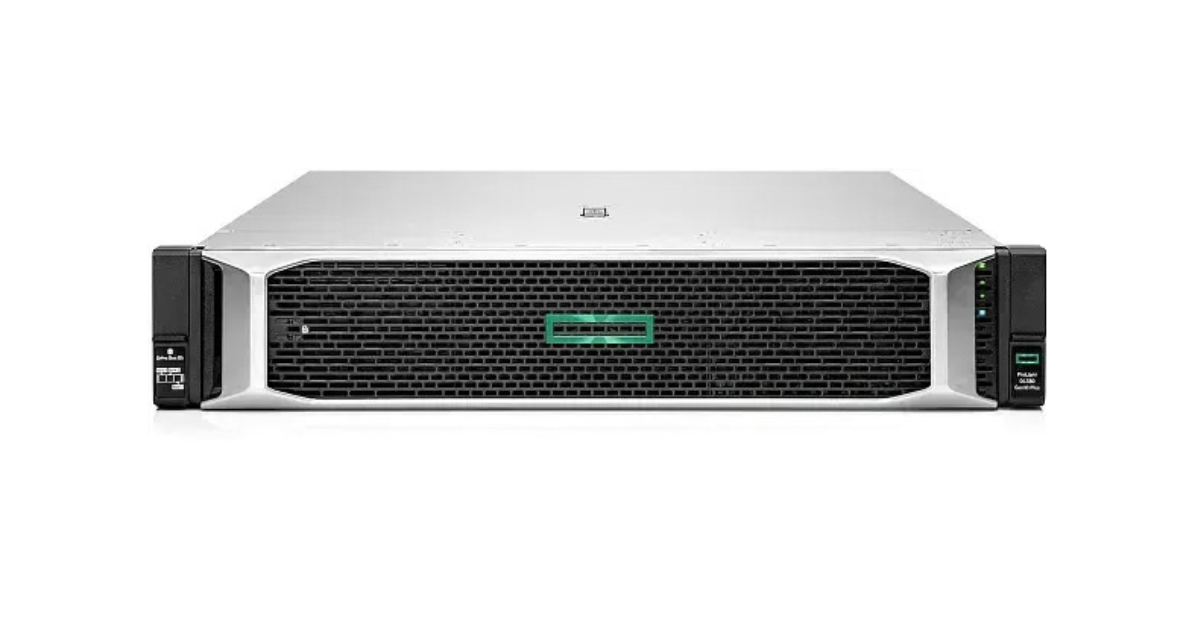
Image source: Servermall
HPE ProLiant DL380 models in the Servermall catalog
The server name and the number of drive bays do not by themselves determine SSD compatibility. Visually identical drive cages may support different interfaces; NVMe may require a different backplane, cables, or controller.
When choosing a configuration, consider:
- the drive form factor and thickness, and compatible carriers;
- the drive-cage interface and the connection path to the CPU or controller;
- support for the specific model and firmware;
- whether diagnostic metrics are available through the controller;
- power delivery and cooling under sustained load.
U.3 on the label does not mean that the drive will work in every SATA or SAS cage. Power-loss protection must also be assessed separately: it helps complete internal operations and preserve necessary data during a power interruption, but it does not increase DWPD. Protected RAID-controller cache and protection built into the SSD cover different parts of the write path.
The platform capabilities are discussed in the Servermall article "HPE ProLiant DL380 Gen12 vs. Gen11 vs. Gen10 Plus: which server should you buy in 2026?". Confirm SSD compatibility for the specific generation and configuration.
How to understand remaining SSD endurance
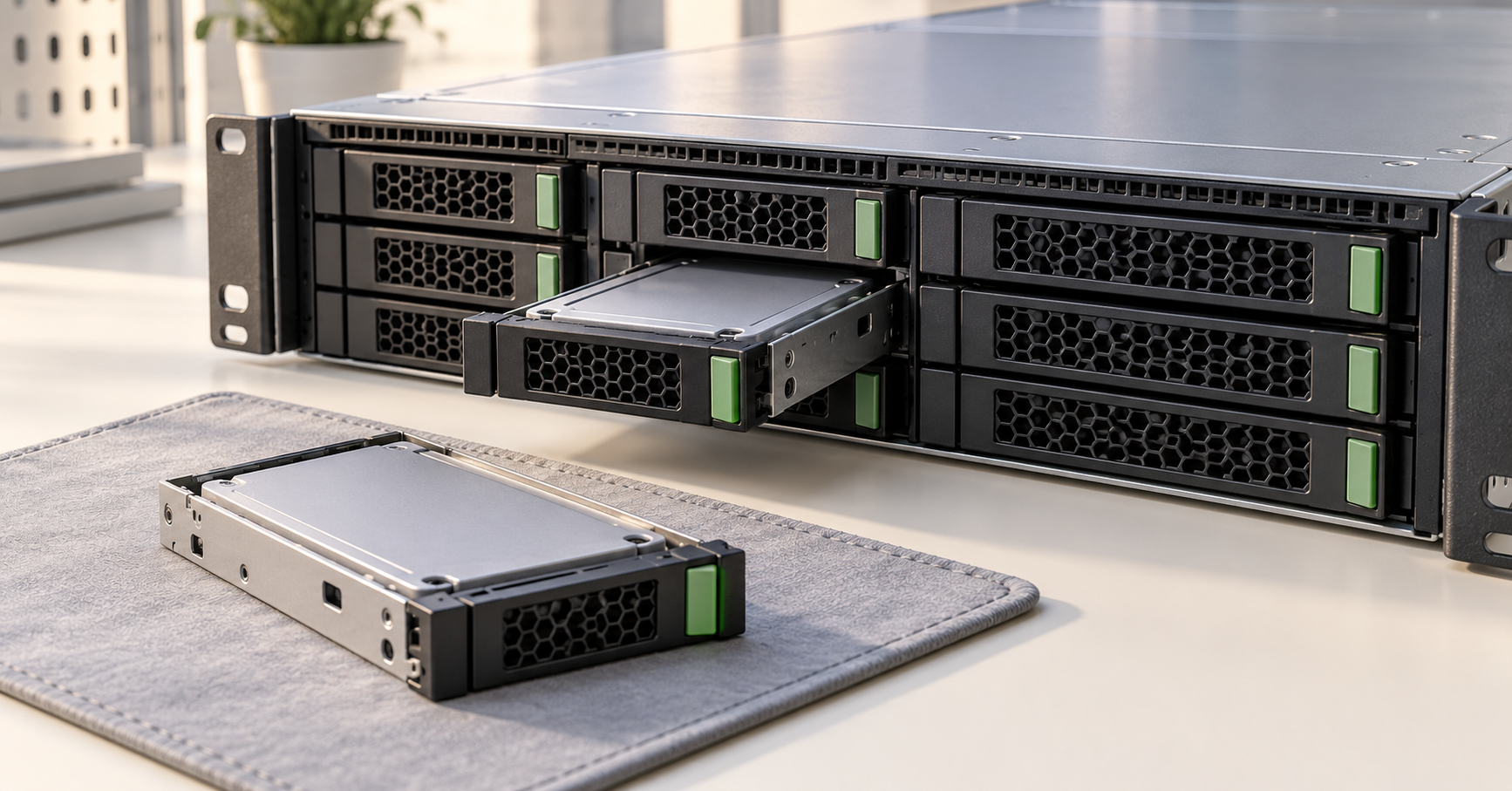
Write counter and wear indicator
To assess endurance consumption, you need at least total writes and how they change over a known period. Used endurance, spare-block status, data errors, temperature, and controller warnings are also useful.
For NVMe, the Percentage Used field estimates consumed endurance according to the manufacturer's model. A value of 20 usually means that an estimated 20% of endurance has been used, not that 20% remains. The NVM Express specification explicitly states that a value of 100 does not necessarily mean failure and that the indicator may exceed 100; nevertheless, using a drive beyond its rated endurance is a risk that must be assessed.
The Data Units Written counter in the standard NVMe health log is expressed in thousands of 512-byte units: one counter unit corresponds to 512,000 bytes. If a utility already displays terabytes, do not convert the value again. Units may differ for other logs and SATA metrics; use the documentation for the specific device.
SATA has no single universal attribute number with the same meaning across all SSDs. Some scales increase as wear accumulates, while others show remaining endurance and decrease. An overall "100% health" figure cannot be interpreted without knowing which metric the software used.
A previously used drive
For an SSD that has already operated in a server, account for the endurance it has consumed. A simplified estimate of the remaining budget is rated TBW minus accumulated writes, provided that the counter is comparable with the specification conditions. The current wear indicator may nevertheless point to a heavier workload than a linear byte-based calculation suggests.
Formatting does not restore flash endurance. A low number of operating hours does not guarantee low wear: intensive writes consume endurance quickly. Consider the metrics of the specific SSD and the seller's warranty.
Update the forecast based on the trend. If writes increase over a month and wear starts rising faster, the original calculation no longer describes the system. A malfunction, errors, or critical warnings require a separate decision regardless of remaining TBW; there is no need to wait for an arbitrary percentage threshold.
Keep in mind that drive metrics can be falsified with special software, so a worn SSD with perfect readings should raise suspicion. It is better to buy drives from trusted sellers and rely on their warranty when a manufacturer warranty is unavailable.
How to choose endurance without overpaying
A suitable server SSD has enough write budget for the planned service life, handles the application's real latency requirements, and is compatible with the platform. Start by measuring each physical drive, then account for growth, additional operations, and a justified margin. Read Intensive and Mixed Use help navigate product lines, but the final decision should be based on specific TBW, DWPD, and evaluation conditions. This approach directs the budget to the drives that are actually under load and allows replacement to be planned in advance, without mistaking write endurance for a guarantee of data preservation.
Choosing the Right Equipment
Our specialists will contact you and answer all your questions