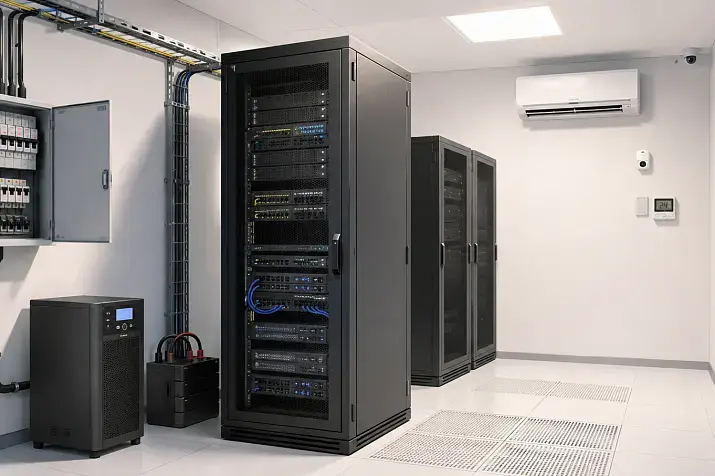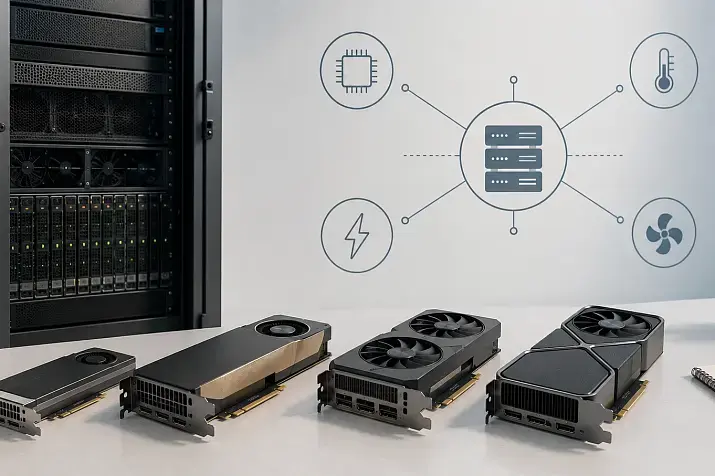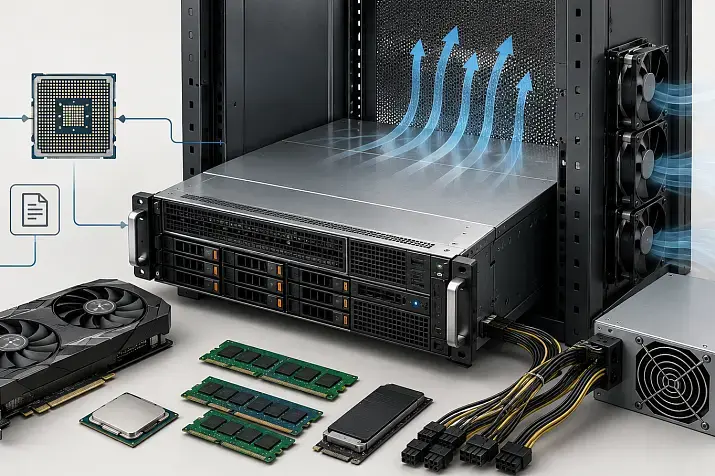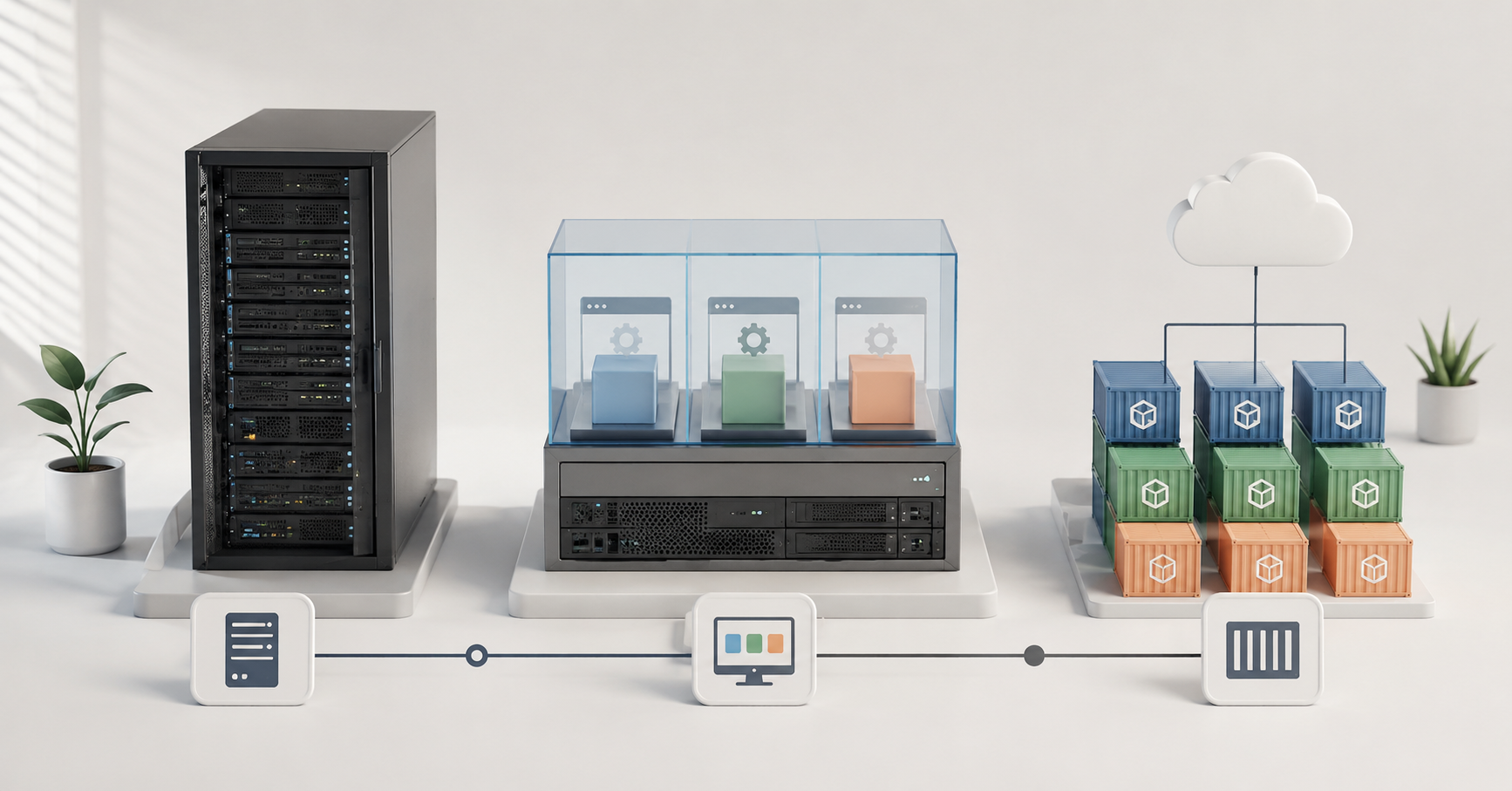
For a business, there is no universal answer to what is better: a physical server, virtualization, or containers. If a system needs maximum predictability, direct access to hardware, and minimal latency, a physical server is usually chosen. If isolation, convenient backup, portability, and support for legacy enterprise applications are important, virtualization is usually a better fit. If frequent releases, fast service startup, and convenient development workflows are needed, containers are often more suitable. In practice, the optimal choice is often a mixed architecture: critical databases and latency-sensitive workloads are placed on physical servers or dedicated virtual machines, enterprise systems run in virtualization, and new web services and DevOps environments run in containers.
Why choosing an architecture has become more difficult
Infrastructure used to be built in a simpler way: there was a server, an operating system was installed on it, and then the required application was deployed. This approach is still used, but business workloads have changed. Companies now run databases, websites, internal portals, ERP, CRM, analytics services, monitoring systems, test environments, and legacy applications that cannot be quickly rewritten at the same time.
Because of this, the choice can no longer be reduced to the question of “what is faster”. A physical server does provide a high level of control over hardware. But it is not always convenient for scaling, redundancy, and separating different systems. Virtualization helps use one physical server for several isolated environments, but it requires proper resource management. Containers speed up application development and deployment, but they also add requirements for security, data storage, and platform maintenance.
The main mistake is to choose an architecture as a fashionable technology standard. It is more correct to start with the workload: what exactly will run, how often it will be updated, how much downtime is acceptable, which latencies are critical, and what security, licensing, and disaster recovery requirements exist.
Our most popular servers

Free shipping on orders over 500 € in the EU, £500 in the UK, and $3,000 in the USA
Free shipping on orders over 500 € in the EU, £500 in the UK, and $3,000 in the USA
Free shipping on orders over 500 € in the EU, £500 in the UK, and $3,000 in the USA

Free shipping on orders over 500 € in the EU, £500 in the UK, and $3,000 in the USA
What physical servers, virtualization, and containers are
A physical server is dedicated hardware on which a system runs directly. The application has access to the CPU, memory, disks, network cards, and other components without an additional virtualization layer. This approach is often used where stable performance, low latency, direct access to storage, graphics accelerators, or network adapters are important.
Virtualization is the process of running several virtual machines on one physical server. Each virtual machine looks like a separate server: it has its own operating system, its own resources, its own settings, and its own applications. This approach is convenient for enterprise systems, test environments, backup, migration, and application isolation. Virtualization does not make a server faster by itself; in fact, the hypervisor layer usually takes away a small amount of performance. Its value is different: it helps use physical resources more efficiently, manage systems more easily, and recover faster after failures, which outweighs the small performance overhead.
Containers are a way to package an application together with its dependencies and run it in an isolated environment. A container is usually lighter than a virtual machine, starts faster, and is better suited for frequent updates. But a container is not a full virtual machine: most often, it uses a shared operating system kernel with other containers and does not use virtualization functions. That is why containers require careful configuration of permissions, networking, data storage, and access to secrets. In modern infrastructures, Kubernetes is often used to manage container workloads: its documentation describes workloads as applications that run in sets of containers and are managed through special platform objects.
A brief comparison of the approaches
| Criterion | Physical server | Virtualization | Containers |
|---|---|---|---|
| Performance | As close as possible to the capabilities of the hardware | Usually slightly lower because of the additional layer, but well controlled | High placement density, fast startup |
| Isolation | At the level of a separate server | Strong isolation between virtual machines | Lighter isolation, careful configuration is required |
| Scaling | By adding servers and upgrading them | By adding virtual machines and resources | By quickly starting new application instances |
| Updates | Often more complex and risky | Snapshots, clones, and migrations are convenient | Images, automation, and fast releases are convenient |
| Typical workloads | Large databases, low-latency tasks, systems tied to hardware | ERP, CRM, legacy applications, test environments, internal services | Web services, microservices, DevOps, temporary environments |
| Main risk | Underused hardware, difficult portability | Resource overcommitment, platform dependency | Complexity of orchestration, data storage, and security |
This table does not show a winner. It shows that each architecture is strong in its own scenario. For one system, the best option will be a physical server; for another, a virtual machine; for a third, a container platform.
How to choose an architecture: workload first, technology second
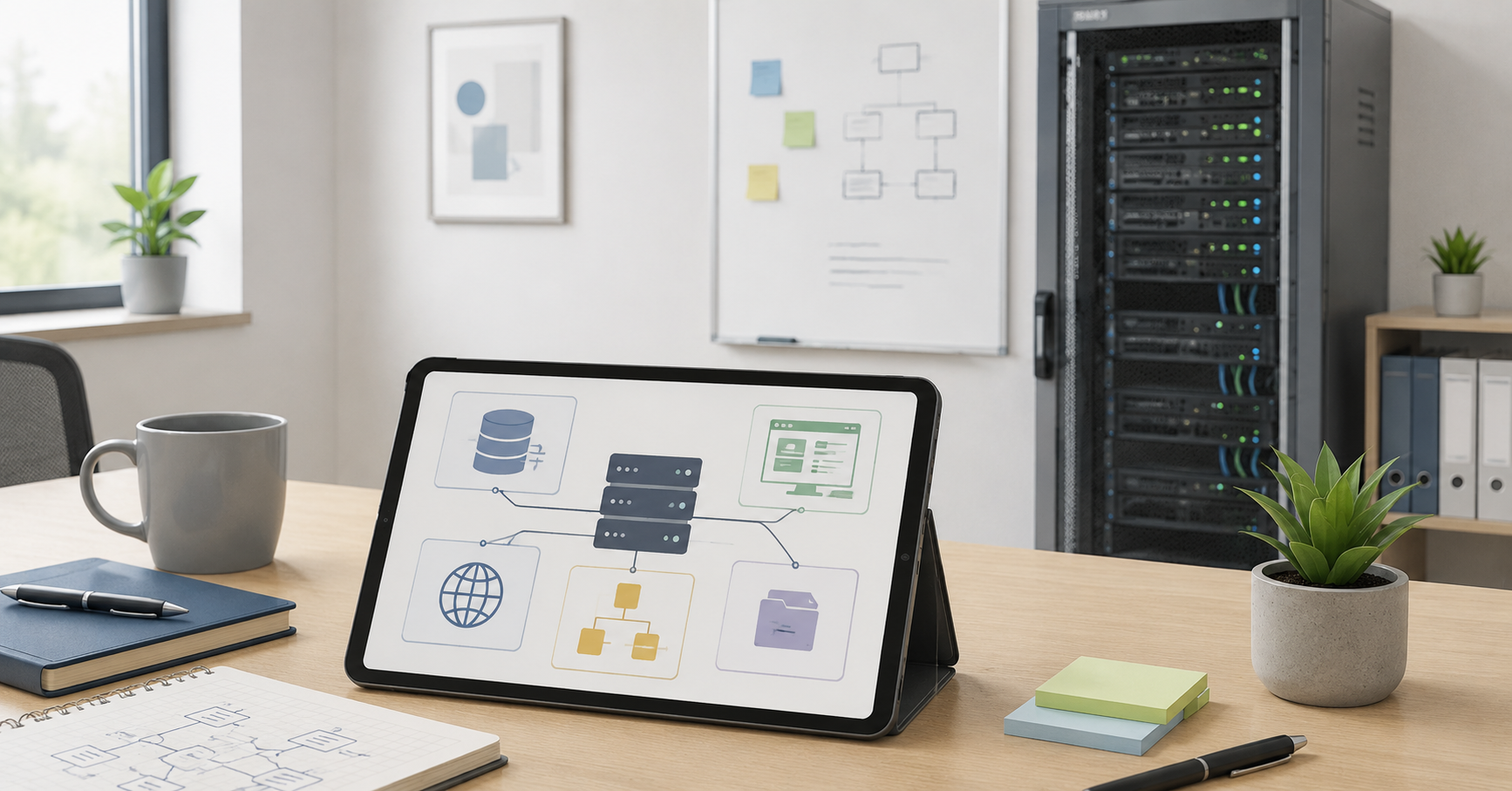
Before choosing, you need to describe the application, not the server. The same hardware can be used in different ways, but the architecture must match the nature of the workload.
The choice is influenced by:
- application type: database, ERP, website, analytics, test environment, internal service;
- latency requirements: whether not only speed matters, but also its predictability;
- isolation requirements: whether systems with different trust levels run side by side;
- update frequency: whether releases happen once every six months or several times a day;
- fault tolerance requirements: how much downtime is acceptable and how much data can be lost in a failure;
- hardware dependency: whether specific cards, disks, network adapters, or graphics accelerators are required;
- data access pattern: many random operations, large sequential writes, or constant analytical load;
- licensing: the product may be licensed by cores, sockets, virtual machines, or instances;
- team expertise: whether there is experience in maintaining virtualization, a container platform, automation, and monitoring;
- security and audit requirements;
- expected workload growth.
Architecture is rarely chosen once for the whole company. In one organization, a database may run on a physical server, ERP may run in a virtual machine, web services may run in containers, and legacy applications may run in a separate virtualized environment.
Choosing the Right Equipment
Our specialists will contact you and answer all your questions
Databases: when disks, latency, and recovery matter
Databases are sensitive not only to CPU and memory capacity. Disk subsystem latency, input/output stability, log write speed, cache behavior, network latency between the application and the database, and the recovery scenario after a failure are all important.
A physical server is often justified for large databases, analytical storage systems, and heavily loaded transactional systems. This option gives more control over disks, controllers, network cards, memory, and CPU cores. It is especially important if the workload is stable, high, and predictable, and downtime is expensive.
Virtualization is suitable for most medium-sized databases if the infrastructure is designed correctly. It is necessary to control where disks are located, how backups work, whether several virtual machines compete for the same input/output resources, whether latency is monitored, and whether there is a clear recovery plan. A virtual machine is convenient because it is easier to move, copy, and include in a general backup and recovery system.
Containers for databases require caution. They are convenient for test databases, temporary environments, small service databases, and development. But a container by itself does not solve the problem of reliable data storage. If the database is critical, persistent storage, backups, recovery, health checks, instance placement, and behavior during node failure must be designed separately.
Critical databases are better placed on a physical server or in well-designed virtualization. Containers are acceptable if the team understands how storage, redundancy, and recovery work.
ERP, CRM, and internal enterprise systems
ERP, CRM, accounting systems, document management, and internal portals usually require stability, operating system compatibility, clear backup, and predictable recovery. For such systems, virtualization is often the most practical option.
A virtual machine makes it possible to isolate the application, lock in the required operating system version, configure backup, create a test clone before an update, and restore the system faster after an error. This is especially valuable for enterprise applications where reliability and manageability are more important than maximum placement density.
A physical server may be needed if the application works poorly in a virtual environment, has licensing restrictions, is tied to a hardware key, or uses specialized hardware. Such cases do not occur in every company, but they cannot be ignored: sometimes an attempt to move an old system to a more modern environment costs more than carefully maintaining a separate server.
Containers are not suitable for all enterprise systems. If the application is monolithic, is installed through a complex installer, depends on a specific operating system version, uses local services, and is not designed for frequent rebuilds, containerization may bring little benefit and many risks.
For ERP, CRM, and most internal enterprise systems, the starting choice is virtualization. A physical server is needed in cases of strict hardware or licensing limitations. Containers should be considered only after analyzing the application architecture.
Web services and client applications
For modern web services, containers often become the natural choice. The reason is not only startup speed. The main advantage is convenient development, testing, and updating. An application can be built into an image, checked in a test environment, and deployed in production more predictably.
Containers work well for APIs, frontends, background workers, queues, microservices, and services that are updated frequently. They make it possible to scale individual parts of the system faster: for example, to increase the number of order processor instances without touching the other components.
But a container platform is not always needed. If a company has one simple website, rare updates, and a small team, a virtual machine may be simpler and cheaper to maintain. Containers start to bring noticeable value where there are several services, automated build, testing and deployment, and a need to release changes quickly.
Containers show their strengths best in modern web services with frequent releases and horizontal scaling. For simple websites and small internal applications, a virtual machine may be more rational.
DevOps, test environments, and development
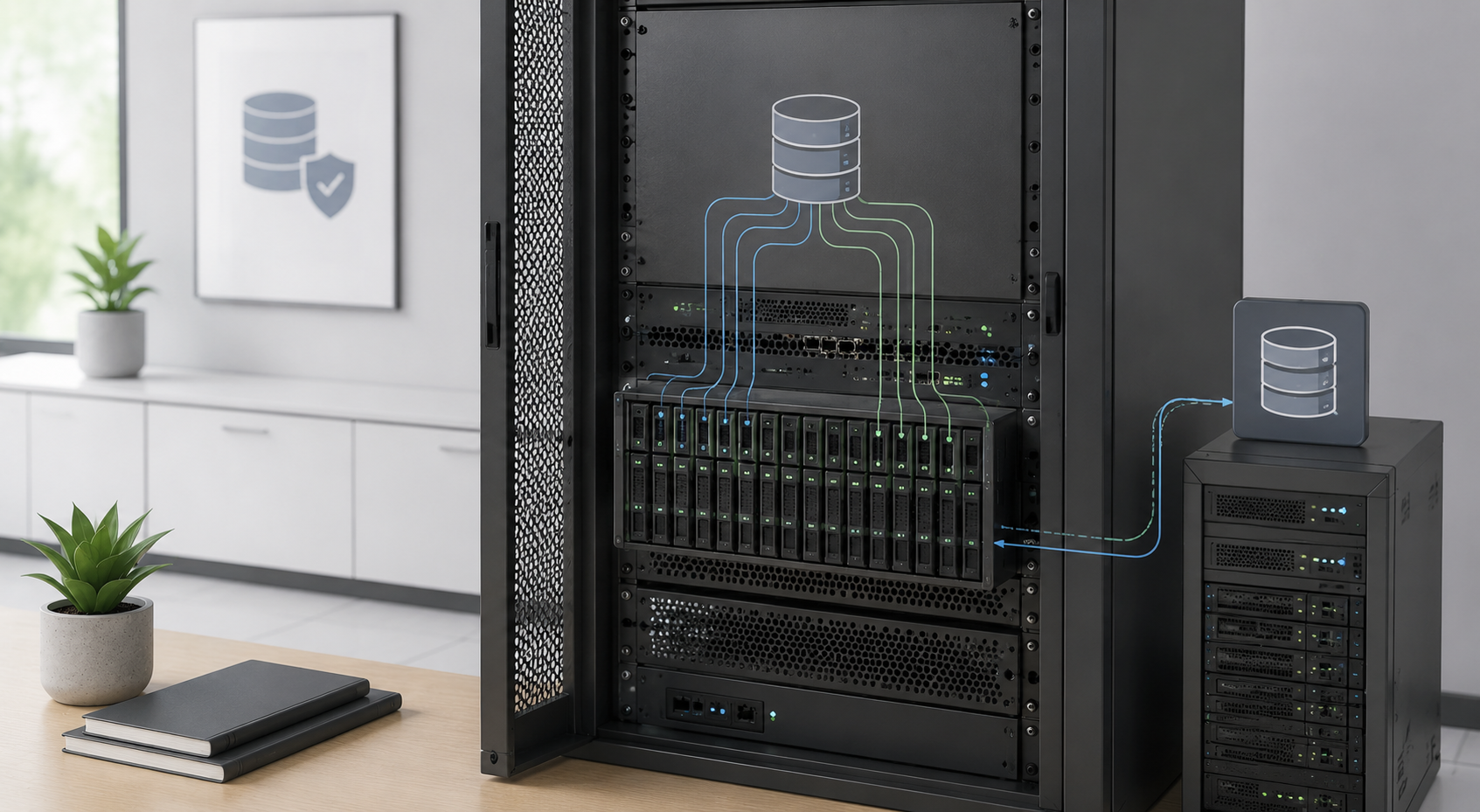
In development, containers and virtual machines solve different tasks. Containers are convenient for building applications, running tests, creating temporary environments, and checking new versions. A developer can bring up the required set of services faster than with full virtual machines.
Virtual machines are needed when a full operating system, network configuration, system service checks, installer testing, compatibility with a specific OS version, or modeling of a production environment is required. For example, if it is necessary to test an enterprise application update on a specific version of Windows Server or a Linux distribution, a virtual machine is often more convenient than a container.
Physical servers remain important for performance tests, drivers, hardware, network cards, storage systems, and graphics accelerators. If an application depends on the real behavior of hardware, a test in a container or virtual machine may not reveal all problems.
The main risk of a DevOps environment is uncontrolled multiplication of images, temporary services, and test environments. Without an image registry, versioning rules, access control, monitoring, and removal of outdated environments, a container environment quickly becomes opaque. NIST recommendations on container security separately highlight risks related to images, registries, orchestrators, runtime environments, and applications inside containers.
For development, a combination is usually needed. Containers are used for fast builds and tests, virtual machines for full environments, and physical servers for performance testing and work with hardware.
Legacy applications: why they do not always need to be moved to containers
Legacy enterprise applications often become the most difficult part of the infrastructure. They may depend on a specific operating system version, outdated libraries, local services, drivers, hardware keys, file structure, or a non-standard installer.
Moving such an application to a container may look modern, but in practice it can be expensive and risky. Sometimes more than the application itself has to be changed: the installation method, data storage, network dependencies, logging system, updates, and backup. If a business system works stably and rarely changes, the benefit of containerization may be lower than the cost of the project.
Virtualization often provides a clearer path in such scenarios. An old system can be isolated, moved from old hardware, connected to centralized backup, restricted by network access, and gradually prepared for modernization if necessary. This does not solve the problem of the outdated application completely, but it reduces dependence on old hardware and simplifies operation.
A physical server is still needed if the application is tied to a specialized card, hardware key, outdated peripheral equipment, or vendor requirements.
Modernizing legacy applications should start with a dependency audit. In many cases, the first reasonable step is migration to a virtual machine, not urgent containerization.
Top-selling network switches
Free shipping on orders over 500 € in the EU, £500 in the UK, and $3,000 in the USA

Free shipping on orders over 500 € in the EU, £500 in the UK, and $3,000 in the USA

Free shipping on orders over 500 € in the EU, £500 in the UK, and $3,000 in the USA

Free shipping on orders over 500 € in the EU, £500 in the UK, and $3,000 in the USA
Latency-sensitive workloads
There are workloads for which not only average performance matters, but also latency predictability. These include trading systems, telecom services, industrial control, stream data processing, some high-load databases, real-time systems, and some analytical environments.
A physical server is often preferable if the application needs the smallest possible layer between software and hardware. This makes it possible to control CPU cores, memory, network cards, storage devices, and background processes more precisely. This approach is especially important if even rare latency spikes can lead to financial losses or disruption of a technological process.
Virtualization can also be used for low-latency tasks, but only with proper configuration. Resource pinning, competition for CPU, memory and input/output, network behavior, virtual machine placement, and reserves for critical systems all need to be considered. VMware/Broadcom documentation treats virtualization resource management as a separate area: the platform allows control over the allocation of CPU, memory, and input/output, but this requires deliberate configuration, especially when workloads compete with each other.
Containers can be effective for some fast services, but they require strict control of limits, network model, node placement, background processes, and neighboring workloads. If containers run on overloaded nodes, predictability may worsen.
For low-latency tasks, architecture cannot be chosen based on general benchmarks. Tests under real workload, latency measurements, and checks of behavior during peaks are required.
Isolation and security
Isolation is one of the main selection criteria. If different systems have different trust levels, process sensitive data, or belong to different clients, the architecture must provide clear boundaries.
A physical server provides the clearest separation option: one critical system can occupy separate hardware. This is more expensive, but it is sometimes justified for high-risk or strictly regulated environments.
A virtual machine has its own operating system and usually provides a stronger boundary between systems than a container. That is why virtualization is often used to separate enterprise systems, client environments, test and production environments.
Containers are lighter and faster, but their isolation requires more careful configuration. Containers must not be run with excessive privileges; unverified images must not be used; secrets must not be stored in plain text; network policies and updates must not be ignored. Containers work well for applications within one trusted environment, but multi-user environments and systems with different trust levels often require additional isolation — for example, running containers inside virtual machines.
Strong isolation is needed when:
- different clients or departments work on the same infrastructure;
- the application processes personal, financial, or commercially sensitive data;
- audit and regulatory requirements exist;
- the system is critical for the business;
- applications with different trust levels run nearby;
- the team is not ready to constantly control container security.
Containers should not be treated as an automatic replacement for virtual machines in security matters. The higher the isolation requirements, the more important virtual machines or physical separation become.
Operations: what is easier to maintain
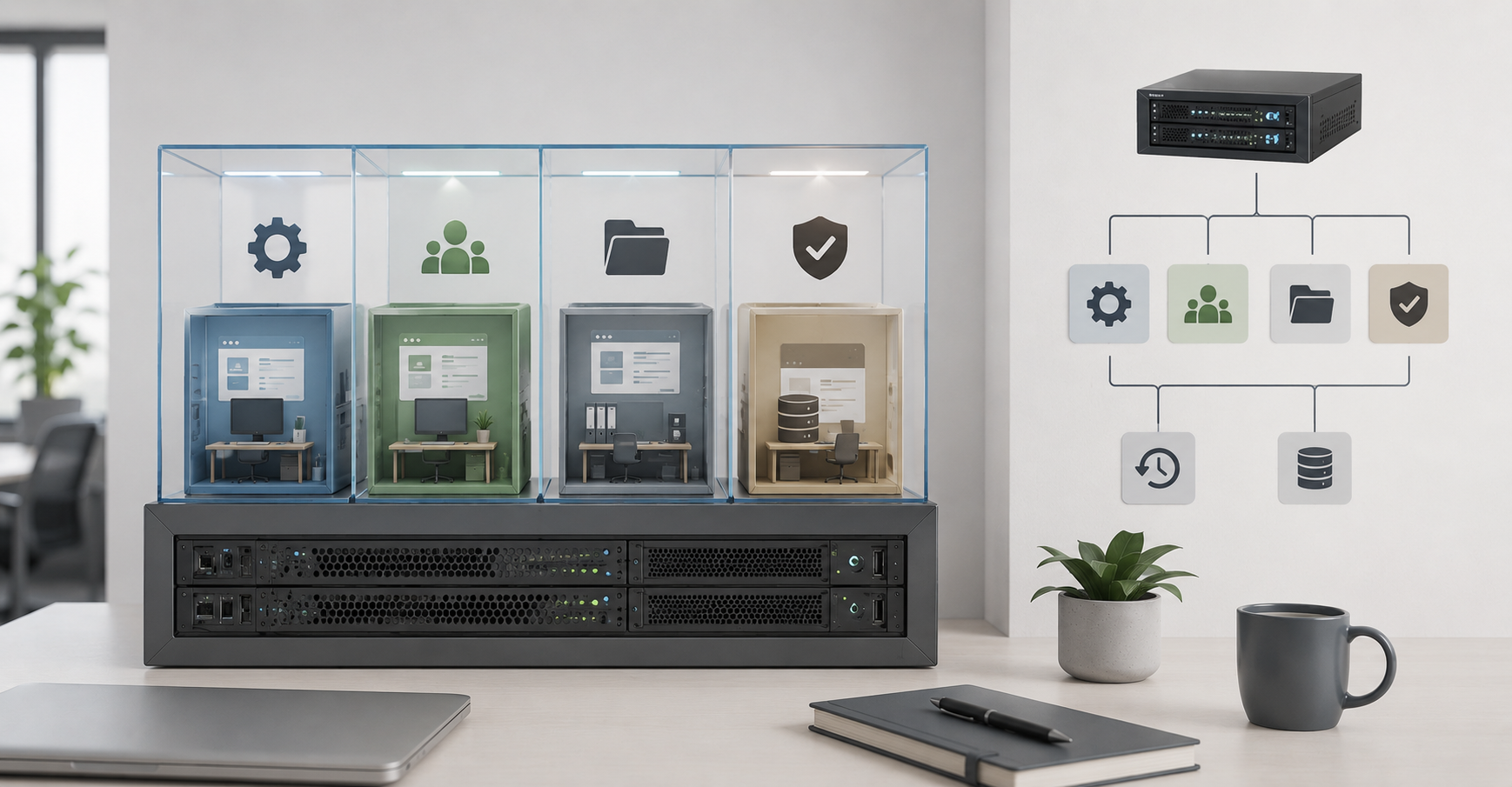
Ease of maintenance depends not only on the technology, but also on process maturity.
A physical server is easier to understand: there is specific hardware, a specific operating system, and a specific workload. But scaling and portability are more difficult. If resources need to be added quickly, a server needs to be replaced, or a system needs to be moved, there is usually more manual work. Spare parts, warranty, hardware monitoring, firmware, disks, power supplies, and network connections also have to be taken into account.
Virtualization is convenient for centralized management. Administrators can create virtual machines, move them between hosts, make backups, separate environments, and control resource consumption. But there are risks here as well: CPU and memory overcommitment, competition for disks, platform dependency, and errors in cluster configuration. At the same time, virtual machines do not exist in a vacuum — they run on the same physical servers, and work with them, although simplified, still remains.
Containers are convenient for teams that already have automation. They allow teams to release versions faster, roll back changes, scale individual services, and maintain consistent environments. But a container platform requires discipline: an image registry, version control, monitoring, logging, secret management, network policies, resource limits, base image updates, and access rules are needed. Red Hat, in its comparison of containers and virtual machines, also emphasizes that these approaches differ in packaging, isolation, and portability models, but can be used together. And again, containers will run either on the company’s own physical servers and virtual machines, or in a provider’s cloud.
Containers are not always simpler. They are simpler for development and operations teams with sufficient expertise in them; without that expertise, they can add more complexity and instability. For a small team without automation, virtual machines may be more reliable and easier to understand.
Choosing the Right Equipment
Our specialists will contact you and answer all your questions
Money and licenses: where hidden costs appear
A physical server can be economically beneficial for a stable workload that constantly uses dedicated resources. If a database or analytical system loads processors, memory, and disks around the clock, dedicated hardware can provide good cost predictability.
Virtualization helps increase hardware utilization. Instead of several underused servers, a company can use one cluster and place different systems on it. But the cost of the platform, support, backup, administration, and possible future migration must be considered.
Containers can reduce deployment costs and speed up the release of changes, but they are not free to operate. Specialists, a platform, monitoring, storage, a logging system, image protection, automation, and team training are needed.
Licensing is a separate issue. Some commercial products are licensed by the number of physical processors, cores, virtual machines, users, or application instances. Sometimes moving to virtualization or containers changes the licensing model so much that a technically convenient solution becomes financially disadvantageous.
The calculation should include:
- hardware cost;
- operating system and application licenses;
- support for the virtualization platform or container environment;
- backup;
- monitoring and logging;
- administration;
- team training;
- cost of downtime;
- migration cost;
- cost of recovery after an error.
You need to calculate not only the server price. The full cost of ownership matters: hardware, licenses, people, downtime, recovery, and future changes.
Selection matrix by workload type
| Workload | Best starting option | When to choose another option |
|---|---|---|
| Critical database | Physical server or virtual machine | Containers only with a mature storage and recovery model |
| ERP, CRM, accounting | Virtual machine | Physical server when there are hardware or licensing limitations, as well as increased performance requirements |
| Modern web service | Containers | Virtual machine if the service is simple and the team is small |
| Legacy enterprise application | Virtual machine | Physical server when there is dependency on hardware |
| DevOps and test environments | Containers + virtual machines | Physical server mainly for performance and hardware tests |
| Low-latency workloads | Physical server | Virtualization or containers only after testing and fine tuning |
| Internal company services | Virtualization | Containers when releases are frequent and automation is mature, or when the solution is delivered for a container environment |
| Microservices | Containers | Virtual machines if there is no mature operation of the container platform |
This matrix is not a strict rule, but a starting point. Before production migration, a pilot should be carried out, and the workload, latency, backup, recovery, and security requirements should be checked.
Why a hybrid architecture is often better than one approach
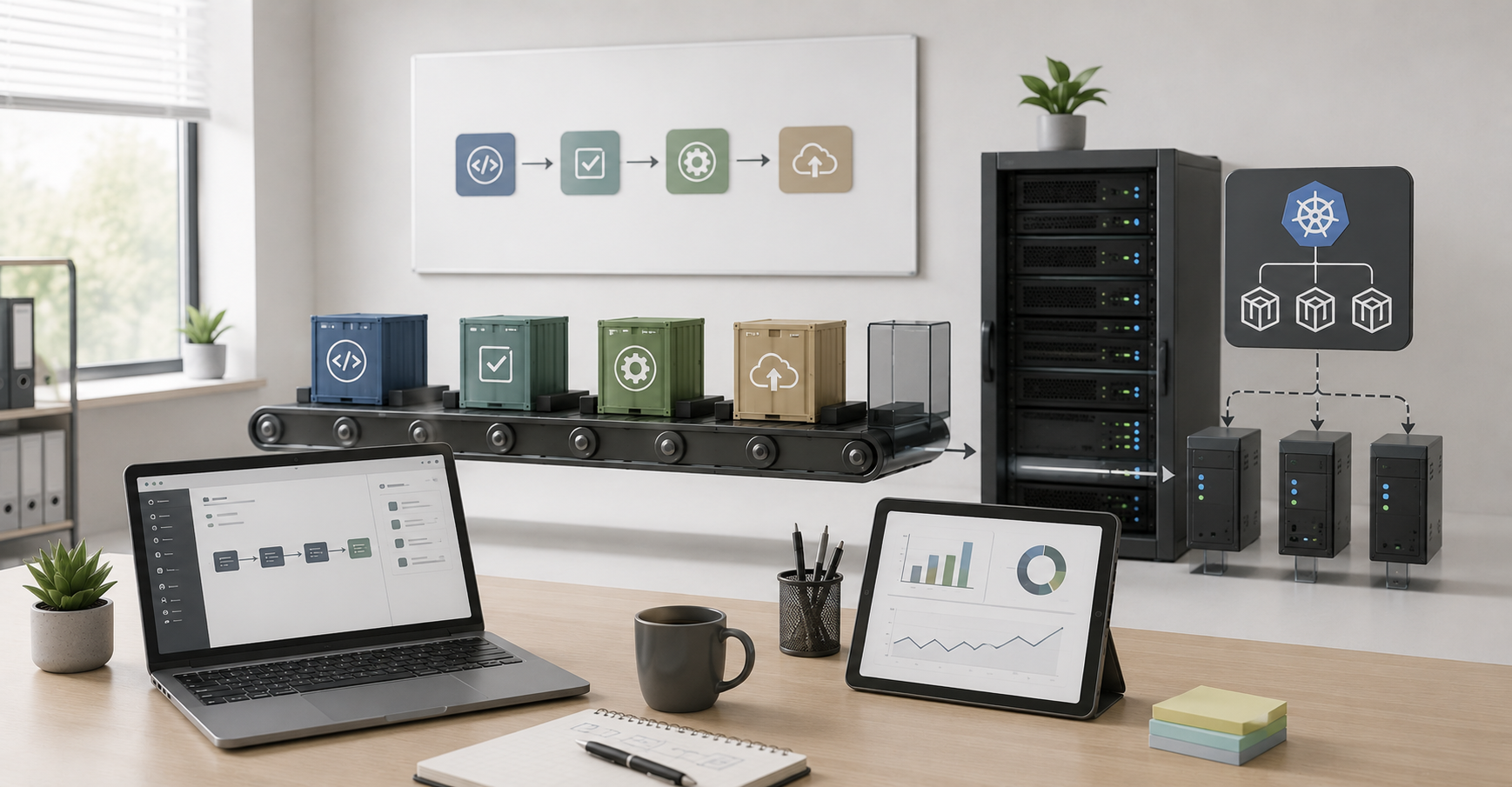
A business does not have to choose only physical servers, only virtualization, or only containers. In practice, these approaches often complement each other.
Physical servers can be the foundation of the whole infrastructure. Hypervisors, container nodes, databases, or workloads that need direct access to hardware can run on them. Virtual machines are suitable for stable enterprise systems, legacy applications, databases, and environments with strong isolation requirements. Containers are convenient for new services, frequent releases, microservices, and test environments.
Containers and virtualization do not necessarily compete. Containers are often run inside virtual machines: this way, the company gets the convenience of the container model and the additional manageability of the virtual environment. This is especially useful when teams, projects, clients, or access levels need to be separated.
An example of a practical scheme:
- physical servers as the computing foundation;
- virtualization as the layer for enterprise systems, databases, and legacy applications;
- container platform as the layer for new services and DevOps;
- shared services: monitoring, backup, networking, security, and access management.
This approach makes it possible not to break working systems for the sake of a fashionable architecture, while still developing new services faster.
Typical mistakes when choosing an architecture
- Choosing containers only because they are modern. If an application is rarely updated, works as a monolith, and does not require horizontal scaling, containerization may add complexity without noticeable benefit.
- Treating virtualization as automatic fault tolerance. A virtual machine by itself does not protect against storage failure, administrator error, data corruption, or incorrect backup configuration.
- It is also dangerous to run a critical database in a container without a clear model for persistent storage. A container can be recreated quickly, but data must survive failures, migrations, and update errors.
- Moving a legacy application without auditing dependencies;
- Ignoring licenses;
- Mixing workloads with different trust levels without isolation;
- Placing critical and test systems on the same resources without limits;
- Ignoring disk and network latency;
- Not checking recovery from backup;
- Building a container platform that is more complex than the business needs;
- Choosing an architecture without considering the team’s qualifications.
Architecture should reduce risks, not create new ones.
A practical selection algorithm
Before implementation, it is worth going through several steps.
- Make a list of applications: databases, ERP, CRM, websites, internal services, test environments, analytics, legacy applications.
- Determine the criticality and acceptable downtime for each system.
- Check CPU, memory, disk, network, and latency requirements.
- Assess isolation requirements: one trusted environment or different clients, departments, and access levels.
- Check licensing restrictions.
- Determine how often the application is updated.
- Check dependency on specific hardware.
- Assess whether the team is ready to maintain the selected platform.
- Choose the starting architecture by workload type.
- Run a pilot on a real or close-to-real workload.
- Check backup and recovery.
- Only after that, move the production system.
This algorithm helps avoid choosing “by eye”. It moves the discussion from preferences and trends to requirements, risks, and cost.
Conclusion
A physical server should be chosen where direct access to hardware, predictable performance, low latency, and strict control over resources are important. Virtualization is better suited for most enterprise systems, legacy applications, ERP, CRM, test environments, and scenarios where isolation, backup, and manageability matter. Containers are reasonable for modern web services, microservices, DevOps processes, and frequent releases.
For mature business infrastructure, the best result usually comes not from one approach, but from a combination of them. Physical servers provide a reliable foundation, virtualization helps manage stable systems, and containers speed up development and scaling of new services. The best solution is not the newest or the most popular one, but the one that matches the specific workload, security requirements, economics, and capabilities of the team.
Choosing the Right Equipment
Our specialists will contact you and answer all your questions
Content:

Free shipping on orders over 500 € in the EU, £500 in the UK, and $3,000 in the USA

Free shipping on orders over 500 € in the EU, £500 in the UK, and $3,000 in the USA

Free shipping on orders over 500 € in the EU, £500 in the UK, and $3,000 in the USA

Free shipping on orders over 500 € in the EU, £500 in the UK, and $3,000 in the USA

Free shipping on orders over 500 € in the EU, £500 in the UK, and $3,000 in the USA

Free shipping on orders over 500 € in the EU, £500 in the UK, and $3,000 in the USA