A motherboard in a server is not just “the base you plug everything into.” It’s the control center for hardware and failures: how the system survives errors, how you diagnose it at a remote site, how predictably it sustains a 24/7 load, and how long it takes to find the root cause of an outage.
If you simplify it to the essence, you usually pay for a server board (and the server platform around it) not for “more connectors,” although there are certainly more of them (multiple CPU sockets, a huge number of RAM slots, etc.), but for:
- remote hardware management without the OS via BMC and standard management APIs;
- telemetry and event logging that speed up troubleshooting and reduce the risk of “blind” failures;
- predictable behavior with high density of memory, PCIe devices, and drives;
- validated configurations and stricter compatibility;
- lower loss of time and money due to downtime and “why did it crash again” investigations.
Let’s break it down layer by layer: mechanics and power, memory, PCIe and expansion, storage and networking, firmware and security, plus practical checklists and common build mistakes.
Basic concepts
A server board, a server platform, and a server chassis are not the same thing
On desktops, the “board” is often treated as a standalone product: install the CPU, memory, GPU—and it works. In the server world, the more important term is platform: a bundle of the board, CPU, memory, risers, backplane/drive bays, power supply unit(s), cooling system, and a set of firmware components (BIOS/UEFI, BMC, and sometimes additional controllers).
Why this matters:
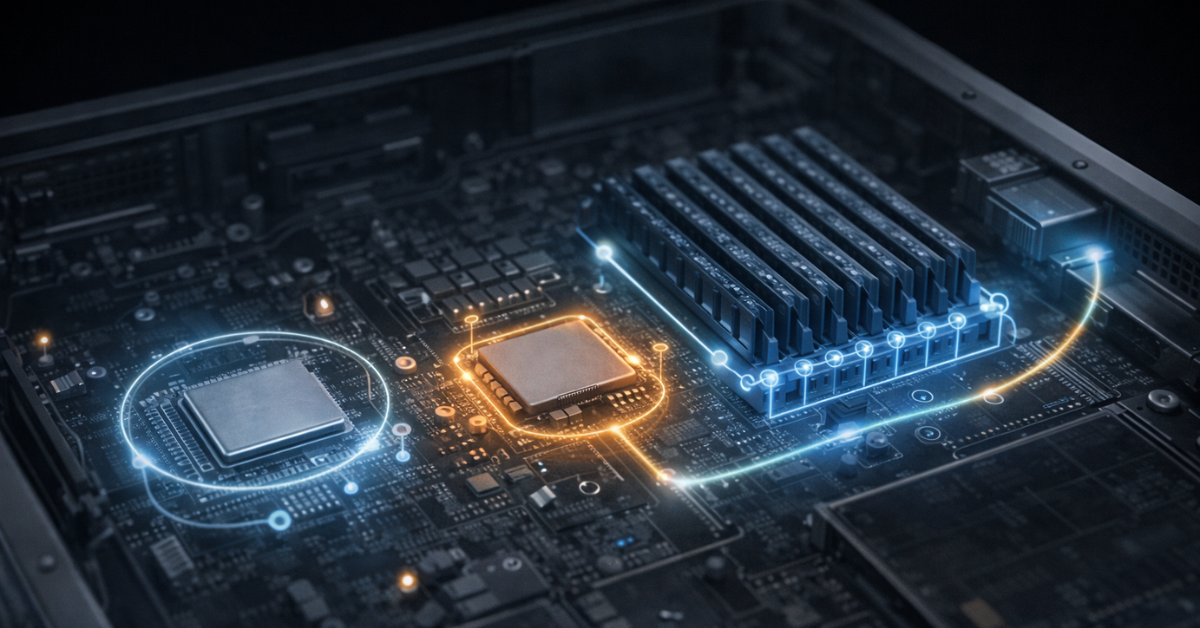
- many features users attribute to the “server motherboard” are actually implemented jointly: partly in the CPU (for example, memory error correction), partly in the BMC (telemetry and remote management), and partly in the chassis (risers/backplanes/air ducts);
- compatibility and stability depend on how well this bundle is engineered and validated by the vendor as a single whole.
Form factors and mechanics: why “ATX-compatible” is often misleading
Even if a server board physically fits into an E-ATX case, that doesn’t guarantee a trouble-free build.
Typical mismatches:
- mounting points and connector placement: server boards are often designed around a specific airflow channel and cable management;
- risers and card height: in 1U/2U systems risers are almost always used, and PCIe slots/power are often designed for specific combinations;
- VRM and CPU zone airflow: server platforms assume directed airflow and fans with high static pressure; in a “quiet” desktop case, VRMs and controllers may overheat under sustained load;
- EPS power and wiring: server boards typically require more attention to 8‑pin/16‑pin EPS, sometimes multiple CPU power rails, and PSUs that deliver the needed current with good voltage regulation.
The conclusion is simple: a server board performs best in its “native” chassis or in a case/rack designed for server-grade airflow and power delivery.
Our most popular storage systems
Free shipping on orders over 500 € in the EU, £500 in the UK, and $3,000 in the USA

Free shipping on orders over 500 € in the EU, £500 in the UK, and $3,000 in the USA

Free shipping on orders over 500 € in the EU, £500 in the UK, and $3,000 in the USA

Free shipping on orders over 500 € in the EU, £500 in the UK, and $3,000 in the USA
Main difference №1: BMC and out-of-band management
What BMC is and why it matters in real life
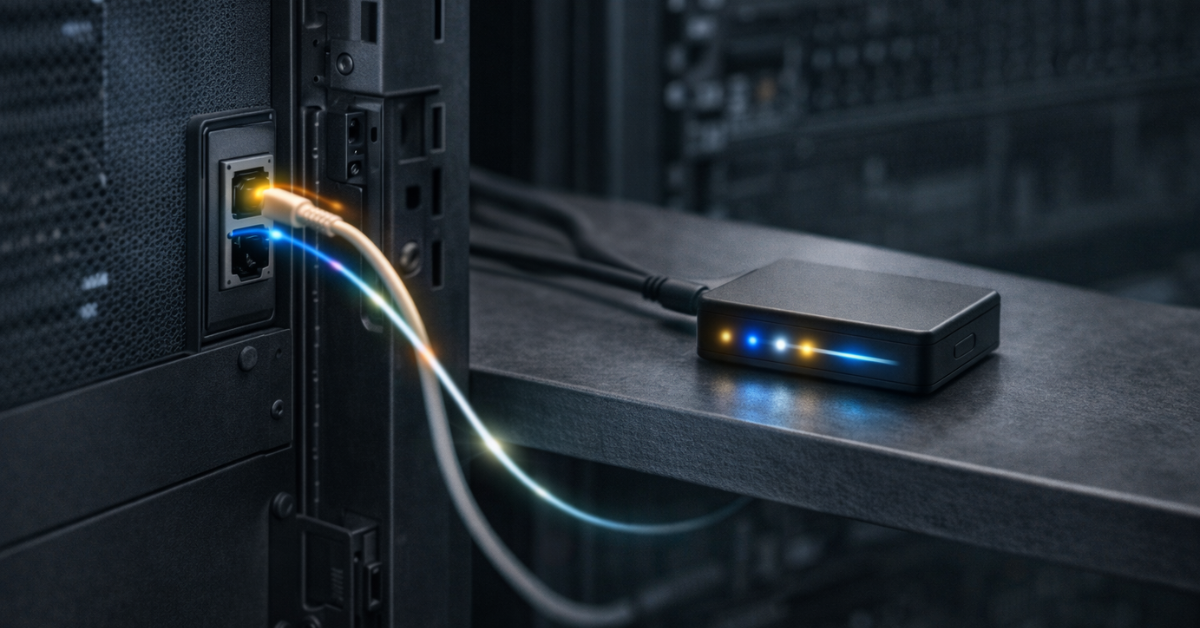
BMC (Baseboard Management Controller) is a separate controller on the board that “lives its own life”: it has its own microprocessor, firmware, management network, and access to sensors and board events. It lets you manage the server “directly,” outside the OS—even when the system is hung or not installed.
What BMC gives you in operations:
- remote power on/off/reboot;
- remote console (KVM-over-IP), access to the boot screen and BIOS (and therefore remote OS installation);
- telemetry collection (temperatures, fans, voltages, sometimes currents, power-rail states);
- hardware-level event logs and hardware inventory;
- the ability to update firmware and centrally track its status.
The time BMC saves is usually measured not in minutes, but in hours—especially at remote sites, racks without постоянный access, or when “the server seems on, but SSH won’t connect.”
Redfish as a management standard, not “vendor magic”
Historically, each vendor had its own server management interface. Today, Redfish is becoming a de facto standard—defined by DMTF—for managing hardware via a REST approach and a JSON model. This matters not because it’s a buzzword, but because it enables automation: inventory, firmware updates, power/fan control, and configuration audits become reproducible with tooling and scripts rather than manual work in a web UI.
An example of “why this matters” in infrastructure:
- you’re deploying a data center with many servers and want to guarantee a single baseline profile: BIOS/BMC versions, virtualization features enabled, power modes, and consistent cooling parameters;
- you want fast inventory: what NICs are installed, which drives the platform sees, and what errors were recorded over a period;
- you need a standardized way to update firmware and verify firmware health.
Redfish solves this as a common language between automation and hardware.
What to look for in BMC specifications
To make BMC truly useful, details matter:
- a dedicated management port (or a clear shared-port scheme);
- Redfish support and how complete that implementation is;
- BMC/BIOS update policy and how often fixes are released;
- licensing limitations: sometimes KVM/media mount and advanced telemetry can be paid add-ons;
- security: modern auth modes, access control, and logging.
Choosing the Right Equipment
Our specialists will contact you and answer all your questions
Main difference №2: reliability and RAS at the board/platform level
RAS isn’t one feature—it’s a set of practices and mechanisms
RAS (Reliability, Availability, Serviceability) is an approach where the goal isn’t “never breaks,” but that the system:
- records degradation early;
- reacts correctly to errors;
- is diagnosed faster;
- enables planned maintenance instead of аварийные crashes.
In practice, RAS is built from multiple layers:
- telemetry and sensors;
- event logging at the BMC level;
- error response policies (for example, how the system behaves on hardware faults);
- prevention of error accumulation in components like memory and the PCIe subsystem;
- automated inventory and health via standardized management interfaces, where Redfish plays the role of a “management bus.”
Why server boards “see” problems better
A server platform typically offers more observability:
- more sensors across zones (CPU, VRM, memory, input power rails, system fans);
- separate event logs (both hardware and system);
- correlation capability: “VRM temperature rose → throttling started → PCIe errors appeared → performance dropped.”
The more complex the workload (many NVMe drives, fast NICs, GPUs), the more important this observability becomes. On a desktop, many issues surface as “the app crashed.” On a server, you need not only the fact of failure, but the causal chain.
What to look for in management and reliability specifications
| Feature | What it provides | Trade-off/cost | Where it matters most |
| BMC | Power control, console, sensors, event log | Requires a separate network/access controls | Remote sites, 24/7 |
| Redfish | Standardized management automation | Needs integration into processes | Server fleets, IaC/DevOps |
| Dedicated mgmt port | Separates production network from management | Port/switching | Enterprise environments |
| Event log | A fast answer to “what failed” | Requires monitoring | Any 24/7 operations |
| Zone sensors | VRM/CPU/memory/fan monitoring | Requires alert tuning | Dense configurations |
| BIOS/BMC update policy | Reduces risk of vulnerabilities and bugs | Needs planned maintenance windows | Production services |
| Firmware resiliency | Firmware protection/detection/recovery | Depends on vendor and processes | Critical environments (NIST Publications) |
Memory: ECC UDIMM vs RDIMM/LRDIMM and configuration limits
Why “ECC support” is not a single checkbox
Server boards and platforms differ by which memory types they actually support and under which modes.
- ECC UDIMM is unbuffered memory with error correction. Often found in workstations and entry-level servers.
- RDIMM/LRDIMM are registered/buffered modules that scale better in capacity and signal integrity with many sticks and ranks.
It’s important that frequency and mode limits under full slot population are normal engineering measures. The platform may drop frequency, adjust timings, or switch to more conservative modes to ensure stable 24/7 operation.
Ranks, channels, capacity planning, and upgrades
A server board sets the upgrade envelope:
- how many DIMM slots per socket;
- which capacities and ranks are supported;
- how modes change when “all slots are occupied.”
If you’re designing for growth, it’s usually better to understand what the final memory configuration will look like upfront. Otherwise you can end up with a system that runs at one frequency with 50% populated slots, and automatically shifts to a slower mode after expansion.
PCIe and expansion: why “more slots” isn’t the main criterion
PCIe topology: CPU lanes, bifurcation, risers, retimers
In servers, what matters isn’t just “how many slots,” but:
- where lanes come from: CPU or chipset;
- slot width and which mode it actually runs in when neighboring slots are populated;
- whether bifurcation is supported (splitting x16 into 2×x8 or 4×x4), which is critical for NVMe adapters and some backplanes;
- whether retimers are used and how the signal path is designed for long traces and dense layouts.
Practical implications:
- for 100/200/400GbE NICs and GPUs, “clean” CPU lanes and predictable modes matter;
- for NVMe cards and backplanes, bifurcation and correct PCIe routing to front bays matter;
- for HBA/RAID, you need the right bandwidth and no unpredictable sharing with other devices.
I/O virtualization: SR-IOV and platform requirements
SR-IOV lets you split one physical PCIe device into virtual functions that can be passed to VMs almost “directly,” reducing overhead and improving isolation for network I/O. This is not only about NICs, but also about stack support: the device, drivers, hypervisor, and stable PCIe subsystem behavior. The SR‑IOV specification is formalized by PCI-SIG.
Storage: NVMe, SAS, backplanes, and the “right” connectors
NVMe direct vs via switches/retimers/risers
Desktops typically revolve around M.2 and a couple of SATA ports. A server board is more often designed for:
- connecting NVMe to a front backplane;
- working with multiple drive cages;
- delivering power and signals for a dense drive array.
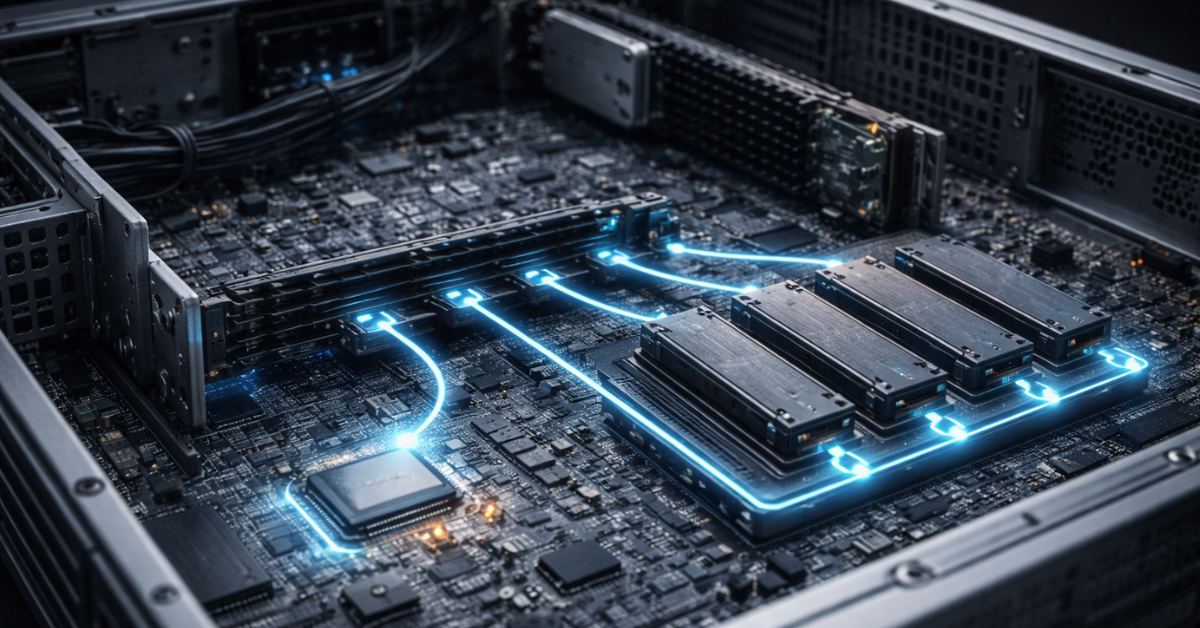
This is why “server” connectors and approaches appear: SlimSAS, MiniSAS HD, OCuLink, and designs where NVMe drives connect through risers, retimers, or PCIe switches (depending on the platform). What matters to you isn’t the connector name, but how exactly NVMe lanes reach the drives and which modes will be available.
The SAS ecosystem: the role of HBA/RAID and why it’s “external” to the board
SAS typically lives in the world of HBA/RAID controllers. The board’s role here is to provide:
- the right PCIe slots and lanes;
- power and space for the controller;
- backplane/drive bay support;
- predictable airflow (SAS controllers and cache modules are temperature-sensitive).
Networking and modularity: from onboard NICs to OCP NIC
Onboard network controllers: stability, drivers, support
In servers, networking is part of the production path. So the value isn’t “I have 10GbE,” but:
- driver compatibility with OSes and hypervisors over long support cycles;
- predictable behavior under load;
- stable NIC firmware and an update path.
OCP NIC as an example of modular design
In some server platforms, the network adapter is a separate standardized module. This simplifies replacement and upgrades without reworking the whole PCIe card, and sometimes frees slots for other devices. The Open Compute Project maintains OCP NIC specifications, including publications on OCP NIC 3.0.
Security and firmware resiliency: what you rarely see in “home” specs
Why firmware is part of the attack surface—and a source of downtime
BIOS/UEFI, BMC, and controller firmware are code that determines boot, management, and diagnostics. Bugs and firmware compromise lead not only to security risks, but also to downtime—from “won’t boot after an update” to instability under load.
In server operations, this means:
- regular BIOS/BMC updates;
- version compatibility control;
- a clear rollback/recovery procedure.
Firmware resiliency as a principle: protect, detect, recover
NIST in SP 800-193 describes the general firmware resiliency concept: protection against unauthorized changes, detection of compromise, and safe recovery. This is not a list of specific “buttons,” but a guideline for what properties a platform should have so firmware doesn’t become a point of no return.
Choosing the Right Equipment
Our specialists will contact you and answer all your questions
Compatibility: the main source of problems during builds and upgrades
The rule of three: CPU + memory + firmware/microcode
Even an expensive server board can behave poorly if you build a system “by matching the socket.” The practical minimum:
- check QVL and CPU/memory compatibility;
- verify required BIOS versions for specific processors;
- account for memory and PCIe limits when all slots are populated.
Chassis, power, cooling, and risers
Server boards are often designed for:
- a specific airflow channel;
- high static pressure fans;
- a certain riser/backplane layout;
- PSUs with the right EPS rails and good regulation.
If you put a server board into a “quiet” case without proper airflow, issues won’t show up immediately: first it’s throttling, then PCIe errors, then instability under peak load.
Expansion cards and bottlenecks
NICs/GPUs/HBAs compete for:
- PCIe lanes and slot width;
- space and airflow;
- power (especially GPUs and fast NICs).
Server platforms usually assume these configs and provide a more predictable topology.
Server board vs regular one: what changes in practice
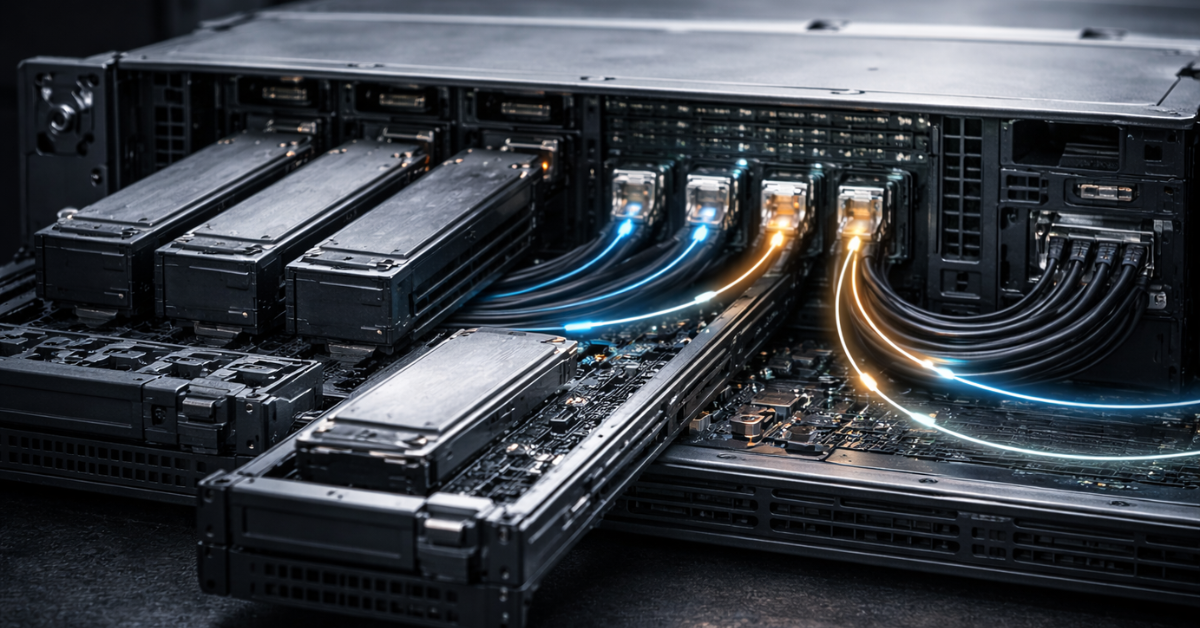
| Characteristic | Regular motherboard | Server board/platform | Practical impact |
| Management | OS-based management, local access | BMC, remote console, power control, inventory | Fewer site visits, faster recovery |
| API/automation | Disparate utilities | Redfish as a management standard | Fleet operations and audits are easier |
| Telemetry | Minimal sensors, limited logs | Zone sensors, BMC event log | Faster troubleshooting, fewer “mysterious” crashes |
| Memory | Mostly UDIMM, ECC is rare | ECC UDIMM and/or RDIMM/LRDIMM, strict modes | More reliable and predictable at high capacity |
| PCIe topology | Optimized for 1–2 cards | CPU lanes, bifurcation, risers, retimers | More stable NIC/GPU/NVMe under load |
| Storage | M.2 + SATA | Backplane connectivity, server connectors, many drives | Scaling storage without hacks and compromises |
| Networking | 1–2 ports, “best effort” | Onboard NICs, OCP NIC modularity (where applicable) | More flexible network upgrades |
| Firmware | Occasional updates | Regular BIOS/BMC cycles, compatibility requirements | Lower risk of “updated—won’t boot” |
Performance and predictability: where server boards win in practice
A server motherboard rarely makes a system “faster” as a single benchmark number. The real win is that performance doesn’t fall apart under sustained mixed workloads.
- Virtualization: stable networking and storage, predictable PCIe modes, SR‑IOV capability to reduce I/O overhead.
- Databases and caches: memory modes, plus temperature/power monitoring to avoid throttling and I/O errors.
- AI/GPU and HPC: PCIe topology, power, cooling, risers, and observability. Here “small” details like a retimer or VRM airflow become the difference between stable production and constant incidents.
How to choose a server board for your workload
“If… then…” scenarios
- NAS/ZFS, data matters more than speed: prioritize ECC memory, good telemetry, stable power, a clear drive connectivity scheme, and proper airflow.
- Production virtualization: BMC, Redfish, predictable PCIe topology, validated memory and NIC configurations are must-haves.
- Databases/analytics: focus on memory (slots/modes), NVMe topology, and cooling.
- AI/GPU: power, risers, CPU PCIe lanes, airflow, and observability to catch issues before downtime.
Pre-purchase checklist
- Workload scenario: virtualization/DB/NAS/GPU and projected growth.
- BMC availability and remote console/power control.
- Redfish support and no critical licensing ограничения.
- Memory types: ECC UDIMM or RDIMM/LRDIMM, slot count, and population rules.
- Memory frequency/mode limits at full population.
- PCIe topology: CPU lanes, slot widths, bifurcation, riser compatibility.
- NIC/GPU/HBA plan: which devices will compete for lanes and airflow.
- Storage: NVMe/SATA/SAS counts, front-bay connectivity, connectors/backplane.
- Networking: onboard ports, modular needs, OCP NIC availability (if relevant).
- Power: EPS requirements, PSU quality, headroom for peaks.
- Cooling: whether the case/rack can deliver server-grade airflow.
- BIOS/BMC update policy and a clear recovery path.
Production bring-up checklist (after installation)
- Update BIOS/BMC to recommended versions and document the versions.
- Configure the BMC management network, access rights, and logging.
- Enable sensor/event monitoring and set alerts.
- Test remote console and power control before an incident happens.
- Run a load test and check CPU/VRM/drive temperatures and fan behavior.
- Record the final configuration: occupied slots, active PCIe modes, drive wiring.
Our most popular servers

Free shipping on orders over 500 € in the EU, £500 in the UK, and $3,000 in the USA
Free shipping on orders over 500 € in the EU, £500 in the UK, and $3,000 in the USA
Free shipping on orders over 500 € in the EU, £500 in the UK, and $3,000 in the USA

Free shipping on orders over 500 € in the EU, £500 in the UK, and $3,000 in the USA
Platform issue symptoms worth recognizing early
- unexplained reboots under load;
- WHEA/MCE messages, especially recurring on the same component;
- performance drops after warm-up, VRM/CPU thermal throttling;
- PCIe/NVMe devices “dropping out,” link errors;
- instability when all memory slots are populated or after adding a new card;
- odd sensor readings or BMC errors that совпадают with incident timing.
Myths and common mistakes
“You only need a server board for dual-socket systems.” Single-socket servers often benefit from BMC, telemetry, predictable PCIe topology, and validated memory just as much as dual-socket systems.
“If it has ECC, it’s already a server.” ECC matters, but server-grade design also means management, logging, error handling policy, and 24/7 engineering.
“I don’t need BMC—I have SSH.” SSH works as long as the OS and network are healthy. BMC is for when SSH can’t help.
“An ATX case will do—as long as the holes line up.” The most common scenario is “it fits,” but under load VRMs overheat, throttling starts, and stability suffers.
“More slots means more performance.” Lane topology and behavior under population matter more than the number of physical slots.
“Any server board is equally good for NVMe/GPU.” Differences in bifurcation, retimers, risers, power, and cooling are where surprises are born.
Conclusion
A server motherboard is justified when you run 24/7 services, have remote sites, virtualization, databases, dense NVMe, or GPUs—and downtime costs more than hardware. In those scenarios, the premium pays for manageability, observability, and predictability.
You can simplify for a home lab or non-critical tasks if you understand the trade-offs: more manual troubleshooting, less telemetry, a higher risk of “long root-cause hunts,” and stricter требования for chassis airflow.
The safest selection path: a validated configuration, BMC with Redfish management, a clear PCIe topology for your workload, and disciplined firmware update/control practices.
Choosing the Right Equipment
Our specialists will contact you and answer all your questions
Content:
Main difference №2: reliability and RAS at the board/platform level
What to look for in management and reliability specifications
PCIe and expansion: why “more slots” isn’t the main criterion
Security and firmware resiliency: what you rarely see in “home” specs
Compatibility: the main source of problems during builds and upgrades
Performance and predictability: where server boards win in practice
Free shipping on orders over 500 € in the EU, £500 in the UK, and $3,000 in the USA

Free shipping on orders over 500 € in the EU, £500 in the UK, and $3,000 in the USA

Free shipping on orders over 500 € in the EU, £500 in the UK, and $3,000 in the USA
Free shipping on orders over 500 € in the EU, £500 in the UK, and $3,000 in the USA

Free shipping on orders over 500 € in the EU, £500 in the UK, and $3,000 in the USA

Free shipping on orders over 500 € in the EU, £500 in the UK, and $3,000 in the USA