A server for ClickHouse should be selected according to the volume of compressed data, query complexity, the number of concurrent queries and the rate of incoming data. For active analytics, a sensible starting point is enterprise SSDs, high-performance processors and sufficient memory bandwidth. Storage capacity should include headroom for growth and background operations, while replication requirements depend on availability needs. The final configuration should be validated using data and queries representative of the project.
The same database size does not imply the same workload. A server that produces daily reports quickly may be inadequate for annual analytics, complex table joins or dozens of dashboards refreshing simultaneously. Hardware selection therefore starts with how the data will be used.
Why database size does not determine server requirements
Unlike traditional relational database management systems, ClickHouse stores data by column. If a query needs a date, event category and amount, it does not necessarily need to read the other table fields. This reduces the amount of processing but does not eliminate the cost of reading, decompression, filtering and computation.
The sorting key, defined through ORDER BY, is particularly important. A suitable data layout allows unnecessary ranges to be skipped. If query conditions do not align well with the table structure, the server has to process considerably more information.
Workloads vary even within a single database:
- A report for the past day may read a limited range and a few columns.
- Grouping over a year processes a large volume and produces many intermediate results.
- Joining tables requires resources to match rows; memory consumption depends on the algorithm selected.
- Searching string fields can be computationally expensive, particularly when scanning a broad range.
- Sorting a large result puts pressure on memory and, when temporary files are used, on storage.
Suppose two systems each store 2 TB of compressed data. The first serves reports covering the past seven days, while the second regularly analyses the entire history by unique user. A modest configuration may be sufficient for the first, whereas the second may need more powerful processors, additional memory or data distributed across nodes.
Row count cannot be assessed independently of row contents either. A billion short records containing numbers and dates differ from a billion events containing long strings and nested structures.
Which workload parameters are needed for sizing
Volume, growth and retention period
Planning requires a distinction between several quantities:
- Incoming data volume — how much information arrives from applications, logs or other sources.
- Uncompressed column size — the internal representation of data in ClickHouse before compression.
- Compressed volume — the space occupied by stored columns after compression.
- Actual disk usage — data together with additional structures, metadata and other files.
- Active data volume — information regularly accessed by queries.
Compression depends on column types, repeated values, sorting and codecs, which are compression algorithms. There is no universal ratio for every database. For sizing, it is better to load a representative sample covering different periods, event categories and record types.
The retention period affects architecture as much as the growth rate. If 20 GB of compressed data is added daily and nothing is deleted, roughly 7.3 TB of primary data will accumulate over a year. If only the latest month is retained, the volume may stabilise, but the system must still keep up with ingestion, merging and deletion.
Queries and ingestion
Alongside capacity, information about system operation is needed:
- How many queries run concurrently during normal operation and at peak times.
- What response time is acceptable for an analytics dashboard and for a demanding report.
- How many rows and bytes arrive per second.
- What batch sizes are used for ingestion.
- Whether bulk loads, recalculations and corrections to historical data occur.
- How much downtime is acceptable and how much time is allowed for recovery.
The number of users is not the number of queries. One dashboard may issue eight database queries, and synchronised refreshes across several dashboards create a brief spike.
It is important to distinguish query arrival rate from concurrent execution. Under a steady flow, ten queries per second with an average response time of two seconds imply roughly twenty queries in progress. When responses slow down, concurrency increases even without more traffic.
How to choose processors for ClickHouse
Cores, clock speed and generation
ClickHouse uses CPU resources for decompression, filtering, computation, grouping and background operations. Additional cores are useful for parallel processing of large volumes and serving multiple queries.
However, a comparison based solely on core count reveals little. Relevant factors include:
- single-core performance;
- architecture and supported instructions;
- memory bandwidth;
- clock speed under sustained load;
- power and cooling limits.
An older processor with many cores may lose to a newer model with fewer cores. Logical threads should not be treated as a full substitute for physical cores either: they share some processor resources.
In the official ClickHouse hardware sizing recommendations, configuration is linked to workload characteristics, processing volume and query requirements. The cloud hardware classes and memory-to-compute ratios provided there are useful reference points, but they do not replace measurements on a physical server.
One or two processors
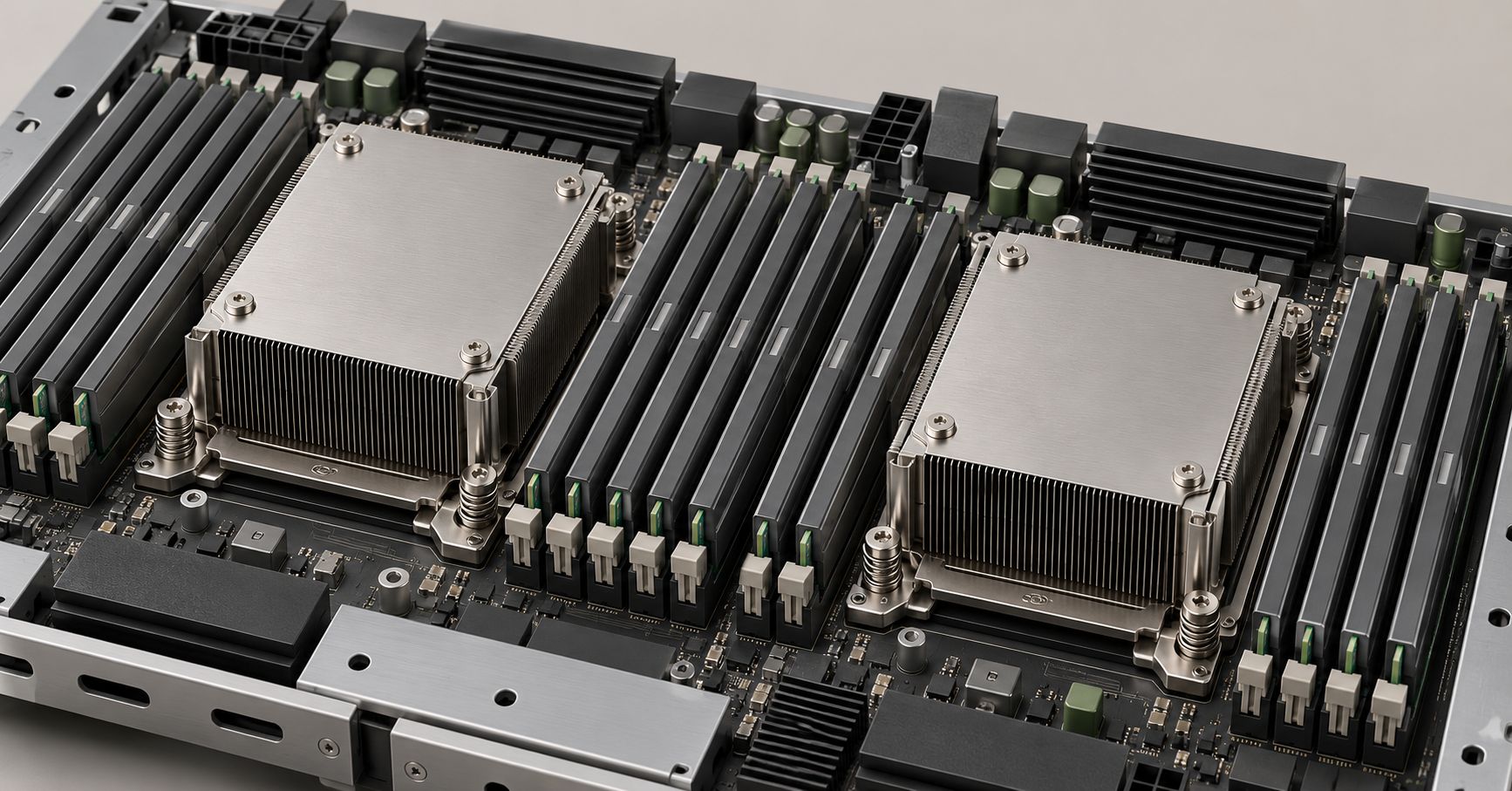
A dual-processor platform can provide more cores, memory channels and device connectivity options. However, accessing memory attached to the other processor has specific implications because of the NUMA architecture: results depend on data placement and work distribution.
Comparing single-processor and dual-processor servers requires considering the entire configuration. A fast processor with evenly populated memory channels and correctly connected NVMe drives may be better value than a two-processor system with insufficient memory bandwidth.
Two processors do not guarantee twice the speed. If the bottleneck lies in storage, networking or the sequential part of a query, extra cores will have little effect.
The max_threads setting limits the number of query execution threads for operations that support it. Giving every query the maximum available resources is not always helpful: several demanding queries begin competing. For multi-user analytics, assess both individual query time and the number of queries the system can serve.
Choosing the Right Equipment
Our specialists will contact you and answer all your questions
How much RAM ClickHouse needs
The entire database does not have to fit in memory
ClickHouse can work with databases much larger than RAM. Memory is needed for processing data and intermediate results, while the operating system's file cache helps with repeated reads.
Consumption comprises several components:
- the operating system and the database server itself;
- query execution;
- grouping, sorting and joins;
- background operations;
- dictionaries and other continuously used structures;
- caches and operational headroom.
Cardinality, the number of distinct values, is particularly important. Grouping by ten categories and grouping by millions of users produce different amounts of intermediate structures, even when reading the same number of rows.
How to account for concurrent queries
The following model can be used for a preliminary estimate:
Memory ≈ baseline consumption + memory for concurrent queries + background operations + headroom.
For example, if four representative demanding queries each consume roughly 12 GB simultaneously, their execution requires about 48 GB. The other components must be added to this. A server with 64 GB may already be too constrained, even though each query succeeds individually.
This is a worked example, not a standard requirement. Peak consumption must be measured with the actual query mix. You cannot take the lightest report and multiply its memory usage by the number of users.
Error-correcting memory is preferable for a server platform. Channel population matters just as much: the same 256 GB installed using different numbers of modules can deliver different bandwidth. Choose the installation layout according to the documentation for the specific server.
When some processing spills to disk
Some grouping and sorting operations can use temporary files. This makes it possible to process data that exceeds available memory, but increases disk load and usually worsens response times.
This mode is useful for occasional demanding reports. If ordinary analytics dashboards constantly rely on it, review the queries, table structure or memory capacity.
Memory limits protect the server from individual excessively demanding queries. However, they do not create additional resources: limits that are too tight may cause errors, while overly generous limits can lead to query contention and memory shortages.
Which drives to choose and how to calculate capacity
NVMe, SATA SSDs and HDDs
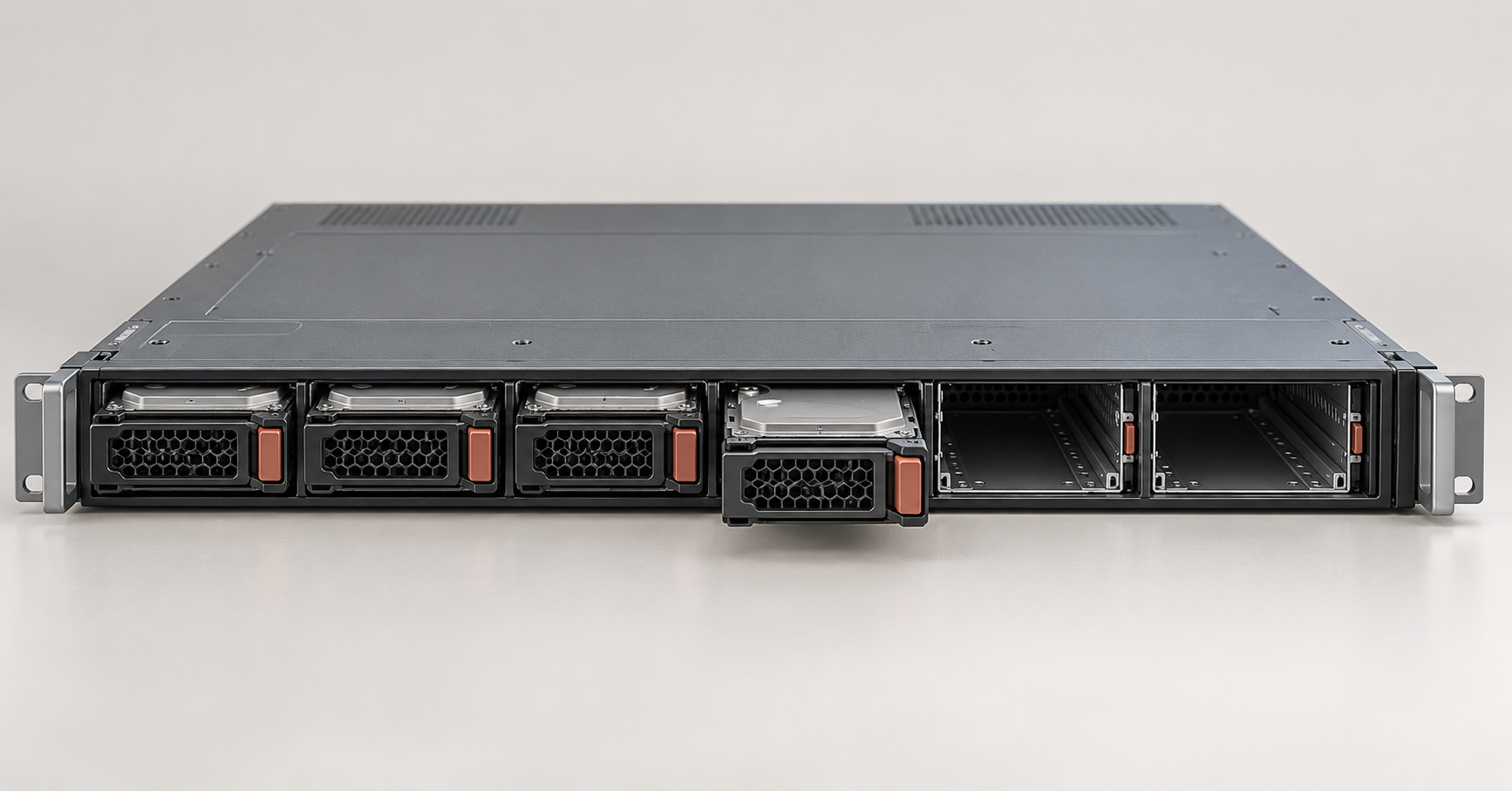
NVMe is a suitable candidate for active analytics thanks to its parallel access capabilities and high bandwidth. However, the actual benefit depends on whether storage is the workload bottleneck.
SATA SSDs may be sufficient for small databases, moderate ingestion and queries with less stringent latency requirements. This should be validated by testing, especially with simultaneous reads and writes.
HDDs can be considered for infrequently accessed history if longer query execution times are acceptable. Placing the entire active database on HDDs to reduce the cost per terabyte can make interactive analytics unacceptably slow.
When comparing drives, consider:
- sustained read and write speeds;
- latency under mixed load;
- behaviour as the drives fill up;
- write endurance;
- power-loss protection;
- options for connecting multiple devices.
The advertised speed of one SSD is not the speed of an array inside a server. The controller, PCIe lanes or drive cage connectivity may become the bottleneck.
Why background merges increase writes
In MergeTree-family tables, data is written as separate parts that are subsequently merged in the background. Merges read existing data and write new files.
Consequently, 100 GB of incoming data does not mean exactly 100 GB written to SSDs. Merges, data modifications, movement between storage tiers and temporary files generate additional load.
A constant stream of very small inserts is particularly undesirable. It creates many parts and increases overhead. Appropriate batch sizes or configured asynchronous ingestion help reduce the problem, but must meet requirements for when new data becomes visible to queries.
SSD endurance is assessed using actual daily writes. For refurbished drives, remaining endurance, errors and operating history also matter.
Storage capacity calculation formula
For a node with local storage:
Usable capacity ≥
(compressed data on the node + additional structures + temporary space) / target utilisation ratio.
The calculation includes the projected volume over the chosen planning horizon, uneven distribution and table characteristics. Free space is needed for system operation, not just future growth.
Suppose the plan is to store 6 TB of compressed primary data. It is distributed between two shards, each with two replicas. A shard is a portion of the overall dataset; a replica is a copy of its shard's data.
With even distribution, each of the four nodes stores 3 TB of primary data. If this example adds 1 TB for additional structures and temporary operations, with target utilisation set at 70%, the result is:
(3 + 1) / 0.7 ≈ 5.7 TB of usable capacity per node.
Here, 1 TB and 70% are assumptions for the example. The required headroom depends on part sizes, background operations, additional structures and data growth.
Usable capacity is calculated after accounting for RAID. For example, a mirror of two drives does not provide the sum of their capacities. TB and TiB must also be distinguished: 1 TB contains 10¹² bytes, while 1 TiB contains 2⁴⁰ bytes.
Backups are sized separately. RAID helps withstand certain drive failures, replication preserves the availability of a database copy, and backups restore data to the required point in time. Accidental deletion can propagate to replicas.
When a cluster is needed and how many nodes to plan for
Distributing data and creating copies
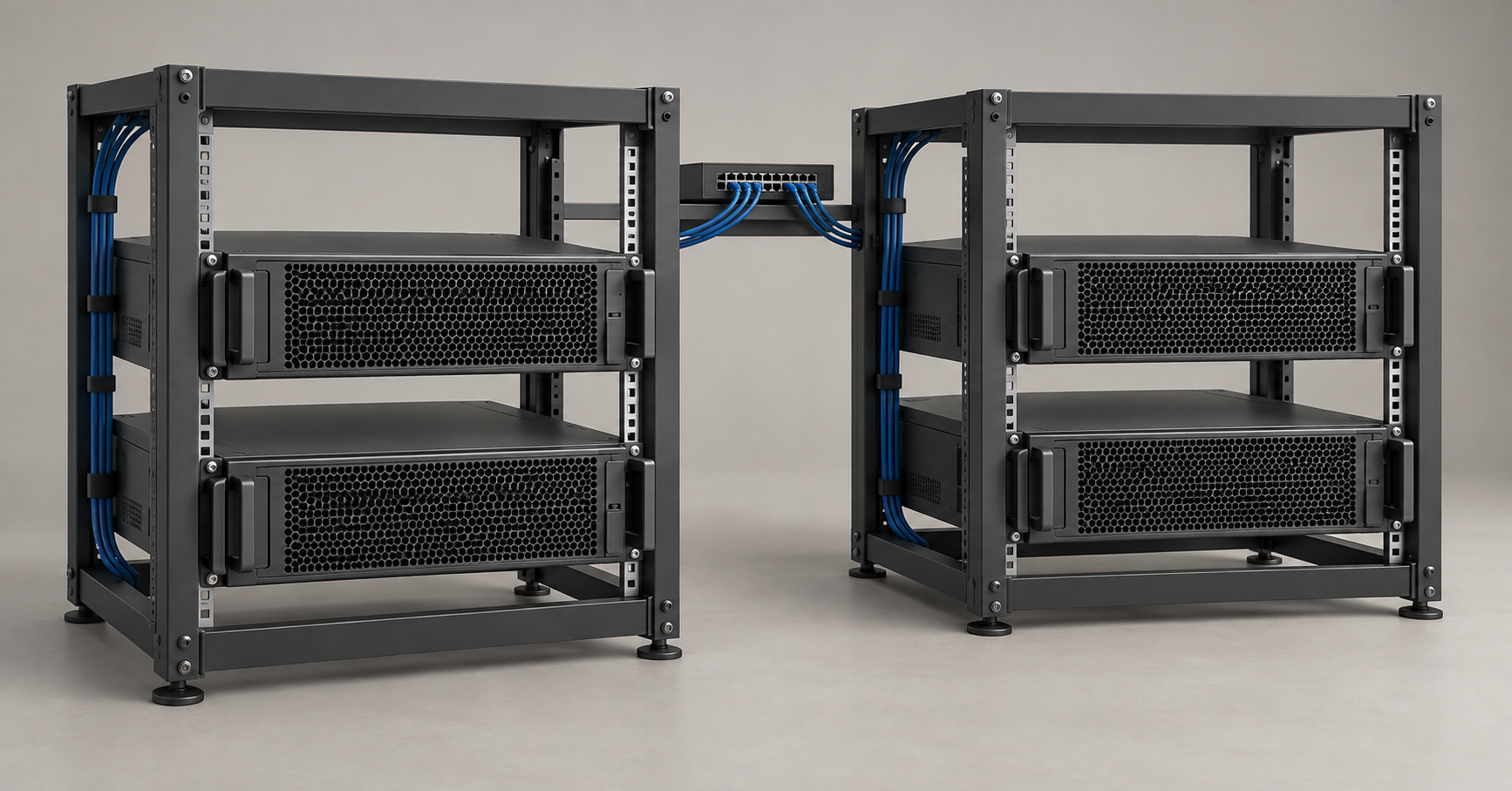
Increasing the number of shards distributes data and some processing across servers. Additional replicas store data copies and can serve reads when appropriate routing is configured.
The layouts serve different purposes:
- One node — a simple architecture without an additional copy for availability.
- One shard with two replicas — two nodes holding identical data.
- Two shards with two replicas each — four nodes, with two copies of each half of the database.
- Four shards with two replicas each — eight data nodes.
Two replicas do not automatically halve the execution time of a single query. The effect depends on query distribution and the use of parallel reading capabilities.
Two copies are not universally sufficient for every system either. Replica count should account for failures, maintenance, write requirements and storage capabilities.
How to tell when more shards are needed
Reasons to distribute data include:
- the required capacity becomes impractical for one server;
- compute resources remain insufficient after reasonable expansion;
- response time under concurrent load exceeds the acceptable limit;
- ingestion and background operations interfere with analytics;
- further expansion of one node becomes uneconomical.
However, sharding adds network exchanges and result aggregation. For queries with large intermediate results, the node assembling the response may become a bottleneck.
The sharding key matters. If one shard receives a disproportionate number of records or queries, the other servers cannot compensate for its overload. Adding a new node does not, by itself, redistribute the history already stored.
Failures and recovery
Assess the cluster in two states: with all nodes running and with one replica unavailable. If two replicas normally share reads, the remaining replica must handle a greater load after a failure.
Rebuilding a copy also consumes resources. Data must be read, transferred and written while the system continues serving queries.
ClickHouse Keeper coordinates replication. A fault-tolerant design typically includes at least three participants, placed with independent failure scenarios in mind to avoid split-brain situations. Keeper does not store another full copy of the analytics database, and its resources are accounted for separately from data nodes.
Networking and the server platform
Which network to plan for
The network handles ingestion, replication, distributed queries, backups and recovery. These operations may occur at the same time.
For a cluster, 10 and 25 Gbit/s options can be compared, but there is no universal mandatory minimum. Assess transfer volumes and acceptable operation durations.
For example, transferring 3 TB over a 10 Gbit/s link takes roughly 40 minutes even at full nominal bandwidth. In practice, overhead and storage limitations add time, while ongoing work may consume some of the link capacity. Recovery within that time therefore cannot be promised.
What limits chassis capabilities
Bay count does not determine storage capabilities. For NVMe, drive cage compatibility, the backplane, cables, PCIe lanes and available installation options matter.
When choosing a platform, consider:
- available memory channels and the module installation layout;
- drive and network adapter connections;
- expansion options without replacing the main configuration;
- power and cooling under sustained load;
- availability of spare parts and updates.
A refurbished server's lower purchase price may come with expansion limitations and higher operating costs. Compare the complete package: processors, memory, drives, network cards and the components needed to connect them.
Configurations for different data volumes and concurrency levels
The table provides starting configurations for planning tests. These are the author's planning guidelines, not official requirements or measured performance figures. Volume refers to the entire database without additional copies; resources refer to one data node.
|
Scenario |
Compressed primary data |
Concurrent queries for testing |
Resources per node |
Initial architecture option |
|---|---|---|---|---|
|
Small-scale internal analytics |
Up to 0.5 TB |
1–5 |
8–16 physical cores, 64–128 GB of RAM, enterprise SSDs |
One node; copies according to availability requirements |
|
Regular reports and dashboards |
0.5–3 TB |
5–15 |
16–32 cores, 128–256 GB, NVMe |
One shard with the required number of replicas |
|
Analytics across several departments |
3–10 TB |
10–30 |
32–48 cores, 256–512 GB, multiple NVMe drives |
Compare a powerful node with two shards |
|
Event stream and active analytics |
10–30 TB |
20–60 |
32–64 cores, 256–512 GB, NVMe |
Test 2–4 shards; select replicas separately |
|
Long-term history and occasional reports |
Tens of TB |
1–10 |
16–32 cores, 128–256 GB, fast storage for active data |
Determine shard count by capacity and read time |
The ingestion rate is specified separately for each option. The incoming data stream can make a configuration inadequate even with few queries.
Storage capacity is calculated from the retention forecast, rather than a single row in the table. The stated concurrency specifies a test condition and does not guarantee a particular response time.
Choosing the Right Equipment
Our specialists will contact you and answer all your questions
A small database with demanding grouping operations
If the main work involves analysing unique users, joining tables and complex sorting, memory may be the priority. Adding SSDs without assessing intermediate results is pointless when a query fails because it runs out of memory.
Representative data with realistic value distributions is useful for these workloads. A simplified sample may contain far fewer unique users and conceal the problem.
Extensive history and occasional reports
If users mainly work with the latest month, the entire multi-year history does not have to reside on the most expensive storage tier. An architecture can combine fast active data with more economical storage for older periods.
However, a report covering the entire history will access the slower tier. Its acceptable execution time must be agreed in advance.
A moderate database with many dashboards
In this scenario, resilience to peaks and overall throughput matter. Even fast queries create a substantial load when launched concurrently.
Staggering refresh times, reducing repeated computation and limiting resources for demanding reports may help. Buying additional cores should be accompanied by an assessment of how queries use them.
Which server models to consider
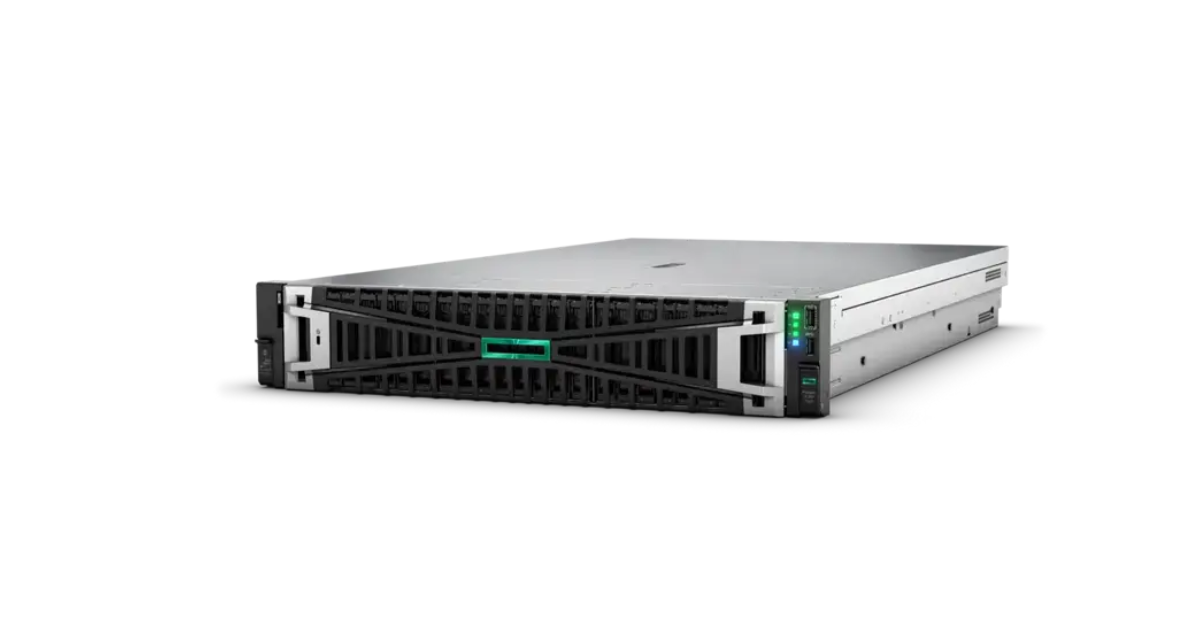
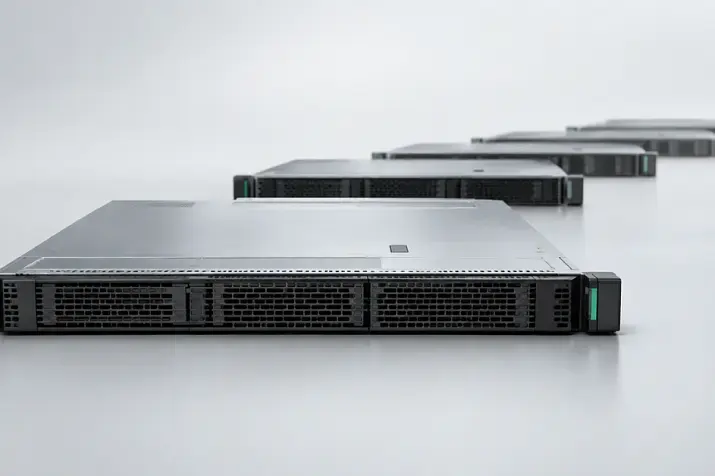
Image source: Servermall
HPE ProLiant DL380 Gen11
HPE ProLiant DL380 Gen11 configurations in the Servermall catalogue.
The DL380 Gen11 is a versatile 2U dual-processor rack platform based on Intel Xeon Scalable with DDR5 memory. It can be considered for an analytics node that needs memory, storage and network expansion options. The exact configuration depends on the chassis variant.
For ClickHouse, the storage configuration is particularly important. A server with suitable processors but limited SSD connectivity may lose to a more balanced configuration.
If the budget is limited, compare previous generations as well. Differences between platforms, memory and interfaces are discussed in the article “HPE ProLiant DL380 Gen12 vs Gen11 vs Gen10 Plus: Which Server Should You Buy in 2026?”. It helps determine which capabilities of a newer generation the selected workload actually needs.
HPE ProLiant DL385 Gen11
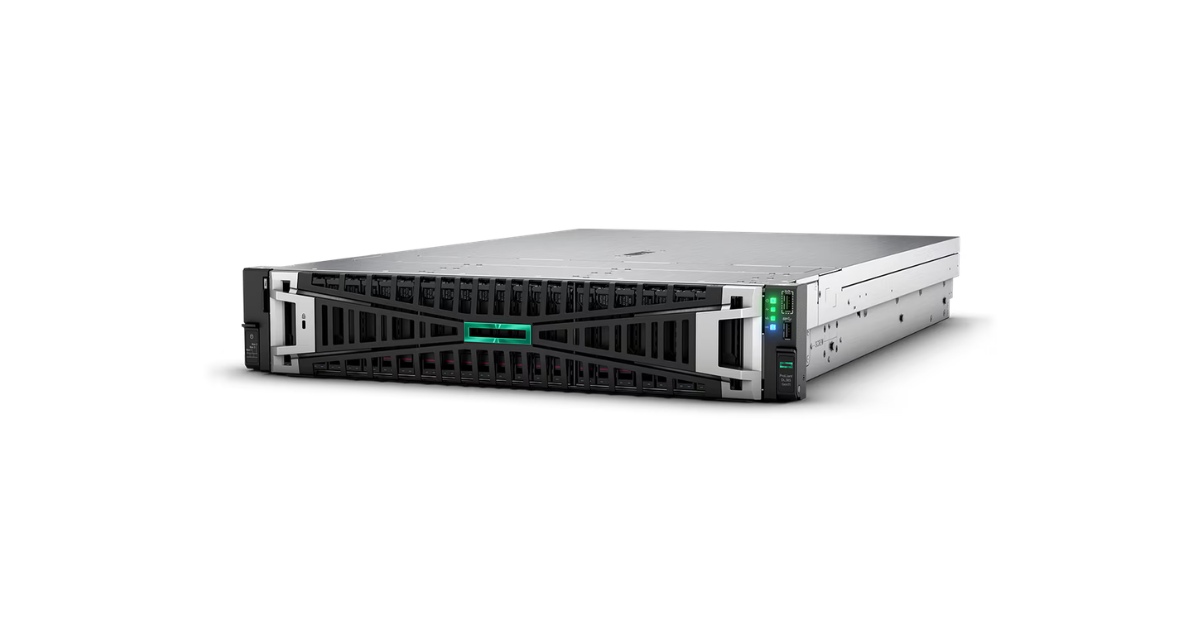
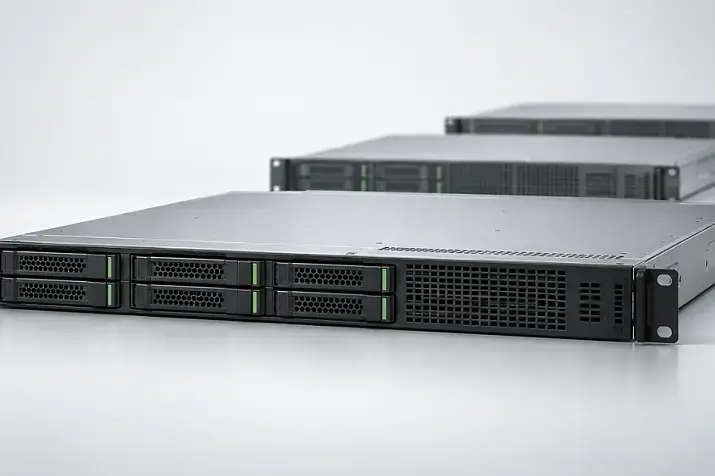
Image source: Servermall
HPE ProLiant DL385 Gen11 configurations in the Servermall catalogue.
The DL385 Gen11 can be included in the comparison as an AMD EPYC platform. For the project, compare the specific processors, memory population, drives and total node cost, rather than just the family name.
Comparing the DL380 and DL385 makes sense with the same application workload. If one server has more memory or a different storage layout, the results reflect differences between the overall configurations. Attributing the difference exclusively to the processor is incorrect.
No model becomes a ClickHouse server simply because of its name. A working configuration is determined jointly by compute, memory, storage and database architecture.
How to test a configuration before buying
Data and compression
For a reproducible comparison, use the official ClickBench dataset. It contains roughly 100 million rows and 43 standard queries that explore different aspects of analytical processing. However, a single flat table does not reproduce every feature of a project, particularly joins and multi-terabyte storage.
It is useful to supplement the public dataset with an anonymised production sample. It should preserve value distributions, string lengths, the proportion of empty fields and the number of unique identifiers.
For the comparison, record:
- the ClickHouse and operating system versions;
- processors, memory, drives and node count;
- row count and column composition;
- the sorting key and partitioning;
- codecs and additional acceleration structures;
- size after ingestion and the state of background operations.
Calculate the compression ratio from comparable quantities. For example, 120 GB of uncompressed columns and 30 GB compressed give a ratio of 4. This is an arithmetic example: the original JSON file size may differ because of its text representation and formatting characters.
Queries and operating modes
Queries should reflect actual system usage. For an events table, these might include summing metrics over a day, grouping by user over a month and sorting categories by event count. If reference tables are present, add a representative join.
Run each scenario in sequence:
- One query without background ingestion.
- Several concurrency levels.
- The same queries while new data arrives.
- For a cluster, operation with one replica unavailable.
Keep SQL, selected time ranges and settings identical across comparisons. Changing the sorting key or adding a precomputed structure constitutes a separate optimisation experiment.
Measure cold and warm caches separately. The first run cannot automatically be regarded as fully cold: data may remain in the file cache after ingestion. State which caches were cleared and whether the query result cache was enabled.
Execution time and stability
|
Scenario |
What to measure |
How to interpret it |
|---|---|---|
|
One analytical query |
Time, rows and bytes read, peak memory |
Shows the behaviour of a specific query |
|
Several concurrent queries |
Median, 95th percentile, completed queries per second |
Shows query throughput |
|
Queries alongside ingestion |
Response time, insert rate, accumulation of background tasks |
Shows stability under a mixed workload |
|
Operation without one replica |
Response time, errors, load on the remaining nodes |
Shows capabilities during a failure |
|
Replica recovery |
Duration, data transfer, impact on queries |
Shows the operational cost of recovery |
The median represents the middle of the response-time distribution. The 95th percentile is the time within which 95% of measured queries complete. It helps reveal slowdowns hidden by the average.
A reliable assessment requires a sustained run and enough measurements. Three repetitions are suitable for an initial exploration but do not provide a convincing picture of rare delays.
Distinguish execution time inside ClickHouse from the response observed by the application. Networking, queues, result transfer and client processing can also affect the user.
A published result should describe a measured experiment: the exact query, dataset, compressed volume, configuration, cache conditions, repetition count and time in seconds. Without these conditions, a statement such as “the query runs in 0.5 seconds” does not help with hardware selection.
The configurations above were not accompanied by our own measurements, so reliable execution times cannot be assigned to them. Results on 100 million rows cannot be extrapolated linearly to a database of tens of terabytes either: the share of data in cache, storage load and background operation behaviour all change.
How to choose a configuration without unnecessary spending
For a small analytics system, compare several single-node options, identify the bottleneck and expand the specific resource needed. Add replicas according to availability requirements, regardless of how small the database is.
Sharding is justified when one server's capacity or performance becomes insufficient and testing confirms the benefit of distribution. Moving to a large cluster too early increases spending on networking, data copies and maintenance.
Before buying more powerful hardware, assess the table structure:
- whether the sorting key matches the main queries;
- whether suitable column types are used;
- whether only the necessary data is read;
- whether recurring reports can be precomputed;
- whether ingestion creates too many small parts.
Compare costs over several years of operation. Include servers, SSDs and their replacement, network equipment, backup storage, electricity, component replacement and maintenance. Ideally, assess failure probability and the cost of downtime. A cost-effective configuration handles normal load, peaks and planned failure scenarios with acceptable response times, without paying for resources the project does not use.
Choosing the Right Equipment
Our specialists will contact you and answer all your questions