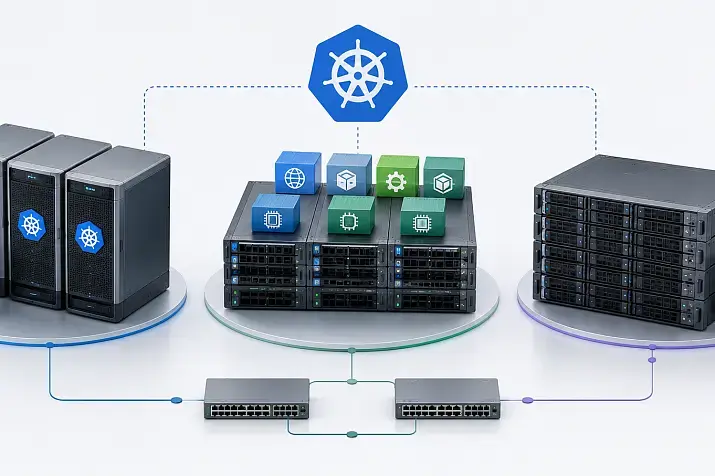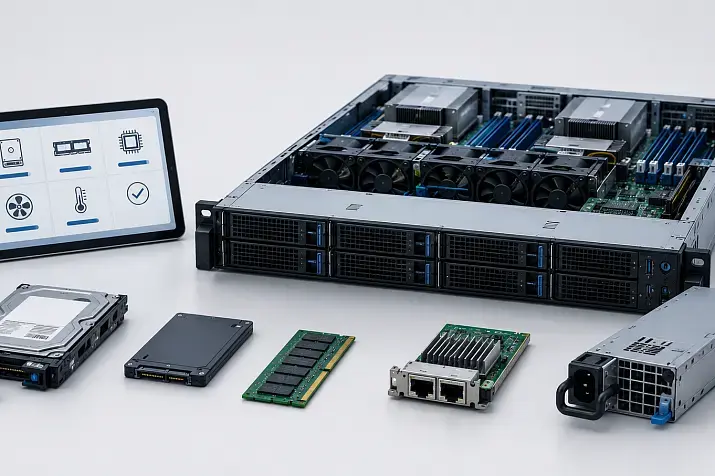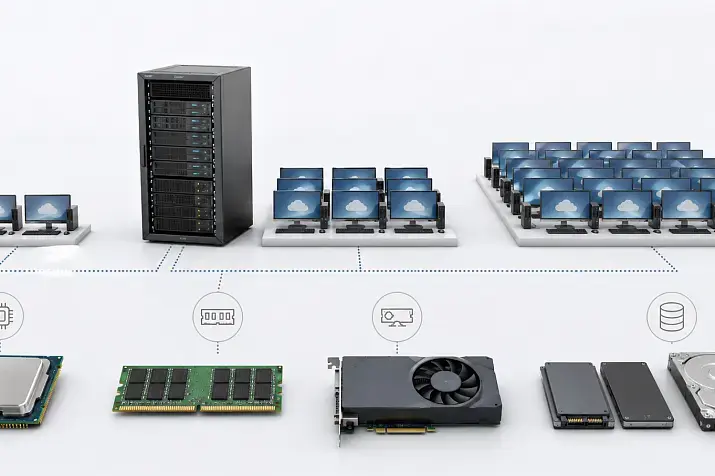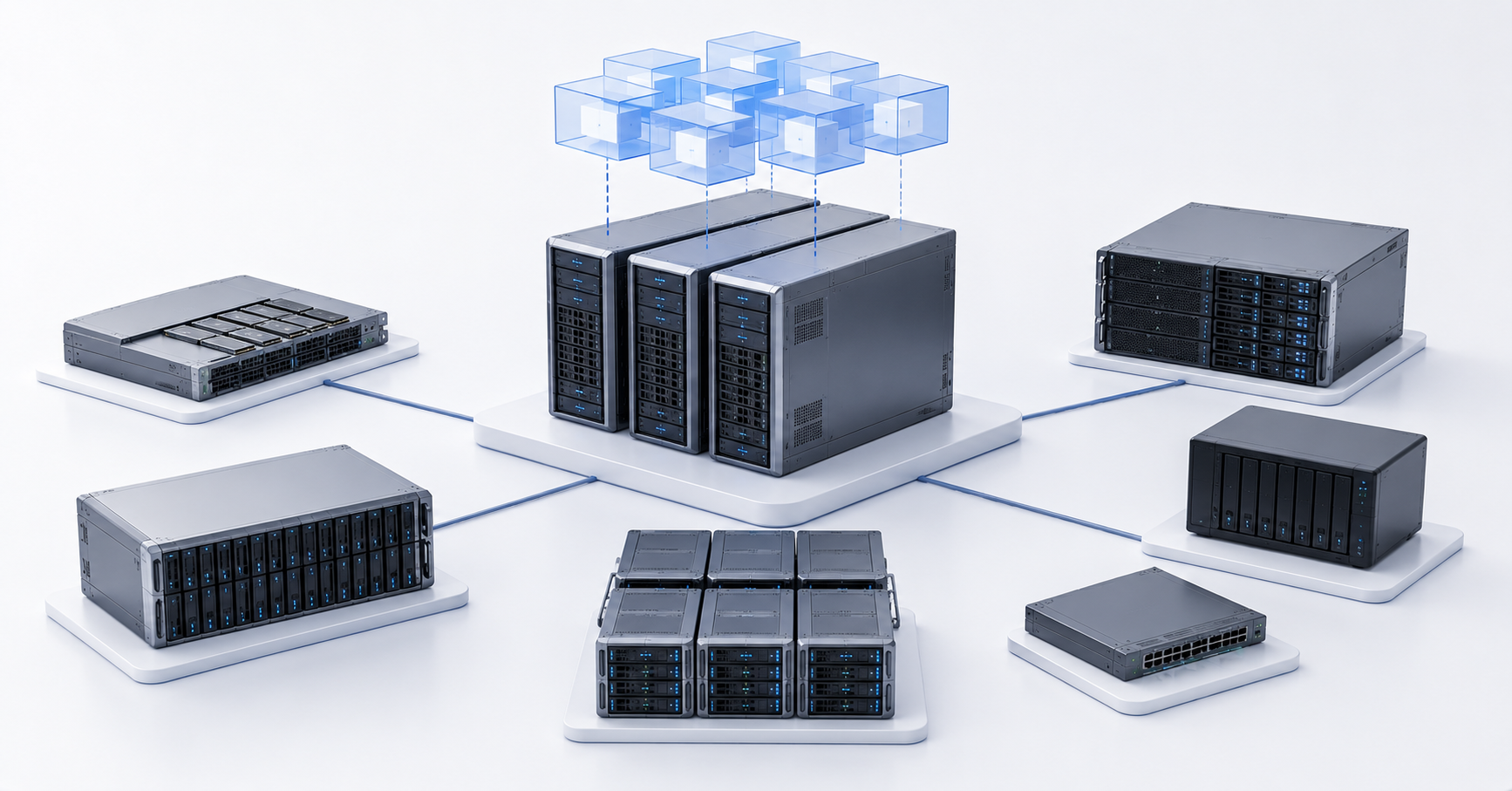
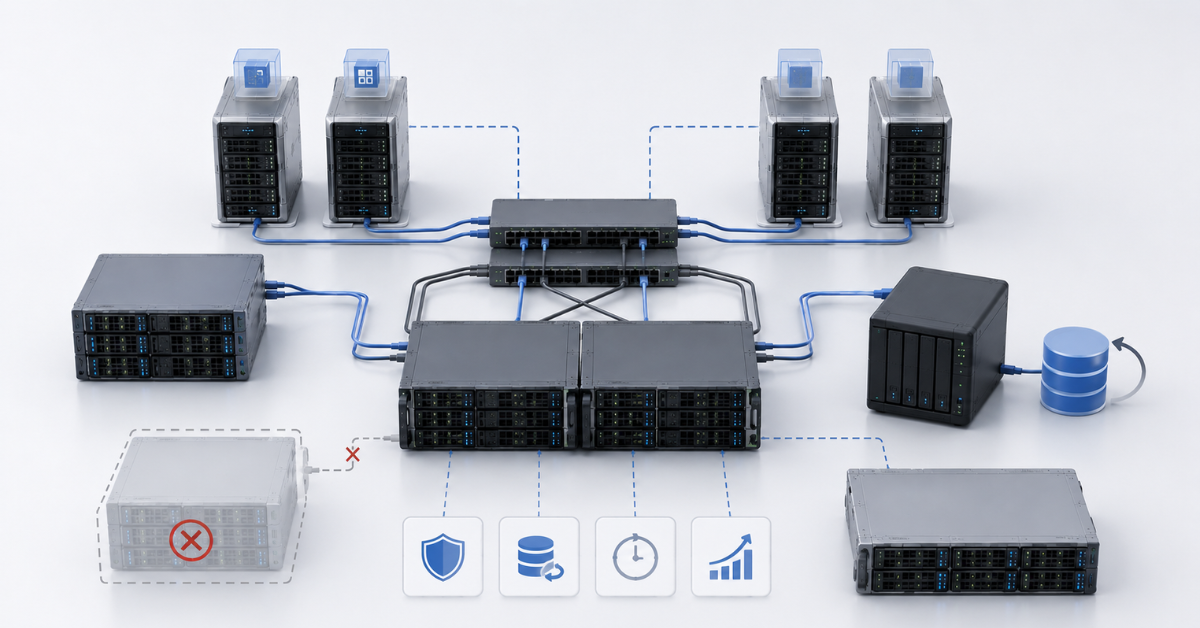
Storage for virtualization should be chosen according to the workload profile and availability requirements: local NVMe is suitable for maximum speed on a single server, SAN and iSCSI are suitable for shared block storage in a cluster, NFS is a simpler file-based connection option, while Ceph and vSAN provide distributed storage across several nodes. There is no universally best option: for a small test environment, price and simplicity matter most; for a cluster with virtual machine migration, shared storage and fault tolerance are important; for databases, low latency and stable writes are critical; and for infrastructure growth, the architecture must be expandable without a full replacement.
Storage often becomes the main bottleneck in virtualization. Dozens of virtual machines can run on one physical server, and each of them constantly accesses disks: it loads the operating system, writes logs, updates applications, uses temporary files, creates backups, and works with databases and file services. If storage responds slowly, a fast processor and a large amount of memory will not solve the problem: virtual machines will start more slowly, applications will begin to “freeze,” and backups will take too long.
The problem is that storage cannot be selected by one attractive number in a specification. Vendors often state speed and operation counts under ideal conditions, but in real infrastructure the result depends on block size, workload type, queue depth, network, controllers, cache, RAID, array fullness, snapshots, backup, and background recovery operations.
Which parameters matter when choosing storage
Virtualization is sensitive not only to speed in megabytes per second. A combination of several parameters is more important.
Latency is the response delay of storage. It is the time between a virtual machine request and the storage response. The lower the latency, the faster the system responds to small operations. For databases, VDI, terminal servers and loaded applications, latency is often more important than peak throughput.
IOPS is the number of input/output operations per second. This metric matters where there are many small reads and writes: databases, desktops, mail, corporate ERP systems, and a large number of small VMs.
Throughput shows how much data can be transferred per second. It is important for large sequential operations: backup, virtual machine migration, analytics, file servers, and processing large archives.
Predictability should also be considered separately. Storage may show good average speed but produce sharp latency spikes during backup, RAID recovery, resync, snapshot consolidation, or mass startup of virtual machines. The user does not notice the average number; they notice the moment when an application freezes.
Most popular refurbished servers

Free shipping on orders over 500 € in the EU, £500 in the UK, and $3,000 in the USA

Free shipping on orders over 500 € in the EU, £500 in the UK, and $3,000 in the USA

Free shipping on orders over 500 € in the EU, £500 in the UK, and $3,000 in the USA

Free shipping on orders over 500 € in the EU, £500 in the UK, and $3,000 in the USA
What you need to understand before choosing storage
Before comparing NVMe, SAN, Ceph, vSAN, NFS and iSCSI, you need to describe the infrastructure itself by answering several questions:
- How many virtual machines are running now, and how many will there be in a year?
- What workloads will run there: office services, databases, VDI, web applications, file servers, analytics, test environments?
- Is live migration of virtual machines between nodes required?
- How much downtime is acceptable if a server or storage fails?
- How will backup be organized?
It is important to understand in advance whether the cluster must be fault-tolerant. If virtual machines must move between hypervisors without long downtime, shared or distributed storage is usually required. If this is a single server without high availability requirements, local NVMe may be simpler and faster.
Data growth also needs to be estimated. Storage is often bought “for the current capacity,” and a year later it turns out that space is occupied by snapshots, recovery reserves, logs, new virtual machines and test copies. For Ceph, vSAN and other distributed systems, it is necessary to calculate not only usable capacity, but also replicas, recovery reserve and free space for normal operation.
You also need to assess the team’s expertise honestly. Simple storage that the team can maintain is often better than a complex architecture that no one understands. Distributed storage systems can be powerful solutions, but they require monitoring, proper design and disciplined operation.
The cost of licenses and vendor support is also an important factor when using proprietary solutions such as vSAN.
Local NVMe: maximum speed on one node
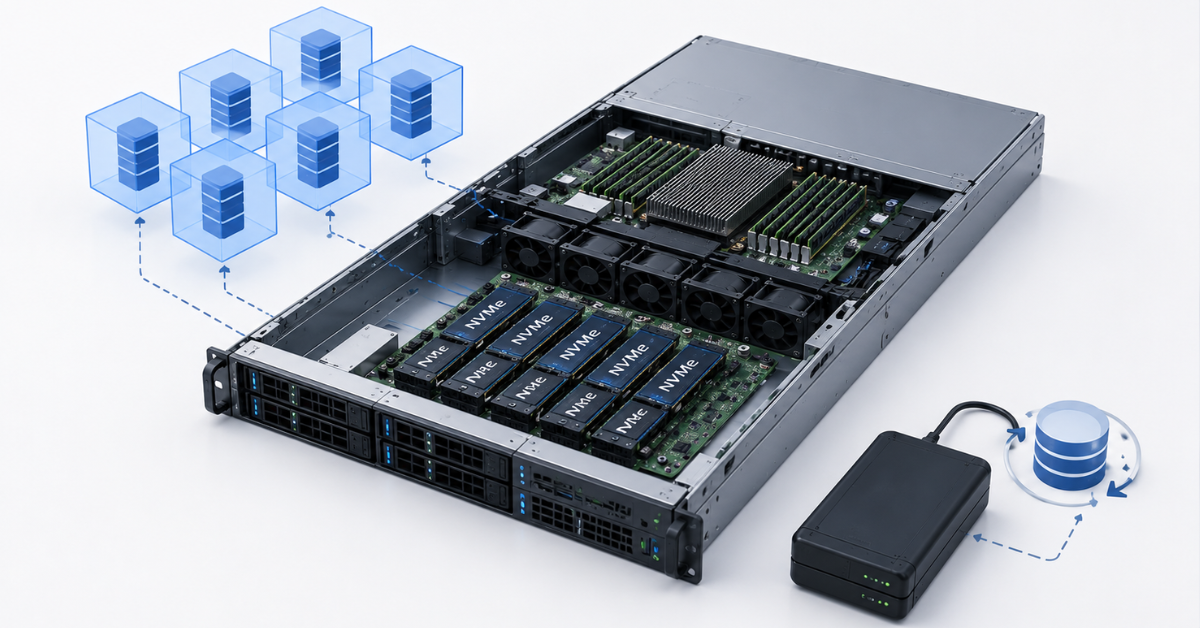
Local NVMe means drives installed directly in the virtualization server. Virtual machines work with disks on their physical node without accessing an external storage system over the network. Therefore, this option usually provides minimal latency and very high speed.
It is a good choice for a single virtualization server, a laboratory, a test environment, temporary data, cache, edge scenarios and high-performance VMs where high availability is provided by the applications themselves. For example, a database can use local NVMe if fault tolerance is implemented at the database level rather than at the hypervisor level.
The advantage of local NVMe is its simple physical design. There is no external storage array, no separate storage network and no dependency on switches. Fewer components mean fewer places to make a mistake. But this simplicity comes with architectural limitations.
If the server fails, the virtual machines on its local disks become unavailable. Live migration between nodes is impossible or limited unless there is replication, shared storage or special hypervisor migration mechanisms, which may be licensed separately. Scaling also happens server by server: adding a new node gives you new local disks, but not a single shared storage pool.
Local NVMe is fast, but it does not solve the task of overall availability. For production, you need to understand in advance how backup will work, how quickly VMs can be restored, what will happen if the server fails, and how to maintain the node without downtime. It is also important to use server-grade NVMe rather than consumer drives. Enterprise drives have higher write endurance, more stable latency, better power-loss protection and more predictable behavior under long-term load.
SAN: classic shared storage
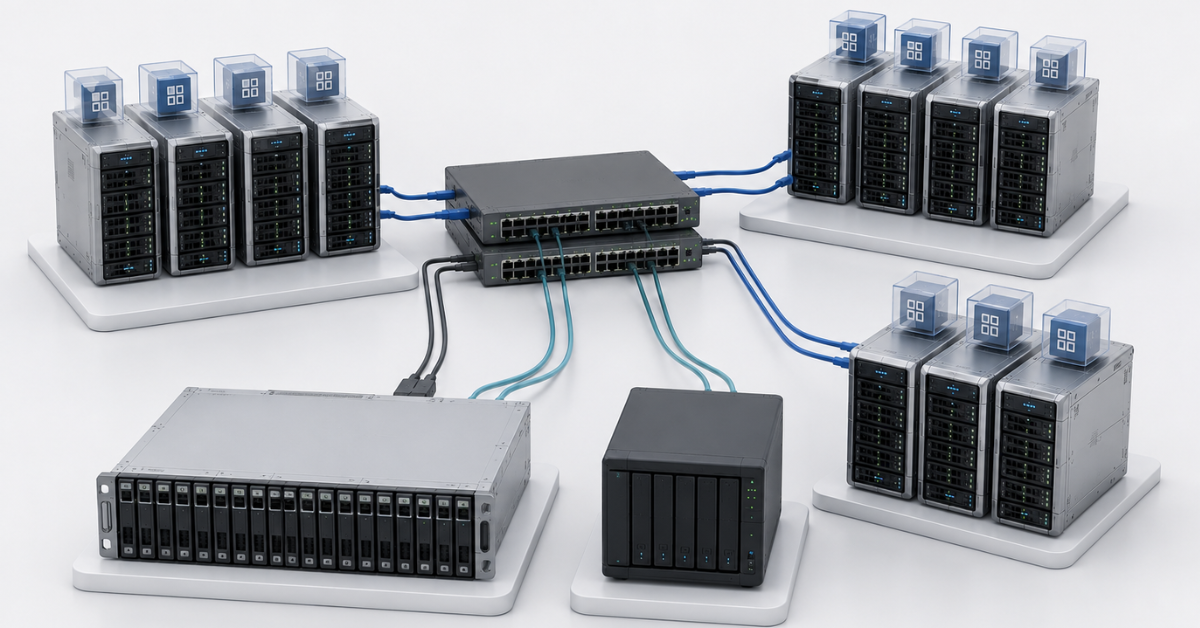
SAN is a specialized block storage system to which virtualization servers connect as to a shared disk resource. Usually this means Fibre Channel, iSCSI or more modern NVMe over Fabrics options. For the hypervisor, such storage looks like a set of block devices or LUNs on which virtual machines are placed.
SAN is well suited for medium and large virtualization clusters where VM live migration, centralized storage, managed fault tolerance and clear maintenance procedures are required. Mature storage arrays have redundant controllers, their own cache, different RAID options, snapshots, replication, thin provisioning, deduplication and other functions. Broadcom documentation for vSphere Storage describes different storage technologies for ESXi and vCenter, including block, file and software-defined storage options.
But SAN does not automatically mean reliability. You need to look at the entire chain: array controllers, disk shelves, power, switches, server paths, multipath, firmware, LUN settings and controller load. If all servers are connected to one storage array but the array itself has no redundant controllers or replication, it becomes a single point of failure.
SAN is usually more expensive than simpler options. It requires compatible adapters, switches, licenses, vendor support and specialists who understand zoning, multipath, LUN masking, queues and array performance. A configuration error can affect not one virtual machine, but the entire cluster.
Choosing the Right Equipment
Our specialists will contact you and answer all your questions
iSCSI: block storage over an IP network
iSCSI, as one of the SAN options, allows block disk resources to be connected over a regular IP network. This makes it more accessible than classic Fibre Channel: you can use Ethernet infrastructure, 10GbE or 25GbE network adapters and standard switches.
For a small or medium cluster, iSCSI often looks like a reasonable compromise. It provides shared block storage, is supported by many hypervisors and storage systems, allows multiple paths to storage to be configured, and does not require a separate Fibre Channel infrastructure.
But iSCSI should not be connected “somehow.” For production, a separate storage network or at least dedicated VLANs and interfaces is needed. 1GbE is suitable only for test environments. For normal virtualization, 10GbE should be considered the baseline, and for a large number of VMs or active writes, 25GbE and higher.
It is important to configure multipath, queues, jumbo frames, MTU and path redundancy. A single iSCSI target without fault tolerance remains a point of failure. Write cache without power-loss protection can also be dangerous: during a power failure, data that was considered already written can be lost.
iSCSI is suitable where shared block storage is needed without expensive Fibre Channel, where the network is good enough, and where the team understands how to separate storage traffic from user and backup traffic.
NFS: easier to administer, but dependent on NAS
NFS is a file protocol. The hypervisor mounts a network directory as a datastore and stores virtual machine files there. Unlike a block LUN, the administrator works with a file model: it is easier to see the VM structure, easier to expand capacity on the NAS side, and easier to use file storage functions.
NFS is often chosen where simplicity, understandable management and moderate load are important. It is suitable for many office services, test environments, file VMs, and small and medium clusters. For VMware, NFS has long been a working option: VMware recommendations for NFS with vSphere state directly that NFS can be a viable option for many virtualization deployments when configured correctly.
But NFS strongly depends on NAS quality and the network. A weak NAS device with one controller and a 1GbE connection is not the same as an enterprise NAS with redundant controllers, cache, fast SSDs and redundant network paths.
For NFS, you need to check latency, timeout settings, locking, access rights, protocol version, hypervisor support and behavior during controller failure. A snapshot on a NAS is useful, but it does not replace a full backup. If a user deletes data or an application damages files, a snapshot may help, but backup must be separate to protect against failure of the entire storage system.
Ceph: distributed storage for growth
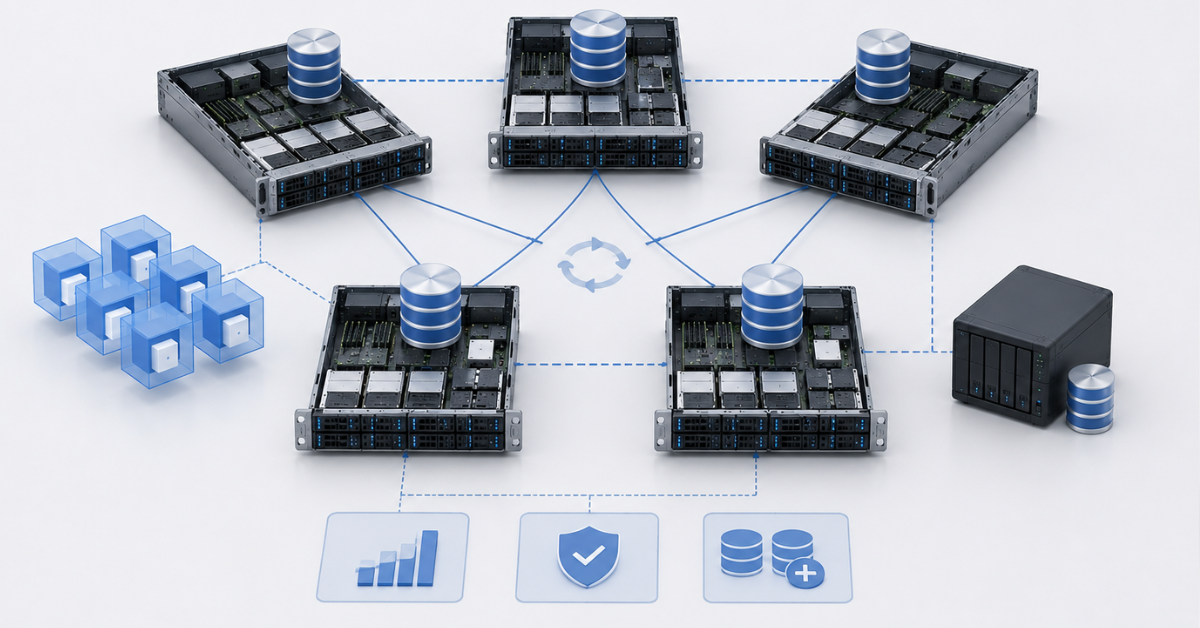
Ceph is a distributed storage system that can provide block, file and object storage. In virtualization, the block layer is most often used for virtual disks. Ceph is interesting because it can assemble storage from the local disks of several servers and distribute data between them.
Ceph is well suited for infrastructures that need horizontal scaling, storage-level fault tolerance and flexibility. It is used in Proxmox, OpenStack, Kubernetes and private clouds. Red Hat describes Ceph architecture through object storage, OSD daemons and the CRUSH algorithm, which helps distribute data without a central placement table.
Ceph’s strength is scaling and the absence of a classic single storage array as the central point. Data is replicated between nodes, and if a disk or server fails, the system can restore the required number of copies. But this does not mean that Ceph turns any disks and any network into fast and reliable storage.
Ceph is demanding in terms of architecture. It needs a fast and stable network, the right number of nodes, suitable disks, enough CPU and RAM, and monitoring of fullness, latency, OSD status, recovery, rebalance and degraded placement groups. On a small number of nodes, Ceph can be more complex and less beneficial than an external storage array, NFS/iSCSI or local NVMe with clear backup.
During recovery after a failure, Ceph actively uses the network and disks. If the cluster is already overloaded, recovery can worsen latency for virtual machines. Therefore, Ceph must be calculated not only for normal operation, but also for failure mode.
Ceph is also extremely demanding on team qualifications. The solution is not simple, and maintaining it, including recovery during failures, can be a fairly non-trivial task requiring rare and expensive specialists.
vSAN: distributed storage inside VMware
vSAN combines the local disks of VMware ESXi servers into shared distributed storage for the cluster. It is not an external storage array, but software-defined storage inside VMware infrastructure. For companies already using vSphere, vSAN can be convenient: management is built into a familiar platform, and storage policies are defined at the virtual machine level.
vSAN is suitable for VMware clusters where you want to use local disks as shared storage, keep live migration and manage fault tolerance through policies. It scales by adding nodes and disks, but requires compatible hardware, licenses, the right network and an understanding of resync, fault domains, witness and storage policies.
The network is critical for vSAN. Latency and throughput directly affect virtual machines. Broadcom documentation for vSAN separately describes network bandwidth and latency requirements, as well as stretched cluster and witness component specifics.
vSAN should not be treated as “RAID over the network.” When a node or disk fails, resynchronization begins, loading the network and drives. Usable capacity must be calculated with storage policies, the number of tolerated failures, reserve space for rebuild, snapshots and future growth. If the cluster is almost full, recovery after a failure can become a problem.
Unlike Ceph, the solution has more mechanisms that prevent storage from being built incorrectly, which comes at the cost of less flexibility. But the qualification requirements for the team are also simpler. The disadvantages include the fact that vSAN is a proprietary licensed solution.
Storage option comparison
| Storage option | Latency | Fault tolerance | Entry cost | Maintenance complexity | Scaling | Where it fits |
|---|---|---|---|---|---|---|
| Local NVMe | Minimal if the workload is local | RAID, backup or application-level replication is required | Moderate to high, depending on NVMe | Low on one server, higher in a cluster | By servers and disks, not always as a single pool | One server, tests, fast VMs, databases with their own replication |
| SAN | Low with the right architecture | High with redundant controllers, paths and replication | High | Medium or high | Shelves, controllers, licenses | Medium and large clusters, critical VMs, enterprise environments |
| iSCSI | Depends on Ethernet and target | Through multipath, HA target and redundant network | Moderate | Medium | Limited by storage/NAS and network | Small and medium clusters, shared block storage |
| NFS | Depends on NAS and network | Depends on NAS controllers and network paths | Low to high | Usually easier than SAN | According to NAS capabilities | Simple virtualization, office VMs, test environments, VMware datastore |
| Ceph | Usually higher than local NVMe, depends on network and disks | Through replication and failure domains | Flexible, but requires servers and network | High | Strong horizontal scaling | Proxmox, OpenStack, private clouds, large clusters |
| vSAN | Depends on disks, network and policy | Through storage policies and data distribution | Medium or high because of licenses and requirements | Medium or high | By adding nodes and disks | VMware clusters, HCI, infrastructure with vSphere expertise |
This table shows the direction of choice, but it does not replace testing. The same NFS can be a slow home NAS or a fault-tolerant enterprise system. The same Ceph can work reliably on a well-designed cluster and poorly on three nodes with a weak network. In storage, the specific implementation matters as much as the technology.
How to choose storage by workload type
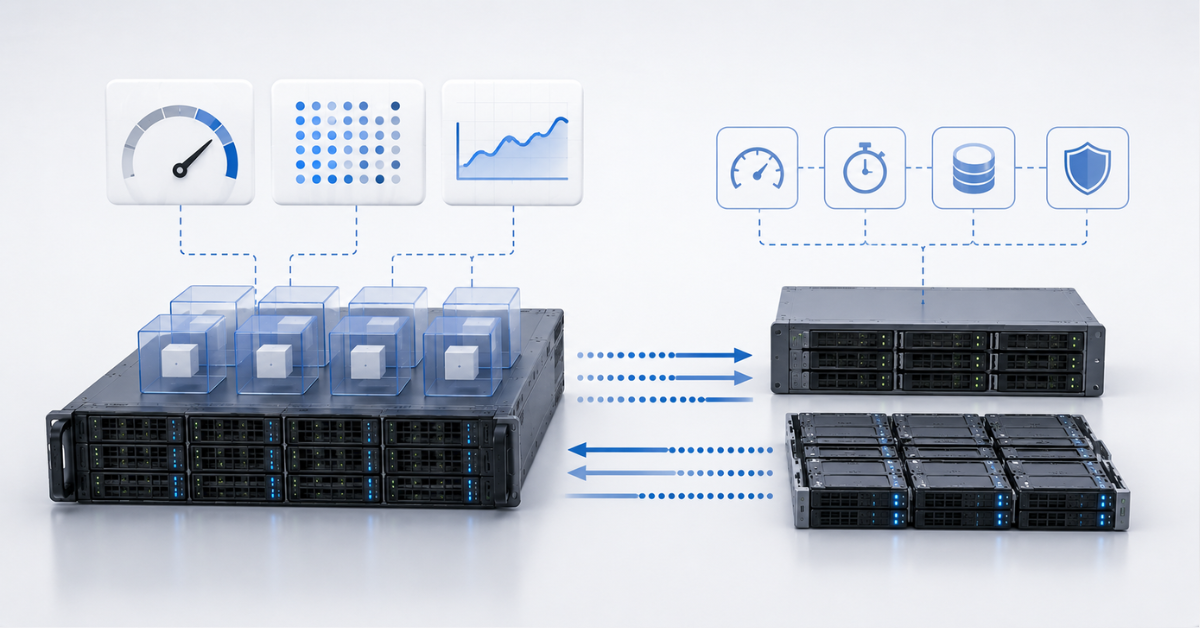
For office virtual machines and internal services, predictability and ease of recovery are usually more important than record speed. NFS, iSCSI, SAN, vSAN and sometimes local NVMe are suitable here. The main requirements are proper backup, understandable fault tolerance and the absence of an overloaded low-end NAS.
For databases, low latency, stable writes, cache protection and clear recovery are important. If a highly loaded database is expected, it is better to use local NVMe and configure replication at the database level. For medium loads, network storage such as SAN, fast iSCSI and vSAN with correct sizing can be suitable. Ceph is also possible, but it requires competent design and testing under real load.
For VDI, storage is especially sensitive to small operations and peaks. In the morning, users log in, launch applications, open browsers and office files. If the storage cannot handle the peak, desktops begin to slow down. For VDI, it is better to use fast SSD/NVMe, a good network, and control of latency and IOPS. A weak NAS or HDDs for active desktops is a risky choice.
For a test environment, local NVMe, NFS or simple iSCSI can be used. But a test architecture should not automatically become production. What works for five VMs may work poorly for fifty.
For a cluster with live migration, shared or distributed storage is needed: SAN, iSCSI, NFS, Ceph or vSAN. Local NVMe is suitable only if there is replication, shared-nothing migration, or the applications themselves provide fault tolerance.
Storage network
For NFS, iSCSI, Ceph and vSAN, the network is part of storage, not a secondary detail. If the network introduces delays, loses packets or is overloaded with backup traffic, virtual machines see it as a slow disk.
1GbE is acceptable for small tests, backup tasks or very light workloads. For production, 10GbE should be considered the minimum; in particular, vSAN simply cannot be built on a gigabit network. For Ceph, vSAN, active replication, VDI and a large number of VMs, 25GbE is often required. In some scenarios, even higher speeds are needed.
Storage traffic should be separated from user traffic, backup traffic and management. Redundant paths, high-performance switches, a well-planned VLAN scheme, MTU, multipath and monitoring of network errors are needed. You cannot rely only on average network utilization: short write peaks, snapshot consolidation, rebuild or backup can cause delays that VMs will immediately feel.
Where points of failure appear
Shared storage does not always mean fault-tolerant storage. One server with local NVMe is a point of failure. One NAS without a redundant controller is a point of failure. One iSCSI target, one switch, one network path, one RAID set without a hot spare, or a small Ceph cluster without reserve can stop virtual machines.
You need to look at the entire chain: disk, controller, cache, power, network, hypervisor, datastore and virtual machine. For block storage, multipath is needed. For NFS/NAS, redundant controllers and network paths are needed. For Ceph and vSAN, the correct number of nodes, failure domains and free space for recovery are needed.
Backup is not high availability. It helps recover after an accident, but not always quickly. Replication also does not equal full protection: if data is deleted or damaged, the error can quickly move to the second site. A snapshot is convenient for a short rollback, but it does not replace a backup.
Choosing the Right Equipment
Our specialists will contact you and answer all your questions
Why cheap storage can become expensive
Price per terabyte is a poor single criterion. You need to count disks, servers or storage arrays, network cards, switches, licenses, support, electricity, cooling, rack space, engineers’ time, backup and downtime costs.
Local NVMe may be cheaper at the start, but requires a separate fault-tolerance scheme. NFS and iSCSI can be cheaper than SAN, but depend on the quality of the NAS or storage server. Ceph can be cost-effective at scale, but expensive in terms of engineering expertise. vSAN is convenient in VMware, but requires licenses and compatible hardware. SAN is more expensive, but often provides predictability and a familiar support model.
Cheap storage becomes expensive if it causes virtual machine downtime, breaks backup jobs, makes it impossible to update hypervisors safely, or turns every incident into overnight manual troubleshooting.
Scaling one year later
Storage should not be chosen only for the current capacity. A year later, both data volume and load usually increase. New VMs, test copies, snapshots, logs, backup, replication and analytics appear.
Local NVMe scales by upgrading to larger or faster disks, adding more disks or adding more servers, but it does not always provide a single pool. SAN scales with shelves, disks, controllers and licenses. NFS and iSCSI grow within the capabilities of NAS or the storage array and network. Ceph scales by adding nodes and disks, but requires rebalance and network control. vSAN scales by adding disks and hosts, but depends on compatibility, licenses and storage policies.
Storage expansion is also a workload. Rebuild, resync, rebalance and migrations can noticeably affect virtual machines. Therefore, free space should be kept and growth should be designed in advance. If storage is already 85–90% full, any recovery after a failure becomes dangerous.
Backup, snapshots and replication
A snapshot is convenient for a short rollback before an update or change, but it does not replace backup. If the main storage is lost, the snapshot inside it may also be unavailable. Backup must be stored separately from the main storage.
Replication protects against some accidents, but not all errors. If data is corrupted, encrypted by malware or deleted by an administrator, replication can quickly transfer the problem to the second site. Therefore, separate backups, version control and recovery testing are needed.
For critical virtual machines, RPO and RTO must be defined in advance. RPO shows how much data can be lost. RTO defines how quickly recovery must happen. These requirements directly affect the choice of storage, backup system, network and budget.
Backup itself creates load on storage. If backup runs during working hours or at the same time as heavy operations, virtual machines can slow down. Therefore, backup windows, network and backup storage must be planned separately.
Which storage to choose by scenario
| Scenario | Starting option | Alternatives | What to check before purchase | What to avoid |
|---|---|---|---|---|
| One virtualization server | Local NVMe + backup | NFS/iSCSI for external storage | NVMe endurance, RAID, backup, restore | No backups |
| Small cluster | NFS or iSCSI | SAN, vSAN | HA storage, 10GbE, multipath | Shared office network for storage |
| Medium cluster | SAN, iSCSI, enterprise-class NFS | vSAN, Ceph | Latency, controllers, network, hypervisor support | One controller and one path |
| VDI | Fast SSD/NVMe storage | SAN, vSAN, Ceph with proper sizing | IOPS, latency, login peaks, backup | HDDs and weak NAS |
| Databases | SAN, local NVMe with replication, fast iSCSI | vSAN, Ceph if the team has experience | Stable writes, latency, cache, restore | Untested storage for production |
| Test environment | Local NVMe, NFS, simple iSCSI | Ceph/vSAN for a pilot | Ease of recovery | Moving the test design to production without review |
| VMware cluster | vSAN, SAN, NFS, iSCSI | External storage array with replication | Compatibility, licenses, network | Unsupported hardware |
| Proxmox cluster | Ceph with 3+ nodes and experience | NFS/iSCSI for simplicity | Network, number of nodes, recovery | Too few hosts without reserve, lack of team expertise |
| Fast growth | Ceph, vSAN, scalable SAN | Enterprise-class NFS/iSCSI | Expansion plan, network, rebalance | Buying “just enough” capacity |
| Limited budget | NFS/iSCSI or local NVMe | Ceph only with expertise | HA, backup, network quality | Saving on backup and network |
Common mistakes when choosing storage
- Choosing storage only by price per terabyte. In virtualization, latency, reliability, recovery and maintenance matter, not only capacity.
- Comparing only IOPS without latency. High IOPS on paper does not guarantee a fast response from real virtual machines.
- Using only HDDs for active VMs. HDDs are still appropriate for archives and cold data, but for production virtualization with many small operations they often become a bottleneck. At the same time, hybrid storage with HDDs and SSD cache can be a decent budget option.
- Running production on NAS without fault tolerance. One controller, one network port and one power supply is not a reliable architecture.
- Connecting iSCSI and NFS through the shared office network. Storage traffic must be separated and redundant.
- Not configuring multipath for block storage. One path to storage turns any network or port failure into downtime.
- Treating snapshot as backup. A snapshot is useful, but backup must live separately.
- Building Ceph on too few nodes and a weak network. Ceph requires scale, monitoring and experience.
- Running vSAN on unsuitable hardware. Compatibility, disks, controllers and network are critical here.
- Not leaving free space for rebuild, resync and growth. Storage that is almost full handles failures and recovery worse.
How to test storage before deployment
Storage should not be tested only when empty and under ideal conditions. You need to simulate real work: several virtual machines, mixed reads and writes, backup, snapshots, migration, simultaneous VM startup and background operations.
It is worth checking sequential read and write, random read and write, latency under mixed load, behavior at 70–80% fullness, failure of one network path, disk failure, RAID, Ceph or vSAN recovery, backup operation and VM restore speed.
After tests, you need to look not only at average speed, but also at latency peaks. If storage sometimes produces delays of hundreds of milliseconds, this may be more noticeable for applications than the difference in maximum throughput.
Top-selling network switches
Free shipping on orders over 500 € in the EU, £500 in the UK, and $3,000 in the USA

Free shipping on orders over 500 € in the EU, £500 in the UK, and $3,000 in the USA

Free shipping on orders over 500 € in the EU, £500 in the UK, and $3,000 in the USA

Free shipping on orders over 500 € in the EU, £500 in the UK, and $3,000 in the USA
How to make a decision
First, describe virtual machines and workloads. Then define requirements for latency, IOPS, live migration, fault tolerance and recovery. After that, choose the storage class: local, shared or distributed.
Next, check the network, hypervisor support, hardware compatibility, backup and restore. Cost should be calculated not only by disks, but also by switches, network cards, licenses, support, electricity and engineering time. Proxmox storage documentation shows that virtual machines can be stored both on local storage and on shared storage such as NFS and iSCSI, and can also use Ceph. This illustrates well that the choice depends on architecture, not on one protocol.
The final decision is better made after a pilot on real workload. Storage that looks good in the specification may not fit because of the network, cache, hypervisor behavior or application profile.
What to choose in the end
Choosing storage for virtualization is choosing an architecture, not just disks. Local NVMe gives maximum speed, but requires a separate fault-tolerance scheme. SAN and iSCSI are suitable for shared block storage if network, multipath and redundancy are configured correctly. NFS is good for simplicity, but depends on NAS quality and the network. Ceph and vSAN allow distributed storage to be built, but require proper design, monitoring and support.
The best option is the one that matches the workload, budget, team expertise, recovery requirements and growth plan. If the infrastructure is small, complex distributed storage is not always needed. If the cluster is critical and must grow, saving on network, disks and architecture quickly turns into downtime. Therefore, storage should be selected not by promised IOPS, but by how it behaves under real workloads, failures, backup, updates and expansion.
Choosing the Right Equipment
Our specialists will contact you and answer all your questions
Content:

Free shipping on orders over 500 € in the EU, £500 in the UK, and $3,000 in the USA

Free shipping on orders over 500 € in the EU, £500 in the UK, and $3,000 in the USA

Free shipping on orders over 500 € in the EU, £500 in the UK, and $3,000 in the USA

Free shipping on orders over 500 € in the EU, £500 in the UK, and $3,000 in the USA

Free shipping on orders over 500 € in the EU, £500 in the UK, and $3,000 in the USA

Free shipping on orders over 500 € in the EU, £500 in the UK, and $3,000 in the USA