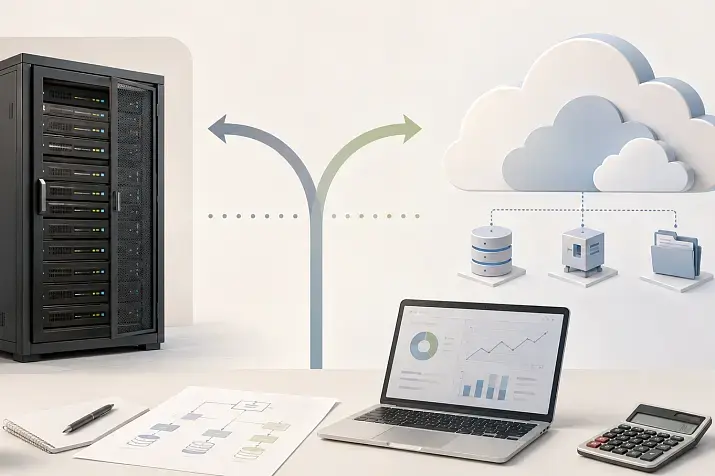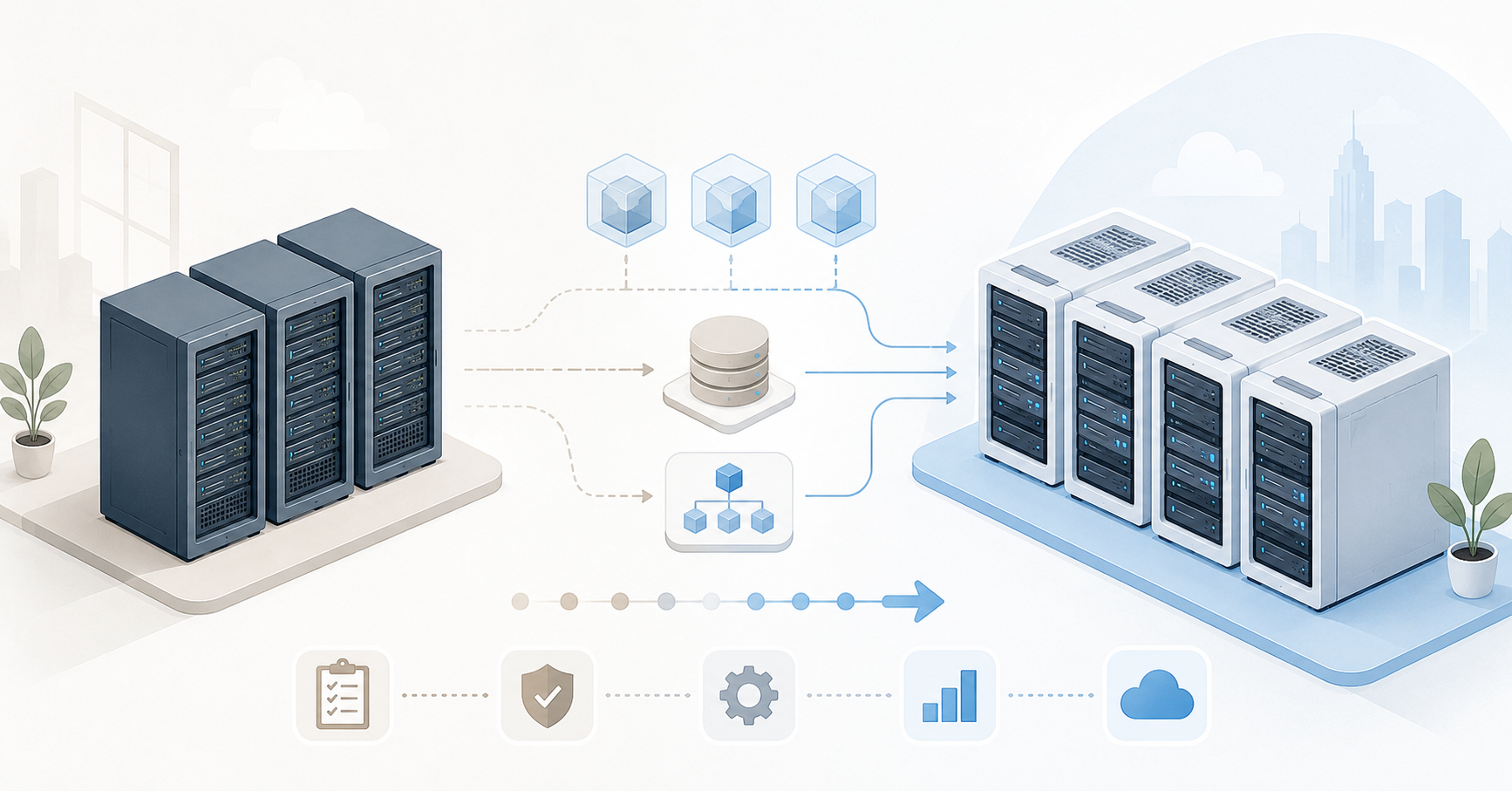
You can move away from VMware without stopping the business if you treat the migration not as a transfer of VM disk files, but as a separate infrastructure project: first audit services, choose the target platform, test the migration on pilot machines, prepare networks and storage, and then move workloads in waves with a clear rollback plan. Full “zero downtime” for every system is almost never realistic, but downtime for critical services can be reduced to a controlled window and you can avoid a situation where the business only discovers problems after the cutover.
What migration without business downtime really means
The main mistake is to understand “without downtime” literally. For the business, what matters is not that no virtual machine has ever rebooted, but that users, customers, warehouse operations, accounting, production and external services do not face uncontrolled downtime. That is why migration should be planned by business services, not by a simple list of VMs.
One VM may be almost invisible to the company, while another may host a database, website, warehouse system or payment gateway. A short interruption at night may be acceptable for the first one. The second needs a separate scenario: data synchronization, backup verification, a test launch, a clear rollback point and a person who can confirm that the service is working correctly.
Before starting the project, it is worth dividing systems into three levels:
- critical services — databases, ERP, CRM, payment systems, production environments, authentication services;
- important services — file servers, internal portals, development systems, monitoring, email;
- low-risk VMs — test environments, archive systems, auxiliary servers, temporary stands.
For each service, two metrics must be defined. The first is how long it may be unavailable. The second is how much data may be lost in the event of an incident or rollback. If a system cannot afford to lose even a few minutes of changes, simple VM conversion will not be enough: replication, native database tools or another synchronization method will be required.
Sometimes the right path is not to move the old VM as a whole, but to redeploy the service on the new platform and migrate only the data. This is especially useful for machines that have not been updated for years, have unclear configurations, old drivers, temporary settings and no known owner.
Why you cannot just convert a VMDK and call the job done
A virtual machine is not just a disk file. It depends on network settings, a virtual controller, boot order, drivers, storage policies, backup, monitoring, licenses and neighboring services. When moving from VMware to Proxmox, Hyper-V, KVM or Nutanix, not only the place where the disk resides changes, but also part of the virtual hardware.
After the move, the network adapter, disk controller type, Linux interface name, hidden network adapter in Windows, or BIOS/UEFI boot mode may change. If an application is tied to a MAC address, disk serial number or hardware identifier, it may stop launching even if the operating system boots successfully.
The most common things that break after a superficial migration are:
- static IP addresses;
- network interface order;
- booting of old operating systems;
- disk controller drivers;
- application software licenses;
- backup jobs;
- monitoring and alerts;
- firewall rules;
- integration with the domain and security agents;
- scheduled maintenance jobs.
Old VM snapshots are a separate risk. If snapshots have accumulated in the source VMware infrastructure, the migration can become slow and unpredictable. Before migration, you need to check whether snapshots exist, understand why they were created and, where possible, carefully delete or consolidate them.
Auditing virtual machines and dependencies
Migration starts not with choosing a converter, but with inventory. You cannot safely move what has not been documented. Ideally, each VM should have a card: who owns the service, what the machine is used for, which operating system it runs, how many resources are allocated, what disks, networks, dependencies, backups and maintenance windows it has.
For each VM, you need to collect:
- the name — both the virtual machine name and the host name;
- purpose and impact — what is deployed on it and which business processes it affects;
- the service owner and a contact for validation;
- the operating system and version;
- the number of processor cores and amount of memory;
- disk size, actually used space and data growth rate;
- boot type: BIOS or UEFI;
- the presence of encryption, Secure Boot and virtual TPM;
- network adapters, VLANs, IP addresses, MAC addresses;
- key software and dependencies;
- dependencies on databases, file storage, directories and external APIs;
- the presence of snapshots;
- the backup schedule;
- acceptable downtime;
- acceptable data loss;
- success criteria for the post-migration launch.
Red flags should be identified separately. These include VMs with old operating systems, machines with USB dongles, passthrough PCI devices, GPUs, non-standard network settings, RDM disks, old security agents, an unknown owner or no backup. Such systems must not be moved in a common wave. They need a separate plan.
It is useful to build a dependency map. For example, a web server may depend on a database, the database on network storage, authentication on a domain controller, and user access on a load balancer and DNS. If you move only one VM and forget the chain, the machine may formally start, but the service will remain unavailable to users.
Choosing the Right Equipment
Our specialists will contact you and answer all your questions
Choosing a platform: Proxmox, Hyper-V, KVM or Nutanix
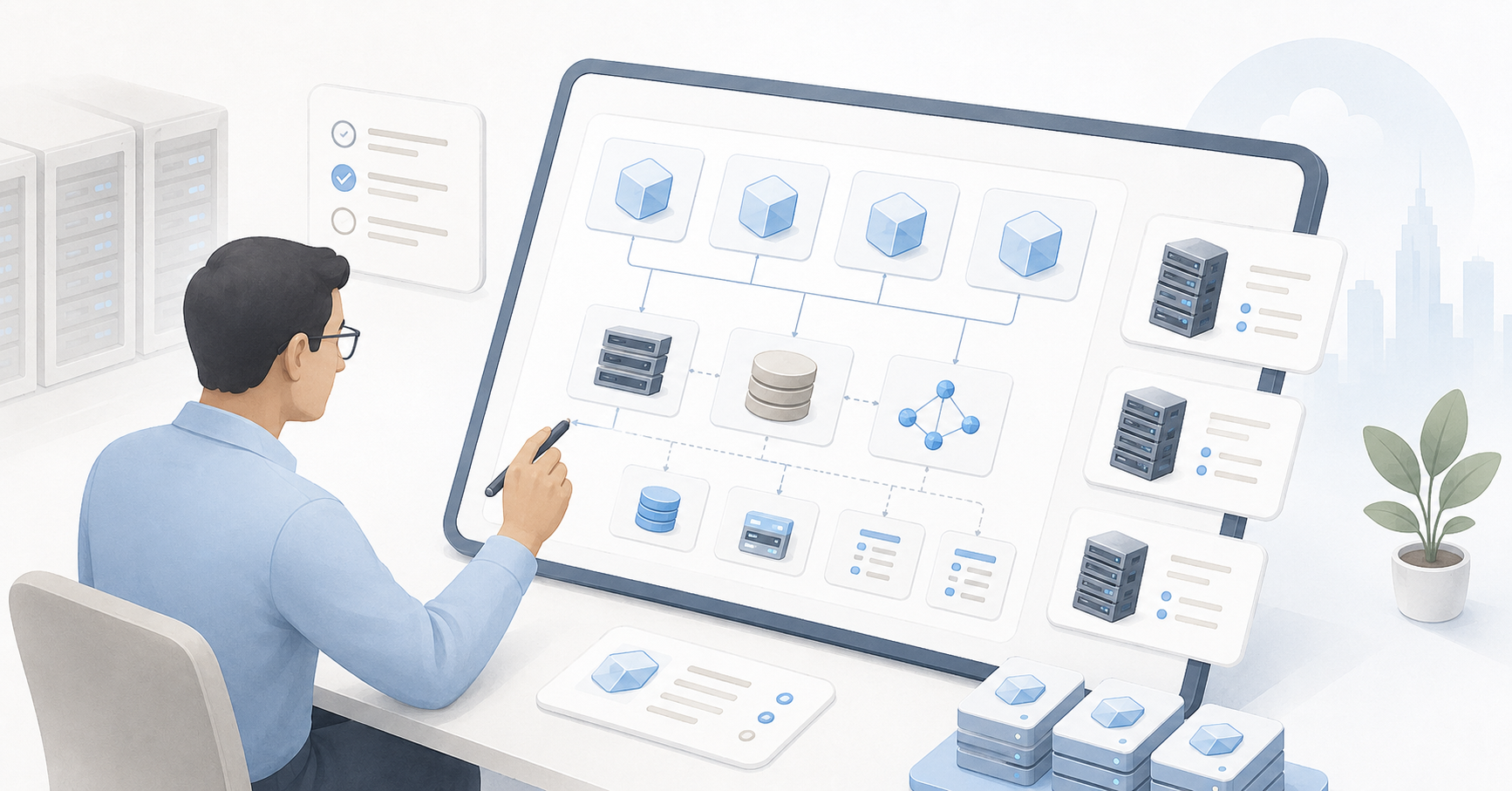
The platform should be chosen after the audit, not before it. Otherwise, you may select a solution that looks attractive in a comparison table but does not fit the real workloads, team skills, support requirements or existing network.
| Platform | When it fits | What to check in advance | Non-obvious risk |
|---|---|---|---|
| Proxmox | You need an open platform with a web panel, clustering, ZFS or Ceph | Linux, networking, storage and backup skills | The team may underestimate the amount of engineering support required after the move |
| Hyper-V | The infrastructure is already strongly tied to Windows Server, Active Directory and Microsoft tools | Licenses, cluster, CSV storage, Linux guest support, backups | A Windows-based environment does not always automatically simplify the migration of Linux systems |
| KVM | You need a flexible Linux foundation or your own virtualization platform | Who will design the network, storage, automation and operations | It is possible to build an overly complex custom platform |
| Nutanix | You need a ready-made hyperconverged platform with unified management | Budget, hardware compatibility, cluster requirements, support model | There is a risk of replacing one strong vendor dependency with another |
Proxmox is often chosen by companies that need controlled cost, a clear web interface, clustering, ZFS or Ceph. Proxmox VE has official materials on moving from other hypervisors, and the documentation describes importing VMs from VMware ESXi through the built-in import wizard. This makes the start easier, but it does not remove the need to check drivers, networking, booting and backup after the move.
Hyper-V is logical where most servers run on Windows, and Active Directory, Windows Server, System Center or Windows Admin Center are used. Microsoft describes VMware → Hyper-V migration through the VM Conversion extension in Windows Admin Center: disk synchronization is performed first, and the final migration is planned separately to reduce downtime.
KVM suits companies that are ready to build a platform on a Linux foundation: through libvirt, OpenStack, other solutions or their own automation. In this scenario, migration often uses virt-v2v: the tool converts guest systems from VMware and other hypervisors to run on KVM and can prepare the guest OS to work with the required drivers.
Nutanix makes sense if the company wants not just to replace VMware, but to move to a ready-made hyperconverged architecture with unified management of compute and storage. Nutanix Move uses migration plans, pre-seeding of data and a final cutover, which helps reduce downtime when moving VMs.
Designing the new architecture before moving VMs
You cannot simply take a list of virtual machines from VMware and create the same ones on the new platform. Over years of operation, VMs often receive more resources than they actually use. Some machines have too much memory, others have too many virtual processors, and others have disks that have grown because of logs, temporary files and old data.
Before the move, you need to review real load for at least 30–90 days: average and peak CPU, memory, disk and network consumption. Large databases, file servers and systems sensitive to disk latency require special attention. If the new platform formally has the same amount of resources but uses a different storage or network design, performance may change.
For compute resources, it is important to:
- avoid moving CPU and memory mechanically one to one;
- check peak loads;
- reserve capacity for the failure of one node;
- avoid overloading the cluster beyond reasonable limits;
- take NUMA into account for large VMs;
- define in advance which machines must start first after an incident.
For storage, you need to decide where system disks, databases, file archives and temporary data will reside. It is important to understand which disk format will be used on the new platform, how snapshots work, how thin provisioning is implemented and how the backup system will capture data after the move.
A non-obvious problem is temporary space for the migration period. During the process, the source VMware disks, backups, temporary conversion files, new disks on the target platform and snapshots may all exist at the same time. Therefore, the reserve cannot be calculated only by VM size. You need to consider actually used space, data growth, temporary copies and spare capacity.
For the network, you need to map VMware port groups to the networks of the new platform in advance: VLANs, bridges, virtual switches, physical switch rules, MTU, routing, firewalls, load balancers and DNS. If this is not done, the VM may start successfully but end up in the wrong segment or lose connection to the database.
Choosing the migration method
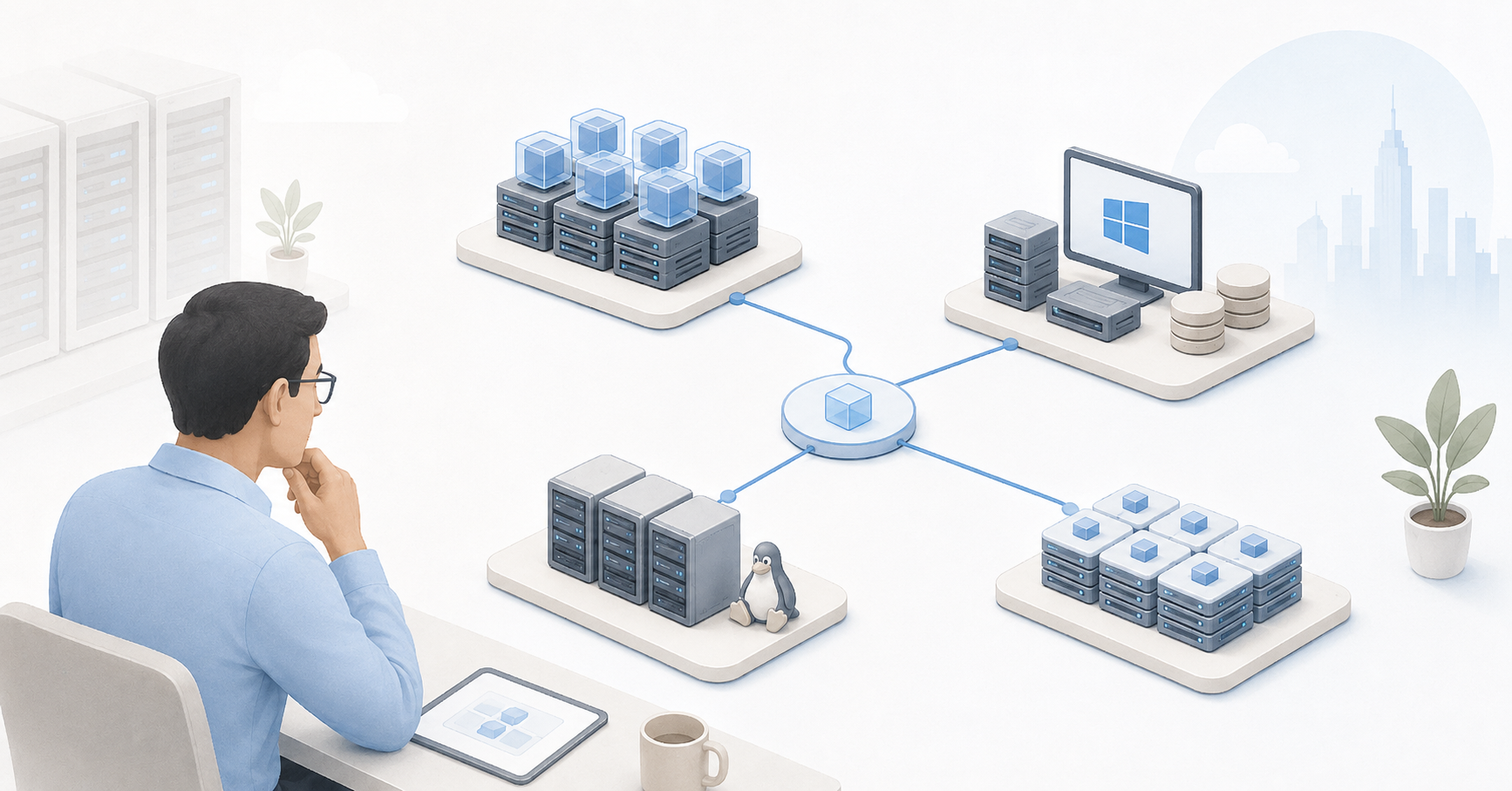
There is no single method that works equally well for every VM. Simple machines can be moved through import or conversion. Critical databases are better migrated through replication or native application tools. Old and cluttered systems are sometimes safer to rebuild.
| Method | Downtime window | When to use it | Main risk | What to test |
|---|---|---|---|---|
| Direct conversion | Medium | Simple VMs without complex dependencies | The OS will boot, but the network or drivers will work incorrectly | Booting, disks, network, agents |
| Import using platform tools | Low or medium | When the target platform supports import from VMware | Import does not account for every application-specific detail | First launch and service acceptance |
| Recovery from backup | Medium | When the backup system supports the new platform | The backup may be incomplete or outdated | Full recovery and data integrity |
| Replication | Low | For critical services and large data volumes | Data divergence between the old and new copy | Final synchronization and prevention of double writes |
| Service rebuild | Depends on the system | For old, polluted or poorly documented VMs | More preparation is required | Application installation, data transfer, access rights |
Direct conversion is suitable for simple servers: small internal applications, test environments and auxiliary services. But even here you need to check the boot mode, drivers, network adapter, disk controller, file system state and the presence of old snapshots.
Migration through backup is useful when the company already has a reliable backup system and it can restore VMs to the new platform. This scenario is good because it tests not only the migration but also the real usability of backups. However, backup does not replace a rollback plan: if the new VM has already started accepting changes, simply turning on the old copy without analyzing the data may be dangerous.
Replication is required for critical services and large data volumes. First, initial synchronization is performed, then changes are transferred, and during the migration window the final cutover is made. The most important principle is that the old and new copies must not accept writes from users at the same time unless a specially designed scheme supports this.
Rebuilding a service often looks more labor-intensive, but in the long run it can be more reliable. If a VM has not been updated for many years, contains old temporary settings and unknown dependencies, moving it “as is” will only carry technical debt onto the new platform.
Pilot migration
A pilot is not just a formality. It must test the entire future process: from VM preparation to acceptance by the service owner. For the pilot, it is better to choose not the simplest and not the most critical machine, but several typical VMs: one Windows machine, one Linux machine, one machine with several disks, one with a typical network design and one that resembles a production workload.
During the pilot, you need to measure:
- how long it takes to move 100 GB and 1 TB of data;
- how quickly data is read from VMware;
- how quickly it is written to the new platform;
- what happens on first launch and whether the system starts;
- whether IP settings are preserved;
- how disk performance changes;
- whether key software works;
- whether monitoring sees the new VM;
- whether backup starts;
- how many manual actions the engineer needs to perform.
After the pilot, there should be a working migration template. It records typical errors, the preparation sequence, the checklist, success criteria and rollback actions. If the pilot shows that some VMs require manual network or driver configuration before the conversion stage, this must be included in the schedule instead of hoping that production systems will “somehow work.”
Preparing VMs before the move
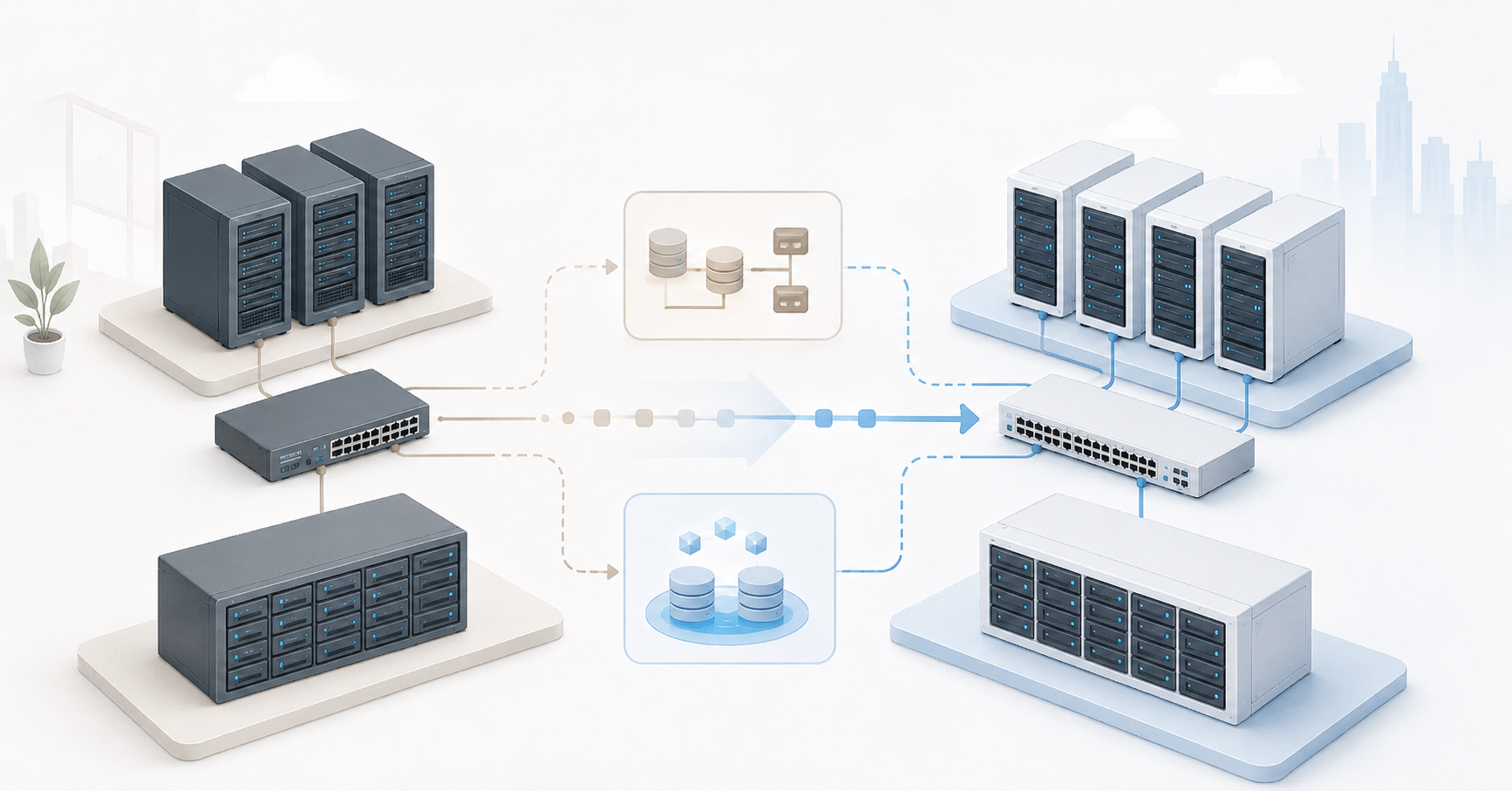
Before migration, every VM must go through preparation. The minimum set of actions is to check that an up-to-date backup exists, make sure recovery is possible, remove old snapshots, clean temporary files, check the file system, record IP addresses, routes, DNS, the list of services and application configurations.
For Windows servers, drivers and network adapters are especially important. After the move, the system may see a new adapter, while the old one remains hidden. Because of this, the static IP sometimes remains bound to a non-existent device. It is also worth checking Windows and application activation, services that depend on the interface name and security agents in advance.
For Linux servers, you need to check the bootloader, initramfs, fstab, network interface names, udev rules, cloud-init if it is used, and support for the required drivers. Old distributions may fail to boot without preliminary preparation.
A good practice before migration is to save:
- network settings output;
- the routing table;
- the list of disks and mount points;
- the list of running services;
- application configurations;
- recent error logs;
- pre-migration performance data.
This will help you quickly understand what changed after the launch on the new platform.
Choosing the Right Equipment
Our specialists will contact you and answer all your questions
Migrating networks and storage
The network must be prepared before moving VMs. Each VMware port group must have a clear target network: VLAN, bridge, virtual switch, physical port, routing rules and firewall rules. Trunk and access ports on physical switches, MTU, load balancers, NAT rules and DNS should be checked separately.
Before the final cutover, it is useful to lower the TTL of DNS records. Then, when the address or load balancer changes, users will reach the new site faster. But DNS is not the only point. External firewall rules, allowlists at partners, integrations with banks, mail relays and monitoring systems are often forgotten.
Storage needs no less attention. You cannot mix all workloads in a single pool just because “there is enough space.” Databases, file archives, system disks and temporary data have different load profiles. For some, latency matters; for others, sequential writes are important; for others, capacity and redundancy are the priority.
Before migration, you need to check:
- where system and additional disks will reside;
- how thin provisioning works;
- how much temporary space is needed;
- how the new platform creates snapshots;
- how backup will work;
- what happens if a node or storage pool fails;
- whether the new system will become slower than the old one because of storage.
The most unpleasant situation is when VMs have been successfully migrated, but the new platform cannot handle the real disk load. That is why storage performance must be tested before mass migration, not after user complaints.
Migration in waves
A mass move in one night may look tempting, but it almost always increases risk. It is much safer to move systems in waves.
The first wave is the lab and test VMs. This is where the tools, transfer speed, drivers, network and procedure are checked. The second wave is low-risk services: auxiliary servers, archives and internal tools. The third is typical production systems that are important but have a clear maintenance window. The fourth is critical services. The fifth is exceptions: old operating systems, GPUs, USB dongles, non-standard licenses and complex databases.
For each wave, the following must be specified:
- date and work window;
- list of VMs;
- owner of each service;
- migration method;
- responsible engineer;
- success criteria;
- rollback plan;
- the time after which a rollback decision is made;
- contact for business confirmation.
You should not start with the most complex services. But endlessly testing on useless VMs is also not an option: the pilot must reflect real workload types. Otherwise, the project will look successful until the first migration of a truly important system.
Final cutover and rollback plan
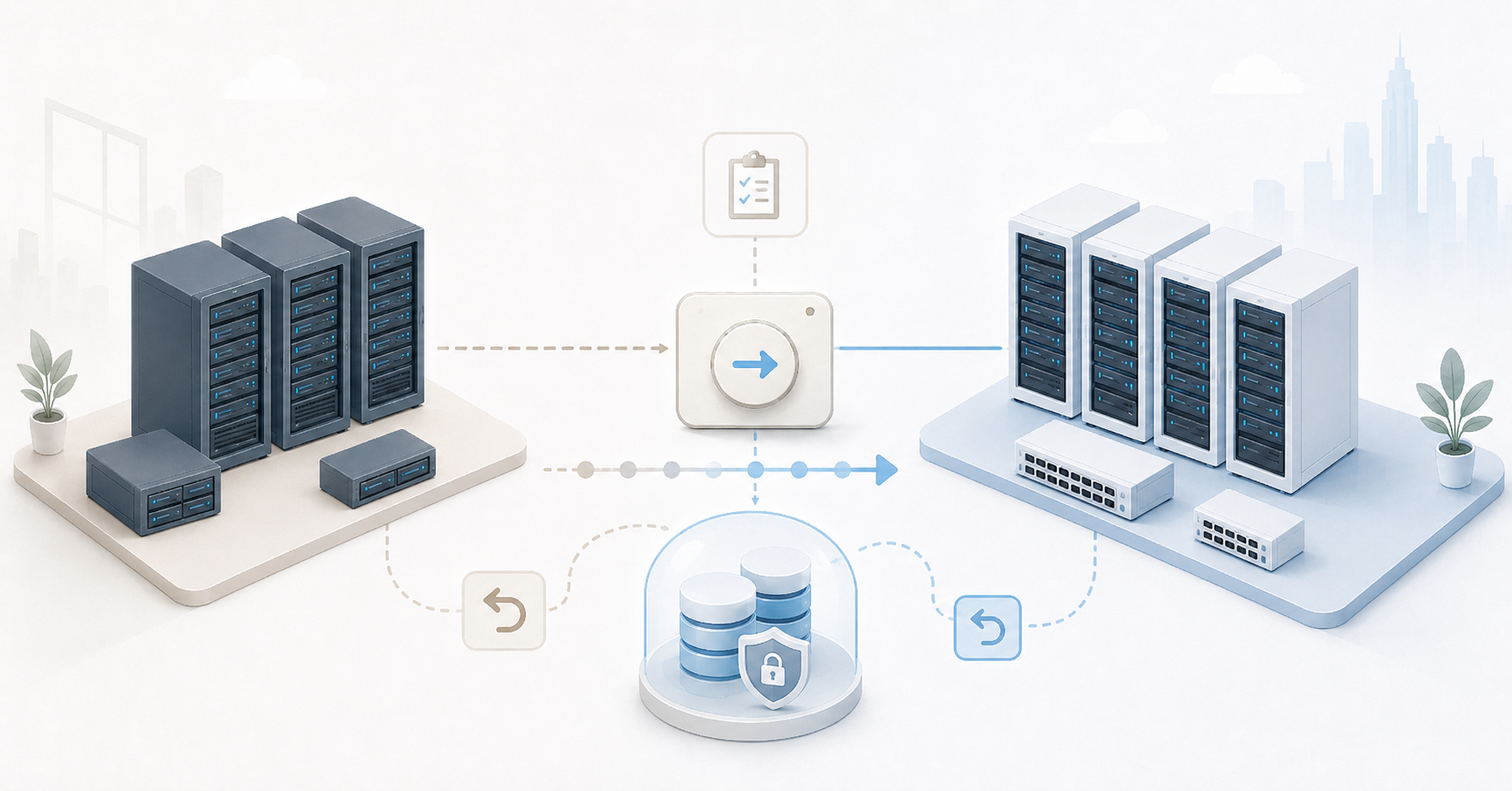
The final cutover is the most sensitive part of the migration. By this point, the target platform must already be ready, the VM tested, the backup verified, the network created, the window approved and the responsible people available.
A typical sequence looks like this:
- stop changes on the source VM or put the service into maintenance mode;
- perform final data synchronization;
- shut down the source VM or isolate its network;
- start the VM on the new platform;
- check OS boot;
- check disks, network, services and the application;
- switch DNS, NAT or the load balancer;
- get confirmation from the service owner;
- enable monitoring and backup on the new platform;
- keep the old VM powered off until the end of the observation period.
A rollback plan is needed before work starts, not after the first error. It must specify who makes the rollback decision, how much time is available for diagnostics, how to send traffic back to the old system, what to do with data changes and where the latest usable backup is located.
The most dangerous scenario is double writes. If the old and new VMs accept changes at the same time, the data may diverge. After that, rollback is no longer a simple matter of turning on the old machine. Therefore, during the final cutover, the source VM must either be shut down or isolated so that users and neighboring systems cannot continue working with it.
Post-migration checklist
Migration does not end when the VM powers on. After launch, you need to check not only the operating system but the service itself.
After each move, make sure that:
- the VM has booted without critical errors;
- all disks are visible;
- the file system is healthy;
- the IP address, gateway, DNS and routes are correct;
- the service responds inside the network;
- the service is available to users;
- databases connect successfully;
- access rights have not been broken;
- OS and application logs show no critical errors;
- time synchronization works correctly;
- monitoring sees the VM;
- alerts work;
- backup has started;
- security agents are active;
- performance is not below the agreed minimum;
- the old VM is shut down or isolated;
- documentation has been updated.
After 24–72 hours, it is worth running another check. This is the period when disk latency, scheduled job errors, licensing issues, storage overflow, failed nightly backups and user complaints that were not visible immediately after launch often appear.
Our most popular storage systems
Free shipping on orders over 500 € in the EU, £500 in the UK, and $3,000 in the USA

Free shipping on orders over 500 € in the EU, £500 in the UK, and $3,000 in the USA

Free shipping on orders over 500 € in the EU, £500 in the UK, and $3,000 in the USA

Free shipping on orders over 500 € in the EU, £500 in the UK, and $3,000 in the USA
Special cases that cannot be migrated using the common scheme
Old operating systems require special attention. They may not support new virtual controllers, modern drivers or the required boot mode. Sometimes it is safer to keep such a service in an isolated environment for a while and then replace it than to urgently try to move an old OS to a new platform.
Databases cannot be assessed simply as “another VM.” Data integrity, disk latency, shutdown order, native dump or replication matter for them. A hot VM snapshot does not always guarantee a consistent database state. For critical databases, it is better to use the built-in mechanisms of the DBMS and test recovery separately.
File servers are also more complex than they appear. You need to account for access rights, open files, long paths, deduplication, indexing, antivirus load and integration with the user directory. After the move, the file server may work, but users may start seeing access errors or notice lower speed.
Domain controllers must be moved especially carefully. It is better to have several controllers and check replication than to rely on one migrated server. Rolling back a domain controller from an old snapshot without understanding the consequences can create more problems than the migration itself.
VMs with licenses, USB dongles, GPUs, direct device access or non-standard hardware bindings must not be treated as ordinary machines. For them, you need to contact software vendors in advance, check the possibility of reactivation and make sure that the target platform supports the required scenario.
When the migration can be considered complete
The project is complete not when the last VM starts on the new platform, but when the new infrastructure becomes the normal working environment. This means that services are stable, backups run, recovery has been tested, monitoring is configured, the team can perform basic operations and the old VMware infrastructure is no longer used for production workloads.
Signs of a completed migration include:
- all production services have been moved;
- owners have confirmed functionality;
- backup has been configured and tested;
- a disaster recovery plan exists;
- monitoring and alerts work;
- documentation has been updated;
- access rights and procedures have been reviewed;
- the team understands how to operate the new platform;
- the old environment has been shut down or has an approved decommissioning date.
If VMware continues to exist “just in case” without a shutdown date, the project is effectively not complete. This situation creates double costs, confusion in documentation and the risk that some forgotten services will remain on the old platform until the next incident.
Conclusion
Migration from VMware to Proxmox, Hyper-V, KVM or Nutanix can be completed without stopping the business, but only with a phased approach. First, you need to understand which services exist in the infrastructure and how critical they are. Then choose a platform based on real requirements, run a pilot, prepare networks and storage, define the migration method for each group of VMs and describe the rollback plan in advance.
The riskiest strategy is to move virtual machines “as is” and treat the mere fact that the OS starts as a successful migration. A working result appears only when applications are available to users, data is consistent, performance has been verified, backups run, monitoring sees the new environment and the old platform is no longer needed for production work.
Choosing the Right Equipment
Our specialists will contact you and answer all your questions

Free shipping on orders over 500 € in the EU, £500 in the UK, and $3,000 in the USA

Free shipping on orders over 500 € in the EU, £500 in the UK, and $3,000 in the USA

Free shipping on orders over 500 € in the EU, £500 in the UK, and $3,000 in the USA

Free shipping on orders over 500 € in the EU, £500 in the UK, and $3,000 in the USA

Free shipping on orders over 500 € in the EU, £500 in the UK, and $3,000 in the USA

Free shipping on orders over 500 € in the EU, £500 in the UK, and $3,000 in the USA