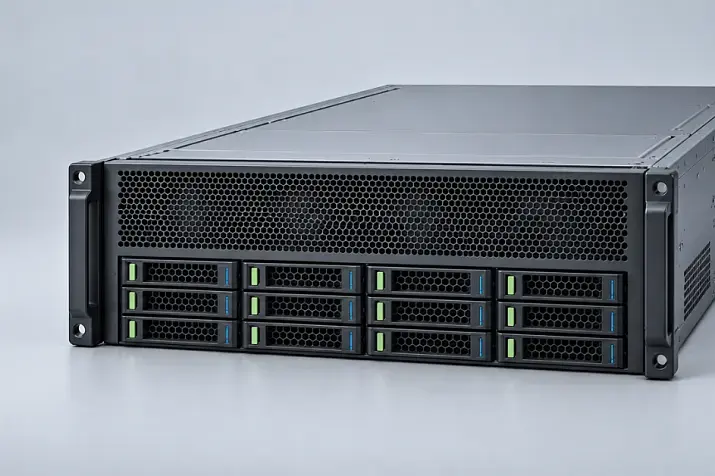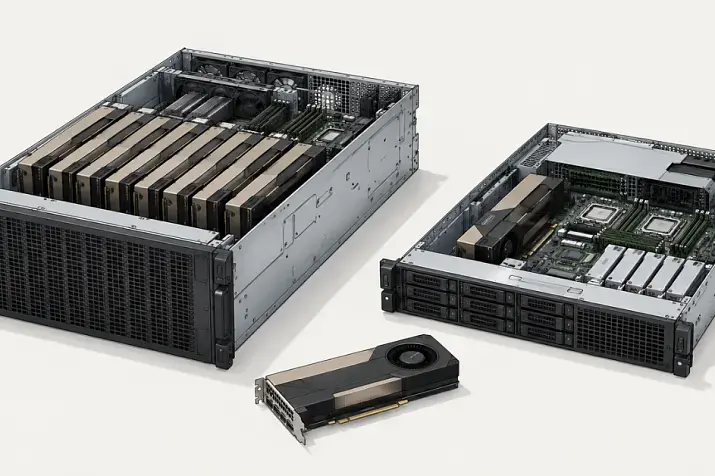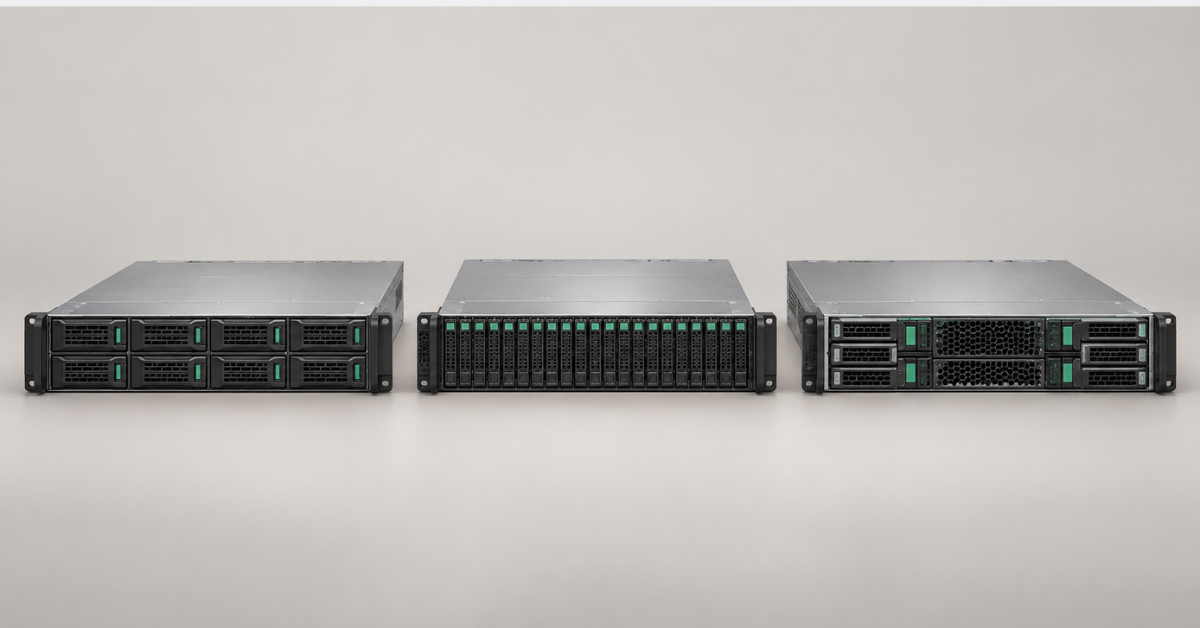
HPE ProLiant DL345 is a 2U rack server with one AMD EPYC processor, a large number of drives and extensive expansion capabilities. The product line includes three generations: Gen10 Plus, Gen11 and Gen12. Gen11 is the best choice for most modern projects, Gen10 Plus can reduce costs while retaining PCIe 4.0 and a large DDR4 capacity, while Gen12 is worth choosing when maximum specifications are required: up to 192 cores, up to 6 TB of memory or several powerful GPUs.
The generation number alone does not provide a definitive answer. For example, the DL345 Gen11 accommodates more conventional SFF and LFF drives than Gen12, while its current specifications cover not only AMD EPYC 9004 but also selected EPYC 9005 processors. The entire configuration must therefore be compared: processor, memory, drive cages, controllers, networking, accelerators, power and cooling.
What is the HPE ProLiant DL345?
With its many-core AMD processors, the DL345 occupies a rare niche between compact single-socket 1U systems and versatile dual-socket 2U servers. It is designed for workloads that need the resources of one modern AMD EPYC processor together with numerous local drives, network adapters or expansion cards.
In the model name, DL identifies HPE rack servers. The final digit 5 in this part of the family usually indicates an AMD platform, as in the DL325, DL345, DL365 and DL385. The DL345 itself first appeared in the Gen10 Plus generation. There are no DL345 Gen9 or standard DL345 Gen10 models, so the full DL380 timeline cannot be applied to it.
The closest models based on these processors differ in layout:
- DL325 is a single-socket 1U server for deployments where rack density matters;
- DL365 is a dual-socket 1U AMD server;
- DL385 is a dual-socket 2U platform for greater compute and memory capacity.
A 2U chassis does not make the DL345 simply an enlarged DL325. The additional space accommodates different front, mid-plane and rear drive cages, full-height cards, GPUs and higher-performance cooling. These capabilities are interdependent, however: installing one option often rules out another.
Comparing HPE ProLiant DL345 Gen10 Plus, Gen11 and Gen12
The table lists the maximum capabilities of each platform. They do not apply to every ready-to-ship configuration and cannot be combined. Configurations with 26 SFF, 12 LFF or 24 NVMe drives are different versions of the same server, not a system with 62 drives installed simultaneously.
| Generation | Processor and memory | Maximum drive configurations | Expansion and GPUs | Management |
|---|---|---|---|---|
| DL345 Gen10 Plus | AMD EPYC 7002/7003, up to 64 cores; 16 DDR4 slots, up to 4 TB | Up to 26 SFF, 12 LFF or 24 NVMe drives in the corresponding chassis | PCIe 4.0; up to 4 physical slots depending on risers; up to 3 NVIDIA A10 GPUs | iLO 5 |
| DL345 Gen11 | AMD EPYC 9004/9005, up to 160 cores; 12 DDR5 slots, up to 3 TB | Up to 34 SFF, 20 LFF or 36 EDSFF E3.S drives | PCIe 5.0; up to 6 x16 slots; up to 4 single-slot or 2 dual-slot GPUs | iLO 6 |
| DL345 Gen12 | AMD EPYC 9005, up to 192 cores; 24 DDR5 slots, up to 6 TB | Up to 24 SFF, 12 LFF or 36 EDSFF E3.S drives | PCIe 5.0; up to 6 x16 slots; in selected configurations, up to 6 single-slot or 4 dual-slot GPUs | iLO 7 |
Gen12 substantially raises the limits for core count, memory and GPUs, but it does not outperform its predecessor in every respect. For a backup server or software-defined storage system, the ability to install 20 LFF or 34 SFF drives in Gen11 may matter more than 192 processor cores.
HPE ProLiant DL345 Gen10 Plus
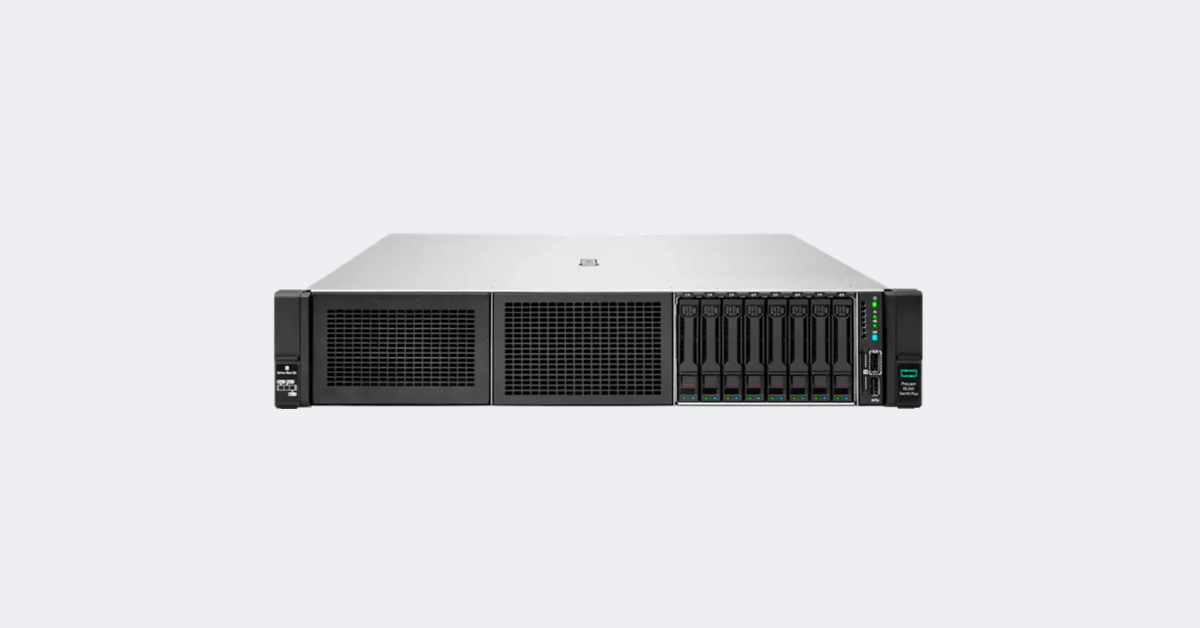
HPE ProLiant DL345 Gen10 Plus 8SFF.
Image source: Servermall
The first DL345 generation supports AMD EPYC 7002 and 7003 processors with up to 64 cores and provides up to 128 PCIe 4.0 lanes. NVMe drives, network cards and controllers are available without a second processor.
The system board has 16 DDR4 slots: eight channels with two DIMMs per channel. Capacity reaches 1 TB with RDIMMs or 4 TB with LRDIMMs, at speeds of up to 3200 MT/s. Options include 8 or 24 SFF bays, 8 or 12 LFF bays and a rear two-bay SFF cage. The maximum of 24 NVMe drives applies to a separate layout with the appropriate backplanes and cables.
Gen10 Plus uses PCIe 4.0, OCP 3.0 network cards and iLO 5. The current archived QuickSpecs confirm support for up to three NVIDIA A10 GPUs, but a card cannot be installed merely because it fits physically: compatible power, risers and fans are required.
The platform is no longer part of HPE's current sales portfolio. That does not make it unsuitable for production: Gen10 Plus remains a sensible option for cost-conscious virtualisation, backup and local storage when DDR4 and PCIe 4.0 meet the workload requirements and software and component support have been verified.
Choosing the Right Equipment
Our specialists will contact you and answer all your questions
HPE ProLiant DL345 Gen11
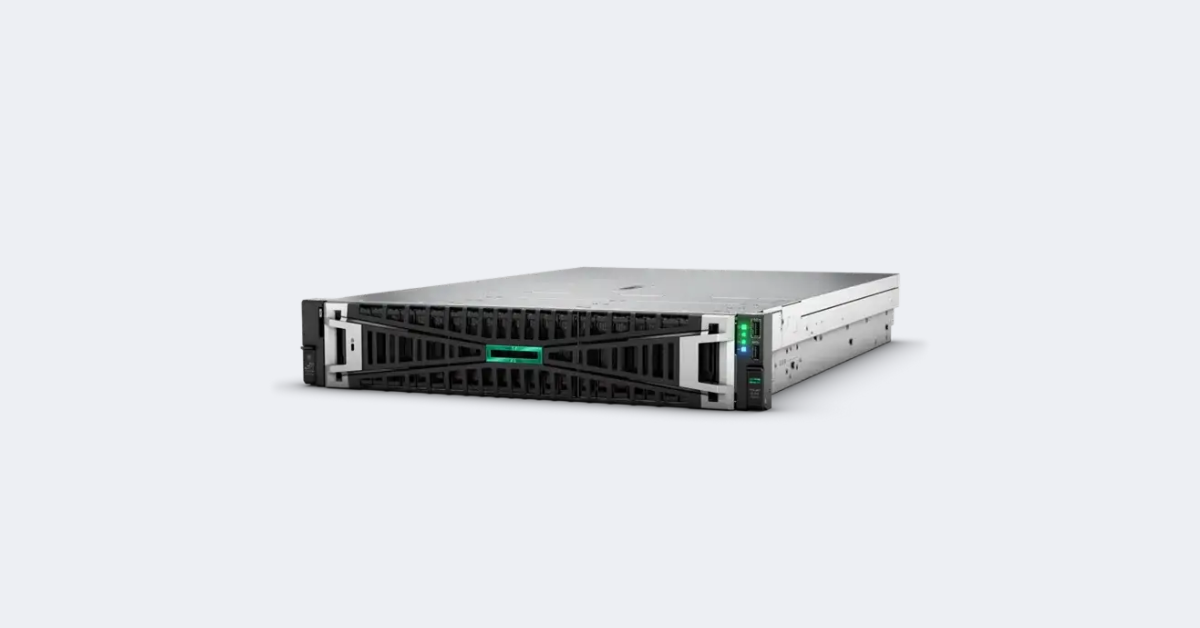
HPE ProLiant DL345 Gen11 12LFF.
Image source: Servermall
Gen11 moved to the SP5 socket, DDR5 and PCIe 5.0. The server initially shipped with AMD EPYC 9004 processors; selected EPYC 9005 models were later added to the current QuickSpecs. The upper limit is 160 cores, but compatibility for the chosen CPU must be checked against the specific server part number and firmware.
The twelve memory slots correspond to the processor's twelve memory channels. Capacity reaches 3 TB, with speeds of up to 4800 MT/s using EPYC 9004 and up to 6400 MT/s in supported EPYC 9005 configurations. Compared with Gen10 Plus, there are fewer slots, but the number of channels has increased from eight to twelve.
Gen11 offers the highest-capacity chassis options in the product line:
- up to 34 SFF drives with additional cages;
- up to 20 LFF drives;
- up to 36 EDSFF E3.S drives;
- 8 SFF or 12 EDSFF drives in the GPU configuration.
The 36 EDSFF configuration uses two PCIe lanes per drive. Configurations with fewer drives or additional controllers are used for x4 connectivity. Mid-plane and rear drive cages may occupy riser space and impose additional cooling requirements.
The platform supports up to six PCIe 5.0 x16 slots and two OCP 3.0 slots. Configurable models do not have an embedded primary network adapter; an OCP or PCIe card must be selected. The GPU version accommodates up to four single-slot or two dual-slot accelerators, reducing the space available for drives.
Gen11 usually provides the best balance: DDR5, PCIe 5.0, EDSFF and modern network cards are already available, while its maximum SFF and LFF drive counts are higher than those of any other server in the product line.
Gen12
Gen12 uses AMD EPYC 9005 processors with up to 192 cores. The highest-end processors have a TDP of up to 500 W, so CPU selection is tied to the fans, heatsink and inlet air temperature.
The system board has 24 DDR5 slots: twelve channels with two DIMMs per channel. Maximum capacity is 6 TB. With one DIMM per channel, the platform specifies speeds of up to 5200 MT/s; the maximum 24 × 256 GB configuration runs at 4000 MT/s. Doubling the capacity compared with Gen11 therefore reduces the memory speed.
Drive options include up to 24 SFF, 12 LFF or 36 EDSFF E3.S drives. The conventional drive count is lower than in Gen11, but SFF and EDSFF sections can be combined at the front. This is useful for a system with high-capacity SAS/SATA drives, fast NVMe devices for logging or caching, and a separate mirrored boot device.
Selected configurations support up to six single-slot or four dual-slot GPUs. The exact limit depends on the accelerator model, drive cage, power and cooling. Direct liquid cooling is available as an option for the hottest configurations, while standard configurations use air cooling.
Gen12 is justified for new projects that require a high density of virtual machines, memory or GPUs. For a conventional storage server, its advantages may not justify the higher cost.
Why one AMD EPYC processor is enough
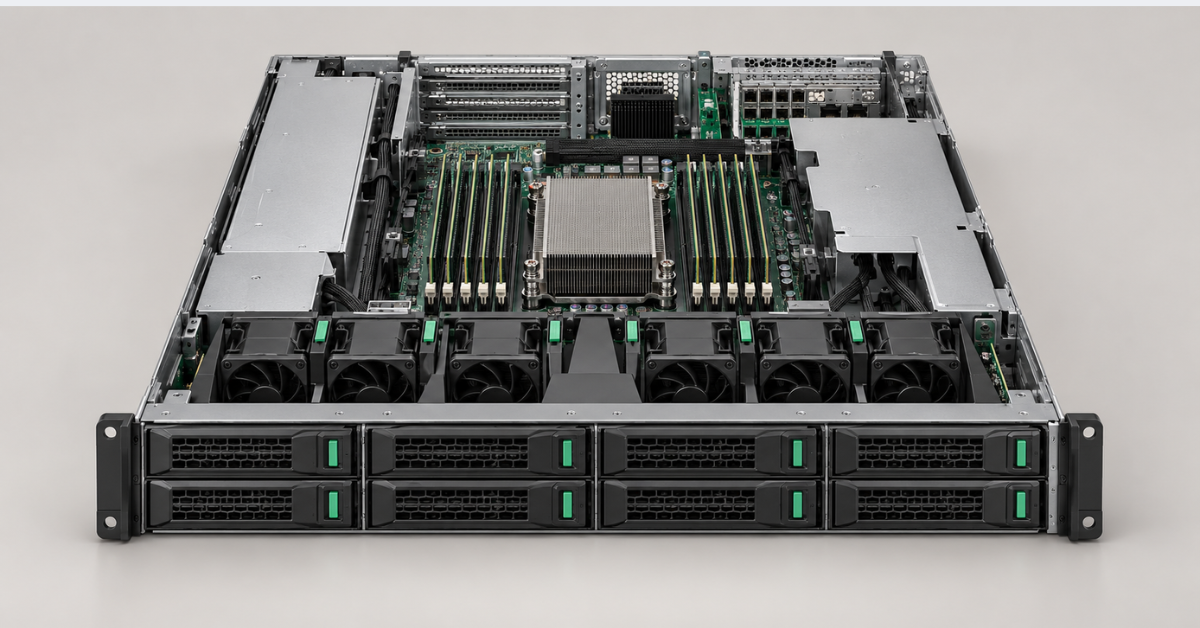
The DL345 was designed from the outset as a single-socket system, so its memory and PCIe lanes do not depend on the installation of a second processor. One AMD EPYC processor provides:
- up to 64 cores in Gen10 Plus, 160 in Gen11 and 192 in Gen12;
- eight or twelve memory channels;
- up to 128 PCIe 4.0 or PCIe 5.0 lanes;
- bandwidth for NVMe drives, network cards, controllers and accelerators.
There is no inter-socket traffic, but NUMA effects do not disappear completely because EPYC consists of multiple compute dies. NPS settings in the BIOS, virtual NUMA nodes and memory locality are particularly important for large virtual machines—or large numbers of them—as well as for specialised applications.
Resilience still requires multiple nodes: a second CPU does not allow an application to continue running transparently. Savings also depend on licensing. The DL345 can be cost-effective with per-socket licensing, while under per-core licensing a 128–192-core processor may be more expensive than a dual-CPU model with fewer, faster cores.
Memory: capacity is not a substitute for bandwidth
The memory layout changed with each generation:
- Gen10 Plus: eight DDR4 channels, 16 slots and up to two DIMMs per channel.
- Gen11: twelve DDR5 channels, 12 slots and one DIMM per channel.
- Gen12: twelve DDR5 channels, 24 slots and up to two DIMMs per channel.
Identical DIMMs should be distributed evenly across the channels. One high-capacity DIMM does not provide the same bandwidth as a set that populates every channel.
In virtualised environments, some memory is reserved for the hypervisor, infrastructure services and workload migration after a node failure. Maximum capacity is not always economical: 256 GB DIMMs are expensive, and two DIMMs per channel reduce memory speed. Adding another server to the cluster may sometimes be the more rational option.
DL345 storage subsystem
DL345 systems that look identical can have different backplanes, cables, controllers and interfaces. The number of bays alone therefore does not describe the storage capabilities.
SFF, LFF and EDSFF
- 3.5-inch LFF bays are primarily chosen for high-capacity HDDs. This is a typical option for backup, archive and file storage;
- 2.5-inch SFF bays are used for SAS and SATA drives and, with the appropriate cage, for U.2/U.3 NVMe drives;
- EDSFF E3.S is designed for dense server NVMe storage, hot swapping and predictable cooling.
The form factor does not determine the interface automatically. U.3 requires a compatible backplane, cable and connection method; a standard SAS/SATA cage does not become NVMe-capable simply by replacing the drive.
Direct connection, HBA or RAID
NVMe drives can be connected directly to processor PCIe lanes. This is convenient for software-defined storage that needs access to each individual drive. A tri-mode controller works with NVMe, SAS and SATA, but connection width is limited by the number of controller lanes.
An HBA presents the drives to the operating system and is suitable for ZFS or Ceph. Hardware RAID creates an array on the controller and can use protected cache. The choice depends on the software architecture. On a virtualisation host, boot devices can be moved to a mirrored NS204i pair, leaving the main bays available for data.
Why the maximum specifications cannot be combined
Mid-plane and rear drive cages can occupy riser space, alter airflow or limit CPU TDP. In the GPU configuration, accelerators replace some of the front drive bays. The figures of 34 SFF, 20 LFF and 36 EDSFF for Gen11—and 24 SFF, 12 LFF and 36 EDSFF for Gen12—describe different builds.
PCIe, networking and GPUs
PCIe 5.0 in Gen11 and Gen12 provides twice the theoretical bandwidth per lane of PCIe 4.0. This benefits NVMe drives and 100/200 Gb/s network cards, but it does not automatically make an older adapter faster.
A physical x16 slot may have only eight electrical lanes. The maximum of six slots is available with specific risers and is not compatible with every rear drive cage. Primary networking for Gen11 and Gen12 is normally selected separately; OCP 3.0 avoids occupying a general-purpose PCIe slot.
A GPU installation must account for all of the following:
- the number and width of available slots;
- accelerator power and the availability of power cables;
- power supply capacity;
- the fan kit and processor heatsink;
- the permitted inlet air temperature;
- the number of drive bays remaining in the GPU chassis.
The DL345 is suitable for virtual desktops, transcoding, inference and engineering workloads. Training large models with eight accelerators requires a specialised GPU server.
iLO, centralised management and security
iLO 5, iLO 6 and iLO 7 operate independently of the primary OS and display component status, logs, power information and a remote console. The feature set depends on the licence: iLO Standard does not include all Advanced capabilities.
HPE OneView and Compute Ops Management are available for groups of servers. The platform also uses HPE's hardware root of trust, Secure Boot, TPM 2.0 and AMD Secure Processor. These mechanisms verify the boot chain but do not replace access controls or protection of the management network.
Firmware for the system board, iLO, controllers, network cards and drives should be updated in a coordinated manner: a new version of one component alongside older versions of the others can disrupt compatibility.
Choosing the Right Equipment
Our specialists will contact you and answer all your questions
Power, cooling and noise levels
Two power supply bays do not guarantee that two PSUs are installed. Redundancy requires compatible units of sufficient capacity connected to independent power feeds.
Power calculations must include the CPU, GPUs, NVMe drives, networking, controllers, memory and fans. High-TDP processors, accelerators and dense NVMe configurations require high-performance cooling; for some combinations, HPE reduces the permitted inlet air temperature.
Liquid cooling is optional in Gen12; standard builds use air cooling. The DL345 is intended for a server room or data centre and produces noticeable noise under load.
Which workloads suit the HPE ProLiant DL345?
| Workload | Recommended generation | Where to allocate the budget | System constraint |
|---|---|---|---|
| Virtualisation and containers | Gen10 Plus on a limited budget; Gen11 for new clusters; Gen12 for high density | Memory, network interfaces and fast storage | Per-core licensing and memory reserved for node failure |
| Software-defined storage | Gen11 for a large number of drives; Gen12 for mixed SFF/EDSFF | Drives with suitable endurance, HBA and storage network | Lane count per NVMe drive and drive-cage compatibility |
| Databases and analytics | Gen11 or Gen12 | Processor frequency, memory channels and NVMe | Not every database scales with the maximum core count |
| Backup and archive | Gen10 Plus or Gen11 with LFF | High-capacity HDDs, controller and fast networking | Restore speed and backup window |
| Video processing and virtual desktops | Gen11 or Gen12 | GPUs, memory and network ports | Number of supported accelerators and cooling |
| Inference and GPU computing | Gen12; Gen11 for moderate workloads | Compatible GPUs, PSUs and fans | Reduced drive count and no interconnect for eight GPUs |
For a conventional virtualisation host, Gen11 often provides the best balance. It supports modern processors, DDR5 and PCIe 5.0 without requiring payment for the upper-end capabilities of Gen12. Gen10 Plus remains a rational choice when 64 cores and DDR4 are sufficient and the infrastructure already uses components from that generation.
Gen11 is particularly attractive for storage workloads because it can accommodate up to 20 LFF or 34 SFF drives. Gen12 has the advantage when 6 TB of memory, 192 cores, a mixed front SFF/EDSFF layout or up to four dual-slot accelerators are required.
Which DL345 generation should you choose?
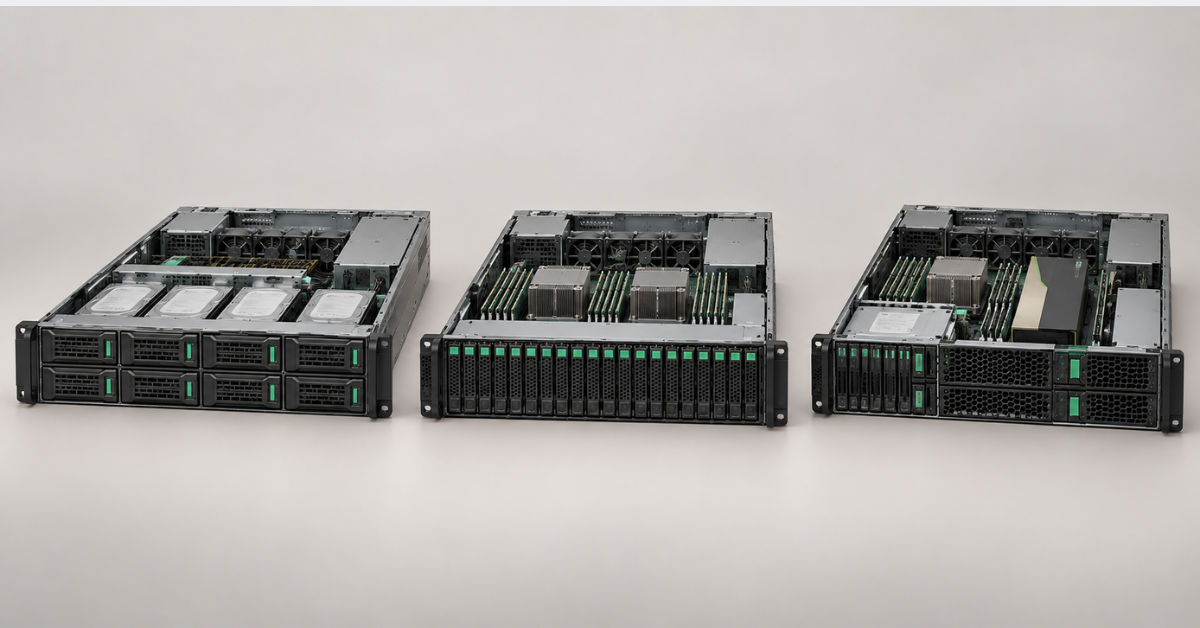
The choice can be reduced to three scenarios:
- Gen10 Plus is suitable for cost-effective upgrades, budget clusters, backup and storage systems that can operate with DDR4 and PCIe 4.0. Memory and some components are easier to source on the secondary market, but the age of the platform and software support must be considered.
- Gen11 is the best choice for most new enterprise systems. It combines DDR5, PCIe 5.0, up to 160 cores, extensive storage layouts and iLO 6. It is the most versatile DL345 generation.
- Gen12 is intended for maximum compute, memory and GPU density. Its advantages become apparent in large virtualised environments, in-memory databases and accelerated computing—not in every standard server workload.
Related models should also be considered. The DL325 occupies 1U and is suitable when rack density matters more than the number of drives and cards. The DL385 uses two AMD EPYC processors in a 2U chassis and is better suited to systems that genuinely need the resources of two sockets.
The similarly sized DL380 uses Intel processors and has a different memory, I/O lane and licensing structure. The differences between its versions are examined in more detail in “HPE ProLiant DL380: Gen9–Gen12 generation comparison”.
A specialised platform should be selected for training large models at high GPU density. The ability to install several accelerators in the DL345 does not turn this general-purpose server into the equivalent of an eight-accelerator system.
Common configuration selection mistakes
- Comparing a base configuration with the platform maximum. An 8 SFF server cannot be compared directly with another generation's maximum 36 EDSFF configuration.
- Assuming that any drive cage can be freely upgraded. Additional bays may require backplanes, controllers, cables, risers and a different fan kit. Some options are available only in factory-built configurations.
- Unbalanced memory population. A large total capacity does not compensate for unused processor memory channels.
- Selecting a processor based only on core count. Base frequency, cache capacity, TDP and the licensing model are often more important than the maximum thread count.
- Trying to combine every maximum specification. The largest drive count, six PCIe slots and the maximum GPU configuration normally apply to different chassis variants.
- Expecting resilience from a single server. Two power supplies and mirrored RAID protect only against individual failures. Application availability requires multiple nodes and a well-designed recovery process.
Conclusion
HPE ProLiant DL345 is not a cut-down version of the dual-socket DL385, but a
distinct single-socket 2U platform focused on storage and expansion. Gen10
Plus is attractive on price, Gen11 usually provides the best balance, and
Gen12 offers the highest limits for cores, memory and accelerators. The final
choice is determined not by the generation number but by how the processor,
memory, storage, networking and cooling work together in a specific
configuration.
Choosing the Right Equipment
Our specialists will contact you and answer all your questions