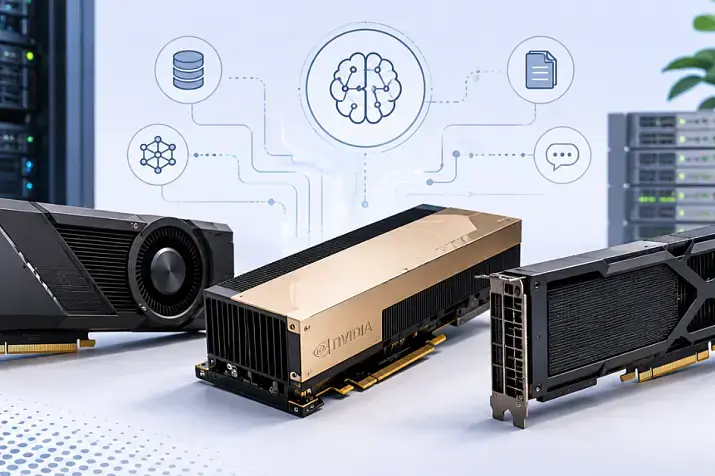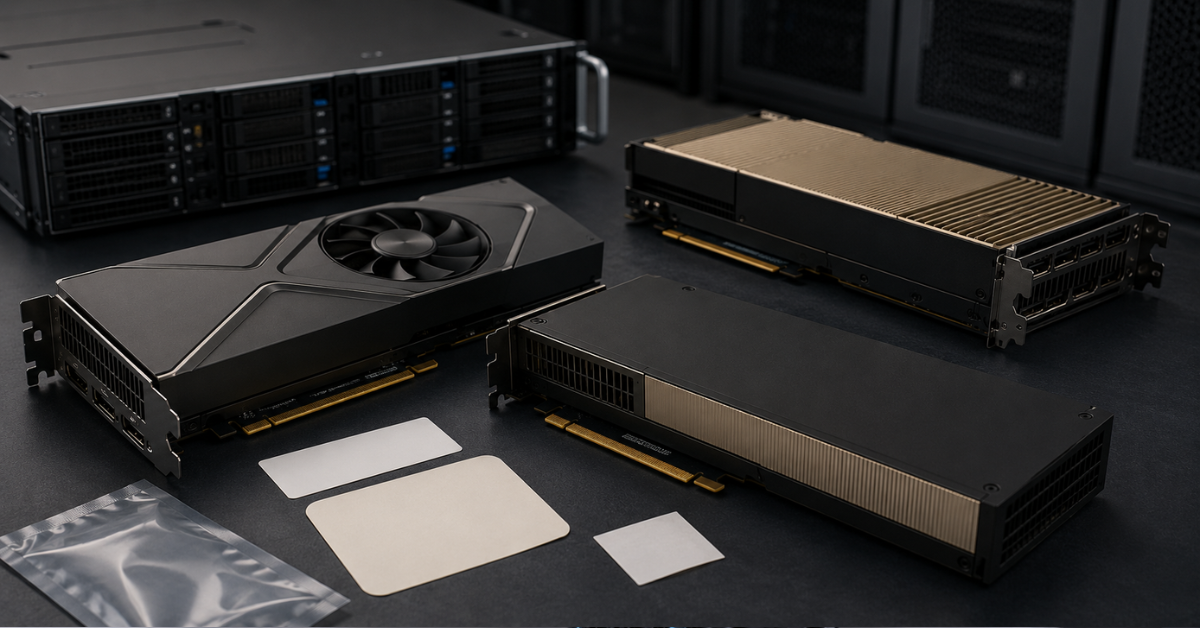
OEM, Original, NVL, Max-Q, and Workstation Edition in an NVIDIA GPU name are not just marketing labels. These markings can indicate the supply channel, cooling type, power limit, form factor, compatibility with a server or workstation, warranty terms, and intended use case. That is why choosing an NVIDIA graphics card only by model and memory capacity is risky: before buying, you need to check the exact part number, power requirements, dimensions, cooling, drivers, and compatibility with the specific platform.
In catalogs, similar-looking items may appear side by side: NVIDIA H100 OEM, H100 Original, RTX PRO 6000 Blackwell Max-Q, RTX PRO 6000 Blackwell Workstation Edition, or RTX PRO 6000 Blackwell Server Edition. At first glance, it may seem that these are the same cards with different words in the name. In practice, the difference can be critical: one version may be designed for a dense server chassis, another for a workstation, and a third for strict thermal and power limits.
Let’s look at what these markings mean and how to avoid mistakes when buying.
Why NVIDIA GPUs have so many naming variants
NVIDIA produces graphics accelerators not only for home PCs. The same product family may include versions for:
- servers and data centers;
- workstations;
- laptops;
- AI and neural networks;
- engineering graphics;
- rendering;
- virtualization;
- OEM supply for server manufacturers and integrators;
- dense multi-GPU builds.
That is why it is important to distinguish two things in the name: the GPU model and the card implementation.
The model is, for example, H100, A100, V100, RTX 6000 Ada, or RTX PRO 6000 Blackwell. The implementation is OEM, Original, NVL, Max-Q, Workstation Edition, Server Edition, PCIe, SXM, active cooling, or passive cooling.
Two cards may belong to the same product family but differ in several parameters:
- length and thickness;
- cooling type;
- power limit;
- presence of display outputs;
- chassis requirements;
- supported server platforms;
- warranty route;
- bundle;
- intended use.
That is why, when choosing NVIDIA GPUs for AI and neural networks, it is better to look not only at memory capacity, but also at the full name, part number, and installation requirements.
Most popular GPU
Free shipping on orders over 500 € in the EU, £500 in the UK, and $3,000 in the USA
Free shipping on orders over 500 € in the EU, £500 in the UK, and $3,000 in the USA
Free shipping on orders over 500 € in the EU, £500 in the UK, and $3,000 in the USA
Free shipping on orders over 500 € in the EU, £500 in the UK, and $3,000 in the USA
A quick glossary of NVIDIA GPU markings
| Marking | What it means | What it affects when buying |
|---|---|---|
| OEM | A version supplied to system manufacturers, integrators, or large customers, often branded for a specific vendor | Bundle, packaging, warranty, sometimes appearance and part number |
| Original | An indication that the card is of original origin | Does not replace checking the serial number, part number, and warranty |
| Retail / Box | A boxed retail version, if such a supply format exists | Packaging, bundle, documentation, warranty terms |
| Bulk | Supply without retail packaging, often intended for integrators | Bundle, warranty, supply method |
| NVL | A variant associated with dense AI configurations and fast interconnect between GPUs | Server compatibility, topology, power, cooling |
| Max-Q | A version with stricter power and thermal limits, often found in laptops | Power consumption, frequencies, performance under load, installation density |
| Workstation Edition | An implementation for workstations | Display outputs, active cooling, professional drivers |
| Server Edition | An implementation for servers and data centers | Server airflow, dense installation, chassis compatibility, absence of display outputs |
| PCIe / SXM | GPU connection form factor | Server type, slot, power, cooling, upgrade options |
| Active / Passive | Active or passive cooling | Whether the card can be installed in a workstation or only in a server with strong airflow |
This table helps you quickly understand the terms, but it does not replace checking the specific card. The same term may appear differently across different GPU generations. The final decision should always be based on the exact product page, part number, documentation, and server requirements.
OEM: is it an original card or a “cut-down” version?
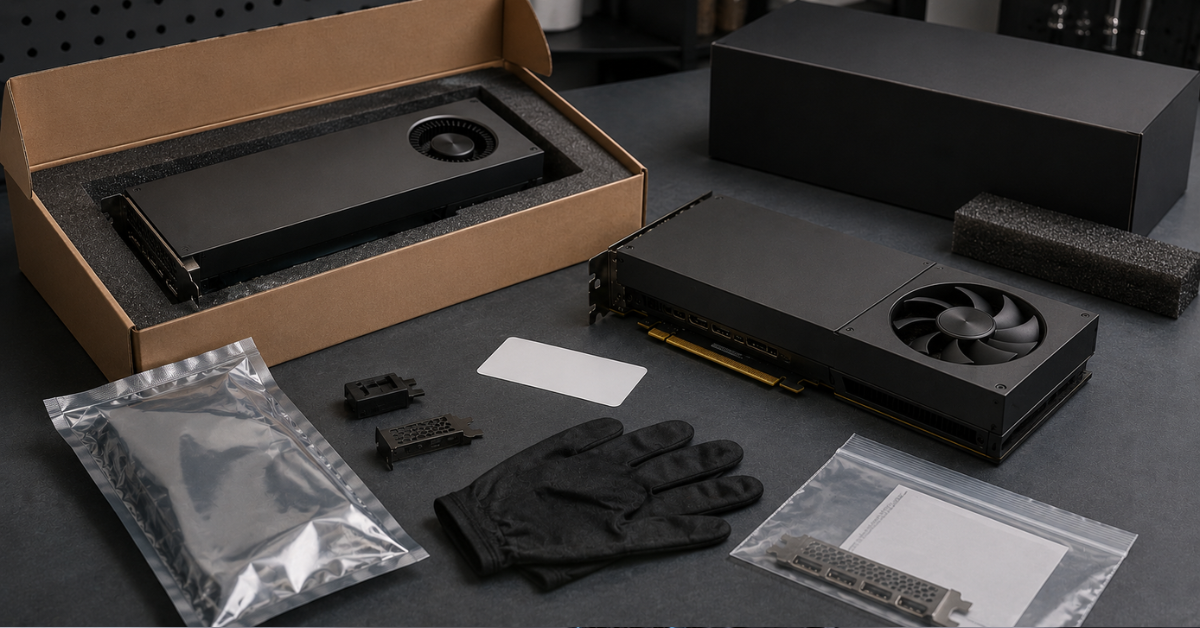
OEM is one of the most misunderstood terms in graphics card names. It is often mistakenly interpreted as “not original,” “worse than the regular version,” or “definitely used.” This is not correct.
OEM literally stands for Original Equipment Manufacturer. As a rule, it means that one company, for example a server vendor such as HPE, orders the production of graphics cards from another company, NVIDIA. Therefore, such a card is often supplied not as a boxed retail product, but as a component for a server manufacturer, workstation manufacturer, system integrator, or large customer, and it may sometimes be branded for that vendor. The card can be completely original, but it comes through a different supply channel.
An OEM version may differ in:
- packaging;
- bundle;
- warranty terms;
- batch marking;
- exact part number;
- appearance of the shroud or heatsink;
- cooling type;
- intended use with a specific server platform.
For example, NVIDIA A100 80Gb PCIE HBM2 OEM or NVIDIA H100 80Gb HBM3 OEM is not “a fake by definition.” But when buying such a card, you need to pay special attention to which server it will be installed in, what cooling type it has, and who is responsible for the warranty.
OEM may be cheaper for several reasons:
- there is no retail box;
- the batch was intended for integrators;
- the warranty goes through the seller or supplier;
- the card was part of a ready-made server build;
- the supply format was not aimed at retail buyers.
The problem is not the OEM marking itself, but the lack of information. If the seller does not specify the exact part number, does not show photos of the particular card, does not explain the warranty, and cannot confirm compatibility and the source of supply, the risks really increase.
Choosing the Right Equipment
Our specialists will contact you and answer all your questions
Original: why this marking does not remove the need for checks
Original is usually used to emphasize that the card is of original origin. In other words, the card is not a copy, an unknown compatible replacement, or a questionable refurbished device.
However, the word Original does not answer the main technical questions:
- what the exact version of the card is;
- what the part number is;
- what board revision it has;
- what cooling type it uses;
- what warranty applies;
- whether the card was part of a complete server;
- whether it fits a specific chassis;
- whether it is supported by the required drivers.
For example, NVIDIA H100 94Gb Original and NVIDIA H200 Original may be interesting for AI workloads, but before buying you still need to look not only at the word Original, but also at the platform, power, cooling, and task.
What you should request from the seller:
- A photo of the label with the serial number and part number.
- Photos of the connectors and board condition.
- Confirmation of testing.
- Warranty terms.
- Information about the cooling type.
- Compatibility with a specific server or workstation model.
Original is a useful marking if it is supported by documents and technical data. But by itself, it does not guarantee that the card will physically fit a server, work stably in the required configuration, or even that it is genuinely original.
OEM and Original: the real difference for the buyer
OEM and Original answer different questions.
OEM usually says more about the supply channel. Original says more about the card’s origin. But neither term replaces a technical check.
OEM can be considered if:
- the seller provides a clear warranty;
- there is an exact part number;
- the card’s condition is specified;
- there are photos of the specific unit;
- the cooling type is known;
- the card has been tested;
- it is clear which supply batch it came from;
- compatibility with the server or workstation is confirmed.
You should be cautious if:
- the product page has no exact part number;
- only renders are shown;
- the seller does not know whether the cooling is active or passive;
- no warranty is specified;
- the name is contradictory;
- the price is too low without an explanation;
- the card is sold as “any H100” without specifying the implementation.
For a server, the most important question is not “OEM or Original,” but the specific parameters:
- whether the card fits in length and thickness;
- whether there is enough power;
- whether the chassis can handle the heat;
- whether the required airflow is available;
- whether the server supports this GPU;
- whether multiple such cards can be installed;
- whether there are drivers and licenses for the task.
NVL: why this marking matters in AI configurations
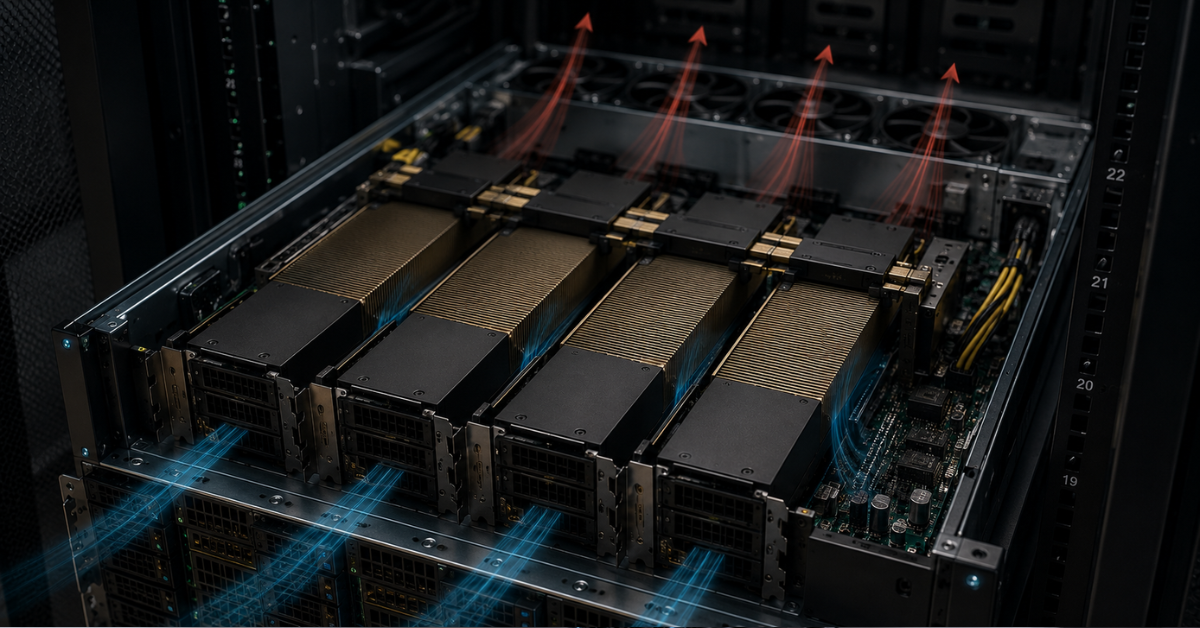
NVL is most often seen in the context of server and AI workloads, where the performance of a single card is not the only thing that matters: the connection between multiple GPUs is also important. The suffix itself hints at NVLink support and appears not only in graphics card names, but also in systems such as GB200 NVL72. NVIDIA presented H100 NVL as a solution for deploying large language models: it specified 94 GB of memory and a focus on LLM inference in data centers. The GPU uses two H100 chips connected via NVLink.
In simple terms, NVL should not be treated as “just another letter in the name,” but as a signal: the card or configuration may be designed for dense multi-GPU operation, where memory, bandwidth, and data exchange between accelerators matter.
NVL is especially important when:
- the server is used for large language models;
- several GPUs need to exchange data quickly;
- the model does not fit into the memory of a single card;
- GPU density in the chassis matters;
- the workload is designed for multi-GPU operation;
- you need to accelerate inference rather than simply install one powerful graphics card.
There is an important nuance here. NVL does not mean that the video memory of several cards automatically turns into one “large shared memory pool.” The behavior depends on the model, framework, drivers, server topology, and the way the workload is distributed.
Before buying an NVL variant, check:
- whether the server supports the required configuration;
- whether bridges or special connections are required;
- whether they are included in the package;
- whether there is enough power;
- whether the chassis is designed for the heat output;
- whether the software supports this topology;
- how the selected LLM will be distributed across GPUs.
For tasks where AI and large models are the key factors, it makes sense to compare not only NVL variants, but also other accelerators: for example, standard NVIDIA H100, NVIDIA H200, and server versions of RTX PRO.
Max-Q: why it is not just a “weaker version”
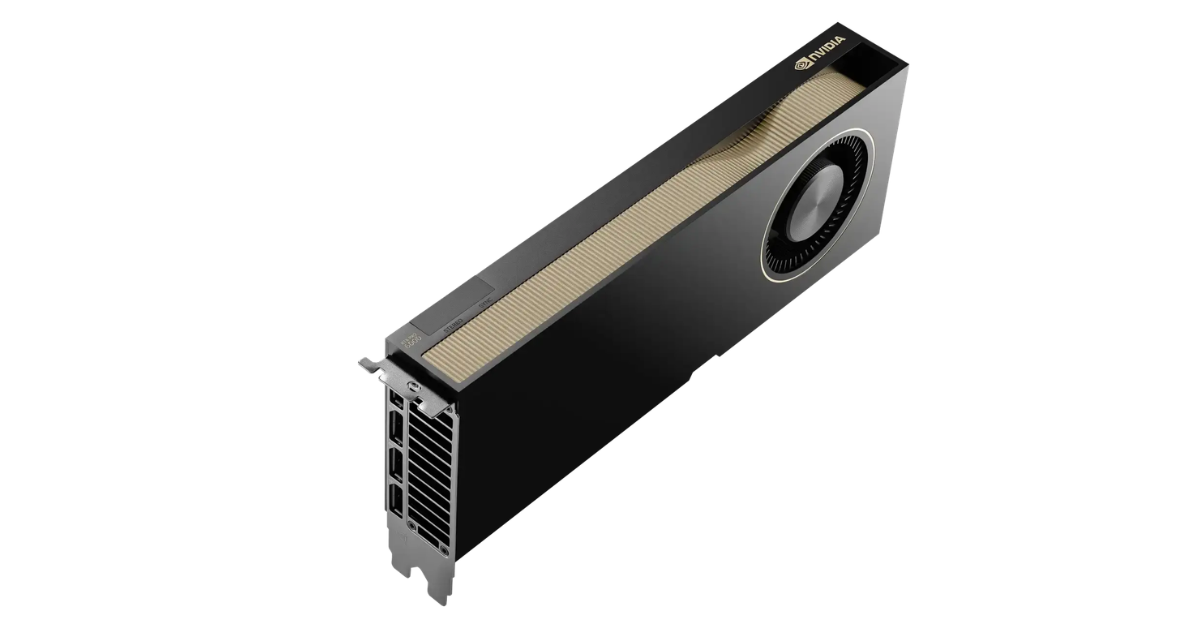
NVIDIA RTX PRO 6000 Blackwell Max-Q Workstation Edition.
Image source: ServerMall
Max-Q is often perceived as a “cut-down” version. That is too crude an explanation. It is more accurate to say that Max-Q is an implementation focused on energy efficiency, thermal limits, and easier installation in dense configurations.
Using RTX PRO 6000 Blackwell Max-Q Workstation Edition as an example, you can see that such a version may retain a large memory capacity but have a different power limit and a different form factor. NVIDIA specifies 96 GB GDDR7 ECC, 300 W maximum power consumption, active cooling, and a compact 4.4” × 10.5” form factor for the Max-Q version.
By comparison, the regular RTX PRO 6000 Blackwell Workstation Edition also has 96 GB GDDR7 ECC, but its maximum power consumption is 600 W, the form factor is 5.4” × 12.0”, it occupies two slots, and it uses a different thermal solution.
Max-Q can be useful if the following are important:
- lower power consumption;
- lower cooling requirements;
- installation of multiple GPUs;
- power supply limitations;
- a dense workstation;
- a balance between memory and heat;
- less pressure on the infrastructure.
There is also a compromise. With the same generation and memory capacity, a card with a lower power limit may behave differently under sustained maximum load. Therefore, for tasks where peak performance of a single GPU matters, you need to compare not only memory, but also power, thermal package, and the expected operating mode.
RTX PRO 6000 Blackwell Max-Q is worth considering for scenarios where 96 GB of memory is required, but there are limitations in power, heat, or installation density.
Workstation Edition: what tasks require a workstation version
Workstation Edition is a professional card for workstations. It is not an ordinary gaming graphics card and not a universal server GPU. This implementation is designed for tasks where performance, professional drivers, display outputs, and stable operation in engineering, graphics, and development applications are important.
Typical scenarios include:
- 3D graphics;
- CAD/CAM/CAE;
- rendering;
- visualization;
- video processing;
- engineering simulations;
- local work with AI models;
- development and testing;
- digital content creation.
For RTX PRO 6000 Blackwell Workstation Edition, NVIDIA specifies 96 GB GDDR7 ECC, 4 DisplayPort 2.1 outputs, 600 W maximum power consumption, and a Double Flow Through thermal solution.
Workstation Edition is convenient when the card is installed in a workstation with a suitable chassis, power supply, and cooling. For example, NVIDIA RTX 6000 Ada 48Gb and RTX PRO 6000 Blackwell Workstation Edition are logical options for professional graphics, engineering workloads, and local AI development.
The main mistake is buying Workstation Edition for a server without checking airflow. A workstation and a rack server organize air movement differently. The card may be powerful and original, but still poorly suited to a specific server chassis.
What can go wrong:
- the card may block neighboring slots;
- active cooling may not work as expected;
- server fans may not create the required airflow through the heatsink;
- power cables may not fit;
- the server may not support this card in its compatibility list;
- several GPUs may overheat under sustained load.
Workstation Edition can be installed in a tower server or a non-standard build, but only after checking the chassis, power, temperature, and usage scenario.
Server Edition: how the server version differs from Workstation Edition
Server Edition is designed for servers and data centers. This implementation is intended for tasks where installation density, manageability, compatibility with server platforms, and stable operation under sustained load are important.
Server Edition usually matters when the card is installed:
- in a rack server;
- in a multi-GPU configuration;
- in data center infrastructure;
- for AI inference;
- for VDI;
- for a render farm;
- for engineering calculations;
- for sustained compute workloads.
RTX PRO 6000 Blackwell Server Edition should be considered specifically as a server variant, not just as “another RTX PRO 6000.” It has different requirements for the chassis, cooling, and platform.
The same memory capacity does not mean the same compatibility. Even if two cards have 96 GB of memory, they may differ in:
- length;
- height;
- thickness;
- cooling;
- power;
- form factor;
- allowed installation density;
- presence and number of display outputs;
- use case.
That is why, in a server, you cannot choose a GPU only by memory capacity and generation name.
Choosing the Right Equipment
Our specialists will contact you and answer all your questions
Drivers and software: why the marking affects more than hardware
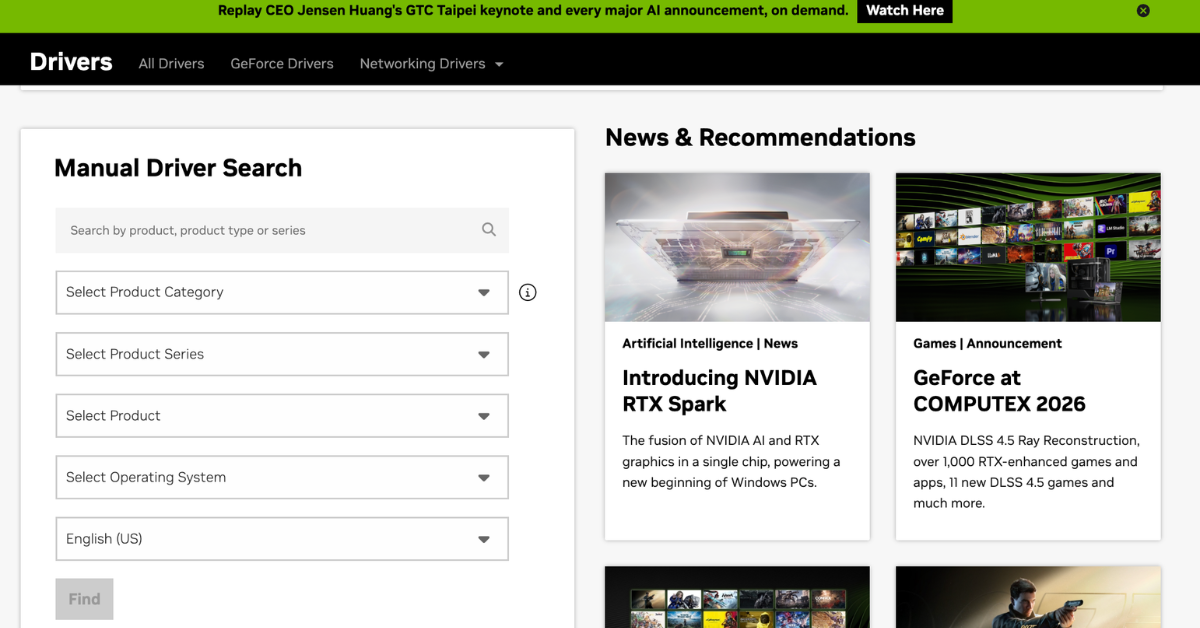
Manual driver selection.
Image source: NVIDIA drivers
For professional NVIDIA GPUs, CUDA, memory capacity, and the number of Tensor Cores are not the only things that matter. In a real project, the card must be supported by the required operating system, driver branch, framework, and application.
NVIDIA develops RTX Enterprise Drivers for professional workflows: the company highlights stability, security, and enhanced capabilities for professional tasks.
Before buying, check:
- Whether there is a driver for the required OS.
- Whether the specific GPU model is supported.
- Whether vGPU or other licensed software is required.
- Whether the required CUDA version is supported.
- Whether the AI framework is compatible with this architecture.
- Whether there is certification for professional applications.
- Whether there are any limitations in the OEM supply.
- Whether the driver branch is suitable for CAD, rendering, VDI, or AI.
For workstations, this is especially important in engineering and graphics software. For servers, it matters in virtualization, AI inference, containers, orchestration, and platform compatibility.
What to check before buying an NVIDIA GPU with any marking
| What to check | Why it matters |
|---|---|
| Exact part number | Similar cards may have different versions, power requirements, and cooling |
| Serial number | Helps verify origin and warranty route |
| Cooling type | An active card is not always suitable for a server, while a passive card is not suitable for a regular PC without strong airflow |
| Length, height, thickness | The card may not physically fit into the chassis or may occupy more slots |
| Power connectors | Suitable cables and sufficient PSU capacity are required |
| Heat output | Especially important for 300–600 W GPUs |
| Server compatibility | Not every server supports every PCIe or SXM card |
| Drivers | Support is required for the OS, CUDA, vGPU, and professional software |
| Warranty | OEM, bulk, and retail supplies may have different terms |
| Photos of the specific card | A render does not show the condition of the board, connectors, and labels |
| Intended use | Servers, workstations, LLMs, VDI, rendering, and CAD require different cards |
Before buying, it is better to send the seller not only the name of the desired GPU, but also the project’s input data:
- server or workstation model;
- number of GPUs;
- task;
- OS;
- driver requirements;
- power limitations;
- noise and heat limitations;
- need for display outputs;
- planned duration of the workload.
This makes it possible to understand in advance whether the card will not only be “compatible on paper,” but also stable in real operation.
Our most popular servers

Free shipping on orders over 500 € in the EU, £500 in the UK, and $3,000 in the USA
Free shipping on orders over 500 € in the EU, £500 in the UK, and $3,000 in the USA
Free shipping on orders over 500 € in the EU, £500 in the UK, and $3,000 in the USA

Free shipping on orders over 500 € in the EU, £500 in the UK, and $3,000 in the USA
Common mistakes when choosing an NVIDIA GPU by name
Assuming that OEM means a non-original card
OEM can be an original supply format, just not a retail one. You need to check the warranty, origin, part number, and condition instead of drawing conclusions from one marking alone.
Buying Workstation Edition for a server without checking airflow
Even a powerful professional card can be a poor choice for a rack server if the chassis is not designed for its cooling requirements.
Looking only at memory capacity
96 GB of memory in different implementations does not mean identical performance, consumption, or compatibility. Power limit, cooling, form factor, and platform matter.
Thinking that Max-Q is always worse
Max-Q is not a “bad version,” but a different balance between performance, heat, and installation density. For some configurations, it is actually the more practical option.
Understanding NVL as automatic memory pooling
NVL and the related topology help multi-GPU workloads, but the final behavior depends on the software, model, and configuration.
Ignoring the part number
A short product name can hide important differences. The exact part number is often more important than the marketing name.
Not checking power
For powerful GPUs, it is not enough to simply have a power supply “with headroom.” The correct cables, connectors, and platform support are required.
Not clarifying the warranty
OEM, bulk, refurbished, and retail supplies may have different warranty terms. This must be clarified before payment.
How to choose the right version for your task
For AI and large language models
You need to look at:
- memory capacity;
- bandwidth;
- multi-GPU support;
- NVL/NVLink topology;
- server compatibility;
- cooling;
- drivers;
- framework requirements.
For such tasks, H100, H200, A100, and server RTX PRO cards are usually considered. But the final choice depends on the model size, inference type, budget, and existing infrastructure.
For an engineer’s, designer’s, or developer’s workstation
The following are important:
- Workstation Edition;
- display outputs;
- professional drivers;
- CAD/rendering support;
- noise;
- dimensions;
- stability under sustained load.
Here, RTX 6000 Ada, RTX PRO 6000 Workstation Edition, or the Max-Q version are often appropriate, especially if there are power and thermal constraints.
For a dense multi-GPU build
You need to check:
- how many slots the card occupies;
- what its power limit is;
- how airflow is organized;
- whether the server can handle the thermal load;
- whether the platform supports multiple GPUs;
- whether the required bridges and cables are available;
- how the software distributes the workload.
Here, you cannot rely only on the “most powerful card.” Sometimes a more energy-efficient version provides a better balance of performance, density, and stability.
For a budget-limited purchase
You can consider OEM or verified refurbished server GPUs, but only if there is a clear warranty and testing.
The minimum set of questions for the seller:
- What is the exact part number?
- Is the card new, refurbished, or pulled from a system?
- What cooling type does it use?
- Are there photos of the specific card?
- What warranty is provided?
- In which servers has it already been tested?
- Can compatibility with my platform be confirmed?
Key takeaways
OEM does not mean “non-original,” but it requires checking the supply channel, warranty, and condition. Original does not remove the need to check the part number. NVL matters for dense AI configurations and multi-GPU workloads. Max-Q is a version focused on energy efficiency and thermal limits, not simply a “weak card.” Workstation Edition is designed for workstations, while Server Edition is designed for servers and data centers.
When choosing an NVIDIA GPU, the deciding factor is not a single marking in the name, but the combination of parameters: task, server or workstation, cooling, power, dimensions, drivers, warranty, and platform compatibility. The more expensive the card and the denser the configuration, the more dangerous it is to buy based only on the model name.
Choosing the Right Equipment
Our specialists will contact you and answer all your questions
Content:

Free shipping on orders over 500 € in the EU, £500 in the UK, and $3,000 in the USA

Free shipping on orders over 500 € in the EU, £500 in the UK, and $3,000 in the USA

Free shipping on orders over 500 € in the EU, £500 in the UK, and $3,000 in the USA

Free shipping on orders over 500 € in the EU, £500 in the UK, and $3,000 in the USA

Free shipping on orders over 500 € in the EU, £500 in the UK, and $3,000 in the USA

Free shipping on orders over 500 € in the EU, £500 in the UK, and $3,000 in the USA