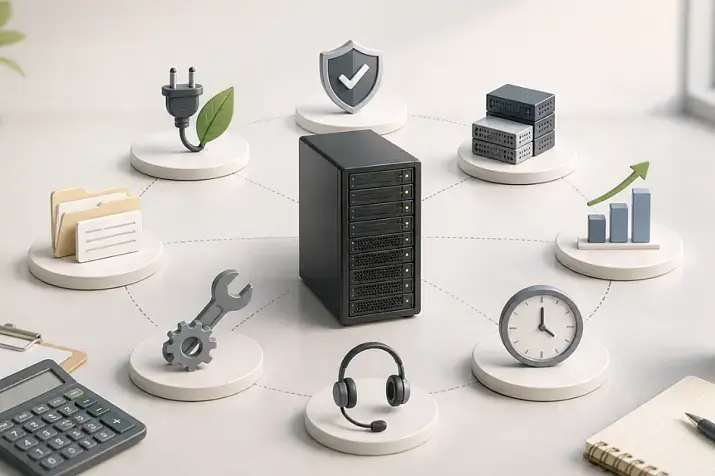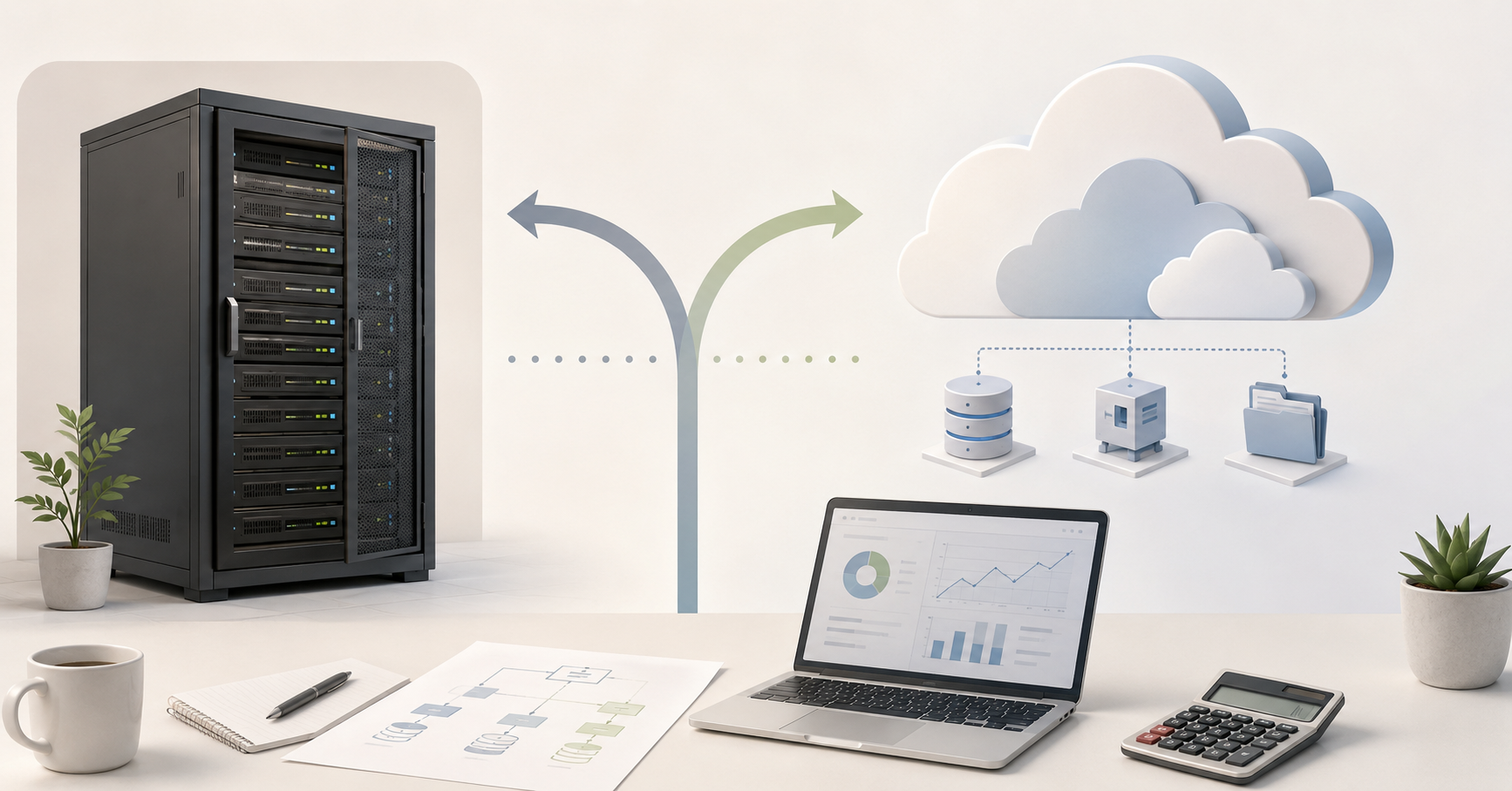
A company-owned server can once again be more cost-effective than the cloud when the workload is stable, resources are used continuously, data volumes are large, outbound traffic is high, and the business is ready to plan infrastructure over a 3–5 year horizon. The cloud is more likely to win where fast launch, temporary peaks, experiments, managed services, and the ability to change configuration quickly matter most. That is why the right question in 2026 is not “which is better — your own server or the cloud,” but “which model is cheaper and more reliable for this specific workload profile.”
Interest in owned infrastructure has returned not because the cloud has become bad. On the contrary, public clouds remain a strong tool for development, scaling, and distributed services. But over the past few years, companies have started to calculate not only the price of a virtual machine, but also storage, backups, outbound traffic, licenses, support, fault-tolerance requirements, and the cost of leaving the chosen platform. Gartner forecast that worldwide end-user spending on public cloud services would reach $723.4 billion in 2025 and separately noted the movement of companies toward hybrid models, where some systems remain in the cloud and others stay in owned or dedicated infrastructure.
In 2026, the choice is increasingly a financial and engineering decision. In the past, the cloud was often seen as a universal way to “avoid buying hardware.” Now businesses are looking at the full life cycle of a system. For some tasks, the absence of capital expenditure really is more important. For others, constant monthly payments turn into endless rental of resources that barely change in volume. In exactly these cases, a company-owned server, a dedicated server, or private infrastructure can again become the more rational option.
Most popular refurbished servers

Free shipping on orders over 500 € in the EU, £500 in the UK, and $3,000 in the USA

Free shipping on orders over 500 € in the EU, £500 in the UK, and $3,000 in the USA

Free shipping on orders over 500 € in the EU, £500 in the UK, and $3,000 in the USA

Free shipping on orders over 500 € in the EU, £500 in the UK, and $3,000 in the USA
What exactly are we comparing?
A “company-owned server” does not always mean a machine standing in the office next to employees’ desks. In real projects, there are more options.
A company-owned server in an office or local server room is equipment that the company buys itself and places on its own premises. In this case, the company is responsible for power, cooling, networking, physical security, component replacement, backups, and monitoring.
A server in a data center is a more mature option. The equipment may belong to the company or be rented from a provider, but physically it is located on a professional site with redundant power, cooling, network connectivity, and access control.
A dedicated server is a physical machine that a company rents in full. CPU, memory, and disk resources are not shared with neighboring customers, as they are in a virtual environment. This option often sits between classic on-premises infrastructure and the public cloud: capital expenditure is much lower than when purchasing equipment, while control and predictability are higher than with virtual resources billed by the hour.
Private infrastructure is no longer a single server, but several nodes, storage, networking, virtualization, redundancy, and its own maintenance rules. It may be located in the company’s own server room or in a provider’s data center.
A public cloud is a model where resources are provided on demand and paid for according to consumption. It is convenient when you need to launch a project quickly, scale a workload, or use ready-made services: databases, queues, object storage, analytics, and machine learning tools. But the cost consists of many separate components, and the final bill is not always obvious in advance.
So the rest of this article is not about a romantic return to “hardware,” but about a broader choice: where it is more cost-effective to run a specific workload — in a public cloud, on a dedicated server, in private infrastructure, or in a hybrid model.
The main principle: cloud is cost-effective for variability, server infrastructure is cost-effective for predictability
The cloud is especially strong where the workload changes. Today a service needs 4 cores, tomorrow 40, and a week later 4 again. In that situation, buying equipment for the maximum peak is inefficient: most of the time it will sit idle. The cloud model makes it possible to increase resources temporarily and then reduce them when the peak is over.
A company-owned or dedicated server is stronger in another scenario: the workload is known, runs constantly, and uses the equipment efficiently. If an application uses CPU, memory, disks, and networking around the clock, the advantage of hourly billing gradually disappears. The company still pays for these resources every month, but the hardware does not belong to it.
A simple practical guideline is this: if a system consistently uses 60–80% of allocated resources, and growth can be estimated roughly 2–3 years ahead, it is worth calculating the economics of owned or rented hardware infrastructure. If the workload jumps 5–10 times, peaks are unpredictable, and the project changes quickly, the cloud is often safer.
It is also important to consider the other side. A server is cost-effective only when it is actually working. If a company buys a powerful machine “with room to grow” but loads it at only 10–15%, the economics quickly fall apart. The money has already been invested, the equipment is aging, the warranty period is running, and useful work is minimal. That is why comparison should start not with a provider’s price list, but with the workload profile.
Stable 24/7 workload: where a server starts to win
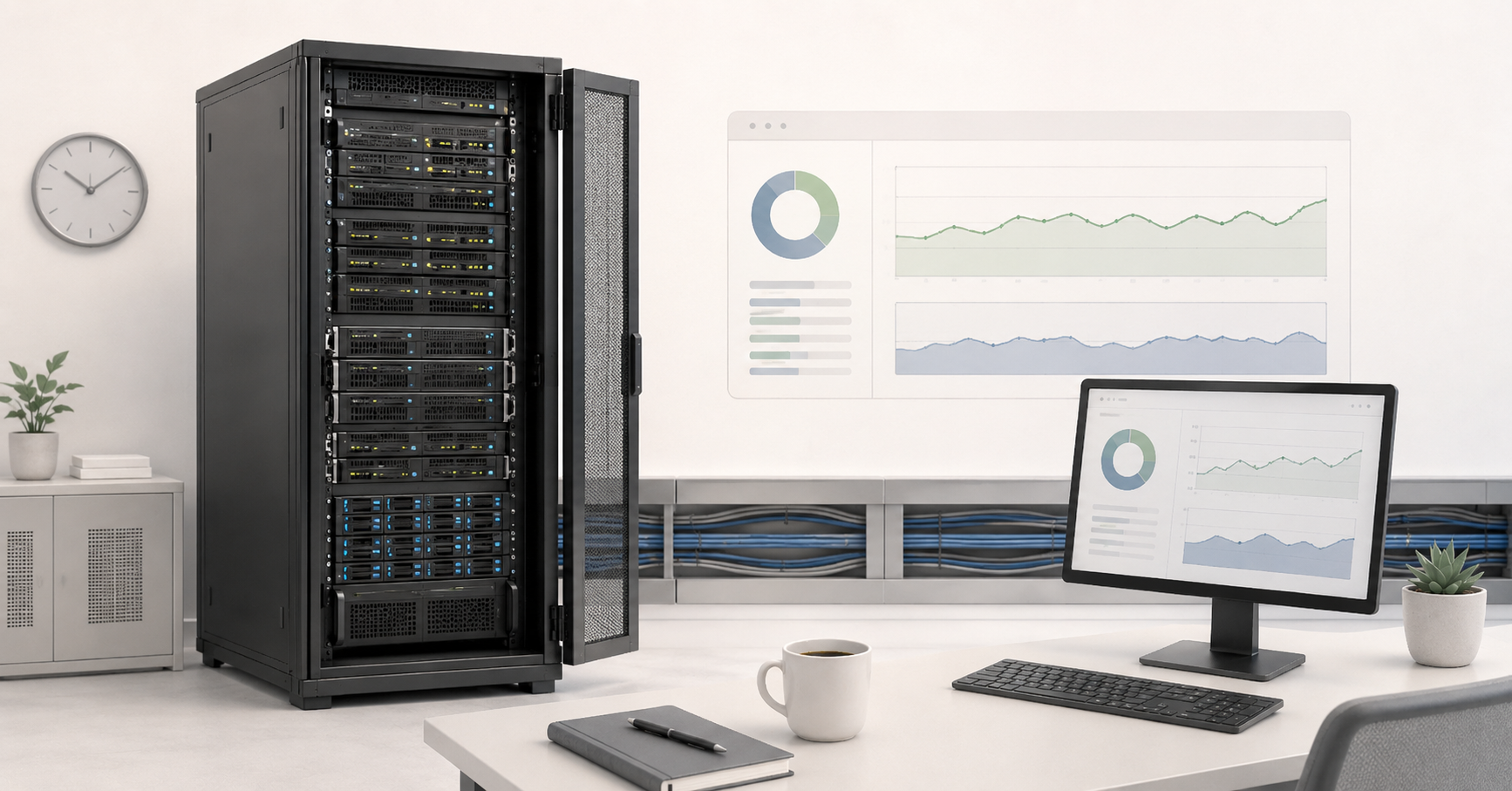
The clearest scenario in favor of a company-owned or dedicated server is a constant workload. This may include corporate databases, internal management systems, warehouse and accounting services, file storage, web projects with steady traffic, virtual desktops, video surveillance, local analytics, or AI workloads without sudden spikes.
In the cloud, such a workload is paid for continuously. A virtual machine runs every hour, a disk is attached every day, backups are stored constantly, and monitoring and network components also add cost. The price can be reduced through long-term commitments, but then the company partially loses the very flexibility for which the cloud is often chosen.
A company-owned server follows a different logic. Costs are higher at the start: the company needs to buy hardware, disks, network components, warranty coverage, and sometimes pay for colocation. But after that, costs are limited to operation within the server’s service life (36–60 months), including maintenance and possibly rack space rental in a data center. The higher the actual utilization of the server, the cheaper each unit of useful work becomes.
There is also an important practical nuance. The cloud is often compared with a new latest-generation server, but a business does not always need the newest hardware. For many production workloads, a reliable enterprise server from the previous generation, or even an older one, is enough: with a large amount of memory, fast disks, and redundant power supplies. This approach can noticeably shorten the payback period, especially if the application does not require maximum single-core performance.
A stable workload is not only about savings. It is also about predictability. When resources do not change every day, it is easier to plan the budget, redundancy, upgrades, and hardware replacement. Costs can also be planned in the cloud, but the more additional services are connected, the more points there are where the bill can change.
Peak and seasonal workloads: where the cloud remains stronger
The cloud is still difficult to replace where the workload grows sharply for a short time. An online store during sales days, a ticketing service, seasonal reporting, a marketing campaign, a temporary test environment, new product development, or an analytics task run once a month are all examples where buying equipment for peak load may be a mistake.
If the normal workload requires 8 cores, but twice a month it needs 80, a company-owned server sized for the peak scenario will sit idle most of the time. In the cloud, additional resources can be brought up only for the required period. Yes, peak hours can be expensive, but they can still be cheaper than keeping extra equipment all year round.
The problem begins when a “temporary” workload gradually becomes permanent. For example, a company launches an analytics environment in the cloud “for a couple of months,” and a year later it is already running daily. Or a test environment becomes permanent because nobody shuts it down. In such cases, the model should be recalculated: perhaps the base part should be moved to dedicated servers, while the cloud should be left for rare spikes.
A hybrid approach works well: the stable base is placed on owned or dedicated infrastructure, while temporary peaks move to the cloud. This is more complex than choosing a single option, but it allows the business to avoid buying equipment for rare maximums and, at the same time, avoid overpaying for constant load.
Choosing the Right Equipment
Our specialists will contact you and answer all your questions
Data storage: price per gigabyte does not decide everything
Storage is one of the areas where comparisons are often made too superficially. People look at the cloud price per gigabyte, compare it with the price of disks, and draw a quick conclusion. But the real cost of storage depends on more than volume.
In the cloud, the final bill is affected by the storage class, the number of write and read operations, snapshots, backups, replication, retention period, data recovery, and sometimes fees for early deletion from archival storage classes. Archive storage can look very cheap while data is simply sitting there. But if tens of terabytes must be restored urgently, cost and timing can become an unpleasant surprise.
Owned storage is not free either. It requires disks, controllers, redundancy, monitoring, drive replacement, capacity reserve, and separate backups. You cannot simply place data on one array and consider the task complete. Disks fail, data must be checked, backups must be tested, and the recovery plan must be updated regularly.
However, for large volumes of rarely changing data, owned infrastructure can be more cost-effective. This is especially noticeable in video surveillance, long-term document archiving, engineering files, media content, production data, medical archives, local analytics datasets, and backup storage.
The main question here is not “how much does a terabyte cost,” but “how much does the full data life cycle cost.” You need to understand how quickly data grows, how often it is read, how many copies are required, where the backup version is stored, how many hours the business has to recover after a failure, and how much bulk recovery will cost. Cheap storage is useless if recovery is too slow or too expensive.
Outbound traffic and hidden network costs
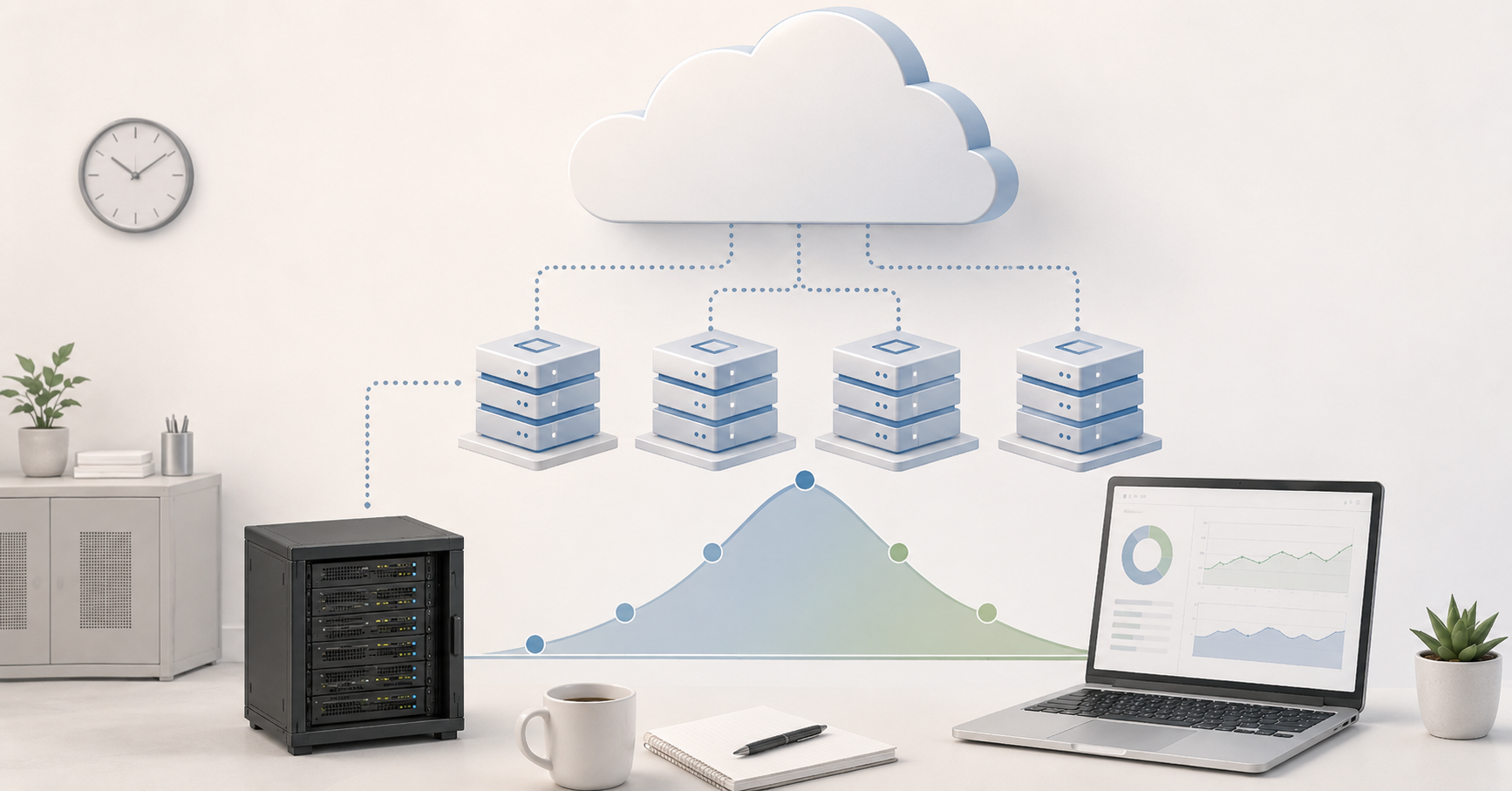
Outbound traffic is one of the most common reasons why a cloud bill turns out higher than expected. Inbound data to the cloud is often cheaper or not billed separately, but transferring data out, between zones, regions, gateways, and individual services may cost money. AWS documentation explicitly states that data transfer charges depend on the services and region used, and for some network components, such as NAT gateways, charges apply both for the time they run and for the amount of data processed.
Video services, backups, analytics exports, large file exchange, migrations, content delivery systems, and applications where data frequently moves between components are especially sensitive to this. Sometimes a company calculates only virtual machines and disks, then discovers that a noticeable part of the cost goes to networking.
In owned infrastructure, network costs are structured differently. The company pays for a connection, port, colocation, a provider contract, or traffic under the data center’s terms. This is not always cheaper, but it is often more predictable. If a business regularly sends tens of terabytes outside its environment, outbound traffic must be calculated as a separate line item rather than added “roughly later.”
| Component | In the cloud | In owned infrastructure | What to check before choosing |
|---|---|---|---|
| Compute | Payment by time and resource type | Purchase or rental of a server | Constant or variable workload |
| Disks | Payment for capacity, type, and operations | Purchase and replacement of drives | Data growth and performance requirements |
| Backups | Separate storage, snapshots, operations | Own disks, tapes, external storage | Retention period and recovery speed |
| Outbound traffic | May be billed separately | Usually depends on the connection or contract | Volume of data sent out per month |
| Inter-zone traffic | Separate charges may apply | Depends on the network and site | How often services exchange data |
| Load balancers | Separate service and traffic charges | Own configuration or device | Whether a fault-tolerant entry point is needed |
| Licenses | Sometimes included, sometimes separate | Purchase or subscription | Licensing model |
| Monitoring | Paid metrics and logs | Own monitoring systems | Log volume and retention period |
| Support | Provider support plan | Internal team or contractor | Who is responsible for incidents |
| Downtime | SLA does not always cover losses | Everything depends on architecture | The real cost of one hour of downtime |
Redundancy and SLA: a service guarantee is not an application guarantee
SLAs are often read too optimistically. It may seem that if a provider promises a high availability percentage, the system is automatically protected. In practice, an SLA applies to a specific service and a specific configuration, not to the entire business system as a whole.
One virtual machine, two virtual machines in different zones, a database cluster, a backup region, and a full recovery architecture are different architectures and different budgets. For example, the AWS EC2 SLA specifies different levels: 99.99% for instances deployed across two or more Availability Zones in a region and 99.5% for an individual virtual machine.
This is not a weakness of the cloud, but normal engineering reality. High availability always requires duplication: multiple nodes, a load balancer, data replication, backup storage, recovery testing, monitoring, and a clear procedure for incidents. In the cloud, these components are easier to assemble, but each of them adds cost. A company-owned server without redundancy also does not become reliable simply because it is physical.
SLA compensation usually does not cover real business losses. If an online store was unavailable for an hour during a sale, a credit for part of the cloud bill will not recover lost orders or customer trust. If a production system stopped a line, formal compensation for infrastructure does not equal the cost of downtime.
That is why the comparison should not be “cloud with SLA” versus “server without SLA,” but specific fault-tolerance designs. One server without redundancy means minimum cost and high risk. Two servers with replication represent another level. A cluster in a data center is another one again. A cloud deployment in one zone is not the same as a cloud deployment across multiple zones or regions.
Uptime Institute emphasizes in its 2025 outage analysis that, despite the development of hardware and architectures, the complexity of modern systems and external threats continue to create new risks that must be actively managed. For business, this means a simple thing: fault tolerance cannot be bought with a single checkbox in a control panel. It has to be designed.
Security and data control
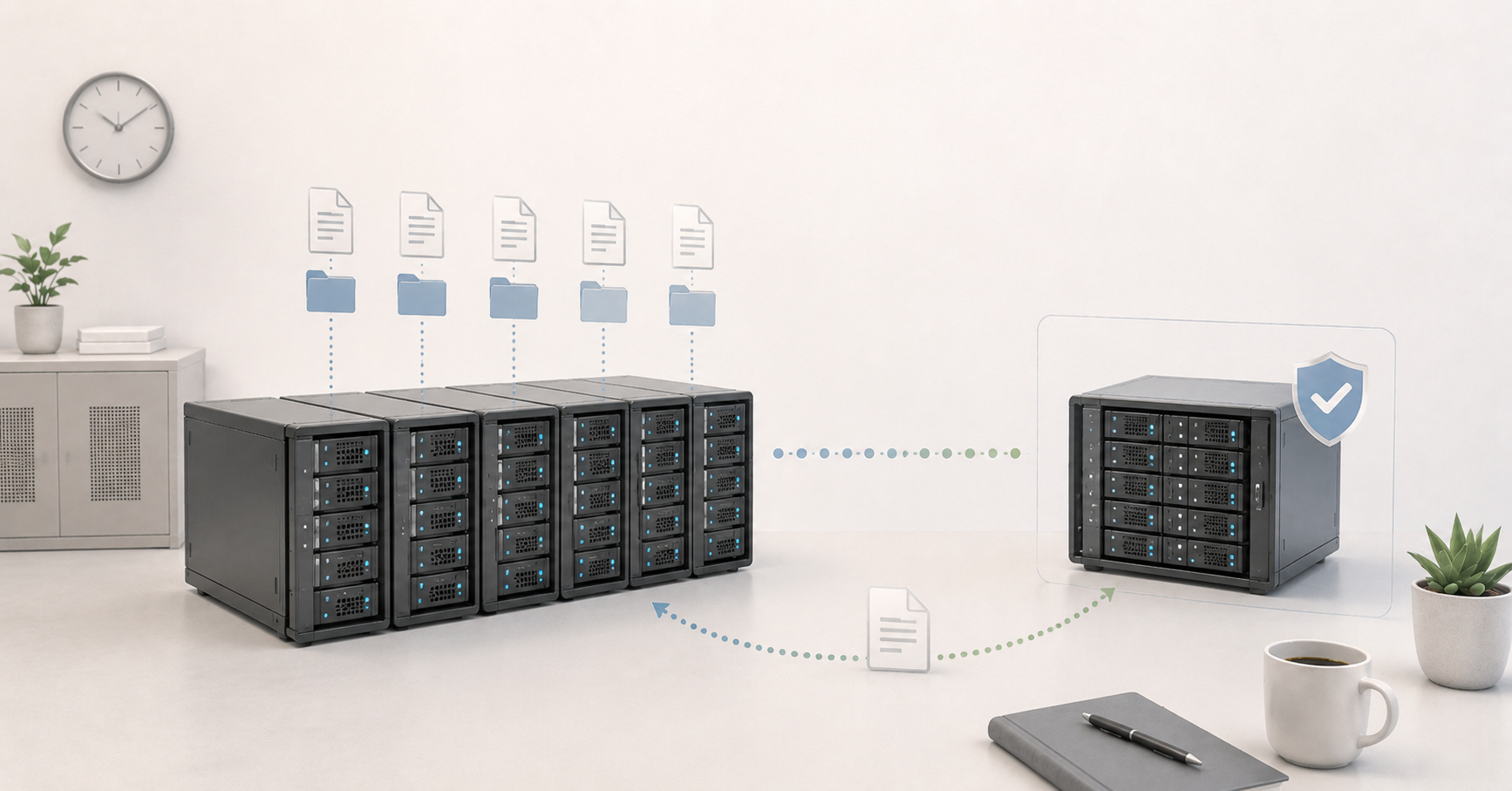
It would not be honest to say that a company-owned server is always more secure than the cloud. Large cloud providers invest huge resources in physical data center protection, certifications, encryption, access management, and monitoring. For many companies, the cloud is more secure than a poorly maintained local server room.
But security is not only the provider’s protection level. It is also control over where data is located, who has access to it, how the network is designed, who manages keys, how backups are stored, and how audits are performed. In the public cloud, part of the responsibility always remains with the customer: mistakes in access permissions, open storage, weak passwords, incorrectly configured networks, and lack of backups do not disappear.
Owned infrastructure provides more control over physical placement, network design, administrator access, and internal procedures. This may be important for personal data, financial systems, medical archives, production environments, project documentation, and public-sector or near-public-sector projects.
The advantage of control is especially visible where a system must continue working even when external links have problems. For example, a production site, warehouse, medical institution, or local office cannot always depend on constant access to the public cloud. In such cases, it is logical to keep some services closer to where the work is performed.
But this approach has a cost. Owned infrastructure requires discipline: updates, access separation, logging, backups, physical access control, network protection, and regular checks. If the required expertise is missing, a local server can become not an advantage, but a weak point.
Maintenance: the cloud does not eliminate administration
One popular argument in favor of the cloud is: “There is no need to maintain hardware.” This is true, but only partially. In the cloud, there is indeed no need to replace disks, power supplies, fans, or controllers. The provider handles that. But operating systems, updates, access rights, networks, backups, monitoring, user permissions, application security, and incident response still remain the team’s responsibility.
Managed services can reduce part of the workload. For example, there is no need to maintain a database or queue cluster manually. But such services usually cost more and tie the architecture more strongly to a specific platform. The more a company uses the unique services of one cloud, the harder it becomes to move the system later.
A company-owned server requires a different type of maintenance. The team needs to monitor hardware health, warranty status, temperature, disks, power supplies, firmware, backups, component replacement, and the upgrade plan. If the equipment is located in a data center or rented as a dedicated server, the provider takes over some of these tasks, but the architecture and data still remain the customer’s responsibility.
The economics here depend on the team. If the company already has system administrators or a reliable contractor, maintaining owned infrastructure can be a normal part of operations. If there is no expertise, savings compared with the cloud can quickly disappear because of incidents, downtime, and chaotic configurations.
A server is cost-effective not when “administration is free,” but when maintenance is clear, performed regularly, and does not require a sharp expansion of the team.
How to calculate payback: a 3–5 year horizon
The main mistake in comparison is looking at only one month. For example, taking the price of a virtual machine in the cloud and comparing it with the price of a server. Or the opposite: taking the price of a server and forgetting disks, support, colocation, electricity, redundancy, and specialists’ work.
The full cost should be compared over 36–60 months. For owned infrastructure, the calculation includes servers, disks, network equipment, colocation, power, cooling, warranty, support, licenses, backups, drive replacement, specialists’ work, and downtime risk. If the equipment can be sold after this period or used for less critical tasks, residual value should also be considered.
For the cloud, the calculation should include virtual machines, disks, snapshots, backups, outbound traffic, data transfer between zones, load balancers, gateways, managed databases, monitoring, logs, support, redundancy, specialists’ work, migration, and exit cost. According to Flexera data for 2025, 84% of organizations called cloud cost management a challenge, and budgets were already exceeding planned values by 17% on average.
The simplified calculation logic looks like this: if the cloud configuration barely changes, runs around the clock, and costs roughly the same every month, its real cost should be multiplied by 36 and 60 months. Then it should be compared with the full cost of owned or dedicated infrastructure for the same period. Not with the price of one server, but with the full cost of ownership.
| Condition | Impact on server payback | Comment |
|---|---|---|
| Stable 24/7 utilization | Accelerates it | The equipment constantly performs useful work |
| Large storage volume | Often accelerates it | Especially if data is rarely read but stored for a long time |
| High outbound traffic | Can accelerate it significantly | In the cloud, networking can become a separate major cost item |
| An IT team already exists | Accelerates it | Maintenance does not require a sharp increase in headcount |
| Managed services are needed | Slows it down | They are easier and faster to use in the cloud |
| The workload fluctuates heavily | Slows it down | The server will have to be purchased for peak load |
| Fast launch is needed | Slows it down | The cloud allows a faster start |
| There is no company-owned site | Slows it down | Data center colocation must be included |
| Strict data control is required | May accelerate it | The economics are supplemented by security requirements |
| The horizon is under one year | Usually slows it down | A server rarely pays back over a short period |
Payback does not always mean that a server is “cheaper in every way.” Sometimes it is more expensive in the first year but more cost-effective by the fourth. Sometimes the cloud is more expensive in terms of resources but cheaper organizationally because it allows a product to launch faster. That is why the calculation should include not only money, but also speed, risks, team availability, and the cost of error.
Choosing the Right Equipment
Our specialists will contact you and answer all your questions
When the cloud is still better
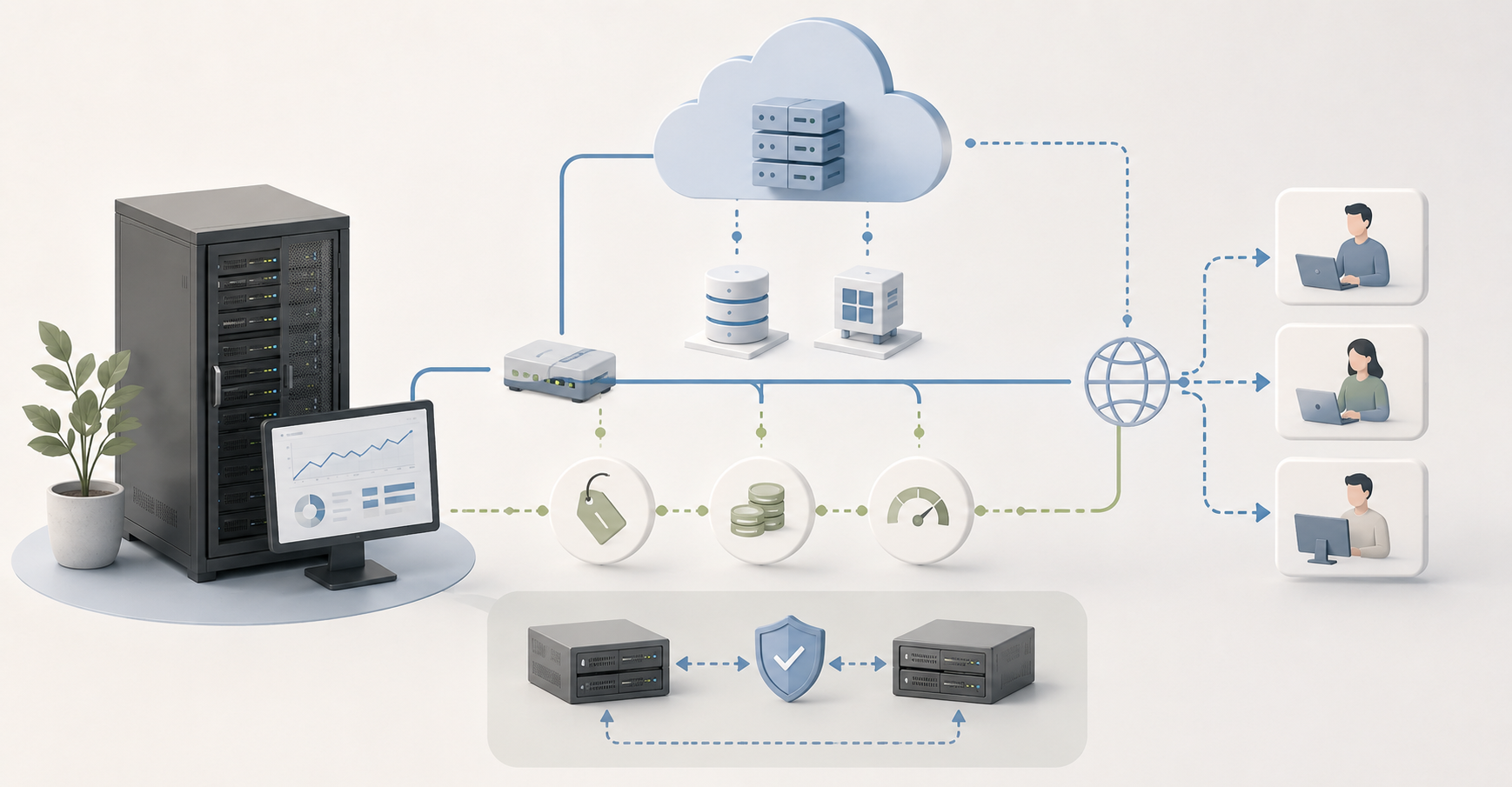
The cloud remains the best choice for new products where the workload, audience, and future architecture are still unclear. If a project is only testing a hypothesis, it is too early to buy servers. Fast launch, the ability to delete unnecessary resources, and access to ready-made services are more important here than potential savings several years later.
The cloud is convenient for development and testing. Teams can quickly create temporary environments, check versions, run load tests, and shut down everything unnecessary. This is also possible on owned hardware, but it requires more discipline and preallocated spare capacity.
The cloud often wins for global services. If the audience is distributed across countries, and different regions, content delivery, managed databases, queues, analytics, and integration with external services are needed, a public platform can shorten launch time.
Another strong scenario is complex managed services. Not every company wants to maintain database clusters, messaging systems, distributed storage, analytics tools, or machine learning platforms on its own. Sometimes the business pays not for cheap resources, but for reducing complexity.
The cloud is also justified if the company does not have a team that can maintain infrastructure safely. An incorrectly configured company-owned server can cost more than the cloud because of downtime, data loss, vulnerabilities, and urgent work.
When a company-owned server or dedicated infrastructure is more cost-effective
A company-owned server, dedicated server, or private infrastructure becomes especially interesting when several conditions coincide.
The workload runs constantly. Resources are used predictably. Data takes up a lot of space and is stored for years. Outbound traffic is consistently high. The business needs a predictable monthly cost. There are requirements for physical data control. The planning horizon is not several months, but 3–5 years. The company already has a technical team or a reliable contractor. The application does not require daily scaling by several times.
In these conditions, a server is cost-effective not because “hardware is cheaper than a virtual machine.” It is cost-effective because it turns a constant payment for unchanged resources into a manageable asset. The company understands how much the equipment costs, when it needs to be upgraded, how much capacity reserve is available, and what expenses to expect next year.
A dedicated server can be a compromise for companies that do not want to buy equipment but need predictable physical capacity. This is useful for databases, file systems, virtualization, backups, internal services, high-traffic projects, and tasks where sharing an environment with other workloads is undesirable.
Private infrastructure is suitable where one server is no longer enough: fault tolerance, multiple nodes, separate storage, backups, network segmentation, and access control are needed. It is more expensive at the start, but with stable utilization it can be more cost-effective than the public cloud over a long horizon.
Hybrid model: most often, the right answer lies between extremes
In practice, a mature choice rarely comes down to completely rejecting the cloud or moving everything into it. More often, it is more efficient to separate workloads.
For example, the main database and file storage may run on dedicated servers, while the public website and temporary services run in the cloud. The base workload is placed in owned infrastructure, while seasonal peaks go to the cloud. Backups are stored locally and additionally in remote storage. Sensitive data remains in a controlled environment, while anonymized analytics is processed on an external platform. Development and testing live in the cloud, while stable production workloads run on physical servers.
This model allows companies to use the strengths of both approaches. But hybrid infrastructure requires rules. It is necessary to understand in advance where data is located, how it is transferred, how it is protected, who is responsible for failures, how recovery works, and how much it costs to move a workload between environments.
Without architecture, a hybrid model can combine the disadvantages of both approaches: the complexity of owned infrastructure and the unpredictability of cloud costs. That is why it should be built not as a set of random decisions, but as a deliberate scheme: what is kept permanently, what is scaled temporarily, what is backed up, and what can be recreated quickly.
Top-selling network switches
Free shipping on orders over 500 € in the EU, £500 in the UK, and $3,000 in the USA

Free shipping on orders over 500 € in the EU, £500 in the UK, and $3,000 in the USA

Free shipping on orders over 500 € in the EU, £500 in the UK, and $3,000 in the USA

Free shipping on orders over 500 € in the EU, £500 in the UK, and $3,000 in the USA
A practical selection algorithm
Before choosing between a company-owned server and the cloud, it is useful to go through several steps.
- Describe the workload: is it constant, seasonal, peak-based, experimental, or mixed?
- Calculate average and maximum CPU, memory, disk, and network utilization.
- Separately estimate the current data volume and expected growth over 3 years.
- Calculate outbound traffic: how much data goes to users, partners, branches, and external systems.
- Check internal data exchange: whether expensive traffic may appear between zones, regions, or services.
- Define acceptable downtime: minutes, hours, or days.
- Choose the redundancy level: one server, two servers, a cluster, or multiple sites.
- Include licenses, support, monitoring, backups, and maintenance.
- Compare cost not for one month, but for 36 and 60 months.
- Assess the available team: who will update, protect, restore, and develop the infrastructure.
- Calculate migration cost and the cost of exiting the chosen model.
- Make the decision not by the lowest price, but by the sum of cost, risks, launch speed, and manageability.
If, after this calculation, it is clear that resources will be occupied constantly, data volume is large, traffic is stable, and control requirements are high, owned or dedicated infrastructure deserves serious consideration. If the project changes quickly, the workload is unpredictable, the team is small, and launch speed is more important than long-term savings, the cloud can be the right choice even if the resource price is higher.
Conclusion
In 2026, a company-owned server is becoming cost-effective again not for everyone, but for specific scenarios: stable workloads, large storage volumes, high outbound traffic, a clear operating horizon, and data control requirements. The cloud remains a strong choice for variable workloads, fast launches, temporary projects, global services, and managed platforms.
The most reliable approach is to calculate not “server versus cloud,” but the full cost of a specific architecture over 3–5 years. The calculation should include compute, disks, traffic, redundancy, SLA, maintenance, licenses, team, downtime, and migration options. Then the choice becomes practical rather than ideological.
If resources run around the clock and barely change, data is stored for a long time, and traffic regularly goes outside the environment, a company-owned server, dedicated server, or private infrastructure may be more cost-effective than the cloud. If the workload is unpredictable, the project develops in bursts, and speed matters more, the cloud remains justified. For many companies, the optimal answer will be a hybrid model: permanent workloads on predictable infrastructure, variable workloads in the cloud.
Choosing the Right Equipment
Our specialists will contact you and answer all your questions
Content:

Free shipping on orders over 500 € in the EU, £500 in the UK, and $3,000 in the USA

Free shipping on orders over 500 € in the EU, £500 in the UK, and $3,000 in the USA

Free shipping on orders over 500 € in the EU, £500 in the UK, and $3,000 in the USA

Free shipping on orders over 500 € in the EU, £500 in the UK, and $3,000 in the USA

Free shipping on orders over 500 € in the EU, £500 in the UK, and $3,000 in the USA

Free shipping on orders over 500 € in the EU, £500 in the UK, and $3,000 in the USA