For a server, the key question is not whether you need “more cores,” “higher frequency,” or “more RAM” in isolation, but whether the configuration matches the actual workload. Databases and virtualization usually need a balance of CPU, memory, and fast storage; ERP and some business applications may be sensitive to single-core performance; web services benefit from scaling across cores; analytics and caches require a large amount of memory; AI inference often depends on GPU and video memory; and file storage depends on disks, network, and cache. That is why a server should be chosen for the task, not for the maximum number of cores in the specification.
The comparison of “cores versus frequency versus RAM” is useful for an initial discussion, but it works poorly as a selection method. The same server can be successful for dense virtualization and mediocre for a database with heavy queries. Another server with fewer cores but stronger single-core performance may be a better fit for an accounting system or an analytical workload. A third option with a large amount of memory will be more useful where active datasets, caches, or dozens of virtual machines need to stay in RAM.
If you choose a server by only one parameter, it is easy to create an imbalance. Many cores will not help if the application uses one or two threads. High frequency will not save the system if the server lacks memory and starts using swap. A large amount of RAM will not speed up a service that is limited by slow disks or an overloaded network. Therefore, the right choice starts not with the processor model, but with the workload profile.
Terms used in the article
CPU — the central processing unit of the server. In this article, CPU usually means physical processors, their cores, frequency, cache, and architecture.
RAM — the server’s random-access memory. It is used for active data, caches, virtual machines, buffers, queries, and system processes.
vCPU — a virtual processor allocated to a virtual machine by the hypervisor. One vCPU is not always equal to one physical core: the hypervisor distributes vCPUs across the real server cores.
CPU ready — a virtualization metric that shows how long a virtual machine waited for access to a physical processor. A high value may mean that the server has too many vCPUs allocated or not enough physical CPU resources.
Overcommit — oversubscription of resources. For example, when virtual machines are allocated more total vCPU or RAM than the server physically has. CPU overcommit is often acceptable; RAM overcommit is riskier.
Swap / pagefile — a paging file. This is the use of disk as a temporary extension of RAM. It is much slower than RAM and usually indicates a memory shortage or incorrect workload settings.
Ballooning — a hypervisor mechanism that allows part of a virtual machine’s memory to be reclaimed when the host lacks RAM. It can be useful, but if it is active often, it usually points to memory pressure.
NUMA — a multiprocessor server architecture where memory is physically associated with a specific processor. If a processor accesses memory attached to another socket, latency is higher.
IOPS — the number of input/output operations per second. This is important for databases, VDI, virtualization, and other workloads with many small operations.
Latency — the response delay of a system, disk, network, or application. For server workloads, low latency can be more important than maximum throughput in megabytes per second.
Shared buffers — a PostgreSQL setting that defines the amount of memory allocated to the database’s shared buffer cache.
work_mem — a PostgreSQL setting that defines the amount of memory used for sorting, hashing, and some intermediate operations of a single query.
maintenance_work_mem — a PostgreSQL setting for maintenance operations: creating indexes, vacuum, alter table, and other administrative tasks.
Max server memory — a SQL Server setting that limits the maximum amount of RAM SQL Server can use. It is needed so that the database does not take all memory away from the operating system and other services.
Buffer pool — a SQL Server memory area that stores data and index pages. The more useful data is located in the buffer pool, the fewer disk accesses are needed.
Cache hit ratio — a metric that shows how often the system finds the required data in cache instead of accessing disk. A low value may indicate insufficient memory or an unsuitable workload profile.
GPU — a graphics processing unit. In server tasks, it is used not only for graphics, but also for AI inference, machine learning, video processing, and parallel computing.
VRAM — GPU video memory. For AI inference, it is often more critical than the number of CPU cores because, for optimal performance, the model should fit into accelerator memory.
PCIe — the bus used to connect high-speed devices: GPUs, NVMe drives, and network adapters. It is important for servers with accelerators, fast storage, and high-speed networking.
Batching — combining several requests into one batch during AI inference. It can increase throughput, but in some cases it also increases response latency.
Concurrency — parallel processing of multiple requests or tasks. It affects the calculation of CPU, RAM, GPU, and processing queues.
RPO — the acceptable amount of data loss during a failure. For example, an RPO of 15 minutes means that the company is ready to lose no more than 15 minutes of accumulated data.
RTO — the acceptable recovery time after a failure. For example, an RTO of 1 hour means that the service must be restored within one hour.
Top-selling network switches
Free shipping on orders over 500 € in the EU, £500 in the UK, and $3,000 in the USA

Free shipping on orders over 500 € in the EU, £500 in the UK, and $3,000 in the USA

Free shipping on orders over 500 € in the EU, £500 in the UK, and $3,000 in the USA

Free shipping on orders over 500 € in the EU, £500 in the UK, and $3,000 in the USA
Why you should not choose a server by a single parameter
A server is not just a processor. Its performance depends on processors, RAM, disks, network adapters, RAID controllers, cooling, power, BIOS settings, the hypervisor, the operating system, and applications. In real infrastructure, the bottleneck may be a component that does not look like the most important one in a commercial proposal.
If the workload is waiting for disks to respond, additional cores will sit idle. If an application lacks memory, the operating system will actively use disk as a temporary extension of RAM, and latency will rise sharply. If a service does not parallelize well, increasing the number of cores will not deliver the expected performance gain. If the server works with files or backups, the network may become more important than processor frequency.
There is also an economic factor. Some databases, hypervisors, and enterprise applications are licensed by cores, sockets, or users. In this situation, a processor with many cores can increase not only performance, but also licensing costs. Sometimes it is more cost-effective to choose fewer but faster cores if the workload is sensitive to single-thread response.
Therefore, the better question is not “what matters more — cores, frequency, or RAM?” but “which component will become the limitation for this specific workload?” The answer will differ for a database, virtualization, a file server, and AI inference.
What additional cores provide
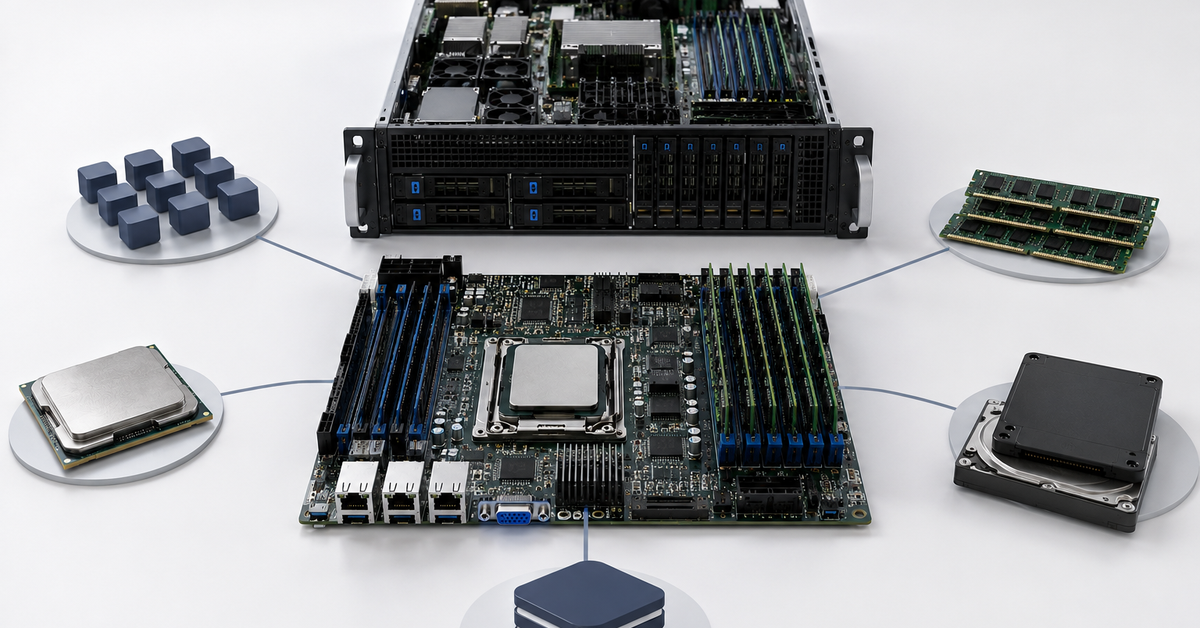
Cores help execute many tasks in parallel. The more independent work threads an application or platform can launch, the more benefit additional cores provide. This is especially noticeable in virtualization, container environments, web services with many requests, queue processing, analytics, builds, rendering, and batch data processing.
In virtualization, cores are needed because many virtual machines run on one physical server. Each VM receives virtual processors, and the hypervisor distributes them across real cores. The more VMs there are and the more actively they work at the same time, the greater the need for physical cores. But this does not mean that every virtualization server should be equipped with the maximum number of cores. Too many virtual CPUs assigned to each VM can make scheduling worse: it becomes harder for the hypervisor to find free resources to run all threads of one large VM.
In web services, cores are useful when there are many simultaneous requests, background tasks, worker processes, containers, or queues. But if every request is limited by the database rather than the web server, adding cores at the frontend will not solve the problem. The same applies to file services: if the limitation is in the network or disks, the processor will remain underloaded.
Additional cores almost never provide linear growth. Applications have sequential parts, locks, disk waits, network delays, and scheduler overhead. That is why moving from 8 to 16 cores can provide a noticeable improvement, while moving from 32 to 64 may bring a much smaller gain if the workload itself cannot use parallelism efficiently.
What high processor frequency provides
High frequency is important for tasks that do not parallelize well or are sensitive to the speed of a single thread. But frequency is not the only metric. Two processors with the same gigahertz rating but from different generations can differ significantly in real performance. Architecture, cache, instructions per clock, memory, power consumption, and thermal behavior all matter.
High frequency is especially important for some ERP and accounting systems, applications with heavy single-threaded logic, some engineering programs, game servers, individual database queries, and services where response latency matters. If an application loads one or two cores at peak while the others are idle, adding more cores will not help. In that case, a modern processor with strong single-core performance is more important.
At the same time, you should not look only at maximum turbo frequency. A server may sustain it under load on a limited number of cores, often one or two, but reduce the frequency when all cores are loaded. Long-term support for high frequency depends on cooling, the processor’s thermal design power, power settings, server design, expansion slot population, and rack temperature. BIOS settings sometimes enable power-saving modes that are useful for efficiency, but not always suitable for latency-sensitive applications. Modern processors may also distinguish between efficient and performance cores, so the specification must be checked rather than just the total number of cores.
For many business applications, it is more reasonable to choose not the processor with the highest core count, but a balanced model: enough cores for users and background tasks, strong single-core performance, a modern architecture, and sufficient cache.
Choosing the Right Equipment
Our specialists will contact you and answer all your questions
What a large amount of RAM provides
RAM is needed not only to keep the “server from slowing down.” RAM contains active data, caches, indexes, virtual machine memory, temporary operations, buffers, specialized databases, application work areas, and system processes. When memory is insufficient, the system starts evicting data to disk or accessing storage more often. Even the fastest SSD is much slower than RAM, so a memory shortage immediately affects response time.
For databases, memory is critical because frequently used tables, indexes, and buffers can be kept in it. The more of the working set fits into RAM, the fewer queries go to disk. Microsoft’s SQL Server documentation describes the min and max server memory settings, which limit the amount of memory managed by SQL Server Memory Manager, including the buffer pool, caches, and memory grants. This clearly shows that a database does not merely “use memory”; it manages it as a key resource.
In virtualization, RAM often runs out before the processor does. CPU can be overcommitted carefully because not all VMs load the processor at 100% at the same time. Memory is more difficult: if all VMs actually need their allocated RAM, a shortage leads to eviction, ballooning, swap, and a sharp performance drop.
For analytics, memory is needed for intermediate results, sorting, aggregations, and caches. For file servers, RAM works as a file cache. For AI inference, system RAM is needed for data preparation, request queues, CPU-side models, caches, and the application layer around the accelerator.
The amount of RAM is not the only important factor; its configuration also matters: memory channel count, frequency, number of modules, and support from the server and processor. A server with 256 GB of RAM can behave differently depending on how the memory channels are populated. If too few modules are installed or they are installed unevenly, memory bandwidth will be lower.
NUMA, memory channels, and server architecture
In multiprocessor servers, memory is physically connected to specific processors. If a processor accesses memory connected to another socket, latency is higher. This architecture is called NUMA. For a typical user, this is an invisible detail, but for large virtual machines, databases, and analytics, it can be important.
A dual-processor server is not always faster than a single-processor server. If an application works poorly with NUMA or a large VM is distributed across sockets in an unsuitable way, part of the memory access will go through the interprocessor connection. This increases latency. Therefore, for some workloads, a modern single-processor server with many cores, a large amount of RAM, and high memory bandwidth can be better than an older dual-processor system.
Virtualization is also sensitive to NUMA. If a virtual machine receives more vCPU and memory than can fit into one NUMA node, the hypervisor may distribute its resources across several sockets. This is not always bad, but for sensitive applications such a configuration should be tested.
Memory channel population is another non-obvious point. If you buy a large amount of RAM but install it as too few modules, some channels will remain unused. Memory bandwidth will be lower than it could be. For databases, analytics, and virtualization, this can be noticeable.
Databases: balancing RAM, frequency, cores, and disks
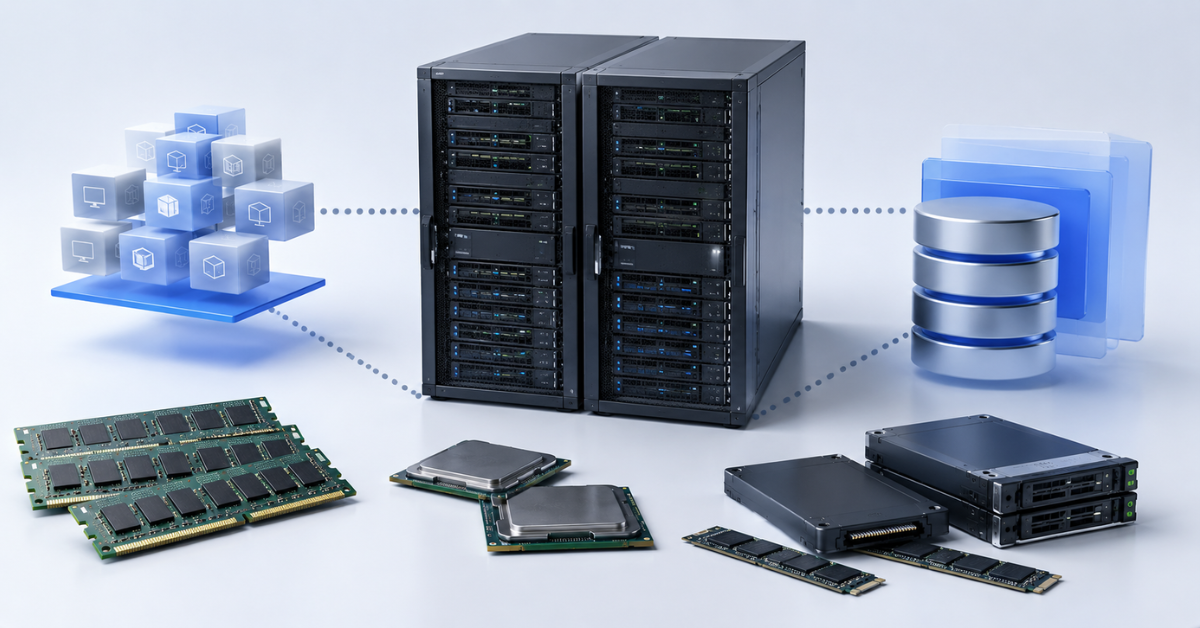
For databases, one strong parameter is rarely enough. They need memory, fast disks, good processor frequency, and a sufficient number of cores. What matters most depends on the type of database, data size, number of users, query pattern, and settings.
RAM is often the first resource to examine. If data and indexes fit into memory, the database accesses disk less often and responds faster. PostgreSQL, for example, has shared_buffers, work_mem, and maintenance_work_mem settings; PostgreSQL documentation states that values above the minimum are usually needed for good performance, especially for shared_buffers.
Disks are critical for logs, writes, temporary operations, backups, and queries that missed the cache. If the database writes actively, slow storage will limit it more than the processor. For transaction logs, low latency and stable writes are especially important.
Processor frequency matters for complex queries that do not parallelize perfectly, execution logic, sorting, and individual operations. Cores are needed for parallel queries, many connections, background processes, replication, index maintenance, and analytical tasks.
For a small database, the principle “fewer but faster cores” often works better, along with enough RAM and fast SSD/NVMe storage. For a large database, you first need to assess the working data set, indexes, growth, journaling, backup, replication, and peak queries. For an analytical database or data warehouse, RAM, cores, and disk bandwidth are usually more important.
Licensing must be considered separately. Commercial DBMS products can be licensed by core. In that case, a processor with many cores can sharply increase the cost, even if the application does not fully use them.
Virtualization: RAM, cores, and storage
Virtualization is a mixed workload. Each virtual machine consumes RAM, virtual processors, disk I/O, and network resources. A domain controller, database, web server, terminal server, file service, and test VMs can run on one physical server at the same time. Therefore, virtualization usually needs not an extreme processor, but a balanced platform.
In virtualization, RAM is often more important than the number of cores. If the server has enough CPU but not enough memory, VMs will start competing for RAM. The hypervisor can use optimization mechanisms, but with a real memory shortage, performance drops. CPU can be overcommitted more carefully than RAM, but it also has limits. If too many active VMs demand processor time at once, scheduling latency increases.
Broadcom’s documentation on vSphere Resource Management describes CPU and memory resource management through shares, reservations, and limits. This confirms that virtualization depends not only on the physical reserve, but also on how the hypervisor distributes resources among VMs.
Dense consolidation requires cores, but frequency should not be forgotten. If a server hosts many small VMs, the number of cores is useful. If there are several heavy VMs with databases or ERP systems, they may need single-core performance and a NUMA-aware configuration.
Storage and networking often become bottlenecks before CPU. If dozens of VMs write logs, update, start up, or enter a backup window at the same time, storage can introduce latency. That is why a virtualization server must be sized together with the disk subsystem and network ports.
ERP and accounting systems
In the infrastructure of Russian companies, 1C often serves as an example of a workload where a server cannot be selected only by the number of cores. In Western scenarios, the same logic can be applied to other ERP and accounting systems. Such applications usually consist not of a single process, but of an application server, database, background jobs, web clients, integrations, and user sessions.
Part of the business application logic does not parallelize well. For user response time, the speed of a single thread is important. Therefore, high frequency and a modern CPU architecture can deliver more benefit than a large number of slow cores. This is especially noticeable in scenarios where a user waits for a specific operation: posting a document, generating a report, running a calculation, checking stock balances, or exchanging data with an external system.
RAM is needed for the application server, database, caches, background processing, and concurrent users. Disks matter for the DBMS, logs, and temporary operations. The network matters if the application server, database, and users are separated across different nodes.
It cannot be universally stated that ERP needs only frequency. With many users, background tasks, integrations, and reports, cores are also needed. But if the choice is between many slow cores and fewer faster cores, the second option is worth testing on a representative workload for many ERP scenarios. This is especially true if licensing depends on cores.
Web services and APIs

Web services often scale well by processes, threads, containers, or even across several servers behind a load balancer. Therefore, additional cores are useful when there are many concurrent requests. But frequency also matters: it affects the latency of a single request, especially if the request includes complex business logic.
RAM is needed for caches, runtime, connection pools, queues, background tasks, and temporary data. If the application is written on a platform with noticeable memory consumption, such as a large Java or .NET service, RAM can become just as important as CPU.
For a lightweight static website, processor and memory are often not the main limitation. Network, caching, and correct content delivery matter more. For an API with business logic, a balance of cores, frequency, and memory is needed. For a high-load backend, horizontal scaling is usually more beneficial: several medium-sized servers behind a load balancer are often more reliable than one very powerful server.
It is important to remember that the database can be the bottleneck of a web service. If the web server accepts requests quickly, but every request waits for a slow database, increasing CPU resources at the web tier will not produce a noticeable result.
Analytics and data processing
Analytical tasks usually work with large data volumes and perform heavy calculations: sorting, aggregation, filtering, joins, recalculations, and report generation. Here, RAM, cores, disks, and network are often important at the same time.
RAM is needed for intermediate results. If data and working structures fit into memory, processing is faster. If memory is insufficient, the system actively uses disk, and performance drops sharply. For in-memory analytics, memory can be the main resource.
Cores help parallelize processing. Batch jobs, ETL, data mart recalculation, analytical queries, and log processing can use multiple cores well. But even here, growth is not always linear: there are dependencies between stages, disk waits, locks, and network exchange. At the same time, tasks that run in a single thread are also common — and in those cases, core frequency becomes more important than quantity.
For analytics, storage bandwidth is important. If the server can process data faster than disks can read it, the CPU will wait. In distributed analytics, the network is added to the equation: nodes must exchange intermediate results quickly. Therefore, an analytical server cannot be chosen only by cores. It needs RAM, fast disks, and a capable network.
AI inference
For AI inference, especially for neural networks and large language models, the question “cores, frequency, or RAM” is incomplete. GPU, video memory, and accelerator memory bandwidth often become the main resources. If the model does not fit into video memory, performance and latency can change sharply.
CPU does not disappear from the calculation. It is needed for network requests, data preparation, tokenization, post-processing, queue handling, logging, the API layer, and data transfer to the GPU. More cores help with a large number of parallel requests and complex data preparation. High frequency matters for low latency in the CPU part of the pipeline. RAM is needed for CPU-side models, caches, queues, batches, and system processes.
NVIDIA’s documentation for Triton Inference Server describes inference optimization through mechanisms related to latency, throughput, batching, and concurrency. This shows that in AI inference, it is important to think not only about hardware, but also about model serving settings.
If a server is selected for AI inference, GPU, video memory, PCIe lanes, power, cooling, network, and RAM must be calculated separately. The processor should not hold back the accelerator, but buying the maximum number of CPU cores will not compensate for insufficient video memory.
File storage
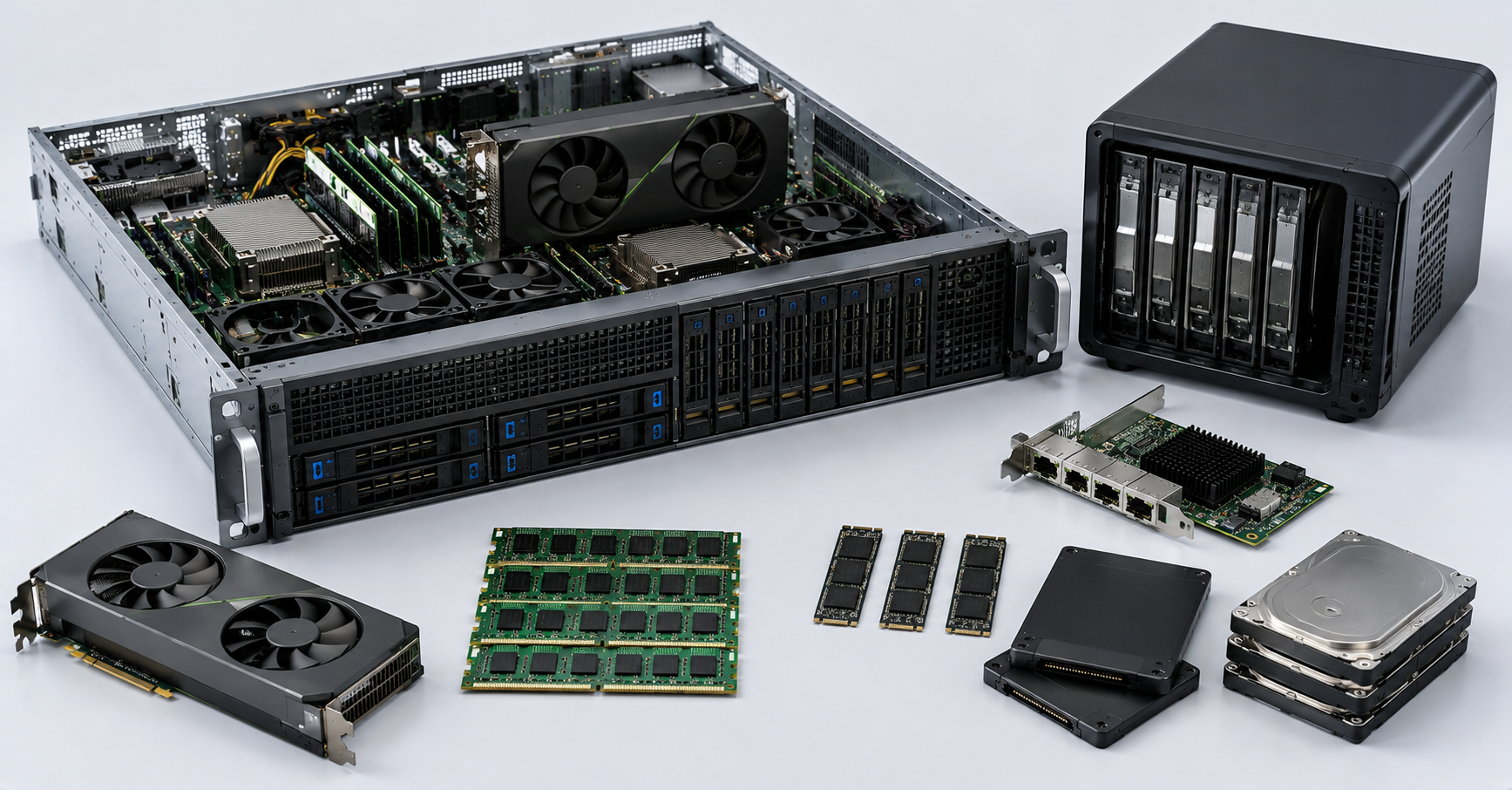
A file server is often limited not by the processor, but by disks, network, and cache. If the task is to store large files and deliver them to users, disk subsystem bandwidth and network ports are important. If there are many small files, metadata operation latency, caching, and file system performance matter.
RAM is needed for the file cache. The more frequently used data can be kept in memory, the fewer disk accesses are required. For active shared resources, this can be noticeable. For archival storage, capacity, disk reliability, and backup are more important.
CPU matters if encryption, compression, deduplication, antivirus scanning, complex protocols, software RAID, or ZFS are used. In a simple file server, many cores are usually not needed. But if the server simultaneously compresses, encrypts, handles backups, and serves data through several fast network ports, CPU load increases.
For a backup repository, disks, network, and protection against running out of space are important. If backup runs with compression or encryption, CPU also becomes significant. But buying a processor with the maximum number of cores will not help if the server is connected to a 1GbE network and writes to slow HDDs without a sufficient array.
What matters most by workload type
| Workload type | What matters most | When cores are needed | When frequency matters | When RAM is needed | What is often forgotten |
|---|---|---|---|---|---|
| Databases | RAM, fast disks, stable writes | For parallel queries, connections, and index maintenance | For complex queries and response time | For cache, indexes, and buffers | Licenses, logs, backup, storage |
| Virtualization | RAM, cores, storage | For many active VMs | For heavy VMs and applications inside them | Almost always critical | Failure reserve, network, storage |
| ERP | Frequency, RAM, database | For users, background tasks, and integrations | For user response time | For the application server and DBMS | Application workload testing, licenses |
| Web services | Cores, network, RAM | For concurrent requests and containers | For single-request latency | For caches, runtime, queues | Database and load balancer |
| Analytics | RAM, cores, storage | For parallel processing | For individual processing stages | For intermediate data | Disk and network bandwidth |
| AI inference | GPU, video memory, RAM | For parallel requests and data preparation | For the CPU part of the pipeline | For models, caches, queues | PCIe, power, cooling, batching |
| File storage | Disks, network, RAM cache | For compression, encryption, and deduplication | For service operation response | For file cache | Backup, network, RAID/ZFS |
| VDI | RAM, storage, CPU | For many desktops | For user response time | For sessions and profiles | User login peaks, IOPS |
| Backup | Disks, network, CPU | For parallel tasks, compression, and encryption | Less often, for individual operations | For buffers and cache | Backup window and recovery |
This matrix does not replace proper sizing, but it helps show the logic. If the workload is parallel, cores are needed. If single-thread response is important, frequency and modern architecture are needed. If data must live in memory, RAM is needed. If the application waits for disk or network, CPU will not be the main factor.
Choosing the Right Equipment
Our specialists will contact you and answer all your questions
Server configuration selection matrix
| Scenario | CPU: more cores or higher frequency | RAM | Disks and network | Comment |
|---|---|---|---|---|
| Small database | Fewer cores, but higher frequency | Enough for active data and cache | SSD/NVMe, low latency | Do not chase a high core count without a need |
| Large database | Balance of cores and frequency | Plenty of RAM for data, indexes, and buffers | Fast storage, special attention to logs | Calculate working set, backup, and licenses |
| Virtualization server up to several dozen VMs | Balance of cores and frequency | RAM with reserve | Fast disks, 10/25GbE depending on workload | Memory often runs out before CPU |
| Dense virtualization cluster | More cores, but not excessively slow models | A lot of RAM per node | Shared or distributed storage, network redundancy | Reserve is needed for migration and node failure |
| ERP for a small office | Fast cores matter more than maximum core count | RAM for the application and database | SSD/NVMe for the database | Test on typical user operations |
| ERP for many users | Balance of fast cores and quantity | Large reserve for DBMS, caches, and users | Fast storage, stable network | Consider background jobs and integrations |
| Web/API server | More cores under high concurrency | RAM for runtime, caches, and queues | Network and database access | Several servers behind a load balancer are often more efficient |
| Analytics server | More high-performance cores and modern architecture | A lot of RAM | High disk and network bandwidth | If data does not fit into memory, storage becomes critical |
| AI inference | CPU to support the pipeline, not to replace GPU | RAM for queues, models, caches | GPU, video memory, PCIe, network | The main calculation is based on GPU and video memory |
| File server | Moderate CPU, more if compression/encryption is used | RAM for file cache | Disks, RAID/ZFS, 10/25GbE | Extra cores will not replace network and disks |
| Backup | Cores for parallelism, compression, and encryption | RAM for buffers | Large-capacity disks, network | Backup window and recovery speed matter |
Licensing can change the CPU choice
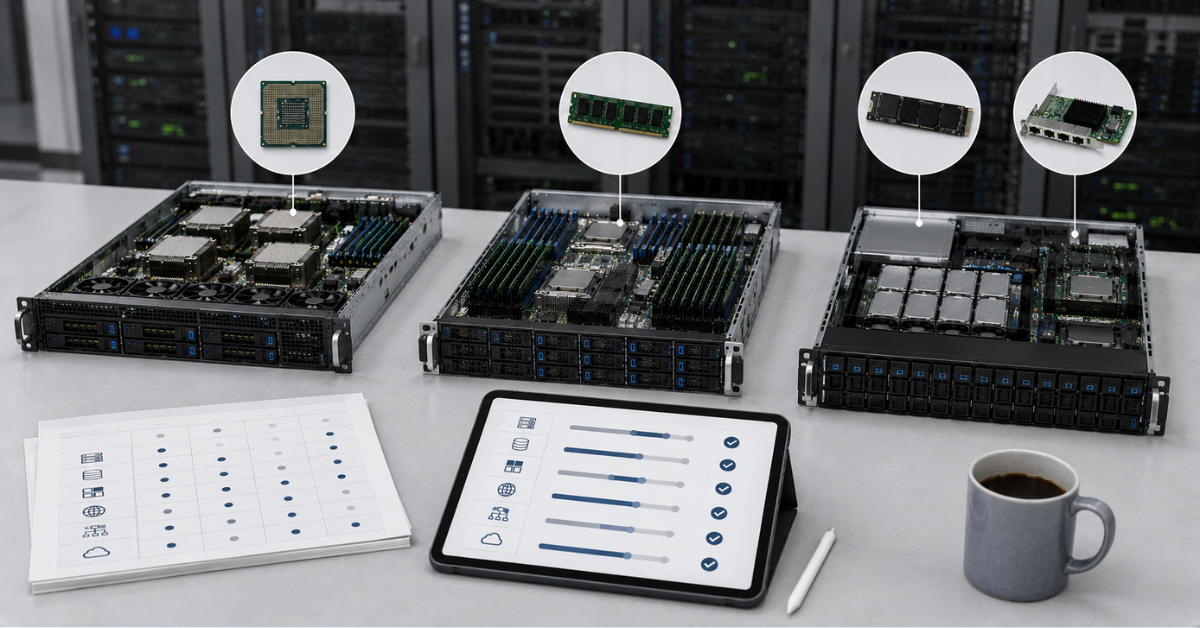
Technically, a server with many cores may look more attractive. Economically, this is not always true. Some DBMSs, hypervisors, and enterprise applications are licensed by cores, sockets, or users. If a product is licensed by core, moving from 16 to 32 cores can increase the license cost more than the cost of the new processor itself.
For databases, this is especially important. If the application does not use many cores, but the license is calculated for each core, it is more reasonable to choose a processor with fewer fast cores. For ERP and accounting systems, this can also be relevant: high single-core performance can provide better user response at a lower licensing cost.
In virtualization, hypervisor, operating system, and application licenses inside virtual machines must be considered. Sometimes a server is bought “with extra cores,” and later it turns out that using this reserve is expensive because of licensing.
Therefore, CPU selection must go through not only a technical model, but also a financial one. More cores are useful only when the workload actually uses them and the licensing cost remains justified.
Why CPU generation matters more than a dry frequency comparison
Comparing processors only by frequency can be misleading. 3.0 GHz on an old and a new processor are not the same thing. Different generations differ in performance per clock, cache size, instruction support, number of memory channels, PCIe generation, energy efficiency, and behavior under sustained load.
A newer processor with a lower frequency may do more work per clock, access memory faster, support faster RAM, and have more PCIe lanes for NVMe, GPU, and network adapters. This is especially important for virtualization, databases, analytics, and AI inference.
Older dual-processor servers sometimes look attractive because of a large core count and an affordable price. But a modern single-processor server can be faster, simpler, more economical, and easier to handle from a NUMA perspective. Therefore, you need to compare not only cores and gigahertz, but real generation-level performance in the required task.
How to understand what your current server lacks
Before buying a new server, it is useful to see where the current limitation is. If CPU is constantly loaded at 90–100%, RAM is available, disks respond quickly, and the network is not overloaded, additional cores or a faster processor may be needed. If one core is loaded and the others are free, the problem is not the number of cores: strong single-core performance or application optimization is more likely needed.
If RAM is occupied, swap or pagefile usage grows, and applications start responding slowly, memory should be added or settings should be changed. For databases, cache hit ratio, buffers, query memory, and disk accesses should be examined. For virtualization, VM memory consumption, ballooning, swap, and hypervisor metrics should be checked.
If CPU usage is low and RAM is available, but the application is slow, disks, network, locks, the database, and external dependencies should be examined. Users often say that “the server is weak,” while the processor is idle and the problem is in storage.
For virtualization, CPU ready, overcommit, storage latency, IOPS, network bandwidth, and behavior during peak hours are important. For a file server, network ports, disk queues, cache, RAID/ZFS, and backup load should be checked. For AI inference, GPU utilization, video memory, queue length, and pipeline latency should be measured.
Red Hat’s performance guide for Linux separately covers memory, swap, and memory management as system performance factors. This is a useful reminder: server diagnostics should look not only at CPU, but also at how the operating system uses memory.
Most popular refurbished servers

Free shipping on orders over 500 € in the EU, £500 in the UK, and $3,000 in the USA

Free shipping on orders over 500 € in the EU, £500 in the UK, and $3,000 in the USA

Free shipping on orders over 500 € in the EU, £500 in the UK, and $3,000 in the USA

Free shipping on orders over 500 € in the EU, £500 in the UK, and $3,000 in the USA
Common mistakes when choosing a server
Choosing a server only by the number of cores. For parallel tasks this is important, but for business applications, databases, and ERP, high single-core performance can be more valuable.
Buying the maximum frequency without considering the number of users and background tasks. If the workload is truly parallel, fast but few cores can become a limitation.
Saving on RAM for virtualization. As a result, CPU remains available while VMs slow down because of memory shortages and disk access.
Using slow disks for databases. Even a good processor and a large amount of RAM will not help if journaling and random operations are limited by storage.
Ignoring NUMA. Large VMs and databases can work worse if resources are distributed poorly between sockets.
Assigning too many vCPUs to each virtual machine. It may seem that this will make the VM faster, but it becomes harder for the hypervisor to schedule such VMs, and latency can increase.
Forgetting about per-core licensing. Sometimes extra cores not only provide no benefit, but also increase the project cost.
Treating AI inference as a regular CPU workload. For many models, GPU, video memory, accelerator memory bandwidth, and serving settings are more important.
Ignoring the network for file storage, VDI, backup, and distributed systems. A fast server with a slow network will still be limited by the data transfer channel.
Comparing processors from different generations only by gigahertz. Frequency without architecture, memory, cache, and PCIe context does not show the real picture.
How to choose a server for a workload
First, describe the application: what it does, how many users work simultaneously, which operations are the heaviest, where peaks occur, which data must be in memory, and what the response time and availability requirements are. Then determine whether the workload is parallel or single-threaded. If it is parallel, cores are important. If it is single-threaded or latency-sensitive, frequency and single-core performance are important.
Then evaluate RAM. For databases, this means the working data set, indexes, caches, and queries. For virtualization, it means the number of VMs, their real consumption, and reserve for node failure. For analytics, it means the volume of data and intermediate results. For a file server, it means cache and service processes.
Next, check disks and network. If the workload actively reads and writes data, a server without fast storage will be limited. If data is transferred over the network, suitable network adapters and switches are needed. For VDI, backup, file storage, and distributed systems, the network can be just as important as CPU.
Then consider licensing, NUMA, memory configuration, workload growth, cooling, power, and scalability. The final choice is best tested on a real or similar workload. A synthetic benchmark is useful, but it does not always reproduce the behavior of ERP, databases, VDI, or AI inference.
What matters most in the end
More cores, higher frequency, and more RAM are not universal competing answers; they are different tools for different tasks. Cores are needed where there is a lot of parallel work. Frequency and single-core performance matter for response time and applications that do not parallelize well. RAM is critical where data, virtual machines, and caches must remain in memory.
For databases, RAM, fast disks, stable writes, and sufficient CPU are important. For virtualization, memory, cores, storage, and failure reserve matter. For 1C/ERP, frequency, RAM, and database performance are important. For web services, cores, network, and horizontal scaling matter. For analytics, RAM, cores, and bandwidth are important. For AI inference, GPU, video memory, and the right CPU/RAM around the accelerator matter. For file storage, disks, network, and cache are important.
The right server choice starts not with the maximum number of cores in a price list, but with an understanding of the workload. You need to find the real bottleneck and consider growth, licenses, disks, network, and architecture. Only then will the server be not just powerful on paper, but suitable for its task.
Choosing the Right Equipment
Our specialists will contact you and answer all your questions
Free shipping on orders over 500 € in the EU, £500 in the UK, and $3,000 in the USA

Free shipping on orders over 500 € in the EU, £500 in the UK, and $3,000 in the USA

Free shipping on orders over 500 € in the EU, £500 in the UK, and $3,000 in the USA
Free shipping on orders over 500 € in the EU, £500 in the UK, and $3,000 in the USA

Free shipping on orders over 500 € in the EU, £500 in the UK, and $3,000 in the USA

Free shipping on orders over 500 € in the EU, £500 in the UK, and $3,000 in the USA