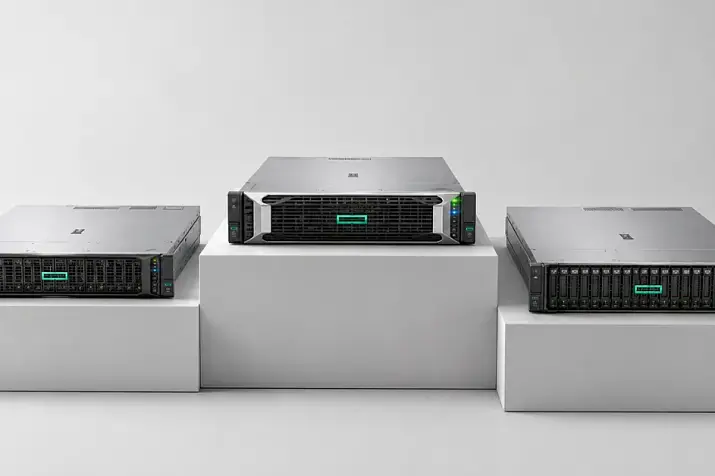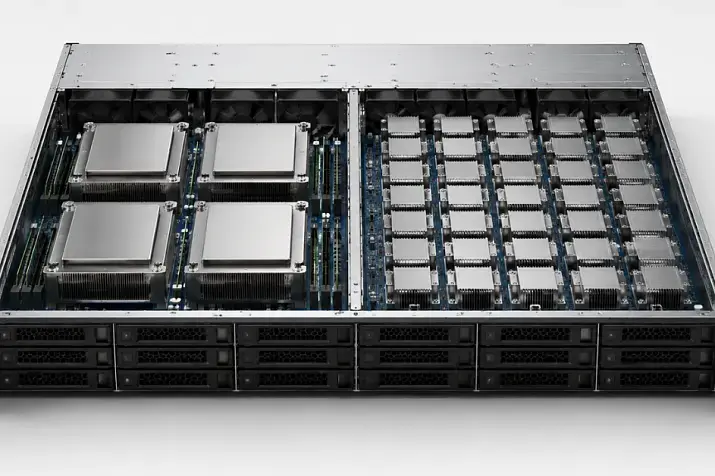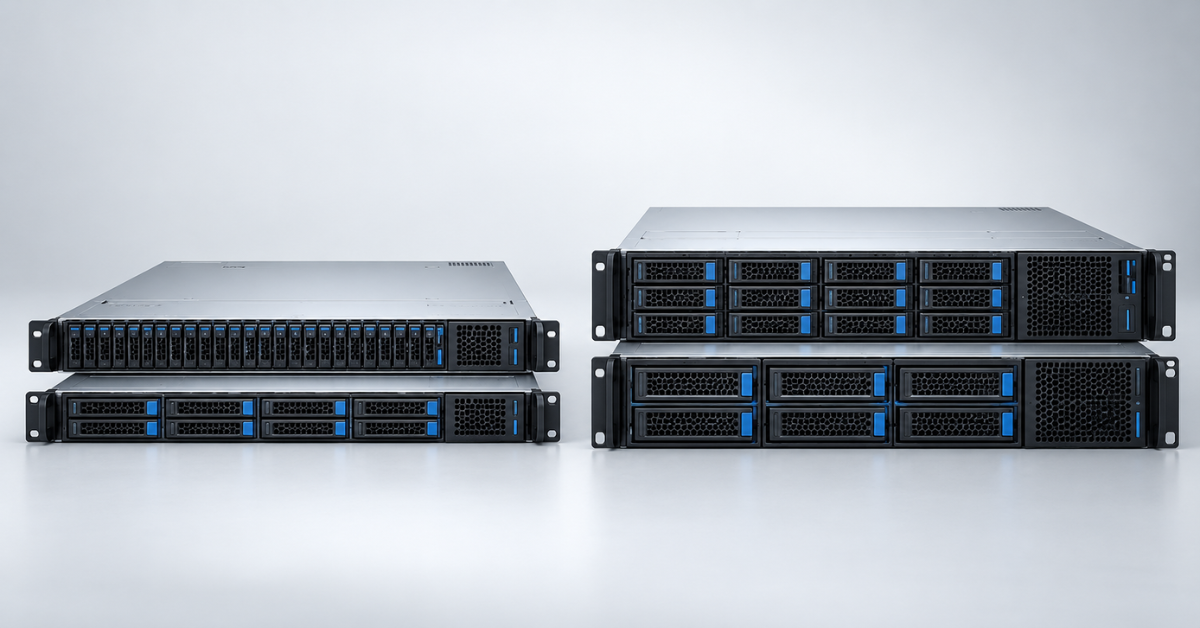
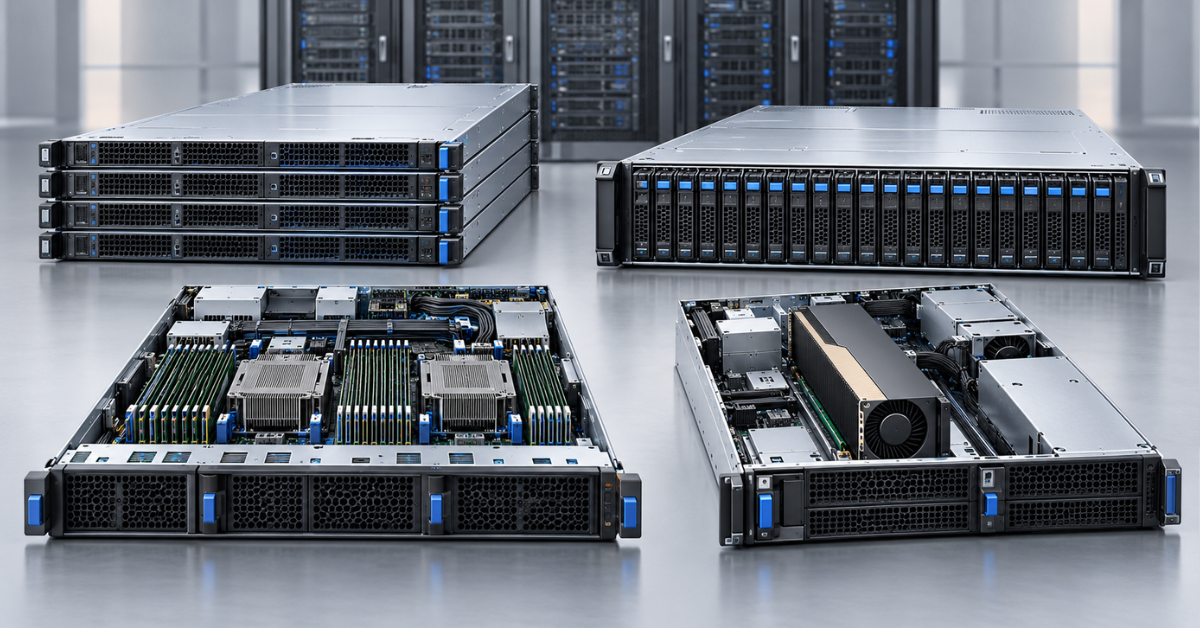
Dell PowerEdge R660xs and R760xs are worth choosing for standard virtualization, scale-out services, and databases when 16 memory slots, a limited processor range, and standard expansion capabilities are sufficient. The R660 and R760 cost more, but they support twice as many RAM slots, a broader choice of processors, and more PCIe and accelerator options. Choosing between 1U and 2U is even simpler: the R660/R660xs provide maximum compute density in the rack, while the R760/R760xs are more convenient when you need more drives, expansion cards, and greater thermal headroom.
These pairs have much in common: two processor sockets, error-correcting DDR5 memory, PCIe 5.0, iDRAC9 remote management, redundant power supplies, and modern storage controllers. Therefore, an xs model should not be regarded as a stripped-down entry-level server. It is a version in which Dell retained the most popular component combinations and removed expensive headroom that not every project needs.
What xs means in a PowerEdge model name
Dell positions the standard R660 and R760 as versatile platforms with extensive configuration options. The xs models are designed for workloads where price-to-performance matters more and the required configuration is known in advance.
The xs models retain the generation's key capabilities:
- one or two Intel Xeon Scalable processors;
- error-correcting DDR5 RDIMM memory;
- PCIe 5.0;
- a dedicated OCP 3.0 networking module;
- a BOSS-N1 boot module with two M.2 drives;
- hardware PERC controllers and HBA adapters;
- redundant power supplies and fans;
- iDRAC9 and Dell OpenManage tools.
The differences appear at the upper end of the configuration range. The xs models have fewer memory slots, a narrower list of compatible processors, fewer expansion card options, and more limited accelerator support. As a result, the customer does not pay for circuitry and cooling intended for components that will not be installed.
This is particularly cost-effective for a homogeneous cluster. If every node needs two mid-range processors, 512 GB or 1 TB of memory, a pair of 25/100 Gb/s network ports, and a RAID 1 boot volume, the potential of the standard model may remain unused.
Comparison of the four models
The specifications below show the architectural differences. The exact set of drives, slots, and accelerators depends on the backplane, risers, number of processors, controllers, and technical guide revision.
| Parameter | PowerEdge R660 | PowerEdge R660xs | PowerEdge R760 | PowerEdge R760xs |
|---|---|---|---|---|
| Chassis | 1U | 1U | 2U | 2U |
| Processors | Up to two 4th/5th Generation Xeon Scalable processors, with a broad range that includes high-end models | Up to two 4th/5th Generation Xeon Scalable processors, with a limited range of up to 32/28 cores per processor | Up to two 4th/5th Generation Xeon Scalable processors, with a broad range that includes high-end models | Up to two 4th/5th Generation Xeon Scalable processors, with a limited range of up to 32/28 cores per processor |
| Memory | 32 DDR5 slots, up to 8 TB in supported configurations | 16 DDR5 slots, up to 1.5 TB | 32 DDR5 slots, up to 8 TB in supported configurations | 16 DDR5 slots, up to 1.5 TB |
| Local drives | Primarily 2.5-inch backplanes and NVMe/E3.S options | Up to 10 x 2.5-inch drives, depending on the backplane | Up to 24 x 2.5-inch or 12 x 3.5-inch drives; rear drive bays are available | Up to 24 x 2.5-inch or 12 x 3.5-inch drives in supported combinations |
| PCIe and accelerators | More high-speed I/O options; support for low-power accelerators | Up to three expansion cards; limited accelerator support | The most flexible model: up to eight slots and powerful accelerators in supported configurations | Up to six slots; up to two low-power accelerators |
| Best-fit scenario | Dense compute node with large memory capacity or high-speed adapters | Standard virtualization and scale-out services node | Versatile server, local storage, large memory capacity, expansion cards, or GPUs | Standard virtualization and storage in 2U without extreme expansion |
Component limits are based on Dell technical guides for the R660, R660xs, R760, and R760xs. Before ordering, check not only the model name but also the selected factory configuration.
Choosing the Right Equipment
Our specialists will contact you and answer all your questions
R660 or R660xs: choosing a 1U server
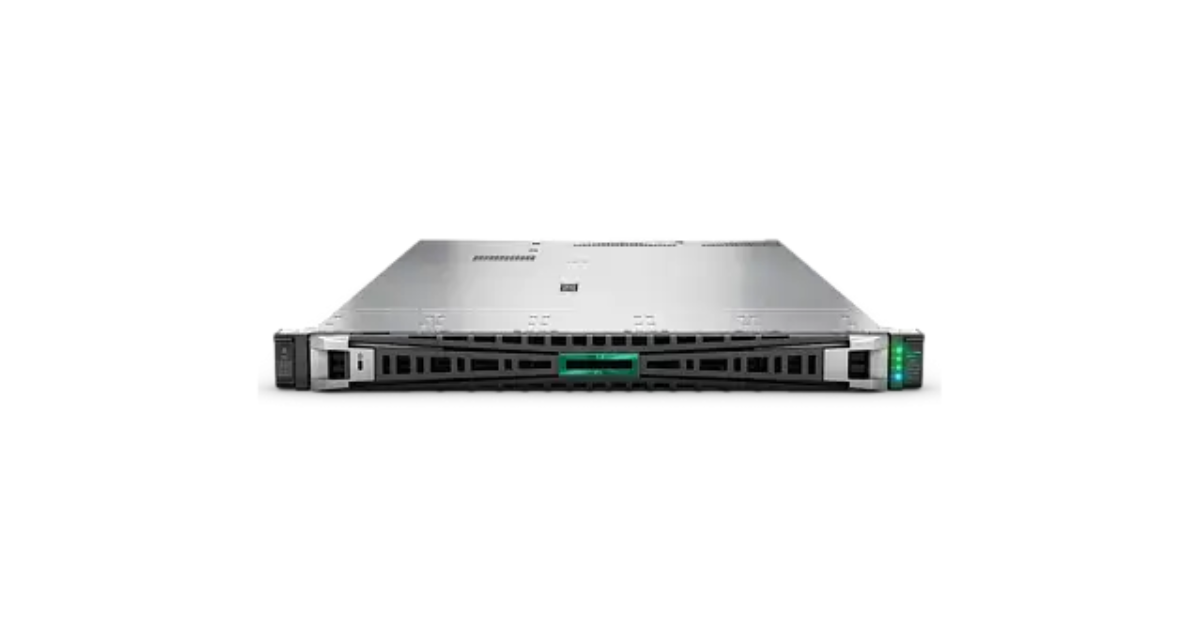
Dell R660 Gen12.
Image source: Servermall
Both models occupy one rack unit and suit racks where compute density is important. They can serve as virtualization nodes, application servers, compute nodes, and platforms for distributed databases. However, the standard Dell PowerEdge R660 offers significantly more growth headroom than the R660xs.
Processors and memory
The R660 supports a broader range of Xeon processors, including models with more cores and a higher thermal design power. The R660xs list is narrower: its maximum configuration is designed for processors with up to 32 cores in the fourth generation and up to 28 cores in the fifth generation.
That is sufficient for many enterprise workloads. Two processors with 24–28 cores each provide substantial capacity for virtual machines, containers, and application services. Paying more for the R660 is justified when you need:
- more than 56–64 physical cores in one node;
- more than 1.5 TB of RAM;
- many virtual machines with large memory allocations;
- databases, analytics, or computing workloads with a high memory-to-core ratio;
- the ability to increase memory without replacing the installed modules.
The R660 has 32 DIMM slots, while the R660xs has 16. With two processors in an xs server, one module can be installed in each memory channel to achieve good bandwidth. The issue is not initial performance but capacity and upgrade cost: if all 16 slots are occupied, further growth requires replacing the modules with higher-capacity ones.
Drives and expansion cards
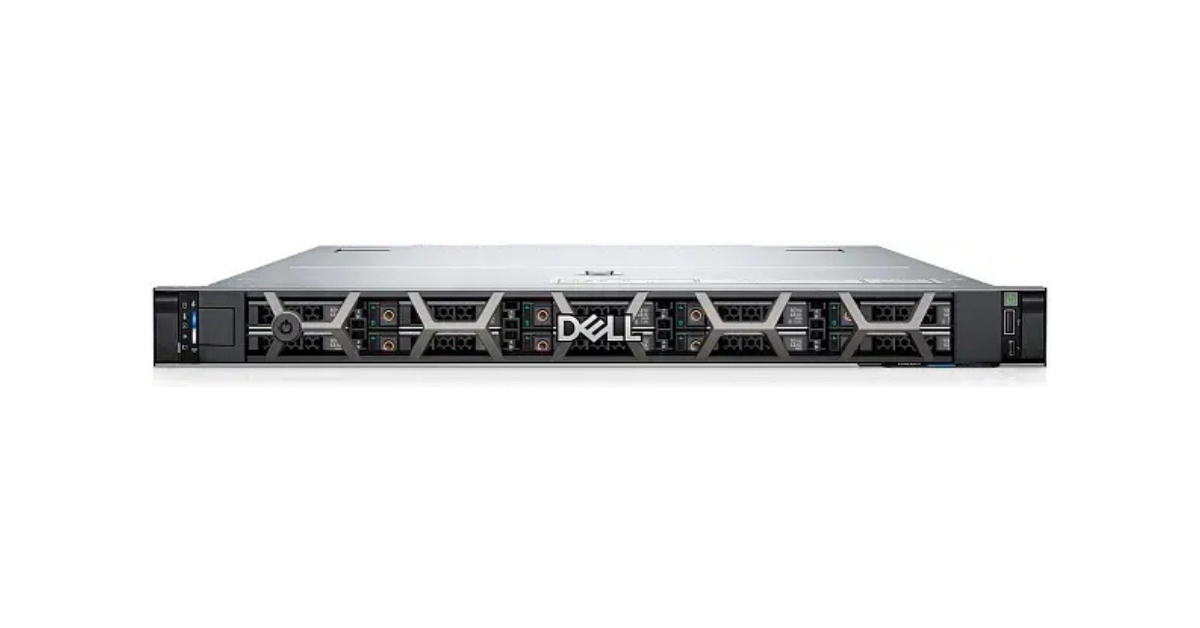
Dell R660xs.
Image source: Servermall
Space is always limited in 1U. Both models can use SAS, SATA, and NVMe, but the supported interface is determined by more than the drive bay form factor. The appropriate backplane, cables, controller, and PCIe lanes are also required. Installing NVMe drives may affect the availability of other devices.
The R660 is more attractive for projects with many high-speed NVMe or E3.S drives, several high-speed network adapters, and non-standard cards. The R660xs is a more sensible choice when a standard backplane for eight or ten 2.5-inch drives, one OCP network module, and several expansion cards are sufficient.
The Dell PowerEdge R660 comparison examines the layout and the model's place in the PowerEdge 16G generation in more detail.
Limitations of the 1U chassis
A compact chassis means higher fan speeds and a strict dependence of cooling on the processors, memory, drives, and cards. Two outwardly identical configurations can differ significantly in noise and power consumption.
The R660 and R660xs are suitable for a server room or data center but are usually inconvenient near workspaces. For high-TDP processors, many NVMe drives, and several cards, the thermal matrix must be checked in advance. A compatible connector alone does not guarantee that the component is supported from a cooling perspective.
R760 or R760xs: choosing a 2U server
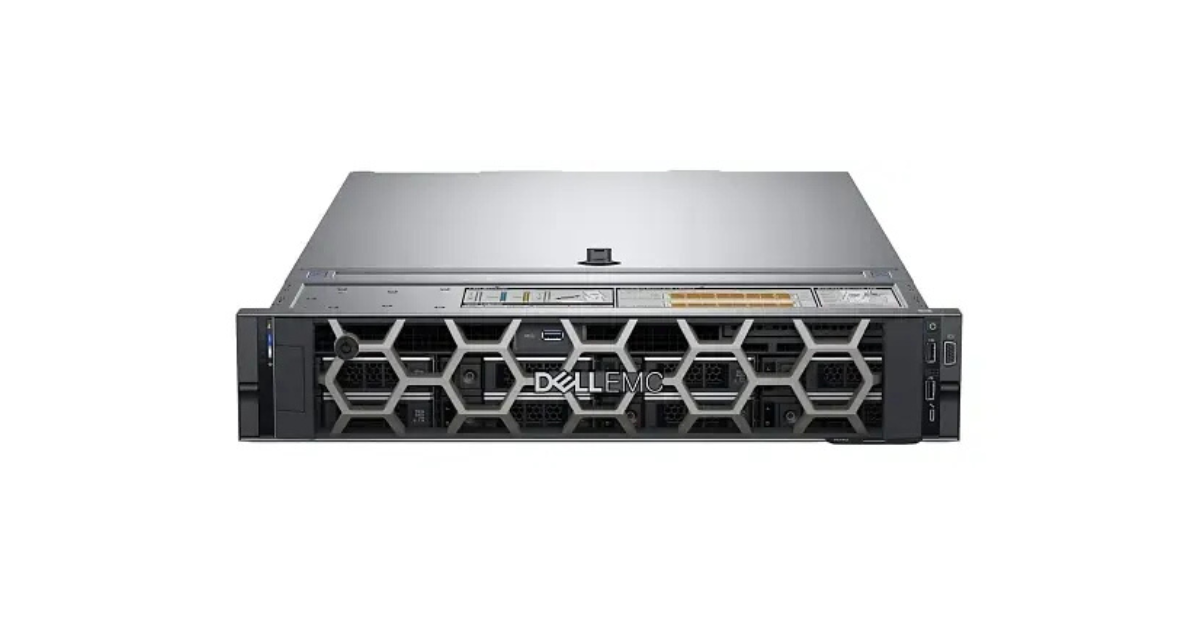
Dell PowerEdge R760.
Image source: Servermall
A 2U chassis provides more space for drives, full-height cards, and airflow. Therefore, the Dell PowerEdge R760 and R760xs are more often selected as versatile virtualization servers, platforms with extensive local storage, and software-defined infrastructure nodes.
R760 capabilities
The R760 is the most flexible model considered here. It supports 32 memory modules, a broad range of processors, numerous backplane options, and up to eight PCIe slots in certain configurations. The server can accommodate powerful network adapters, controllers, accelerators, and data processing cards.
This flexibility is useful when a server must combine several roles or grow as the project expands. For example, it may initially operate as a virtualization node with external storage and later receive local NVMe drives, additional networking, and an accelerator.
The R760 is also preferable for GPUs, but it should not be confused with the specialized R760xa. If several powerful dual-slot accelerators are required, it is worth reviewing the Dell PowerEdge R760xa: its internal layout is designed specifically for graphics accelerators.
When the R760xs is more cost-effective
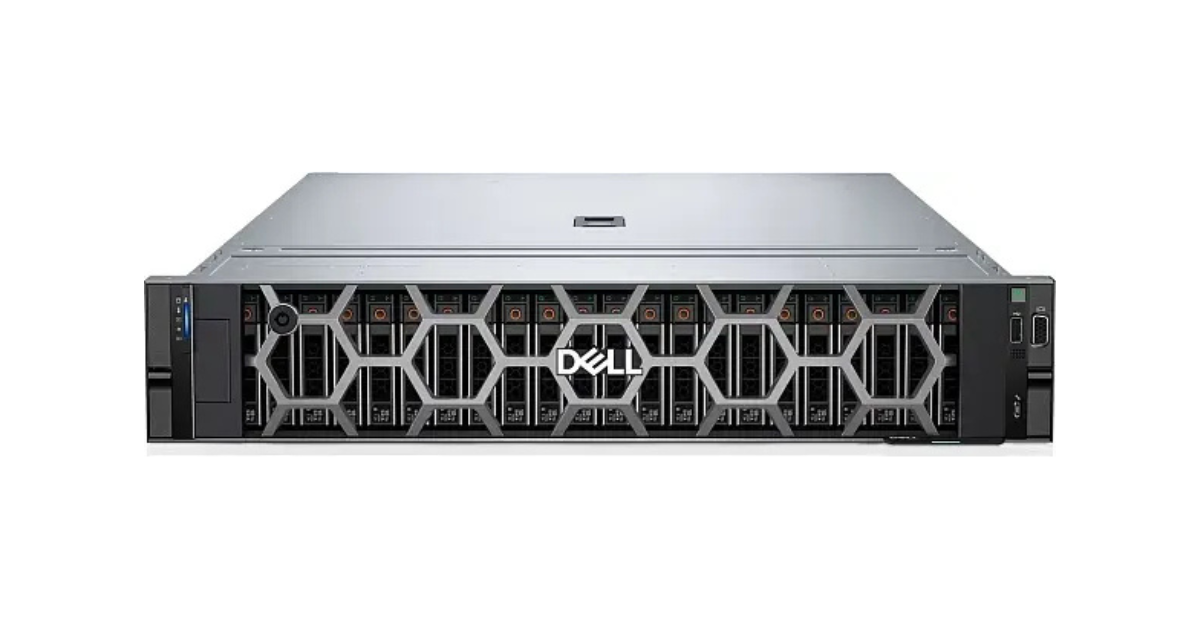
DELL PowerEdge R760xs.
Image source: Servermall
The R760xs retains the main advantage of 2U: a spacious chassis. It can have up to 12 x 3.5-inch drive bays or an extensive 2.5-inch backplane, making it suitable for backup, file services, virtualization, and clusters with local storage.
At the same time, its limitations are similar to those of the R660xs:
- 16 memory slots instead of 32;
- a narrower processor range;
- fewer PCIe options;
- only low-power accelerators in supported configurations;
- air cooling not designed for extreme thermal loads.
If the project fits within these limits, moving to the standard R760 will not make applications faster by itself. It makes sense to pay for a specific resource: additional memory, cores, cards, GPUs, or future upgrades. The standard model's layout and drive options are covered in more detail in the Dell PowerEdge R760 comparison.
Why two processors do not make the servers identical
The number of sockets indicates only whether one or two processors can be installed. It does not describe the available Xeon models, frequency, core count, cache size, or thermal design power.
In a real project, the processor is selected according to the workload:
- virtualization depends on the total core count, frequency, and memory allocated to each virtual machine;
- a transactional database often benefits more from high per-core performance and fast memory;
- compute workloads may require the maximum core count or an accelerator;
- software licensed per core can sometimes be more cost-effective with fewer, faster cores;
- a scale-out service may be more economical with a larger number of moderately powerful nodes.
Installing a second processor affects more than compute performance. Some memory and PCIe slots are connected to the corresponding socket and may be unavailable without it. Therefore, a single-processor configuration should not be considered guaranteed to support expansion without verification: an upgrade may require a second heatsink, fans, a different riser, or different power supplies.
Memory: 16 slots vs 32
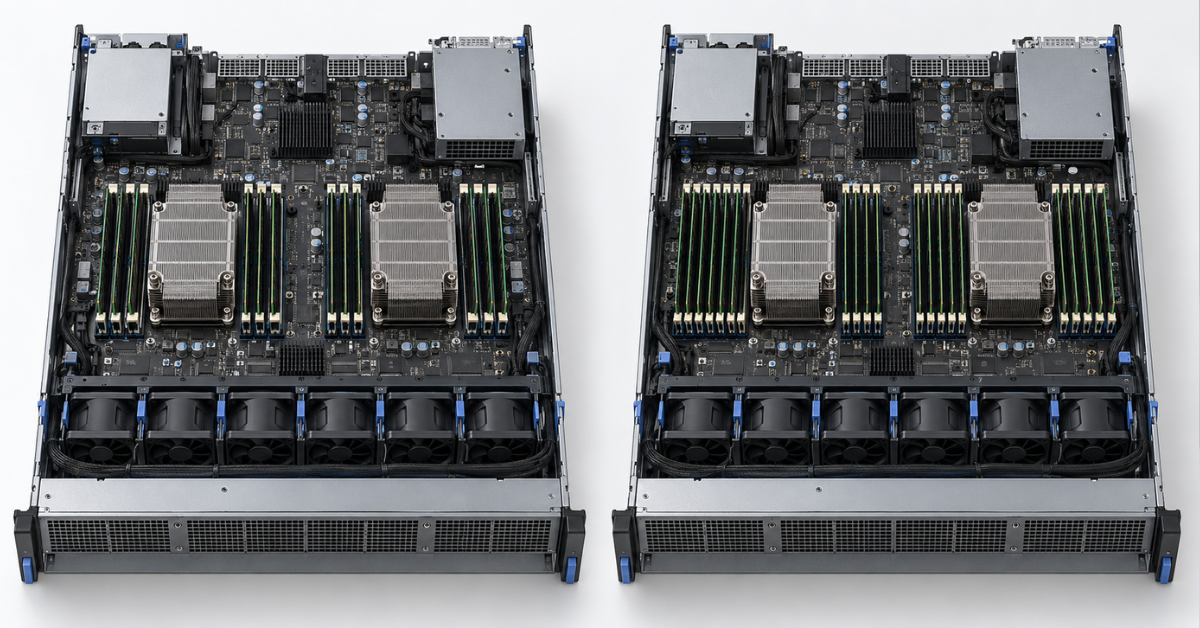
The memory difference is the most reliable way to distinguish an xs model from the standard version. However, comparing only the maximum capacities of 1.5 and 8 TB is not enough.
Each Xeon Scalable processor has eight memory channels. In a dual-processor server, 16 modules allow every channel to be populated with one module. This is a good configuration in terms of bandwidth. In the standard R660 and R760, a second module per channel increases total capacity, although the maximum memory speed may decrease depending on the processor and population scheme.
Four factors are important when planning memory:
- Initial capacity. For 512 GB or 1 TB, an xs model usually creates no problems if the modules are distributed symmetrically.
- Workload growth. A fully populated set of 16 slots cannot be expanded by adding memory; the modules must be replaced.
- Fault-tolerant modes. Memory mirroring and rank sparing reduce usable capacity.
- Compatibility. Frequency depends on the processor generation and model, module type, and number of DIMMs per channel.
If the calculation already indicates 1–1.5 TB at deployment, the standard model is often more economical over its service life. It allows smaller modules to be installed while leaving slots free. If the node will need only 256–768 GB throughout its service life, 32 slots provide no benefit by themselves.
Drives, RAID, and NVMe
The R660/R660xs are designed primarily for compact 2.5-inch drives and high compute density. The R760/R760xs offer more options, including high-capacity 3.5-inch drives and rear bays in certain configurations.
Before choosing the number of drives, determine their role:
- two M.2 drives in BOSS-N1 for fault-tolerant boot of the operating system or hypervisor;
- SAS SSDs/HDDs for predictable operation with hardware RAID;
- SATA for cost-effective configurations that do not require maximum performance;
- NVMe for low latency and high IOPS;
- an HBA instead of RAID for software-defined storage that requires direct disk access.
The phrase “up to 24 drives” does not mean that all 24 can be NVMe. In a hybrid backplane, some bays may connect to a PERC controller as SAS/SATA while others connect directly to PCIe. Rear drives may rule out certain risers or require different cabling.
For a database, not only the number of drives matters, but also the controller, cache, cache protection, SSD endurance, and redundancy scheme. For software-defined storage, check whether the selected HBA supports the required direct-access mode and whether it shares resources with other devices.
Choosing the Right Equipment
Our specialists will contact you and answer all your questions
PCIe, networking, and accelerators
All four servers belong to the same generation, but their expansion capabilities differ. The R660xs supports up to three cards and the R760xs up to six, while a suitably configured standard R760 offers up to eight slots. The words “up to” are critical: the final number depends on the risers and processor count.
The OCP 3.0 network module does not occupy a standard PCIe slot and allows you to choose suitable interfaces, such as 10/25/100 Gb/s. This is convenient for virtualization: the primary ports can carry production traffic, while a separate adapter handles storage, virtual machine migration, or backup.
Accelerators create the clearest distinction between the standard and xs versions. The xs models are designed for low-power single-slot cards rather than high-power compute GPUs. The R760 supports significantly more powerful accelerators, but even here you must verify:
- the physical width and length of the card;
- power from the slot and any additional cables;
- compatibility with the selected drive backplane;
- the required fans and power supplies;
- the permissible inlet air temperature.
If the accelerator only offloads video encoding, displays an interface, or runs lightweight model inference, a low-power card may be sufficient. For model training, engineering calculations, and multiple GPUs, it is better to choose a specialized platform than to force components into an unsuitable chassis.
Power and cooling
The model name does not determine power consumption. A server with two mid-range processors, 16 memory modules, and several SSDs will consume significantly less power than the maximum configuration in the same chassis with high-TDP processors, NVMe drives, high-speed networking, and accelerators.
Power supplies are selected according to total power demand and supported input voltage. In a standard redundant configuration, each power supply must be able to carry the load if the other fails. Installing two power supplies does not automatically double the available power: in redundant mode, one unit backs up the other.
A 2U chassis provides more surface area for heatsinks and fans, so the R760/R760xs are generally easier to cool under a comparable load. However, a large drive backplane restricts airflow, while cards and rear drives add heat. The requirements are stricter for 1U, and fan noise under load is usually higher.
Saving money on an xs model does not guarantee a lower electricity bill. With identical processors, memory, and drives, power consumption will be similar. The main financial difference comes from the platform's initial price and the absence of unnecessary expansion headroom.
Which PowerEdge to choose for each workload
| Workload | Preferred model | When a more flexible version is needed |
|---|---|---|
| Virtualization cluster with external storage | R660xs for density or R760xs for more expansion cards | R660/R760 for more than 1.5 TB of memory, high-end CPUs, or several adapters |
| Scale-out database, search, or application cluster | R660xs | R660 for a large amount of memory per node or high-speed NVMe/E3.S |
| Large database on a single server | R660 or R760 | R760 is preferable for local storage and expansion |
| File server, backup, or archive | R760xs | R760 for additional controllers, networking, and more complex drive combinations |
| Hyperconverged infrastructure | R760xs for a standard configuration | R760 for more NVMe drives or adapters, or when high RAM capacity is required |
| GPU computing | R760 | R760xa if several powerful accelerators are required |
| Infrastructure services, containers, and web applications | R660xs | R660 only when there is a confirmed need for memory, cores, or I/O |
In a small cluster, it is useful to compare not the price of one server but the cost of the required capacity with redundancy. Sometimes three R660xs servers provide easier maintenance and greater resilience than two fully populated R660 servers. In another project, hypervisor, database, or backup software licenses may make consolidation into fewer powerful nodes more cost-effective.
What to consider when ordering
A PowerEdge configuration cannot be assembled as an independent collection of parts. The backplane determines the type and number of drives, the controller determines how they connect, the risers determine the available cards, and the processors and cooling impose thermal limits.
When ordering, the following must be coordinated:
- the generation and exact model of both processors;
- identical memory modules and symmetrical channel population;
- the drive backplane type and number of NVMe lanes;
- PERC or HBA and the boot array design;
- risers and the height and length of PCIe cards;
- the OCP network module and additional adapters;
- power supplies, fans, and permissible input voltage;
- rails, cable management arm, and rack depth;
- the iDRAC license if advanced management features are required.
For an already assembled server, checking the service tag is more useful than relying on the general model name. It shows the original configuration, documentation, and compatible upgrades. For a new build, the entire specification should be recorded: “R760, 16SFF” still does not answer questions about the number of NVMe drives, controller, or risers.
How to choose without overpaying
Start with the form factor. The R660/R660xs are suitable when rack density matters and many local drives or full-height cards are not required. The R760/R760xs are better suited to a versatile server, extensive storage, and more flexible expansion.
Next, compare the required configuration with the limits of the xs models. If 16 memory modules, processors with up to 28–32 cores, standard network cards, and several PCIe slots are sufficient for the entire service life, the R660xs or R760xs is usually the more rational choice. They do not lose performance simply because of the xs suffix: with identical processors, memory, and drives, application performance is determined by the components and configuration.
The R660 is needed when 1U compute density must be combined with a large memory capacity, high-end processors, or extensive high-speed I/O. The R760 is chosen when the server must support the widest range of options: large amounts of memory, drives, and cards, powerful accelerators, or several stages of upgrades.
A sensible configuration leaves headroom for forecast growth without paying
for capabilities “just in case.” This is why an xs model is better for a
standardized node with a clearly defined role, while the standard R660 and R760
are better for a server whose requirements are close to the platform's upper
limits or are likely to change during its service life.
Choosing the Right Equipment
Our specialists will contact you and answer all your questions