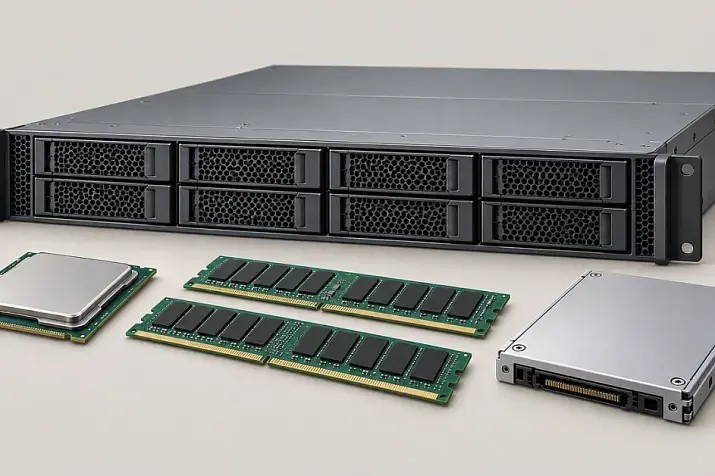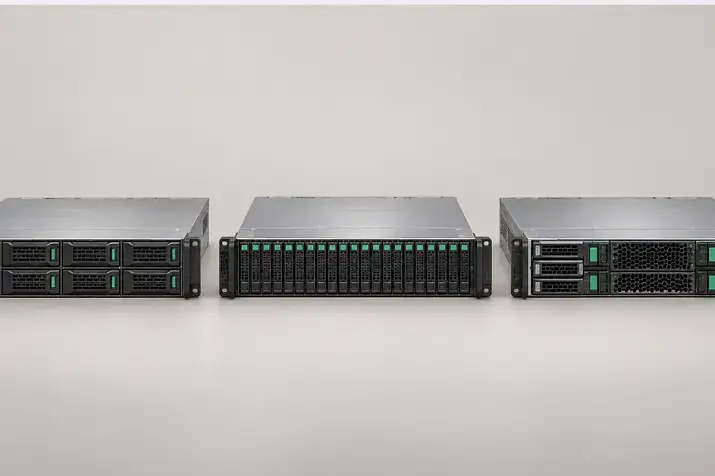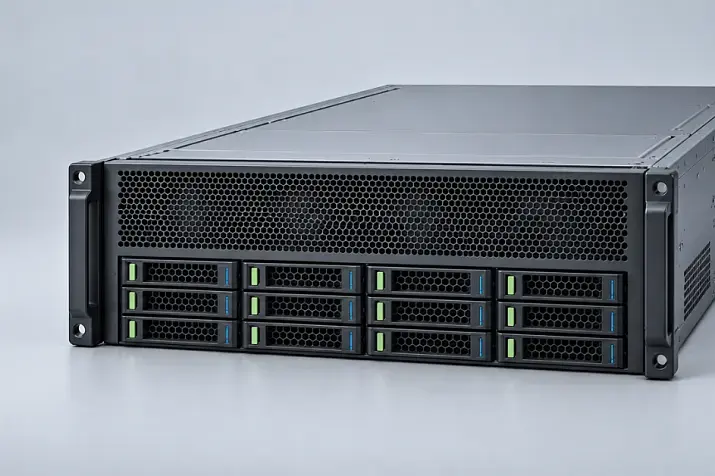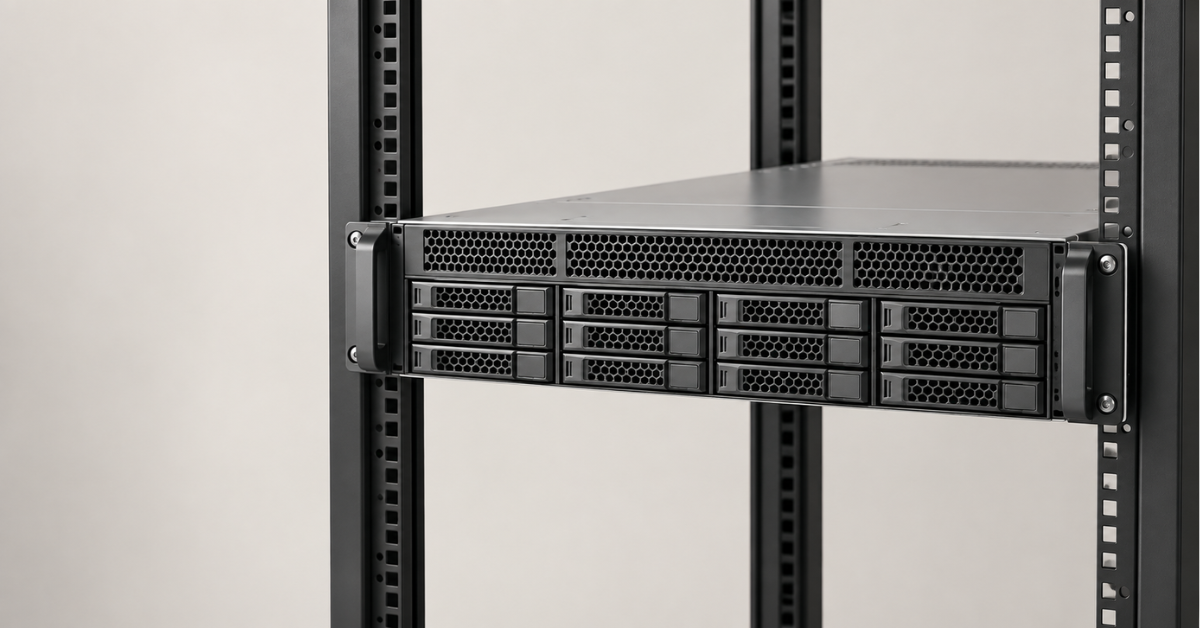
The HPE ProLiant DL560 is a 2U rack server designed for up to four processors and a large amount of memory. For a demanding new project, Gen11 should be the first generation to consider; Gen10 is attractive when cost and compatibility with existing equipment matter; Gen9 mainly makes sense when expanding an infrastructure already in use. Choose a specific configuration: two DL560 servers of the same generation can differ significantly in memory, storage and expansion options.
What workloads is the DL560 designed for?
The DL560 combines a four-processor architecture with a 2U chassis. It is intended for situations where a single server needs substantial compute resources and memory while rack space is limited. Such workloads include virtual machine consolidation, large databases, in-memory analytics and enterprise systems that are difficult to split across multiple nodes.
However, “four-processor” describes the platform's capabilities, not necessarily the configuration of the server on sale. A particular machine may have only two processors installed. The number of installed processors affects both the available memory slots and the operation of some expansion devices. It is therefore insufficient to compare offers solely by the name “DL560 Gen10” or “DL560 Gen11”.
Four processors are useful when an application can use their resources and needs the corresponding amount of memory. If the workload is limited by single-thread performance, memory access latency or external storage performance, adding processors may not produce the expected result. The platform is fairly specialised and is not common in data centres: for many projects, a two-processor server with a more suitable memory and drive configuration is enough, with horizontal scaling if needed.
Choosing the Right Equipment
Our specialists will contact you and answer all your questions
Which DL560 generations exist?
The range covered here includes DL560 Gen9, Gen10 and Gen11. Other HPE servers have models called Gen10 Plus and Gen12, but those names cannot automatically be added to the DL560 line: HPE's support matrix lists Gen9, Gen10 and Gen11 for this model, without Gen10 Plus or Gen12.
A change of generation brings a different processor platform, memory, data transfer capabilities and management features. It does not mean that every server of the next generation is better for every workload. The cost of the complete configuration, software requirements, and availability of the required spare parts and support all matter.
Choosing the Right Equipment
Our specialists will contact you and answer all your questions
HPE ProLiant DL560 Gen9: for existing infrastructure
The DL560 Gen9 belongs to the era of Intel Xeon E5-4600 processors and DDR4 memory. HPE documentation describes ways to populate 48 memory slots and highlights an important operational detail: actual memory speed depends on the module type and the number of modules per channel. Maximum capacity and maximum speed cannot necessarily be achieved at the same time. You can download and review the specifications here.
When Gen9 makes sense
- You need to expand a fleet of identical machines while retaining familiar components and maintenance procedures.
- The workload has already been proven on this platform.
- The purchase price matters more than the advantages of a newer platform, and performance requirements are moderate.
Gen9 calls for a more careful assessment for a new critical project. Beyond the server's purchase price, consider the condition of the drives and power supplies, availability of compatible memory modules and other spare parts, firmware versions, and support for the required operating system and application software. The platform's age does not make it unsuitable by itself, but it makes these considerations more important.
Choosing the Right Equipment
Our specialists will contact you and answer all your questions
HPE ProLiant DL560 Gen10: balancing cost and capacity
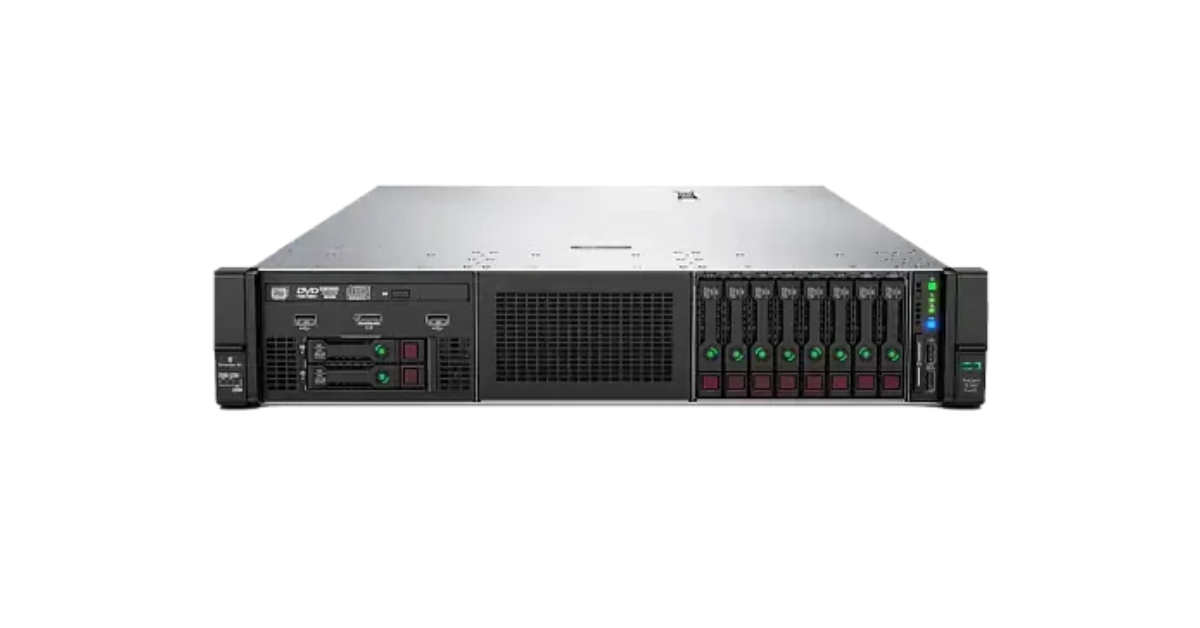
Image source: Servermall
Gen10 moved to first- and second-generation Intel Xeon Scalable processors. HPE describes configurations with different numbers of installed processors and memory options; a 48-slot configuration cannot be assumed for every server regardless of its components. Gen10 offers various storage and expansion options, so the number of drives and available slots must be checked for the specific build.
Gen10's strength today is the opportunity to obtain a four-processor platform with substantial DDR4 capacity without the cost of a newer system. But the server's price depends on more than its chassis and processors. Memory, drive bays, controllers, network cards and suitable power supplies may account for a significant share of the budget.
What to check in the configuration on offer
- How many processors are installed. This determines the available compute resources and affects the server's configuration.
- How much memory is installed and how it is distributed. A large total capacity does not guarantee optimal memory access performance.
- Which front panel and how many drive bays are included. The capabilities of a model range differ from those of a particular unit.
- Which controllers and network adapters are already installed. Their absence can change the project's total cost.
- What power capacity and redundancy arrangement are available. For a four-processor build, this is a substantial part of the project, not a minor line in the specification.
You can view offers for this model on the Servermall HPE server catalogue page. Compare the components of specific configurations, not just their generation and core count.
Choosing the Right Equipment
Our specialists will contact you and answer all your questions
HPE ProLiant DL560 Gen11: newer memory and more bandwidth
DL560 Gen11 retains the concept of a four-processor 2U server but uses DDR5 memory, supports up to 16 TB of RAM in its maximum configuration, PCIe 5.0 devices and iLO 6 remote management. HPE's specifications also list up to six PCIe 5.0 slots and two OCP slots for network adapters. These are platform capabilities; the actual configuration depends on the components ordered.
Gen11 deserves first consideration for a new project if the workload needs a large memory capacity, high expansion-device bandwidth or a long platform service life. For example, a large database can benefit from keeping more working data in memory. For numerous virtual machines, memory capacity, processor resources and network bandwidth all matter at the same time.
However, “up to 16 TB” is an upper limit, not the capacity of a standard configuration. To assess whether a server is suitable, compare the required memory capacity with the supported modules, processor count and budget. Likewise, check the actual selection of slots, network cards and drive bays.
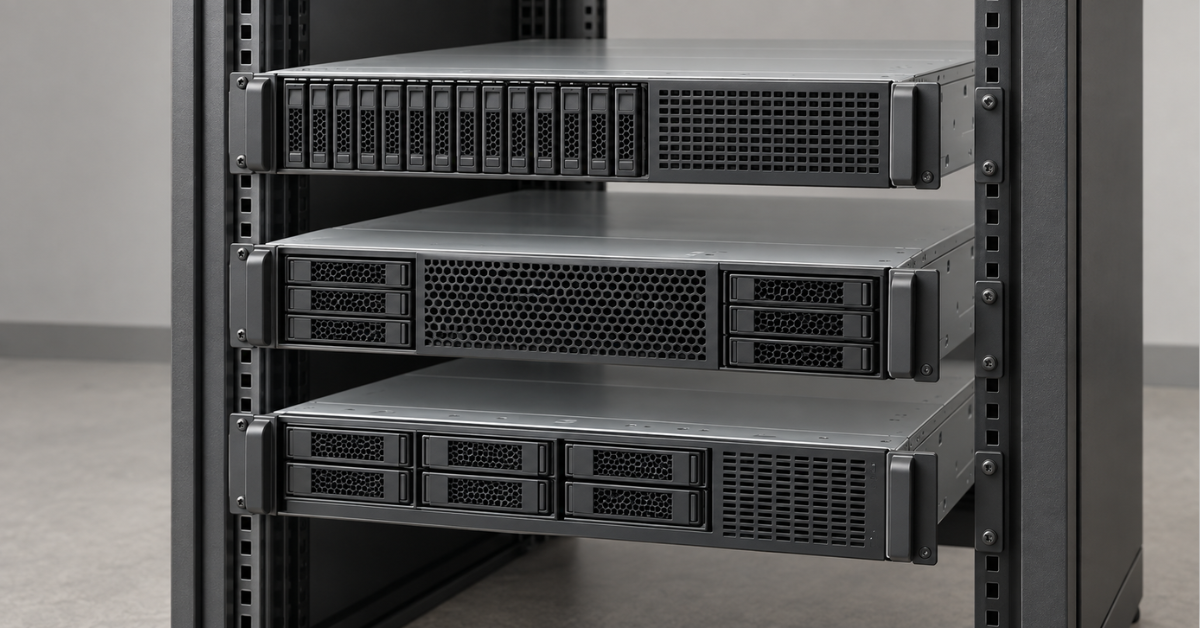
DL560 Gen9, Gen10 and Gen11 compared
| Generation | Platform and memory | What it offers | Where it is particularly suitable |
|---|---|---|---|
| Gen9 | Xeon E5-4600, DDR4 | Compatibility with an existing fleet and a low purchase price | Expanding an existing infrastructure |
| Gen10 | First- or second-generation Xeon Scalable, DDR4 | High compute and RAM capacity at a more moderate cost | Consolidating workloads on a limited budget |
| Gen11 | Newer processor platform, DDR5, PCIe 5.0 | Greater potential for memory and high-speed I/O | New, demanding projects and a long service life |
The table shows the direction in which the platform has evolved, but does not replace the specifications of a particular server. Memory speed, the number of operational expansion slots, drive bays and network ports all depend on the configuration.
Choosing the Right Equipment
Our specialists will contact you and answer all your questions
How to choose a DL560 for your workload
Virtualisation
For a large number of virtual machines, assess processor, memory, network and storage resources together. If the VMs have large memory allocations, RAM may become a constraint before core count. If virtual disks reside on external storage, network bandwidth and redundancy matter. Four processors let you place more workloads on one node, but also increase the impact if that node stops: plan how virtual machines will be distributed across nodes.
Databases and in-memory analytics
Here the DL560 is primarily attractive because it combines substantial compute resources with a large amount of RAM. But for an application, where the data resides relative to the processors also matters. Access to memory attached to another processor can have different latency and bandwidth. For large databases, therefore, assess not only total RAM but also the distribution of memory modules, the application's architecture and the results of tests with your own workload.
Fast local drives can speed up certain operations, but the choice between local drives and external storage depends on requirements for fault tolerance, scaling and recovery. A single server with many processors is no substitute for a well-designed data storage architecture.
Consolidating enterprise systems
Moving several applications onto one DL560 reduces the number of physical machines and can free up rack space. At the same time, it concentrates more workload on one node. Before consolidating, determine whether the applications' peak periods overlap, what availability each requires, and whether licensing limits the potential savings.
Choosing the Right Equipment
Our specialists will contact you and answer all your questions
How the dense 2U design affects configuration
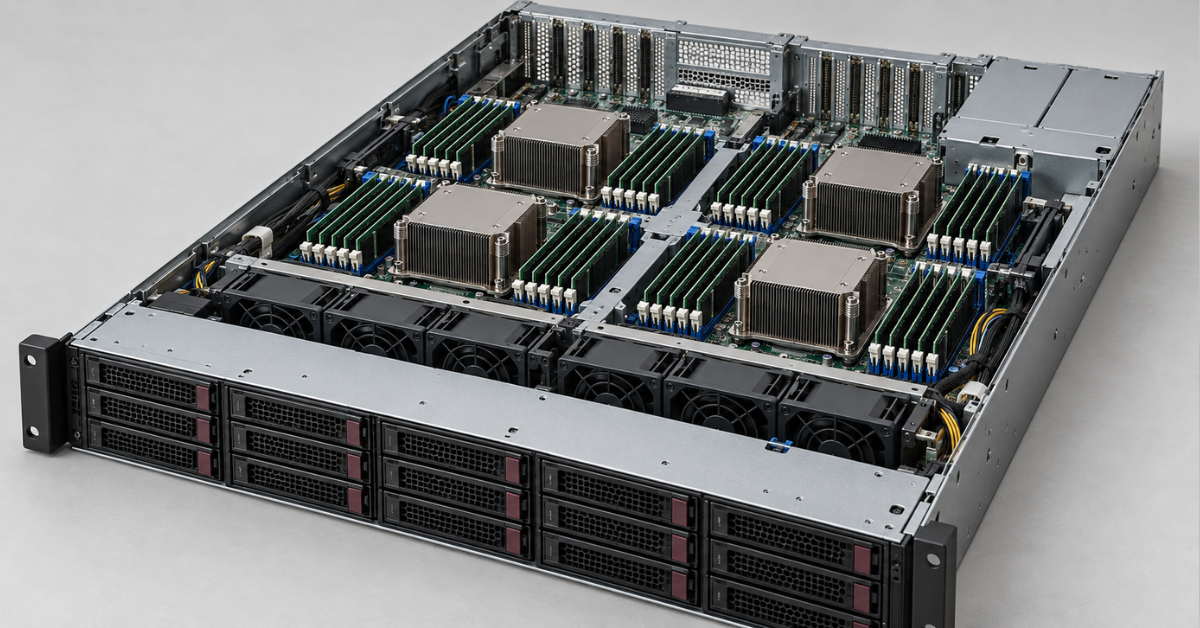
Four processors in a compact chassis save rack space but leave less room to accommodate drives, expansion cards and high-power components together than a larger chassis. This is particularly important when buying a server that you plan to expand later.
Memory and processors
Memory slots are associated with processors. If only two processors are installed, do not assume that all the slots advertised for a four-processor configuration will be available. Balanced population of the supported channels is just as important: two builds with the same total RAM can perform differently.
Drives and expansion cards
The supported number of drives depends on the front panel, drive bays, cables and controllers. Likewise, spare space in the chassis does not necessarily mean that a desired card can be installed without the appropriate expansion kit or restrictions imposed by the specific configuration. Check these details before buying for a project that requires many drives or several high-speed network adapters.
Operating system and software support
Most modern server operating systems support four-socket systems, but you still need to check compatibility with both the operating system and the software stack in use. Desktop editions of Windows, for example, cannot make full use of all four CPUs.
Power and placement
Moving from two to four processors increases power and cooling requirements. For the rack, the selected build's actual power draw, power supply capacity, redundancy arrangement and available data centre power all matter. These parameters cannot be reliably determined from the model name alone.
Choosing the Right Equipment
Our specialists will contact you and answer all your questions
DL560, DL380 or DL580
| Model | How it differs | When to consider it |
|---|---|---|
| DL380 | Versatile two-processor 2U platform with a broad range of storage and expansion options | When four processors are unnecessary and configuration flexibility matters |
| DL560 | Up to four processors in a 2U chassis | When high compute density and a large memory capacity are needed |
| DL580 | Four-processor platform in a larger chassis | When expansion capacity and room for components take priority |
If workload calculations have not yet confirmed a need for four processors, start your comparison with the DL380. Its generations are discussed in the article “HPE ProLiant DL380: comparing generations”. When four processors are needed but the 2U design limits the configuration you require, compare it with DL580 generations.
Choosing the Right Equipment
Our specialists will contact you and answer all your questions
Which generation should you choose?
Gen9 is primarily suitable for expanding an existing fleet when the working configurations, software versions and maintenance procedures are known. Weigh its low purchase price against support costs.
Gen10 is a sensible starting point for a project that genuinely needs four processors and substantial DDR4 capacity on a limited budget. Compare the prices of fully equipped configurations particularly carefully, rather than the price of a bare chassis.
Gen11 is preferable for a new project with high requirements for memory, networking and platform service life. Its advantages will be most noticeable where the workload can use those resources.
If calculations show that two processors are sufficient, choosing a DL560 solely for headroom is not essential. The budget may be better spent on memory, storage, redundancy or a second server. The catalogue of ProLiant DL rack servers can help you compare options within the range.
Assess the DL560 as a specific build for a specific workload. The generation defines the limits of the platform; the outcome depends on the installed processors, memory layout, storage, networking and operating conditions.
Choosing the Right Equipment
Our specialists will contact you and answer all your questions