HPE ProLiant ML30 was released in Gen9, Gen10, Gen10 Plus and Gen11 versions. A working Gen10 is worth considering for an affordable file server or domain controller. If memory headroom and several virtual machines matter, compare Gen10 Plus and Gen11. Choose Gen11 for a new DDR5 deployment; choose Gen9 mainly when its limitations fit the workload and the price of the refurbished configuration makes sense.
The ML30 is a tower server for a small business, individual office or branch. It needs no rack, yet provides familiar server features: error-correcting memory, remote iLO management and a choice of drive cages. The exact features depend on the generation and on the configuration.
That last distinction matters especially when buying a ready-made system. Two servers labelled “ML30 Gen11” may differ in the number and size of drive bays, hot-swap support, controller, power supply and installed memory. The generation identifies the platform, not the complete configuration.
Which ML30 generations are available?
This range includes four generations: ML30 Gen9, ML30 Gen10, Gen10 Plus and ML30 Gen11. Configurations from different years also appear on the main ML30 page.
Do not assume that generation numbers carry over between HPE product lines. ProLiant Gen12 models exist in the catalogue, but that does not mean there is an ML30 Gen12. An ML30 comparison requires specifications for the ML30 in the relevant generation, not for the ML350 or DL380.
A new generation primarily changes the processor platform, memory type and capacity, expansion interfaces and iLO version. The practical difference becomes clear when the server hosts more applications or runs out of memory. For a single modest service, suitable drives, enough RAM and a sound recovery plan may matter more than a newer processor.
HPE ProLiant ML30 Gen9, Gen10, Gen10 Plus and Gen11 compared
| Generation | Processor platform | Memory specification | Management | What to check when choosing |
|---|---|---|---|---|
| Gen9 | One Xeon E3-1200 v5/v6; some configurations use Pentium or Core i3 | Up to 64 GB DDR4 ECC UDIMM | iLO 4 | Platform age, drive cage and controller, memory headroom, spare-part availability |
| Gen10 | One Xeon E-2100/E-2200; some configurations use Pentium or Core i3 | Up to 64 GB DDR4 ECC UDIMM | iLO 5 | Good basis for moderate workloads, but the same memory ceiling |
| Gen10 Plus | One Xeon E-2300; supported CPUs depend on the configuration | Up to 128 GB DDR4 ECC UDIMM | iLO 5 | More memory headroom; check slots, power supplies and drive layout |
| Gen11 | One Xeon E-2400; confirm supported CPUs against the current specifications | Up to 128 GB DDR5 ECC UDIMM | iLO 6 | DDR5 and newer expansion options; actual capabilities depend on the build |
Memory limits and processor support are based on the specifications for ML30 Gen9, Gen10, Gen10 Plus and Gen11. Documentation for older generations is archived; it describes the platform as released, while the availability of a particular server must be checked separately.
“Up to 128 GB” does not mean that much memory is installed in a server offered for sale. For example, a Gen11 configuration in the catalogue has 16 GB. Before comparing prices, check the installed capacity, free slots and the cost of bringing each system to the required specification.
Choosing the Right Equipment
Our specialists will contact you and answer all your questions
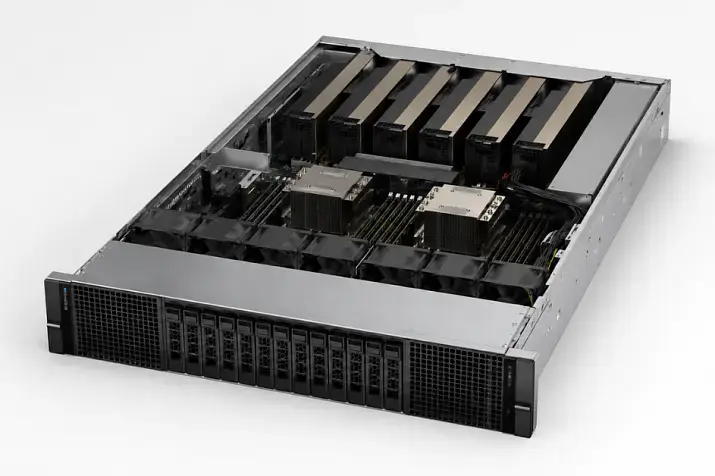
HPE ProLiant ML30 Gen9: an affordable entry into the server range
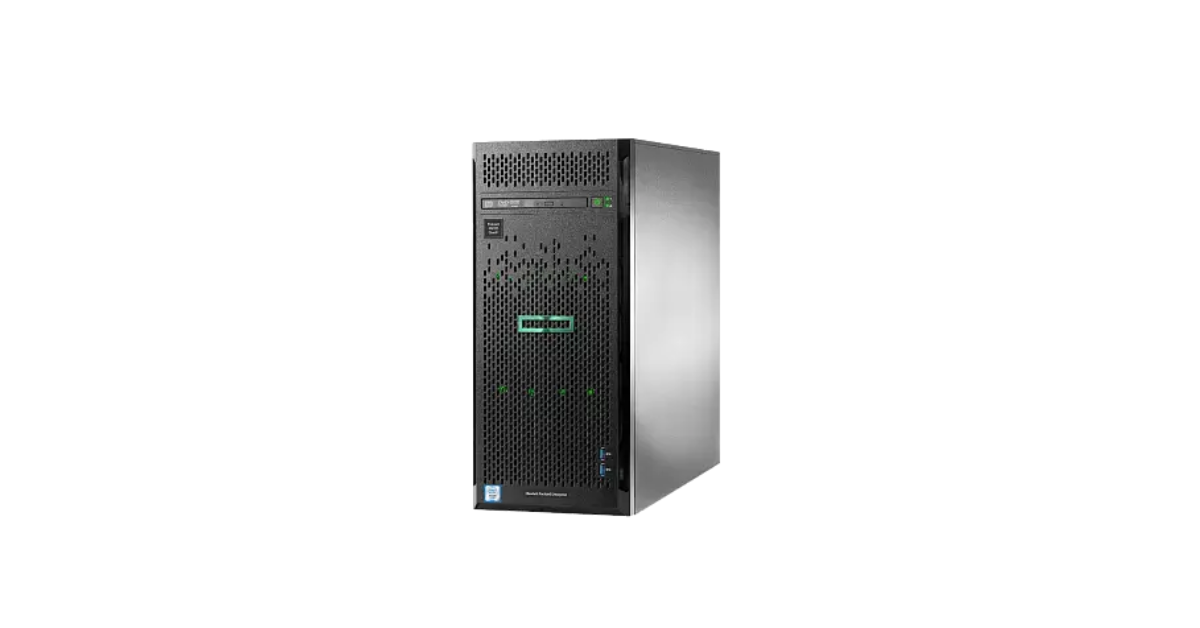
Image source: Servermall
ML30 Gen9 uses one Xeon E3-1200 v5/v6 processor. Its four slots take DDR4 ECC UDIMMs, with a platform limit of 64 GB. iLO 4 provides remote administration. Depending on the configuration, the chassis may have bays for larger 3.5-inch or smaller 2.5-inch drives.
This server can still handle a well-defined local task: file services, a small directory service, document management or backups. On the second-hand market, it offers an inexpensive way to obtain a server with iLO. But a low price for the basic chassis does not guarantee a low price for a usable configuration.
Gen9 has limitations that are difficult to remedy by replacing individual components:
- 64 GB is the platform's memory ceiling. If an application is already approaching it, a different processor will not create room for more virtual machines.
- Age makes component condition more important. For a refurbished unit, check the drives, fans and power supply, as well as the availability of suitable drive carriers; spare parts may be harder to find.
- The storage configuration changes what the server can do. A cage for four large drives and one for eight small drives serve different needs; the required controller may be absent from the base configuration.
- iLO 4 does not make every management feature free. Access to certain functions depends on the licence and the particular system.
Gen9 is a sensible choice for a limited, predictable workload. If user numbers, database demands or virtualisation are likely to grow substantially, compare the total cost of a newer ML30 from the outset.
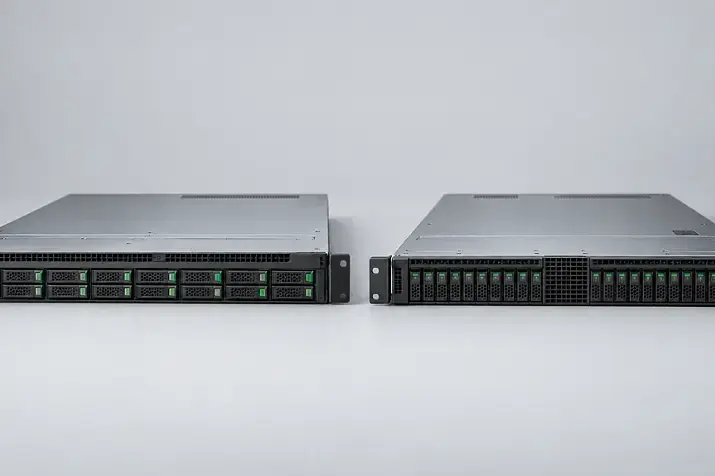
HPE ProLiant ML30 Gen10: a newer platform with the same memory limit
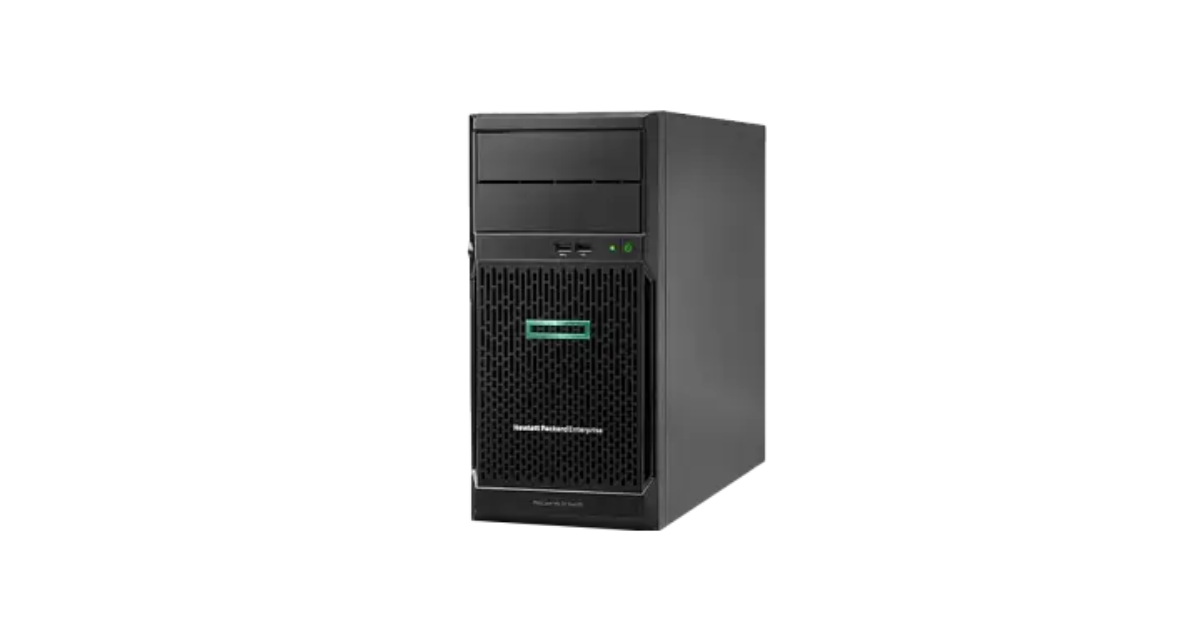
Image source: Servermall
Gen10 moved to Xeon E-2100/E-2200 and iLO 5. Some configurations also use processors from less powerful families. HPE specifies up to 64 GB of DDR4 ECC UDIMM memory. Moving from Gen9 to Gen10 therefore brings a newer platform, but does not double the available memory.
That is often enough for file services, a domain controller, a small database and several office applications. Gen10 can also host a limited number of virtual machines when their actual memory needs are known in advance. Judging it solely by core count is a mistake: CPU utilisation can remain moderate even when there is no memory left for another VM.
When comparing Gen10 offers, look beyond the processor name. Check:
- Installed memory. An 8 GB server and a 64 GB server are very different starting points, even though they belong to the same generation.
- Drive bay type. Four large drives suit capacity-oriented builds; smaller bays allow a different arrangement of fast drives.
- Controller. An embedded SATA solution and a separate controller for specific SAS drives do not offer the same capabilities.
- Power supply. A single power supply and the option for redundancy depend on the particular configuration; they are not universal Gen10 features.
The Servermall catalogue includes refurbished Gen10 systems with different processors and memory capacities. Compare Gen10 with Gen10 Plus only after specifying the same required resources for both builds.
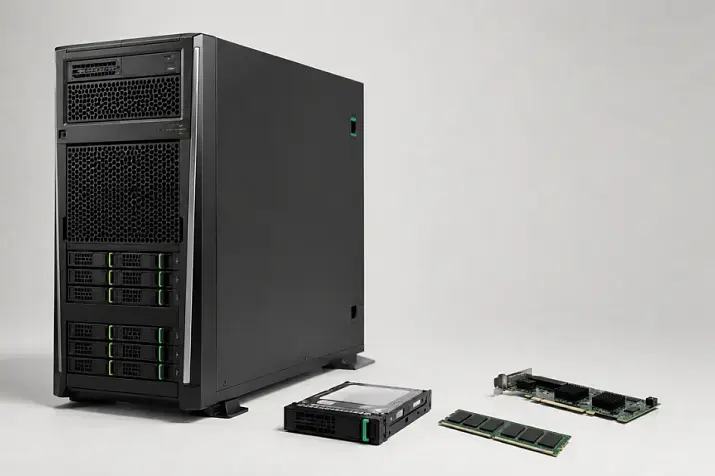
HPE ProLiant ML30 Gen10 Plus: more room for memory
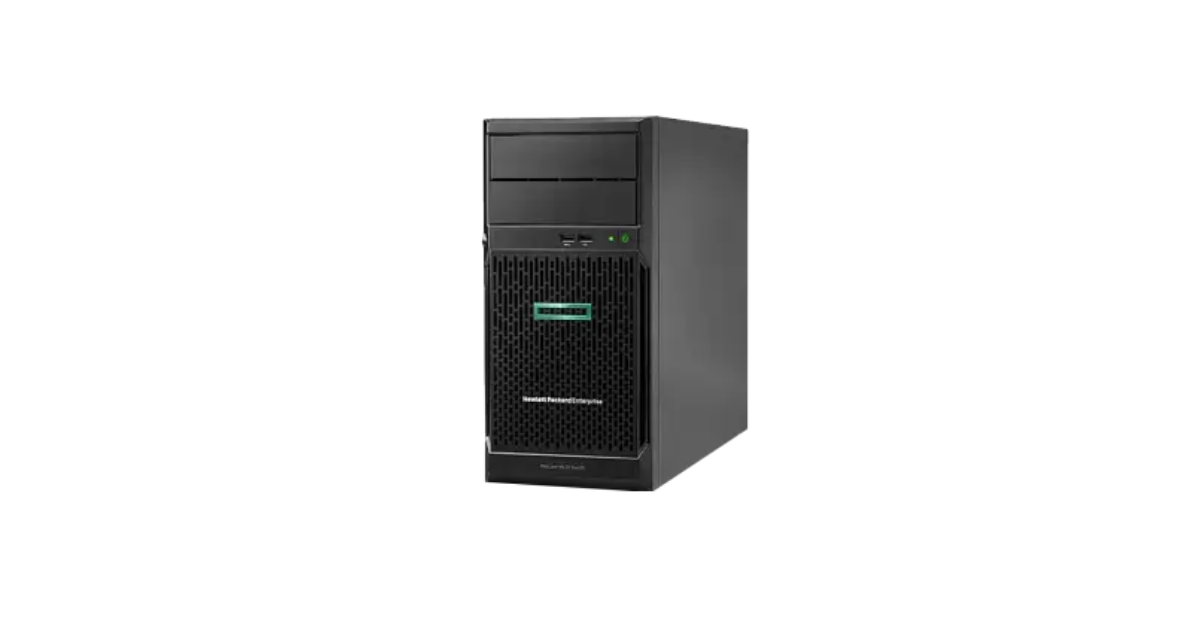
Image source: Servermall
A key improvement in Gen10 Plus for many small businesses is support for up to 128 GB of DDR4 ECC UDIMM memory. It uses the newer Xeon E-2300 processor platform and updated expansion options. It suits workloads for which 64 GB is restrictive but a move to DDR5 and Gen11 is not yet necessary.
The difference is particularly useful when consolidating services. One physical server might host a directory service, an application, a database and a separate VM for administrative tasks. Their memory requirements add up, and the hypervisor also needs RAM. The option to exceed 64 GB makes Gen10 Plus more flexible even if much less is installed initially.
Gen10 Plus remains a single-socket ML30, however. A higher memory ceiling does not make it suitable for an unlimited number of VMs. Drive performance, bay count, network capacity and component redundancy still define the limits of the deployment.
On the ML30 Gen10 Plus 4LFF configuration page, you can check the equipment included in a specific offer. “4LFF” describes the drive layout; the generation's maximum specifications are separate from what is installed in the unit for sale. Buyers are also offered a five-year warranty.
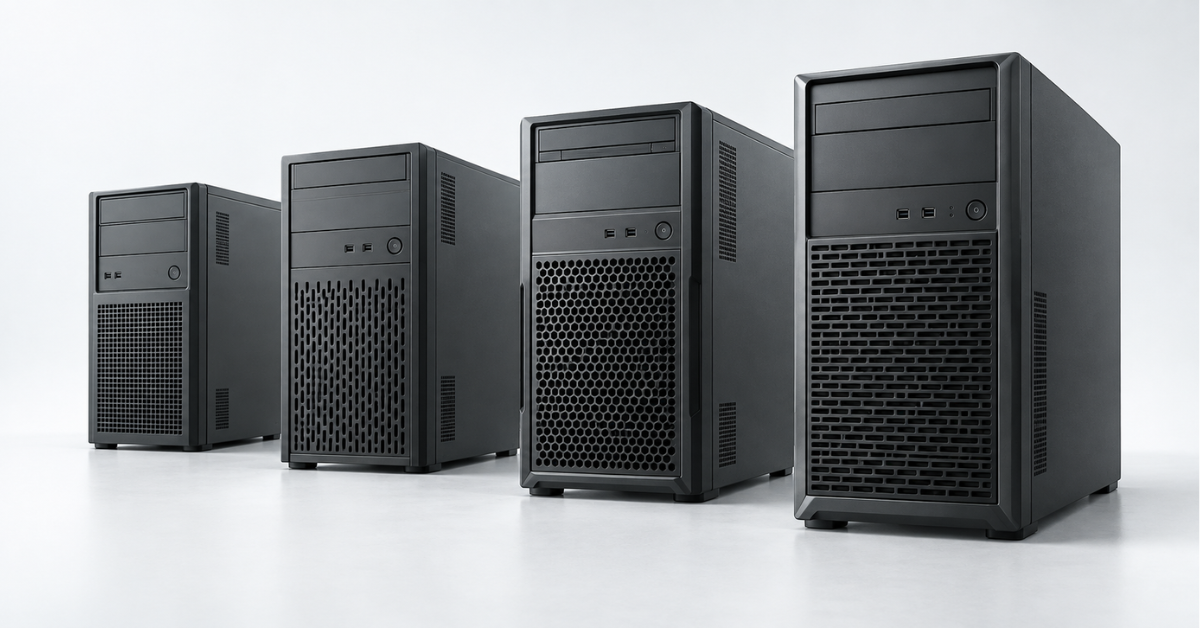
HPE ProLiant ML30 Gen11: new memory and interfaces
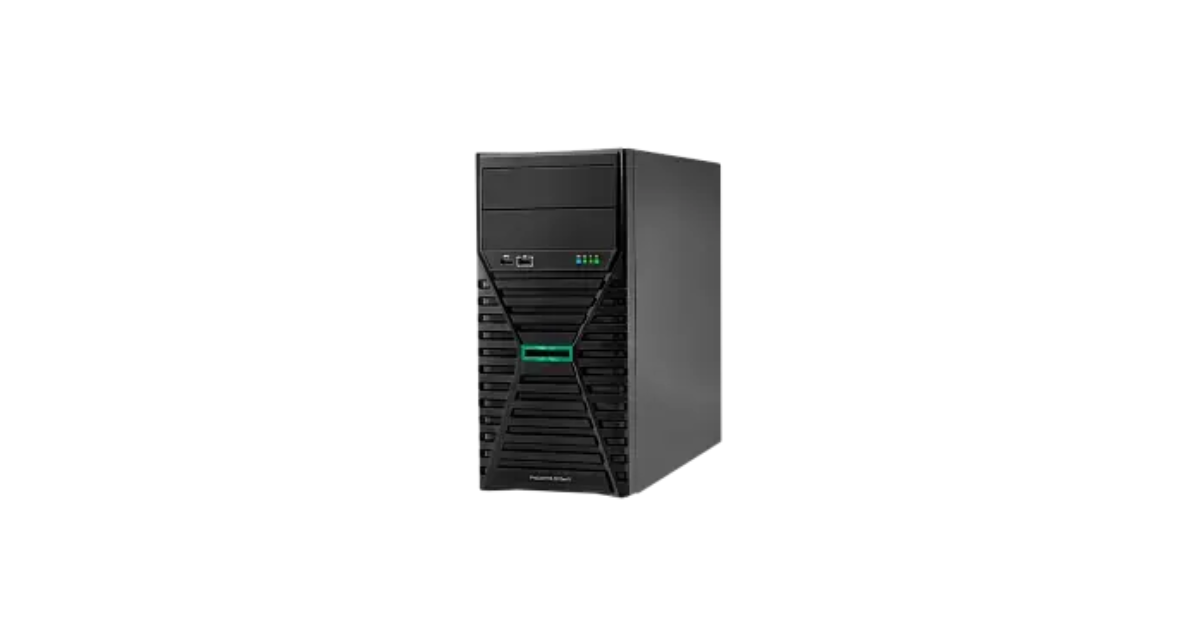
Image source: Servermall
ML30 Gen11 uses DDR5 ECC UDIMMs and supports up to 128 GB. It also offers iLO 6 and newer expansion, including a PCIe 5.0 slot. HPE also lists an M.2 drive option in a suitable configuration. This makes Gen11 a useful starting point for a new deployment intended to run and expand over several years.
“Newer” does not mean “better at any price”. If the server will run only one undemanding service, the benefits of Gen11 may not justify the cost difference. If memory, fast drives, expansion cards and long service life matter, compare complete configurations instead.
Several Gen11 details are easy to overlook in a brief product listing:
- The chassis can have different drive cages. Four 3.5-inch bays and eight 2.5-inch bays offer different capacity and drive-count options.
- An expansion card takes a slot, but installation may also require manufacturer-specified cooling components.
- An available drive connector does not necessarily mean that the chosen build includes the required cables and controller.
- An optional redundant power supply arrangement does not mean that every unit comes with two supplies.
The Gen11 specifications explain separately that some expansion cards and drive configurations require additional kits. Check the exact contents of the offer before ordering an expensive upgrade.
Storage configuration: what “4LFF” and “8SFF” mean
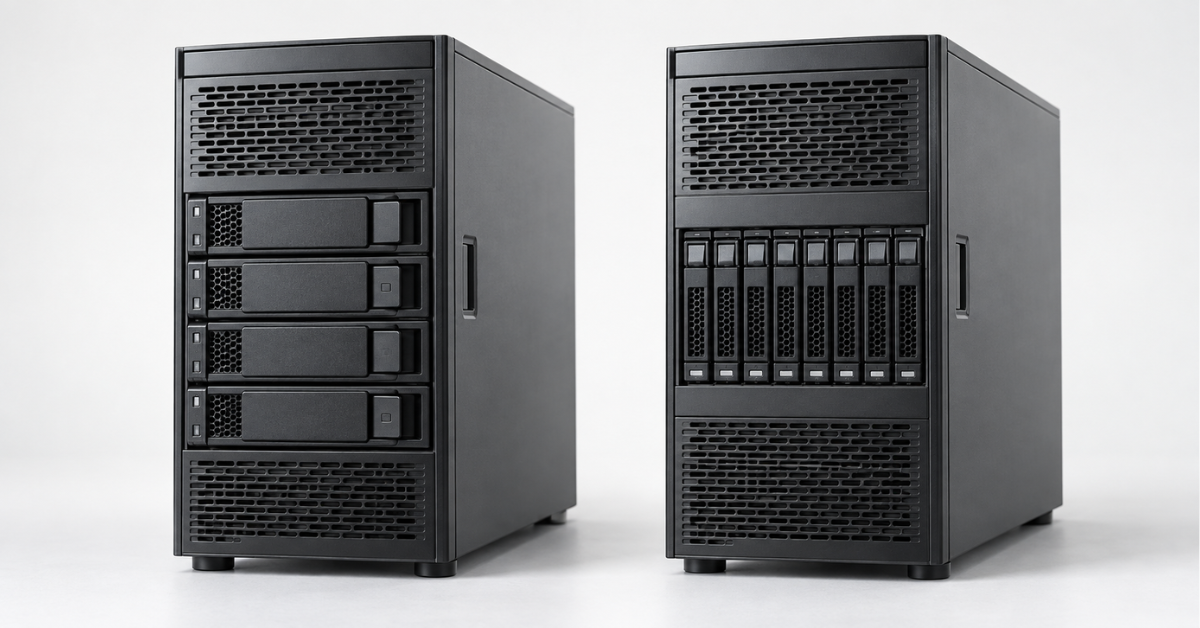
The labels on ML30 listings describe the physical drive bays. LFF means 3.5-inch bays; SFF means 2.5-inch bays. What matters most is the number of drives you can install and how they connect.
Four large drives often suit capacity-focused uses such as a file archive, shared folders or local backup storage. Eight smaller bays provide more ways to install multiple SSDs and separate workloads. Do not choose a chassis by bay count alone: check supported drives and the required controller.
Another question is hot swapping. In a compatible design, it lets you replace a drive without shutting down the server. A non-hot-plug configuration cannot be expected to do that. With a refurbished server, also check that all necessary drive carriers are included: an empty bay is not automatically ready for a new drive.
Embedded software RAID and a dedicated controller serve different needs. When planning an array, check supported interfaces and RAID levels, management features, cabling and operating-system compatibility. This matters especially for SAS drives and builds with many bays.
Finally, RAID is not a backup. Mirroring can withstand a drive failure within the supported scheme, but it cannot restore a deleted file or protect against an application error or corruption that has already been written to both drives.
Choosing the Right Equipment
Our specialists will contact you and answer all your questions
Which generation suits each workload?
File server and small-office services
For shared folders, printing, directory services and document management, reliable drives, sufficient memory and the ability to recover from a failure often matter most. For stable workloads, ML30 Gen10 may be a sensible purchase; Gen10 Plus gives more room to grow as services are added.
When choosing a file server, estimate current data volume and its growth rate. Then calculate the usable space after applying the intended storage layout. The capacity of an array is not simply the sum of its drives.
Small database
Application characteristics, concurrent users, database size and drive performance are decisive here. One ML30 configuration may perform comfortably while another, using a processor from the same generation, is held back by slow drives or too little memory.
For a small database, Gen10 Plus or Gen11 offers more RAM headroom. But the advertised maximum does not speed up a system supplied with 8–16 GB when the working data needs more. Check installed memory and whether it can be expanded without replacing modules already purchased.
Several virtual machines
Virtualisation quickly exposes the limits of a single-socket server. Every VM needs memory and disk operations, and the host needs resources too. The ML30 can run several light services, but headroom shrinks as databases and user counts grow.
Base the choice of generation on the VMs' combined memory requirement, not just their number. That is why the 64 GB limit of Gen9 and Gen10 can matter more than the difference between two similar CPUs. Gen10 Plus and Gen11 support up to 128 GB; further growth calls for another platform.
Backup server
The newest processor is not always necessary for this role. Usable storage capacity, network speed and the time allowed to create and restore backups may matter more. An ML30 with large drives can act as a local backup node for a small office.
Plan it around retention periods and growth in source data. If backups are kept in the same room as the primary servers, a local ML30 alone cannot protect against an incident affecting the whole office. The storage design must meet recovery needs, not merely fit into the available bays.
When the ML30 is no longer enough
The ML30's main limits are its single processor and modest memory ceiling compared with larger servers. If the project needs more compute, drive bays and expansion, a fully equipped ML30 may cease to be cost-effective.
For an organisation needing a larger tower server, compare the full HPE ProLiant ML range, particularly the ML350. The article “HPE ProLiant ML350 Gen9–Gen12: which one to choose in 2026” compares the generations of that larger model. The ML350 has considerably more room to scale, so consider it before buying an ML30 if growth is already planned.
If equipment will be installed in a rack, compare the ML30 with rack servers by installation space, storage and expansion. A compact alternative is covered in “HPE ProLiant DL20 Gen9–Gen11: which one to choose”. For much heavier workloads, see HPE ProLiant DL servers and “HPE ProLiant DL380: generation overview”. Comparing these models with the ML30 solely by generation number is unhelpful: the platforms differ in size and purpose.
Which ML30 should you buy?
ML30 Gen9 suits a limited workload and tight budget when the condition and configuration of a refurbished unit are clear. Treat its 64 GB memory ceiling as a long-term limit.
ML30 Gen10 is a sensible option for stable office services if 64 GB will suffice throughout the expected service life. If complete configurations cost about the same, check the extra cost of Gen10 Plus.
ML30 Gen10 Plus is worth considering when you need headroom up to 128 GB and DDR4 meets the project's requirements. It is particularly useful for consolidating several small services on one physical server.
ML30 Gen11 suits a new DDR5 deployment with newer expansion options. Its advantages become useful when the necessary memory, drives and options are purchased, not just the latest-generation chassis.
Whichever generation fits, make the final decision based on the specific unit: processor, installed memory, drive cage, controller, power supply and required iLO features. These details determine whether the ML30 can do its job in the office and how easily it can be expanded later.
Choosing the Right Equipment
Our specialists will contact you and answer all your questions