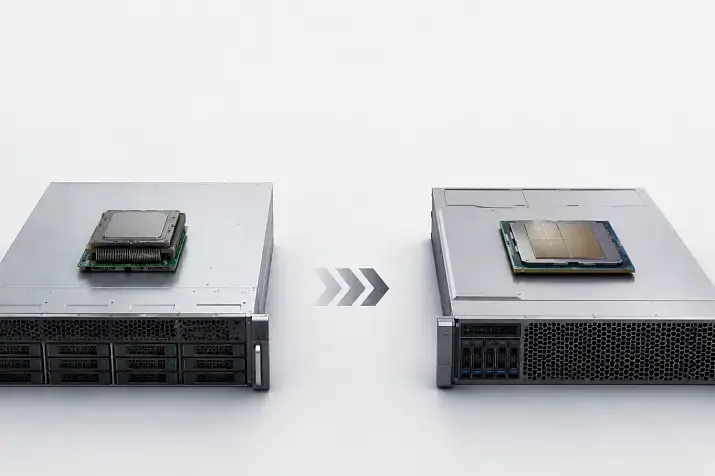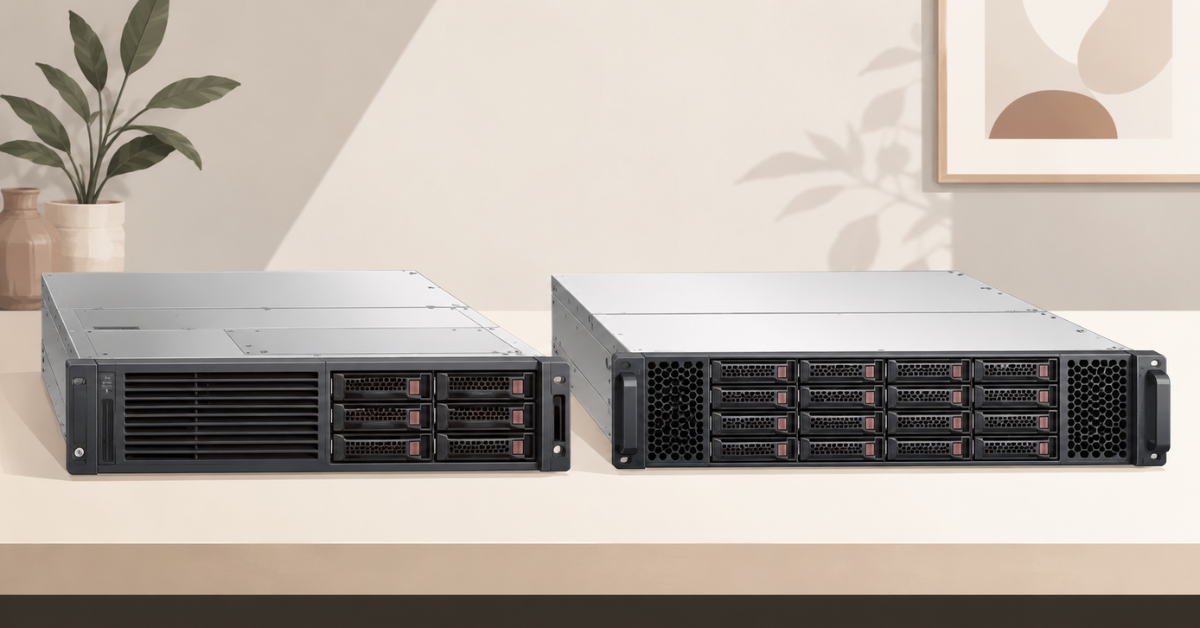
Moving from Dell PowerEdge 16G to 17G is justified when the new generation removes a specific limitation: it can reduce the number of nodes, increase virtual machine density, improve memory and NVMe performance, support the required GPUs, or extend the platform’s service life. For a new project with a five-year or longer horizon, 17G is generally the better choice. However, a fully functional 16G server has not suddenly become obsolete: for conventional virtualisation, file services, backup, and stable enterprise workloads, a like-for-like replacement often does not pay off. The decision should be based on the total cost of migration and subsequent operation.
Comparable configurations should be evaluated: the same form factor, number of CPU sockets, memory capacity, storage type, network interfaces, and support level. A fully equipped 17G server will naturally outperform a basic 16G configuration in every category, but that comparison does not answer whether the upgrade is financially worthwhile.
Popular DELL 16th generation servers

Free shipping on orders over 500 € in the EU, £500 in the UK, and $3,000 in the USA

Free shipping on orders over 500 € in the EU, £500 in the UK, and $3,000 in the USA
Free shipping on orders over 500 € in the EU, £500 in the UK, and $3,000 in the USA
Free shipping on orders over 500 € in the EU, £500 in the UK, and $3,000 in the USA
What PowerEdge 16G and 17G mean
16G and 17G refer to Dell platform generations, not to a single server model. Each generation includes general-purpose rack servers, storage systems, and specialised nodes, including GPU platforms.
The closest model pairs are:
- R770 and R760 — dual-socket 2U Intel servers;
- R670 and R660 — dual-socket 1U Intel servers;
- R7725 and R7625 — dual-socket 2U AMD servers;
- R7715 and R7615 — single-socket 2U AMD servers;
- XE7745 and R760xa — platforms with expanded GPU support but different internal layouts.
The specifications of one model cannot be applied to every PowerEdge 17G or PowerEdge 16G server. The number of drives, PCIe slots, GPUs, and memory modules depends on the chassis, processors, drive backplane, risers, and cooling configuration.
Main differences between PowerEdge 17G and 16G
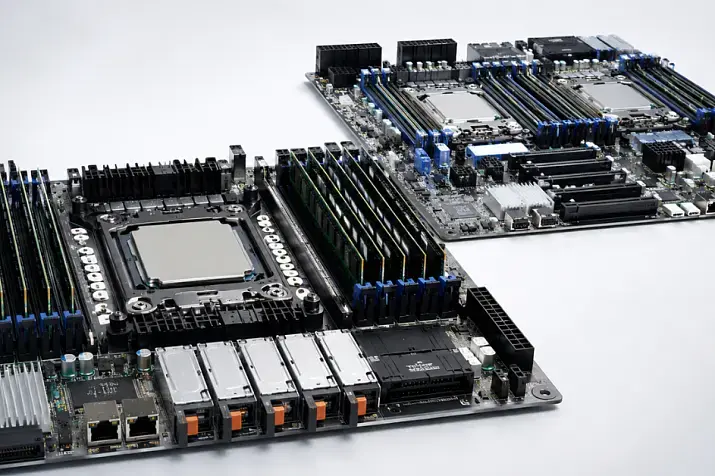
17G develops technologies that were already introduced in 16G. Both generations support DDR5 and PCIe 5.0. The main changes are support for newer processors, faster memory modes, denser storage configurations, iDRAC10, and a longer remaining platform lifecycle.
| Parameter | PowerEdge 16G | PowerEdge 17G | When the difference matters |
|---|---|---|---|
| Intel | 4th- and 5th-generation Xeon Scalable | Intel Xeon 6 | Virtualisation, containers, parallel workloads |
| AMD | EPYC 9004 | EPYC 9005 | Consolidation, analytics, compute workloads |
| Memory | DDR5 | Faster DDR5 operating modes | Bandwidth-sensitive workloads |
| PCIe | PCIe 5.0 | PCIe 5.0 with a different lane and slot layout | GPUs, NVMe, high-speed network adapters |
| Storage | SAS, SATA, U.2 NVMe, E3.S | More high-density E3.S configuration options | Databases and software-defined storage |
| Management | iDRAC9 | iDRAC10 | Large-scale deployment and security |
| GPU | Depends on the model | More specialised options | AI and engineering workloads |
| Lifecycle | Mature platform | Longer remaining lifecycle | New projects planned for five years or more |
The generation number alone does not guarantee better performance. A 17G server with one processor and limited memory can be slower than a properly configured dual-socket 16G system. The advantage appears when the new configuration matches the workload better or replaces several older nodes.
Processors: where the difference is most noticeable
Intel Xeon Scalable and Intel Xeon 6
The PowerEdge R760 uses 4th- and 5th-generation Intel Xeon Scalable processors, while the PowerEdge R770 has moved to Intel Xeon 6. Xeon 6 is available with performance cores and efficient cores.
Performance cores (P-cores) are better suited to workloads where single-thread speed, latency, and the performance of an individual virtual machine are important. Efficient cores (E-cores) are useful when running many parallel processes, including container environments, cloud nodes, and high-density virtualisation.
When choosing a processor, consider more than the number of cores:
- clock speed and single-core performance;
- cache and memory bandwidth;
- the application’s ability to parallelise work;
- hypervisor limitations;
- operating system and application licensing by core, processor, or node.
The R770 is specified to support Xeon 6 processors with up to 144 efficient cores or up to 86 performance cores per processor, as well as DDR5 memory operating at up to 6400 MT/s. The R760 supports 4th- and 5th-generation Xeon Scalable processors, up to 64 cores per processor, and memory speeds of up to 5600 MT/s with 5th-generation processors. Component availability depends on the selected configuration and region.
More cores do not always mean lower costs. If a database or another system is licensed by core, a top-end processor can significantly increase software expenditure. In such cases, a smaller number of faster cores may be more cost-effective than maximum core density that the application cannot use.
Intel Xeon servers should therefore be compared by the cost of useful output: the number of virtual machines, transactions, or task completion time within a given licensing budget.
Choosing the Right Equipment
Our specialists will contact you and answer all your questions
AMD EPYC 9004 and EPYC 9005
Relevant PowerEdge 16G platforms use EPYC 9004, while 17G systems use EPYC 9005. The newer generation raises the upper limit for core density and improves per-core performance, which is particularly useful for virtualisation, containers, rendering, analytics, and scientific computing.
Dell states that the new R6725 and R7725 platforms offer up to 50% more cores at the top of the product range than the previous generation. The same announcement specifies support for up to eight dual-slot or sixteen single-slot PCIe GPUs in the XE7745. These maximum figures do not translate into proportional performance gains: results depend on the processor, memory, accelerators, software, and configuration.
The processors use the same socket, but upgrading a 16th-generation server by installing EPYC 9005 is not always supported. Compatibility is determined by the system board, BIOS, power delivery, cooling, and Dell certification. Moving between generations usually means replacing the entire platform.
Memory: the module number is not the only consideration
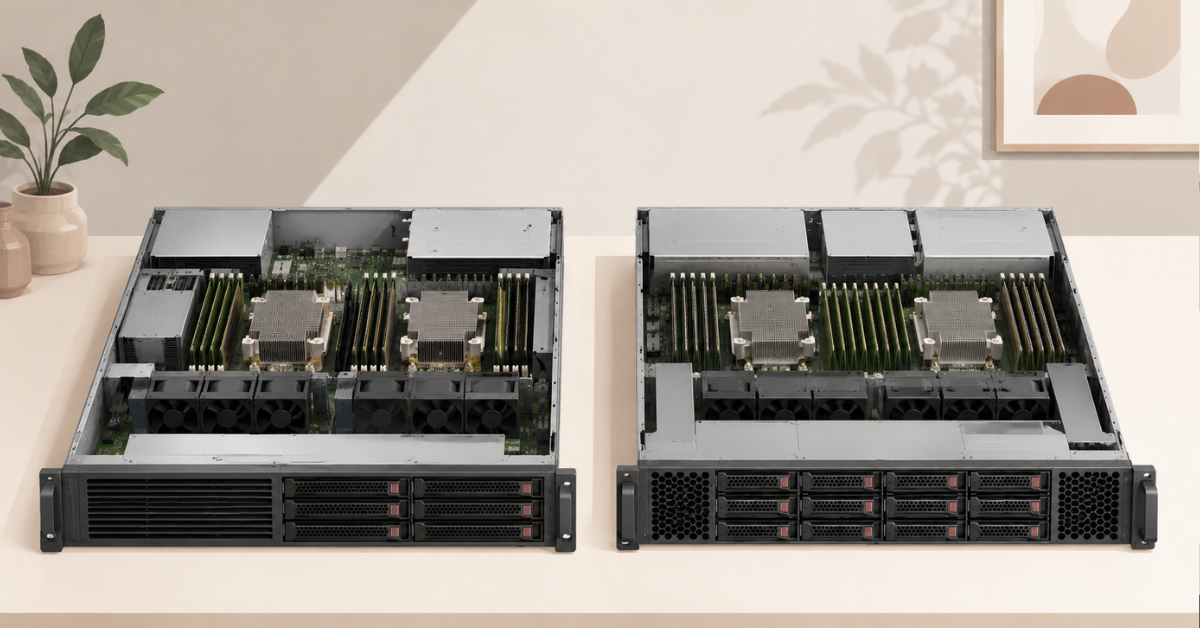
Both generations use DDR5. The R770 supports operating modes of up to 6400 MT/s, while the R760 with 5th-generation Xeon Scalable processors supports up to 5600 MT/s. However, the speed printed on a module is not the same as the actual system memory speed.
It is affected by:
- the processor model;
- the number of modules per channel;
- module capacity and rank;
- balanced population of memory channels;
- BIOS limitations and NUMA configuration.
Installing two modules per channel may reduce the operating frequency. As a result, a server with less memory but correctly populated channels can sometimes deliver higher bandwidth than a maximum-capacity system with a poor memory population layout.
The difference is more noticeable in analytical databases, high-density virtualisation, high-performance computing, and large-scale data processing. For a domain controller, file server, or backup system, higher memory frequency may have little effect on the outcome. Capacity should be sufficient first; speed can then be optimised.
PCIe, networking, and storage
17G has not moved to PCIe 6.0: PowerEdge 16G already supports PCIe 5.0. The comparison should therefore focus on the actual layout rather than the PCIe generation:
- the number of lanes with one and two processors;
- the number of x16 slots;
- the supported power rating of expansion cards;
- the placement of RAID controllers and GPUs;
- the availability of OCP network adapters;
- drive backplane and riser limitations.
A physical opening on the rear panel may be unavailable with a single processor or after a dual-slot GPU has been installed. This is especially important when moving network adapters, accelerators, and controllers from an older server.
The EDSFF E3.S form factor makes it possible to install more NVMe drives and organise cooling more efficiently. Selected R770 configurations support up to 40 E3.S drives. This density is useful for databases, analytics, and software-defined storage, but unnecessary for a server with eight conventional SSDs.
17G introduces new PERC RAID controller options, although the exact controller depends on the model, backplane, and drive type. Direct-attached drives and software-defined redundancy may be preferable for some NVMe systems and SDS deployments.
Power, cooling, and energy efficiency
The power consumption of one server, performance per watt, and the total cost of the infrastructure are different metrics. A powerful 17G system may consume more power than an individual 16G server while replacing several nodes and reducing the overall rack load.
The calculation should include processors, memory, drives, GPUs, network adapters, fans, power supply units, and cooling energy. Processor TDP indicates the designed thermal envelope, not the continuous power consumption of the entire system.
If four partially utilised 16G servers are replaced by two denser 17G systems, it may be possible to reduce:
- the number of power supplies and network connections;
- rack space;
- the number of switch ports;
- the volume of updates and monitoring;
- the number of licensed nodes when licensing is calculated per server.
However, consolidation increases the impact of a failure. The remaining nodes must have enough spare capacity to restart workloads during an outage or maintenance window. In addition, high-power processors, multiple GPUs, and a dense NVMe backplane may require different power distribution units and more efficient rack cooling.
iDRAC10 and iDRAC9
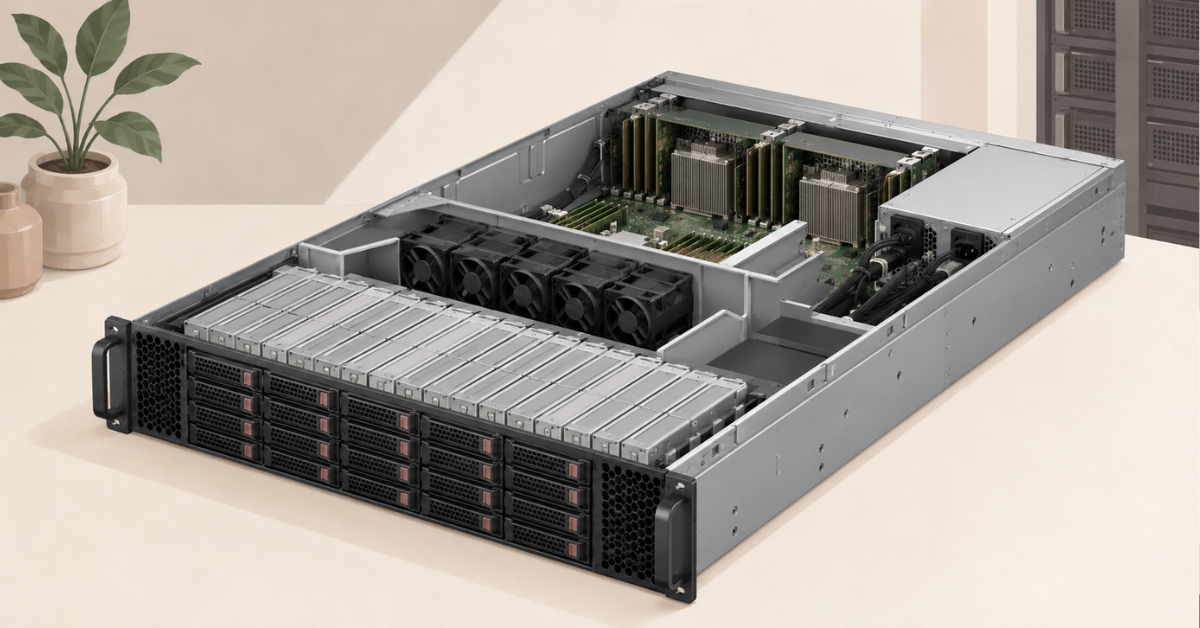
PowerEdge 16G uses iDRAC9, while 17G uses iDRAC10. This is a proprietary BMC — an embedded remote management controller — that operates independently of the main operating system and provides control over power, component health, firmware, and the remote console.
iDRAC10 uses a quad-core 64-bit architecture instead of a dual-core 32-bit design, has more memory, and includes a dedicated security processor. The web interface, RACADM, Redfish, and centralised management through OpenManage remain available; local iDRAC Direct connectivity uses USB-C on supported systems.
For a small number of servers with a well-configured iDRAC9 environment, this difference alone is not enough to justify migration. It matters more for large fleets, automated deployment, strict supply-chain controls, and projects with a long operational lifespan.
References to post-quantum cryptography readiness indicate a hardware foundation for future security mechanisms, not automatic protection against every quantum attack without updates and configuration.
GPUs and artificial intelligence workloads
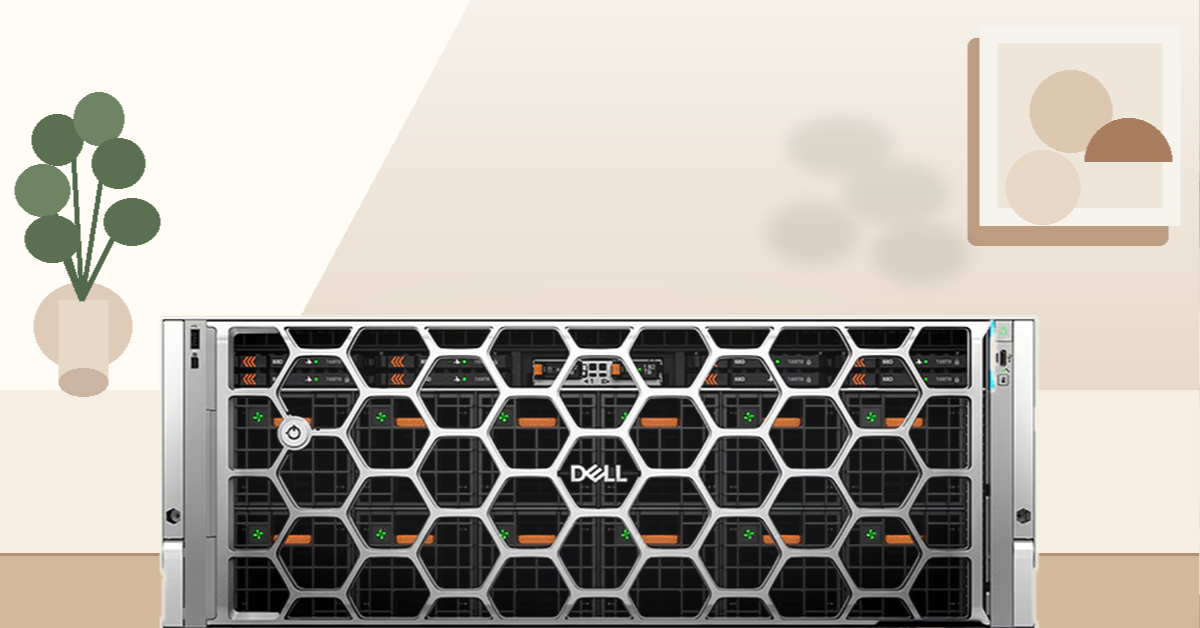
Not every 17G system is an AI server, and 16G is not without GPU support. Capabilities depend on the model:
- general-purpose R-series servers support selected accelerators;
- the R760xa is designed for more GPU-intensive configurations;
- XE systems are built for high accelerator density.
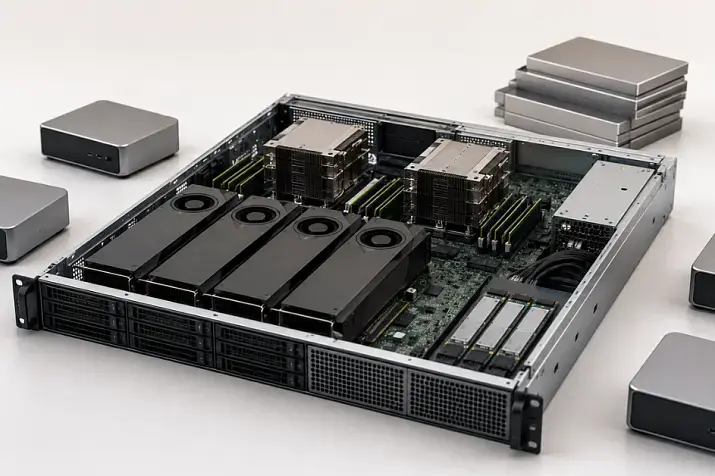
The R760 and R770 can use GPUs, but the number and power limits depend on the risers, power supplies, airflow, and drive configuration. For one or two accelerators, moving to 17G does not always provide a meaningful benefit.
The XE7745 combines high accelerator density with additional slots for network adapters. Compared with the R760xa, the platform is designed for twice as many dual-slot GPUs, although individual cards must still be checked against the compatibility matrix.
For large language models, the server processor is only one of the relevant factors. Other important considerations include:
- GPU memory capacity;
- inter-GPU connectivity;
- networking between nodes;
- NVMe and data-feeding performance;
- power and cooling;
- software stack support.
Moving a GPU from 16G to 17G cannot be planned on PCIe compatibility alone. Dimensions, power requirements, cables, slot placement, airflow, firmware, and official support must all be verified.
Popular DELL 17th generation servers
Free shipping on orders over 500 € in the EU, £500 in the UK, and $3,000 in the USA
Free shipping on orders over 500 € in the EU, £500 in the UK, and $3,000 in the USA
Free shipping on orders over 500 € in the EU, £500 in the UK, and $3,000 in the USA
Free shipping on orders over 500 € in the EU, £500 in the UK, and $3,000 in the USA
The hidden cost of migration
The purchase price of a new server is only part of the total cost. A migration project often includes:
- moving virtual machines, applications, and data;
- downtime or temporary parallel infrastructure;
- upgrading the hypervisor, operating system, drivers, and firmware;
- validating backup and monitoring;
- new network adapters, optics, cables, and rails;
- spare memory, drives, fans, and power supplies;
- training for iDRAC10;
- selling or disposing of the previous servers.
A mixed 16G and 17G fleet can sometimes cost more than a standardised environment because it requires different memory kits, risers, fans, and reference firmware versions. There is no need to upgrade everything at once: creating separate homogeneous pools for virtualisation, databases, storage, or GPUs is often more practical.
How to assess the return on an upgrade
There is no universal payback period. The full operating life and useful performance should be compared rather than the price of one chassis.
Total upgrade cost = server purchase + licences + migration + network and rack infrastructure + electricity and cooling + support − residual value of the previous equipment.
The calculation should include:
- the number of virtual machines or containers per node;
- the cost of the required performance;
- the cost of memory and usable NVMe capacity;
- the power consumption of the entire server group;
- rack space and network ports;
- support for the planned operating period;
- licensing by core, processor, or node;
- spare capacity after one server fails.
Choosing the Right Equipment
Our specialists will contact you and answer all your questions
New cluster
For a project planned for five years or more, 17G is generally preferable because it has a longer remaining lifecycle and greater consolidation potential. However, node count is not determined by performance alone. The cluster must survive failures and maintenance without overloading the remaining servers.
Expanding a 16G cluster
Adding another 16G server may be more cost-effective when identical processors, spare parts, and settings are important. A separate 17G pool makes sense when the existing cluster has reached limits in cores, memory, NVMe capacity, or power consumption.
Replacing 14G or early 15G
The benefits of 17G are usually more noticeable here because one new node may replace several older servers. However, for file services, backup, and stable applications, a refurbished 15G or 16G system is often more economical. For example, the PowerEdge R750 remains a sensible option when Xeon 6, iDRAC10, and maximum E3.S density are not required.
Lifecycle and component availability
The main long-term advantage of 17G is its longer remaining lifecycle. For a project planned for five to seven years, this reduces the risk of premature replacement caused by new operating systems, hypervisors, or adapters no longer being certified.
16G is a mature platform with extensive operational experience and a broad component market. For a two- to three-year project, its lower price and better spare-part availability may matter more than the advantages of 17G.
There is no single end-of-support date for an entire generation: it depends on the model, delivery date, region, and contract. A refurbished server should be assessed by its condition, diagnostics, spare-part availability, updates, and supplier warranty, not only by its age.
Who should choose 17G, and who can stay with 16G
| Situation | Recommended option | Why |
|---|---|---|
| New critical project planned for five years or more | PowerEdge 17G | Longer lifecycle, newer processors, iDRAC10 |
| Maximum virtual machine density | PowerEdge 17G | Greater consolidation potential |
| Many current-generation GPUs | 17G PowerEdge XE | The design supports dense accelerator configurations |
| Homogeneous 16G cluster | Retain or expand 16G | Simpler operation and component spares |
| Virtualisation without resource constraints | PowerEdge 16G | The upgrade does not remove a limitation |
| File services and backup | 16G or refurbished 15G/16G | The newest processor rarely delivers enough additional value |
| Limited budget | Refurbished server | Lower capital expenditure |
| Power or rack-space limitations | Compare the complete 17G and 16G server groups | Infrastructure efficiency matters more than one node |
| Expensive per-core licensing | Custom CPU selection | The maximum core count may increase costs |
The choice of generation cannot be separated from the processor, node count, and licensing model. A moderate 17G configuration can sometimes be more economical than a maximum configuration, while a properly selected 16G server may meet the requirement without meaningful compromises.
Is it worth upgrading from 16G to 17G?
For new long-term infrastructure, dense consolidation, high-performance databases, and modern GPU systems, 17G is the more future-proof foundation. Its advantages become meaningful when it reduces the number of nodes, removes memory or storage constraints, simplifies management, or extends the project lifecycle.
A fully functional 16G server does not require urgent replacement when it handles the workload and supports the required software. Replacing one server with a similar newer server often provides too little benefit relative to the migration cost.
For predictable workloads and a limited budget, a refurbished 15G or 16G system may be the more rational choice. Moving to 17G is justified when the outcome can be expressed in concrete terms: fewer servers, lower licensing and energy costs, higher performance, reduced risk, or a longer lifecycle.
Choosing the Right Equipment
Our specialists will contact you and answer all your questions
Content:
Free shipping on orders over 500 € in the EU, £500 in the UK, and $3,000 in the USA
Free shipping on orders over 500 € in the EU, £500 in the UK, and $3,000 in the USA
Free shipping on orders over 500 € in the EU, £500 in the UK, and $3,000 in the USA
Free shipping on orders over 500 € in the EU, £500 in the UK, and $3,000 in the USA