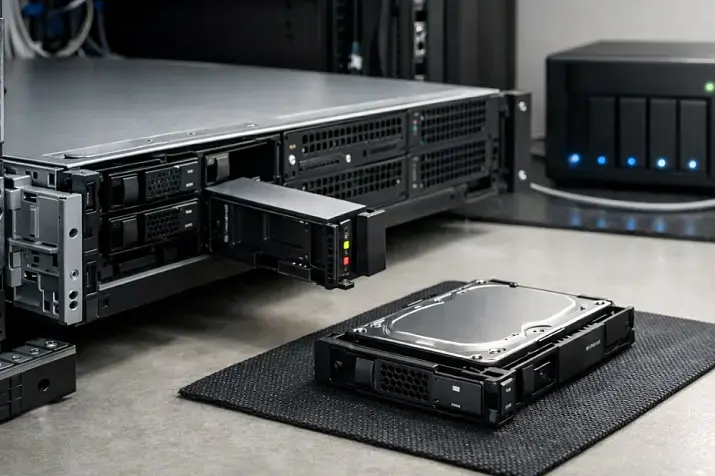
RAM errors are one of the nastiest classes of failures: they don’t always produce a “nice” crash with an obvious log. Instead, they can silently corrupt data, computation results, and application state. In server environments the risk is higher: systems run 24/7, dozens of virtual machines share a single host, databases carry critical transactions, and filesystems and clusters rely on memory behaving predictably.
ECC memory (Error-Correcting Code) reduces the chance of silent data corruption and helps you diagnose issues that otherwise look like random bugs. Let’s unpack what ECC can detect, where it’s truly needed, its limitations, and how to choose a platform and DIMMs so ECC actually works.
What memory errors are and why they’re dangerous
RAM stores data as bits. Sometimes one or more bits flip without any cause visible at the application layer. The reasons range from environmental effects to degradation of a specific chip on a DIMM.
Types of errors
Soft errors (temporary):
- single bit flips caused by cosmic rays (sounds like a joke, but it has been experimentally confirmed), electromagnetic interference, power noise;
- often unpredictable and may never repeat.
Hard errors (permanent):
- a defective cell, address/data line issue, or degradation of a particular DRAM chip;
- repeatable and typically become more frequent over time.
Transient vs persistent:
- transient — “flared up and disappeared”;
- persistent — tied to a specific location and keeps coming back.
Why “silent” errors are worse than crashes
If a process crashes with an error, that’s bad—but it’s diagnosable. Much worse is silent data corruption: data changes, the system keeps running, and you discover it later—via a “broken” backup, a corrupted index, weird calculation results, or rare hard-to-reproduce bugs.
Where it shows up most often:
- computation and caching (wrong results, “heisenbugs”);
- compression/encryption (a damaged block can propagate further down the chain);
- databases (corrupted pages/indexes, unexpected inconsistency);
- virtualization (a host memory error can affect any VM);
- filesystems and storage (data can be corrupted before a checksum is ever computed/validated).
It’s important to understand responsibility boundaries: CRC/hashes/RAID/ZFS help, but they don’t replace ECC. Checksums only help where they are actually checked. If data is corrupted in RAM before a checksum is computed, the pipeline may propagate an already-wrong value that is then “correctly” checksummed. That’s why ECC is commonly considered a sensible risk-reduction measure for ZFS and similar systems.
What this looks like in real life
- rare, chaotic service crashes with no clear cause;
- “broken” archives/backups during integrity checks;
- weird kernel panics or unexpected reboots;
- sporadic DB corruption: “why is the index broken if the disks are fine?”;
- inconsistent computation results (especially in long-running workloads);
- growing counts of “corrected” memory errors in logs/telemetry.
How ECC works: plain English, technically correct
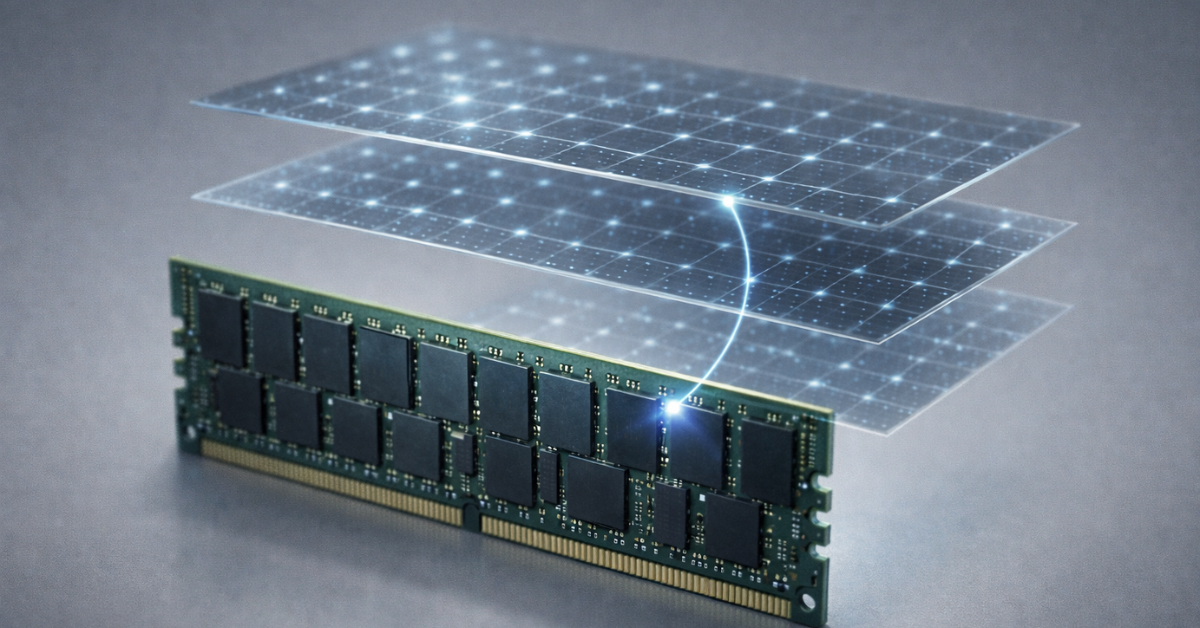
ECC adds redundancy—extra bits that let the system detect and (in some cases) correct errors. In practice, the common baseline is SECDED (Single-Error Correct, Double-Error Detect), based on Hamming codes and extensions.
What SECDED means in practice
- Single-Error Correct: if one bit flips in a “memory word” (a fixed-size block protected by the code), ECC can reconstruct the correct value on read.
- Double-Error Detect: if two bits flip, ECC usually can’t recover the original data, but it can detect the problem and report it via hardware error mechanisms and logs.
Key point: detection/correction happens on reads. While data sits in memory, an error can “wait” until something reads it—this is where scrubbing becomes important (more on that below).
What ECC does
- corrects single-bit errors (typical for SECDED);
- detects more complex errors and gives you a chance to catch problems before they turn into “silent” corruption;
- improves observability: errors show up in logs instead of becoming “random mystery bugs.”
What ECC does not do
- it doesn’t fix CPU, disk, network, controller, or cable issues;
- it doesn’t protect you from software bugs and application logic errors;
- it’s not a “100% integrity guarantee”—but it significantly reduces the probability of this particular class of failures.
Protection levels: from basic ECC to Chipkill and scrubbing

On server platforms, ECC isn’t a single toggle—it’s a set of memory reliability mechanisms (RAS: Reliability, Availability, Serviceability).
Baseline ECC (SECDED)
Fits most workloads where you want to:
- dramatically reduce the risk of random bit flips;
- get clear signals when memory is going bad;
- avoid detective work for rare, chaotic failures.
Chipkill / SDDC and “surviving a chip failure”
Chipkill (often used as an umbrella term) refers to server implementations that can tolerate heavier scenarios than “one bit in a word.” Simplified: memory is organized so that losing the contribution of a single DRAM chip doesn’t immediately become an uncorrectable error. Exact capabilities depend on platform and DIMM configuration, but the idea is the same: protect against larger failure units than a single bit.
Memory scrubbing / patrol scrub
Scrubbing is periodic background scanning: the memory controller reads data, checks ECC, and if it finds a correctable error, it fixes it proactively—without waiting for the application to read that address. This matters because errors can accumulate: two single-bit errors in the same word become a “double error” that SECDED can no longer correct.
Where it’s configured and where to look:
- BIOS/UEFI (RAS options, Patrol Scrub);
- iDRAC/iLO and other BMC consoles (hardware telemetry);
- OS and hypervisors: hardware error logs (MCA/MCE), EDAC on Linux, WHEA on Windows.
Useful references for hardware error mechanisms:
- Intel Machine Check Architecture
- AMD64 Architecture / RAS / MCA (via Tech Docs)
- Linux RAS/EDAC
- Microsoft WHEA
What features to look for in a server
- ECC that’s enabled and visible (status in BIOS/iDRAC/iLO);
- Patrol Scrub / Memory Scrubbing;
- reports for Corrected/Uncorrected errors;
- BMC event logs (SEL), Lifecycle Log;
- ideally, advanced memory protection modes (vendor/platform dependent).
Memory module types: ECC UDIMM, RDIMM, LRDIMM—what to choose and why

“ECC” is about error-correcting codes. UDIMM/RDIMM/LRDIMM describe the electrical design and controller loading, which affects capacity, stability, and scalability.
Definitions
- UDIMM (Unbuffered DIMM) — unbuffered load: signals go directly to the memory chips.
- RDIMM (Registered DIMM) — has a register (buffer) on address/command lines, reducing electrical load and helping with more modules/ranks.
- LRDIMM (Load-Reduced DIMM) — reduces load further, enabling higher capacities/densities (with some latency/cost tradeoffs).
ECC exists across module classes: ECC UDIMM and ECC RDIMM/LRDIMM are different categories, and “ECC” doesn’t mean “fits anywhere.”
Compatibility and constraints
- Typically you cannot mix UDIMM and RDIMM/LRDIMM in the same system. Many platforms forbid it electrically/firmware-wise.
- RDIMM and LRDIMM are also often not mixable (platform dependent).
- When all slots are populated, the memory controller may reduce frequency; max configs depend on CPU and motherboard.
Practical selection rules
- Channel symmetry beats random additions. A balanced layout (e.g., one DIMM per channel) is better than uneven population.
- Ranks (1R/2R/4R) affect how the controller drives modules and the maximum supported speeds/configs. More ranks = more load, often lower frequency at full population.
- Don’t mix different sizes/ranks/speeds unless you must. It may work, but predictability and frequency/timing modes can degrade.
Why server platforms often require RDIMM
Servers are designed for:
- many slots and large memory capacities;
- stability when most/all slots are populated;
- RAS modes and error observability.
RDIMM (and especially LRDIMM) fits this model better—keeping signal integrity within spec for large configurations is easier.
ECC UDIMM vs RDIMM vs LRDIMM
| Module type | Typical use | Pros | Cons | Typical capacities | Compatibility |
|---|---|---|---|---|---|
| ECC UDIMM | compact entry-level servers, some workstations/homelab builds | lower cost, sometimes lower latency | scales worse across slots/capacity; often stricter support limits | usually smaller per-DIMM capacities | typically not compatible with RDIMM/LRDIMM |
| RDIMM (ECC) | most mainstream servers | good scalability, stable with many DIMMs | can cost more than UDIMM; speed nuances at full population | medium and large capacities | usually not mixable with UDIMM/LRDIMM |
| LRDIMM (ECC) | very large RAM configs, dense virtualization/DB hosts | maximum capacity, reduced controller load | more expensive; possible extra latency; strict compatibility | large capacities | usually not mixable with UDIMM/RDIMM |
ECC compatibility: buying an “ECC stick” isn’t enough
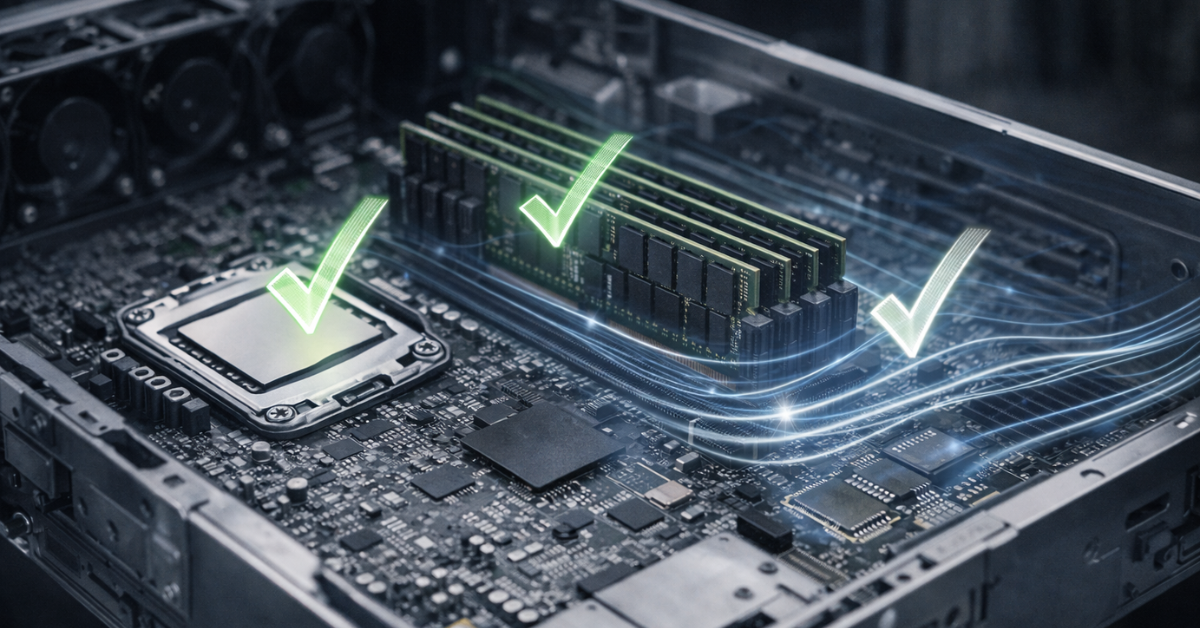
A common mistake is to buy a DIMM labeled ECC and assume the job is done. In reality, ECC works only if three conditions are met:
- The CPU supports ECC (the memory controller implements ECC).
- The motherboard/chipset/firmware doesn’t disable ECC and can expose its status.
- Compatible DIMMs are installed (DIMM types and the configuration are supported).
Typical traps
- “An ECC DIMM is installed, but ECC isn’t active.” This can happen on consumer boards: the DIMM works, but ECC logic isn’t enabled/available.
- “The CPU supports ECC, but the board doesn’t.” Some platforms enable ECC only on workstation/server motherboard lines.
- Mixing DIMM types (UDIMM vs RDIMM/LRDIMM) and “random” population patterns.
Server platforms (Xeon/EPYC + server motherboards) usually make ECC predictable and observable. Desktop builds may work, but require extra diligence to verify ECC is actually enabled.
How to verify ECC is truly enabled
- BIOS/UEFI: find ECC status and RAS/Patrol Scrub modes. You want to see not just “ECC modules,” but ECC Enabled/Active.
- BMC (iDRAC/iLO): check Memory/Hardware Health sections and event logs.
- Linux (EDAC/MCE):
- verify EDAC drivers are loaded (platform dependent);
- check dmesg for ECC/EDAC/MCE messages;
- use rasdaemon to collect RAS events. Documentation: https://www.kernel.org/doc/html/latest/admin-guide/ras.html
- Windows (WHEA): WHEA events in Event Viewer. Overview: https://learn.microsoft.com/windows-hardware/drivers/whea/
- VMware ESXi: hardware/health and host logs (paths vary by version and hardware).
- Make sure error counters exist (Corrected/Uncorrected) as visible fields/sections, even if currently zero.
- After load (memtest/stress test) confirm the platform still exposes ECC status and isn’t “silent” where it should report.
- Cross-check memory population rules for your server model in the vendor documentation.
Vendor documentation portals for specific models:
- Dell Support: https://www.dell.com/support/home/
- HPE Support: https://support.hpe.com/
Performance and cost: the real “price” of ECC
Myths vs reality
The common “ECC is much slower” claim is usually exaggerated. Overhead from correction in typical scenarios is small; the bigger factors for latency/bandwidth are usually:
- DIMM frequency and timings;
- number of channels and channel population;
- slot population (some platforms reduce frequency at full population);
- module type (RDIMM/LRDIMM have their own characteristics).
ECC is not a “turbocharger that eats half your performance.” In most real workloads, stability and predictability matter more than hypothetical percentage points.
Economics: when the premium is justified
The “price of ECC” isn’t only the DIMMs—sometimes it’s also the platform choice. Evaluate it through the cost of risk:
- service downtime;
- data recovery and loss of trust in the data;
- engineer time spent investigating “ghost bugs”;
- impact on customers/users.
Cost of failure vs cost of ECC
| Scenario | Cost of failure | Risk of “silent” issues | Recommendation |
|---|---|---|---|
| Home NAS without truly critical data | low–medium | medium | ECC is desirable, but non-ECC can be acceptable with disciplined backups |
| VM host (Proxmox/ESXi/Hyper-V) | high | high | ECC is almost always worth it |
| Database (PostgreSQL/MySQL/MongoDB) | high–very high | high | ECC is strongly recommended |
| ZFS/Ceph/cluster storage | very high | high | ECC is practically mandatory as part of an overall reliability strategy |
| Finance/accounting systems | very high | high | ECC is mandatory |
Where ECC is a must-have and where you can live without it
Below is a practical “must-have / nice-to-have / can-do-without” breakdown—no absolutes.
Virtualization (Proxmox/VMware/Hyper-V)
A single host memory error can affect:
- the hypervisor’s own memory;
- any VM’s memory;
- application data inside VMs.
Recommendation: ECC is almost always justified because the blast radius is large.
Databases (PostgreSQL/MySQL/MongoDB)
Databases heavily cache data and metadata in RAM. A silent error can lead to:
- page/index corruption;
- rare, hard-to-reproduce failures;
- accumulating inconsistency.
Recommendation: ECC is strongly recommended, especially for production and large datasets.
Storage (ZFS/Ceph/RAID)
Checksums and replication help, but they don’t fully close the “corrupted before checksum” gap. ZFS and Ceph do a lot for integrity, yet memory remains a key link.
Recommendation: ECC is desirable and often treated as the common-sense standard for ZFS/Ceph—especially if the storage is your source of truth.
AI/ML / HPC
Long-running computations and large datasets increase the chance that a rare error shows up as:
- a wrong result;
- training/inference instability;
- hard-to-explain quality degradation.
Recommendation: ECC is recommended; for scientific/financial computing and long jobs it’s close to mandatory.
VDI and terminal server farms
A memory error can affect many user sessions at once or cause “floating” application failures.
Recommendation: ECC is almost always justified.
Home and test labs
If it’s a lab where data isn’t critical and you have backups and integrity checks, non‑ECC can be acceptable. But be honest about the risk: “random mystery” failures will be more likely and harder to troubleshoot.
Recommendation: you can go without ECC with caveats (non‑critical data, disciplined backups, clear risk acceptance).
How it fails in practice

Case 1 — VM host: A host runs 20 VMs. One memory region develops a single-bit error. Without ECC, this may show up as a random process crash inside a VM or incorrect application data. With ECC, the error is corrected and recorded as a Corrected error. You get a signal and can plan a DIMM replacement before the problem becomes systemic.
Case 2 — ZFS/Ceph: Data is read into RAM, processed, and written back. If a bit flip happens before a checksum is computed/verified at some point in the pipeline, the system can “legitimize” already-corrupted data. ZFS/Ceph reduce risk, but ECC further lowers the probability of landing in this scenario.
Case 3 — database: Rare, non-repeatable index corruption and strange exceptions. Disks are clean, SMART is fine, replication “doesn’t help” because the root cause is RAM. With ECC, you would see corrected error counts rising and connect the weird behavior to a specific DIMM/slot/channel.
ECC is not a silver bullet: what else you need for server reliability
Reliability is layered, and ECC is just one layer:
- ECC + scrubbing (and error observability);
- storage subsystem (proper RAID/HBA, hot-swap, quality drives);
- 3-2-1 backups and regular restore tests;
- monitoring (SMART, temperatures, MCE/WHEA, power/PSU, fans);
- process (updates, config validation, component replacement planning).
ECC doesn’t replace backups and doesn’t eliminate the need for monitoring. It reduces the probability of a “silent” class of issues and makes memory observable.
Practical checklist for choosing an ECC platform and RAM (buy/upgrade)
Questions to answer before buying
- What workloads: VM/DB/Storage/AI/VDI?
- How much RAM do you need now and in 12–24 months?
- How many memory channels does the CPU have, and how many slots does the board provide?
- Do you need RAS features: scrubbing, advanced memory protection?
- Do you require vendor-qualified compatibility lists (especially for production)?
Choosing DIMMs
- pick the DIMM type your platform requires (UDIMM vs RDIMM vs LRDIMM);
- keep modules identical in size/speed/ranks where possible;
- populate channels symmetrically;
- remember: at full population, frequency may drop (that’s normal—predictability matters).
Rule of thumb: 8× identical DIMMs beats mixing “whatever you found”.
Post-install verification
- ECC is enabled and active in BIOS/UEFI;
- logs and error counters are visible (BMC/OS);
- if available, patrol scrub / memory scrubbing is enabled;
- alerting is configured for memory events.
Mini monitoring guide: which events should worry you
Separate the terms:
- Corrected error — corrected; the system kept running. This is a signal that a DIMM/slot/contact may be degrading.
- Uncorrected error — not corrected. Often leads to a process/VM/node crash, reboot, or shutdown.
Red flags:
- Corrected errors are increasing (especially on the same DIMM/channel);
- Uncorrected errors appear;
- errors show up after warming up/under load or in “waves”;
- the BMC records memory events in SEL/Lifecycle Log.
FAQ
Do I need ECC for a home server/NAS? If data matters and you want fewer surprises, ECC is sensible. If it’s a lab/media box and you accept risk with good backups, you can live without ECC—but troubleshooting “weird” failures is harder.
Does ECC help with overclocking? ECC doesn’t make overclocking safe. Overclocking increases error probability; ECC may correct some errors or at least detect them. But it’s not a license to run unstable settings.
Can I mix RDIMM and UDIMM? Almost always no. Even if a system boots, it’s not a supported mode. Follow platform documentation.
What if corrected errors are rising? Treat it as an early warning: reseat DIMMs, check slots, update BIOS/firmware if relevant, localize the DIMM/channel, and plan a replacement. Rising corrected errors often precede uncorrected errors.
Is ZFS “enough” without ECC? ZFS significantly improves data integrity, but it doesn’t eliminate the risk of RAM corruption before checksums are computed/validated at some points in the pipeline. ECC reduces the probability of this class of problems and makes memory observable.
Does ZFS without ECC automatically mean data loss?
No—this popular myth is debunked by one of ZFS’s co-founders. ECC doesn’t provide ZFS-specific “magic”; it’s as useful with ZFS as it is with other filesystems.
DDR5 has ECC “by default”—is that true? DDR5 includes on-die error correction mechanisms, but that’s not the same as system/platform ECC that protects data across the full path and reports errors to the platform/OS. For server reliability, you want platform ECC, not just on-die correction.
How do I know ECC is actually working? Check for Enabled/Active ECC status in BIOS/UEFI and BMC (iDRAC/iLO), confirm the OS sees hardware error mechanisms (EDAC/MCE on Linux, WHEA on Windows), and verify corrected/uncorrected counters/logs exist.
Conclusion
ECC memory is not a marketing checkbox—it’s insurance against a class of failures that otherwise looks like random bugs and silent data corruption. It’s especially justified where the cost of an error is high: virtualization, databases, ZFS/Ceph and production storage, VDI, and long-running computations.
If your environment is purely test/lab and data isn’t critical, you can live without ECC—but you must consciously accept the risk and compensate with disciplined backups and monitoring. The core idea is simple: ECC won’t make a system perfect, but it makes memory more reliable and observable—and that saves time, money, and nerves.
Sources and references:
- Intel MCA
- AMD Tech Docs (AMD64 Architecture / RAS)
- Linux RAS/EDAC
- Microsoft WHEA
- Dell Support (documentation, iDRAC, model-specific RAS)
- HPE Support (memory population, Advanced Memory Protection)