Introduction
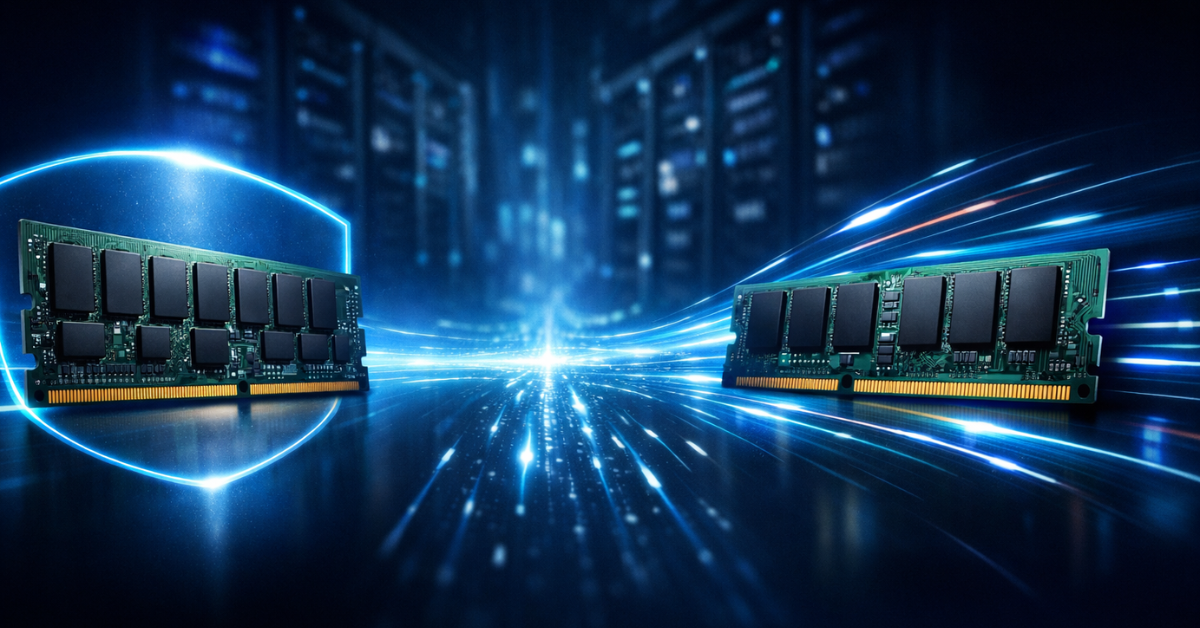
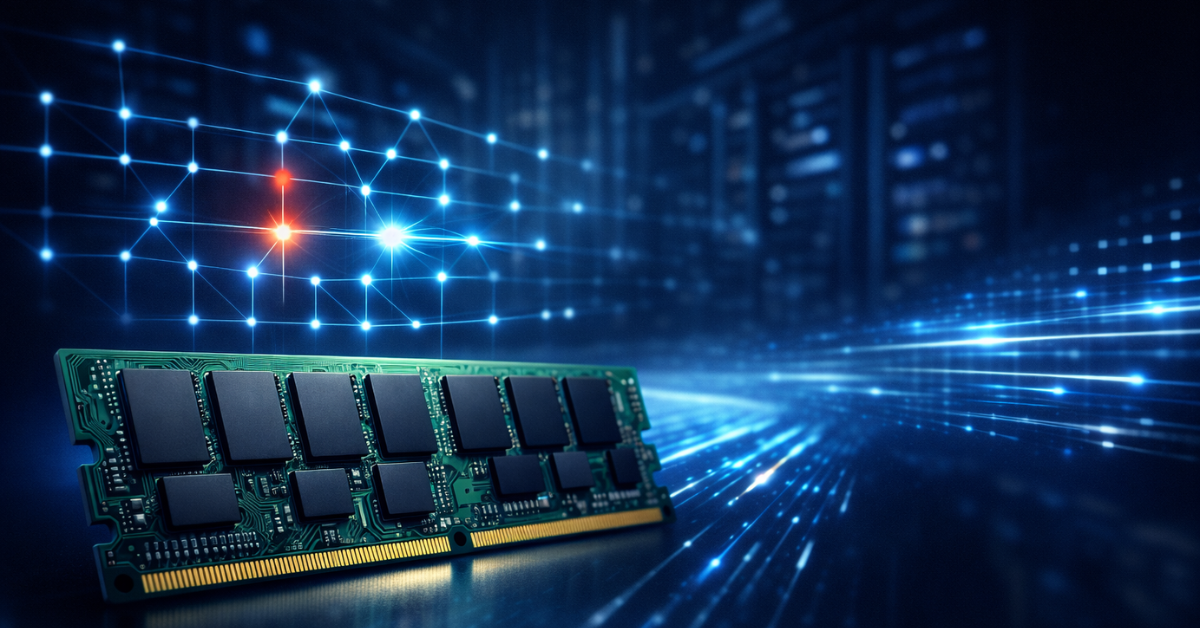
Short answer: server RAM differs not in “speed,” but in the approach to reliability and scalability. The key traits are ECC error correction, support for RDIMM/LRDIMM (command/signal buffering), stricter validation/certification, and predictable behavior in large memory configurations.
Why it matters: memory errors are not just “theoretical” — large field studies show that bit flips and correctable errors occur regularly in production, and their rate increases with capacity, temperature, and module age. For example, Google noted in DRAM Errors in the Wild that roughly a third of machines and more than 8% of DIMMs in their fleet recorded at least one correctable error over a year.
In this article we’ll cover:
- architectural differences (ECC, SECDED, Chipkill, x4/x8, RDIMM/LRDIMM/3DS);
- specs (voltages, frequencies, timings, ranks, capacity);
- reliability, testing, and compatibility (CPU/motherboard/BIOS, mixing rules);
- performance impact (why “−2–3%” is often true, but not always important);
- economics (price, TCO, used market) and myths;
- where things are going (DDR5/DDR6, CXL, HBM).
Our most popular servers

Free shipping on orders over £500 in the EU, £500 in the UK, and $3,000 in the USA
Free shipping on orders over £500 in the EU, £500 in the UK, and $3,000 in the USA
Free shipping on orders over £500 in the EU, £500 in the UK, and $3,000 in the USA

Free shipping on orders over £500 in the EU, £500 in the UK, and $3,000 in the USA
Fundamental Architectural Differences
ECC vs Non-ECC: What It Is and How It Works
ECC (Error Correcting Code) is a mechanism where check bits (parity/Hamming codes, etc.) are added to each data block, enabling the system to:
- detect transmission/storage errors;
- correct some errors automatically.
In practice, classic server memory most often uses SECDED — Single Error Correction, Double Error Detection:
- corrects 1 bit per data word;
- detects 2-bit errors (but does not correct them).
Important detail: ECC requires “extra” bits. That’s why a typical ECC module for a 64-bit channel has 72 bits (64 data + 8 ECC), and physically this often looks like “9 chips instead of 8” per side of the module (simplified: 8 data chips + 1 chip for ECC). Vendor documentation describes x72/x80 ECC support across generations; for example, Kingston notes that DDR3/DDR4 ECC is typically x72, while DDR5 often comes in x72 and x80 variants.
Advanced Options: Chipkill, x4/x8 ECC
Server platforms often implement schemes “above” SECDED:
- Chipkill — resilience to failure of an entire chip (or close to it) by spreading data across chips and using “narrower” x4 devices instead of x8. This isn’t magic: you gain fault tolerance at the cost of a more complex controller/scheme and sometimes capacity/cost (it depends on platform generation and implementation).
Why does x4 help? If data is “striped” across more chips, failure of one chip produces lower-magnitude errors within each word — easier to cover with correction codes.
ECC Overhead and Performance Impact
ECC comes with overhead:
- capacity (part of the “width” is used for codes);
- controller logic (computing/checking codes).
In typical configurations, the performance impact is usually small — a common rule of thumb is ~2–3%, and it’s often cited as a general estimate in industry materials.
- whether you are bandwidth-bound on memory;
- frequencies/timings (server modules are often more conservative);
- workload profile (databases/virtualization vs games).
“Memory errors are rare?” No.
Large-scale field research shows DRAM faults are not exotic:
- Google analyzed DRAM errors across a large server fleet and showed error rates can be significantly higher than “datasheet expectations,” with capacity, temperature, age, and other factors playing a role.
- Facebook/Meta published an analysis of memory error trends in data centers and models of new effects under “modern” operating conditions.
Choosing the Right Equipment
Our specialists will contact you and answer all your questions
Registered (RDIMM) vs Unbuffered (UDIMM): Why the “Register” Exists
What RDIMM Is and What the Register / RCD Does
UDIMM (Unbuffered DIMM) sends commands/addresses directly from the memory controller (in the CPU) to the chips on the module.RDIMM (Registered DIMM) adds an intermediate buffer — a register / RCD (Registering Clock Driver) — which receives command/address signals, “re-drives” them, and then distributes them to the DRAM devices.
Why it’s needed:
- reduces the electrical load on the controller when many modules are installed;
- makes it easier to reach stability at high density and with longer traces;
- allows more DIMMs per channel on server platforms.
In simplified form:
- UDIMM: controller → memory chips (direct)
- RDIMM: controller → RCD/register → memory chips
In explanations of DDR5 module types, it’s often emphasized that command/address signaling is delayed by one clock on the RCD side (in the “classic” explanation).
Table 1. Comparison of Non-ECC / ECC / Registered ECC
| Parameter | Non-ECC | ECC (UDIMM ECC) | Registered ECC (RDIMM) |
|---|---|---|---|
| Error detection | — | ✓ | ✓ |
| Error correction | — | 1 bit (SEC) | 1 bit (SEC) + platform options |
| Multiple-error detection | — | 2 bits (DED) | 2+ (depends on scheme) |
| Scalability by number of modules | low/medium | medium | high |
| Latency | minimal | slightly higher | higher (often +1 clock on the command path) |
LRDIMM (Load Reduced DIMM) and 3DS LRDIMM
LRDIMM adds another level of buffering (the idea is to further “unload” the controller and enable very large capacities).3DS (3D Stacked) RDIMM/LRDIMM uses stacked devices (including TSV) to increase density. Server vendors’ memory configuration guides explicitly list support for 3DS LRDIMM / LRDIMM / 3DS RDIMM / RDIMM as different module classes.
Technical Characteristics and Specifications
Voltages, Power Consumption, and Thermals
Baseline nominal values by generation:
- DDR4: typically 1.2V (VDD)
- DDR5: typically 1.1V (VDD), while power delivery shifts more onto the module (PMIC on DDR5).
Server platforms also pay attention to:
- VDD vs VDDQ (core vs I/O power — details depend on generation and implementation);
- thermal conditions and airflow in dense chassis (in servers, memory often runs under worse cooling conditions than in an “open” desktop).
Frequencies and Timings: Why Server Memory Is Often “More Conservative”
Server memory is designed for stability and predictability. That’s why it often runs at:
- more conservative frequencies when channels/slots are fully populated;
- more “relaxed” timings (in exchange for guaranteed operation in large configurations).
Table 2. Typical Frequencies/Timings (Guidelines, Not Law)
| Memory type | Frequency (typical) | CAS Latency (often) | Priority |
|---|---|---|---|
| Desktop DDR4 | 3200–3600 MT/s | CL14–CL16 | speed |
| Server DDR4 | 2666–3200 MT/s | CL19–CL22 | stability |
| Desktop DDR5 | 5200–6400+ MT/s | CL36–CL40 | speed |
| Server DDR5 | 4800–5600 MT/s | CL40–CL46 | reliability/capacity |
Important: “server = slower” is an oversimplification. In a server you often win not on DIMM frequency, but on being able to install far more memory and keep the system in a “healthy” mode (channels populated correctly, no throttling/errors/retraining).
Module Capacity and Density
For many workloads, the biggest practical difference is maximum capacity and scaling:
- desktop modules are typically limited to smaller capacities;
- server RDIMM/LRDIMM and 3DS enable higher density and larger total memory per socket/node.
Top-selling network switches
Free shipping on orders over £500 in the EU, £500 in the UK, and $3,000 in the USA

Free shipping on orders over £500 in the EU, £500 in the UK, and $3,000 in the USA

Free shipping on orders over £500 in the EU, £500 in the UK, and $3,000 in the USA

Free shipping on orders over £500 in the EU, £500 in the UK, and $3,000 in the USA
Reliability and Certification
Testing, Compatibility, and QVL
Server memory more often goes through:
- extended burn-in / stress testing;
- compatibility tests with specific platforms/BIOS;
- validation against vendor compatibility lists (QVL) for server/motherboard vendors.
This matters not “as marketing,” but because in servers the real problem isn’t “boots/doesn’t boot” — it’s predictable behavior across BIOS updates, CPU stepping changes, adding modules, switching DIMM revisions, etc.
MTBF, Warranty, and RMA
Server product lines are usually built for long lifecycles, stable supply, and predictable replacement. The specific warranty/MTBF details vary by brand and product class, so comparing “on average” should be done carefully.
Compatibility and Platform Requirements
Support at the CPU and Chipset Level
ECC isn’t just “the module” — it’s a support chain: CPU + platform/chipset + BIOS/UEFI. Intel explicitly points out that ECC support requires both the processor and the chipset/platform, and it should be verified on the specifications page of the specific CPU.
Why Desktop CPUs Often Don’t Support RDIMM
RDIMM/LRDIMM is not simply a “different stick.” It’s a different signaling class and initialization rules. Plus, market segmentation: server CPUs/boards guarantee support for large configurations; desktop platforms generally do not.
You Can’t Mix Module Types (and this is often a hard stop, not “advice”)
On server platforms, mixing types can lead to fatal errors and halt memory initialization. For example, Intel’s population rules state that mixing DDR4 DIMM types (RDIMM/LRDIMM/3DS, etc.) results in a Fatal Error Halt during initialization.
Table 3. Compatibility and Mixing
| Combination | Possible | Recommendation |
|---|---|---|
| ECC + Non-ECC | No | Incompatible |
| RDIMM + UDIMM | No | Incompatible |
| ECC from different vendors | Sometimes yes | Better to avoid unless needed |
| Different frequencies | Yes | Will run at the lowest |
| Different ranks | Yes, with caveats | Check platform rules |
Performance and Use Cases
Real-World ECC Performance Impact
The myth that “ECC heavily slows things down” usually doesn’t hold. Typical estimates are on the order of a few percent (often ~2–3%), and in real systems this is frequently overshadowed by gains from correct channel population and adequate capacity.
When those percent can become noticeable:
- if the workload is purely memory-bandwidth bound (some HPC patterns);
- if you compare ECC RDIMMs at conservative speeds against overclocked desktop kits with aggressive timings;
- if the platform drops frequency due to fully populated slots (that’s not “ECC’s fault,” it’s the controller/topology rule).
When Server Memory Is Truly Necessary
Use server ECC/RDIMM with little debate if you have:
- critical data / long continuous uptime requirements (finance, healthcare, industrial);
- large databases and cache layers where a bit error can cause “silent” corruption;
- virtualization with many VMs (a memory error = guest crash, filesystem/DB corruption);
- computations where correctness matters (science/simulation).
When Regular Memory Can Be Enough
Honestly: it can be, if the risk is acceptable and budget matters:
- home media servers;
- dev/test and lab environments where you have backups and downtime isn’t critical;
- small hobby game/web services;
- small business at an early stage (but then you should understand the risk and have backups/monitoring);
- Services where processing speed (latency) matters, memory capacity can remain modest, and the failure risk is not critical.
Choosing the Right Equipment
Our specialists will contact you and answer all your questions
Economics: Price, TCO, and the Used Market
Price and Market Volatility
Memory pricing is heavily affected by market conditions: in late 2025 and early 2026 prices moved sharply, and media linked this to high AI-driven memory demand and capacity shifting toward HBM/server segments.
That’s why any “ECC/RDIMM markup percentages” are better treated as a typical range, not a constant. In real procurement, the “server premium” usually comes from:
- ECC as a class (product line, testing, warranty);
- RDIMM/LRDIMM as more complex electronics;
- high capacity (especially 3DS/LRDIMM).
TCO: When “More Expensive” Ends Up Cheaper
TCO for memory isn’t just the module price. It includes:
- downtime costs (especially if the server is part of a revenue/production chain);
- engineer time spent diagnosing “weird” failures;
- risk of silent data corruption (the nastiest scenario).
The Used Server Memory Market
Pros:
- often excellent price per GB (especially after lease returns).
- unknown thermal/load history;
- rank/chip organization incompatibilities;
- counterfeits/remarking.
How to validate:
- match exact part numbers and your platform’s population rules;
- run memtest/stress testing (ideally long-duration);
- enable monitoring of ECC events on the host;
- buy from reputable sellers with clear return terms and warranty mechanisms.
Non-Obvious Details and Myths
Myth 1: “ECC makes the system much slower.”In practice it’s usually a few percent, and in real servers capacity and correct channel population often matter more.
Myth 2: “ECC will work on any motherboard.”You need platform-wide support (CPU + chipset/board + BIOS).
Myth 3: “Registered memory is faster.”RDIMM adds command/address buffering and usually slightly increases latency, but it wins on scalability.
Myth 4: “Server memory is always better.”It’s better for server requirements: capacity, predictability, reliability. For a gaming PC, a fast desktop kit may be “better.”
Lesser-Known Details: NVDIMM and Optane PMem
- NVDIMM — non-volatile DIMM solutions (DRAM + backup power/flash) for specific scenarios. Example: Micron’s datasheet for DDR4 NVDIMM.
- Intel Optane Persistent Memory — an important “memory-as-storage” branch, but Intel officially announced end-of-life / lifecycle status for Optane Persistent Memory product lines (with specific EOIS/EOL dates).
The Future of Server Memory: DDR5, CXL, HBM
DDR5 and “On-Die ECC”: Why It’s Not a Replacement for Server ECC
DDR5 brought on-die ECC at the DRAM-die level (correction inside the chip), but this is not the same as “true” ECC at the channel/module level that the controller and OS can see. That’s why server DDR5 platforms still rely on RDIMMs and ECC module variants; ServeTheHome separately explains the differences and DDR5 UDIMM/RDIMM compatibility in servers.
CXL: Memory Expansion and Pooling
Compute Express Link (CXL) is a key trend for “decoupling” memory from a specific CPU/socket:
- CXL 2.0 describes memory pooling scenarios (including via switches) in the consortium’s materials.
- Public materials and introductions are also available from vendors (for example, LenovoPress’s overview of CXL 2.0).
- The consortium has published announcements about the evolution of the standard (e.g., CXL 3.0).
HBM in Servers
HBM is a “different branch” of memory, primarily for accelerators/AI. Indirectly it affects the DRAM market as manufacturers shift capacity, influencing prices and availability of “regular” memory.
Practical Recommendations: How to Choose Memory Without Mistakes
Selection Checklist
- Define how critical your data and downtime are. If “errors are unacceptable,” start with ECC.
- Size your capacity. For virtualization/databases, capacity and channel population usually matter more than “top frequencies.”
- Choose a module class: UDIMM / ECC UDIMM / RDIMM / LRDIMM (and 3DS if needed).
- Verify the platform: CPU + board + BIOS/UEFI support (and population rules).
- Plan for growth: can you expand memory without frequency drops and without replacing all modules?
- Don’t mix types. RDIMM≠UDIMM, ECC≠non-ECC.
- Include TCO: downtime and troubleshooting often cost more than the “right memory premium.”
Table 4. Quick Choice by Criteria
| Criterion | Regular RAM | ECC UDIMM | ECC RDIMM |
|---|---|---|---|
| Budget | low | medium | higher |
| Data criticality | low | medium | high |
| Target capacity | up to ~128 GB (typical) | up to ~256 GB (platform-dependent) | 512+ GB and higher (platform-dependent) |
| Scalability by DIMM count | 2–4 | 4–8 | 8–24+ |
Table 5. Mini Cheat Sheet for Installation Rules (Most Common)
| Task | What to do |
|---|---|
| Server/virtualization/databases | ECC + RDIMM, populate channels evenly |
| Home NAS without criticality | UDIMM is possible, but with backups and testing |
| Upgrade capacity “later” | think RDIMM/LRDIMM and population rules from the start |
| Mixing modules | avoid (type/frequency/rank/vendor) |
Conclusion
Server memory isn’t “just more expensive” — it’s a different engineering trade-off: less frequency racing, more scalability, predictability, and error protection. The main takeaway is simple: the choice depends on your workloads. If your data and uptime are critical, ECC/RDIMM often pays off through risk management and TCO. If it’s a home project or a test lab, regular RAM may be more rational — but then you should honestly accept the risk and compensate with backups, monitoring, and testing.