If you choose a server processor without tying it to a specific workload, comparing Intel Xeon and AMD EPYC quickly turns into an argument about brands and core counts. In practice, the choice usually comes down to something else: AMD EPYC is often especially attractive where you need high virtualization density, many cores, lots of memory headroom, and plenty of PCIe lanes, while Intel Xeon remains a strong choice where the specifics of a given platform, a broad ecosystem, acceleration for certain workload types, and balance across the entire system matter as much as raw core count. AMD EPYC 9005 offers models with up to 192 cores, while Intel Xeon 6 offers up to 12 memory channels, up to 192 PCIe 5.0 lanes in dual-socket configurations, and support for CXL 2.0, so the answer to the question “which is better” always depends on what kind of server you are building and what exactly you are willing to pay for.
Why comparing Xeon and EPYC head-to-head is a mistake
Naturally, it is better to choose what fits your current fleet and what you already have spare parts for. If your whole infrastructure is built on Xeon, it is worth thinking carefully before bringing in a new AMD-based server and assessing the risks. Here we will consider the case where you are choosing an abstract new server from scratch.
In other words, a server processor is almost never chosen by a single parameter. Comparing only the number of cores, clock speed, or the price of the CPU itself is misleading, because a server is not an isolated processor but a platform: sockets, memory, inter-processor communication, PCIe lanes, storage, networking, accelerators, licensing, and thermal budget. The same “more powerful” CPU may be unnecessary in a web server, awkward for a licensed database, and at the same time very cost-effective in a dense virtualization node.
That is why, when choosing between Xeon and EPYC, you cannot rely only on:
- the number of cores;
- the base or maximum frequency;
- the result of a single synthetic benchmark;
- the CPU price without the cost of the platform;
- the brand and habit of using a certain vendor;
- experience with previous generations;
- the assumption that “for a server, more sockets and more cores are always better.”
It is far more useful to answer other questions right away: what the workload will be, how much memory is needed per node, how many NVMe drives and network ports will be required, whether there is per-core licensing, whether the system is sensitive to latency, and whether you need one powerful server or several simpler ones. That is what determines which processor will actually be better in real operation.
What is the fundamental difference between the Intel Xeon and AMD EPYC approaches
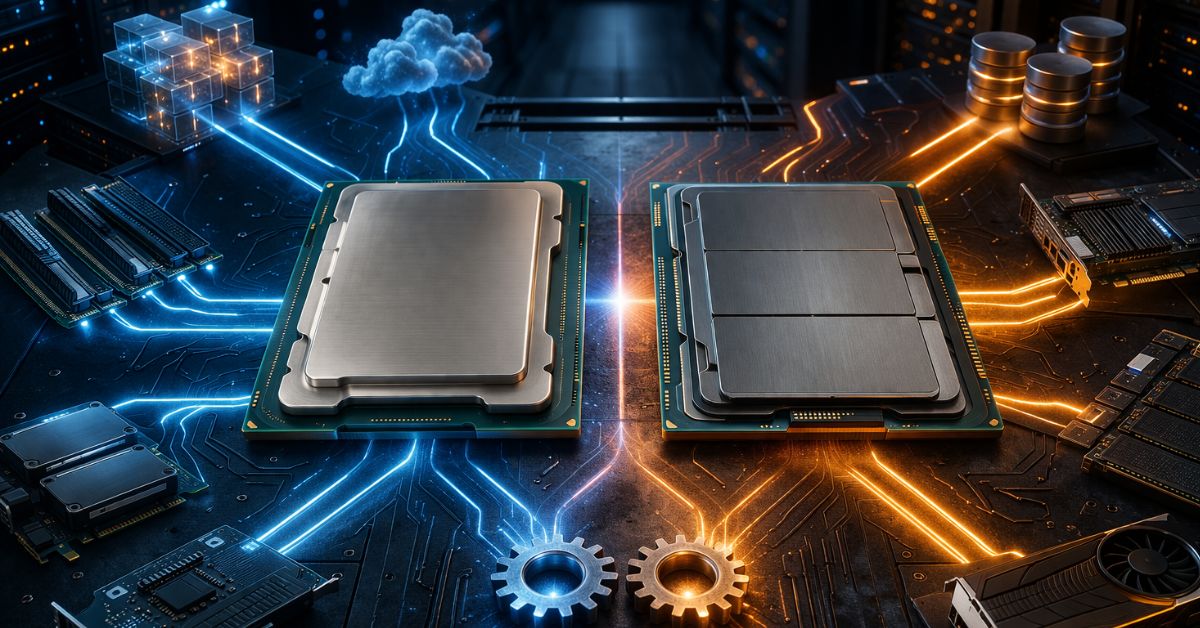
Today, the market can no longer honestly be described by the formula “Intel is only about frequency, AMD is only about cores,” or even more so by “Intel is good, AMD is only for when the budget is tight.” The situation has changed dramatically over the decades, and both platforms are now much more complex. But the overall direction is still visible. EPYC is traditionally strong where you need high resource density per socket: many cores, lots of memory headroom, many connected devices, and good consolidation economics. AMD explicitly positions EPYC 9005 as a platform for clouds, virtualization, databases, analytics, and high-density infrastructure.
Xeon, in turn, bets not only on compute characteristics but also on platform capabilities: different processor classes within the family, support for a mature server-platform ecosystem, inter-socket communication, CXL, as well as specialized accelerators and features that are useful for specific workload types. In Xeon 6, Intel explicitly emphasizes memory, I/O, UPI 2.0, CXL 2.0, and built-in acceleration capabilities for some tasks involving encryption, compression, data movement, and in-memory analytics.
The practical conclusion is this: if the workload is constrained by virtualization density, the number of virtual CPUs, memory capacity, and device-heavy configurations, EPYC is often a very strong candidate. But if you are building a server for a specific ecosystem, a particular platform feature, an inter-socket configuration, or workloads where Intel-specific platform capabilities matter, Xeon may be the more appropriate choice.
What matters more when choosing: cores, frequency, memory, or I/O
The most common mistake is to look for a universal answer. In reality, the “main” parameter differs from one workload to another.
If you are building a virtualization node, a container platform, a cloud host, or an infrastructure server with many parallel tasks, the number of cores really does become one of the key parameters. The more cores and threads you have, the higher the potential density, provided memory, storage, and networking do not become the limiting factors first. AMD directly links EPYC 9005 to cloud scenarios and highlights the advantage of higher vCPU counts in top-end models.
If the server is intended for certain databases, enterprise applications, 1C-like workloads, transaction systems, and services that are sensitive to latency, what often matters more is not the maximum number of cores but single-core performance, stable frequency under load, and the overall balance of the platform. Here it is no longer enough to look at CPU resources in a simplistic way: the workload may scale poorly across cores while still benefiting from higher per-thread performance.
If you expect memory-heavy work — analytics, large databases, caching, dense virtualization — the processor should be evaluated through its memory subsystem: the number of channels, DIMM population scheme, capacity per socket, and actual bandwidth. For Xeon 6, Intel specifies up to 12 memory channels and explicitly highlights high memory bandwidth as a key family characteristic. For EPYC 9005, AMD likewise emphasizes memory and platform capacity as part of its positioning for cloud and data-center workloads.
If the server must not only compute but also work with a large number of NVMe drives, fast NICs, storage controllers, and accelerators, then I/O enters the picture. For Xeon 6, Intel specifies up to 192 PCIe 5.0 lanes in dual-socket configurations and up to 64 CXL 2.0 lanes. That makes PCIe not a secondary topic but a central one for modern storage servers, hyperconverged nodes, and accelerator-rich systems.
What is critical for different workload types
| Workload type | What matters most | What to look at first | Where EPYC is often strong | Where Xeon may be more appropriate |
|---|---|---|---|---|
| Virtualization | Core count, memory, I/O | Cores, memory capacity, PCIe, node economics | High per-socket density, consolidation | If platform-specific features and a specific ecosystem matter |
| Databases | Per-core performance, memory, licensing | Frequency under load, memory, number of licensable cores | When the DB scales well and there is no harsh licensing penalty | When limiting the number of cores or using platform-specific features matters more |
| Storage server / NVMe | PCIe, networking, memory | Number of devices, connection topology, PCIe lanes | In saturated configurations with an emphasis on density | When relying on a specific platform or vendor-specific functions |
| Containers / cloud | Scaling by cores and density | Cores, memory, networking, power consumption | Often very cost-effective | May be appropriate depending on the platform and mixed workloads |
| Licensed software | Licensing economics | Not the maximum core count but the most economical configuration | Not always beneficial if extra cores are expensive, and beneficial when licensing is by socket | Often interesting where you need to fit the licensing model more precisely |
One socket or two: where the real difference begins
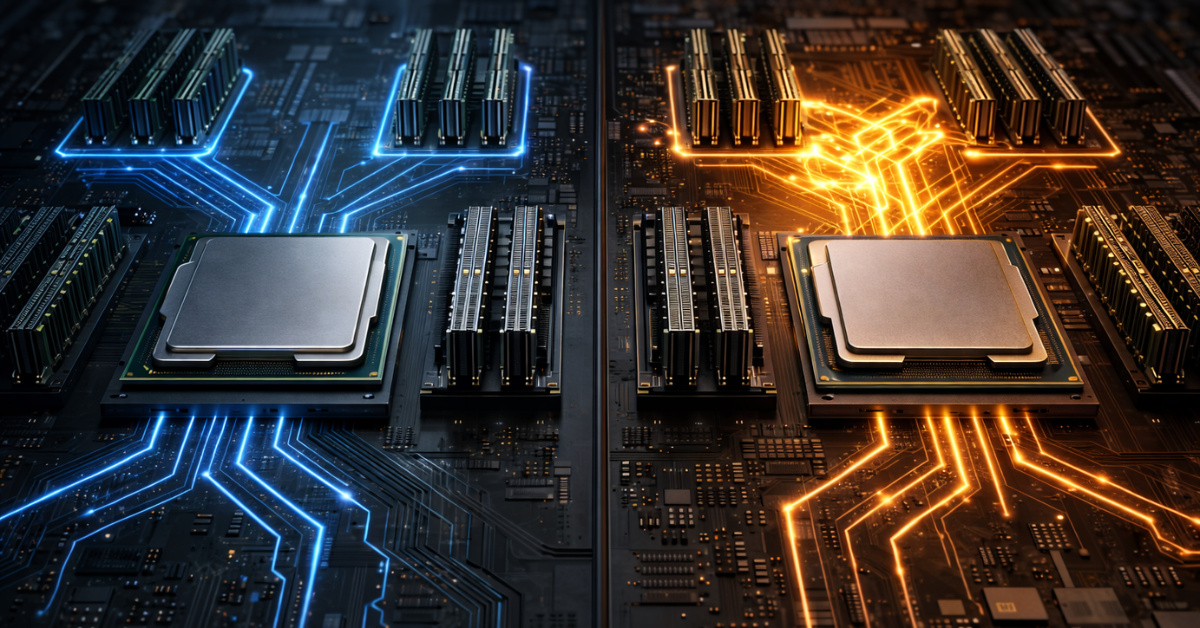
In many projects, the main question is no longer “Intel or AMD” but “is one socket enough, or do we need a dual-socket server?” And here modern EPYC and Xeon platforms have changed the rules significantly.
A single-socket server is good because it is simpler. There is no inter-socket communication, cooling is less complex, the board is simpler, economics are often better, and most importantly there is less risk of ending up with a system where theoretical power is high but part of the workload loses performance in practice because of remote memory access and poor task placement across sockets. This is especially important where one modern CPU already covers the need for cores, memory, and I/O devices.
A dual-socket system still makes sense when you need a truly large amount of memory, very high virtualization density, heavy consolidation of several roles on one node, or a configuration that one socket cannot cover in terms of compute and expandability. But two processors are not “automatically twice as good.” NUMA appears: memory and cores become topologically uneven, and if the hypervisor, database, or application stack is placed poorly, some requests begin to access memory “through the neighboring processor,” which worsens latency and reduces performance predictability.
For Xeon 6, Intel separately points to an increase in inter-socket UPI 2.0 bandwidth up to 24 GT/s, which means the company itself emphasizes inter-processor communication as one of the fundamental parameters of the platform rather than a secondary detail.
In practice, this means the following.
A single socket is usually worth choosing if:
- one CPU already provides enough cores;
- there is enough memory per node;
- you need many PCIe devices but not at extreme scale;
- simplicity, energy efficiency, and more transparent tuning matter;
- there is no reason to complicate the system for “headroom” that may never be needed.
Two sockets are more often justified if:
- you need a very large memory capacity;
- the server will carry several heavy roles at once;
- maximum virtualization density on a single node is required;
- one socket does not cover the need for CPU and expandability;
- you understand how to manage NUMA without losing performance because of topology.
Virtualization: this is where the difference is felt especially strongly
A virtualization node is one of the fairest ways to compare Xeon and EPYC, because here you quickly see not only the “compute power” but the entire server architecture. Virtual machines need cores, memory, memory bandwidth, fast I/O, and networking. If one of these is missing, the rest stop delivering the expected gain.
That is why EPYC often looks very attractive in such scenarios: a large number of cores helps raise VM density, and the platform’s resource focus makes heavily populated configurations on a single node possible. AMD explicitly talks about density and cloud scenarios as a strong side of EPYC 9005.
But it is important not to fall into the trap of “the more cores, the better the hypervisor.” If memory runs out before cores do, you end up with an underused processor. If networking, the storage array, or controllers become the bottleneck, the compute headroom will not turn into useful density either. And if you have licensed guest systems or databases inside the VMs, excess cores can also make the economics worse.
A separate practical point is SQL Server in a virtualized environment. Microsoft explicitly specifies compute-capacity limits by edition and notes that Standard Edition is limited to the lesser of 4 sockets or 32 cores, and for SQL Server 2022 and earlier versions, the lesser of 4 sockets or 24 cores. This means that when designing a virtualized node, you cannot blindly chase the maximum core count if licensed SQL Server instances will run on it.
Databases and licensed software: this is where mistakes become especially expensive

For databases and commercial software, the processor must be chosen especially carefully. This is where it becomes particularly clear why a processor that is “top-end by core count” is not always the best one.
There are two different scenarios. The first is when the database or application is sensitive to single-core performance, latency, memory bandwidth, and the overall quality of the platform. In this case, a blind bet on the maximum number of cores may bring almost no benefit. The second is when the software is licensed by cores, processors, or compute capacity. Here, extra cores can directly increase the total cost of ownership.
Microsoft makes it very clear for SQL Server that editions differ in their compute-capacity limits. For Standard Edition, the limit is “the lesser of 4 sockets or 32 cores,” and for SQL Server 2022 and earlier versions, “the lesser of 4 sockets or 24 cores”; Enterprise has no such restrictions under core-based licensing. This is not just a formality from the documentation. It means that in some scenarios, a server with a more moderate number of cores may be more rational than a maximum-core configuration that a given edition will not fully use anyway.
Oracle goes even further in linking hardware and licensing. In its Database Licensing document, the company explicitly states that the number of required Processor licenses is calculated through the total number of cores and the coefficient from the Processor Core Factor Table. In other words, the choice of hardware platform affects costs not indirectly but directly.
How licensing changes the choice
| Scenario type | What is critical | Risk of choosing the wrong CPU | Practical conclusion |
|---|---|---|---|
| SQL Server Standard | Edition compute-capacity limits | Overpaying for cores the edition will not fully use | Check the edition and its limits first, then choose the CPU |
| SQL Server Enterprise | Per-core licensing and workload scale | An excessive number of cores sharply increases cost | Calculate not only performance but also the price of licenses |
| Oracle Database | Cores and licensing coefficients | A platform-selection mistake can dramatically change the budget | Calculate licenses first, then look at the hardware |
| Enterprise applications with poor scaling | Per-core performance and latency | Many cores do not deliver the desired effect | Balance is better than a core-count record |
The practical conclusion here is very simple: the more expensive the license, the more dangerous it is to choose a processor “with maximum headroom.”
Memory: the section that is often underestimated
Server CPUs are often discussed as if they operate on their own. In real infrastructure, that is almost never the case. In virtualization, databases, analytics, caches, distributed storage, and many infrastructure services, performance hits the memory subsystem sooner than it seems at the hardware-selection stage.
For Xeon 6, Intel specifies up to 12 memory channels and explicitly highlights bandwidth as one of the family’s key strengths. AMD also positions EPYC 9005 as a solution for workloads where memory capacity and bandwidth matter.
But this does not mean that “if you can install a lot of memory, everything will be fine.” In practice, what matters is:
- how many channels are actually populated;
- how many DIMMs are installed per channel;
- at what speed the memory runs in a given configuration;
- how much capacity falls on each socket;
- how the workload behaves in a NUMA topology.
A typical mistake is to buy a CPU with a high core count and then save on memory, or to build a configuration where the slots are not populated in the right way for optimal bandwidth. In the end, the bottleneck becomes memory rather than the processor, and the Xeon-versus-EPYC debate loses meaning: both platforms will suffer from a poor configuration.
PCIe, NVMe, networking, and accelerators: sometimes the platform matters more than the CPU itself

The old approach — “cores and frequency are what matters most” — works worse and worse in modern servers. Today, a server is often a node for processing, storing, and transferring data at the same time. It must not only compute but also receive traffic from the network, work with an NVMe array, serve a hypervisor, distribute load across containers, or interact with accelerators.
Here, PCIe lanes, device topology, and the platform’s overall expansion headroom matter. In Xeon 6, Intel specifies up to 192 PCIe 5.0 lanes for dual-socket systems and up to 64 CXL 2.0 lanes, including scenarios for memory expansion and for connecting different classes of devices.
That leads to several practical conclusions.
If you are building a server:
- with a large number of NVMe drives;
- for hyperconverged infrastructure;
- with several high-speed network cards;
- with accelerators;
- for software-defined storage,
then you cannot choose a processor without taking PCIe and I/O topology into account. A CPU that looks “faster” on paper may lose simply because the platform is awkward for a dense device configuration. And conversely, sometimes the win comes not from a stronger core but from a better distribution of resources across buses, memory, and controllers.
Power consumption, heat, and the real total cost of ownership
The processor is only one line in the server budget. The real total cost of ownership includes much more: the price of the platform, memory, storage, NICs, licenses, power consumption, cooling, rack space, support, and the growth scenario over several years.
That is why two common approaches are equally risky. The first is choosing “the maximum number of cores just in case.” The second is taking a cheaper CPU without calculating how many more servers you will later need to buy to cover the same workload. In one case, you overpay upfront and possibly for licenses as well. In the other, you lose on scale, power, rack space, and operational complexity.
Intel states a thermal design power of up to 500 W per CPU for some Xeon 6 configurations, which by itself is a reminder that modern server processors can no longer be evaluated outside the context of cooling and energy.
That is why a sensible processor choice always looks like this: first define the workload profile and node economics, and only then compare brands and product families.
When it makes more sense to look at Intel Xeon, and when at AMD EPYC
When it more often makes sense to choose Intel Xeon
Xeon is usually especially interesting in cases where:
- the features of a specific server platform and ecosystem matter;
- the project relies on the familiar infrastructure of a particular vendor;
- you need CXL, inter-socket communication, and Intel platform capabilities;
- there is a workload that benefits from Intel’s specialized accelerators, including QAT, DSA, IAA, and AMX;
- what matters is not a record core count but a particular balance of platform, memory, I/O, and built-in functions.
When it more often makes sense to choose AMD EPYC
EPYC very often looks like a strong choice when:
- dense virtualization is required;
- you want maximum resources per socket;
- the project benefits from a powerful single-socket server;
- many cores and high consolidation are planned;
- you need dense configurations with a large number of VMs, containers, and connected devices;
- the economics of a cloud or infrastructure node matter, where density is directly tied to payback.
It is important not to turn these recommendations into dogma. They describe typical strengths, not a substitute for sizing a specific server.
Typical mistakes when choosing
Most problems arise not because of the “wrong brand” but because of the wrong selection logic. The most common mistakes are:
- choosing by brand rather than by workload;
- comparing only the number of cores;
- ignoring licensing;
- failing to calculate memory and I/O;
- buying a server “for future growth” without understanding the price of that growth;
- underestimating NUMA in dual-socket systems;
- drawing conclusions from a single benchmark;
- comparing an old generation of one platform with a new generation of another;
- counting only the CPU price and not the price of the full configuration.
The most expensive mistake is to confuse “more powerful” with “better for the workload.” These are not the same thing.
How to make the decision without making a mistake
A reliable decision-making algorithm looks like this.
First, define the type of workload: virtualization, database, storage, infrastructure server, container platform, or licensed application. Then determine what matters most for it: single-core performance, total core count, memory, PCIe lanes, or a combination of these. After that, check the licensing model: are there limits by sockets, cores, or software editions? Next, decide whether you need one socket or two, calculate memory with growth headroom, estimate the number of NVMe drives, NICs, and other devices, check the thermal and power budget, and only then compare not processors in isolation but complete server configurations. That order almost always gives a more accurate result than arguing about “who is stronger in general.”
Conclusion
AMD EPYC and Intel Xeon now solve the same general class of tasks, but they do so with different emphases. EPYC is particularly strong where high density, many cores, a resource-heavy single-socket node, cloud consolidation, and rich memory and device configurations matter. Xeon remains a very strong platform where ecosystem, inter-socket configurations, Intel platform features, CXL, and built-in accelerators for certain workloads matter. AMD EPYC 9005 emphasizes density and scaling, while Intel Xeon 6 emphasizes memory, I/O, CXL, UPI, and specialized platform capabilities. That is why the correct answer to the question “what should I choose for a server?” sounds like this: not Xeon or EPYC in general, but the platform that best matches your workload, licensing model, scaling pattern, and the full economics of the server.
Content:
What is the fundamental difference between the Intel Xeon and AMD EPYC approaches
What matters more when choosing: cores, frequency, memory, or I/O
Virtualization: this is where the difference is felt especially strongly
Databases and licensed software: this is where mistakes become especially expensive
PCIe, NVMe, networking, and accelerators: sometimes the platform matters more than the CPU itself
Power consumption, heat, and the real total cost of ownership
When it makes more sense to look at Intel Xeon, and when at AMD EPYC