Introduction
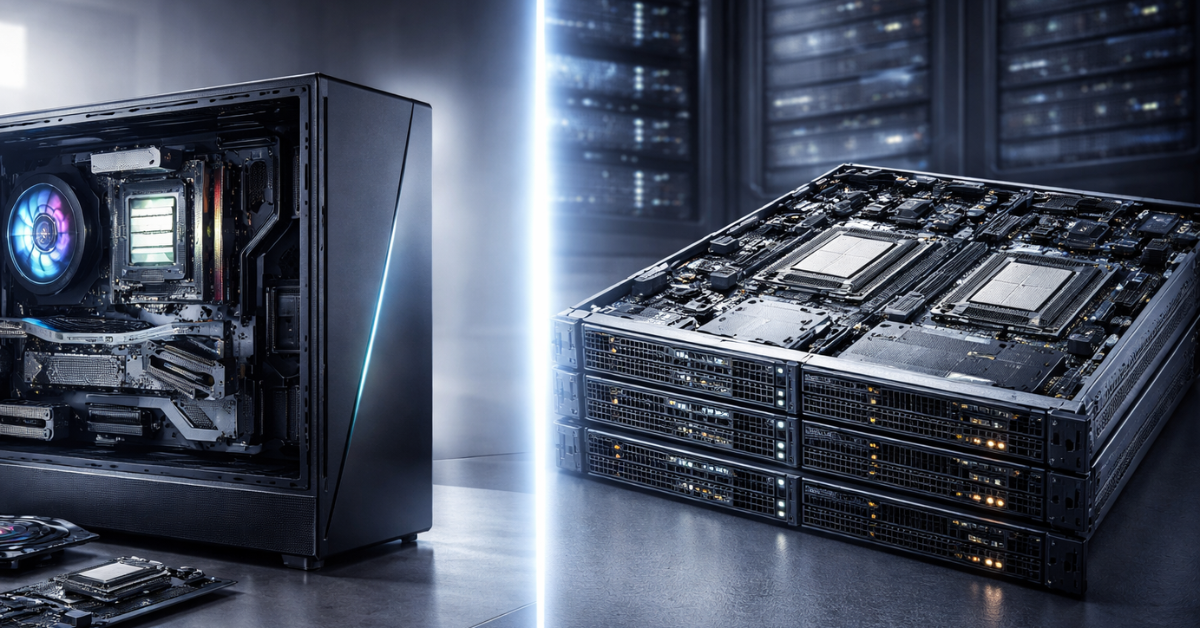
Server and desktop processors (CPUs) often look “similar” by architecture name (x86-64), instruction set support, and even core counts in top models. But in practice they solve different tasks. A desktop CPU is tuned for high responsiveness, frequency spikes, bursty workloads, and limited-scale peripherals (usually 1 GPU and a few drives). A server CPU is tuned for sustained 24/7 performance, predictable latency, huge memory capacities, dense I/O (NVMe, 25/100/200GbE networking, accelerators), virtualization, and high availability.
That’s why the idea “I’ll put a regular Core/Ryzen into a server — it’ll be cheaper” often runs into platform limits rather than “will it boot or not”: non‑ECC memory, too few memory channels, too few PCIe lanes, missing RAS mechanisms (Reliability/Availability/Serviceability), weaker multi-socket support, and fewer hypervisor-oriented features. And conversely, “I’ll put a Xeon/EPYC into a gaming PC” often disappoints — server CPUs typically have lower clocks, a different boost profile, and are optimized for throughput and bandwidth, not maximum FPS on one or two cores.
Current lineup examples: Intel Xeon Scalable vs Intel Core, AMD EPYC vs AMD Ryzen. For a quick platform overview, you can start with the official pages for Intel Xeon and AMD EPYC.
Architectural differences
Core and thread count
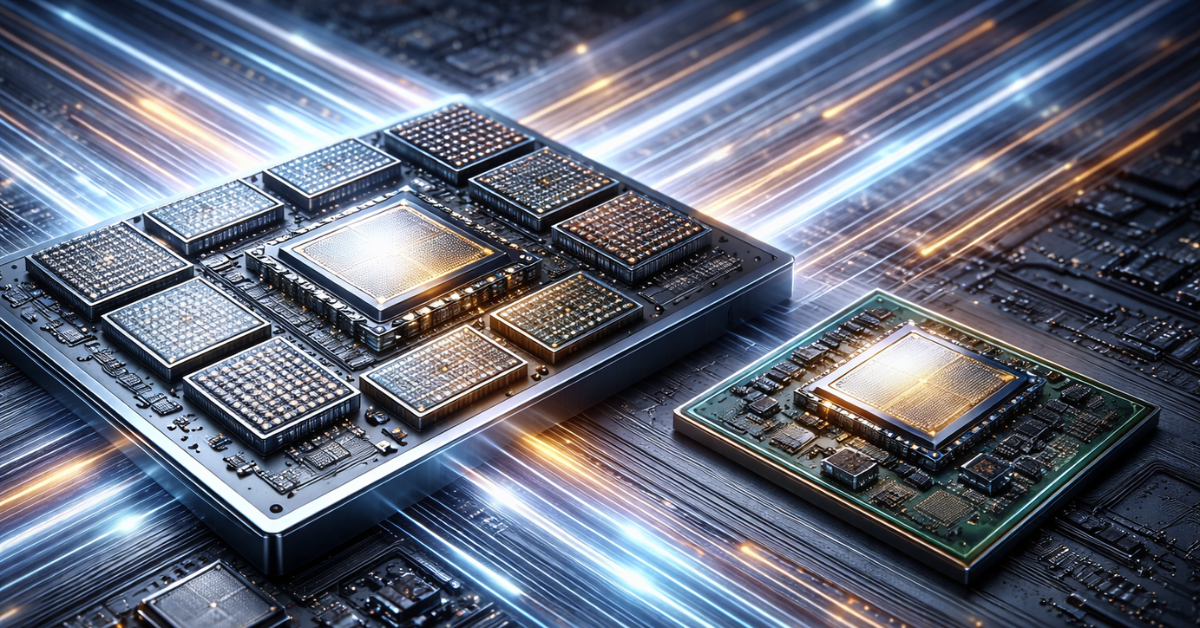
Typical picture: modern desktop flagships go up to 24 cores (in a hybrid P-cores/E-cores layout) and 32 threads, with very high turbo clocks. Server CPUs, by contrast, scale much higher in core count: in the EPYC 9004 generation there are models up to 128 cores / 256 threads (for example, EPYC 9754 “Bergamo”).
Why servers need more cores:
- Parallel request processing (web/API, queues, microservices).
- Virtualization: dozens/hundreds of VMs and containers require a large vCPU pool.
- Databases and analytics: parallel scans, compression, background tasks.
- Networking/storage workloads: lots of I/O threads + encryption/compression.
SMT/HT: server CPUs almost always include SMT (Simultaneous Multithreading) — on Intel it’s Hyper‑Threading (HT), on AMD it’s SMT. This improves execution-unit utilization on mixed and I/O-oriented workloads, although it does not “straight up” double performance.
Table: cores/threads/clocks (simplified profile comparison)
| Characteristic | Desktop CPU (example: Core i9-14900K) | Server CPU (example: EPYC 9754 / Xeon Scalable) |
|---|---|---|
| Core count | up to 24 | 16–128+ |
| Threads | up to 32 | 32–256 |
| Base clock | higher (focused on “snappy”) | lower (focused on throughput) |
| Turbo clock | up to 6.0 GHz (peak) | lower peaks; stability matters more |
Important: “spec sheet” clocks do not equal real-world clocks under full server load. On servers, power/thermal limits, active core count, and boost behavior matter most.
Cache
Cache is “fast memory next to the cores” that reduces trips to DRAM. In server scenarios this is critical: databases, in-memory caches, virtualization, network stacks, and NUMA placement all benefit from a large L3.
Typical trend: server CPUs have more L3 (and it’s often organized differently). For example, a review of the Xeon Platinum 8592+ mentions hundreds of megabytes of L3 (around 320MB for that specific model). Desktop CPUs usually have much less L3 (tens of megabytes), because their target workloads more often depend on core frequency/latency rather than massive working data sets.
What large cache provides on a server:
- fewer cache misses → fewer DRAM accesses;
- better multi-thread scaling (less data contention);
- more stable performance under mixed workloads (web + DB + background jobs).
Clocks, TDP, and overclocking
Why server CPUs are often slower “per core”:
- a server processor is designed for continuous load across many cores;
- high clocks on dozens/hundreds of cores dramatically increase power and heat;
- instead of aggressive overclocking, predictability and performance-per-watt matter more.
Rule of thumb for TDP: the desktop flagship i9-14900K has a “processor base power” of 125W (and higher turbo limits on many platforms), while server models often sit in the hundreds of watts range (for example, 350W for the Xeon 8592+). For EPYC 9754, tables list 360W.
Memory support
Capacity and memory channels
One of the most “ironclad” differences is how many memory channels and what maximum RAM capacity the platform supports.
- Desktop: usually 2-channel DDR5 (sometimes 4 on HEDT/WS), with practical capacities on mainstream platforms topping out at a few dozen to ~100GB in the best case.
- Server: 8–12 DDR5 channels per socket on modern generations, and terabytes of RAM per socket (reviews of Xeon/EPYC often mention up to ~6TB per socket).
Why servers need those capacities:
- databases (buffers, caches, sorts, WAL pools);
- virtualization (many VMs with guaranteed RAM);
- in-memory computing and analytics;
- file caches, CDN caches, message queues;
- AI/ML (training and inference).
Memory types: ECC, UDIMM/RDIMM/LRDIMM
ECC (Error-Correcting Code) is memory with error correction (typically correcting single-bit errors and detecting multi-bit errors). This matters in servers, where a RAM fault can mean a service outage, data corruption, or silent degradation.
According to manufacturers and test labs, ECC’s performance impact is usually small (often around a couple of percent, depending on implementation).
UDIMM / RDIMM / LRDIMM:
- UDIMM (Unbuffered DIMM) — unbuffered modules (typical for desktops/workstations).
- RDIMM (Registered DIMM) — registered modules with command/address buffering, improving stability at higher capacities.
- LRDIMM (Load-Reduced DIMM) — reduces load on the memory controller for even better scalability in high-capacity configurations. (A good explanation of RDIMM’s register/RCD role is available in DDR5 module guides.)
Table: memory module types (practical use)
| Memory type | Where it’s used | ECC | What it gives you | Typical scenarios |
|---|---|---|---|---|
| UDIMM | desktop / some WS | optional | simpler/cheaper | PCs, dev workstations, small servers |
| RDIMM | servers | yes | stability at larger capacities | virtualization, DB, 24/7 |
| LRDIMM | high-end servers | yes | maximum density/scalability | TB-class RAM, in-memory |
For DDR5 standards and the evolution of DDR5 specifications, JEDEC is a good reference point.
Reliability and high availability
RAS features (Reliability, Availability, Serviceability)
A server platform differs not by “magical silicon reliability,” but by a set of mechanisms for detecting, localizing, and degrading gracefully under errors.
Key examples:
- MCA (Machine Check Architecture) — the CPU subsystem for detecting and reporting hardware errors (cache, buses, ECC errors, TLB, etc.). In Linux and vendor documentation, it’s a core part of hardware monitoring.
- Memory mirroring / sparing — memory mirroring/spare capacity to survive module degradation without a sudden crash. Vendors document these features in platform guides.
- Patrol scrub — background memory scrubbing that corrects accumulating soft errors before they become fatal.
On desktops, some of these modes are absent or implemented in a limited form, because the cost/complexity and requirements are different.
Lifecycle, validation, warranty
Server CPUs and platforms go through stricter validation as part of complete systems (memory, PCIe devices, BIOS/UEFI, thermal profiles). In practice this shows up as:
- long qualification cycles;
- more conservative frequency/voltage tuning;
- a focus on MTBF and predictability over time.
Multi-socket systems and NUMA
Multiple sockets
Desktop platforms are almost always strictly single-socket. Server platforms are often dual-socket, and in some system classes — 4-socket and beyond. Inter-socket communication is handled by specialized interconnects: for Intel, the UPI family; for AMD — Infinity Fabric (as part of a broader fabric concept).
NUMA (Non-Uniform Memory Access)
NUMA means memory is “attached” to nodes (sockets/NUMA nodes), and access to “local” memory is faster than to “remote” memory. This affects database performance, JVM services, high-load applications, and hypervisors.
Useful references:
- Linux documentation on NUMA memory policy and the general memory model;
- the numa(7) man page as a quick introduction.
Practical takeaway: on servers, “lots of cores” alone is not enough — it’s important to place them (thread/memory affinity) correctly and understand topology.
Virtualization: from VT-x/AMD-V to confidential VMs
Basic virtualization extensions:
- Intel VT-x / VT-d (CPU and device virtualization),
- AMD-V / AMD-Vi plus hardware mechanisms for faster address translation.
A key accelerator for hypervisors:
- EPT (Extended Page Tables) on Intel and NPT (Nested Page Tables) on AMD — reducing the overhead of memory virtualization.
More advanced capabilities that matter most in the server segment:
- SR-IOV (Single Root I/O Virtualization) for near-bare-metal networking/storage functions inside VMs;
- higher VM Exit/Entry density and optimizations around it;
- hardware isolation / confidential computing:
- Intel TDX (Trust Domain Extensions),
- AMD SEV / SEV-SNP (Secure Encrypted Virtualization / Secure Nested Paging).
PCIe and I/O: why “too few lanes” is a real problem
A desktop CPU typically provides a limited number of PCIe lanes for a GPU and a couple of NVMe drives. A server CPU is a “switch” for dozens of devices: NVMe pools, SmartNIC/DPU, RAID/HBA, multiple GPUs, accelerators, and 100–400GbE networking.
For example: Intel Xeon Scalable (5th generation) mentions up to 80 PCIe 5.0 lanes, while AMD EPYC 9004 typically offers 128 PCIe Gen5 lanes (as shown in specification tables).
For PCI Express standards (speeds and generations), refer to PCI-SIG: PCIe 5.0 and 6.0 are official consortium specifications.
Table: example PCIe lane consumption in a server
| Use case | Lanes needed | Example device |
|---|---|---|
| GPU / accelerator | x16 | NVIDIA A100 (typically x16) |
| NVMe SSD | x4 | Enterprise NVMe (often x4) |
| 100GbE NIC | x16 (model-dependent) | ConnectX-class |
| RAID/HBA | x8 | MegaRAID/HBA-class |
In practice, lanes get consumed quickly, and adding PCIe switches costs money, power, and latency. That’s why “many lanes from the CPU” is a fundamental server advantage.
Security: SGX/TDX/SEV and memory encryption
In the server world, security is not only TPM and Secure Boot — it’s also protecting data in use, when it’s already in memory and being processed.
Examples of technologies:
- Intel SGX (Software Guard Extensions) — an enclave-based trusted execution model (TEE) with its own SDK and documentation ecosystem.
- AMD SME/SEV — memory encryption (SME) and secure virtualization (SEV, SEV-ES, SEV-SNP).
- Intel TME / MKTME (Total Memory Encryption / Multi-Key TME) — encrypting data on external memory buses; documented in separate specifications/whitepapers.
Another major layer is hardware and microcode mitigations for Spectre/Meltdown-class attacks: in newer generations much has moved into hardware, but platform selection and updates still matter.
Power efficiency and cooling
Server CPUs run “hot” not because they’re worse, but because they are designed for density and sustained load.
Cooling differences:
- desktop: tower coolers/AIO, lots of space, airflow “as it happens”;
- server 1U/2U: directed airflow, high-RPM fans, different heatsink profiles, and strict TDP limits.
Power management: P-states/C-states, power profiles, and power caps are part of predictability and efficiency policy on servers (especially under partial load).
Cost and economics (TCO instead of “CPU price”)
If you only look at the CPU price tag, server models can seem “unreasonably expensive.” But businesses calculate TCO (Total Cost of Ownership): the cost of ownership over the lifecycle.
Price reference points (examples):
- Core i9-14900K: MSRP around $589–$599.
- Xeon Platinum 8592+: MSRP around $11,600.
Why TCO can be better with a server platform:
- more VMs per socket → fewer servers/racks/licenses;
- more RAM and PCIe lanes without extra complexity → simpler architecture;
- higher predictability and less downtime (and downtime often costs more than hardware).
Simplified example: if a server CPU lets you run 60 VMs instead of 35 on a desktop platform due to RAM/I/O, you save a second node, its power, hypervisor/backup licenses, and maintenance.
Practical use cases
When you need a server CPU
- Virtualization: VMware ESXi, Proxmox, Hyper‑V (VM density, NUMA, SR‑IOV).
- Databases: PostgreSQL/MySQL/Oracle (RAM, cache, memory bandwidth, RAS).
- Kubernetes clusters and microservices (many threads, I/O, networking).
- Big Data/analytics, queues, search engines.
- AI/ML tasks.
- Hosting and multi-tenant environments (isolation, predictability, confidential VMs).
- Budget home lab (cheap “server” boards, older Xeons — not for production, but acceptable for a lab at home).
When a desktop CPU is enough
- Home server/NAS, media server, backups (if RAM and I/O are sufficient).
- Small development projects and test environments.
- Personal workstation where frequency/responsiveness matters.
- Small office: file server, domain controller, 1–2 services — with proper disks and backups.
- High-performance low-latency “number crunching” where peak single-core performance and latency matter more than reliability/memory capacity (e.g., some trading workloads).
Hybrid solutions
There are “in-between” classes: corporate desktop platforms (vPro/PRO), workstation CPUs, and HEDT. They often offer ECC options, more PCIe lanes, and more memory channels while keeping desktop-like clocks.
Myths and misconceptions
- “A server CPU is always faster” — no: in single-threaded and latency-sensitive tasks, desktop CPUs are often faster.
- “Xeon/EPYC in a gaming PC = top FPS” — often the opposite due to clocks/memory/platform nuances.
- “ECC slows things down a lot” — usually the impact is small; vendors often cite around a couple of percent.
- “Server CPUs can’t do single-core performance” — they can, but the priority is different: throughput and predictability.
- “You can’t run desktop hardware 24/7” — you can, but it’s a risk question: without ECC/RAS and with lower platform resilience, the chance of unpleasant surprises is higher.
The future of server and desktop CPUs
Trends include more cores and cache, chiplets, a growing role of memory and interconnects, further development of DDR5 and PCIe (including PCIe 6.0 via PCI-SIG), and the CXL ecosystem for memory/device expansion. On the server side, confidential computing (TDX/SEV-SNP) is accelerating, along with “on-die accelerators” for AI/crypto/networking tasks.
Conclusion
A server processor differs from a desktop one not by a “label,” but by platform philosophy: more memory channels and capacity, more PCIe lanes, a richer RAS set, better scalability, and stronger virtualization/security capabilities. Desktop CPUs win on clock speed, price, and simplicity — but quickly hit RAM and I/O limits when you build real server workloads.
Main recommendation: choose a CPU for your workload, calculate TCO rather than just purchase price, and remember the line between classes is blurring — but fundamental platform limits (RAM/I/O/RAS/NUMA) are still there.