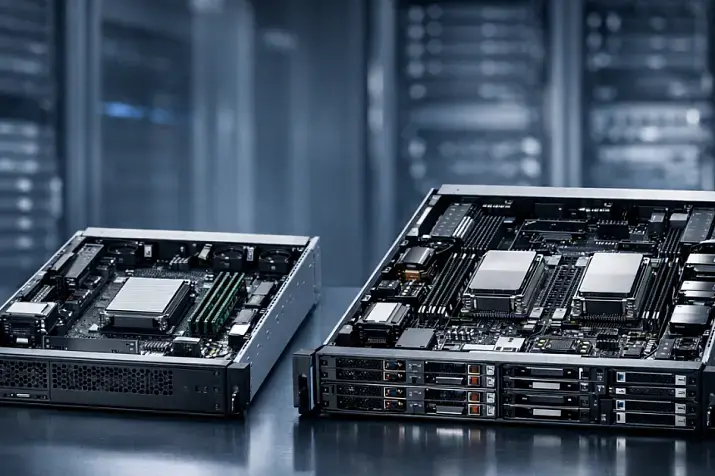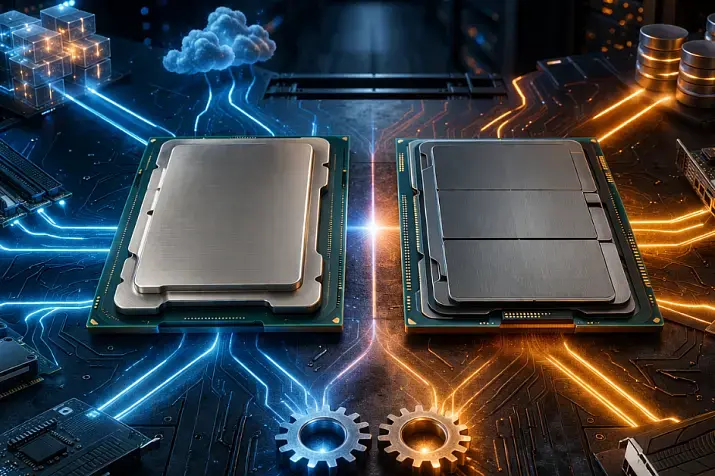
RDIMM, LRDIMM, and MRDIMM are three different approaches to server memory design, and the choice between them should be made not by the module name, but by workload requirements and platform constraints. RDIMM usually remains the best baseline option for most general-purpose servers. LRDIMM makes sense where high capacity and dense memory configurations are critical. MRDIMM is a solution for new compatible platforms where the main issue is no longer capacity, but memory bandwidth. The same total RAM capacity can be assembled in different ways, yet the resulting frequency, operational stability, upgrade headroom, and even compatibility will differ.
Server memory should not be chosen according to the simplistic logic of “the more gigabytes, the better.” In a server, memory works together with the processor’s memory controller, the number of channels, slot population rules, supported ranks, module type, and platform firmware. So the right question is not “which memory is faster,” but “which type of memory is needed for this specific platform and this specific workload.” This is especially important now, when traditional RDIMM, more capacity-oriented LRDIMM, and the new MRDIMM for Intel Xeon 6 platforms all coexist on the market.
What are RDIMM, LRDIMM, and MRDIMM?
RDIMM is registered server memory. In it, command and address signals pass through a register, which helps reduce the load on the memory controller and improve stability in multi-slot server configurations. That is why RDIMM has long become the standard option for enterprise servers, cloud infrastructure, and data centers: it offers a predictable balance of performance, reliability, usable capacity, and price. Micron explicitly describes RDIMM as memory for enterprise servers and cloud environments, focused on high performance and stability.
LRDIMM is memory with an additional buffer that reduces the electrical load on the memory bus. Samsung writes about an isolation buffer that improves signal margin and makes it possible to use multi-rank configurations more effectively in servers with large memory requirements. The practical meaning is this: LRDIMM is not needed simply to “make a server faster,” but to let the platform operate more steadily with heavier and higher-capacity memory configurations. The more you run into RAM density limits per socket, the more justified LRDIMM becomes.
MRDIMM is already a new generation of memory for DDR5 platforms, where manufacturers are trying to solve the problem of insufficient memory bandwidth. Intel explains MRDIMM, also known as MCR DIMM, as a module capable of transferring 128 bytes per cycle instead of the standard 64 bytes. Micron describes MRDIMM as memory with the highest main-memory bandwidth for compatible Intel Xeon 6 systems. In other words, MRDIMM is not “just another kind of regular server memory,” but a way to accelerate data delivery to the processor where standard DDR5 RDIMM begins to limit performance.
Why did these memory types appear in the first place?

As the number of cores in server processors grew, the memory subsystem faced two different problems at once. The first was how to give a server more total memory without losing signal stability. The second was how to increase the amount of data memory could deliver to the processor per unit of time. RDIMM became a sensible compromise between complexity and stability. LRDIMM became necessary when servers started requiring denser memory configurations. MRDIMM appeared later as a response to the shortage of bandwidth in modern high-performance systems, especially in AI and HPC.
That is why it is a mistake to arrange them in a simple line of “regular memory — advanced memory — best memory.” In reality, they solve different problems. RDIMM is primarily useful as universal server memory. LRDIMM helps scale capacity where the controller is already under heavy strain. MRDIMM is needed where memory bandwidth itself becomes the bottleneck. And this is the key idea of the entire article: capacity and bandwidth are different goals, not a single “better/worse” scale.
How does RDIMM differ from LRDIMM at the architectural level?
If explained without unnecessary circuit detail, RDIMM and LRDIMM are similar in that they are both server ECC memory and both are meant for stable server operation. But the degree of intervention in the module’s electrical model is different. RDIMM uses a register for command and address signals. LRDIMM goes further: it reduces the electrical load on the bus so that the system can work better with heavier configurations, including high-capacity modules and multi-rank sets. That is why LRDIMM has historically been chosen where the goal is to build a lot of memory per socket, not where someone simply wants “better memory.”
A practical conclusion follows from this. If you have a general-purpose server, moderate virtualization, infrastructure services, file roles, application workloads, or ordinary enterprise databases without the need for extremely large RAM capacity, RDIMM is usually the most rational option. It is simpler economically, more common in standard configurations, and does not force you to pay extra for capabilities that may never matter in a real workload.
LRDIMM becomes justified when the main question is no longer “how much does one module cost,” but “how do I achieve the required total capacity without excessive compromises in stability and scalability?” This is typical for large databases, dense virtualization, consolidating many services on one server, analytics, in-memory databases, and other scenarios where RAM capacity itself becomes an architectural limit. In such cases, comparing RDIMM and LRDIMM only by price per module is a mistake. They should be compared by the cost of the final working configuration and by what remains available for further growth.
RDIMM and LRDIMM: a practical comparison
| Parameter | RDIMM | LRDIMM |
|---|---|---|
| Core idea | Stabilize command and address signals through a register | Reduce electrical load and simplify operation in dense configurations |
| Where it is strong | Universal servers, typical workloads | Large memory capacities, high RAM density |
| What it delivers in practice | A good balance of price, reliability, and compatibility | Better capacity scaling in heavy configurations |
| When it is chosen most often | New general-purpose server, standard virtualization, infrastructure | Large databases, large VM pools, in-memory analytics |
| Main purchasing mistake | Not planning upgrade headroom | Paying extra where high memory density is not needed |
What is memory rank and why does it affect the choice?
When server memory is discussed, the word “rank” almost always comes up. For many people it remains an unclear specification term, although in practice it matters. A rank is a logical group of memory chips inside a module that the controller works with as a separate block. For the user, the exact electrical definition matters less than the consequences: the more complex the module’s rank organization is, the more it can affect the load on the memory subsystem, the allowed configuration, and the resulting frequency.
That is why memory cannot be evaluated only by capacity and nominal speed. Two modules with the same capacity may differ in internal organization and therefore behave differently on a specific platform. In server vendor guides, limitations are often tied not only to DIMM type, but also to rank count. And this is one reason why “formally similar” memory may not work as expected: the server may accept the module but lower the frequency; it may limit allowed installation schemes; and in some cases the required combination may not be supported at all.
MRDIMM: why it is not just “the fastest memory”
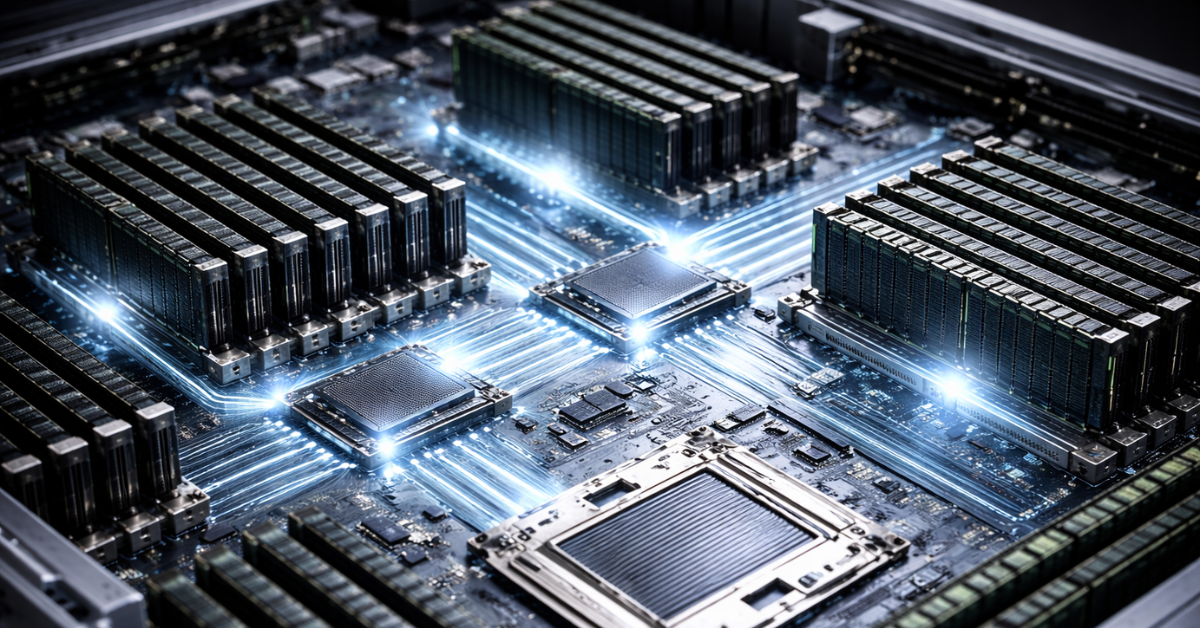
There is a lot of interest in MRDIMM because it responds well to a modern problem: processor cores have started receiving data from memory too slowly. But this is also exactly where it becomes especially easy to fall into the wrong logic and decide that MRDIMM is a universal new standard that will automatically replace RDIMM and LRDIMM.
In practice, MRDIMM should be viewed not as a mass replacement for all server memory, but as a specialized tool for compatible DDR5 platforms. Intel directly ties MCR DIMM/MRDIMM to Intel Xeon 6 platforms. Micron also describes its MRDIMM specifically in the context of Intel Xeon 6 and emphasizes high bandwidth, low latency, and suitability for AI and HPC. This means MRDIMM cannot be discussed separately from a specific server platform. If the processor, board, and server do not support it, the choice is ruled out before price or benefit is even discussed.
The second important point is that not every workload needs high memory bandwidth. There are many server scenarios where the real payoff from MRDIMM will be limited: typical application services, ordinary databases, web workloads, file storage, and many everyday enterprise roles. In these cases, memory is more often limited not by bandwidth itself, but by capacity, application latency, data access patterns, or even other subsystems entirely — processor, network, or disks. So MRDIMM is not a recommendation “for everyone buying a new server,” but a choice for cases where memory truly is the performance limiter.
The third important point is economics. Even if compatibility exists, MRDIMM has to make practical sense. You are not simply buying “faster modules,” you are entering a specific platform class where the server, the processor, the memory, and workload profiles all have to align into a single logic. Otherwise, you can end up with a very expensive configuration in which nominally the most modern memory barely changes the behavior of real applications.
Compatibility is the most important section when choosing memory
The main reason for failed upgrades and strange server behavior is not defective modules, but compatibility mistakes. Memory is one of those components where “it fits in the slot” means almost nothing. A server platform has a strict set of rules, and violating them leads either to failure to boot, reduced frequency, unstable operation, or simply money wasted.
The most basic rule is this: RDIMM and LRDIMM cannot be mixed. Dell writes that a system must be built either entirely with RDIMM or entirely with LRDIMM. It also states that the memory configuration between two processors must be identical in both capacity and placement, and that mixing three different capacities at once is not allowed. This is a good example of the fact that server memory limitations are not reduced to the module type alone. Capacity, channel placement, and symmetry between sockets also matter.
Another important point: the same DDR generation does not guarantee compatibility. It is easy to encounter a situation where someone sees “DDR5 ECC Registered,” assumes that is enough, and does not check the list of supported configurations for their server. But server memory lives not by the marketing name of a module, but by the manufacturer’s support matrix. If the platform is designed for certain DIMM types, certain capacities, certain ranks, and a certain number of modules per channel, then any deviation may change system behavior.
It is also important to remember that “it booted” is not the same as “it works optimally.” A server may accept a mixed-speed configuration but reduce all modules to the speed of the slowest set. It may switch to a lower mode because of the number of modules per channel. It may require a strictly defined slot population scheme. All of these are normal properties of server memory, not “hardware quirks.” A server platform is built around reliability and predictability, not around the idea of powering on at any cost with any combination of modules.
What to check before buying memory
Before buying or upgrading, it is useful to go through a simple checklist.
- What platform generation and processor are installed.
- Which DIMM types are supported by this specific server.
- What maximum memory is allowed per slot and per socket.
- How many modules will be installed per channel.
- Whether there are restrictions by rank and module capacity.
- Whether mixing the selected capacities is allowed.
- At what frequency the system will run in your exact module population scheme.
- Whether further upgrades will remain possible without replacing the current modules completely.
This list seems long only until the first case where a server with “correctly purchased” memory suddenly starts running slower than expected.
How the number of modules per channel affects frequency and performance
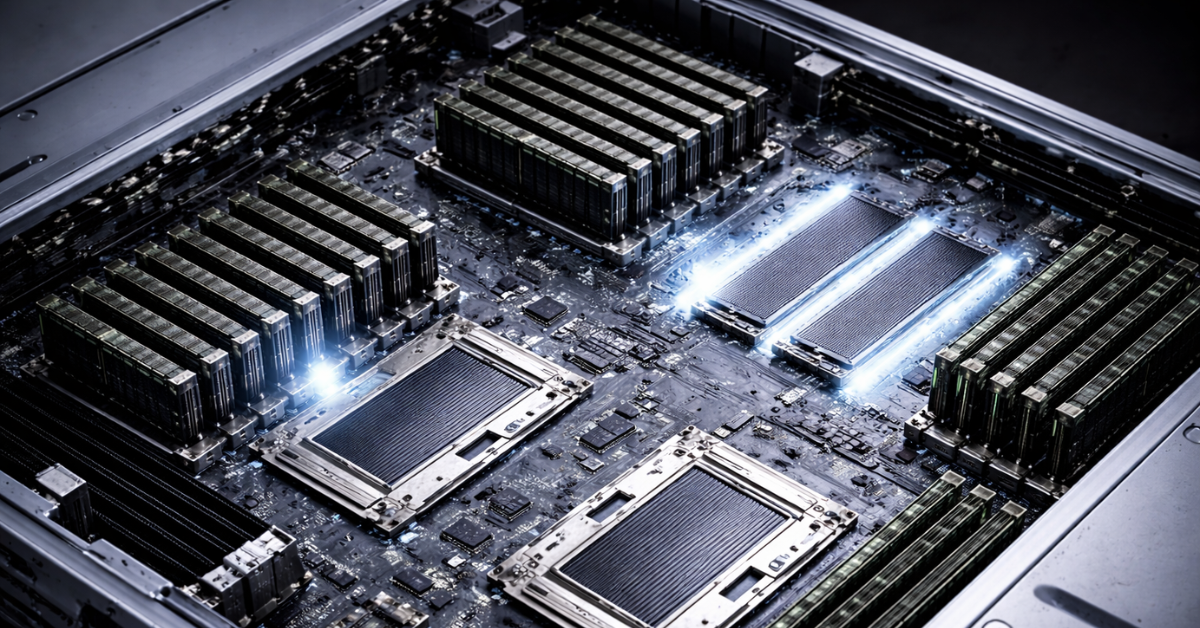
One of the most common mistakes is thinking in terms of slots rather than channels. A person sees many free sockets in a server and makes the natural conclusion: the more modules I install, the better. But the memory controller does not care about how nicely the board is filled; it cares about the electrical and logical load on the channel.
When one module is installed per channel, the mode is usually easier for the platform. When two modules are installed per channel, the load increases, and the system often reduces the allowed frequency. A configuration with two DIMMs per channel usually works more slowly than one with a single DIMM per channel. This is especially important for those trying to “make up” capacity with smaller modules without realizing that they are paying for it with lower frequency and sometimes reduced stability headroom.
A key practical conclusion follows from this. Maximum capacity and maximum frequency are rarely achieved at the same time without trade-offs. At some point, you have to choose what matters more for your workload: more memory overall or a higher memory operating mode. This is not a flaw of a specific vendor, but a normal property of multi-channel server architecture.
That is why the same 512 GB in two servers does not always produce the same result. One server may reach those 512 GB with fewer, higher-capacity modules and preserve a better operating mode. Another may use a larger number of smaller modules, but at a lower frequency and with a less convenient upgrade path. Formally the capacity is the same, but the system behavior differs.
Why a server with a larger number of modules may be a bad deal
- Memory frequency often drops when channels are populated more densely.
- Future upgrades become more difficult: there are fewer free slots or none at all.
- The likelihood of running into configuration and rank limitations becomes higher.
- Real performance does not always grow in proportion to memory capacity.
- Sometimes a cheap set of “small modules” ends up costing more because the next expansion requires a complete replacement.
What matters more: capacity or bandwidth?
This is one of the key questions, because it is exactly what separates choosing RDIMM/LRDIMM from choosing MRDIMM.
If the workload suffers from memory shortage as a resource — for example, virtual machines begin swapping aggressively, a database cannot fit its working set into RAM, or an analytical system loses efficiency because it constantly has to go to disk — then capacity is the primary issue. In that situation, the conversation should be about how to achieve the required capacity through the right configuration. This is where RDIMM versus LRDIMM is usually discussed.
If memory capacity is sufficient, but processor cores are not getting data fast enough because of memory-channel limitations, then bandwidth becomes the issue. That is the zone where MRDIMM starts to make sense on compatible platforms. But in real-world operation, such scenarios are much narrower than simply “I want faster memory.”
So when choosing memory, it is more useful not to ask “which is better,” but “what is my real limit?” If the limit is capacity, you will most often be choosing between RDIMM and LRDIMM. If the limit is data delivery to the processor, then MRDIMM starts to make sense.
What should you choose in practice: typical scenarios
| Scenario | Priority | What to choose | Why |
|---|---|---|---|
| Small or mid-sized enterprise server | Balance of price and predictability | RDIMM | This is usually enough in terms of capacity and is simpler on the budget |
| Typical virtualization | Capacity without unnecessary overspending | RDIMM, sometimes LRDIMM | LRDIMM is justified if VM density is already high |
| Large database | Memory capacity and scalability | LRDIMM | Often more convenient at large capacities per socket |
| Dense VM consolidation | Maximum RAM in the server | LRDIMM | Better suited to capacity-heavy configurations |
| AI, HPC, in-memory analytics | Bandwidth | MRDIMM | Makes sense on new compatible platforms |
| Upgrading an existing server | Compatibility | The type already supported by the platform | Experiments here are usually not cost-effective |
| New server planned for growth | Expansion headroom | RDIMM or LRDIMM, depending on the design | It all depends on whether you hit a capacity limit or a bandwidth limit first |
When RDIMM is almost always enough
RDIMM is a sensible choice for general-purpose servers. Web workloads, infrastructure services, application roles, file servers, moderate databases, most new enterprise servers, and ordinary virtualization without extreme density — in all of these cases, RDIMM usually provides that normal engineering balance. It does not promise miracles, but it does not force you to pay for features that will not be used in practice.
When it is worth paying extra for LRDIMM
LRDIMM becomes logical when memory is no longer a secondary parameter, but the foundation of the entire configuration. For example, in large databases, heavy virtualization, consolidation of a large number of workloads, and in-memory analytics. Here, the extra cost is not for a fancy name, but for the ability to assemble a denser and more signal-resilient configuration. If you already understand that you will need to expand memory further in a year, LRDIMM may turn out not to be a luxury, but a way not to trap yourself from the start.
When it makes sense to look at MRDIMM
MRDIMM should be considered only when three conditions are met at the same time: the platform supports MRDIMM, the workload is genuinely sensitive to memory bandwidth, and the budget justifies moving into this class of solutions. This is no longer a story of “improving the configuration of a familiar server,” but of choosing a platform for a particular workload profile. For AI, HPC, and some analytical scenarios, this can be very reasonable. For the mass of ordinary enterprise roles, it is excessive.
Common mistakes when choosing server memory

The most common mistake is focusing only on total capacity. It seems that if the final 256, 512, or 1024 GB are assembled, then the task is solved. But in reality, you need to consider how exactly that capacity is assembled: the number of modules, their type, their rank organization, the load per channel, and the headroom for expansion.
The second mistake is choosing memory by DDR generation and the words “ECC Registered” without opening the compatibility guide for your platform. This is exactly where unsuccessful upgrades are usually born.
The third mistake is mixing RDIMM and LRDIMM, or planning such mixing during future expansion. Dell explicitly warns that this path is not supported.
The fourth mistake is mindlessly filling every slot with small modules. This often looks attractive at the start, but then leads to reduced frequency and an awkward upgrade path in which you do not add memory, but replace the entire configuration.
The fifth mistake is assuming that faster memory will automatically make the server faster. That is true only when memory is genuinely the limiting factor for a particular workload. In many practical tasks, the gain is determined not only by the nominal speed of the modules, but by the architecture of the entire system.
Conclusion
RDIMM, LRDIMM, and MRDIMM should not be viewed as three steps on a single ladder where each next one is automatically better than the previous. RDIMM is the main working option for most servers and most application workloads. LRDIMM is the choice where memory becomes the main resource and capacity has to be scaled without bad compromises. MRDIMM is a tool for new compatible platforms where bandwidth, not just capacity, has already become critical.
The right memory choice is almost always built around five questions: what the platform supports, how much memory is needed now, how much will be needed later, how many modules there will be per channel, and what exactly your workload is limited by — capacity or memory transfer speed. Once those questions are answered, the choice between RDIMM, LRDIMM, and MRDIMM stops being abstract theory and turns into a clear engineering decision.