Table of Contents
The Illusion of Longevity: Why Servers Become a Problem Ahead of Schedule
Managing IT infrastructure inevitably involves a dilemma: the desire to reduce capital expenditures (CapEx) versus the imperative to ensure uninterrupted business operations. Accounting depreciation rules and vendor technical specifications often promise a long equipment lifecycle—typically 7 to 10 years.
However, theory often clashes with harsh reality, where “paper savings” translate into real downtime and administrative chaos. To grasp the scale of the risks, consider documented incidents where infrastructure or maintenance failures led to massive losses:
-
Aviation (Delta Airlines Case, 2016): A switchgear failure in a data center caused both primary and backup systems to go offline. Approximately 2,300 flights were canceled over three days. Losses amounted to $150 million—far exceeding the cost of fully modernizing the entire data center power infrastructure.
-
Banking Sector (DBS Bank Case, 2021): Singapore’s largest bank experienced two days of downtime in digital services due to server access control failures. Aging components failed to execute proper failover. The result: serious reputational damage and a regulatory requirement to freeze additional capital (initially around SGD 930 million, later increased) as a risk safeguard.
-
Technology Sector (GitLab Case, 2017): A classic example of the “security illusion” and lack of system verification. After an administrator mistakenly deleted a production database, it was revealed that none of the five backup layers had functioned correctly. The root causes were not disk hardware failures, but software version incompatibilities, configuration errors, and the absence of regular restore tests. The outcome: six hours of downtime for hundreds of thousands of developers and a public acknowledgment that infrastructure alone does not guarantee data safety if maintenance processes fail.
This raises a natural question: if a manufacturer claims a 10-year lifespan and an accountant confidently sets a depreciation schedule, why do problems start appearing halfway through?
The answer lies in the fundamental difference between physical integrity (the server powers on and the fans spin) and effective operation (the server performs reliably, predictably, and efficiently). This gap between “alive” and “working” inevitably has financial consequences often invisible during superficial budget planning.
The MTBF Trap: What Device Specifications Don’t Tell You
Total cost of ownership (TCO) models show that after 4–5 years, maintenance costs rise exponentially due to operational expenses and downtime risks. Continuing to operate old servers ceases to be a technical risk and becomes a financial mistake. Yet many IT managers still build strategies based on misinterpreted technical metrics.
The main source of misconception is blind trust in specifications from technical documentation. Figures printed in device datasheets often represent a marketing estimate rather than a guarantee of an individual unit’s survival.
A critical error is interpreting MTBF (Mean Time Between Failures) as a guaranteed lifespan. The millions of hours claimed for a hard drive reflect statistical failure probabilities across a large batch of devices operating simultaneously, not a promise that your specific disk will last decades. It is an abstract mathematical figure.
Moreover, contemporary industry specifics must be considered. Recent analytics (including Backblaze data) reveal an interesting paradox: modern hard drives are more reliable, and the peak of mass failures has shifted to around 10 years. But this creates a false sense of security.
First, instead of a clear early failure peak, we have a “plateau of uncertainty”—the drive can fail suddenly at any stage of its lifecycle.
Second, a technological gap emerges: by the time a drive physically fails (after 8–10 years), its capacity and speed are so outdated, and power consumption per terabyte so prohibitive, that continued operation is no longer economically viable.
Even without outright failures, components undergo natural aging governed by the laws of physics and chemistry. The rate of chemical reactions doubles for every 10°C increase in temperature, slowly degrading electrolytic capacitors in power supplies, while processors experience electromigration—the physical movement of metal atoms under current, thinning internal conductors, which can eventually cause irreversible failure.
Degradation occurs even faster in components with strictly limited write cycles or chemical lifespans. Intensive log writing can quickly exhaust the TBW (Total Bytes Written) limit of SSDs, turning them into read-only devices or causing complete failure, and RAID controller lithium-ion batteries lose capacity due to chemical aging even under ideal storage conditions. Ionistors can be an alternative, but they also age.
The most insidious problem with old hardware is silent degradation. Microcracks in solder (caused by differences in thermal expansion coefficients) under the CPU socket can trigger sporadic failures over years. Administrators spend hundreds of hours troubleshooting software or driver issues when the root cause is simply metal fatigue on the motherboard. The server becomes a “zombie”: it operates, but cannot be trusted.
Summary Table: Component Lifespan and Risks
|
Component / Subsystem |
Datasheet Rating |
Effective Life Before Problems |
Key Risk Factors |
Financial and Operational Consequences |
|
Hard Drives (HDD) |
1.5–2.5 million hours (MTBF) |
3–5 years |
Rising annual failure rate (AFR), bearing wear, vibration |
High. Risk of data loss, RAID performance degradation >50% during rebuild |
|
SSDs |
TBW / DWPD |
2–4 years |
Intensive writes, sudden read-only mode at cell limit |
Critical. Complete halt of logs/DBs, transactional system downtime |
|
Power Supplies (PSU) |
7–10 years |
4–5 years |
Electrolytic capacitor drying, dust, voltage spikes |
Medium/High. Risk of motherboard damage from power surges, sudden shutdowns |
|
Fans |
60,000–70,000 h (L10) |
3–5 years |
Bearing wear, rotor imbalance (vibration) |
CPU overheating, throttling, accelerated system wear |
|
Motherboard |
High MTBF |
5–6 years |
Thermal cycling (microcracks in solder), electromigration |
Critical. Hard-to-diagnose intermittent errors, full platform replacement required |
|
RAID Battery (BBU) |
3–5 years |
2–3 years |
Chemical aging (calendar aging), inability to hold charge |
Disk subsystem speed drops 5–10× due to forced write-back cache disable |
Habitat: How Data Center Architecture Kills Hardware
Lifespan is not a property of a single device but of the entire engineering ecosystem. The environment can be the primary killer of servers, and the threats are often subtle.
Manufacturer data confirms a direct correlation between temperature and failures. Modern hard drives have a narrow “life corridor” of roughly 20–40°C. Exceeding it is dangerous: heat above 45°C accelerates material degradation, while cooling below 20°C alters spindle lubricant viscosity, increasing the risk of mechanical failure.
If temperature extremes are monitored, the second threat often remains invisible—vibration. In dense chassis, mutual vibration from fans and neighboring drives can severely impact performance: constant micro-positioning errors may double access times. Applications can appear to lag even though monitoring shows disks are fully operational.
The third risk factor comes from power quality and air cleanliness.
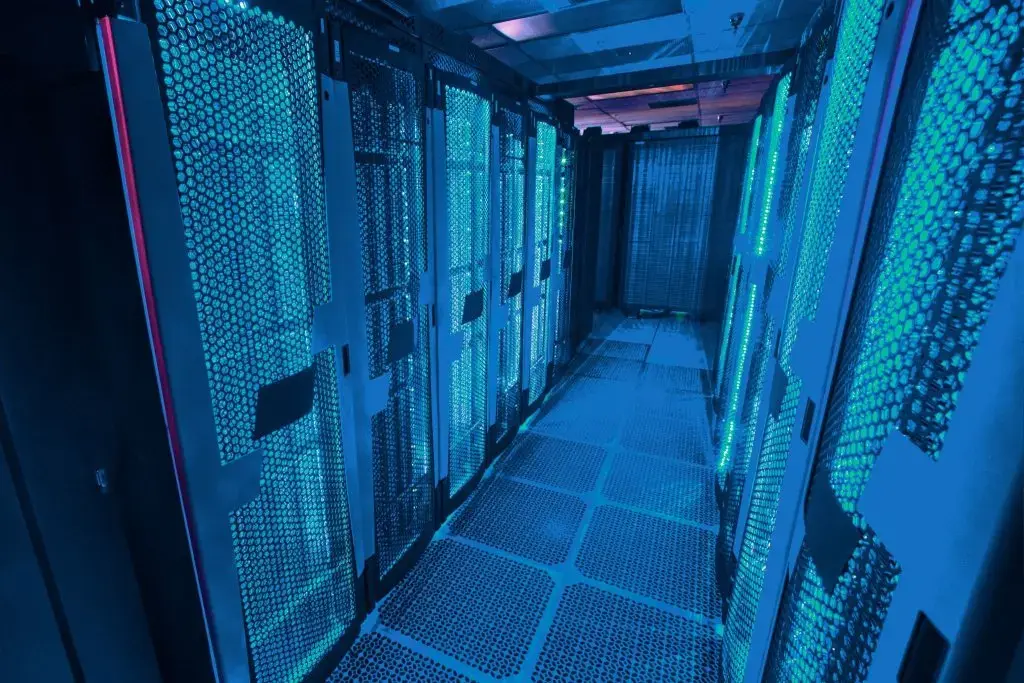
An underestimated enemy is dust and humidity. Even in “clean” data centers, fine dust enters servers. Absorbing moisture from the air (especially above 60% humidity), it becomes conductive, creating parasitic currents (leakage) on boards. This can cause phantom errors or even short circuits.
Hidden Costs of Extending Service Life
CFOs often see an old server as a “free” asset: fully depreciated and “not asking for food.” In reality, maintaining it can cost more than purchasing a new unit. Savings from extending life often result in negative ROI.
Rising costs are compounded by risks that cannot simply be budgeted. The probability of simultaneous failure of redundant drives in an old server rises sharply due to synchronized wear. Meanwhile, post-warranty contracts become disproportionately expensive, as vendors factor in high failure risks.
Attempts to “patch holes” resemble fighting a hydra. Repairing an old server solves a local problem but not the systemic one: backplanes, cables, and data buses remain old, and mechanical intervention when replacing one component can trigger failure in neighboring parts.
Finally, the hidden tax of energy efficiency must be considered. An old server may consume as much power as a new one but deliver 2–3× less performance. At a data center scale, this is a direct loss in electricity and cooling costs.
Expert Insight:
An old server is an “energy vampire.” Calculating cost per unit of power, you pay for electricity and software licenses (often billed per core) for equipment with extremely low efficiency. Replacing two old racks with a single new one often pays off purely through energy and license savings in 18–24 months.
Conclusion
Relying solely on a datasheet claim of 10 years is dangerously simplistic. A corporate server is a complex asset, whose lifespan depends on workload, environment, and economics.
Practical Recommendations:
-
Replacement cycle: Adopt a standard refresh of critical hardware every 4–5 years. Even if functional, aging equipment becomes an economic burden.
-
Data handling: Do not confuse reliability with immortality. Modern drives may last longer but can fail suddenly, and technological obsolescence occurs before physical failure.
-
Environmental control: Maintain temperatures strictly within the optimal range (20–40°C for HDDs) and mitigate vibration.
-
Predictive maintenance: Replace consumables (fans, RAID batteries) on a 3-year schedule, without waiting for failure.
-
Downtime cost audit: Include potential losses from one hour of business downtime in calculations. If downtime costs exceed a server refresh, cutting costs on hardware becomes an unacceptable operational risk.
Stop treating servers like “real estate.” In the modern model, a server is a consumable, like a printer cartridge—but more complex. The main value is your data and processes. Attempting to extract “one more year” from outdated hardware is a gamble where the cost of one device is weighed against the cost of the entire business. The mathematical expectation is always against you.