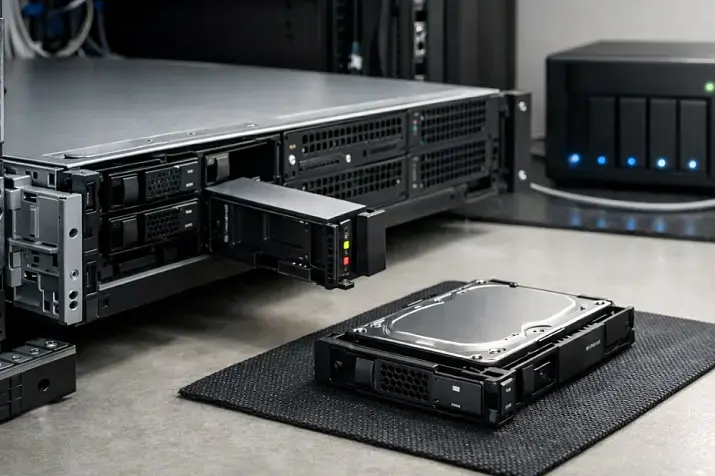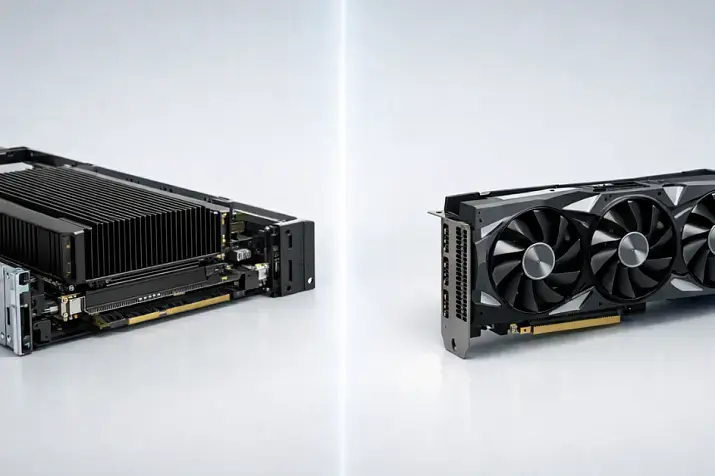
The “all-flash or hybrid” debate is almost never just about “expensive vs cheap”. It’s about your I/O profile and the quality of latency: you can have “high average IOPS” and still suffer regular freezes due to p99/p95*, queues, and cache misses. This is especially noticeable in virtualization, OLTP databases, and VDI, where users don’t feel the “average” — they feel rare but painful spikes.
*P99 (99th percentile) shows how long it takes to process 99% of requests. P95 (95th percentile) shows how long it takes to process 95% of requests.
Three typical real-life situations:
- You installed NVMe, but it still feels “the same”: you hit a 10GbE network ceiling, CPU limits on the storage node, a driver/stack bottleneck, or a controller/backplane that doesn’t let the drives shine (for example, “NVMe on paper”, but the real bottleneck is PCIe lanes / a switch / an expander).
- RAID 5 on “fast SSDs” suddenly causes lag: because of write penalty, cache policies, and background processes (rebuild, patrol read, garbage collection), the tail latency grows even though averages look decent.
- A hybrid with cache “sometimes flies, sometimes crawls”: when you hit the cache, everything is fine; when you miss, you instantly drop to HDD behavior — and then queues and stream contention kick in.
By “server” below we mean both local disks (DAS) and virtualization/software-defined storage scenarios (vSAN/Ceph/ZFS, etc.) without a deep SAN dive. The principles are the same: workload profile, tail latency, QoS predictability, reliability, and TCO.
Terms without confusion: what All-Flash and Hybrid mean
All-Flash
This is a setup where all persistent media are SSD: SATA/SAS SSD or NVMe (U.2/U.3, EDSFF, etc.). HDDs may appear only as external archive shelves / a secondary tier, but not as the “active” layer in the same pool.
The strength of all-flash is not only “fast”, but stable and predictable latency — if you avoid architectural mistakes.
Hybrid
Hybrid is not just “SSD + HDD”. There are several variants, and they differ fundamentally in risk and predictability:
- SSD cache + HDD capacity
write-back: writes land in SSD cache first, then are destaged to HDD
write-through: writes go to HDD immediately, SSD mainly helps reads
The key here is cache hit ratio and cache protection on power loss.
Auto-tiering (tiering): “hot” data automatically goes to SSD, “cold” data to HDD.
Unlike cache, data moves between tiers and stays there for a while.
Partially flash: for example, log/metadata on SSD, data on HDD (common in some ZFS/Ceph approaches and other SDS architectures).
Where cache ends and tiering begins
- Cache accelerates operations while they hit the fast layer. A miss — and latency returns to HDD level instantly.
- Tiering optimizes data placement (keeping the working set on SSD). The cost is migration time, telemetry requirements, and unpredictability when the access pattern changes abruptly.
Practical takeaway: if you need stable p95/p99 under mixed load, cache-based hybrid is usually less predictable than all-flash — or than carefully sized tiering where the working set truly fits on SSD.
5 vendor phrases you must clarify
- “SSD cache” — write-back or write-through? how is the cache protected on power loss?
- “Intelligent tiering” — what metrics drive migrations, what are the windows/limits, what happens during spikes?
- “NVMe acceleration” — where exactly is NVMe used: for logs, for reads, or for the whole pool?
- “Up to IOPS” — under which block size / queue depth / workload? do you have p95/p99?
- “AI caching” — what does it actually measure and how quickly does it adapt to workload changes?
Most popular refurbished servers

Free shipping on orders over 500 € in the EU, £500 in the UK, and $3,000 in the USA

Free shipping on orders over 500 € in the EU, £500 in the UK, and $3,000 in the USA

Free shipping on orders over 500 € in the EU, £500 in the UK, and $3,000 in the USA

Free shipping on orders over 500 € in the EU, £500 in the UK, and $3,000 in the USA
What really matters for performance: IOPS, throughput, and tail latency

Basic concepts
- IOPS — number of I/O operations per second (important for 4K/8K random).
- Throughput (MB/s, GB/s) — data volume per second (important for large sequential blocks).
- Latency — delay of a single operation.
- Queue depth / queue length — how many requests are waiting in the queue to the device/stack.
- Random vs sequential, read/write mix — the workload profile defines what hurts in practice.
Why “SSD ≠ always fast”: even fast devices can produce queues and latency spikes due to the stack, controller, RAID overhead, background GC/trim, thermal throttling, or network limitations. And tail latency (p95/p99) explains “occasional freezes” better than average latency.
Why hybrid is often “OK” for streaming, but breaks on random writes
- Sequential read/write and large blocks are where HDDs can still compete on throughput.
- Random write + mixed workloads turn the HDD layer into a queue generator: seek/rotational latency, plus write penalty at RAID and filesystem level.
Practical takeaway: if you have many small transactions, metadata, parallel streams, and burst load — evaluate not “average IOPS”, but p95/p99 latency and resistance to contention.
What to look at in metrics (a must-have practical list)
Collect metrics for at least 24–72 hours in a typical mode (and separately during peaks), otherwise you’ll pick “by feel”.
In the OS/hypervisor:
- avg latency and p95/p99 latency (read/write separately)
- I/O size, random/sequential
- queue length / outstanding I/O
- iowait / CPU steal (if VM), datastore latency (in virtualization)
On the RAID/HBA/controller:
- cache hit ratio
- write pending / dirty cache
- impact of rebuild/patrol read on latency
- write-back/write-through policy and BBU/supercap health
On SSD/NVMe:
- wear indicator / media wearout, actual TBW/DWPD
- unsafe shutdown count
- throttling, temperature (thermal)
- error/reassignment stats (SMART/NVMe log)
Choosing the Right Equipment
Our specialists will contact you and answer all your questions
Storage architecture in a server: where the bottleneck hides
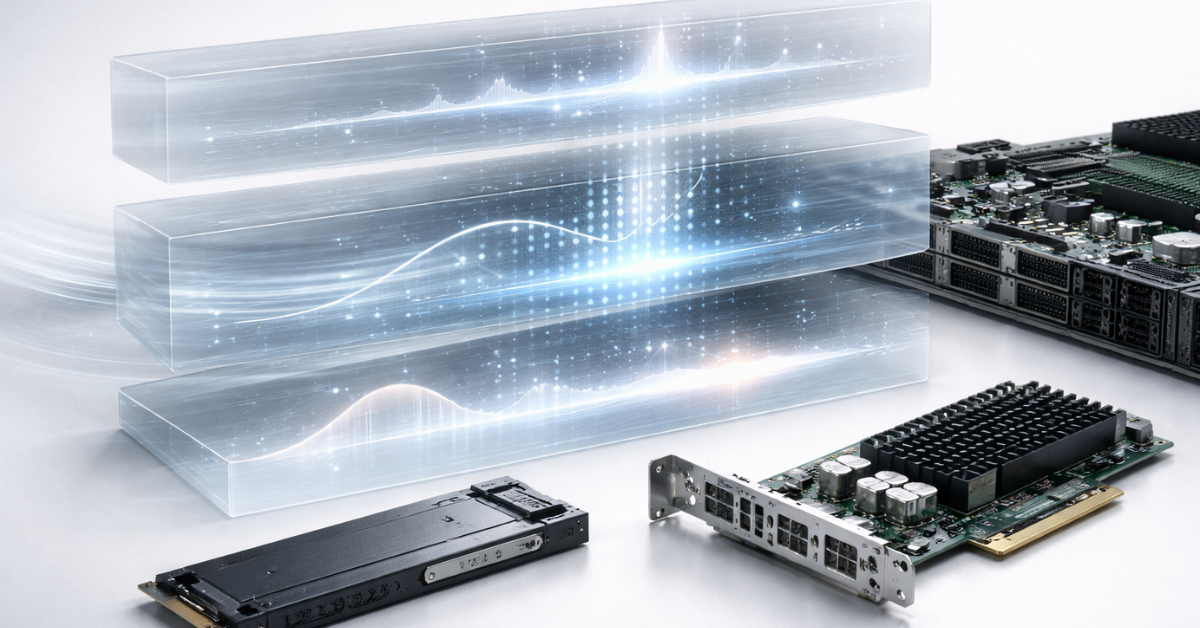
Interfaces and protocols: SATA/SAS vs NVMe
- SATA/SAS are simpler and cheaper, but limited in queues/parallelism and latency.
- NVMe wins thanks to multichannel queues and parallelism, but requires the whole chain to be ready: PCIe lanes, backplane, correct bridging, cooling, and the driver stack.
If you’re planning a server for virtualization/databases, verify drive bay/backplane and controller compatibility with your chosen NVMe/SSD, plus PLP and sufficient DWPD — it saves time on migrations and rebuilds later.
RAID and its cost: RAID 1/10 vs RAID 5/6
- RAID 1/10 is usually more predictable in latency, especially under mixed load and random writes.
- RAID 5/6 adds write penalty: small writes become “read-modify-write”, amplifying queues and tail latency. This affects SSD and hybrid alike, but in different ways: on SSD you often see “spikes”, on HDD you get постоянная “sluggishness”.
Rebuild: HDD vs SSD — different risks
- With large HDDs, rebuild is long, and the likelihood of URE/read errors and prolonged degraded windows increases.
- With SSDs, rebuild is usually faster, but the risk is controller load and higher latency, additional wear, and thermal behavior (especially with NVMe).
Controller cache: write-back and power-loss protection
Write-back cache can dramatically improve performance, but without power-loss protection it becomes a data-loss risk. So BBU/supercapacitor/CacheVault and correct policies matter. MegaRAID documentation explicitly emphasizes safe modes until the module is charged/ready and why write-back makes sense after that.
Network and stack: iSCSI/NFS/SMB/virtualization
The network can “eat” the entire all-flash advantage:
- 10GbE often becomes the ceiling for multi-stream scenarios, especially for file protocols and east-west traffic.
- For SMB (and other protocols), Multichannel and, if available, RDMA (SMB Direct) reduce latency and CPU load.
Hybrid in practice: when it’s truly justified
Hybrid is good where capacity matters more than latency, and the I/O profile is relatively predictable:
Good-fit scenarios:
- file archives and “cold” data
- media storage and video surveillance (if the profile is streaming)
- image repositories, ISOs, distributions
- backups, especially “cold” backup repositories
- large capacity under a tight budget
Hybrid pitfalls people often forget:
- Cache isn’t infinite: a miss — and you instantly drop to HDD-level behavior.
- Noisy neighbor and QoS: a couple of “loud” streams can evict another service’s working set from cache.
- Long rebuilds and risks on large HDDs: degradation lasts longer, and the vulnerability window grows.
- Dependence on cache policy: write-back vs write-through, sizing, eviction algorithms, and power-loss protection.
Practical takeaway: hybrid is justified when you accept drops to HDD-level behavior and can limit contention (QoS, separate pools/volumes, scheduling heavy jobs).
All-Flash in practice: when you’ll hurt without it
All-flash is needed not “because it’s fast”, but because it’s predictable:
Scenarios where all-flash typically removes pain:
- OLTP databases (PostgreSQL/MySQL): frequent small transactions, fsync, metadata
- virtualization with dense consolidation (20–200 VMs): mixed profile, lots of parallelism
- VDI: boot storm, login storm, antivirus/updates
- CI/CD runners, builds, artifacts: burst load, many small files
- search/analytics (e.g., Elasticsearch-like profiles): sensitivity to tail latency
- low-latency services and queues
All-flash pitfalls (must consider)
- Wear: DWPD/TBW, write amplification, unexpected write growth due to journaling/compression or a bad RAID choice.
- TRIM/UNMAP and over-provisioning: the stack must release blocks correctly; otherwise GC amplifies tail latency.
- NVMe thermal throttling: without proper airflow, NVMe can throttle easily — and “millions of IOPS” turn into instability.
- Economics: all-flash costs more in CAPEX, but can be cheaper in TCO — fewer servers, less power, less rack space, less downtime.
SNIA highlights that for data center SSDs, predictable latency is critical and endurance (DWPD) is a key parameter.
Economics and TCO: how to compare without making a mistake

Compare not “price per TB”, but total cost of ownership:
- CAPEX: drives/server, controllers, NICs, licenses (sometimes tied to CPU cores)
- OPEX: power, cooling, rack space, planned drive replacement, admin time
- downtime and degradation: what “slow” or “unavailable” costs the business
“Price per useful IOPS” and “price per predictable latency” logic
- Hybrid often wins on cost per TB, but loses on cost of predictability (p99).
- All-flash wins when maintenance windows, VM density, response time, and spike resilience matter.
3 situations where all-flash pays off “suddenly”
- Consolidation: instead of two or three servers/nodes, you can fit into fewer because the I/O bottleneck is gone.
- Licenses/cores: fewer hosts can reduce licensing/support (often more valuable than the disk price difference).
- Maintenance windows and downtime: less time for rebuild/recovery/migration, less performance degradation during background operations.
- Support for additional features. For example, if you plan to use VMware (Broadcom) vSAN, enabling encryption and deduplication (which saves capacity) is not possible on hybrid solutions.
For typical workloads, it’s useful to build two configurations (all-flash and hybrid) and compare p95/p99 on a pilot — it’s the easiest way to defend the choice to the business.
Reliability, fault tolerance, and maintenance
- Start with RPO/RTO: what downtime and data loss are acceptable. Then choose the right combination of RAID/replication/backups.
- Large HDD arrays increase rebuild time and the risk window. URE and degradation on large disks are a common argument against “huge HDD RAID” for critical data.
- Use a hot spare and plan rebuild policy (rebuild speed vs impact on production).
- Set up monitoring: SMART/NVMe log, temperature, wearout, errors, BBU/supercap health, controller events.
- Plan firmware updates: they can change cache behavior, GC algorithms, and latency — test on a pilot.
Practical selection algorithm (decision flow)
- Classify the workload: random/sequential, typical block size (4K/8K/64K/1M), read/write mix, number of streams.
- Define your “pain threshold”: acceptable p95/p99, and whether you can tolerate dips during peaks and during rebuild/backup.
- Estimate the working set: the volume of truly “hot” data that is active daily.
- Check infrastructure limits: network (10/25/100GbE), CPU/RAM, RAID/HBA, PCIe lanes, backplane, NVMe cooling.
- Choose the design:
- latency-sensitive + mixed I/O → all-flash
- streaming/archive profile → hybrid
- working set fits SSD and the profile is stable → tiering can make sense
- Define the minimum safe configuration: RAID level, spare, BBU/CacheVault, DWPD headroom, monitoring and replacement policy.
Collect metrics for 24–72 hours, then run this algorithm again — the decision often changes after you see real p95/p99.
Common mistakes and myths
- “NVMe will fix everything” — if the network/CPU/controller isn’t ready, you won’t gain anything.
- “Average latency is low, so everything’s fine” — p95/p99 matter more; that’s what causes the “freezes”.
- “RAID 5 on SSD is always OK” — write penalty and spikes don’t disappear.
- “Cache will save any workload” — misses are inevitable, and cache degrades under contention.
- “Hybrid fits any virtualization” — with dense consolidation, tail latency typically suffers.
- “You can use consumer SSDs” — often no PLP, different endurance/firmware, higher risk of instability and surprise failures.
- “TRIM/UNMAP doesn’t matter” — without it, GC increases tail latency.
- “If it’s read-heavy, HDD is always fine” — metadata, small reads, and contention can still kill latency.
- “Rebuild is just ‘slow’” — in production, rebuild often means QoS degradation and higher queues.
- “You can estimate by eye” — without 24–72 hours of metrics, you’re choosing by feel.
- “Dedup/compression is free” — it consumes resources and is sometimes available only on all-flash (depending on platform/architecture).
- “Hybrid is always cheaper” — sometimes all-flash reduces host count/licenses/downtime and wins on TCO.
Choosing the Right Equipment
Our specialists will contact you and answer all your questions
All-Flash vs Hybrid — comparison by criteria
| Criterion | All-Flash | Hybrid | Comment (“when it matters”) |
|---|---|---|---|
| p99 latency under mixed load | usually lower and more stable | tail is more likely to “saw” due to HDD/cache | VDI, OLTP, dense virtualization |
| QoS predictability under contention | higher | lower (cache eviction) | noisy neighbor, multi-tenant |
| Scaling by IOPS | easier to scale | hits the HDD layer/cache limits | many small I/O, bursts |
| Scaling by capacity | more expensive | cheaper | archives, “cold” data |
| Cost per 1 TB | higher | lower | CAPEX constraints |
| Cost of “useful performance” | often better in latency-sensitive workloads | better in throughput-style workloads | depends on the profile |
| Rebuild/maintenance on large volumes | faster, but watch thermals/wear | slower, higher risk window | critical services, RTO |
| Cooling/power requirements | higher for dense NVMe | lower per TB, but longer operations | rack/edge sites |
| Controller/network requirements | high (to unlock performance) | also important, but the “ceiling” is lower | 25/100GbE, PCIe, HBA |
Which configuration fits which scenario

| Scenario | I/O profile | Recommendation | Why | What to watch |
|---|---|---|---|---|
| OLTP DB (PostgreSQL/MySQL) | random, small blocks, write + fsync | All-Flash | tail latency decides everything | DWPD/TBW, PLP, RAID policies |
| Virtualization 20–200 VMs | mixed, many streams | All-Flash (most often) | contention and p99 | network, controller, QoS, metrics |
| VDI | burst + random + metadata | All-Flash | boot/login storms | p99, caching, image profile |
| File sharing / archive | sequential streams, rare random | Hybrid | cost per TB | cache policies, power-loss protection |
| Backup repo | large sequential writes/reads | Hybrid (often) | capacity matters more than latency | maintenance windows, restore time |
| Video surveillance | streaming writes, occasional reads | Hybrid / tiering | streaming profile | guaranteed throughput |
| CI/CD | bursts, many small files | All-Flash | stability under peaks | NVMe thermals, filesystem behavior |
Questions to ask the vendor/integrator
- Is it cache or tiering? What algorithm and what p95/p99 guarantees?
- Is write-back supported? How is cache protected on power loss (BBU/supercap/PLP)?
- Which workloads were tested (4K random, 64K, mixed), at what queue depth?
- Do you have p95/p99 latency data, not only “up to IOPS”?
- What SSD endurance (DWPD/TBW) and what headroom is assumed for our writes?
- Do the selected SSDs have PLP (and which exact models)?
- Does the backplane/controller support the required NVMe (U.2/U.3/EDSFF), and how many PCIe lanes are actually available?
- Which HBA/passthrough modes are available (important for ZFS/Ceph)?
- How does the system behave during rebuild: how much does performance drop and latency rise?
- Is there QoS / IOPS/throughput limiting per pool/volume/VM?
- How is monitoring done: SMART/NVMe log, wearout, temperature, controller events?
- What is the replacement process and availability of compatible spare drives (spare)?
- What are the network requirements (10/25/100GbE), and does RDMA make sense for our case?
- Any platform limitations in hybrid vs all-flash (e.g., certain space-efficiency features)?
- What changes with firmware/driver updates, and how is it tested?
Storage systems

Free shipping on orders over 500 € in the EU, £500 in the UK, and $3,000 in the USA

Free shipping on orders over 500 € in the EU, £500 in the UK, and $3,000 in the USA

Free shipping on orders over 500 € in the EU, £500 in the UK, and $3,000 in the USA

Free shipping on orders over 500 € in the EU, £500 in the UK, and $3,000 in the USA
Mini checklist before purchase
Workload and metrics (mandatory):
- I/O profile: block size, random/sequential, read/write mix
- how many VMs/containers, expected peaks, “noisy” jobs (backup, scanners, ETL)
- target p95/p99 latency (read/write separately)
- collect 24–72 hours of metrics: avg + p95/p99 latency, queue length, I/O size, throughput
Drives:
- does the SSD have PLP
- DWPD/TBW with headroom for worst-case write amplification
- NVMe thermal behavior and airflow requirements
- TRIM/UNMAP support in the stack
Controller/design:
- RAID level and the write penalty cost
- availability of BBU/supercap/CacheVault for safe write-back
- spare drive, rebuild policy, health monitoring
Network and protocols (if storage is over the network):
- 10/25/100GbE, compatibility, multipath/multichannel
- jumbo frames — only if you know why and validated end-to-end
- RDMA (SMB Direct) — if your scenario truly benefits
Operations:
- monitoring plan (wearout, temperature, errors, BBU, events)
- maintenance plan (firmware, windows, pilot testing)
- replacement policy and availability of compatible drives
Conclusion
If the workload is latency-sensitive and mixed (virtualization, OLTP, VDI, CI/CD with peaks), the choice more often leans toward all-flash, because p95/p99 predictability and resilience to contention matter. If the data is cold and the profile is closer to streaming/archive — hybrid is often “good enough”, especially when cost per TB is the main driver.
The next step is simple and the most useful: collect 24–72 hours of metrics (avg + p95/p99 latency, I/O size, queue length, read/write mix) and run the decision flow above. This almost always saves money and time — because you’re not buying “fast drives”, you’re buying a predictable system for a specific workload.
Sources and documentation
- SNIA — storage terms and models
- SNIA: NVMe SSD Classification (white paper)
- VMware Docs — vSphere/vSAN documentation
- vSAN: Deduplication & Compression (Broadcom TechDocs)
- VMware: vSAN Space Efficiency (PDF)
- Microsoft: Performance Tuning for SMB File Servers
- Broadcom Docs: CacheVault / Power Modules UG (PDF)
- Broadcom Docs: CacheVault UG
- Broadcom Docs: Understanding CacheVault Modules
- Ceph Docs — SDS and performance tuning
- OpenZFS — ZFS, ARC/L2ARC, logs, and ops practices
Choosing the Right Equipment
Our specialists will contact you and answer all your questions
Content:
Free shipping on orders over 500 € in the EU, £500 in the UK, and $3,000 in the USA
Free shipping on orders over 500 € in the EU, £500 in the UK, and $3,000 in the USA

Free shipping on orders over 500 € in the EU, £500 in the UK, and $3,000 in the USA
Free shipping on orders over 500 € in the EU, £500 in the UK, and $3,000 in the USA
Free shipping on orders over 500 € in the EU, £500 in the UK, and $3,000 in the USA
Free shipping on orders over 500 € in the EU, £500 in the UK, and $3,000 in the USA