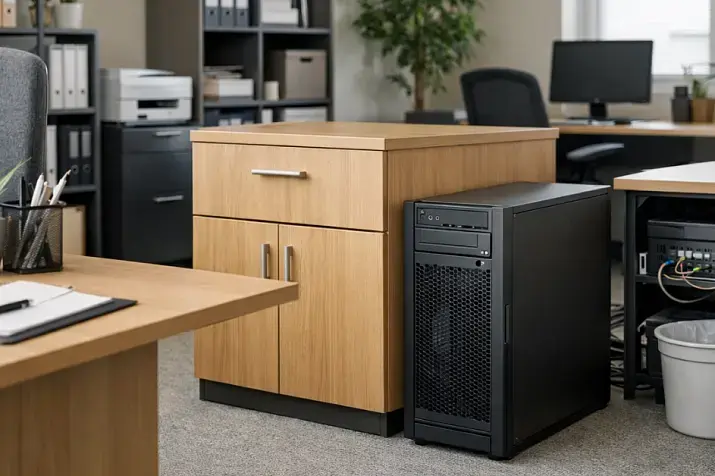
The only way to avoid a bottleneck is to choose a server not by the maximum specs of individual components, but by how well those components are balanced for a specific workload. If the processor, memory, network, and disks are not aligned with one another, the system will almost inevitably start losing performance at its weakest point — even if the rest of the configuration looks expensive and “future-proof.” That is why proper tuning and performance evaluation always depend on the workload type rather than on some abstract notion of “server power.”
Glossary of Terms
Bottleneck — the resource that begins limiting the performance of the entire system first.
CPU — the processor that performs computations and handles tasks.
RAM — system memory where data needed right now is stored temporarily.
NUMA — an architecture in which a processor accesses its “local” memory faster than memory attached to another socket.
IOPS — the number of read and write operations a storage subsystem can perform per second.
Latency — the time the system needs to complete an operation or deliver data.
Throughput — the amount of data that can be transferred or processed per unit of time.
Queue depth — how many disk operations are waiting to be processed at the same time.
NVMe — a fast protocol for SSDs with lower latency than older connection formats.
Swap — using disk space as a substitute for RAM, usually a sign of memory shortage.
Peak load — a short period when the system is under significantly heavier load than usual.
Workload profile — the nature of how the system operates: which operations it performs most often and which resources it uses most heavily.
Why the Problem Is Almost Never Just “a Weak Server Overall”

One of the most harmful myths in infrastructure goes like this: if a server is slow, then it simply lacks power overall. In practice, that is rarely the case. Much more often, the system is not short on “everything at once” but on one specific resource that matters more than the others in a given scenario.
This is especially clear across different types of workloads. A backup server can work perfectly well with a moderate CPU, yet quickly hit limits in write throughput, networking, and backup windows. A virtualization host is rarely constrained by the processor alone: memory, storage latency, and behavior under mixed workloads from multiple virtual machines almost always matter. A database may look “light” in terms of average CPU utilization yet fall apart during peaks because of disk latency or insufficient memory. A file server is often limited not by storage capacity, but by a combination of network, cache, and access profile.
So the question should not be, “How powerful is my server?” The right question is different: “Which resource is limiting my workload right now?” That is the bottleneck. And it can shift. After a storage upgrade, the server may stop being disk-bound and suddenly reveal that it now lacks CPU or RAM. Such a shift does not mean the previous upgrade was pointless. It means you removed one limiter and uncovered the next one.
Top-selling network switches
Free shipping on orders over 500 € in the EU, £500 in the UK, and $3,000 in the USA

Free shipping on orders over 500 € in the EU, £500 in the UK, and $3,000 in the USA

Free shipping on orders over 500 € in the EU, £500 in the UK, and $3,000 in the USA

Free shipping on orders over 500 € in the EU, £500 in the UK, and $3,000 in the USA
What Balance Means in Practice
Resource balance is not a situation where everything is “equally powerful.” It is a situation where each component matches the role it plays in a specific task.
A fast processor is useless if the application is constantly waiting for data from slow storage. A large amount of memory will not help if the bottleneck is the network between nodes that carries synchronous requests. Fast NVMe drives will not deliver the expected benefit if the application is single-threaded, parallelizes poorly, or is limited by single-core frequency. A high-speed network will not solve the problem if the storage cannot deliver data fast enough or if the application processes it too slowly.
It helps to think of the system as a chain: data must be read on time, moved into memory, processed by the CPU, sent over the network if needed, and stored again. If a delay appears anywhere along this chain, the entire system suffers. To users, it often looks like “everything is slow,” even though the problem can usually be localized quite precisely.
Choosing the Right Equipment
Our specialists will contact you and answer all your questions
Why You Need to Look at the Workload Profile First

The most common reason for a poor server choice is trying to size it by averaged characteristics. People choose “more cores,” “more memory,” and “faster disks,” but never answer the main question: how exactly does the application behave?
To size a server properly, you need to understand which type of operations dominates — reads, writes, or a mixed mode; what share of the workload is small random access versus large sequential access; whether single-operation response time or overall throughput matters more; how many users or processes are active at the same time; how much data is truly hot, meaning frequently used; whether there are short peaks that radically change system behavior; and how quickly the workload will grow.
Without this knowledge, almost any decision turns into guesswork. A system can look excellent in synthetic benchmarks and remain completely unconvincing in real-world work. That is exactly why Azure’s recommendations for disk testing explicitly assume that you should measure behavior under different workload types rather than by one conventional “disk speed” number.
CPU: When the Processor Really Becomes the Limiting Factor
The processor is the prime suspect in almost every story about a slow server. But real life is more complicated than a “CPU 95%” chart.
Yes, sometimes everything is simple: there are too few cores, frequency is insufficient, the run queue grows, and response time worsens in proportion to increasing load. That is the classic compute-bound scenario. But there are more subtle cases too.
First, the application may parallelize poorly. In that case, even a large number of cores brings little benefit. The bottleneck is not the total compute capacity, but one or several overloaded cores. Second, CPU time is often spent not on useful work but on overhead: context switching, locking, encryption, compression, network interrupts, and virtualization overhead. Third, the processor may sit idle waiting for data from memory or storage, and then high or unstable CPU load merely accompanies the problem rather than being its root cause.
You need to be especially careful with dual-socket systems and dense virtualization. NUMA enters the picture here: processor and memory no longer form one uniform space. If a thread regularly works with “remote” memory, access latency rises, cache efficiency drops, and inter-socket traffic increases. Intel shows separately that remote memory access and limited memory bandwidth can be a noticeable source of degradation even when overall metrics make it seem as if the problem is “the processor.”
Signs of a real CPU bottleneck usually look like this: response time growth coincides with rising CPU load, the task queue keeps growing, things recover quickly when the load is removed, and faster disks or networking change almost nothing.
RAM: Memory Is Not Just About “Enough or Not Enough”

Two mistakes are especially common with memory. The first is assuming there is a problem only when the server starts swapping. The second is assuming that if there is a large amount of RAM, then the memory subsystem cannot possibly limit performance.
In practice, memory affects the system in at least three different ways.
Capacity. If the working set does not fit in RAM, the system begins hitting disks more often. Then users think the problem is “slow disks,” while the real cause is insufficient memory. This is especially typical for databases, virtualization, analytics workloads, large file caches, and platforms with many services.
Memory bandwidth. Even if capacity is sufficient, data still has to reach the processor quickly. The number of memory channels, DIMM configuration, frequency, and balance across sockets all affect real performance. A poor memory configuration can noticeably cut CPU capabilities without any obvious failure symptoms.
Locality. In NUMA systems, it is critical that processes, their memory, and their related interrupts be placed as close to one another as possible. If they are not, the server can lose performance not because it formally lacks gigabytes, but because data has to travel too far.
This is one of the least obvious but most useful conclusions: you can have a lot of memory, and the memory subsystem can still remain the limiting factor.
Disks: Where Mistakes Happen Most Often
With storage, people traditionally confuse three different metrics: operations per second, throughput, and latency. And they often forget the fourth factor — queue depth.
IOPS matter where the workload consists of many small operations. Throughput matters where there are long sequential reads and writes. Latency is critical almost everywhere predictable response time matters. Queue depth shows how hard the application is pressing on storage and how many operations are waiting to be processed. There is a direct relationship between these metrics: in Microsoft’s documentation on high-performance disks, the documentation explicitly gives the relationship in which queue depth depends on IOPS and latency. This leads to an important practical conclusion: trying to “squeeze out” more operations by pushing queue depth higher can worsen latency and make the system less responsive.
So a “fast SSD” by itself guarantees almost nothing. You have to look at what the application is actually doing. For a transactional database, stable latency under a mixed read/write workload is critical. For backup, what matters is sustained write throughput over a long interval. For virtualization, what matters is how storage behaves under many simultaneously active VMs with different I/O profiles. For a file server, the key factors are file characteristics, caching, block size, and network profile.
Workload type — database. What most often limits it: latency and small random operations. What to look at first: latency consistency, read and write IOPS, and tail latency.
Workload type — virtualization. What most often limits it: mixed random I/O from many virtual machines. What to look at: behavior under peaks, queueing, and latency under real consolidation.
Workload type — file server. What most often limits it: mixed access profile and the network. What to look at: file size, share of small operations, cache, and throughput.
Workload type — backup. What most often limits it: long reads and writes. What to look at: sustained throughput, backup window, and behavior during long-running operations.
Workload type — analytics and streaming reads. What most often limits it: sequential access. What to look at: throughput and stability under prolonged load.
Another mistake is trusting only the rated figures of storage devices. Those numbers are obtained under specific conditions: a specific block size, a specific queue depth, and a specific read or write profile. If your application behaves differently, the promised result does not automatically carry over.
Network
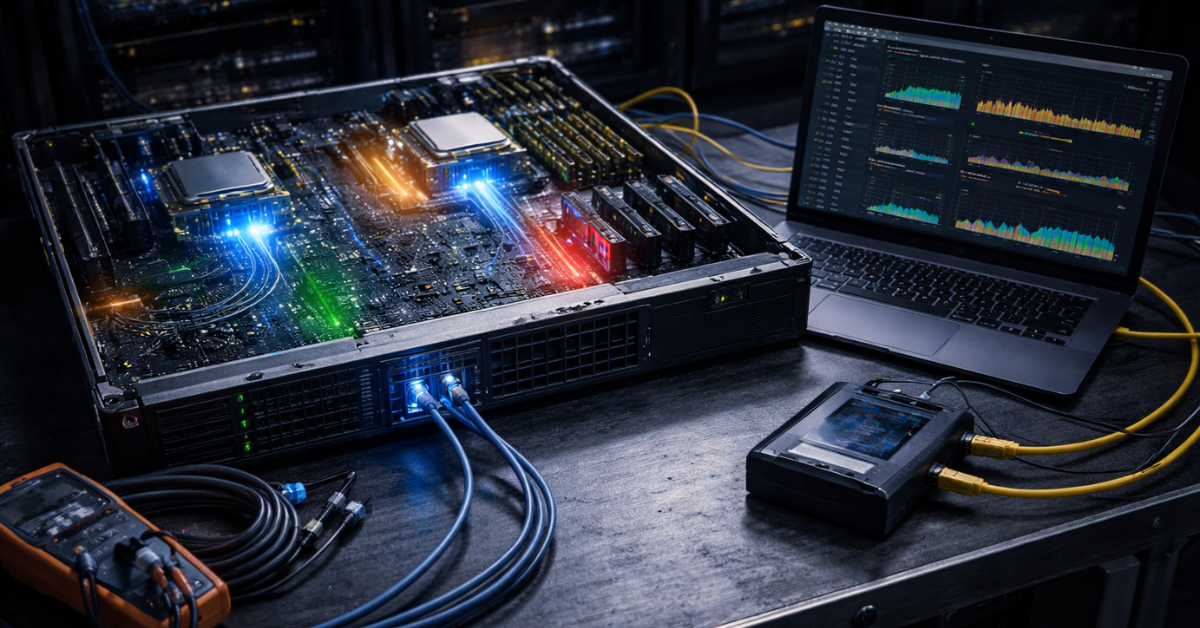
Networking is often viewed too simplistically: 1 Gbps, 10 Gbps, 25 Gbps — and that supposedly says it all. But a real network is defined not only by bandwidth. And not even always by bandwidth first.
For some workloads, latency is the main parameter. For others, packets per second matter more than total traffic volume. For distributed applications, replication, clusters, remote storage, and backup, losses, overflowing queues, retransmissions, and the overhead of network stack processing are critical.
A particularly telling scenario is when the link is not fully saturated, yet users still complain about slow performance. That is entirely possible: the network may not be maxed out in megabits, yet still remain the bottleneck because of latency, packet rate, or CPU contention in traffic processing. That is why Red Hat’s monitoring guides and tuning guides treat the network not as an isolated subsystem, but as part of the broader picture along with CPU, memory, and disks.
Choosing the Right Equipment
Our specialists will contact you and answer all your questions
The Most Common Imbalance Scenarios
A very powerful CPU and too little memory. In short tests the system looks lively, but under real load it starts evicting data from cache more often, hitting disks, and losing smoothness. The processor is formally strong, but spends a significant amount of time waiting for data.
A lot of memory and weak storage. As long as the active working set fits into RAM, everything seems fast. As soon as the working data grows beyond that size, latency collapses begin. That is why some systems “unexpectedly” slow down only at certain hours or after the database grows.
Fast NVMe and a weak network. Locally everything is excellent, but over the network users feel almost no acceleration at all. This is especially noticeable in file access, backup, remote work, and clusters.
A fast network and slow disks. The link is there, but there is nothing to feed into it. For replication, backup, streaming distribution, and large file operations, this is a classic mismatch.
Many cores and poor NUMA locality. The configuration looks impressive, but real performance is lower than expected because threads, memory, and interrupts are arranged poorly.
How to Look for a Bottleneck Instead of Guessing
The first rule of diagnostics is not to buy hardware before taking measurements. The second is not to look at one metric in isolation from the others. The third is to analyze the system at the moment of the real problem, not by averaged 24-hour charts.
If the server has slowed down, it is important to understand what exactly became worse, when it happens, whether it is constant degradation or spikes, whether response time or overall throughput suffers, and what is happening at the same moment with CPU, memory, disks, and network.
Looking at correlations is extremely useful. If rising disk latency coincides with worsening application response, that is one story. If memory pressure is also rising and disks are mostly busy with evicted data, that is another story. If system CPU time jumps sharply during a network traffic peak, the problem may be not “link width,” but traffic processing overhead.
That is why good diagnostic practice is always systemic: first the workload profile, then measurements across several subsystems at once, then conclusions, and only after that an upgrade or tuning.
Our most popular servers

Free shipping on orders over 500 € in the EU, £500 in the UK, and $3,000 in the USA
Free shipping on orders over 500 € in the EU, £500 in the UK, and $3,000 in the USA
Free shipping on orders over 500 € in the EU, £500 in the UK, and $3,000 in the USA

Free shipping on orders over 500 € in the EU, £500 in the UK, and $3,000 in the USA
What to Consider When Choosing a Server So the Problem Does Not Return in Six Months

A server should be chosen not only for the current workload, but also for its growth. And the headroom should be targeted. For virtualization, the critical factor is most often the balance of CPU, RAM, and storage latency. For a database, it is memory and predictable disk behavior. For backup, it is write throughput, networking, and the backup window. For internal business applications, it is stable response time rather than simply beautiful benchmark numbers.
You need to understand the platform’s limits in advance: how many memory channels are available, how many PCIe lanes can be allocated to networking and disks, how many drives can actually be installed, how the configuration will scale in a year, whether a NUMA imbalance will appear after expansion, and whether memory or networking can be added without replacing the whole node.
Scenarios:
Virtualization. Main focus: balance of CPU, RAM, and storage latency. Where people most often go wrong: they choose many cores but try to save money on memory and storage.
Database. Main focus: memory, disk latency, and predictability under peaks. Where people most often go wrong: they look at storage capacity instead of response time.
File server. Main focus: network, cache, and access profile. Where people most often go wrong: they evaluate only capacity and “disk speed.”
Backup. Main focus: write throughput, network, and stability during long operations. Where people most often go wrong: they underestimate real backup windows.
Internal applications. Main focus: CPU response, memory, and predictable storage. Where people most often go wrong: they choose a configuration by average load without accounting for peaks.
Streaming delivery and media services. Main focus: network and sequential reads. Where people most often go wrong: they overpay for resources the application will not actually use.
Common Mistakes
Most problems start with very recognizable decisions: choosing a server by the processor rather than by the workload profile; taking average metrics for the real picture; lumping IOPS, throughput, and latency into one abstract “disk speed”; assuming that a large amount of RAM automatically solves the performance question; ignoring NUMA; testing the system with synthetic workloads that do not resemble real requests; assuming that networking is only about gigabits; and scaling the first component that comes to mind instead of the real limiter.
Conclusion
A bottleneck appears not because the server is “weak overall,” but because one resource is less aligned with the workload than the others. That is why the best way to avoid a bottleneck is not to chase the maximum of one parameter, but to build the system as an interconnected set of resources. The processor, memory, network, and disks must match one another, the application profile, and the expected growth of the workload. When that balance exists, the server behaves predictably and delivers exactly the result expected of it. When the balance is absent, even a very expensive configuration quickly starts to feel slow.
Choosing the Right Equipment
Our specialists will contact you and answer all your questions
Content:

Free shipping on orders over 500 € in the EU, £500 in the UK, and $3,000 in the USA

Free shipping on orders over 500 € in the EU, £500 in the UK, and $3,000 in the USA
Free shipping on orders over 500 € in the EU, £500 in the UK, and $3,000 in the USA

Free shipping on orders over 500 € in the EU, £500 in the UK, and $3,000 in the USA