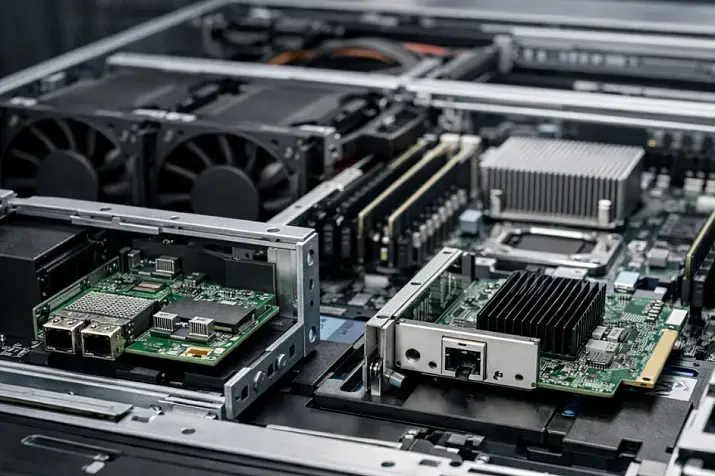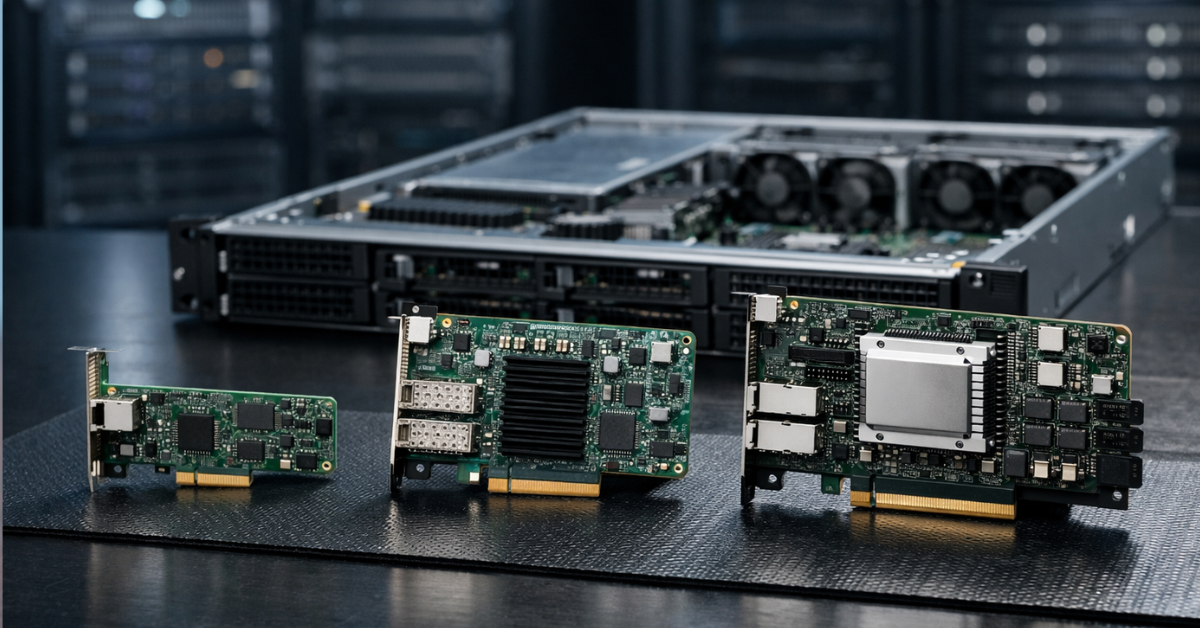
If a server only needs reliable network connectivity, an ordinary server network card is almost always enough. A SmartNIC is worth considering when part of the network processing already interferes with CPU work: for example, in virtualization, container platforms, storage clusters, or environments with a large number of network rules. A DPU is needed even less often: it is not “the fastest network card”, but a separate infrastructure processor that can take over networking, security, and storage functions. For most ordinary servers, a DPU is excessive, but in clouds, large clusters, and provider infrastructure, it can be an important architectural tool.
What an ordinary NIC, SmartNIC, and DPU are in simple terms
An ordinary NIC (Network Interface Controller) is a server network card. It connects the server to the network, receives and transmits packets, supports the required port speed, and works through operating system or hypervisor drivers. Such a card does not have to be “weak”: modern server adapters support 10, 25, 40, 100, 200 Gbit/s and higher speeds, multiple ports, processing queues, hardware offloads, and virtualization features.
But high port speed alone does not make a card “smart”. You can install an ordinary 100-gigabit NIC and get a very fast network card that still remains a conventional network adapter: the main traffic-processing logic will still run on the server side, in its operating system, drivers, hypervisor, chipset, and central processor.
A SmartNIC is a network card that can perform part of the network work on its own. It does not merely pass packets to the server; it can participate in their processing: filter traffic, apply rules, assist with virtual networks, offload some operations, and accelerate tunnels or a virtual switch. In an academic survey, SmartNICs are described as a class of network devices to which networking, security, storage, and other functions are offloaded so that everything does not have to run on the server CPU.
A DPU (Data Processing Unit) is a more independent device. It can be viewed as a network card with its own compute node inside: it has a network interface, its own processor cores, memory, accelerators, and a separate software environment. A DPU can perform infrastructure functions almost independently of the server’s main operating system. That is why it is closer not to “a network card with extra features”, but to a separate service computer embedded next to the network.
The difference can be summarized as follows:
- An ordinary NIC connects the server to the network;
- A SmartNIC helps process some network functions directly on the adapter;
- A DPU moves part of the infrastructure — networking, security, storage, virtualization — to a separate specialized processor.
Our most popular servers

Free shipping on orders over 500 € in the EU, £500 in the UK, and $3,000 in the USA
Free shipping on orders over 500 € in the EU, £500 in the UK, and $3,000 in the USA
Free shipping on orders over 500 € in the EU, £500 in the UK, and $3,000 in the USA

Free shipping on orders over 500 € in the EU, £500 in the UK, and $3,000 in the USA
Why SmartNICs and DPUs appeared in the first place
In the older, simpler server architecture, the network card was mainly responsible for receiving and transmitting data. The server received packets, the operating system processed them, the application responded, and that was enough.
Modern infrastructures are more complicated. The server CPU is often busy not only with the useful workload: applications, databases, virtual machines, or containers. A large amount of service work also falls on it:
- virtual switches;
- tunnels and overlay networks;
- encryption;
- firewalls;
- traffic segmentation;
- work with network storage;
- processing a large number of small packets;
- hypervisor service functions;
- telemetry;
- security policies;
- tenant isolation in a cloud environment.
On an ordinary server, this may be barely noticeable. But in a cloud, a large virtualization platform, a storage cluster, or a heavily loaded container environment, infrastructure work starts consuming real resources. Some central processor cores are spent not on customer applications, but on servicing networking, storage, and security.
SmartNICs and DPUs appeared as a response to this problem. Their idea is to move part of such work closer to the network interface. If certain operations can be performed on the adapter, the CPU is freed for the primary workload.
But this does not mean that every server needs a SmartNIC or DPU. If the server performs an ordinary role — a small office file server, a domain controller, a small application server, or backup with moderate load — an ordinary network card is usually enough. In such scenarios, the problem is usually not that the CPU is overloaded by network processing, but rather disks, memory, the application, OS settings, the switch, or the communication channel.
The key difference is not port speed, but where the work is performed
The most common mistake is to compare an ordinary NIC, SmartNIC, and DPU as “slow, fast, and very fast” network cards. That is the wrong logic.
Port speed is a separate characteristic. An ordinary NIC can be 100-gigabit. A SmartNIC can be 25-gigabit. A DPU can work at hundreds of gigabits per second, but its purpose still does not come down to speed.
The real question is different: where traffic and infrastructure functions are processed.
When an ordinary NIC is used, the card receives and transmits data, but a significant part of the logic runs on the server side. Packets are processed by the driver, the operating system network stack, the hypervisor, the virtual switch, or the application. The central processor participates directly in this chain.
When a SmartNIC is used, some operations can be performed on the card itself. For example, the adapter can process rules, assist with virtual networks, offload some hypervisor functions, accelerate tunnels, collect telemetry, or filter traffic before it goes deeper into the system.
When a DPU is used, part of the infrastructure logic can be moved into a separate environment. NVIDIA describes BlueField DPU as a device that combines a high-speed network interface and programmable Arm cores to offload, accelerate, and isolate infrastructure services that used to run on the server CPU.
The word “isolate” is especially important here. A DPU can separate infrastructure functions from the server’s main operating system. For example, in a cloud, a customer virtual machine runs on a server, but some of the provider’s networking and security functions can run outside that customer environment. This helps separate customer workloads and management infrastructure more clearly.
But a DPU does not make a system secure automatically. It is not a magic protection module. It has its own firmware, settings, access rights, management tools, and updates. If it is configured incorrectly, it can become not an advantage, but another complex point of failure.
Choosing the Right Equipment
Our specialists will contact you and answer all your questions
Ordinary NIC, SmartNIC, and DPU compared
| Parameter | Ordinary NIC | SmartNIC | DPU | What this means in practice |
|---|---|---|---|---|
| Main task | Connecting the server to the network | Networking plus some traffic processing on the adapter | Networking plus execution of infrastructure functions | The higher the device class, the more logic can be moved off the CPU |
| Where processing is performed | Mainly on the server | Partly on the server, partly on the card | A significant part can run on the DPU itself | Not only the card changes, but also the processing architecture |
| Own compute resources | Usually minimal | Specialized blocks or programmable logic are present | Own cores, memory, and accelerators are present | A DPU is closer to a separate infrastructure node |
| Programmability | Limited | Depends on the model | Usually higher, but depends on the platform | You need to look not at the name, but at the specific capabilities |
| CPU offload | Basic | Medium or high in specific tasks | High in the right scenario | The benefit appears only where there is something to offload |
| Isolation of infrastructure functions | Usually absent | Limited | Can be significant | Especially important for clouds and multi-user environments |
| Deployment complexity | Low | Medium | High | The more complex the adapter, the higher the operational requirements |
| Typical scenarios | Most servers | Virtualization, containers, network functions | Clouds, large clusters, providers | A DPU is rarely needed “just for speed” |
| Cost and maintenance | Lower and simpler | Higher, compatibility checks are needed | Even higher, a software stack and expertise are needed | The card price is only part of the total cost |
What an ordinary modern NIC can do and why it is often enough
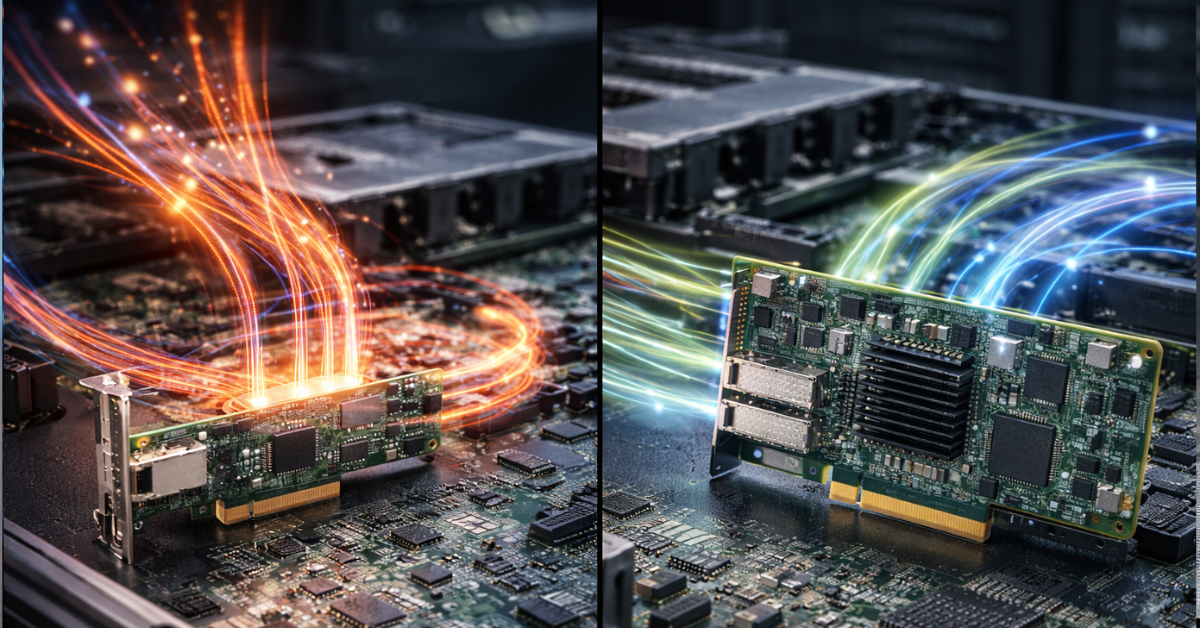
An ordinary network card should not be seen as a primitive device. Server NICs have long been able to do much more than simply “provide an Ethernet port”. A good modern card can support high speeds, multiple ports, hardware queues, checksum offload, network resource partitioning, virtualization features, and stable drivers for server operating systems.
For example, if a company needs to move a server from 1 Gbit/s to 10 or 25 Gbit/s, that is not yet a reason to look at a SmartNIC or DPU. In most cases, a normal server NIC of the required class, compatible with the platform, operating system, and switch, is enough.
An ordinary NIC will often be the best choice for the following tasks:
- small and medium-sized business servers;
- ordinary web servers;
- database servers without complex network offload;
- backup with moderate load;
- corporate services;
- small-scale virtualization;
- lab environments;
- upgrading old servers;
- infrastructure where simplicity and predictability matter.
The main advantage of an ordinary NIC is clarity. It is easier to choose, replace, move to another server, test, and diagnose. Drivers, hypervisor compatibility, and operational experience are usually easier to find for it.
In many cases, the bottleneck is not the network card. A server may be limited by the disk subsystem, processor, memory, database settings, slow code, a switch, a router, cabling infrastructure, or an incorrect backup scheme. If you install a DPU in such a situation, the problem will not disappear. A complex card does not fix a weak architecture.
Where a SmartNIC is genuinely useful
A SmartNIC is useful where the network adapter must not only transmit data, but also participate in its processing. It is an intermediate option between an ordinary NIC and a full-fledged DPU.
Such a card can be useful in infrastructure where there is a lot of network traffic between virtual machines or containers, virtual networks are actively used, many filtering rules exist, stable latency matters, or the central processor spends a noticeable amount of time on network processing.
Typical SmartNIC tasks include:
- accelerating the virtual switch;
- partially offloading the hypervisor;
- filtering and classifying traffic;
- processing network rules;
- accelerating tunnels;
- working with overlay networks;
- collecting telemetry;
- offloading some operations in container platforms;
- accelerating specific network functions.
A SmartNIC is especially interesting in virtualization. When many virtual machines run on one physical server, traffic goes not only outside, but also between virtual environments inside the host. The hypervisor has to process this exchange, apply rules, keep records, and switch flows. If part of this work is moved to the adapter, CPU load can be reduced and network behavior can become more stable.
But SmartNICs have limitations. Not every “smart” card is equally programmable. Some functions depend on the specific manufacturer, firmware, drivers, hypervisor version, and network architecture. Sometimes a card supports the required function on paper, but in the real environment it works only with a certain stack or requires complex configuration.
There is also an operational risk: the more logic moves to the network card, the harder diagnostics become. If an ordinary NIC is “visible” in the system in a familiar way, a SmartNIC may have its own rules, tables, operating modes, and limitations. When an error occurs, the administrator must understand not only the server and the network, but also the behavior of the card itself.
Where a DPU differs from a SmartNIC in principle
A DPU differs in that it is no longer just a network card with additional functions. It usually has its own compute cores, memory, hardware accelerators, a separate software environment, and the ability to run infrastructure services independently of the server’s main operating system.
That is why a DPU is used not only for network offload. Its task is broader: to move part of the infrastructure work away from the central processor and separate it from the main workload.
A DPU can participate in tasks such as:
- network traffic processing;
- virtual networks;
- security policies;
- encryption;
- management-plane isolation;
- work with network storage;
- acceleration of infrastructure services;
- flow control and observability;
- hypervisor offload;
- separation of customer and provider logic.
A DPU is especially important where the server is part of a large, repeatable infrastructure. In a cloud, for example, the provider must simultaneously serve customer workloads, network policies, virtual storage, security, isolation, telemetry, and management. If all of this runs on the CPU of every server, some expensive CPU cores are constantly spent on service tasks.
On a standalone server, the situation is different. There, a DPU may be technically interesting, but economically and operationally excessive.
Which tasks can be moved to a SmartNIC or DPU
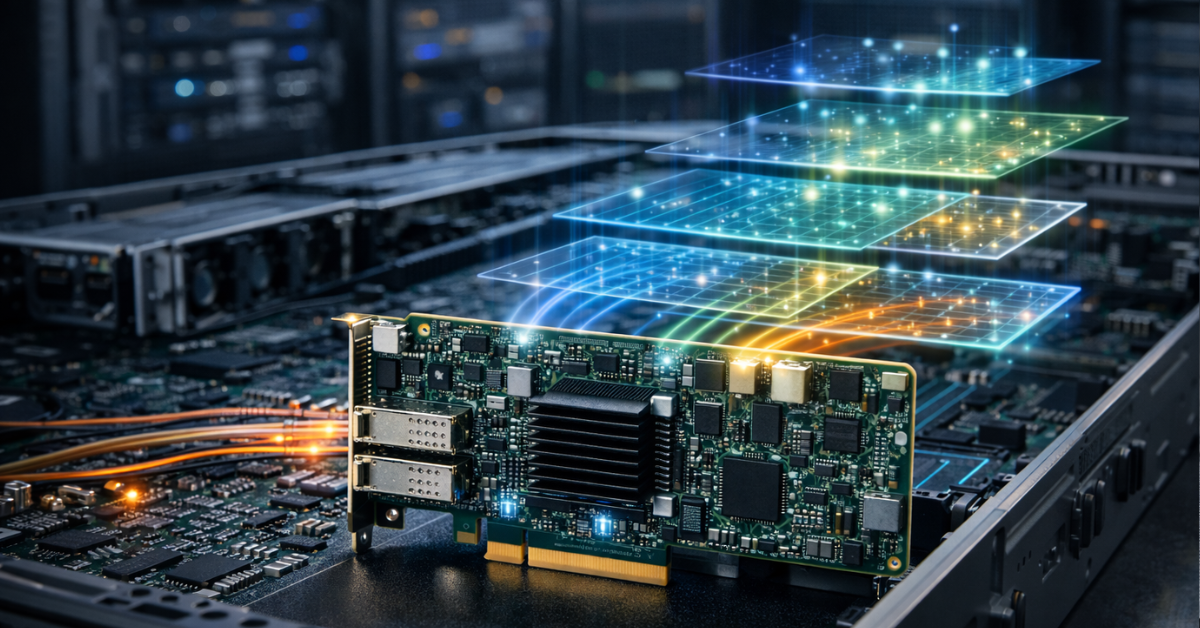
SmartNICs and DPUs can take on different tasks, but it is important not to generalize. Specific capabilities depend on the model, firmware, drivers, and software platform.
Networking
In networking tasks, such adapters can help with virtual switches, rule processing, segmentation, tunnels, overlay networks, and part of routing. This is useful in environments where traffic does not merely pass through a port, but is constantly processed: classified, filtered, redirected, encapsulated, and accounted for.
For an ordinary application server, this may not matter. For large-scale virtualization, it is already significant.
Security
SmartNICs, and especially DPUs, can help with traffic filtering, encryption, flow control, isolation of management logic, and enforcement of access policies. The main value of a DPU here is that some protection functions can run outside the server’s main operating system.
This is especially important in multi-user environments. If workloads from different customers or teams run on the same server, it is useful to separate infrastructure security from guest systems.
But a DPU does not replace normal security. It does not cancel updates, network segmentation, access control, audits, key management, or monitoring. It is an architectural tool, not a universal shield.
Data storage
In infrastructures where storage is closely tied to the network, SmartNICs and DPUs can offload some operations related to network storage, encryption, block traffic processing, and data transfer. This is relevant for clustered systems, hyperconverged infrastructure, and platforms where storage latency directly affects application performance.
But testing is especially important here. If the problem is slow disks, a poor RAID layout, an overloaded array, or incorrect storage configuration, no DPU will solve the issue on its own.
Virtualization and clouds
In virtualization, SmartNICs and DPUs can offload the hypervisor, accelerate virtual networks, reduce the share of CPU occupied by service work, and help separate customer workloads. For clouds, this is one of the strongest scenarios: the more servers and tenants there are, the more noticeable the effect of moving infrastructure functions out becomes.
In a small cluster of several hosts, the effect may be debatable. If the load is moderate, ordinary NICs and proper network configuration will give a clearer and cheaper result.
Observability and operations
SmartNICs and DPUs can participate in telemetry collection, flow control, traffic behavior analysis, and diagnostics. This is useful when you need to see not only the state of the server, but also how the network flow behaves before it enters the main OS.
But there is a downside: an additional diagnostic layer appears. Now it is necessary to understand not only Linux, Windows Server, VMware, or KVM, but also the internal state of the adapter.
Our most popular storage systems
Free shipping on orders over 500 € in the EU, £500 in the UK, and $3,000 in the USA

Free shipping on orders over 500 € in the EU, £500 in the UK, and $3,000 in the USA

Free shipping on orders over 500 € in the EU, £500 in the UK, and $3,000 in the USA

Free shipping on orders over 500 € in the EU, £500 in the UK, and $3,000 in the USA
Who really needs this
SmartNICs and DPUs become justified where infrastructure functions already noticeably affect performance, security, or the economics of CPU resources.
Such devices are worth considering for large-scale virtualization, private and public clouds, or provider infrastructure.
If a company buys dozens or hundreds of identical servers, CPU savings, simpler isolation, and moving infrastructure functions away from the main CPU may make sense. There, a DPU becomes part of the platform architecture.
If, however, the case is a single server that simply needs to be connected to a 25-gigabit network, a DPU will almost certainly be excessive. In that case, it is more rational to choose an ordinary server NIC, check compatibility, cables, the switch, and OS settings.
Who most likely does not need SmartNICs and DPUs
SmartNICs and DPUs are often unnecessary where there is no clearly formulated infrastructure problem. An ordinary NIC is almost always enough for small and medium-sized businesses with a fleet of several dozen, or even several hundred, servers — not to mention a situation with one or two servers and ordinary office infrastructure.
The most dangerous scenario is buying a DPU because it feels like “the most modern option”. Such a card does not automatically make a server faster. It adds new capabilities, but along with them it adds new complexity.
A separate software environment appears, along with its own firmware, management tools, compatibility requirements, monitoring, documentation, and error risks. If the company does not have people who understand how to operate it, a complex adapter can become not an accelerator, but a source of problems.
Choosing the Right Equipment
Our specialists will contact you and answer all your questions
An important myth: a DPU does not accelerate everything
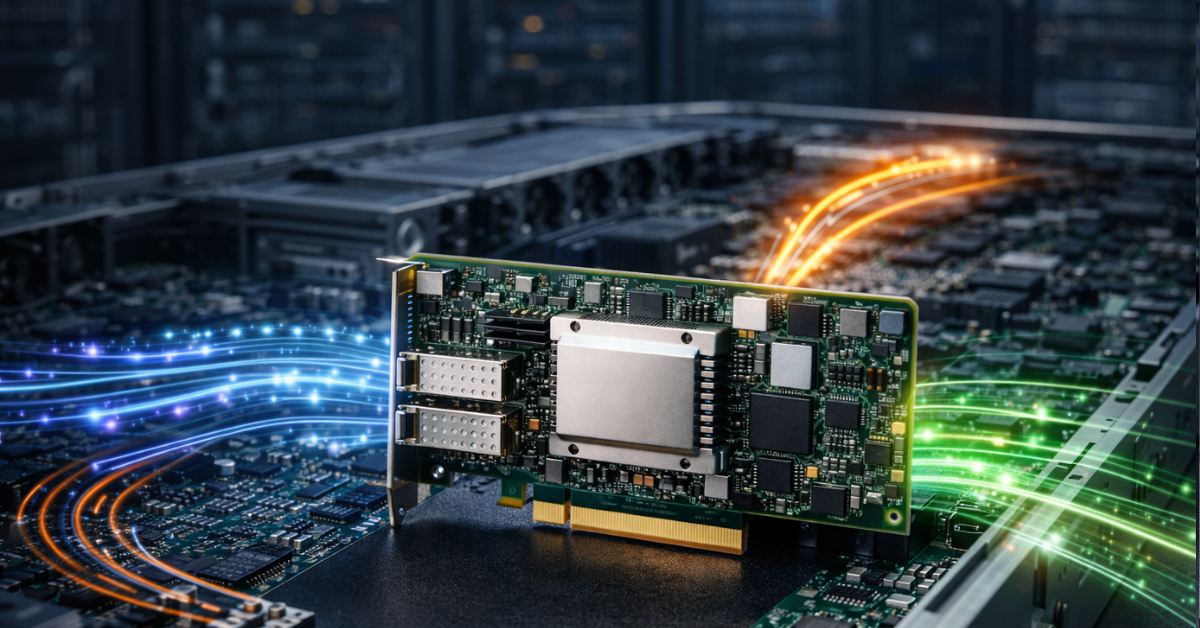
A DPU accelerates or offloads only those tasks that can actually be moved to it and that are supported by the specific software stack. It does not improve everything automatically.
If a web application is slow because of poor SQL queries, a DPU will not fix the queries.
If the server lacks RAM, a DPU will not replace memory.
If the disk subsystem is overloaded, a DPU will not make slow disks fast.
If the problem is in the switch, cables, or incorrect routing, a DPU will not fix the physical network.
If the hypervisor does not support the required card functions, the device’s potential will not be realized.
If administrators do not know how to maintain such a platform, complexity can outweigh the benefit.
That is why you should start not with choosing a device, but with diagnostics. You need to understand where the real bottleneck is: in the CPU, network, storage, hypervisor, application, OS settings, or external infrastructure.
A DPU is justified when there is a specific answer to the question: what exact work are we moving off the central processor, and why?
What to choose by scenario
| Scenario | What to usually choose | Why | What to check before purchase |
|---|---|---|---|
| Ordinary application server | Ordinary NIC | Reliable connectivity is needed, not complex offload | Port speed, drivers, server compatibility |
| Small business | Ordinary NIC | Simplicity is more important than complex infrastructure logic | Cables, switch, OS support |
| Several virtualization hosts | Ordinary NIC or SmartNIC | Everything depends on network load and hypervisor functions | Virtualization support and real CPU load |
| Large virtualization cluster | SmartNIC or DPU | Service network work may consume noticeable CPU resources | Compatibility with the hypervisor and software stack |
| Private or public cloud | DPU | Offload, isolation, and repeatable infrastructure are needed | Management, monitoring, security, platform support |
| Storage server | Depends on the architecture | Offload can be useful under high network loads | Storage type, latency, network stack, OS support |
| AI/HPC cluster | Depends on networking and storage | Latency, bandwidth, and inter-node exchange matter | Network, switches, drivers, application requirements |
| Upgrading an old server | Usually ordinary NIC | Simpler, cheaper, and more predictable | Free PCIe slot, PCIe generation, drivers |
| Environment with strict isolation | DPU, if supported | Infrastructure functions can be separated from the main OS | Security model, updates, access rights |
What to look at before buying
Before choosing a SmartNIC or DPU, you need to check more than port speed. In such devices, the whole ecosystem matters: server, firmware, drivers, hypervisor, network, management tools, and the operations team.
Server compatibility
You need to check the form factor, PCIe generation, lane width, mechanical compatibility, cooling requirements, BIOS/UEFI support, BMC support, and the list of adapters that the server manufacturer officially allows for a specific model.
This is important for an ordinary NIC too, but for SmartNICs and DPUs the cost of a mistake is higher. The card may physically fit into the server, but work in the wrong mode, fail to expose the required functions, or require a specific firmware version.
OS and hypervisor support
You need to check support for Linux, Windows Server, VMware, KVM, the container platform, or any other environment where the server will run in advance. Versions deserve special attention: sometimes a function is available not “for VMware in general”, but only for a specific hypervisor version and a specific driver package.
Software stack
For an ordinary NIC, a driver and familiar system tools are usually enough. For SmartNICs and DPUs, this is not enough. Management tools, firmware updates, monitoring, documentation, recovery procedures, and an understanding of who is responsible for this infrastructure layer will be needed.
If the company does not have a process for maintaining such devices, it is better to postpone deployment.
Offload tasks
Before buying, you need to formulate what exactly is being moved off the central processor:
- virtual switch;
- tunnels;
- encryption;
- filtering;
- storage;
- hypervisor service functions;
- security policies;
- telemetry.
If the answer sounds like “well, to make the server work faster”, that is too weak a justification. A specific task and a clear way to verify the result are needed.
Economics
A DPU can free up some CPU resources, but it costs more than an ordinary card and requires expertise. Therefore, you need to calculate not only the adapter price, but the full cost: deployment, configuration, training, support, updates, diagnostics, downtime risks, and compatibility with future servers.
In a large infrastructure, this may pay off. On a standalone server, it often will not.
Cooling and power consumption
SmartNICs and DPUs can consume more power than ordinary NICs and require proper airflow. In dense 1U and 2U servers, this is especially important. If the card overheats or ends up in a poor cooling zone, stability will be worse than with a simpler network card.
Diagnostics
An ordinary NIC is diagnosed in the usual way: interface, driver, error counters, link speed, port state. A DPU may have a separate software environment, separate logs, its own services, its own updates, and separate causes of failure.
This is not bad in itself, but it must be taken into account. The more functions are moved to the adapter, the better the operational discipline should be.
How to make the decision in practice
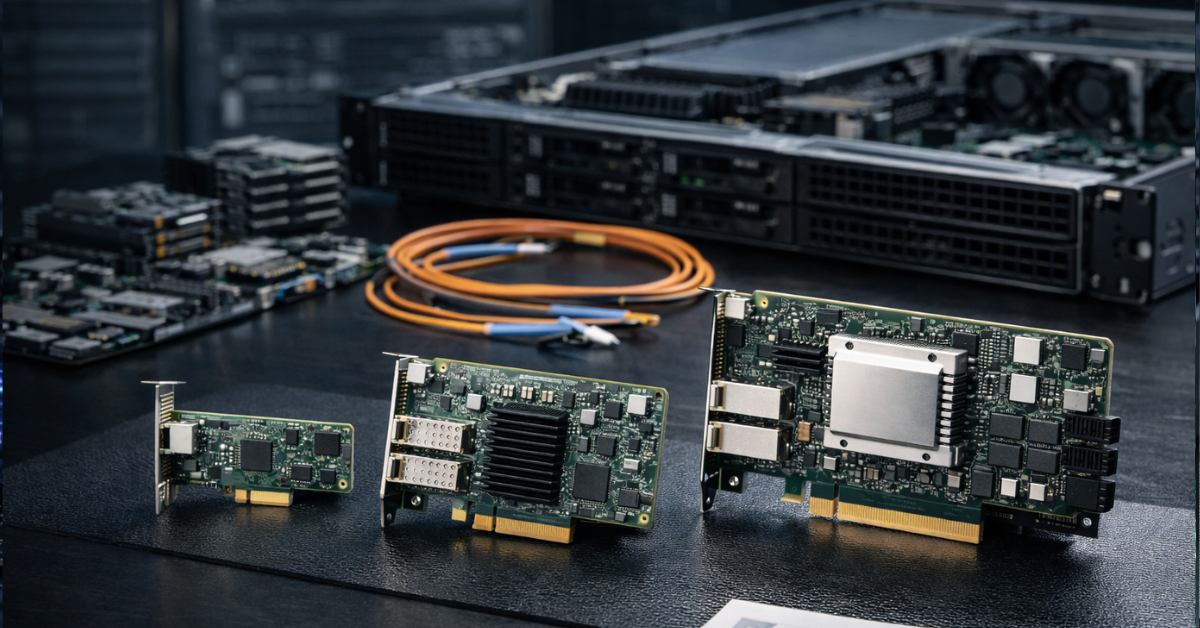
The choice between an ordinary NIC, SmartNIC, and DPU should begin not with an adapter catalog, but with the architecture.
First, you need to understand the task. If only network connectivity is required, it is better to choose an ordinary server NIC of the required speed. This is the simplest, most compatible, and most predictable option.
Then you need to check whether there is a real problem with network processing. If the central processor noticeably spends resources on virtual networks, tunnels, rules, firewall functions, or hypervisor service work, it is reasonable to look toward a SmartNIC.
After that, you need to assess the scale. If this is one server or a small test environment, the added complexity may not pay off. If it is a large cluster, a cloud, or repeatable infrastructure, the effect of offload and isolation can be significant.
A DPU should be considered when the goal is not merely to speed up networking, but to move part of the infrastructure functions out of the server’s main system. This is already an architectural decision, not a regular network-card upgrade.
A practical selection sequence may look like this:
- first define the server role;
- then find the real bottleneck;
- after that, assess network load and service functions;
- check whether they can be offloaded;
- compare an ordinary NIC, SmartNIC, and DPU for the specific scenario;
- check compatibility with the server and hypervisor;
- assess cooling and power consumption;
- calculate deployment and maintenance costs;
- only then choose a model.
Choosing between a NIC, SmartNIC, and DPU is not a choice between “faster or slower”. It is a choice of infrastructure complexity level.
Typical selection mistakes
- Buying a DPU only because it is modern. Modernity does not equal necessity. If there is no clear offload or isolation task, a complex card will not deliver the expected effect.
- Treating SmartNICs and DPUs as the same thing. A SmartNIC can perform some network functions on the adapter, while a DPU usually has a more independent compute environment and participates more broadly in infrastructure tasks.
- Looking only at port speed. 100 Gbit/s on the box does not say which offload functions are available, whether they are supported by your hypervisor, or whether the server will be able to use the card properly.
- Not checking the software stack. For SmartNICs and DPUs, not only hardware and ports matter, but also drivers, firmware, management tools, OS compatibility, and documentation.
- Forgetting about cooling. A complex card can consume more power and generate more heat. In a dense server, this can become a real problem.
- Trying to solve an application problem with a DPU. If a service is slow because of code, the database, disks, or memory, network offload will not fix the root cause.
- Not calculating maintenance cost. A DPU requires expertise. It must be updated, monitored, diagnosed, and included in operational processes.
- Buying a complex card for a standalone server without a clear scenario. In that case, an ordinary NIC will almost always be the more reasonable choice.
Conclusion
An ordinary NIC remains the best choice for most server tasks: it is cheaper, simpler, clearer, easier to replace, and usually fully covers the need for network connectivity. A SmartNIC is needed when it already makes sense to move part of network processing to the adapter: in virtualization, container environments, clusters, and infrastructures with a large number of network rules. A DPU is needed where infrastructure functions become a serious separate load and it is beneficial to isolate them from the server’s main operating system.
If the task is not clearly formulated, you should start not with choosing a DPU, but with diagnostics. You need to understand where exactly the server is losing performance: in the network, CPU, storage, application, hypervisor, or settings. In a mature infrastructure, a DPU can be a powerful architectural tool. In an ordinary server without a clear scenario, it will most often be an expensive and complex excessive solution.
Choosing the Right Equipment
Our specialists will contact you and answer all your questions
Content:

Free shipping on orders over 500 € in the EU, £500 in the UK, and $3,000 in the USA

Free shipping on orders over 500 € in the EU, £500 in the UK, and $3,000 in the USA
Free shipping on orders over 500 € in the EU, £500 in the UK, and $3,000 in the USA

Free shipping on orders over 500 € in the EU, £500 in the UK, and $3,000 in the USA