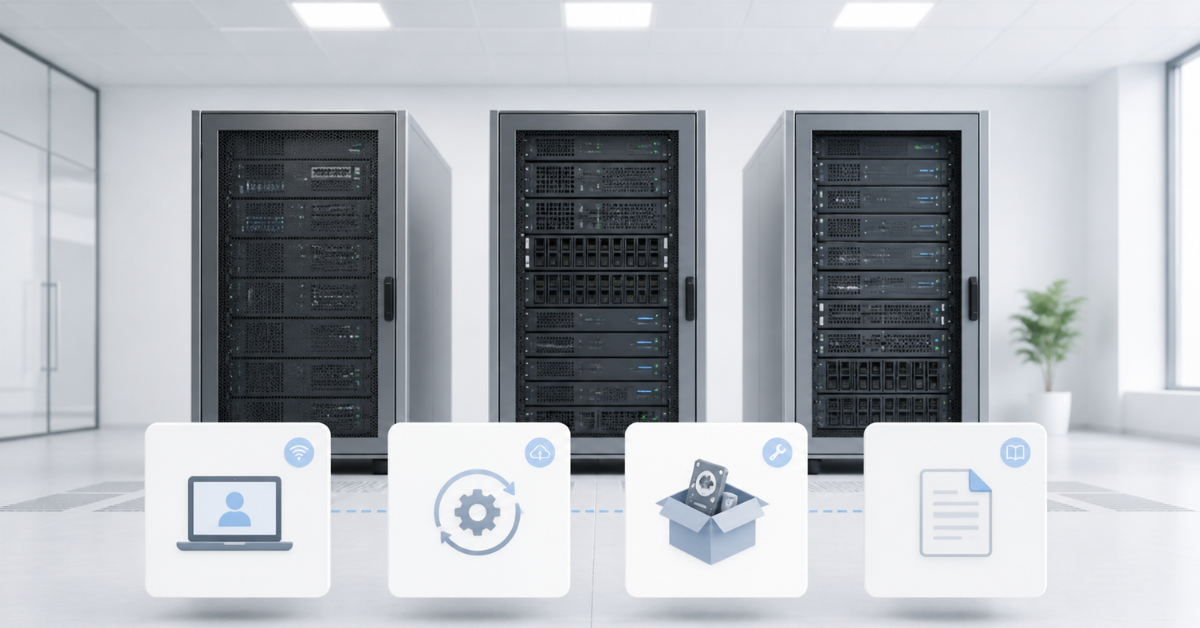
Dell PowerEdge, HPE ProLiant, and Lenovo ThinkSystem cannot be compared correctly by processor, memory, and price alone: in day-to-day operation, the management ecosystem, updates, service model, component compatibility, and spare parts availability matter more. Dell is often chosen for its mature iDRAC and OpenManage stack, HPE for its strong corporate ecosystem around iLO, service tools, and documentation, and Lenovo for practical ThinkSystem configurations and XClarity tools. The right choice depends not on the logo on the front panel, but on who will maintain the servers, how many there will be, how often updates are planned, and what components may be needed several years later.
Why comparing Dell, HPE, and Lenovo is often misleading
At the basic hardware level, servers of the same class are very similar. Dell PowerEdge, HPE ProLiant, and Lenovo ThinkSystem systems may use Intel Xeon or AMD EPYC processors, DDR4 or DDR5 memory, SAS, SATA, or NVMe drives, 10, 25, 40, or 100 Gbit/s network cards, redundant power supplies, and similar drive cages. If you look only at the specifications in a product card, the difference may seem small: a certain number of cores, a certain amount of memory, a certain number of drives, and a certain RAID controller.
But in a real infrastructure, a server is not bought for one day. It has to be installed in a rack, connected to the management network, updated with firmware, configured for remote access, deployed with an operating system, connected to monitoring, and sometimes fitted with replacement drives, power supplies, fans, network cards, or a backplane. After one year, you may need to add memory; after two years, replace drives; after three years, move the server to another cluster or repurpose it for backup. At this point, the processor model is no longer the only thing that matters: the entire ecosystem around the server becomes important.
If there is only one server and it is located in a small office, it is reasonable to focus more on price, condition, and completeness. If there are several dozen servers, mass management, a unified update process, readable error logs, spare parts compatibility, and familiar tools for engineers become decisive. In this sense, a brand is not a matter of prestige. It is a set of rules, interfaces, licenses, documentation, and limitations that the team will work with every day.
What we are actually comparing
Dell PowerEdge is a broad family of rack, tower, and modular servers. These systems are often used for virtualization, databases, business applications, backup, file services, and private clouds. Dell’s strength is not only in the servers themselves, but also in the remote management ecosystem: the built-in iDRAC controller, OpenManage tools, several update methods, and fairly mature documentation across PowerEdge generations.
HPE ProLiant is one of the most recognizable enterprise server lines. It is often chosen by companies that value familiar support, formalized service procedures, detailed specifications for specific models, and a clear approach to hardware lifecycle management. In HPE servers, the key role is played by iLO, the embedded remote management controller, as well as service packs and update tools. For an engineer, this means ProLiant should be evaluated not only by processor and memory capacity, but also by the availability of the required documents, licenses, updates, and service channel.
Lenovo ThinkSystem is Lenovo’s server line for rack, tower, dense, and specialized configurations. It is often considered where a practical platform with a good balance of capabilities and cost is needed. Lenovo’s ecosystem relies heavily on XClarity Controller, the built-in management controller for a specific server, and XClarity Administrator for managing groups of systems. ThinkSystem can be a very good choice if the exact configuration, drive compatibility, RAID controllers, network cards, and components are checked in advance.
The main mistake is trying to choose “the best brand.” In infrastructure, the better question is different: which platform will be easier to maintain for this specific team, with this budget, in this country, with this number of servers, and with this expected service life.
Remote management: iDRAC, iLO, and XClarity
Remote management is one of the main criteria when choosing a server. It allows you to work with a machine without a monitor, keyboard, or physical access to the rack. Through such a controller, you can power the server on or off, check hardware status, open a remote console, mount an operating system image, review error logs, and in some cases start an update.
In Dell servers, this role is handled by iDRAC, the embedded remote management controller. In modern PowerEdge systems, it operates independently of the operating system and allows the server to be managed even when the OS itself does not boot. On the iDRAC9 support page, Dell separately describes inventory, configuration, monitoring, and PowerEdge update capabilities through embedded management. For an administrator, this matters because many operations can be performed before the OS is installed or after it has failed.
In HPE servers, the comparable role is performed by iLO. This is the embedded ProLiant controller used to manage power, hardware health, the remote console, logs, and security settings. HPE describes iLO as the foundation of remote ProLiant management, including health monitoring, power management, and thermal management. In practice, iLO is especially valued in environments where HPE service procedures are already established and engineers are used to this ecosystem.
In Lenovo servers, individual server management is handled by XClarity Controller. Modern ThinkSystem servers use XClarity Controller 3, which combines remote presence, monitoring, configuration, and service processor functions. Lenovo’s documentation describes XClarity Controller 3 as the management controller for ThinkSystem servers, located on the system board. XClarity Administrator is used to manage multiple systems.
However, comparing these tools only by the appearance of their interface is the wrong approach. More important questions are whether an ISO image can be mounted quickly for OS installation, how convenient the logs are to read, whether role separation is available for different administrators, whether directory service integration is supported, how two-factor authentication is implemented, whether operations can be automated through an API, and which functions are available immediately versus which require a separate license.
Licenses often become the hidden factor. A server may have a remote management controller, but advanced capabilities, such as a full remote console, virtual media, or some security functions, may depend on the license level. When buying new equipment, this is usually visible in the specification. When buying a refurbished server, it must be checked separately: the license may not be included or may be tied to a previous configuration.
One server and a fleet of servers are different tasks
When there is one server, an engineer mainly needs a convenient remote controller. The key tasks are to log in to the web interface, check the status, mount an OS image, configure boot options, update firmware, and put the server into production. In this scenario, Dell, HPE, and Lenovo may be roughly equal if the specific model is functional, complete, and not limited by licensing restrictions.
When there are ten, twenty, or one hundred servers, the situation changes. Manual maintenance of every machine becomes expensive and risky. Centralized inventory, mass updates, unified configuration templates, firmware compliance control, event logs, role separation, and a clear recovery process after a failed update become necessary.
For Dell, iDRAC is used for an individual server, while OpenManage Enterprise and related tools are used to manage a fleet. In its documentation on updating PowerEdge, Dell lists different methods: through the operating system, iDRAC, Lifecycle Controller, an ISO image, Repository Manager, System Update, and OpenManage Enterprise. This is useful because infrastructures differ: in some environments, servers have internet access; in others, updates go through a local repository; in others, all actions are performed only during a maintenance window.
In HPE environments, an individual server is maintained through iLO and related local tools. Service Pack for ProLiant, Smart Update Manager, OneView, and other tools are used for updates and management depending on server generation and operating model. HPE’s strength is a formalized approach: updates, profiles, service procedures, and documentation often fit well into enterprise environments with regulations and support requirements.
In Lenovo environments, an individual server is managed through XClarity Controller, while the fleet is managed through XClarity Administrator. Lenovo’s product documentation describes XClarity Administrator as a tool for centralized management, inventory, monitoring, configuration, and updates of Lenovo systems. For a company with several sites or a standardized ThinkSystem fleet, this reduces manual work and helps keep firmware versions under control.
The main conclusion is simple: for one server, convenient access to the remote console matters; for a fleet, manageability at the process level matters. If the company already has experience with iDRAC, iLO, or XClarity, this is also a strong argument. Moving to another ecosystem may be justified, but it takes time: engineers will have to get used to new interfaces, update logic, error names, license levels, and documentation.
Comparison of management and service ecosystems
| Criterion | Dell PowerEdge | HPE ProLiant | Lenovo ThinkSystem | What this means in practice |
|---|---|---|---|---|
| Built-in management controller | iDRAC | iLO | XClarity Controller | The server can be managed without logging in to the operating system |
| Fleet management | OpenManage Enterprise and related tools | OneView, Smart Update Manager, service packs, and other HPE tools | XClarity Administrator | For dozens of servers, templates, inventory, and mass updates are important |
| Firmware updates | Several methods: iDRAC, Lifecycle Controller, ISO, repositories | Service packs, Smart Update Manager, HPE tools | Repositories, compliance policies, XClarity | The task is not just to update BIOS, but to keep the whole server in a consistent state |
| Remote console and virtual media | Depend on the license level | Depend on the license level | Depend on the available XClarity Controller functions | Before purchase, check whether full remote work is available |
| Documentation | Strong documentation for PowerEdge and service codes | Detailed specifications and service documents | Documentation for ThinkSystem and XClarity | The exact model, generation, and configuration are required |
| Spare parts and refurbished components | Well represented on the secondary market for popular generations | Widely available, but generation and compatibility matter | Depends heavily on the specific model and supply channel | Check not only the server, but also caddies, rails, power supplies, and fans |
| RAID and drives | PERC, different backplanes and cables | Smart Array and other controllers depending on generation | ThinkSystem RAID and model-specific options | Compatibility depends on the controller, backplane, cables, and firmware |
| Convenience for one server | High when the required iDRAC license is available | High when the required iLO license is available | High with the correct XClarity license or feature set | For small businesses, simplicity and completeness matter |
| Convenience for a large fleet | Fully reveals its value with OpenManage | Fully reveals its value in an HPE enterprise environment | Fully reveals its value with XClarity Administrator | The more servers there are, the more important a unified ecosystem becomes |
Firmware lifecycle: why it matters more than it seems
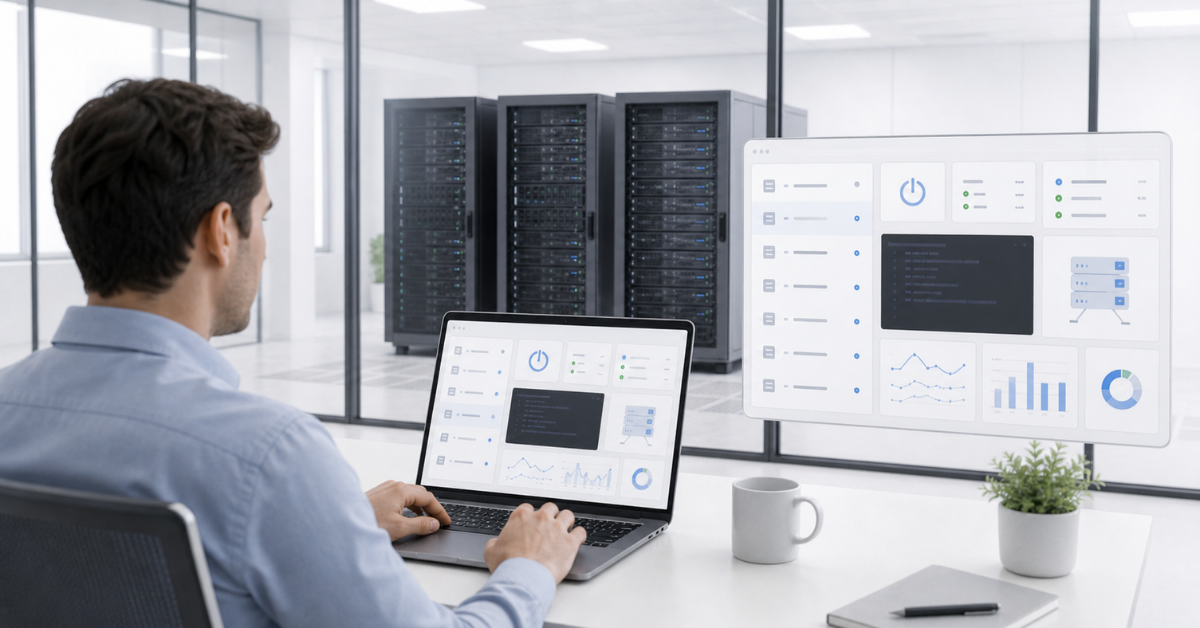
Firmware is the embedded software of hardware. It exists on the system board, management controller, RAID controller, network card, drive backplane, drives, and other components. Users often say “update the BIOS,” but in practice, a whole set of parts is updated, and they must work together consistently.
Firmware updates are not a formality. They fix compatibility issues, close vulnerabilities, improve the operation of drives and network cards, add support for new components, and affect the stability of virtualization, clusters, and storage systems. For example, a server may work reliably with ordinary SATA drives but require a specific controller firmware version to operate correctly with NVMe. Or a network adapter may behave unstably under load until its embedded software and driver are updated.
At the same time, servers must not be updated randomly. BIOS, the remote management controller, RAID controller, and operating system drivers may have dependencies. Sometimes the management controller has to be updated first, then BIOS, then RAID, then network cards. Sometimes an update requires a reboot, and for a cluster this means a maintenance window, virtual machine migration, and a rollback plan.
Dell’s strength is that it offers several update methods: through iDRAC, Lifecycle Controller, OpenManage, local packages, and repositories. This is convenient for different scenarios: one server can be updated manually, while a fleet can be updated through a centralized system.
HPE environments often use service packs and Smart Update Manager. This approach is convenient when the goal is to bring a server to a validated set of versions rather than assemble updates manually one component at a time. But for older or refurbished servers, the availability of the required packages and download conditions should be checked in advance.
Lenovo updates can be built around XClarity Administrator, repositories, and compliance policies. This is useful when you need to see which servers comply with a selected firmware level and which require an update.
For refurbished equipment, the update lifecycle is especially important. A server may look attractive by price but still be running a very old BIOS version, have an unsupported RAID controller, or lack a clear update path. Before purchase, it is worth checking not only the specifications, but also the availability of current firmware, generation history, and compatibility with the required operating system.
RAID, drives, and internal storage: where hidden limitations appear
A RAID controller is often perceived as a simple line in the specification: RAID is present, so drives can be combined into an array. In practice, it is more complicated. The controller generation, drive type, backplane, cables, cache, cache protection module, cooling, and support by the specific server all matter.
Dell servers commonly use PERC controllers. They are well known to engineers and widely represented on the spare parts market, especially for popular PowerEdge generations. But the presence of PERC does not mean the server will automatically support any drives. You need to check which backplane is installed: SAS/SATA, NVMe, or hybrid. Cables, risers, available slots, and the connection scheme to the processor or controller also matter.
HPE uses Smart Array and other controllers depending on the generation. Here it is especially important to check the specifications of the exact model because different ProLiant variants may differ in drive cage, controller, cache support, and drive type. For enterprise operation, this is normal: the configuration is selected precisely for the task. For the secondary market, it is a risk: externally similar servers may have different internal layouts.
Lenovo ThinkSystem also requires checking the exact model, controller, backplane, and cabling scheme. A single line may include SAS/SATA, NVMe, or mixed configuration options. If a storage system with a large number of drives is planned, time should not be saved on compatibility checks.
NVMe is a separate risk area. Such drives can be connected directly to CPU PCIe lanes or through special controllers and backplanes. It should not be assumed that any server with front bays can be quickly converted to NVMe. Sometimes a different backplane, different cables, another riser, firmware updates, and a cooling check are required.
The same applies to boot devices. A server may have a separate M.2 module, an internal card, a pair of small mirrored drives, or another hypervisor boot option. If the server is being purchased for virtualization, this should be planned in advance: working drives and boot drives are better kept separate.
A cheap server without the required backplane may become more expensive after buying cables, caddies, a controller, and cache modules. Therefore, the right question is not “does it have RAID?” but “which exact storage scheme is installed, and can it be expanded without problems?”
Spare parts, caddies, and rails: small details that matter after purchase
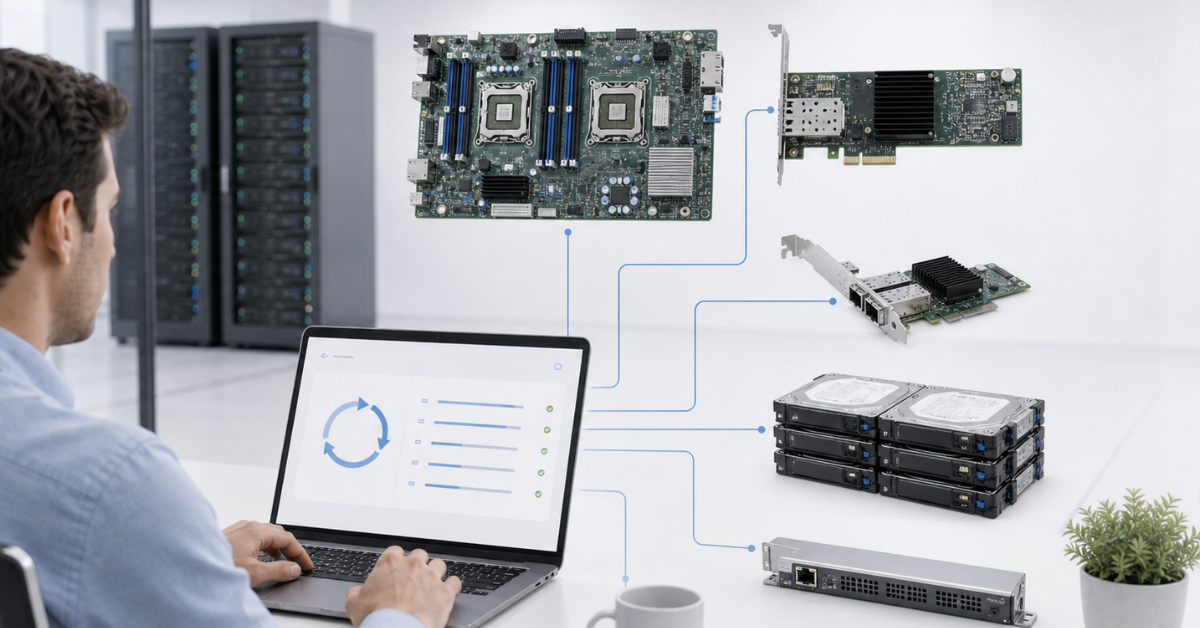
During selection, processors, memory, and price are often compared first. After purchase, other things become clear: there are no rack rails, drive caddies are missing, power supplies have different wattages, fans are not suitable for a high-load configuration, or the required cable is unexpectedly expensive or takes a long time to arrive.
All three manufacturers have their own specifics of completeness. Power supplies differ in wattage, generation, efficiency, and compatibility. Fans may be standard or high-performance, for example for servers with many drives, powerful network cards, or graphics accelerators. Drive caddies are not always the same even within one brand. Rails may be static or sliding, with or without a cable management arm. Risers determine how many expansion cards can be installed and in which slots.
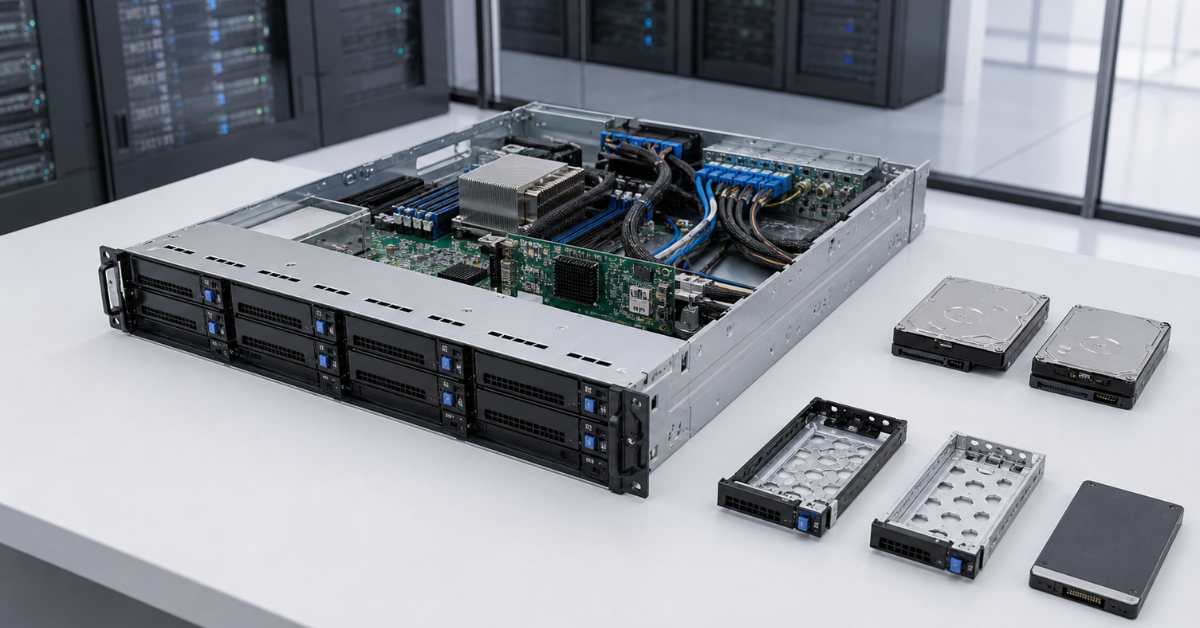
The backplane is one of the most important parts. It determines which drives can be installed and how they will be connected. If a server is bought with a SAS/SATA backplane, switching to NVMe may be impossible or economically unreasonable. If the server lacks the necessary cables, RAID controller, or cache modules, the final cost will rise.
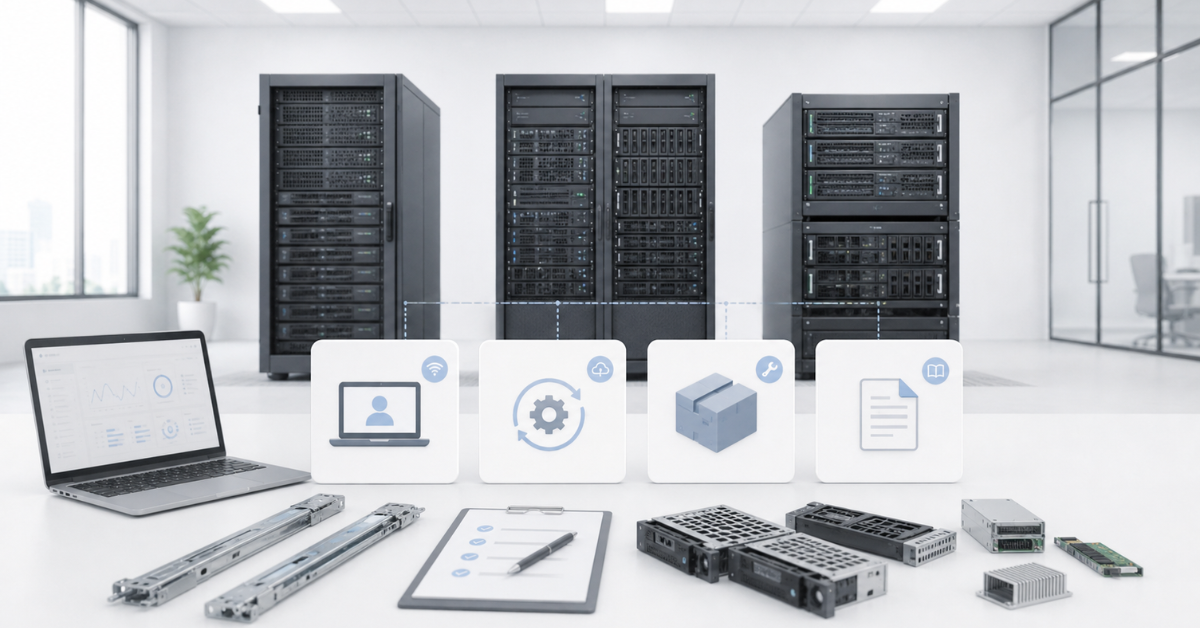
When buying a refurbished server, completeness should be checked especially carefully. A product card may say “2U server, two processors, 256 GB of memory,” but that is not enough for operation. Rails, caddies, blanks, power supplies, fans, a RAID module, a battery or supercapacitor for cache protection, cables, a cable management arm, and a remote management license may all be needed. If the server will be installed in a rack and maintained remotely, the absence of such details quickly becomes a problem.
In this sense, Dell, HPE, and Lenovo should also be compared by the spare parts market. For popular PowerEdge and ProLiant generations, components are usually easier to find, but much depends on the region and exact model. With ThinkSystem, the situation can also be good, especially for common models, but before purchasing, it is worth checking not only the availability of the server itself, but also the entire set of parts that may be needed in a year or two.
Documentation and diagnostics: who helps the engineer faster
Dell, HPE, and Lenovo all have strong documentation, but it has to be used correctly. It is not enough to open a marketing page for a product line. For selection and maintenance, technical documents for the exact model are needed: user guide, service manual, specifications, compatibility matrices, spare parts lists, rail installation diagrams, RAID controller documents, and firmware change logs.
For Dell, service tags and exact configuration identifiers play a major role. They help engineers understand which server they are working with, which components were originally installed, and which updates apply. For HPE, the specifications of the exact model and generation are important, along with ProLiant service documents. For Lenovo, ThinkSystem documentation and XClarity materials should be checked because different variants of one line may differ significantly.
Diagnostics also depend on the ecosystem. A good remote management controller should not merely show “hardware error,” but help identify which exact component has failed: power supply, fan, drive, memory module, controller, or sensor. The clearer the logs are and the easier it is to match an error to the documentation, the less time repair takes.
Before purchase, it is worth choosing the exact model and configuration, then checking supported memory capacity, drive types, network cards, RAID controller, power supplies, chassis depth, rails, cooling requirements, and operating system compatibility. The seller’s product card is useful, but it does not replace manufacturer documentation.
Service and support: what to consider in different scenarios
Service depends not only on the manufacturer. The country, supply channel, equipment status, model age, warranty availability, support extension terms, and the policy of the specific supplier all matter. The same brand may be convenient in one country and more difficult in another, especially when older or refurbished servers are involved.
For new equipment, companies usually look at the warranty term, response time (SLA), on-site engineer availability, extended support options, and component replacement terms. In large companies, this may be more important than the initial price: downtime of a critical server costs more than the difference between similar configurations.
For refurbished servers, the logic is different. Here, the key factors are not only manufacturer support, but also the seller’s warranty and support. Some sellers can provide service no worse than the vendor, with a fast response, including on-site service. Spare parts availability, drive condition, completeness, and the ability to obtain compatible power supplies, fans, caddies, and controllers also matter. Strong brand support will not help if the server was bought without an active warranty, without the required remote management license, or in an incomplete configuration.
Therefore, it is impossible to honestly say that Dell, HPE, or Lenovo is always better in terms of service. The specific scenario must be checked. For a new enterprise fleet, support contracts and procedures are important. For a small business, a clear supplier warranty and spare parts availability matter. For refurbished equipment, the quality of testing, the availability of components, and the ability to get compatibility advice are critical.
Which brand to choose for different scenarios
| Scenario | What matters | More logical choice | Why |
|---|---|---|---|
| One server for a small business | Price, condition, remote access, completeness | Any of the three with a good configuration | One server can be maintained manually, so condition and the management license matter more |
| Virtualization on 2–3 nodes | Stable updates, remote console, identical configurations | Dell, HPE, or Lenovo from the same series | Node uniformity and a clear maintenance process matter more than the brand |
| Large server fleet | Centralized management, inventory, mass updates | The ecosystem the team already knows and for which a local spare parts stock already exists | Retraining and process changes may cost more than the price difference, and expanding storage for a mixed “zoo” of models may also affect the budget |
| Refurbished servers with a limited budget | Spare parts, caddies, power supplies, licenses | Often Dell or HPE, but it depends on the market | For popular generations, components are easier to find, but the exact model must be checked |
| Servers for databases | Reliable storage, RAID cache, fast drives, memory | Any brand with the right configuration | Mistakes in the storage subsystem matter more than the logo |
| Storage with many drives | Backplane, controller, cables, cooling | Choice by exact model | The drive connection scheme must be checked, not only the number of bays |
| Frequent updates and strict procedures | Version management, policies, logs | Dell, HPE, or Lenovo with centralized management | Without a unified update process, the risk of failures increases |
| Site without an engineer on-site | Full remote management | Any brand with the required license | Remote console, virtual media, and clear logs are critical |
| The team already knows one ecosystem | Faster maintenance and fewer errors | Stay in the familiar ecosystem unless there is a strong reason to change | Engineers’ experience reduces risks |
| Spare parts availability is critical | Component market and compatibility | Depends on region and generation | Power supplies, fans, caddies, RAID, and rails should be checked in advance |
Common mistakes when choosing Dell, HPE, or Lenovo
- Comparing only price and processor generation. Two servers with identical processors may differ greatly in management controller, RAID, backplane, licenses, power supplies, and completeness. A cheaper option is not always more cost-effective if caddies, rails, cables, and a remote console license have to be found separately after purchase.
- Not checking remote management. For a rack-mounted server, a full remote console is often more important than a small difference in processor frequency. If the server hangs, does not boot, or requires OS installation, iDRAC, iLO, or XClarity is what allows the problem to be solved without a trip to the site.
- Assuming that any drive fits any server. SAS, SATA, and NVMe are different connection options. U.2 and U.3 also require checking, not to mention modern EDSFF formats such as E3.S. Even if a drive physically fits into a bay, this does not mean the server will detect it correctly or use it in the required mode.
- Ignoring the backplane. The same server can exist in several drive configurations. Reconfiguration after purchase may require not only a new backplane, but also other cables, a controller, a riser, and updates.
- Buying different models for one fleet without a real need. This complicates spare parts selection, operating system image preparation, updates, monitoring, and diagnostics. If possible, it is better to standardize the fleet: fewer different configurations mean fewer maintenance errors.
- Forgetting about noise and power consumption. Enterprise-class servers are designed for racks and machine rooms, not quiet offices. This is especially important for powerful configurations with many drives, fast network cards, or graphics accelerators.
- Not planning firmware updates. A server may work for years, but when a new OS, hypervisor, network card, or drives are installed, old BIOS, RAID, or management controller versions may suddenly become an issue. Updates are better included in a regular process rather than performed in emergency mode.
Conclusion: choose an operating model, not a brand
Dell PowerEdge is well suited where mature remote management tools, clear update options, platform prevalence, and a broad component market are important. It is a strong choice for companies that already use iDRAC and OpenManage or want to standardize their fleet around Dell.
HPE ProLiant is logical for infrastructures that value an enterprise ecosystem, familiar support, detailed documentation, and formalized service processes. ProLiant is especially convenient where the team already works with iLO, HPE service packs, and maintenance procedures for this platform.
Lenovo ThinkSystem is worth considering when a practical server platform is needed with XClarity, a clear centralized management logic, and a good balance of capability and cost. But, as with Dell and HPE, the exact configuration must be checked: controller, backplane, drives, power supplies, licenses, and spare parts availability.
There is no universal winner in a comparison of Dell PowerEdge, HPE ProLiant, and Lenovo ThinkSystem. The best choice is the one that is easier for your team to maintain. Before purchase, look not only at the specification, but also at the full server lifecycle: remote OS installation, firmware updates, drive replacement, caddy sourcing, power supply availability, RAID operation, documentation, and maintenance several years later. A server is chosen once, but operated for a long time, so the ecosystem is often more important than a small price difference.