For most corporate tasks, there is no need to start with top-tier accelerators such as H100 or H200: an internal chatbot, document search, computer vision, rendering, virtual workstations and moderate inference can often be covered by simpler options such as L40S, A30 or RTX Pro. H100/H200 are needed where the limitation is not just compute, but the amount and speed of video memory, training large models, high parallelism, long context, heavy calculations or a service with strict latency requirements. The main mistake is choosing a GPU by status rather than by the task, memory, chassis, power, cooling and total cost of ownership.
Why the most expensive GPU is not always the best choice
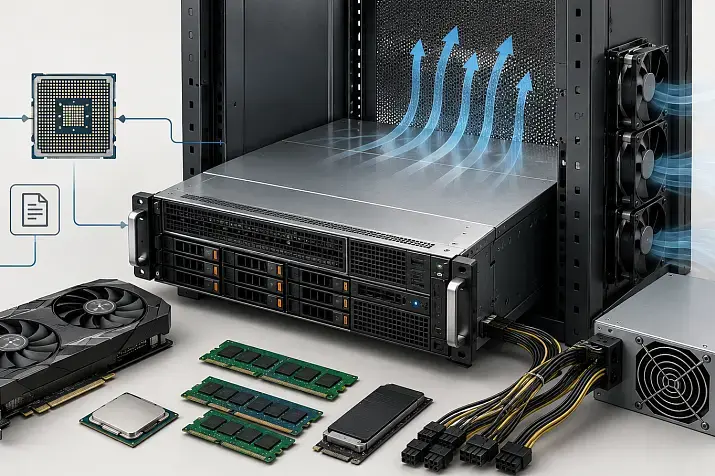
A GPU server is not selected in the same way as a regular workstation. What matters is not only the graphics card, but the whole platform: chassis, processors, RAM, PCIe lanes, drives, network, power supplies, rack, airflow and serviceability. If one of these elements does not match the workload, an expensive accelerator can perform worse than a simpler card in a properly selected system.
Buying an H100 or H200 “just in case” often looks like a safe decision, but in practice it can lead to unnecessary costs. Higher-end accelerators require a suitable server platform, powerful power delivery, proper cooling and normal utilization. If a company runs a small internal service that answers employees’ questions a few times per hour, such a server will sit idle most of the time.
The opposite mistake is trying to save money where the workload is genuinely heavy. If the model does not fit into video memory, users wait too long for responses and the server constantly runs at its limit, a more affordable card will not become a good deal. It will simply move the problem into request queues, context limitations, lower speed and higher administration costs.
The right choice starts not with the question “which GPU is better,” but with the question “what exactly will the server do.” For rendering, graphics matter. For large language models, video memory and cache matter. For training, memory speed, accelerator-to-accelerator communication and stable long-term load matter. For virtual workstations, resource partitioning, drivers and predictability per user matter. That is why there is no universal answer like “buy H100” or “buy L40S.”
Which GPUs are being compared
A30, L40S, RTX Pro, H100 and H200 should not be viewed as one linear product range where each next card is simply “better.” These are different classes of accelerators.
A30 is a previous-generation server card that can still be useful for moderate inference, corporate services, graphics virtualization and tasks where energy efficiency and resource partitioning are important. The A30 has 24 GB of HBM2 memory, 933 GB/s of memory bandwidth, PCIe Gen4 connectivity, a 165 W thermal design power and the ability to be divided into several isolated instances for different users or tasks. This is already often too little for large language models, but the card remains practical for many applied scenarios.
L40S is a more universal option. NVIDIA describes it as an accelerator for data center workloads that combine artificial intelligence, graphics, rendering, video, training and large language model inference. The L40S has 48 GB of memory and a 350 W thermal design power, so it is noticeably stronger than A30 in mixed scenarios, while still not belonging to the same class as H100/H200.
RTX Pro is not one specific card, but a family of professional accelerators. If we are talking about a modern server-oriented reference point, it is logical to consider the RTX PRO 6000 Blackwell Server Edition. This is a card for mixed workloads: artificial intelligence, visualization, 3D graphics, video, engineering applications and virtual workstations. It has 96 GB of GDDR7 memory with error correction, 1597 GB/s of memory bandwidth and configurable power consumption up to 600 W. The large memory capacity makes it interesting where 48 GB is already tight, but H100/H200 are not always economically justified.
H100 and H200 are the higher-end class for heavy artificial intelligence and high-performance computing. H100 in SXM and NVL variants has 80–94 GB of memory and 3.35–3.9 TB/s of bandwidth. H200 goes further: 141 GB of HBM3e memory and 4.8 TB/s of bandwidth. This matters for large models, long context, high parallelism, training and tasks where memory exchange speed becomes the main bottleneck.
The main criterion is the task, not the GPU name
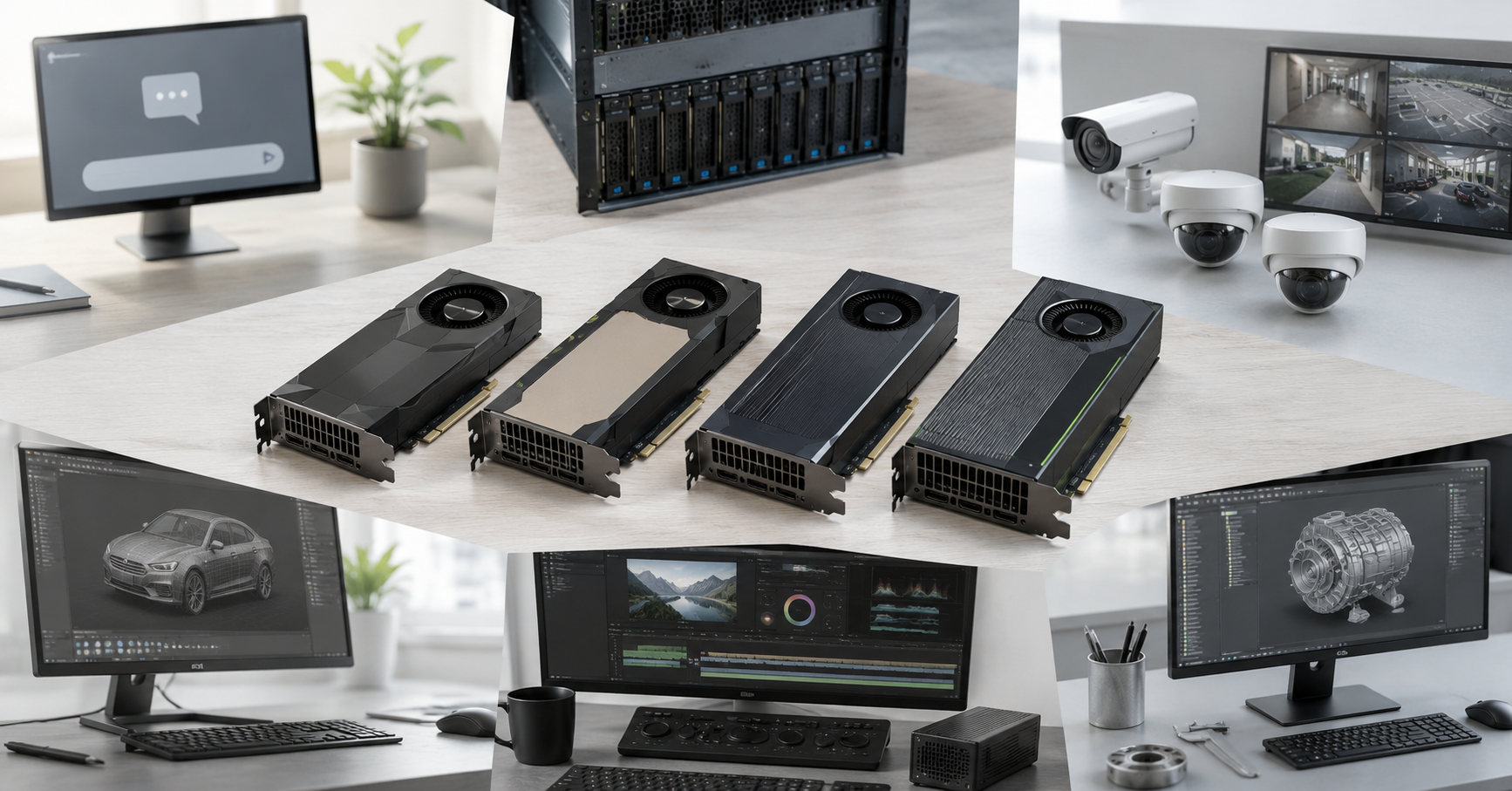
The same card can be a good purchase for one department and a mistake for another. That is why GPUs should be compared by scenario.
For inference of large language models, model size, weight precision, context length, number of concurrent users, request cache, time to first token and overall generation rate are important. A small model for an internal assistant can run confidently on L40S or RTX Pro. But a large model with long context and dozens of concurrent users quickly runs into memory capacity and memory bandwidth. Here H100/H200 may be not a luxury, but a way to get stable latency.
For computer vision, other parameters matter: image resolution, number of video streams, video decoding, batch processing and latency. Object detection, image classification, document processing, quality control in manufacturing and video analytics often do not require H100/H200. In such tasks, A30, L40S or RTX Pro may be more rational, especially if the workload is moderate or combined with graphics.
For rendering and 3D graphics, higher-end AI cards are not always the best choice. Here, graphics cores, ray tracing, support for professional applications, video encoding, drivers and the stability of visual workflows matter. In such scenarios, RTX Pro and L40S usually look more logical than H100/H200. H100 can be a powerful compute card, but that does not make it suitable for a professional graphics workstation.
For training and fine-tuning models, scale has to be considered. Small experiments, adapter fine-tuning, architecture testing and applied tasks can run on L40S or RTX Pro. But if a company trains large models, runs many experiments, works with large datasets and treats training time as critical, saving on the GPU class quickly becomes questionable. In such cases, H100/H200 provide an advantage not only in compute, but also in memory, bandwidth and scaling.
For virtual workstations, the important factor is not record-breaking performance, but manageability. Users connect to a working environment on the server and use engineering, graphics, analytics or production applications. Such scenarios need suitable drivers, resource partitioning, stability, memory per user and predictable graphics performance. A30, L40S and RTX Pro are often better suited to these tasks than H100/H200.
For mixed workloads, the choice becomes more complex. For example, during the day the server serves virtual workstations, in the evening it processes video, and at night it runs inference or fine-tuning. In this situation, L40S and RTX Pro often provide a better balance because they cover both compute and graphics. H100/H200 are better chosen for a dedicated AI server or cluster where heavy compute load runs most of the time.
Which GPU fits which task
| Task | When A30 is enough | When L40S is enough | When RTX Pro is enough | When H100/H200 is needed |
|---|---|---|---|---|
| Language model inference | small models, moderate parallelism | internal chatbot, document search, medium models | models and services that need a large memory reserve | large models, long context, many users |
| Computer vision | classification, simple analytics, document processing | video analytics, several streams, mixed AI tasks | vision plus graphics, video and workstations | mass processing or combination with heavy models |
| Rendering and 3D | limited use, for simple tasks | good for server graphics and visualization | often the most logical option | usually not the best choice |
| Training and fine-tuning | only small experiments | fine-tuning and medium tasks | fine-tuning plus visual workloads | heavy training and large models |
| Virtual workstations | good with moderate requirements | good for dense configurations | good for professional workplaces | more often excessive |
| Mixed workloads | basic level | strong universal option | universal option with a large memory reserve | if the AI workload dominates |
This table does not replace calculation, but it helps avoid starting with the wrong class. If the main task is rendering and engineering workstations, H100/H200 may be unnecessary. If the task is a large model, long context and constant high load, A30 or L40S may turn out to be too limited.
When A30 still makes sense
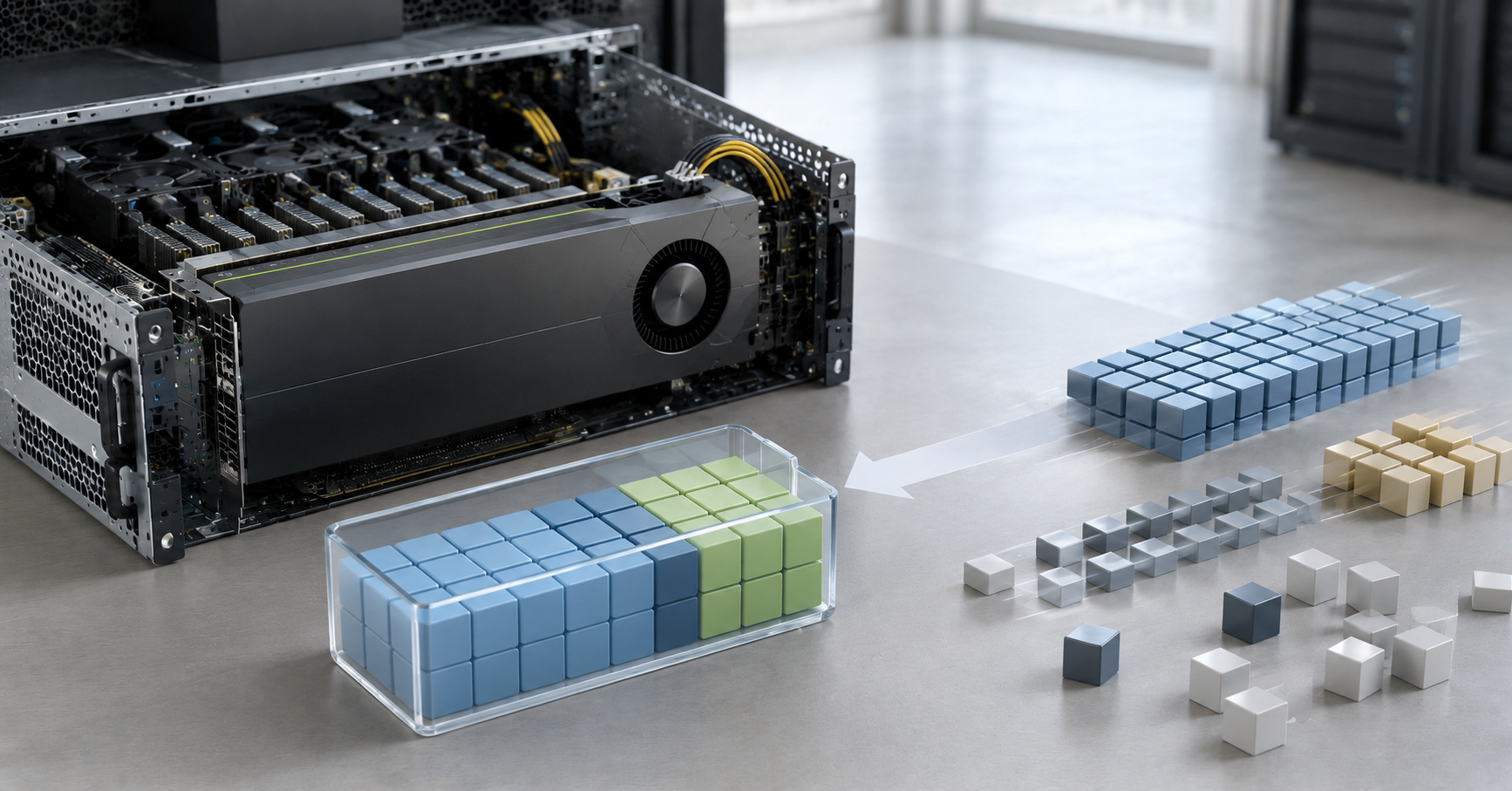
A30 should not be dismissed just because newer cards have appeared. It is an accelerator for its own class of tasks. It can be a reasonable choice if a company does not need the maximum generation rate for large models, but needs a stable corporate server for moderate inference, data processing, virtual workstations or several small services.
24 GB of video memory is already a limitation for modern large language models. But for request classification, image recognition, extracting data from documents, running small language models, batch analytics and virtual workplaces, it may be enough. This is especially true if the workload is predictable and does not require long context.
A strong side of A30 is resource partitioning. One card can be divided between several tasks or users if the scenario supports it. This is convenient for infrastructure: not every service receives the whole card exclusively, and resources are distributed more accurately. This matters for companies where different teams need a GPU, but no one uses it constantly at full load.
Another advantage is moderate power consumption. A server with A30 is easier to fit into existing infrastructure than a dense configuration with several higher-end accelerators. Power requirements are lower, the thermal load is lower and cooling is simpler. For an office, a small server room or a rack with power limits, this can be a decisive argument.
But A30 should not be chosen if large language models, long context, active generation for many users, heavy fine-tuning or rapid workload growth are already planned. In that case, saving money can quickly turn into the need to replace the server earlier than expected.
When L40S covers the task without overpaying
L40S often becomes a compromise between “too little” and “too expensive.” It is a good option for companies that need a universal server: an internal assistant, document search, moderate inference, video analytics, rendering, 3D graphics and several applied services.
48 GB of video memory gives noticeably more freedom than 24 GB. This is important for medium-class models, knowledge-base search, document processing and scenarios where not only the model but also working data has to be kept in memory. However, 48 GB does not turn L40S into a replacement for H200. If the task requires hundreds of gigabytes of video memory or high HBM bandwidth, the card class should be different.
L40S is especially appropriate where the workload is mixed. For example, a company runs an internal chatbot, a document search system, image processing and periodic visualization tasks. In such a situation, buying H100 for one area may be excessive, while L40S can cover several scenarios on one server.
But L40S also cannot be chosen only by name. The chassis, power, cooling and server compatibility must be checked. The card consumes up to 350 W, and it is not the only heat source in the system. Processors, memory, drives, fans and network adapters will be next to it. If the server is not designed for such a configuration, the problem will not appear immediately: first noise will increase, then frequencies will drop, then speed dips will appear.
L40S should not be chosen if the task is already described as heavy training of large models, inference with very high parallelism or a service where latency is business-critical. In these cases, overpaying for H100/H200 may be justified not by the status of the card, but by time savings and lower risk.
Where RTX Pro is appropriate
RTX Pro should be considered carefully because this is a family name, not one card. For server selection in 2026, the RTX PRO 6000 Blackwell Server Edition class is a useful reference point. Its purpose is not only artificial intelligence, but the combination of compute, graphics, video and professional visualization.
Such a card is interesting where the server has to perform several types of work. For example, an engineering team uses virtual workstations, designers run rendering, analysts process images and developers test models. In such an environment, not only compute matters, but also professional graphics, video encoding, drivers and a large memory reserve.
96 GB of video memory is a serious argument. If 48 GB is already not enough, but H100/H200 are being purchased only for memory capacity, RTX Pro may be more rational. This is especially true if the workload includes graphics, 3D, video or user workstations.
But memory capacity cannot be compared separately from memory type and speed. RTX Pro uses GDDR memory, while H100/H200 use HBM memory with higher bandwidth. Therefore, in heavy training, large models and tasks where data constantly passes through memory, H100/H200 can be significantly more efficient. RTX Pro can replace a higher-end AI card only where universality, graphics and large memory capacity are needed, but maximum HBM speed is not.
For pure training of large models, RTX Pro is usually not the best first choice. For mixed infrastructure where artificial intelligence sits alongside visual tasks, it can be a very strong option.
When it is better not to save money and choose H100/H200

H100 and H200 are not needed by everyone, but there are scenarios where saving on the GPU class leads to a poor result. The main sign is that the task runs into memory, memory speed, parallelism or execution time.
If the model does not fit into the available video memory with the required reserve, the server will constantly require compromises. The context will have to be reduced, the number of concurrent requests limited, a more compact model used or part of the data moved to RAM. Sometimes this is acceptable. But if service quality depends on long context and stable response time, such compromises quickly become a problem.
H100/H200 are also justified for training and heavy fine-tuning. In these tasks, not only video memory matters, but also compute speed, memory bandwidth, communication between accelerators and the ability to work under long-term load. If the team constantly experiments with models, every extra hour of training turns into real costs.
H200 is especially interesting where H100 is already close to its memory limit. 141 GB of HBM3e makes it possible to keep larger models, bigger data batches or long context in memory. But if the task easily fits into H100 and does not run into memory, moving to H200 will not always provide a benefit proportional to the price.
Another important case is a critical multi-user service. If the server serves dozens or hundreds of users, latency affects the work of a department and downtime is expensive, buying a more powerful platform may be justified. Here, it is necessary to calculate not only the GPU price, but also the cost of slow responses, queues, errors and forced limitations.
H100/H200 are better chosen for a dedicated AI server or cluster. If the server is needed “for a bit of everything,” the higher-end class may be expensive and not universal enough. But if the workload is constant, heavy and keeps the accelerators well utilized, saving on them is more dangerous than overpaying.
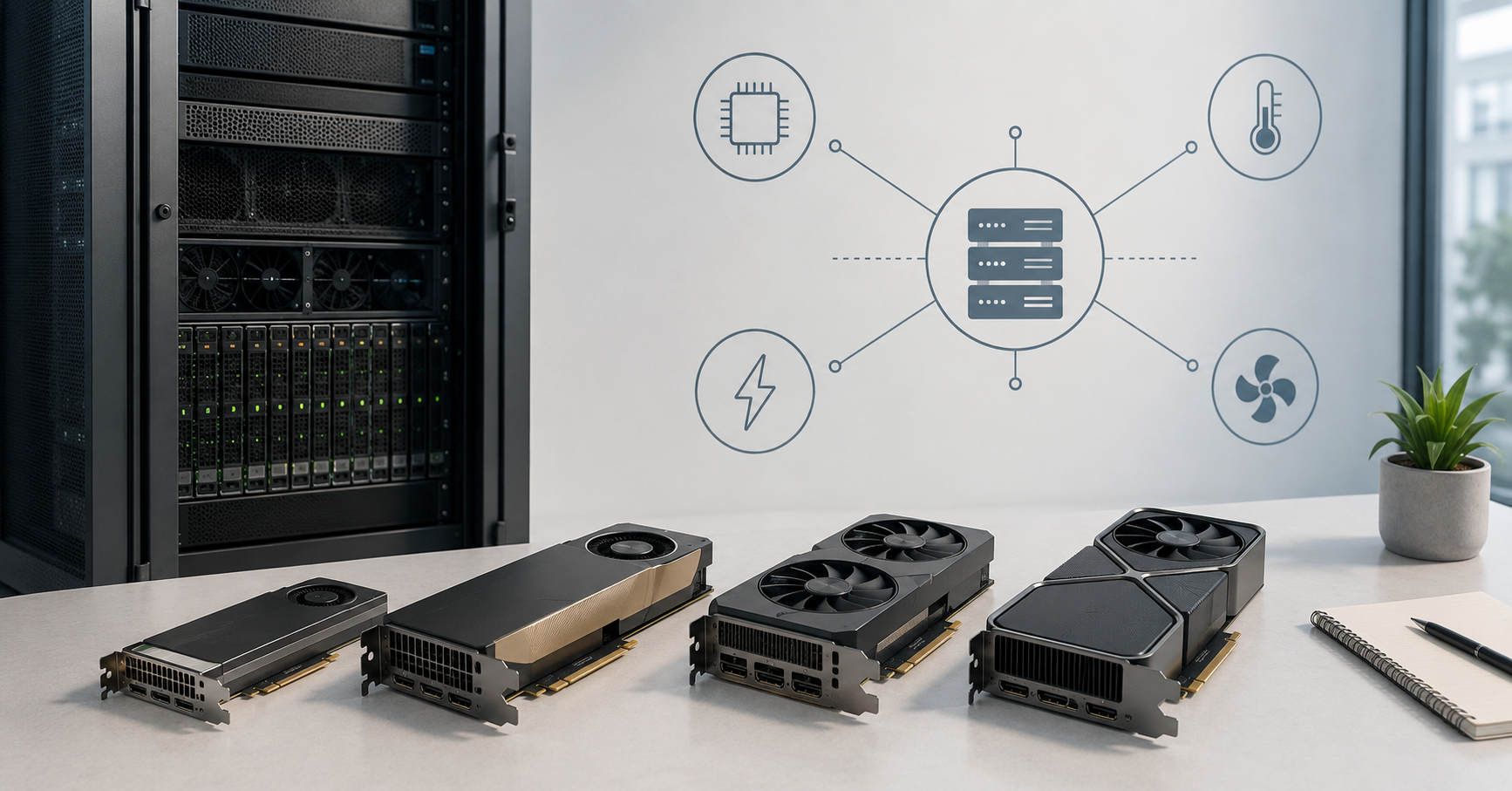
Non-obvious limitations: memory, bus, power and cooling
Video memory is the first resource that needs to be calculated. It stores not only model weights. It also holds cache, temporary data, service structures, parallel requests and reserve for peak situations. That is why the calculation “the model weighs 40 GB, so a 48 GB card is enough” is often too optimistic. A reserve is needed, especially if users work with long documents or several sessions at the same time.
Memory speed is no less important. Two different cards may have the same capacity but different bandwidth. For rendering, graphics or some applied tasks, this may not be the main factor. For heavy training and large language models, high-bandwidth memory often becomes the decisive advantage of H100/H200.
PCIe and platform topology are a hidden cause of many mistakes. A server specification may list several physical slots, but that does not mean every slot receives a full set of lanes. Some lanes may be occupied by NVMe drives, network cards, controllers or other devices. In dual-processor systems, it is important which processor a specific GPU is closer to. If the topology is poor, expensive accelerators will exchange data with additional latency.
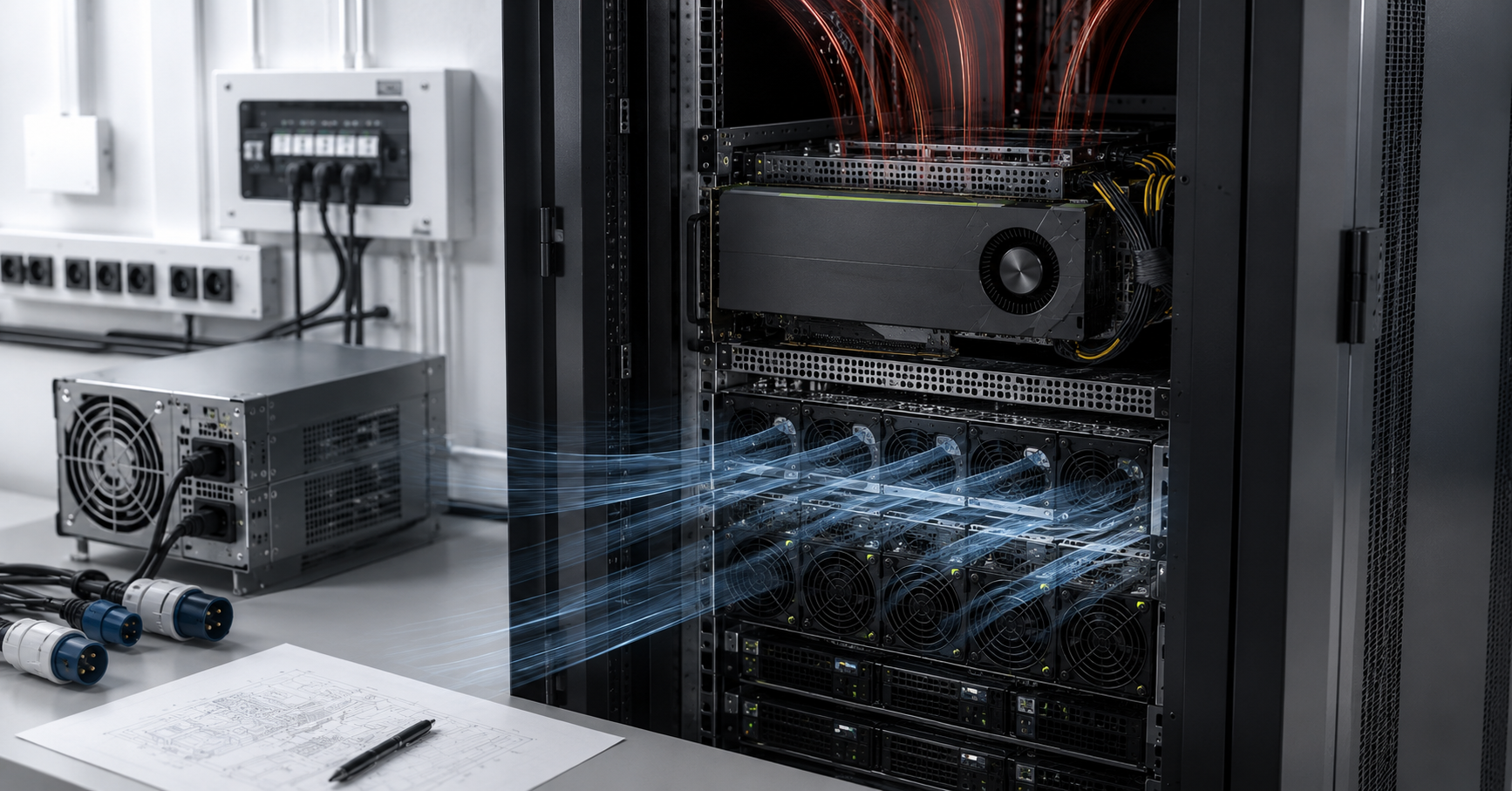
Power has to be calculated for the entire server. It is not enough to take GPU power, multiply it by the number of cards and consider the calculation complete. Processors, memory, drives, fans, network cards, the motherboard and losses also consume power. A reserve for peak loads and redundancy is also needed. For powerful GPU servers, not only a different power supply may be required, but also a different power distribution scheme in the rack.
Cooling is not a formality. A server card may physically fit into a slot, but be unsuitable in terms of heat. Passive server accelerators are designed for a strong directed airflow. If the chassis, fans, air shrouds and blanks are selected incorrectly, the card will overheat. Overheating does not always look like an emergency. It often appears as lower frequencies, unstable speed, increased noise and other problems, especially in summer.
The installation location should also be considered separately. A server with several higher-end GPUs is not a “powerful computer under the desk.” It is a source of noise, heat and high load on the power supply. If the equipment is installed not in a data center, but in an office server room, ventilation, air conditioning and electrical requirements must be checked before purchase.
Signs of overpayment and signs that the GPU is not enough
| Situation | What it means | Conclusion |
|---|---|---|
| The GPU is rarely loaded, users access the service only occasionally | the resource is idle | H100/H200 may be excessive |
| The model does not fit into memory with the required context | video memory limitation | a card with more memory is needed |
| Responses slow down as concurrent requests grow | bottleneck in cache, memory or queue | consider H100/H200 or several GPUs |
| The main workload is rendering and virtual workstations | graphics and drivers are important | RTX Pro or L40S is often more logical |
| Large models need to be trained | high memory speed and scaling are required | H100/H200 are justified |
| The server is located in an office room | there are noise, heat and power limits | higher-end GPUs may create problems |
| One universal server is required | the workload is mixed | L40S or RTX Pro is often more cost-effective |
| The service is business-critical and runs continuously | downtime and latency are expensive | saving on the GPU may be false economy |
A good choice is usually visible not from one line, but from a combination of signs. If the server has to handle moderate inference, graphics and several workstations, a universal card may be more cost-effective. But if every sign points to memory, speed and parallelism, it is better to look at the higher-end class from the start.
How to choose a GPU server step by step
First, the task needs to be described. Is it language model inference, computer vision, rendering, training, virtual workstations or a mixed workload? The same server does not have to cover all scenarios equally well.
Then the model or application needs to be identified. For a language model, its size, storage precision, context length and number of users matter. For graphics, application requirements, drivers and scene size matter. For video, the number of streams, resolution and codecs matter. For training, data volume, experiment frequency and acceptable execution time matter.
After that, users and concurrency need to be calculated. Not simply “how many people are in the company,” but how many of them work at the same time, what requests they send, what response is considered acceptable and what happens during peak hours. One user with a large document can create more load than several short questions.
Next, the GPU class is selected. A30 is suitable for moderate inference, virtual workstations and tasks where energy efficiency and resource partitioning matter. L40S is suitable for a universal server with artificial intelligence, video, graphics and medium models. RTX Pro is appropriate where, in addition to AI, professional graphics, visualization, rendering, workstations and a large memory reserve are important. H100/H200 are needed for heavy training, large models, high parallelism and workloads that really use HBM memory.
After choosing the card, the platform must be checked. Are there enough PCIe lanes? Does the server support the required number of GPUs? Do the accelerators conflict with NVMe drives and network adapters? Are suitable riser cards available? Does the chassis support the selected thermal design power?
Then power and cooling are checked. The whole server must be calculated, not only the GPU. Power supplies, redundancy, voltage, rack, power distribution, UPS, fans, air shrouds, heatsinks and inlet air temperature are important.
The final step is total cost of ownership. It includes not only the purchase of the card, but also electricity, cooling, noise, licenses, maintenance, spare parts, downtime and future upgrades. Sometimes a more expensive GPU is cheaper to operate if it reduces calculation time and optimizes employees’ work. Sometimes the opposite is true: a higher-end card does not pay off because the task is too light.
Common selection mistakes
- Buying H100/H200 only because it is “better.” A higher-end accelerator is strong in heavy tasks, but it does not have to be the best choice for rendering, virtual workstations or a moderate internal service.
- Comparing cards only by compute metrics. For inference, video memory, cache and parallelism are often more important. For graphics, drivers and application support matter. For training, memory speed and scaling matter.
- Ignoring context length. A short question and a large document with a long answer create different loads on the same model. If users will upload contracts, instructions, code or reports, memory needs to be calculated with a reserve.
- Thinking that RTX Pro and H100 solve the same tasks. RTX Pro is strong in universal and visual scenarios. H100/H200 are strong in heavy artificial intelligence and compute. They sometimes overlap, but they do not fully replace each other.
- Not checking the chassis and cooling. Slot compatibility is not the same as thermal compatibility. A card may be physically installed, but work unstably or reduce frequencies.
- Forgetting about power. Several high-end GPUs may require different electrical infrastructure. This is especially important for office server rooms where power and cooling reserves are often limited.
- Buying several GPUs without checking topology. If the platform does not provide the required number of lanes and communication between devices is arranged poorly, a multi-card configuration may fail to realize its potential.
- Not considering licenses and virtualization. For virtual workstations, not only hardware matters, but also software support, drivers, usage rights and convenient user management.
Final conclusion
A30 is worth considering if the tasks are moderate, energy efficiency and resource partitioning matter, and there are no large language models with long context. It is not an outdated “bad” card, but an accelerator for a specific class of corporate workloads.
L40S is suitable if a universal server is needed for inference, document search, video analytics, rendering, 3D graphics and medium models. It is often a good way to avoid overpaying for H100/H200 where the higher-end class will not be fully loaded.
RTX Pro is appropriate if, in addition to artificial intelligence, professional graphics, visualization, video, engineering applications, virtual workstations and a large amount of memory are important. Its strong side is universality, not replacing H100/H200 in all heavy calculations.
H100/H200 are needed where there are large models, long context, high parallelism, training, constant load and a bottleneck in memory bandwidth. H200 is especially useful when H100 is already limited by memory capacity.
Overpayment begins where the GPU is bought by name and because of marketing. Saving money ends where the task does not fit into memory, users wait for responses, the server overheats or the platform does not unlock the accelerators. The right GPU server is not the most expensive server, but a configuration where the task, memory, power, cooling and total cost of ownership match the real workload.