In 2026, choosing between an HBA and a RAID controller is not an argument about “what’s faster”, but a decision about where the logic of reliability and recovery lives: on the controller or in the operating system/file system. NVMe pools are growing, tri‑mode adapters (SAS/SATA/NVMe) have become the norm, and requirements for telemetry, portability, and a recovery plan have become stricter.
Let’s go through the definitions in plain language, a decision matrix, common mistakes, and a pre‑purchase checklist—so you don’t discover the nuances only after your data starts to “drift”.
How an HBA differs from a RAID controller
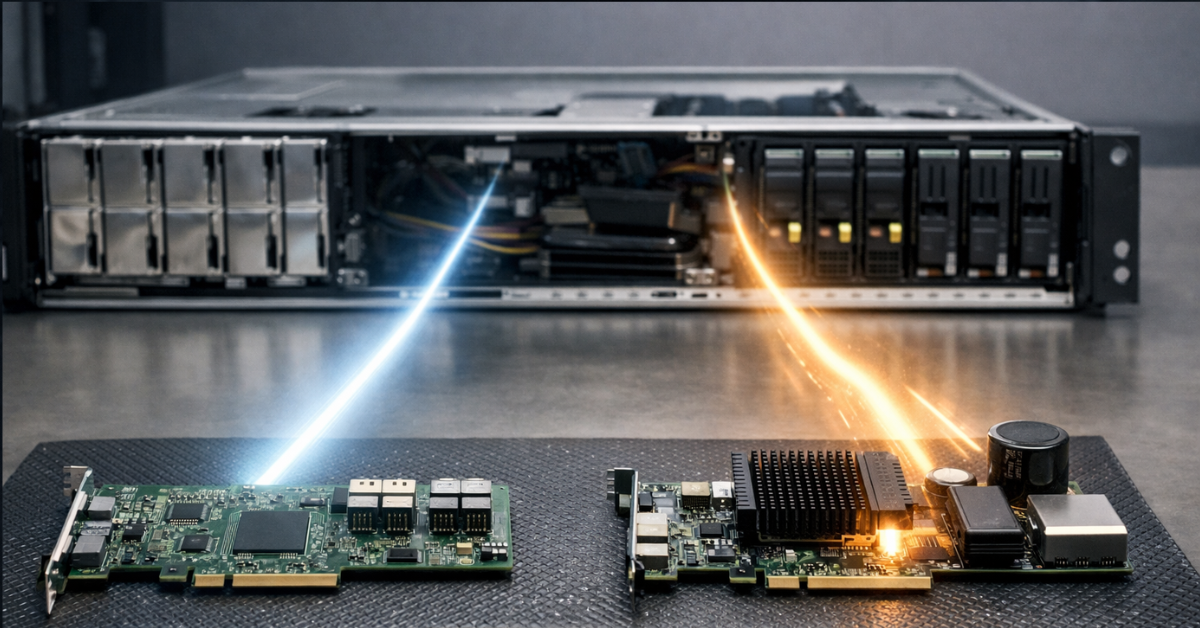
HBA (Host Bus Adapter) is a “transparent bridge” to drives. Its job is to connect storage devices and present disks to the OS “as is”, without creating virtual disks and without hidden array logic. This is the baseline and preferred option when RAID/resiliency/integrity checks are handled by the OS/FS stack: ZFS, Ceph, Linux mdadm, Windows Storage Spaces, VMware vSAN.
A RAID controller is a device that builds arrays from physical drives, creates virtual disks (VD), and often provides service features: patrol read/consistency check, OCE/RLM (capacity expansion/RAID level migration), write‑back caching, and cache protection via a supercap/flash module such as CacheVault. For classic “bring up RAID1/10 quickly under a hypervisor/OS” scenarios, this can be easier operationally—but only with correct cache configuration and a clear recovery plan.
“JBOD/HBA mode on a RAID card” vs a “true HBA”
Many RAID cards support JBOD or HBA mode, but that is not always equivalent to a “clean” HBA:
- in some families it is indeed close to passthrough;
- in others, parts of command sets and telemetry may behave differently, and some features (for example, TRIM/UNMAP, SMART passthrough) depend on firmware/mode/driver;
- sometimes “JBOD” means “a disk as a separate object”, but still through a controller layer with its own queueing, timeouts, and error‑handling specifics;
- you can also find advice like “make RAID0 for each disk and it will be the same as HBA”—no, it won’t; disk management still goes through the controller, and the system does not “see” the physical disks directly.
Bottom line: if your architecture relies on disk transparency and diagnostics at the OS/FS level, a “true HBA” is easier to predict.
Why people argue about it
Most debates get reduced to speed, but in practice the key points are:
- data integrity after incidents (power loss, hangs, degradation);
- recovery after a controller failure and array portability;
- telemetry and maintenance (SMART, temperatures, UNC/Media Errors, scrub/patrol read);
- compatibility with TRIM/UNMAP and SSD/NVMe behavior.
HBA is about transparency and software‑level control; a RAID controller is about a hardware array and cache, but with lock‑in risks and recovery nuances.
What changed by 2026: NVMe, tri‑mode, PCIe, and “hardware vs software”
NVMe is “normal” now—and the platform is often the limit
In 2026, array performance is often limited not by “HBA vs RAID”, but by:
- PCIe lane count and generation (Gen4/Gen5),
- topology (how slots/backplane are wired, whether there are switches and where),
- NUMA (socket locality),
- uplinks and oversubscription in the backplane/switch.
So you should consider the adapter together with the platform: which slot (x8/x16), what routing, and where the backplane “points”.
Tri‑mode: one adapter for SAS/SATA/NVMe
Tri‑mode devices are mainstream: one controller/adapter can work with SAS, SATA, and NVMe depending on the backplane and cabling. Broadcom highlights this as a solution class (for both eHBA and RAID lines): for example, materials on the 9600 Series and tri‑mode HBA illustrate the approach and device models.
You can build a server where some bays are SAS HDD for capacity and others are NVMe for hot data—while keeping a single adapter class and a clear cable stack (but make sure to verify backplane and connector compatibility).
NVMe RAID “without a card”: Intel VROC (VMD)
Another branch is NVMe RAID via the Intel platform: Intel VROC (Virtual RAID on CPU), working together with VMD (Volume Management Device). This is not “just software”: some logic is tied to platform capabilities supported by the CPU/chipset/BIOS and specific NVMe SSDs, and features may be subject to licensing (depending on configuration and requirements). Official references: the VROC overview and the Supported Configs document covering supported configurations and licensing nuances.
By 2026, “choosing a controller” is part of an overall storage strategy where NVMe/PCIe/tri‑mode and portability matter more than “magic percent speed gains”.
Data reliability: where you actually get stronger guarantees
To avoid slogan‑level arguments, let’s break “reliability” down by layers: write cache, consistency on power loss, end‑to‑end integrity, and observability.
Write‑back cache and cache protection
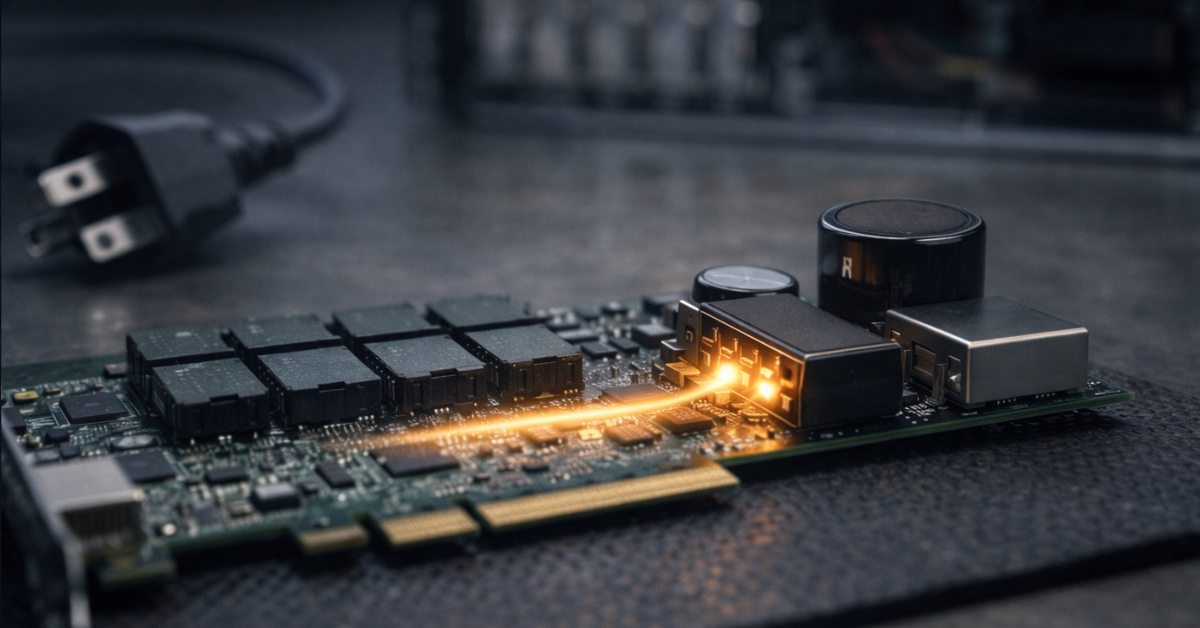
Write‑back speeds up writes because it acknowledges operations earlier: data temporarily sits in the controller’s cache (DRAM) and only later “lands” on disks. This can be beneficial, but it’s risky: power loss or a controller failure while data is still in cache can cause loss of acknowledged writes and logical corruption of file system structures.
That’s why cache protection matters: modules that, on power loss, give the controller time to save DRAM cache contents to non‑volatile memory (NAND/flash). Broadcom describes CacheVault and the concept of write‑back cache protection (for example, CacheVault overview as well as solution selection materials explaining why protected cache matters).
Practical rule:
- RAID controller without cache protection + write‑back enabled = high risk.
- If there is no protection, write‑back must be disabled and performance expectations adjusted.
A RAID controller is “good” not by default, but when write‑back is protected and predictable.
Write hole and consistency after power loss
For RAID5/RAID6, partial writes are critical: if power is lost between writing data and parity, the array can end up with parity that does not match the data (the classic write hole). Hardware RAID mitigates this partly via cache/journaling, but fundamentally it’s about atomicity of data+parity updates.
In Linux software RAID, there are mechanisms to reduce risk: write‑intent bitmap and journaling/partial parity log (PPL). See the md guide and the mdadm documentation.
In 2026, software RAID is not a “toy”—it’s a stack with clear consistency mechanisms, but you need to enable and maintain them.
End‑to‑end integrity and transparency for the file system
ZFS is not only “RAID‑Z”; first and foremost it provides end‑to‑end integrity checking: checksums, self‑healing when redundancy exists, and scrub as a regular practice. For that, ZFS must see disks directly, get correct error/timeout information, and control device behavior.
If you build reliability on ZFS/Ceph/another software stack, disk transparency matters more than a “smart” controller.
Performance: myths and reality (especially for SSD/NVMe)
Where a RAID controller really helps
- HDD and mixed write profiles: a protected write‑back cache can significantly improve latency and throughput for small synchronous writes (journals, metadata, VM write patterns), especially on HDD or hybrid arrays.
- Operational features: in a “classic RAID” model, patrol read/consistency check and managed migration/expansion operations can be convenient (if you live in a VD paradigm and it fits your workflow).
Important: “offloading the CPU” is often not the main factor anymore—server CPUs and memory have grown, and bottlenecks are more often in PCIe topology/switches/backplanes than in parity calculations.
Where HBA + software RAID often wins operationally
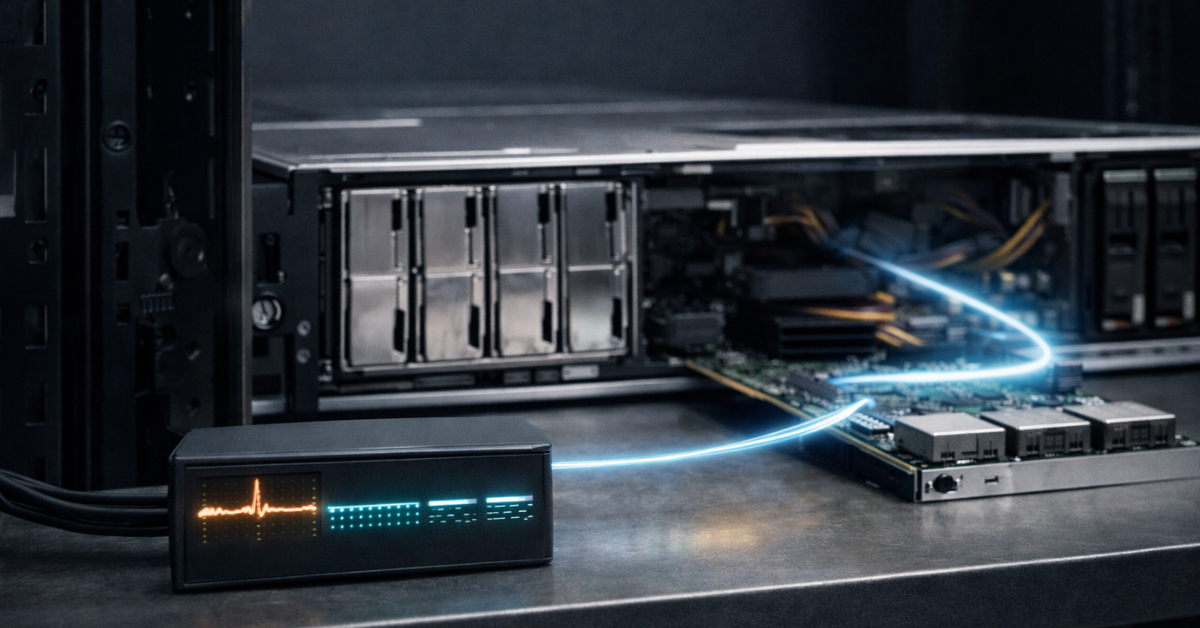
- More predictable latency: fewer “surprises” from the controller, easier to tune queues and the I/O scheduler on the OS side.
- Better observability: easier access to SMART and real per‑disk errors/behavior.
- More controlled recovery: with ZFS/mdadm, it’s usually easier to move disks and bring the pool/array up on another host without hunting for “the exact same” controller.
NVMe: it’s often the PCIe path, not RAID
If your NVMe “doesn’t fly”, check the basics before switching adapters:
- the slot is really x16/x8 electrically, not just physically;
- Gen4/Gen5 negotiation is correct (BIOS, retimers, signal quality);
- the backplane isn’t behind a PCIe switch with hard oversubscription;
- your NVMe devices aren’t attached to the “other” socket (NUMA), if your workload is sensitive to that.
A RAID controller can help HDD write profiles via protected cache, but for SSD/NVMe, PCIe topology and operational predictability are more often the deciding factors.
Operations and recovery: what people usually forget
Portability and vendor lock‑in
The biggest practical question is: what happens if the controller dies?
- With hardware RAID, the array is often tied to metadata and a format of a specific family. Sometimes a “similar” controller of the same generation works; sometimes only a strictly compatible model/firmware does. The more complex the configuration (multiple VDs, cache policies, SED, non‑default parameters), the higher the risk that recovery becomes a search for “that exact piece of hardware”.
- With HBA + ZFS/mdadm, disks usually remain “readable” by another host: you move the drives, import the pool/assemble the array (with version‑aware, careful procedures), and the controller is not the “key to the data”.
In practice: if fast recovery is business‑critical, hardware RAID should come with a compatible spare plan (at least a spare controller from the same family) and a pre‑tested recovery procedure.
The price of a controller is also the price of depending on it.
Monitoring and telemetry (SMART, errors, temperatures)
For predictive maintenance you want to see:
- growing read/write error counters,
- UNC/media errors,
- temperatures and behavioral “drift”,
- timeouts and “flaky” drives that aren’t dead yet but already disrupt the array.
With an HBA it’s usually simpler: the OS sees devices directly. With a RAID controller, a lot depends on mode, driver, and how SMART and error passthrough are implemented.
TRIM/UNMAP
For SSD/NVMe, block discard (TRIM/UNMAP) matters. In reality, it can break across “controller → virtual disk → OS” layers. Broadcom materials and practical constraints around UNMAP/DSM/TRIM vary by modes and stack (vendor KBs/manuals are a good reference during selection).
Practical rule: if your workload actively deletes/rewrites data (VM disks, databases, CI caches), validate TRIM/UNMAP in the chosen mode before production.
Array maintenance: patrol read/consistency vs scrub/checkarray
- On hardware RAID, patrol read and consistency check are useful regular procedures for early problem detection and integrity maintenance.
- In ZFS, run regular scrub.
- In mdadm/Linux, run array checks and monitor status.
Choosing HBA vs RAID is choosing an operational model. Without monitoring and regular checks, “hardware RAID” won’t save you by itself.
Typical 2026 scenarios: what to choose
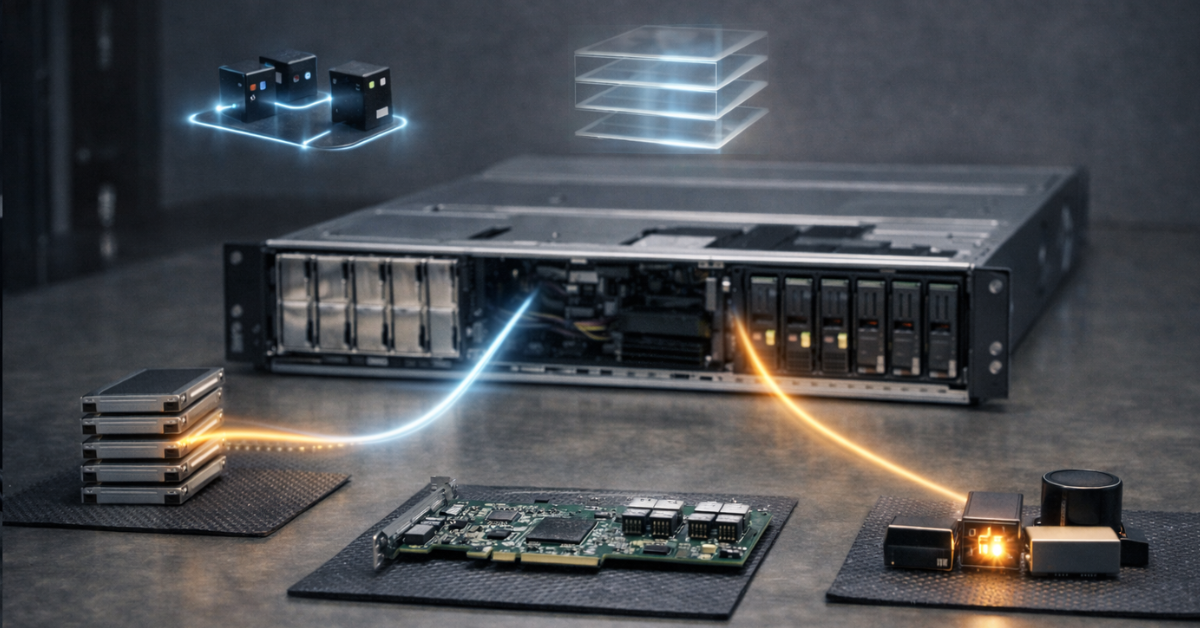
TrueNAS/FreeBSD/OpenZFS NAS
Recommendation: HBA (passthrough/IT), no hardware RAID. Why: ZFS expects direct access to disks, transparent errors, and its own integrity model. Watch for: correct telemetry, stable timeouts, enough PCIe lanes, backplane compatibility.
Ceph (and similar SDS architectures)
Recommendation: HBA. Why: Ceph and SDS approaches assume resiliency and recovery are handled in software/at the cluster layer, and disks should be as “honest” as possible. Watch for: consistent drive profiles, predictable latency, sufficient networking, monitoring.
Proxmox + ZFS
Recommendation: HBA. Why: ZFS in the hypervisor benefits from direct disks and straightforward recovery; hardware RAID adds an abstraction layer that can reduce diagnostics and portability. Note: a RAID card is acceptable only if it has a truly correct HBA/JBOD mode and you are satisfied with telemetry/behavior—but that’s “advanced tuning”, not the default.
VMware/Hyper‑V and “classic” RAID1/10 under the hypervisor
Recommendation: often a RAID controller with protected write‑back cache. Why: if you’re not building SDS and want a simple RAID mirror/stripe‑mirror under VMFS/NTFS/ReFS, hardware RAID can be an easier operational model. Watch for: cache protection (CacheVault‑class or equivalent), clear rebuild procedures, regular patrol read/consistency checks, compatibility with your OS and management tools.
Windows Storage Spaces / Storage Bus Cache
Recommendation: HBA/JBOD; resiliency and caching are handled by Windows. Why: Storage Spaces and Storage Bus Cache are software storage models where fast media can cache slower tiers, and behavior is defined by the Windows stack. Watch for: correct device support, consistent drive classes, telemetry, drivers.
VMware vSAN
Recommendation: HBA/JBOD; resiliency, caching, and deduplication are handled by VMware. Why: vSAN is a software storage model that can implement tiering (cache on fast drives) or an all‑flash array. Watch for: verification against VMware HCL down to specific drive firmware versions.
NVMe boot / NVMe RAID on an Intel platform
Recommendation: consider Intel VROC if you have the requirements, compatibility, and licenses. Why: VROC depends on VMD/platform capabilities and a matrix of supported SSDs/OSes, plus potential limitations on third‑party SSDs and feature enablement. Watch for: supported config lists, OEM/BIOS requirements, licensing policy, recovery scenario.
If your reliability is “in software” (ZFS/Ceph/Storage Spaces/vSAN), choose HBA; if you need a simple hardware array under a hypervisor, choose RAID—but only with protected write‑back.
HBA vs RAID controller comparison
| Criterion | HBA | RAID controller |
| Disk transparency for OS/FS | Maximum: disks are visible directly | Abstraction layers: VD/array; passthrough depends on mode |
| End‑to‑end integrity at FS layer | Ideal for ZFS/software stacks | May hide details of disk errors/behavior |
| Write‑back cache | Usually no “smart” on‑card cache | Available, but dangerous without protection; valuable with cache protection |
| HDD write performance | Depends on software stack | Often higher with protected write‑back |
| SSD/NVMe performance | Often limited by PCIe/topology | Also limited by PCIe; gains not guaranteed |
| TRIM/UNMAP passthrough | Usually simpler and more transparent | May depend on firmware/mode/driver |
| SMART/error monitoring | Usually simpler | Mode‑dependent; sometimes worse visibility |
| Portability if the controller fails | Usually higher (ZFS/mdadm readable on another host) | Risk of vendor lock‑in and need for a compatible controller |
| Recovery | More predictable, but requires discipline in software stack | May be easier “inside the ecosystem”, but harder when the controller dies |
| Cost/power | Usually lower | Higher, especially with cache protection modules |
| Best scenarios | ZFS/TrueNAS, Ceph, mdadm, Storage Spaces/vSAN | Classic RAID1/10 under OS/hypervisor when protected write‑back is needed |
Scenario → recommendation → why → critical requirements

| Scenario | Recommendation | Why | Critical requirements |
| TrueNAS/OpenZFS | HBA | ZFS needs disk transparency | SMART/errors, stable timeouts, scrub |
| Ceph | HBA | Resiliency in cluster/software layer | Observability, predictable latency |
| Proxmox (ZFS) | HBA | Diagnostics and portability matter more than a “hardware array” | PCIe/NUMA, scrub, monitoring |
| VMware/Hyper‑V without SDS | RAID controller with cache protection | Simple classic RAID + protected write‑back | CacheVault/equivalent, patrol read, spare plan |
| Windows Storage Spaces / Storage Bus Cache | HBA/JBOD | Caching/resiliency in the Windows stack | Device compatibility, drivers, telemetry |
| VMware vSAN | HBA/JBOD | Handled by software; needs direct disk access | HCL, licensing |
| NVMe RAID boot (VROC) | VROC if compatible | Platform NVMe RAID with support/licensing nuances | SSD/OS matrix, licensing, BIOS/VMD |
Hardware selection checklist
- Interfaces and backplane
- which bays: SAS/SATA/NVMe;
- whether there is a SAS expander and how it affects bandwidth;
- connector/cable types (SFF‑8654, SlimSAS, OCuLink) and how they match the backplane;
- if you need tri‑mode, verify that the adapter and backplane truly support mixed protocols.
- PCIe and topology
- x8/x16 slot and Gen4/Gen5;
- how the slot is connected relative to sockets (NUMA);
- whether there is a bottleneck in a switch/retimer/uplink.
- JBOD/HBA mode “out of the box”
- you need passthrough without exotic procedures;
- ensure your OS has solid drivers and management tools.
- Cache and cache protection (for a RAID controller)
- whether cache protection exists and what type (supercap + flash/module);
- whether write‑back policies and power‑loss behavior are clear.
- Management and firmware updates
- tools (StorCLI/equivalent), telemetry, metrics export;
- firmware update policy and OS compatibility.
- Encryption/SED (if needed)
- TCG/SED support and key management;
- impact on recovery and disk portability.
Buying the “right card” won’t compensate for the wrong backplane/PCIe topology or missing cache protection.
The costliest mistakes
- ZFS on top of hardware RAID Double abstraction: ZFS loses some disk transparency, diagnostics get harder, and the risk of unexpected behavior during errors and recovery increases. If you need ZFS, use an HBA as OpenZFS recommends.
- Write‑back without cache protection The most common expensive mistake: performance looks great—until the first power event or hang, after which corruption appears.
- “I’ll make it like an HBA”: one disk = RAID0 A frequent attempt to “trick” a RAID card. Result: you still have the controller layer, potential TRIM/SMART/error limitations, and portability/recovery are not improved. If you need HBA, buy HBA (or a guaranteed HBA mode).
- Ignoring TRIM/UNMAP and telemetry On SSD/NVMe this can lead to performance degradation and operational surprises.
- No spare controller or migration plan If your design depends on a specific RAID controller, a compatible spare and a tested recovery procedure are part of the architecture—not a “nice to have later”.
Conclusion
- ZFS/TrueNAS/Ceph/mdadm/Storage Spaces/vSAN → HBA. Reliability and recovery are in software; disks must be transparent and diagnosable.
- You need a simple hardware array under an OS/hypervisor and protected write‑back matters → RAID controller with cache protection. Without protection, write‑back becomes a risk.
- NVMe RAID on Intel → evaluate VROC (VMD), compatibility, and licenses. See Intel’s official materials: VROC and the Supported Configs PDF.
- Always plan operations: monitoring, regular checks (scrub/patrol read), spares, and a recovery scenario. Choosing a controller is not just choosing “a card”—it’s part of your DR and manageability strategy.