When a server “won’t boot”, the OS crashes after an update, the network driver doesn’t come up, or you lose SSH access, you get an awkward pause: how do you manage the machine if you can’t get “inside” it? In a data center the fix is simple — walk to the rack, plug in a monitor and keyboard, press the power button, and see what’s going on in BIOS/UEFI and on the POST screen.
But in real life the server is often far away: in colocation, at a hosting provider, on a remote site, or just in a locked server room. And that’s where the key idea appears: you can manage a server “outside the OS” — through a separate management plane that keeps working even when the main host is “dead”.
This article explains the out-of-band management architecture:
- BMC as a “mini-computer” on the motherboard,
- IPMI as the classic management command protocol,
- iKVM (KVM over IP) as a remote console “like monitor + keyboard + mouse”,
- Redfish as a modern REST/JSON API standard for automation.
Security context matters: BMC is access at the level of “almost physical presence”. Through it you can power a server on/off, see the console before the OS loads, mount virtual media, and update firmware. That’s why technical knowledge here must go hand in hand with security hardening discipline.
Terms in plain language: BMC, IPMI, iKVM, Redfish
BMC (Baseboard Management Controller) is a separate controller (SoC) usually located on the server board (sometimes as a separate module), with its own firmware, network interface, and management services. It lives independently from the main OS and often keeps running on standby power even when the server is “off”.
IPMI is a specification of interfaces and commands for platform management: power, sensors, events, Serial-over-LAN, and more. In practice this usually means IPMI 2.0, the most common and widely supported feature set.
iKVM / KVM over IP is a remote console: you see the server’s screen (POST, BIOS/UEFI, bootloader, OS installer) and can send keyboard/mouse input. It almost always comes with Virtual Media — the ability to mount an ISO/IMG image as a remote “DVD/USB over the network”.
Redfish is a modern hardware management standard via HTTPS + REST + JSON, with data models and schemas designed for automation and integration into your toolchain (inventory, monitoring, updates, orchestration).
Different vendors brand their BMC stacks differently: iDRAC/iLO/XCC/… — but in essence it’s always a BMC plus a set of interfaces (web UI, IPMI, Redfish, KVM, virtual media), just with different names and licensing tiers.
How server management works physically: BMC architecture
BMC as a separate system
A BMC is a small computing system: it has a CPU, memory, firmware, a web interface, and often its own mechanisms for storing logs and settings. The most important point: a BMC works independently of the main OS and even of the server’s boot state — as long as standby power is present.
Where BMC gets data and how it “controls hardware”
The BMC collects telemetry from sensors: temperature, fan speeds, voltages, power status. It also builds the SEL (System Event Log): a hardware event log that includes things like overheating, fan failures, power issues, and some platform-level errors — useful for diagnostics and incident investigations.
The BMC controls platform power and states: power on/off, reset, power cycle. On the board it connects to management subsystems via service channels (think “internal buses and sideband signals”), allowing it to affect hardware without OS participation.
Network connectivity: dedicated vs shared
A BMC almost always supports two networking options:
- Dedicated management port — a separate RJ-45 (or other) port for management only. Pros: easier segmentation, tighter access control, fewer chances to accidentally mix management with production traffic.
- Shared NIC — the BMC “shares” one of the main network ports with the host (LOM). Pros: fewer ports/cables. Cons: higher risk that management ends up on the production network, harder isolation, more unexpected dependencies (e.g., switch changes affecting management reachability).
For resilience and security, a dedicated management port is often preferable, especially in environments with strict requirements.
IPMI: capabilities, how it works, where it’s used
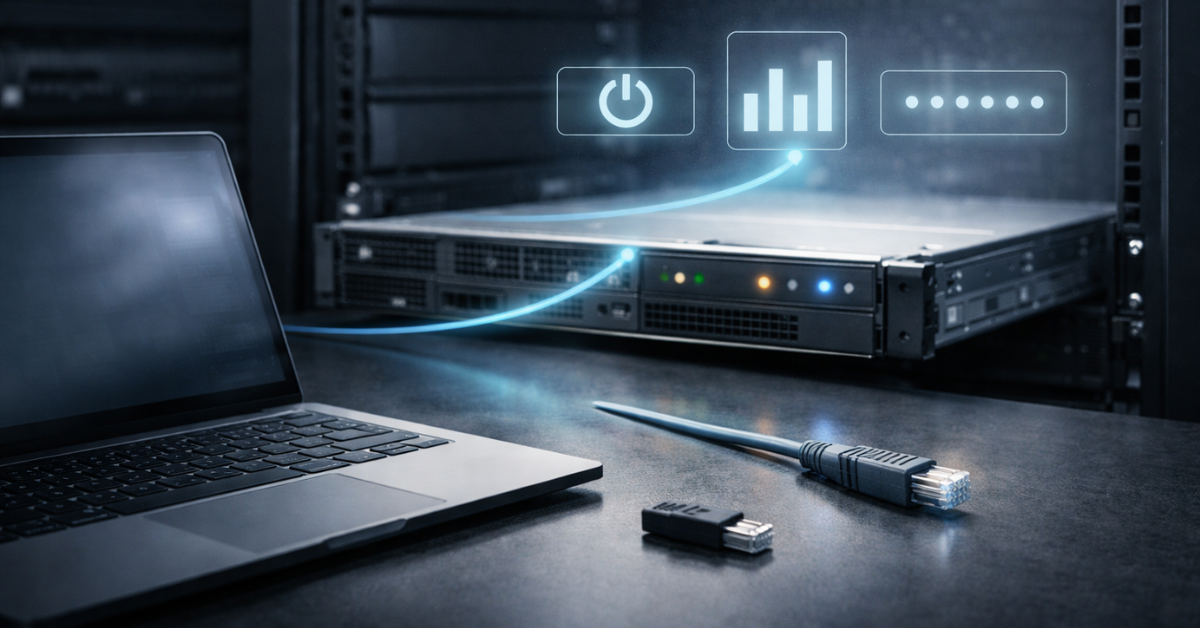
IPMI is the “classic” out-of-band toolkit. The specification defines platform management architecture and command interfaces. In practice, IPMI is most often used for quick operations: power control, sensors, SEL, and SOL.
Typical IPMI functions
- Power: turn on/off, reset, power cycle.
- Sensors: read temperatures/fans/voltages.
- SEL: view the hardware event log.
- SOL (Serial-over-LAN): access a serial console over the network — a lifesaver on headless systems, but it requires proper serial console setup in BIOS/bootloader/OS.
- LAN access & command model: IPMI is often used via CLI utilities rather than the web UI.
Tools and examples: ipmitool
ipmitool — the de facto standard CLI client for IPMI.Short command examples (no “real” passwords; use secure channels and an isolated management network):
Power status
- ipmitool -I lanplus -H <bmc_host> -U <user> power status
Power on / off / power cycle
- ipmitool -I lanplus -H <bmc_host> -U <user> power on
- ipmitool -I lanplus -H <bmc_host> -U <user> power off
- ipmitool -I lanplus -H <bmc_host> -U <user> power cycle
Sensor list
- ipmitool -I lanplus -H <bmc_host> -U <user> sensor list
SEL log
- ipmitool -I lanplus -H <bmc_host> -U <user> sel list
- ipmitool -I lanplus -H <bmc_host> -U <user> sel elist
SOL (if serial console is configured)
- ipmitool -I lanplus -H <bmc_host> -U <user> sol activate
- ipmitool -I lanplus -H <bmc_host> -U <user> sol deactivate
Note: lanplus typically implies a more modern stack with encryption/authentication compared to legacy modes, but real-world security depends on the specific BMC implementation and configuration.
IPMI limitations: important “non-obvious” details
- Compatibility legacy: some implementations keep outdated crypto settings/modes to support older clients.
- Implementation quality varies: IPMI is a standard, but “how it’s implemented” depends heavily on the vendor/platform.
- IPMI ≠ iKVM: IPMI does not guarantee a graphical console. Console and virtual media are usually separate subsystems (KVM/Virtual Media), even if they appear under one web interface.
iKVM and Virtual Media: a remote console as “physical access”
How iKVM works conceptually
iKVM is a stream of the remote “screen” plus an input channel. The BMC captures video output (or a digital copy), captures keyboard/mouse events, and sends them over the network. Virtual Media adds the ability to attach an ISO/IMG as if you plugged a USB drive/disc into the server — just “over the network”.
What you can do via iKVM
- Install an OS from scratch when there’s no PXE or no OS access.
- See POST errors, enter BIOS/UEFI, change boot order.
- Configure RAID/HBA BIOS, Secure Boot, virtualization settings, and run pre-OS diagnostics.
iKVM pitfalls
- Licensing: on some platforms, KVM/Virtual Media are “Enterprise” features.
- Performance over WAN: latency, image quality, and instability on poor links are common.
- Old clients vs HTML5: historically you could see Java/ActiveX consoles; modern platforms typically offer HTML5, but mixed fleets can still contain anything.
- Resolution/video modes: unusual modes, high DPI, and UEFI graphics quirks can surprise you.
When SOL is better than iKVM: if you run headless Linux and properly configured a serial console, SOL can be a more stable diagnostic channel than a “heavy” graphical console.
Redfish: the modern server management API standard
What Redfish is and why it’s promoted
Redfish is an industry standard for infrastructure management using a web-native approach: HTTPS + REST semantics + JSON, backed by formalized data models and schemas. It’s designed as a “proper API contract” for automation tools (CMDB, inventory, IaC, updates).
What Redfish looks like “in practice”
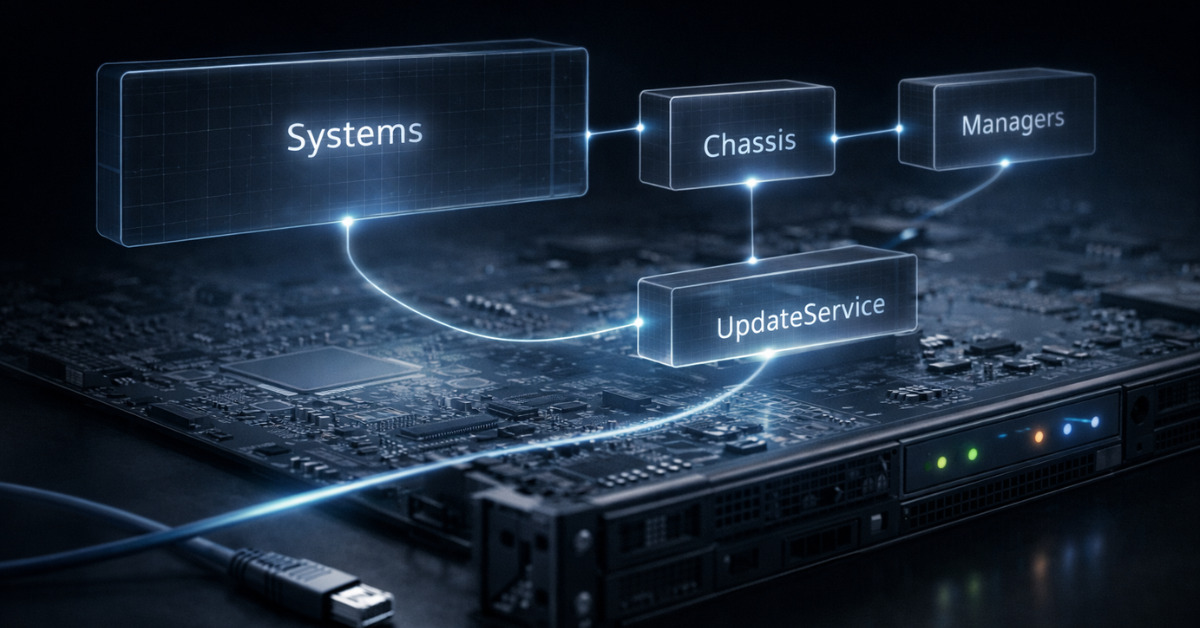
Redfish defines typical resource trees. Conceptually, you’ll most often see:
- Systems — hosts (CPU/memory/state/reset actions)
- Chassis — chassis (power/thermal zones/fans)
- Managers — management controllers (including the BMC as a manager)
- UpdateService — firmware/software updates
- Accounts/SessionService — accounts and sessions
Mini request examples (exact paths may differ slightly by implementation, but the overall style is like this):
System collection
- curl -k -u user: pass https://<bmc>/redfish/v1/Systems
One system state
- curl -k -u user: pass https://<bmc>/redfish/v1/Systems/1
Reset action (logic example)
- curl -k -u user: pass -X POST \
https://<bmc>/redfish/v1/Systems/1/Actions/ComputerSystem.Reset \
-H 'Content-Type: application/json' \
-d '{" ResetType":" PowerCycle"}'
Redfish specifies semantics and models, so with solid support you get more predictable data structures than with a “raw” set of IPMI commands.
Where Redfish is better than IPMI
- At-scale automation: inventory, status, lifecycle operations.
- Unified data contract: easier monitoring, audit, and compliance around standardized fields.
- Toolchain integration: more convenient for Ansible/Terraform-like workflows (via modules/HTTP).
Comparison: IPMI vs iKVM vs Redfish
| Technology | Interface type | What it does | Best use cases | Limitations | Risks |
|---|---|---|---|---|---|
| IPMI | Command protocol (often via CLI) | Power, sensors, SEL, SOL | Quick checks (health/sensors), reboot, read SEL | No full graphical console; quality/security depend on implementation | High privilege level; exposure/misconfig risk |
| iKVM + Virtual Media | Remote graphical console + virtual media | Full pre-OS screen access, input, remote OS install | POST/BIOS/UEFI, OS installation, “everything is broken” diagnostics | May require a license; can be slow over WAN; video limitations possible | Practically “physical access” — requires strict isolation and control |
| Redfish | HTTPS REST/JSON API | Inventory, state, logs/health, reset ops, updates (if supported) | Automation, CMDB/inventory, orchestration, monitoring | Support can be partial; paths/resources may vary | Same privileged plane; TLS, RBAC, segmentation are critical |
Quick way to choose:
- need to see the screen and install an OS — use iKVM + Virtual Media;
- need fast manual power/sensor operations — IPMI is often enough;
- need standardized automation at scale — bet on Redfish.
BMC/IPMI/Redfish security: risks and hardening
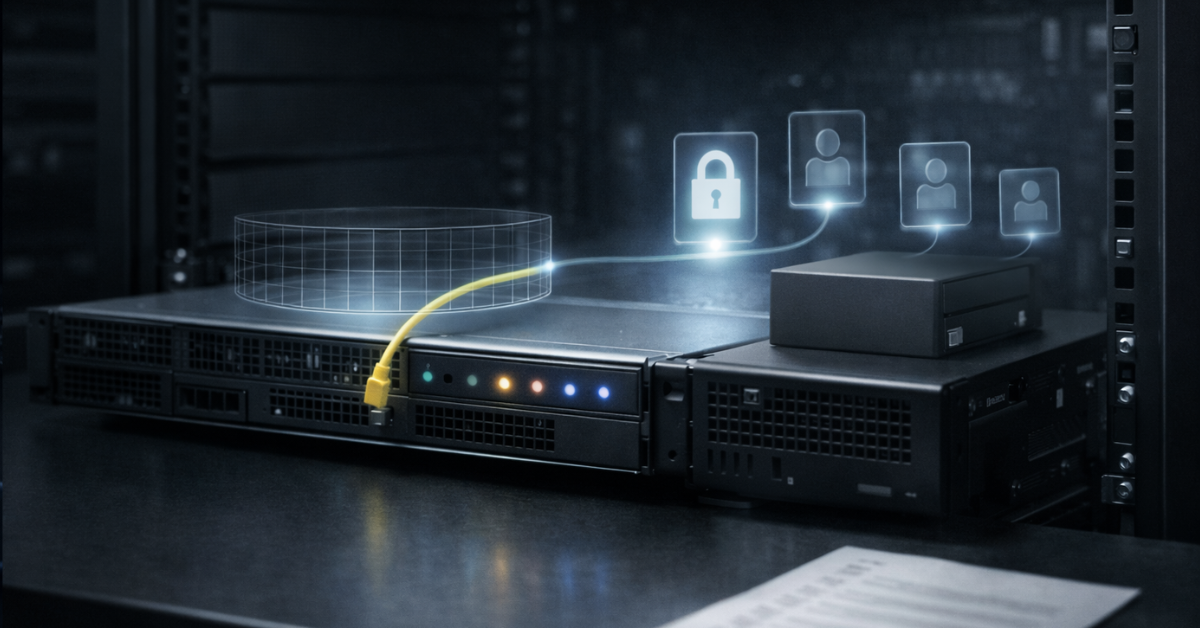
CISA and NSA note that the BMC is a trusted component that operates separately from the OS and can remotely manage a system even when it is powered off, so it must be protected as a critical management interface. They also separately warn about the risks of exposing IPMI, because it can provide access to BIOS, storage, and hardware-level control.
Threat model: why BMC is the “most privileged point”
If an attacker gains access to a BMC, they can perform service-level actions: control power, change boot settings, use remote console and virtual media, collect hardware information, and influence recovery. This is not “just another web login” — it’s the platform management plane.
Network design
- Dedicated management network/VLAN. A BMC should not live on the general production network.
- ACL/Firewall: allow BMC access only from a jump host/bastion or admin subnets via VPN.
- No direct Internet exposure. Ever.
- DNS/PKI control: use proper certificates (corporate CA) so people don’t get trained to disable TLS verification.
Accounts, roles, access
- Unique passwords; disable/rename default accounts.
- RBAC: separate “read-only/operator/admin” roles and grant least privilege.
- If LDAP/AD integration is available — use it, but don’t forget access resilience (what happens when IdP is down).
- MFA: if the BMC can’t do MFA natively — enforce it via bastion/VPN and strict access policy.
Encryption and protocols
- Enable TLS on web/Redfish; where possible, disable weak versions/cipher suites.
- Disable unnecessary services: everything you don’t use expands the attack surface.
- If Redfish and the modern web UI cover your needs, restrict legacy interfaces where possible.
Updates and supply chain
- Update BMC/BIOS firmware regularly via change management (maintenance windows + rollback plan).
- Verify firmware sources and version control. CISA/NSA emphasize the importance of updates and managed configuration.
Logs and monitoring
- Enable audit logs (if available) and export them to SIEM/central log collection.
- Track: login attempts, configuration changes, power/reset operations, KVM/Virtual Media usage, update uploads.
Hardening checklist
- Put BMCs in a dedicated VLAN/network (no “shared” general network).
- Allow access only via VPN + bastion/jump host (and keep VPN/bastion separate from the managed infrastructure so you can still reach servers during incidents, but safely).
- Block Internet access to management interfaces.
- Remove default accounts; use unique long passwords and rotation policy.
- Enable RBAC and separate roles: “view” vs “admin”.
- Enable TLS and use corporate-CA certificates.
- Disable unused services and protocols.
- Restrict legacy access (older interfaces) where possible, leaving modern secure options.
- Establish a BMC/BIOS update process: window, test, rollback, version control.
- Enable auditing and centralized log collection (SIEM).
- Monitor suspicious events: failed logins, Virtual Media usage, mass reset operations.
- Document BMC owners, access rules, and emergency access procedure.
- Periodically validate actual network exposure (scan rules/ACLs in the mgmt network).
- For shared NIC, verify that BMC traffic is not leaking into the production segment.
Practical scenarios: what to pick and how to apply
| Task | Best tool | Why | Notes |
|---|---|---|---|
| Server won’t boot; need to see POST/BIOS | iKVM | Direct pre-OS screen access | Check licensing; HTML5 is preferable |
| Need to install OS remotely without PXE | iKVM + Virtual Media | ISO “as a USB drive” over the network | WAN can slow installs significantly |
| Need a quick reboot / check sensors | IPMI | Fast and simple via CLI | Use only over mgmt network; least privilege |
| Need to collect inventory/serials at scale | Redfish | API + standardized data | Cache results; consider rate limits |
| Need to automate power/reset in a pipeline | Redfish (or IPMI if no Redfish) | Easier to script and integrate | Design RBAC and audit around these actions |
Common mistakes and “non-obvious” points
- “I exposed IPMI to the Internet — it’s convenient.” It’s not convenient; it’s a risk. Management interfaces are not meant for the public Internet.
- A shared NIC silently ended up on the production network, and BMC access was granted to people who shouldn’t have it.
- Self-signed certificate → everyone disabled TLS checks “temporarily” → temporary became permanent.
- One password for all BMCs (or passwords that live for years).
- BMC firmware hasn’t been updated for years because “it still works”.
- KVM exists but Virtual Media doesn’t (or vice versa) due to licensing/tier.
- SOL “doesn’t work” because serial console wasn’t enabled in BIOS/GRUB/OS.
- Redfish “exists” but is limited: some resources/actions are missing on a specific model.
- Overbroad permissions: everyone got full admin access instead of roles.
- No centralized logs — nothing to investigate incidents with.
- No emergency access procedure: who can access BMC during an incident is undefined.
- Network ACLs were left “wide open” because it was easier during rollout — and they stayed that way.
IPMI vs Redfish: what to choose
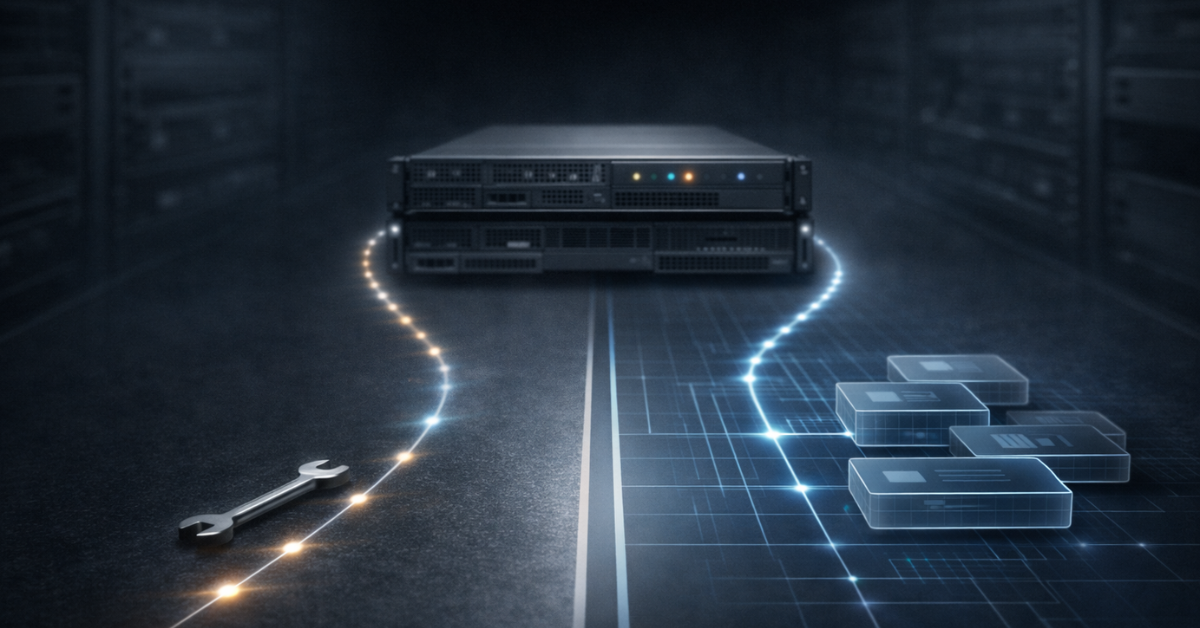
If you reduce it to principles:
- IPMI is a practical “minimum set” for operational actions (power, sensors, SEL, SOL). People like it for simplicity and ubiquity, but security and integration convenience depend on implementation and configuration.
- Redfish is the preferred choice for automation and standardized management: web-native approach, JSON, schemas, and easier integration with modern tools.
Practical recommendation:
- if you’re building IaC processes, inventory/CMDB, and at-scale operations — bet on Redfish, and keep IPMI as a fallback where Redfish is limited or absent;
- if your goal is small-scale, hands-on “right now” maintenance — IPMI can be enough, but only with strict mgmt network isolation and hardening;
- for emergency diagnostics when “it doesn’t boot at all” — iKVM is still irreplaceable.
FAQ
Is IPMI the same as iKVM? No. IPMI is a set of management commands (power/sensors/SEL/SOL), while iKVM is a graphical console with remote input.
Can I manage a server if the OS is completely “dead”? Yes — that’s the point of out-of-band: the BMC works independently of the OS as long as standby power is available.
What’s more secure: IPMI or Redfish? Redfish uses a modern HTTPS/JSON approach as a standard, but real security depends on configuration: network segmentation, TLS, RBAC, and updates.
Do I need a dedicated management port? Often yes: a dedicated port is easier to isolate and control. Shared NIC is possible, but requires extra attention to segmentation and ACLs.
What if iKVM is slow? Check the path (WAN/VPN), bandwidth limits, latency; try lowering quality/refresh rate in the console. For text-only diagnostics, use SOL if serial console is configured.
How do I know whether my server supports Redfish? Usually it’s shown in the BMC web UI or platform documentation. Technically, the presence of the /redfish/v1/ endpoint (when the service is enabled) is a common indicator.
Can IPMI be used for automation? Yes, but for large-scale automation Redfish is often more convenient (standardized JSON structures and typical resources).
What are the minimum must-have protections? Management network isolation, no Internet exposure, access only via VPN/bastion, unique accounts + RBAC, TLS, updates, and auditing.
Conclusion
The BMC is the foundation of out-of-band management: a separate controller that gives you access to a server even without a working OS. IPMI is useful as a quick, simple tool for power, sensors, and logs. iKVM gives “almost physical presence” through a remote console and Virtual Media. Redfish is a modern standard that fits automation and infrastructure toolchains best.
The main takeaway: a BMC is an extremely powerful operations tool, but it requires security discipline — precisely because it’s one of the most sensitive, privileged interfaces in a server.