Glossary
- ECC — error detection and correction in memory (in practice, it reduces the risk of “silent” data corruption and unexpected crashes under long-running loads).
- RAS (Reliability / Availability / Serviceability) — a focus on 24/7 operation, diagnostics, predictability, and production serviceability.
- MIG / partitioning — hardware partitioning of one physical GPU into several isolated instances with dedicated resources (memory/cache/compute blocks). On A100 — up to 7 instances.
- vGPU — a software/hardware stack that lets you share a GPU across VMs/users (typically with licensing and supported-hardware lists).
- GPU passthrough — passing an entire GPU through to a single VM (almost “bare metal,” but without dense sharing).
- HBM vs GDDR — GPU memory types: HBM often provides very high bandwidth and larger capacities in datacenter accelerators; GDDR is more typical for consumer/workstation cards (see A100/H200/MI300X spec examples).
- NVLink/NVSwitch — high-speed GPU-to-GPU links/switching for scaling (important for training and some HPC workloads). Example: A100 lists NVLink interconnect in its specs.
- TCO — total cost of ownership: purchase + power/cooling + maintenance + licenses + downtime cost.
- FP16 / BF16 / FP8 / INT8 / INT4 — compute formats: FP16/BF16 are common for training; FP8/INT8/INT4 are often used to speed up inference/quantization.
- Tensor Cores / matrix units — specialized blocks for matrix operations (key for AI), so headline TFLOPS without format context and bottlenecks doesn’t say much.
- Memory bandwidth — memory throughput; often a key limit for LLM inference and training.
- KV-cache — key/value cache in transformers: grows with context and batch size, quickly consuming VRAM during LLM inference.
- Throughput vs latency — throughput (“tokens/sec”) vs response delay: production systems optimize these differently.
Why “server vs consumer” is not about FPS
There are three common scenarios where people get burned by the wrong choice:
- “We need a GPU in a server—let’s take a gaming one, it’s powerful” → then you discover it throttles in 2U, doesn’t match the chassis airflow, or can’t deliver 24/7 predictability.
- “For AI, any powerful GPU will do” → and suddenly the real limit isn’t “compute,” but VRAM + memory bandwidth + stability.
- “VDI = just pass a GPU into a VM” → but in reality you need dense sharing, management, profiles, licensing, and stack support (not always available on consumer solutions).
Next we’ll cover: hardware → software → operations → AI in practice → models/pricing → a decision matrix.
What counts as a “server” GPU
Server GPUs from NVIDIA
- NVIDIA A100 — a high-performance accelerator for deep learning, supporting mixed-precision compute.
- NVIDIA Tesla V100 — designed for intensive compute and deep learning, with high memory bandwidth.
- NVIDIA RTX A2000 — suited for workflows that require accurate graphics, photorealistic visualization, and real-time ray tracing. Specs: NVIDIA Ampere architecture, 3,328 CUDA cores, 104 third-gen Tensor cores, 26 second-gen RT cores, 6 GB GDDR6 with ECC support, up to 288 GB/s bandwidth.
- NVIDIA A2 — an inference accelerator designed for edge computing and power-constrained environments. Specs: NVIDIA Ampere architecture, 1,280 CUDA cores, 40 third-gen Tensor cores, 10 second-gen RT cores, 16 GB GDDR6 with ECC support, up to 200 GB/s bandwidth.
Server GPUs from AMD
- AMD Instinct MI100 — delivers high performance for scientific computing and AI.
- AMD FirePro S10000 — a versatile server-class professional GPU based on 28 nm GCN (Graphic Core Next). Specs: 480 GB/s memory bandwidth, DirectX 11.1 and OpenGL 4.2 support, 825 MHz GPU clock, 1,792 shader processors ×2.
- AMD Instinct MI300X — an AI accelerator on CDNA 3, with 192 GB HBM3 and 5.3 TB/s bandwidth.
Roughly, the market splits into three classes:
- Consumer (gaming/desktop): maximum peak performance per dollar, designed for PC cases, often with onboard active cooling, optimized for end-user scenarios.
- Workstation / Pro: geared toward professional workflows (CAD/render/content creation), typically stronger on stability/certification/manageability than consumer.
- Data Center / Server / Accelerator: focused on 24/7 operation, predictability, scaling (including GPU-to-GPU), telemetry, compatibility with server chassis/platforms, and supply lifecycle.
Important: sharing the same “architecture” does not make products identical. Different firmware/power modes, cooling requirements, driver support, features like MIG/vGPU, plus plain availability and service are what truly separate these classes in production.
Difference №1: memory and reliability (ECC, capacity, error behavior)

Memory as a source of “silent” errors
In AI (especially training) and long-running compute, it’s not only crashes that are dangerous, but also silent data corruption—when a memory error doesn’t immediately crash the job, but poisons the result. The larger the VRAM, the longer the load, and the higher the job density, the more important error control becomes.
ECC: when it actually matters
ECC in VRAM doesn’t make things “faster” (if anything it can be slightly slower), but it improves predictability: fewer weird crashes, lower risk of corrupted computations, and easier 24/7 operation.
Capacity and memory type: GDDR vs HBM
In AI, the combination of VRAM + bandwidth often decides everything. Datacenter accelerators typically offer larger HBM capacities and very high bandwidth. For example:
- NVIDIA A100 (80GB HBM2e) lists memory and bandwidth in its specs. A100’s memory bandwidth is 2,039 GB/s.
- NVIDIA H200 lists 141GB HBM3e and 4.8 TB/s.
- AMD Instinct MI300X — 192GB HBM3 and 5.3 TB/s (per the platform datasheet).
Practical takeaways:
- For LLM inference and long context, VRAM (model + KV-cache) is often the deciding factor.
- For training, bandwidth and GPU-to-GPU links matter more (once you scale).
- For VDI/rendering, stability/certification/manageability and predictable long-run behavior matter more.
Memory: consumer vs datacenter
| Parameter | Consumer GPU | Server/datacenter GPU | When it matters |
|---|---|---|---|
| Memory type | usually GDDR | often HBM (or specialized solutions) | AI training / LLM inference on large models |
| Typical VRAM capacity | 8–24 GB (often) | 48–192 GB+ | context, batch size, KV-cache, large models |
| ECC | usually no / not everywhere | often yes (in DC-class) | 24/7, training, critical compute |
| Bandwidth | “good,” but bounded by class | very high (HBM profile) | LLM throughput, training, HPC |
| 24/7 behavior | depends on cooling/drivers | designed for sustained load | production inference, SLA-backed platforms |
Difference №2: scaling and interconnects (not just PCIe)
Why PCIe isn’t always enough
When you have 2–8 GPUs in one node, bottlenecks show up: tensor/gradient exchange, NUMA effects, CPU/PCIe lane limits, and GPU sync latency.
NVLink/NVSwitch and equivalents: when you need them
For training and some HPC workloads, fast GPU↔GPU is important. A100 specs explicitly list NVLink interconnect (with bandwidth guidance). If you’re not scaling (1–2 GPUs, inference), NVLink may not be required—but for 8‑GPU training it often becomes a major efficiency and predictability factor.
Server form factor considerations
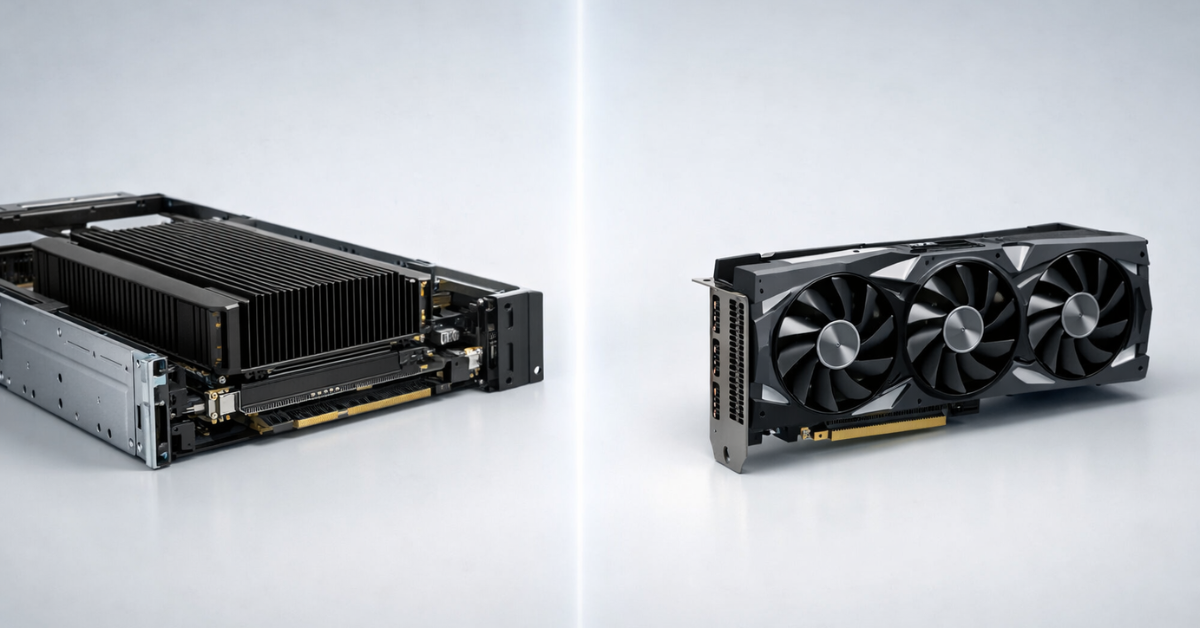
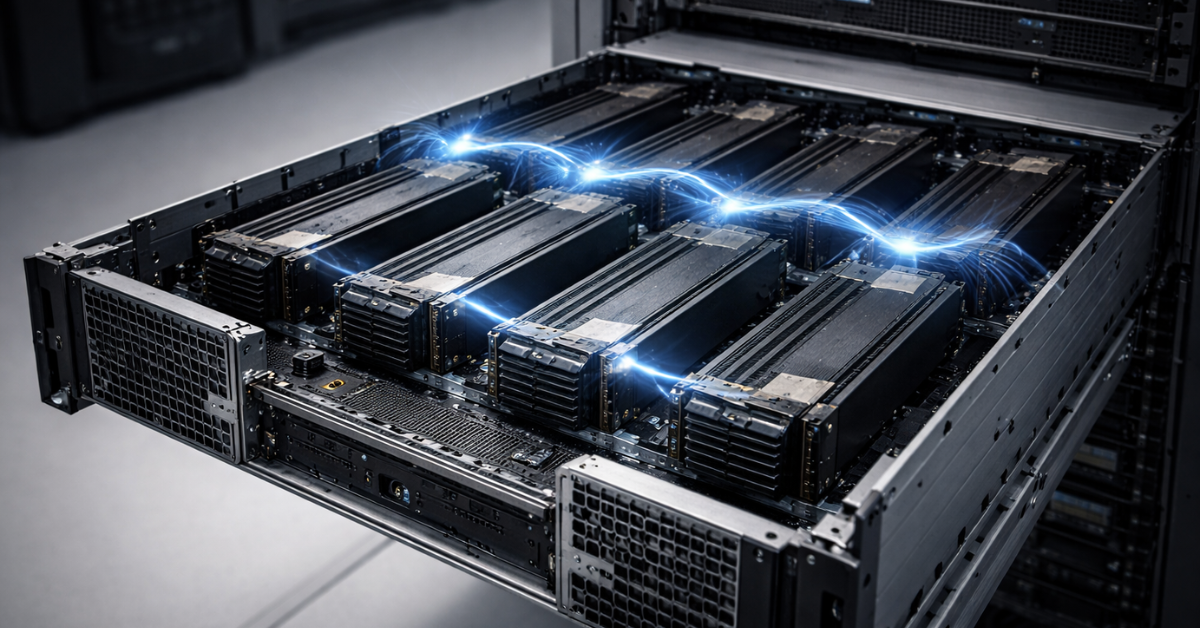
Datacenter cards are often designed for passive cooling and chassis airflow, and for dense layouts. So a gaming card with an active cooler designed for a PC case may be a poor fit for racks (especially 2U).
Difference №3: cooling, power, and rack-ready mechanics for 24/7
TDP and the reality of 24/7
In servers, loads aren’t short spikes—they run for hours/days. What matters isn’t peak benchmark numbers, but how well the GPU holds clocks at sustained TDP without throttling or overheating.
Power, cabling, density
Common pitfalls:
- whether your PSUs have enough headroom on the power rails,
- how cables are routed,
- whether the card blocks adjacent slots,
- whether the chassis supports the required length / dual-width layout,
- how airflow is organized (front-to-back, etc.).
Checklist: GPU-to-server compatibility before you buy
- Form factor: length/height, 2-slot/3-slot, feasible placement in 2U/4U.
- Card TDP and real PSU headroom + proper cabling.
- Cooling: passive/active; does chassis airflow match the card’s requirements?
- PCIe: generation, lane width, slot/riser; does the platform downshift lanes?
- Server BIOS/UEFI: compatibility, modes, updates.
- Density: how many GPUs actually fit without power/thermal conflicts.
- Do you need interconnect bridges/topology—and does the chassis support it?
- Rack constraints: heat removal and total power draw.
- OEM restrictions / platform certification (if you operate under an SLA).
- Monitoring plan: sensors, telemetry, alerts.
Difference №4: software, drivers, certification, and manageability
In production, a GPU is part of the platform—and software is often what distinguishes server/pro from consumer:
- Driver branches and predictable updates (important for stability).
- Telemetry and diagnostics: memory errors, throttling, power limits, temperature alerts.
- Certification for professional apps/stacks—reduces the risk of “unsupported” issues in production.
Difference №5: virtualization (passthrough, vGPU, MIG/partitioning)
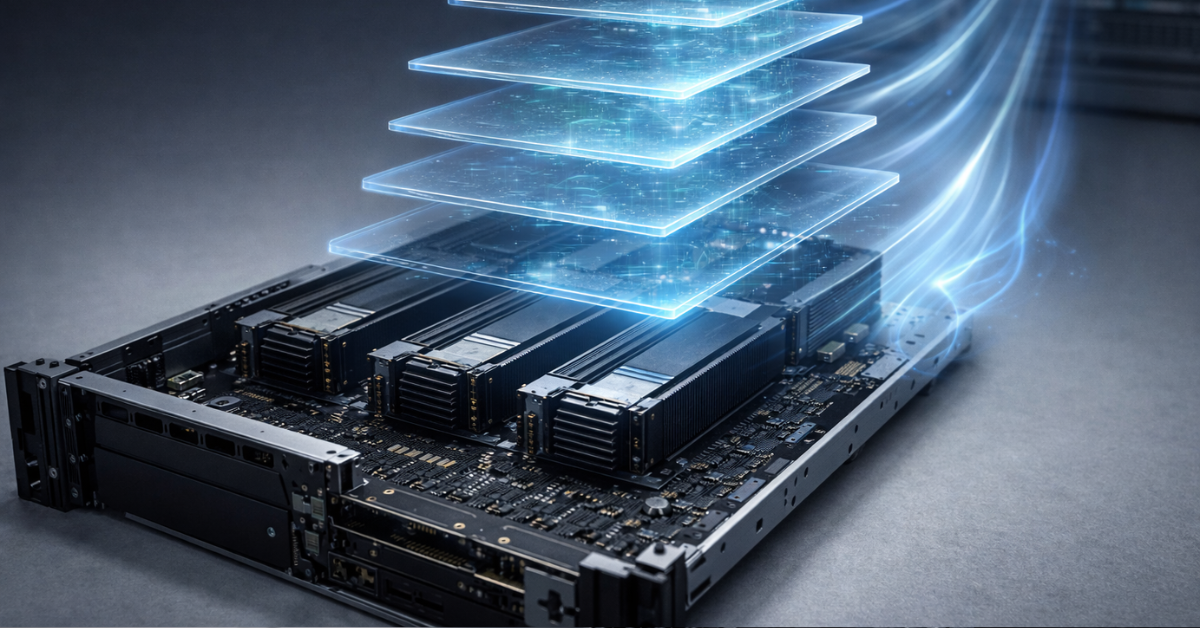
If your workload is VDI or multi-tenant, it’s not just about FLOPS—it’s about the sharing model.
- Passthrough: one entire GPU → one VM. Simple and predictable, but doesn’t scale well by user count.
- vGPU: sharing a GPU across VMs with profile management; often requires licensing and a supported virtualization stack.
- MIG/partitioning: hardware partitioning into isolated instances. On A100 — up to 7 independent GPU instances with dedicated resources.
Passthrough vs vGPU vs MIG/partitioning
| Model | Density (how many “clients” per GPU) | Isolation | Manageability | Performance | Compatibility | Cost/licensing | Typical use cases |
|---|---|---|---|---|---|---|---|
| Passthrough | low | high (1 VM = 1 GPU) | medium | close to bare metal | depends on the hypervisor | typically without vGPU licenses | ML worker, render VM, dedicated inference |
| vGPU | high | medium/high | high (profiles) | depends on the profile | requires a supported stack | often requires licenses | VDI, shared GPU in virtualization (NVIDIA Docs) |
| MIG/partitioning | medium/high | high (hardware) | high | predictable per instance | depends on GPU/software | depends on the platform | multi-tenant inference, service isolation (NVIDIA Docs) |
Performance: why “TFLOPS” doesn’t equal “faster in production”
Workload profiles
- AI inference: often bounded by VRAM and bandwidth; latency/throughput, stability, and energy efficiency matter.
- AI training: beyond VRAM/bandwidth, interconnect and scaling matter.
- HPC/simulations: bandwidth and GPU-to-GPU exchange can dominate.
- VDI/graphics: manageability, profiles, stable drivers, and certification.
- Rendering/video: a balance of VRAM/speed/stability, sometimes codecs and pipeline-specific requirements.
Why you hit VRAM and bandwidth limits (especially in AI)
LLM inference “loves” VRAM: the model + KV-cache grow with context and batch. If VRAM is limited, you either cut context/batch, use aggressive quantization, or go beyond a single GPU. That’s why H200 emphasizes “more and faster memory” as a key factor for LLMs.
Common selection mistakes
- Consumer GPUs without ECC for long training runs → higher risk of instability/weird errors.
- A powerful GPU without the required stack → you planned shared infrastructure/VDI, but ended up with “one GPU per VM” and low density.
- Didn’t account for cooling/power → throttling in 2U, lower real-world performance, downtime.
AI/ML in practice: LLMs, CV, and RAG
LLM inference: latency-first vs throughput-first
- Latency-first (chat responses): stable latency, no throttling, solid monitoring.
- Throughput-first (batch generation, tokenization services): bandwidth, batching, efficient formats (INT8/INT4), and sufficient VRAM.
Key point: adding TFLOPS often doesn’t help if you’re memory-bound.
Fine-tuning (LoRA/SFT) vs full training
- For LoRA/SFT, 1–2 GPUs are often enough, but VRAM and stability are critical (so long runs don’t fall apart).
- For full training or heavy distributed learning, GPU interconnect and topology become efficiency factors.
Scaling: why “8 consumer GPUs” ≠ “8 datacenter GPUs”
Even if the raw specs look similar, production comes down to:
- predictable cooling/power,
- interconnect capability and correct topology,
- diagnostics and support,
- no throttling under sustained load.
Running AI inference 24/7
The accelerator is part of the service. Plan ahead for:
- monitoring temperature/power/memory errors,
- throttling alerts,
- driver update processes,
- a degradation plan (fallback, rollovers, capacity headroom).
Reliability and operations: what you really pay for in a “server” GPU
In the datacenter segment, you pay not only for speed but for predictability:
- 24/7 operation without surprises,
- compatibility with server hardware and airflow,
- telemetry and diagnostics,
- lifecycle and support.
Mini TCO calculator =
- GPU price (one or many)
- licenses (if vGPU/stack requires them)
- power/cooling
- downtime cost = (incident probability × downtime hours × downtime cost/hour)
- operations (engineer time, updates, diagnostics)
Example models and price ballparks (as of Jan–Feb 2026)
Below are ballparks, not MSRP: the datacenter GPU market depends heavily on channel, batch, and region. For transparency, sources are included.
Example GPUs by class: VRAM/memory/use cases/pricing
| Model | Class | VRAM & type | Typical AI use cases | Price ballpark |
|---|---|---|---|---|
| NVIDIA L40S | Datacenter | 48GB (DC-class, PCIe) | general-purpose inference, video/rendering, “one card—many jobs” | around $7,500 per card |
| NVIDIA A100 80GB | Datacenter | 80GB HBM2e | training/inference, MIG scenarios | $9,500–$14,000 (market estimates) |
| NVIDIA H100 | Datacenter high-end | (Hopper-class) | heavy inference/training, scale-up | “from ~$25k and up” (often higher) |
| NVIDIA H200 | Datacenter high-end | 141GB HBM3e, 4.8 TB/s | LLM inference with large context, big models | pricing depends on supply; the key value is memory capacity/bandwidth |
| AMD Instinct MI300X | Datacenter | 192GB HBM3, 5.3 TB/s | large models, inference/training (VRAM-heavy) | pricing varies widely; VRAM/bandwidth confirmed by datasheet |
| NVIDIA RTX 6000 Ada (PNY) | Workstation/Pro | 48GB | a “pro alternative” for inference/rendering when stability matters | around €7,600–€7,900 (price aggregators) |
| GeForce RTX 4090 | Consumer | 24GB | local inference/experiments, smaller models | in the EU often ~€2,300+ (varies by market) |
Practical decision matrix (no heavy math)
If your workload: VDI / virtual desktops
Priorities: vGPU/profiles, stack compatibility, certification, monitoring. For vGPU scenarios, account for licensing and supported hardware upfront.
If your workload: AI inference (production, 24/7 service)
Priorities:
- VRAM (model + KV-cache + required context)
- bandwidth (throughput)
- 24/7 stability (no throttling)
- monitoring/manageability
- cost per request (power/cooling/utilization)
If your workload: AI fine-tuning (LoRA/SFT)
Priorities: VRAM, stability for long runs, manageability, and operational simplicity. Interconnect is usually secondary (unless you go multi-GPU).
If your workload: AI training / large models / 4–8 GPUs
Priorities:
- VRAM and bandwidth
- GPU interconnect/topology (if you need scale-up)
- cooling/power/density
- predictability and diagnostics
- TCO (including downtime)
If your workload: rendering/graphics
Priorities: certification, stable drivers, VRAM, predictable sustained-load behavior.
Checklist: 10 questions before buying a GPU for a server
- Is this inference, fine-tuning, or training? What’s the load pattern (24/7 or occasional)?
- Do you need virtualization/partitioning (multiple clients/VMs on one GPU)?
- How many workers/users must share one GPU?
- What is the minimum VRAM required for the model + KV-cache (context/batch)?
- Are you throughput-bound (bandwidth) or latency-bound?
- Is ECC required—or what “silent error” risk are you willing to accept?
- What are the chassis constraints (2U/4U) for form factor and TDP?
- Do you need interconnect (NVLink/analog) and does the platform support it?
- What software/driver stack do you run and what are your support/update requirements?
- What’s your SLA: what does an hour of downtime cost, and do you have fallback capacity?
FAQ
1) Can you install a gaming GPU in a server? Yes, sometimes—for a lab, pilot, single-GPU inference, or a “cheap entry.” But in production the risks are cooling/power/throttling, lack of ECC, and limited support.
2) Does everyone need ECC? Not always. But for long training runs, critical compute, and 24/7 inference, ECC improves predictability.
3) What matters more: VRAM or TFLOPS? For LLM inference, VRAM and bandwidth usually matter more. TFLOPS without format context and bottlenecks can be misleading.
4) Workstation vs datacenter — what’s the difference? Datacenter is usually about 24/7, scaling, telemetry, server integration, and lifecycle. Workstation can be a strong compromise when stability/pro workflows matter but you don’t need a heavy DC stack.
5) Why do we bottleneck on PCIe/CPU/memory/cooling instead of the GPU? Because in a server the GPU is part of a system: NUMA, PCIe lanes, PSUs, airflow, and topology determine real-world performance and stability.
6) What should I choose for Proxmox/VMware/Hyper‑V? Your use model decides it: passthrough vs vGPU vs partitioning and the support level of your chosen stack. For vGPU, factor in documentation and licensing.
7) Why are VRAM and bandwidth more important for LLM inference? Because the model and KV-cache quickly consume memory, and speed often comes down to moving data. H200 explicitly emphasizes “more and faster memory” for LLMs.
8) ECC in AI — is it about correctness or stability? Both: it lowers the risk of silent corruption and improves uptime under long loads.
9) Can you train/fine-tune on consumer GPUs? Yes, for smaller tasks and as a starting point. Typical limits are VRAM, sustained-load throttling, stability, and missing enterprise features.
10) When do you really need NVLink, and when is PCIe enough? PCIe is enough for 1–2 GPU inference and many workloads. NVLink (or analogs) tends to shine in 4–8 GPU training/scale-up.
11) Throughput vs latency — what should you optimize? Chat services are often latency-first; batch generation is throughput-first. This affects GPU choice, batching, and compute formats.
Conclusion
3 reasons to pay extra for a server/datacenter GPU
- 24/7 predictability: cooling/power/telemetry/diagnostics.
- Memory and scaling: large VRAM, high bandwidth, interconnect for training/scale-up.
- Ecosystem and features: MIG/partitioning, stack support, lifecycle.
3 situations where a consumer GPU makes sense
- lab / pilot / PoC;
- local inference on smaller models;
- sporadic workloads without an SLA and without dense-sharing requirements.
3 red flags you picked the wrong GPU
- You didn’t calculate airflow/TDP/PSU and you’re installing a “PC-style” card into 2U.
- You’re building shared infrastructure but choose a GPU without the required sharing model/support.
- You judge AI workloads by TFLOPS and ignore VRAM + bandwidth + stability.