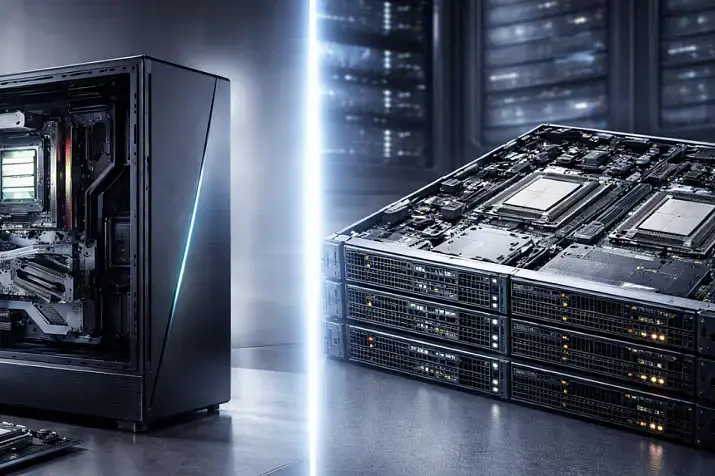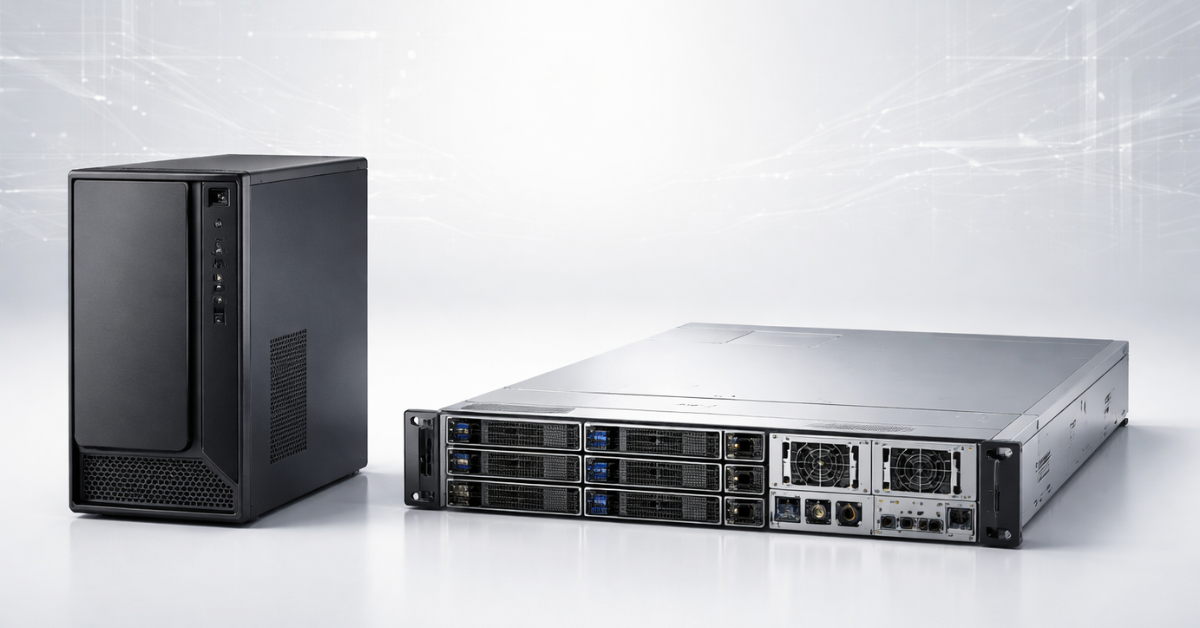
From the outside, a server and an “ordinary computer” can indeed look similar: CPU, memory, drives, network, power supply. But they’re engineered for different lifestyles. PC is about comfort and performance “here and now,” with the assumption that sometimes you can reboot, open the case, or wait for a technician. Server is about predictability under 24/7 load, maintenance with minimal downtime (where possible), remote management, scaling, and risk control—especially where downtime and data loss cost money.
Quick answer
- Server is an “infrastructure machine”: designed for 24/7 operation, fault tolerance, maintenance by procedures, remote out-of-band management (iDRAC/iLO/IPMI), expansion, and rack/server-room operation.
- PC is a “user machine”: maximum performance/comfort for the budget, but with an acceptance of downtime, hands-on maintenance, and less “hardware-level” predictability.
- The main selection criterion is not “how cool the CPU is,” but downtime criticality, data requirements, manageability, and TCO (total cost of ownership).
Different goals and operating modes
24/7, SLAs, and the cost of downtime
A server usually lives in a world where you have:
- SLA (even if internal: “CRM must always be available”),
- maintenance procedures,
- RTO/RPO concepts (how much downtime is acceptable and how much data you can lose).
A PC often runs in the mode of “if something happens—we’ll restart” and “we’ll restore from whatever we have.”
Typical server roles
- virtualization (Proxmox/VMware/Hyper-V) — multiple services on one platform;
- databases and transaction systems (ERP/CRM/1C);
- file services and storage (including ZFS/Storage Spaces/RAID);
- web services, VDI, backups.
Why “performance ≠ being a server”
You can build a very powerful PC that is “faster in benchmarks.” But being server-grade is about:
- stability under sustained load,
- predictable degradation during failures (a drive dies—the service keeps running),
- manageability without physical access.
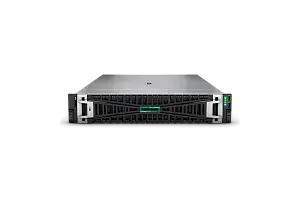
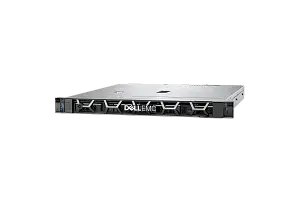
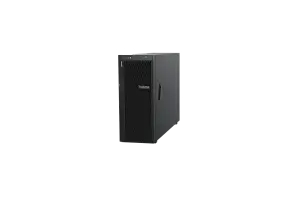
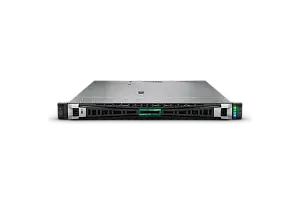
Most popular refurbished servers

Free shipping on orders over 500 € in the EU, £500 in the UK, and $3,000 in the USA

Free shipping on orders over 500 € in the EU, £500 in the UK, and $3,000 in the USA

Free shipping on orders over 500 € in the EU, £500 in the UK, and $3,000 in the USA

Free shipping on orders over 500 € in the EU, £500 in the UK, and $3,000 in the USA
Hardware differences that actually matter
Below are the key “server” elements. What matters is not just listing them, but understanding why they exist and when they pay off.
Memory: ECC vs non-ECC
ECC memorycan detect and correct at least some errors (a typical case: correcting single-bit errors and detecting double-bit errors—depends on implementation). This reduces the risk of “silent” data corruption and weird crashes under load.
When ECC is critical:
- databases and transactions (finance/accounting/orders);
- virtualization (many VMs, high memory density);
- storage/file services, especially with ZFS (where data integrity is valued);
- anything where an error = a costly incident.
When you can go without ECC:
- a home media server without critical data;
- dev/test labs where a crash doesn’t “hit the business”;
- a single service with good backups and acceptable downtime.
Important nuance: ECC is not “immortality magic,” but it’s one protection layer that lowers the odds of rare, hard-to-catch incidents.
Storage: RAID, HBA, hot-swap, backplane
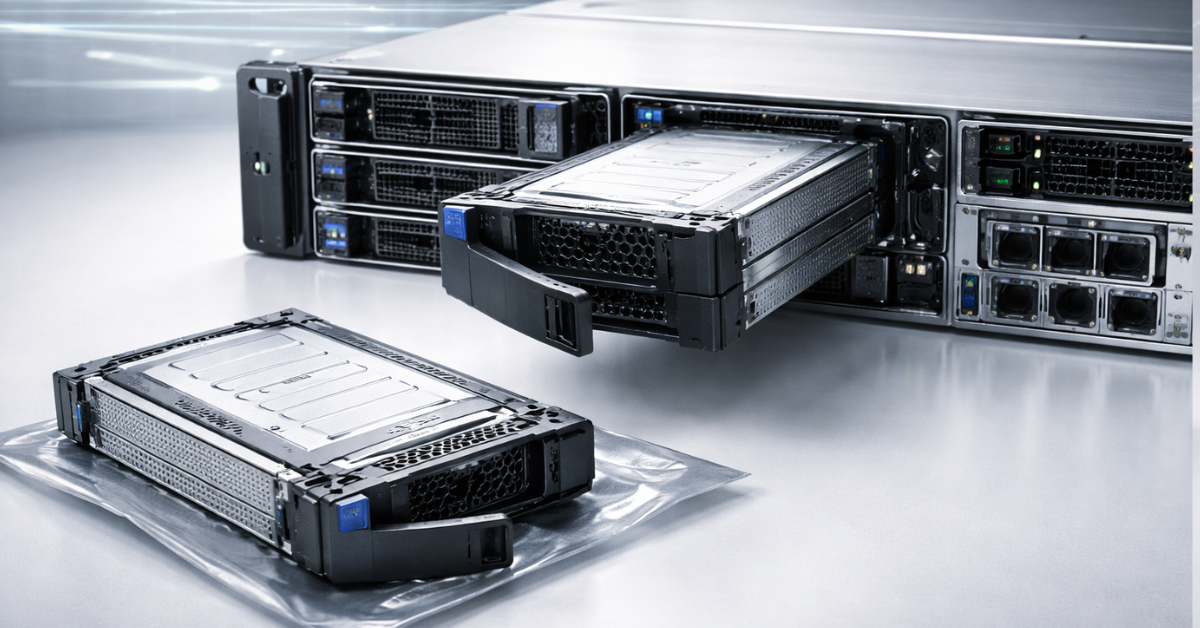
Server storage is not only about “how many terabytes,” but how you survive a drive failure and how fast you recover.
RAID (hardware or software) provides redundancy so you can survive a drive failure. Basic definitions of RAID levels are well formalized by SNIA (for example, RAID0/RAID1).
Hot-swap + backplane: you can pull/insert a drive without powering off the server—this directly reduces downtime.
Typical failure scenarios:
- one drive “dies” → the array degrades, but the service stays up;
- you replace the drive hot → rebuild/resilver starts, the service continues (with a performance dip).
Hardware RAID vs software RAID
- Hardware RAID often provides convenient monitoring/cache/management tools and may have cache protection (for example, backup power modules such as supercapacitors for controller memory—see RAID controller documentation).
- Software RAID / software-defined solutions (including Storage Spaces, ZFS) are also viable, but they require solid architecture and disciplined monitoring/maintenance.
And separately: RAID ≠ backup. RAID protects from a drive failure, but not from deleted data, ransomware, fire, or admin mistakes. (This is a key idea when choosing hardware class and data policy.)
Choosing the Right Equipment
Our specialists will contact you and answer all your questions
Power and fault tolerance: dual PSUs, UPS, fans
Two power supplies (redundant PSU) is not “it will never go down,” but rather:
- lower risk of downtime from a single PSU failure,
- the ability to service power without shutdown.
But if you have a single power feed, no UPS, or everything is on one outlet—the effect will be limited.
Network interfaces
By default, a server more often needs:
- Multiple NICs - to split traffic and/or provide redundancy,
- LACP/bonding/teaming to combine interfaces for fault tolerance and/or bandwidth,
- 10/25/100+ GbE—when you have many VMs, fast storage, network backups, iSCSI/NFS, or low latency requirements.
Chassis and form factor: rackmount vs tower vs SFF
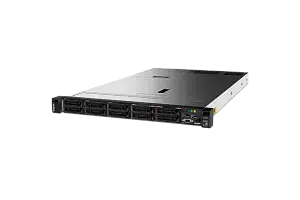
- Rackmount (1U/2U) — density, standardization, rack convenience, predictable cooling.
- Tower — more convenient for an SMB office without a rack, often quieter (but not always).
- SFF/mini servers — a compromise for edge/small offices/home.
The myth “servers are noisy” is partly true: a server is designed for rack cooling, where temperature matters more than acoustics. Solutions: tower form factor, proper fan profiles, a dedicated room/cabinet.
Table: server vs PC (what differs and when it matters)
| Criterion | PC | Server | Comment (“when it matters”) |
|---|---|---|---|
| ECC memory | often no | often yes | DB/virtualization/accounting systems, data integrity |
| RAID and hot-swap | rare “out of the box” | typical | Fast drive replacement without downtime, degraded mode without stopping |
| 24/7 load | possible, but not the goal | core goal | Long-term predictability matters more than “peaks” |
| Remote management | usually no | iDRAC/iLO/IPMI | Console/power/monitoring without physical access |
| Expandability | limited by case/platform | designed for growth | RAM/drives/PCIe/network, planned upgrades |
| Networking | 1×NIC often | 2×NIC+ typical | Redundancy, role separation, LACP |
| Cooling | quieter/comfort-first | “more efficient, but louder” | Rack/server room vs office/home |
| Warranty/support | consumer-grade | enterprise-grade | Faster parts/replacement/procedures (depends on contract) |
| Platform predictability | “depends on the build” | validation/compatibility | Fewer surprises from mixed components |
| TCO (total cost of ownership) | lower entry cost | lower risk | In business, 1–2 incidents can flip the economics |
Manageability & maintenance: the server’s superpower
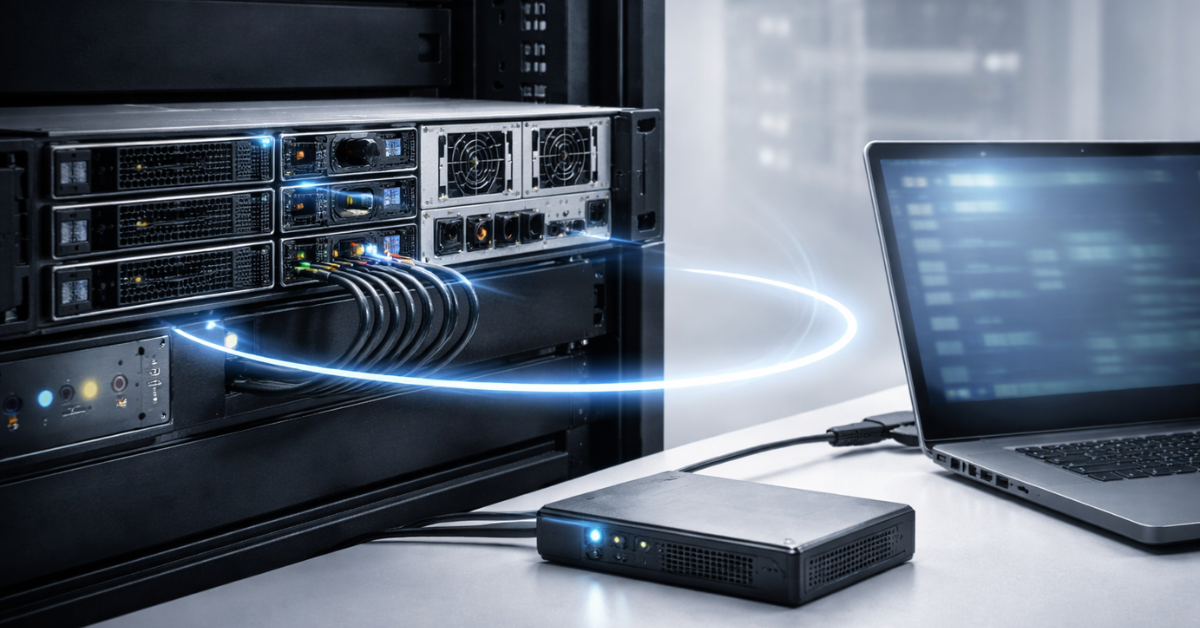
Out-of-band management is a separate “mini-computer” inside the server that remains available even when the OS isn’t booted. For example:
- remote KVM/Virtual Console (you see the server’s screen as if you were sitting next to it),
- power and monitoring control (power on/off/reboot, view power/events),
- remote OS install via virtual media and firmware maintenance (typical iLO/iDRAC capabilities depend on generation/license).
Why this saves money:
- fewer trips to the server room,
- faster incident response,
- easier update/diagnostics procedures,
- less “guesswork on site.”
PCs can also have similar solutions (like Intel vPro), but that’s also enterprise territory and is less predictable, depending on CPU and motherboard features.
Reliability & predictability: not just “better parts”
Server reliability is the sum of mechanisms:
- platform compatibility/validation,
- ECC (a memory protection layer),
- disk redundancy + hot-swap,
- power redundancy,
- hardware-level monitoring and event logs (and the ability to view them remotely).
What fails most often in practice: drives, PSUs, fans, sometimes memory. A server doesn’t “guarantee no failures,” but it’s designed so that a failure:
- doesn’t turn into downtime,
- is fixed faster,
- doesn’t lead to data loss (with correct architecture and backups).
Performance: where a PC can be faster—and why it doesn’t solve the problem
A PC/workstation can win on “peak” performance for the same money:
- top CPUs with high boost,
- powerful GPUs,
- fast consumer NVMe.
But server workloads are more often limited by:
- IOPS, latency, and storage capacity (databases, VMs, file operations),
- RAM capacity and predictability,
- high task parallelism requiring many-core processors,
- networking and stability under concurrent load,
- the ability to service/scale without shutdown.
That’s why “the fastest PC” can be a bad “server”—it may not be predictable under 24/7 use and may not be operationally convenient.
Total cost of ownership (TCO): the key business metric
TCO is not only the purchase price. It includes:
- hardware and license purchases,
- admin time for maintenance,
- downtime cost,
- risk of data loss and recovery,
- power/cooling/noise (sometimes critical in an office),
- expansion and upgrade cost,
- warranty/spares/support,
- meeting RTO/RPO (what you promise the business to restore, and how fast).
Mini TCO example
Assume the service (CRM/accounting) delivers business value of X €/hour during working hours (plug in your own estimate: lost sales, idle employees, penalties, reputation).
PC scenario:
- drive failure → downtime until a visit/diagnosis/replacement/restore;
- no hot-swap, no remote console, slower diagnostics.
Server scenario:
- drive failure → array in degraded mode, service stays up;
- drive is replaced hot;
- admin sees alerts, disk/RAID state, and console remotely.
Even if a server costs more up front, 1–2 incidents (drive, PSU, “won’t boot after an update”) often shift the economics in favor of a server—because issues are resolved faster with less downtime.
When a PC can replace a server (and when it can’t)
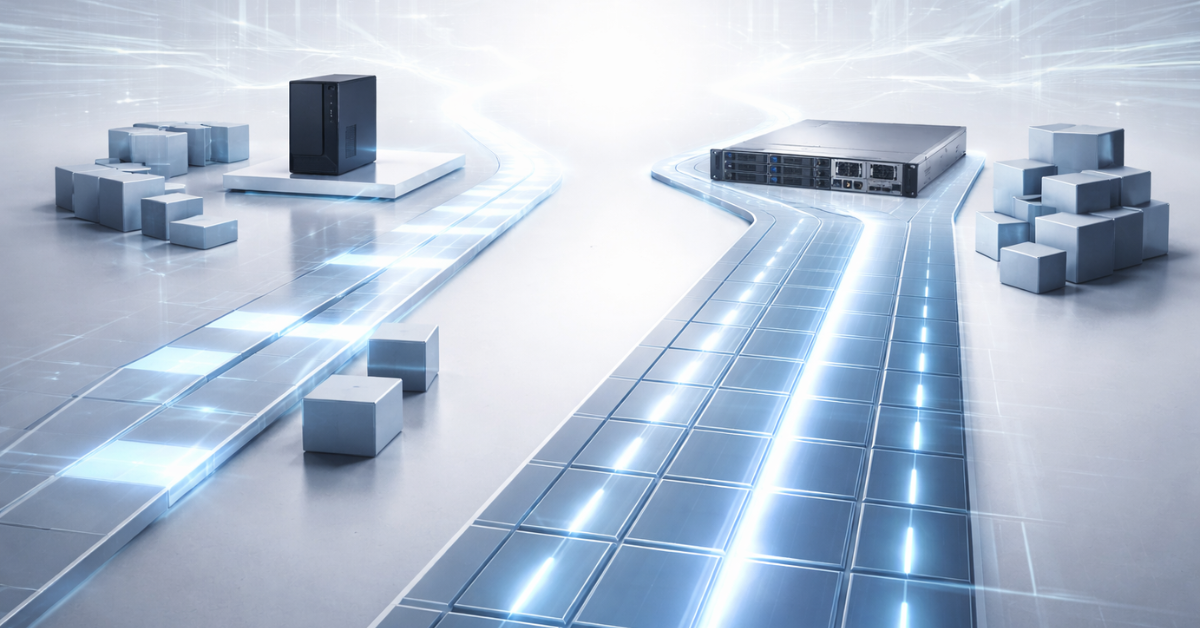
A PC fits if
- downtime is not critical (you can “lie down” for an hour/day without pain);
- 1–5 users, irregular load;
- you have regular backups and a tested recovery plan (your RTO/RPO is acceptable);
- hands-on maintenance and physical access are acceptable;
- no need for out-of-band management.
A server is required if
- continuous transactions: ERP/CRM, DB, finance;
- virtualization of multiple services (5–20 VMs and more);
- team file storage (especially if downtime = department downtime);
- availability, RPO/RTO, audit/procedure requirements;
- you need remote access “below the OS” (iDRAC/iLO/IPMI).
Practical scenarios: what to choose for your workload
Office file server (10–30 users)
What matters most: drives, network, fault tolerance.
- Critical: RAID + hot-swap, 2×NIC, disk monitoring.
- Nice to have: ECC (especially if it’s not just a “dump,” but working documents).
- What you can simplify: CPU usually doesn’t need to be top-tier.
Takeaway: most often a server (or a very well-designed “NAS platform” built with server principles).
Choosing the Right Equipment
Our specialists will contact you and answer all your questions
Virtualization 5–20 VMs (Proxmox/VMware/Hyper-V)
What matters most: RAM, stable storage, network, manageability.
- Critical: ECC, lots of RAM, reliable storage (RAID/HBA + the right design), 2×NIC, out-of-band console.
- What you can simplify: peak CPU frequency matters less than stability.
Takeaway: almost always a server.
Small DB + web application
- Critical: disk latency and predictability, backups, monitoring.
- A server pays off if you need availability and fast incident response (remote console/power).
Takeaway: borderline; if downtime is tolerable and you have redundancy at the app/cloud level—sometimes a PC/workstation is enough. If “the business stops”—use a server.
Home NAS / media server
- Critical: drives/noise/power consumption.
- ECC is optional (depends on data value), RAID yes, but plus backup.
Takeaway: often a PC/mini server is enough if you consciously accept the risks and do backups.
Dev/Test lab
- Usually flexibility and price matter more.
- Useful: lots of RAM/SSD, but downtime is acceptable.
Takeaway: often a powerful PC.
AI/render
- Often limited by GPU and “peak,” not 24/7 availability.
- In an office/studio, a workstation approach is often more appropriate.
Takeaway: most often a workstation, not a classic server (if there are no 24/7, SLA requirements and budgets for server GPUs).
Our most popular storage systems
Free shipping on orders over 500 € in the EU, £500 in the UK, and $3,000 in the USA

Free shipping on orders over 500 € in the EU, £500 in the UK, and $3,000 in the USA

Free shipping on orders over 500 € in the EU, £500 in the UK, and $3,000 in the USA

Free shipping on orders over 500 € in the EU, £500 in the UK, and $3,000 in the USA
Mini cases: PC fits / doesn’t fit / borderline
- PC fits: a 3–4 person agency, a shared “projects” drive, plus cloud backup; 1 day of downtime is tolerable.
- PC doesn’t fit: 20 employees, 1C/CRM all day; downtime = sales/warehouse stop; you need fast repair and predictability.
- Borderline: a small online service, a backup node/cloud exists, but the DB is local—you can start with a PC if you plan migration to a server and enforce backup/monitoring discipline from day one.
Common myths and mistakes
- “A server is just a powerful PC”No: a server is about manageability, fault tolerance, and maintenance without downtime.
- “ECC is never needed”You need it where data integrity and stability under load are critical.
- “RAID = backup”RAID protects from drive failure, but not deletion, encryption, fire, or mistakes.
- “Two PSUs = 100% protection from downtime”No: it reduces risk for one failure scenario. You still need proper power/UPS/recovery plan.
- “You can build a server from any parts—it’ll be just as reliable”In reality, compatibility, monitoring, service features, and maintenance procedures matter.
- “The main thing is the most powerful CPU”For many server tasks, drives/memory/network/IOPS and manageability matter more.
Final selection checklist
- How much downtime is acceptable (hour, day, “none”)—and why?
- How many users and how many services at the same time?
- Is it transactions/accounting/DB, or “files/tests”?
- What RTO/RPO do you need (in practice)?
- Do you need out-of-band access (iDRAC/iLO/IPMI) to fix things remotely?
- Do you need ECC (VMs/DB/storage)?
- How is storage designed: RAID/hot-swap/HBA—what happens when a drive fails?
- Is there a separate backup plan and a tested restore procedure?
- Do you need 2×NIC, LACP, 10/25GbE?
- Growth plan for 12–24 months: RAM, drives, PCIe, GPU.
- Where will the hardware stand: office/home/rack—do noise and heat matter?
- How fast can you get spares/replacement (warranty/contract)?
- Who maintains it (you/outsourcing/in-house) and how much is their time worth?
- Which data risks are unacceptable (accounting, personal data, reputation)?
- Sum up TCO: upfront cost vs risks/downtime/maintenance.
FAQ
1) Do you need a server for 5 users?Sometimes no: if downtime is tolerable, the load is small, you have backups and physical access. Yes—if it’s 1C/CRM/DB “all day” and downtime = money.
2) What matters more—CPU or disks?For virtualization/DB/files, disks (IOPS/latency) and RAM are often more important than the maximum CPU.
3) Can you run a server at home?You can, but consider noise/heat/power and convenience. For home, a tower/mini server or a “NAS approach” is often better.
4) What matters more: ECC or RAID?They are different layers: ECC is about correctness of memory/data in compute; RAID is about surviving a disk failure. In critical systems you usually need both.
5) Do you really need iDRAC/iLO/IPMI?If the server “must run” and isn’t under your desk—yes: remote console and power control reduce incident resolution and maintenance time.
6) Two PSUs—does that mean you can forget the UPS?No. Two PSUs reduce the risk of a single PSU failure, but they don’t solve power outage problems.
7) Can you replace a server with a powerful PC “for now”?Yes, if you clearly accept the limitations (downtime/no OOB/less fault tolerance) and plan migration, backups, and monitoring in advance.
Useful selection
- Servers for small business (SMB): https://servermall.com/sets/small-business-servers/
- Office servers:https://servermall.com/sets/office-server/https://servermall.com/sets/office-server/
- Tower servers (for office/home):https://servermall.com/sets/tower/https://servermall.com/sets/tower/
- Rack servers:https://servermall.com/sets/rack-servers/https://servermall.com/sets/rack-servers/
- Servers with GPU (AI/render/compute):https://servermall.com/sets/servers-with-gpu/https://servermall.com/sets/servers-with-gpu/
- DELL servers:https://servermall.com/sets/servers-dell/https://servermall.com/sets/servers-dell/
- HPE servers:https://servermall.com/sets/servers-hp/https://servermall.com/sets/servers-hp/